A:AnswerHello Alberto,
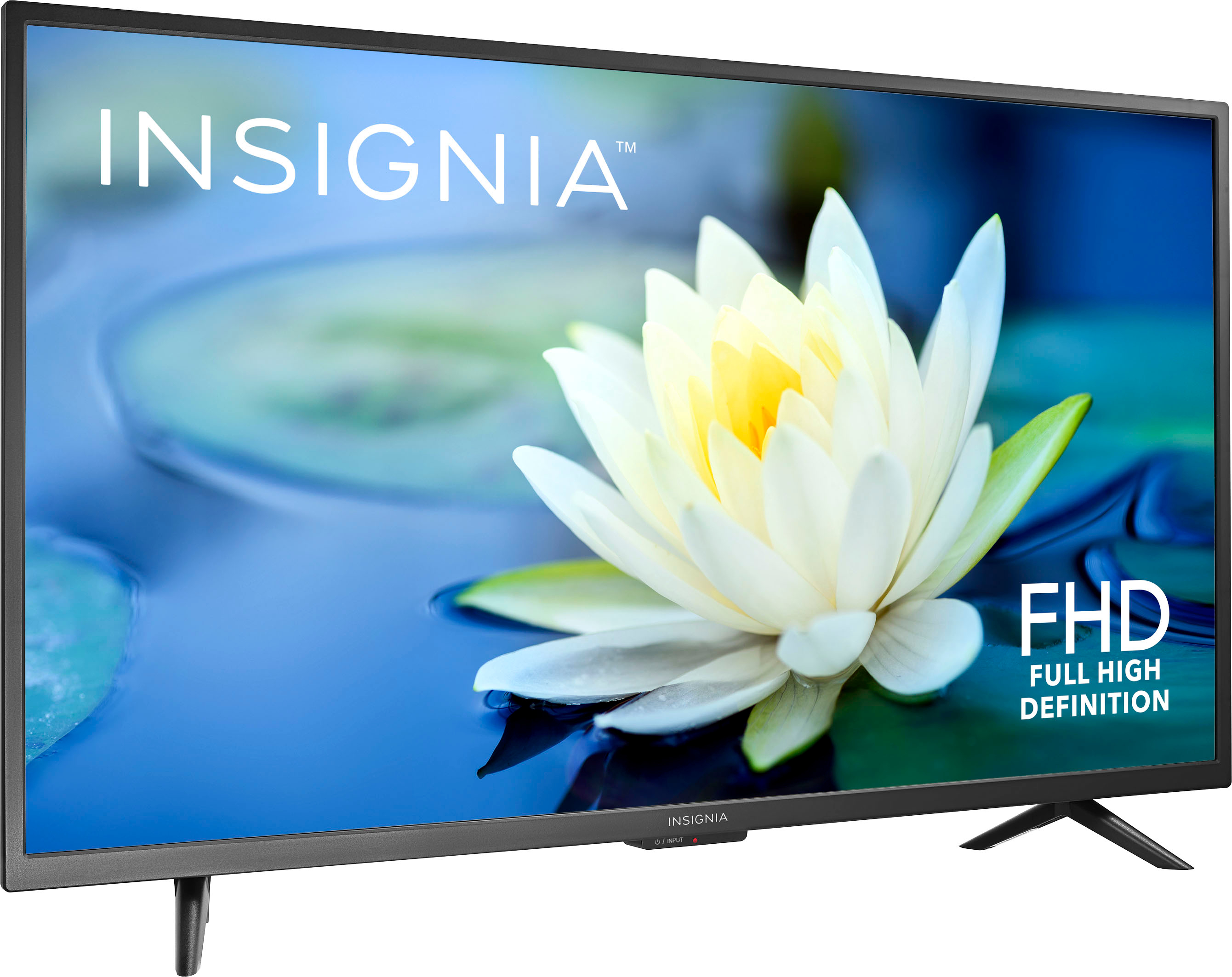
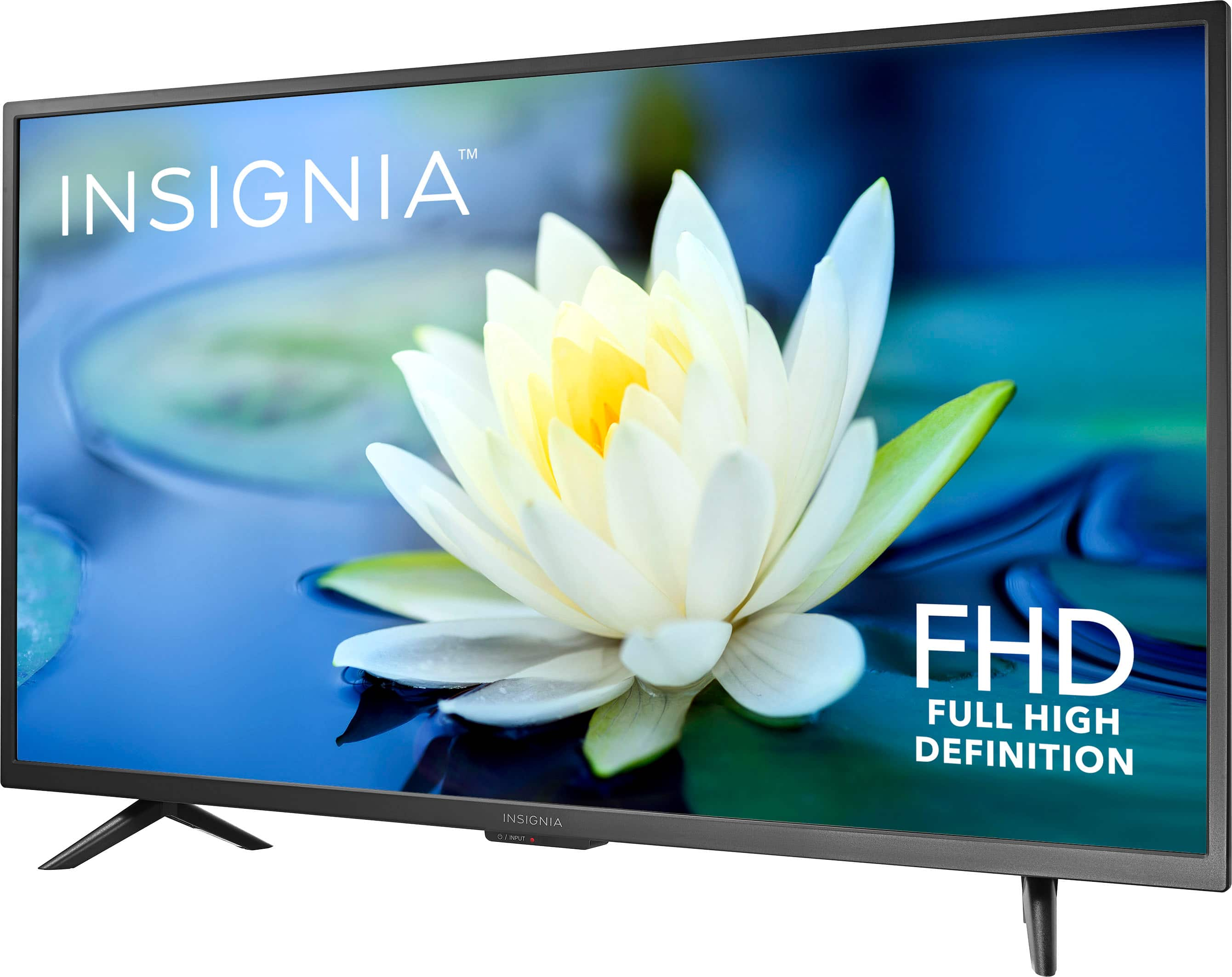
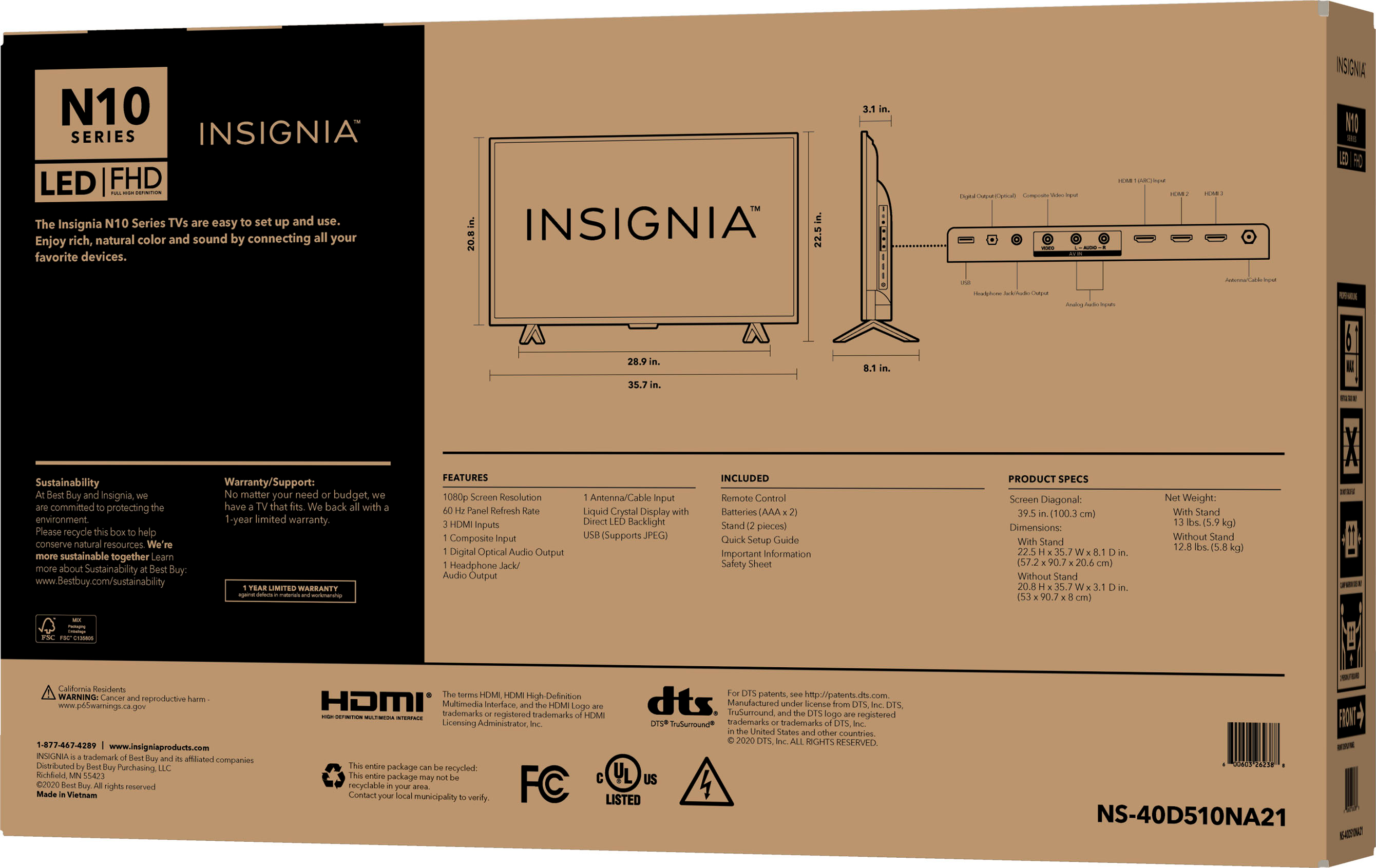
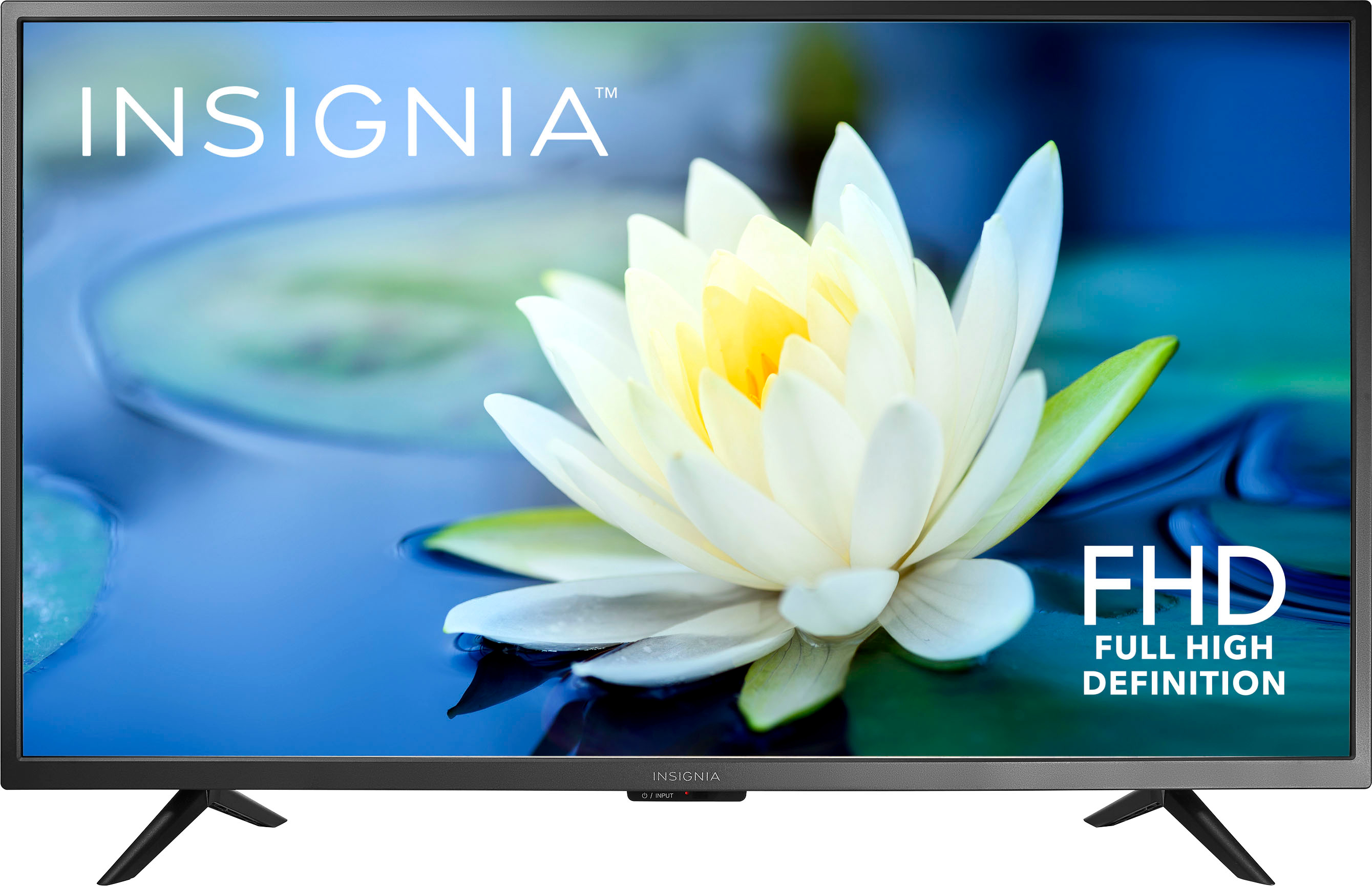
This model# is not a smart TV set, this means that you can not access
streaming platforms unless you connect a streaming devices. If you are
looking for a TV to watch Internet content, you can look at our Fire TVs.
Carlos O - Insignia support.
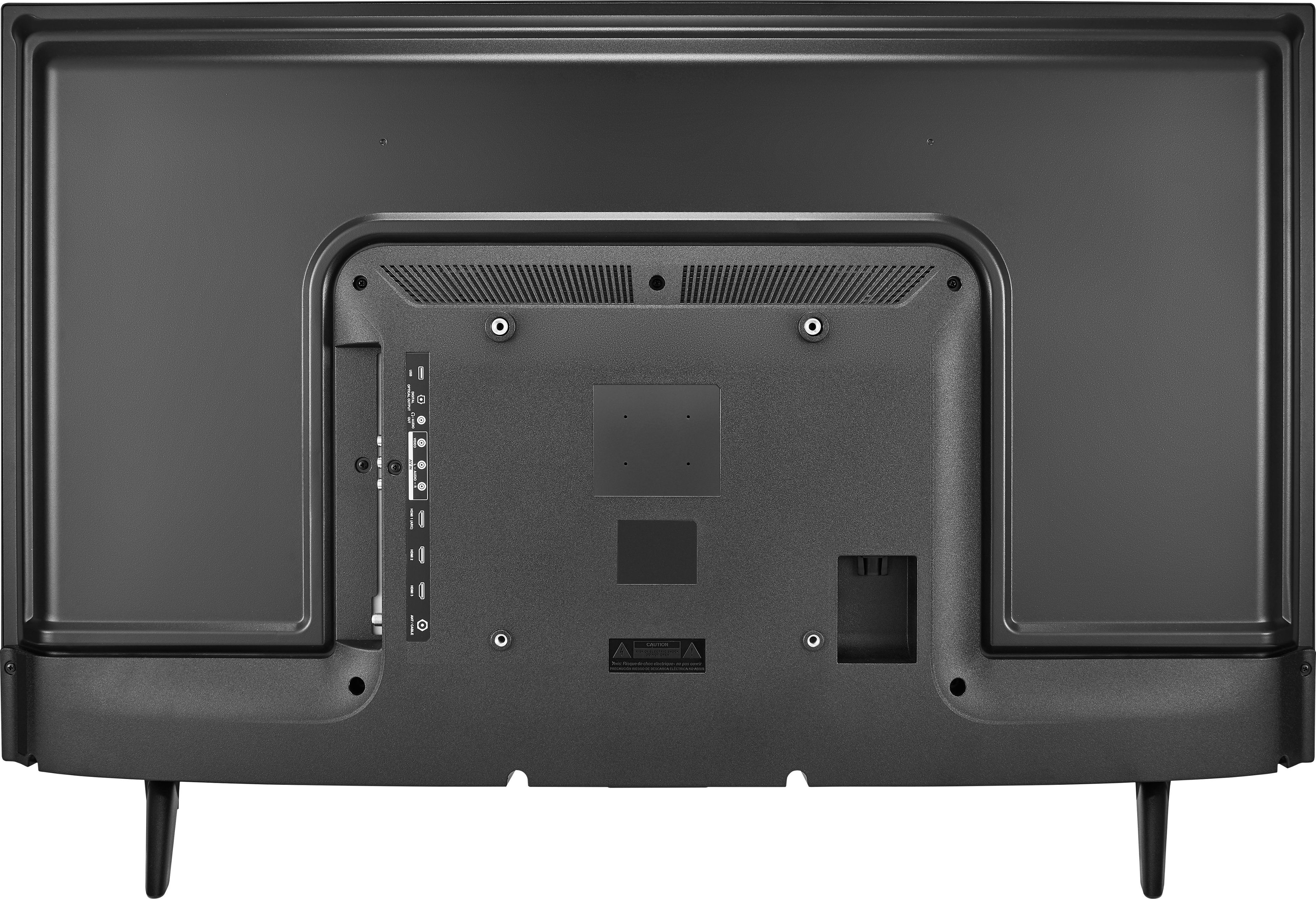
A:AnswerAbsolutely! There is also an audio Jack that you can send the audio through a soundbar or speaker and play the audio through the TV at the same time. I watch all my shows with subtitles if they're available.
A:AnswerI ordered the TV. It was delivered next day. I set sound output mode to PCM. The headphones are working perfectly. I answered my own question after two useless answers. Why would you respond to a question when you don't know the answer?
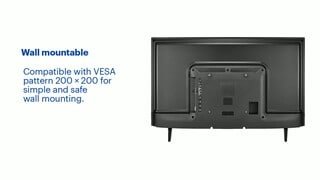
A:AnswerWe would like to know the distance, in inches, from the top of the tv (trim/frame) to the top vesa screw holes. This would be helpful information for tv mounting and clearance issues.
A:AnswerHi Storm,
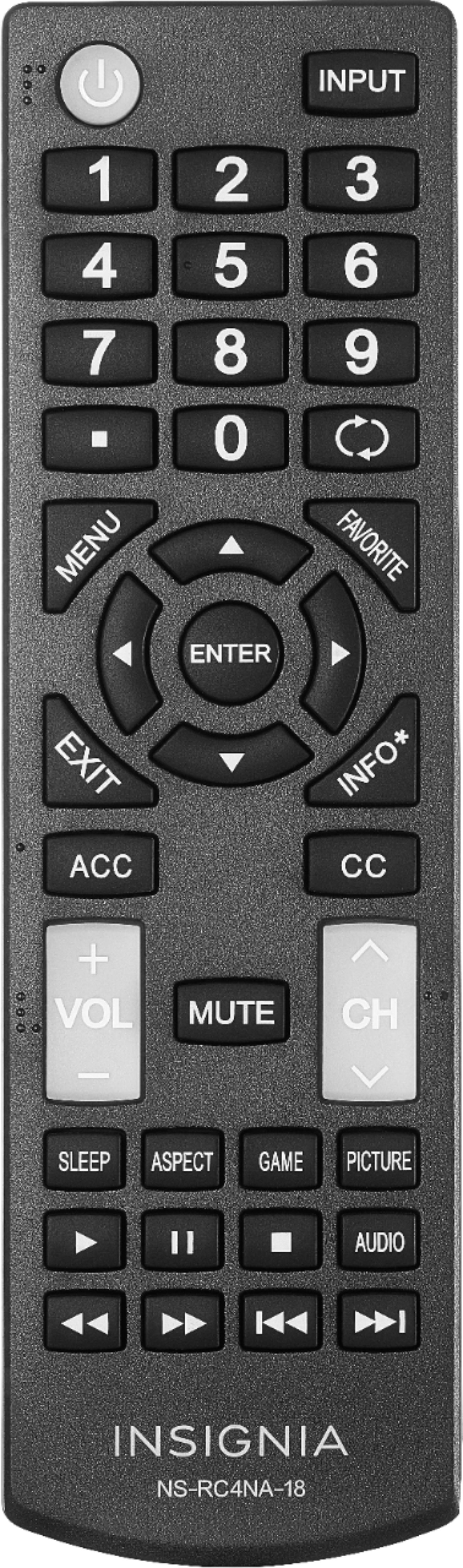
For you to set up this comcast remote control to your Insignia TV, please follow the troubleshooting steps below:
Programming Your Remote Using Our Online Code Lookup Tool
Go to the Remote Code Lookup tool and pick the Voice Remote you have. Then click Continue and follow the steps in the tool to program your remote.
If you can't find the code in the lookup tool, check to see if your remote has a Setup button. Then follow these steps:
If it has a Setup button:
Turn on your TV.
Press and hold Setup until the light at the top of the remote changes from red to green.
Enter 9-9-1. The light should flash green twice.
Keep pressing CH ^ until the TV turns off.
Once the TV turns off, press Setup to lock in the code.
Press the TV power button on the remote. If the TV turns on, you're all set!
If it doesn't have a Setup button but has number buttons (XR15 Voice Remote for X1 or Flex):
Turn on your TV.
Press and hold the xfinity and Mute buttons together for five seconds until the light at the top changes from red to green.
Type the first five-digit code for the TV manufacturer.
If the remote light blinks green twice, the code is correct.
If the remote light blinks red then green, the code is incorrect.
Aim the remote at the TV, and press the Power button.
If the TV turns off, turn the TV back on and make sure the Volume and Mute buttons work.
If the TV doesn't turn off, try the next code.
If it doesn't have a Setup button and doesn't have number buttons (XR16 Voice Remote for Flex):
Make sure your TV and TV Box are on.
Activate the remote by removing the pull tab on the back.
Aim the remote at the TV Box and press the Microphone (Voice) button.
Follow the on-screen instructions that come up on your TV to finish setup.
If you’re already paired for voice, but need to program the remote to control your TV, just press and hold the Microphone (Voice) button and say, "Program remote." You can also go to the remote programming instructions via the Remote Settings menu.
Insignia Products
Lisa
https://insigniaproducts.com