Deals Worth GiftingShop now

Skip to content
Gift Ideas
Main Content

Questions & Answers

Your price for this item is $98.99
Clearance
The comparable value price is $179.99
Page Showing 141-160 of 358 questions
  • QuestionEl USB reproduce multimedia

    Asked by Kkk.

    • Answer I guess

      Answered by MaryP

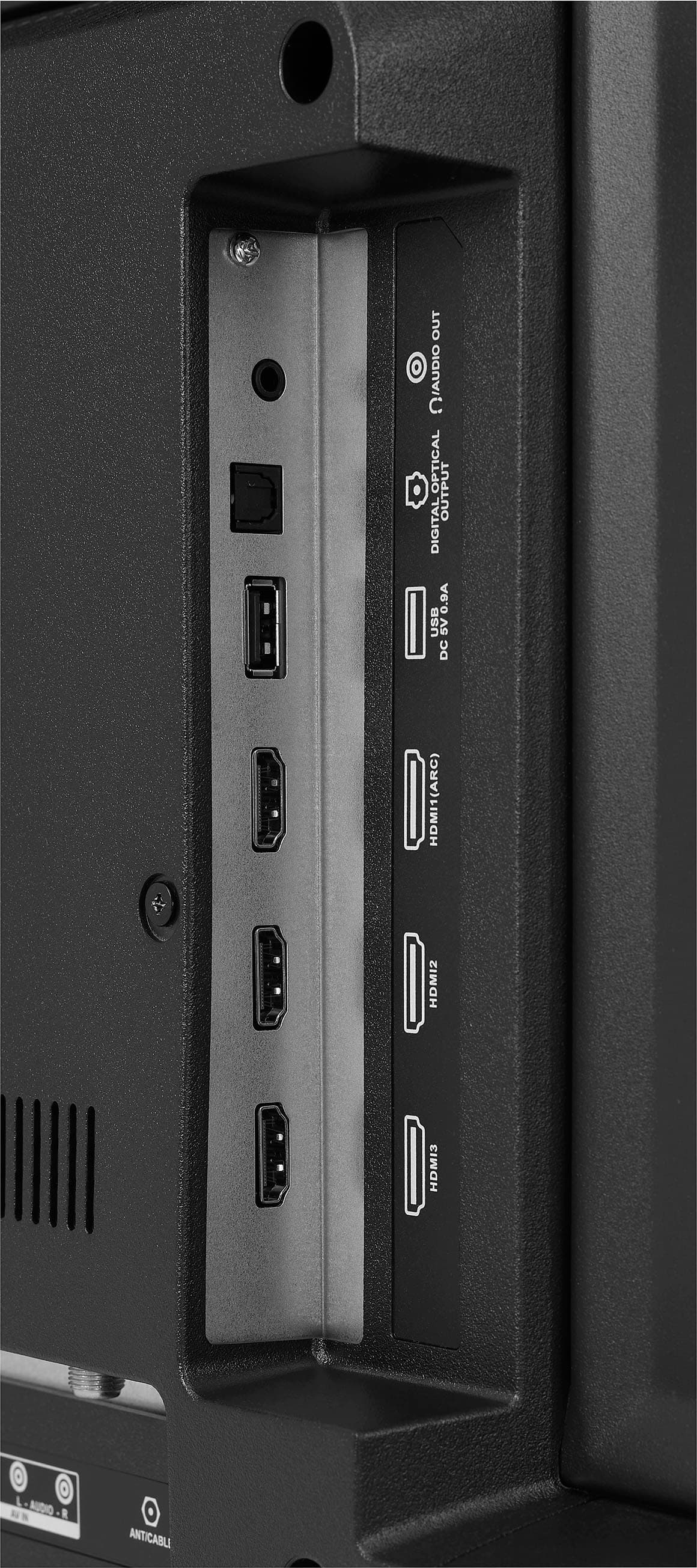
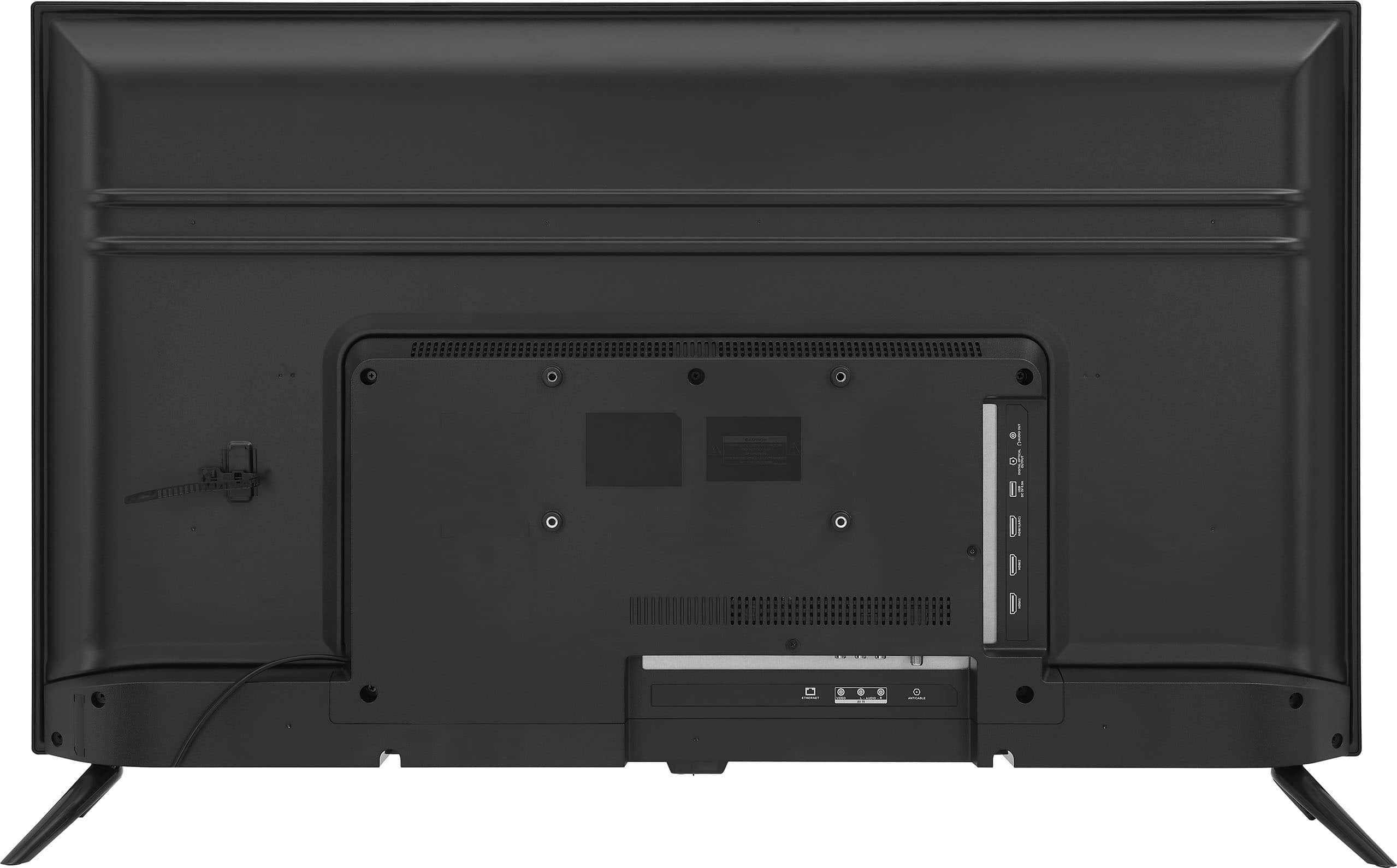
  • QuestionWhere is the power hookup?

    Asked by Cn.

    • Answer For the Insignia™ 42" Class F20 Series LED Full HD Smart Fire TV, the power hookup is typically located at the back of the TV. You will find a power input port where you can connect the provided power cord. The power cord will plug into this port, and the other end should be plugged into an electrical outlet. Patricia | Insignia Support https://www.bestbuy.com/site/insignia-42-class-f20-series-led-full-hd-smart-fire-tv/6495088.p?skuId=6495088

      Answered by InsigniaCustomerSupport

  • QuestionWhat screw driver do you need for the tv stand?

    Asked by Question.

    • Answer Philips

      Answered by MichaelS

  • QuestionWill this smart TV connect to my WiWi network?

    Asked by Wificonnection.

    • Answer Yes, the Insignia 42" Class F20 Series LED Full HD Smart Fire TV is designed to connect to Wi-Fi networks. You should be able to connect it to your Wi-Fi network during the setup process or later through the settings menu. Make sure your Wi-Fi network is active and that you have the correct password to complete the connection. Patricia | Insignia Support https://www.bestbuy.com/site/insignia-42-class-f20-series-led-full-hd-smart-fire-tv/6495088.p?skuId=6495088

      Answered by InsigniaCustomerSupport

  • QuestionDoes this TV come with a warranty?

    Asked by Warranty.

    • Answer Yes. This TV comes with one-year manufacturer's warranty. Date of purchase is on the receipt. -Ed | Insignia Support | https://www.bestbuy.com/site/brands/best-buy-brands/pcmcat1596746025285.c?id=pcmcat1596746025285

      Answered by InsigniaCustomerSupport

  • QuestionDo the HDMI ports support CEC?

    Asked by Phill.

    • Answer Yes Phill, the Insignia 42" Class F20 Series LED Full HD Smart Fire TV does support HDMI-CEC (Consumer Electronics Control) functionality. Patricia | Insignia Support https://www.bestbuy.com/site/insignia-42-class-f20-series-led-full-hd-smart-fire-tv/6495088.p?skuId=6495088

      Answered by InsigniaCustomerSupport

  • QuestionDoes the Roku app come with the tv or can it be downloaded

    Asked by Buster.

    • Answer Thank you for your inquiry! The Insignia™ 42" Class F20 Series LED Full HD Smart Fire TV does not come with the Roku app pre-installed, as it is a Fire TV. However, you can easily download the Roku app onto your Fire TV. To do this, turn on your Fire TV and ensure it is connected to the internet. Navigate to the App Store by going to the home screen, selecting the "Find" option, and then "Search." Use the on-screen keyboard to search for "Roku." Once you find the Roku app in the search results, select it and choose "Download" or "Get" to install it on your Fire TV. After installation, you can open the Roku app from your apps list and use it like any other app on your Fire TV. Keith | Insignia Support https://www.bestbuy.com/site/insignia-42-class-f20-series-led-full-hd-smart-fire-tv/6495088.p?skuId=6495088

      Answered by InsigniaCustomerSupport

  • QuestionI just bough the TV this past weekend, I did the set up and everything but I can’t hear anything. I went to the sound settings and I still can’t hear a sound when I watch Netflix … are the speakers not working or what could be the problem?

    Asked by Isel.

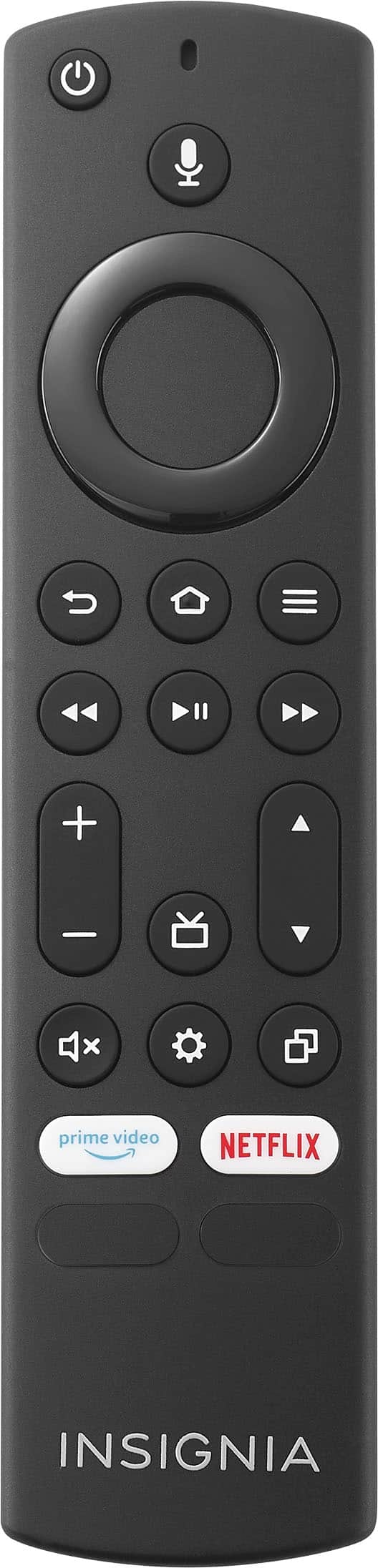
    • Answer Thank you for reaching out and sharing your concern with us! If you're experiencing picture but no sound on your television, here are a few steps you might find helpful: First, please check to ensure that the television isn’t muted. If you’re using external speakers, it’s worth checking the cables to make sure they’re functioning properly. Additionally, let’s confirm that the TV speakers are turned on. You can do this by pressing and holding the Home button until the Quick Settings menu appears. From there, select "Sound," then choose "TV Speakers" and ensure the setting is set to "On". If the still persist you may contact our customer service team at this phone number 1-877-467-4289 for further assistance. Patricia | Insignia Support https://www.bestbuy.com/site/insignia-42-class-f20-series-led-full-hd-smart-fire-tv/6495088.p?skuId=6495088

      Answered by InsigniaCustomerSupport

  • QuestionCan I connect ear buds via Bluetooth??

    Asked by Anonymous.

    • Answer Thank you for your inquiry! Yes, you can connect Bluetooth earbuds to the Insignia™ 42" Class F20 Series LED Full HD Smart Fire TV. Keith | Insignia Support https://www.bestbuy.com/site/insignia-42-class-f20-series-led-full-hd-smart-fire-tv/6495088.p?skuId=6495088

      Answered by InsigniaCustomerSupport

  • QuestionDO I need Amazon account to activate this tv?

    Asked by Sam.

    • Answer Yes, to fully utilize the smart features of the Insignia 42" Class F20 Series LED Full HD Smart Fire TV, you will need an Amazon account. The Fire TV operates on the Amazon Fire TV platform, which requires you to sign in with an Amazon account to access apps, streaming services, and features like Alexa voice control. If you don’t have an Amazon account, you can create one during the setup process. Patricia | Insignia Support https://www.bestbuy.com/site/insignia-42-class-f20-series-led-full-hd-smart-fire-tv/6495088.p?skuId=6495088

      Answered by InsigniaCustomerSupport

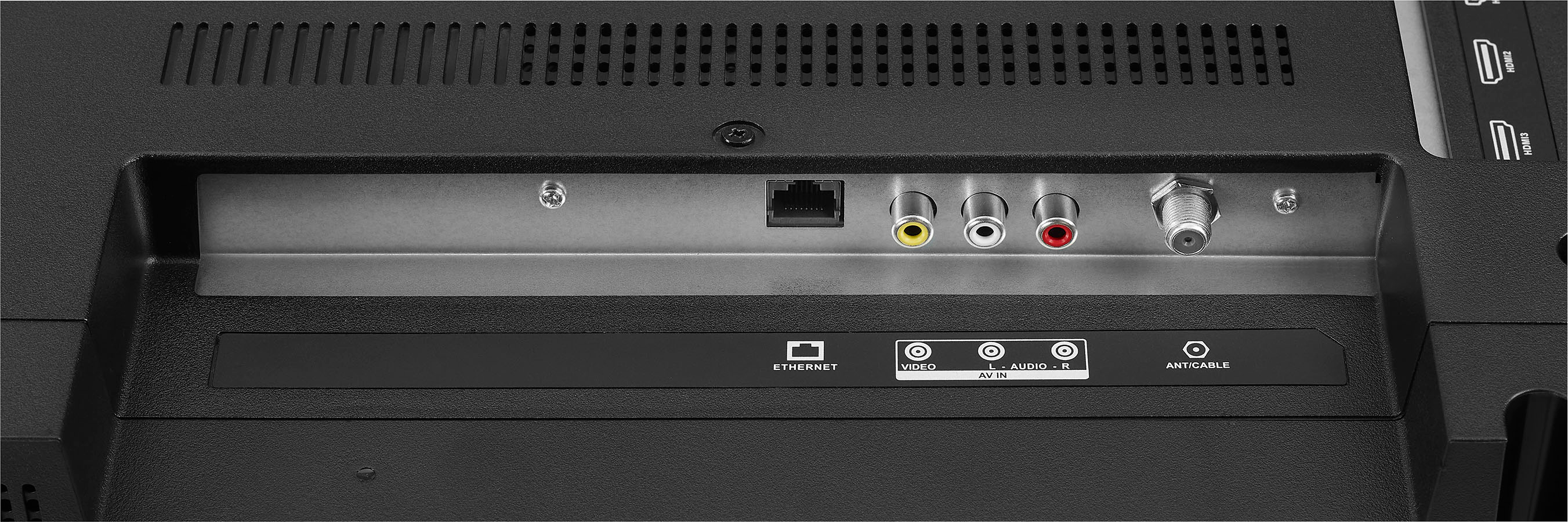
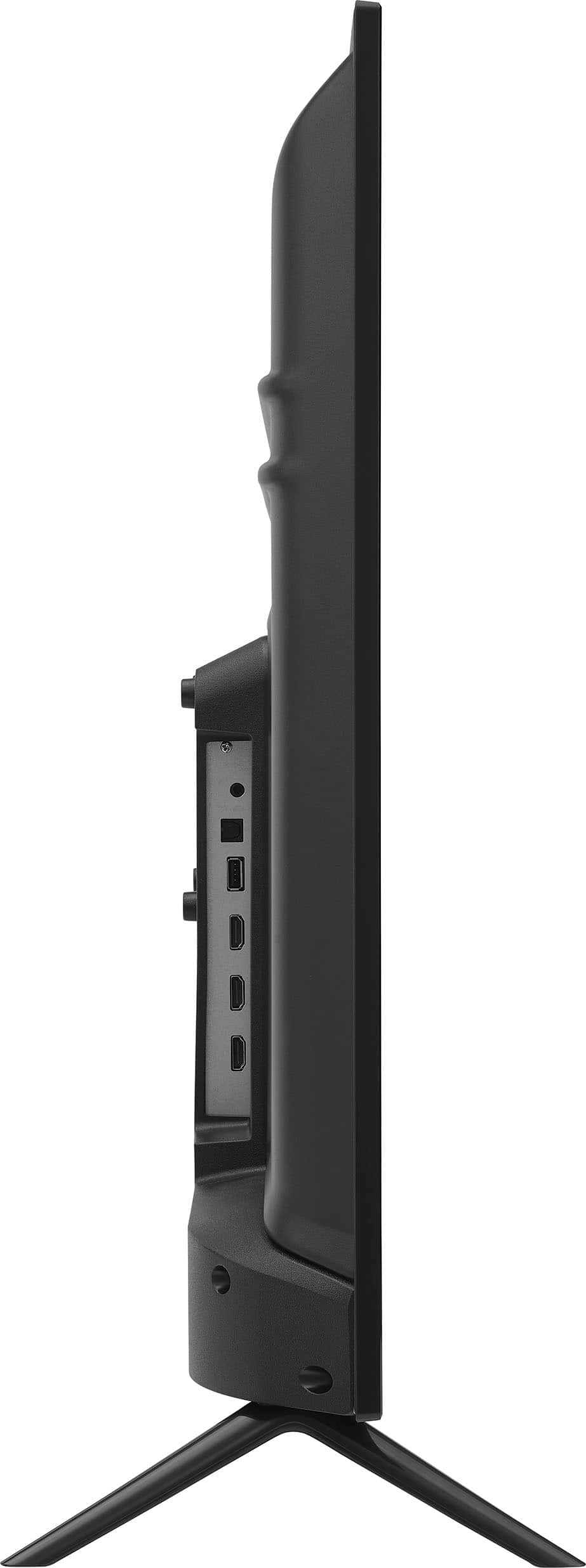
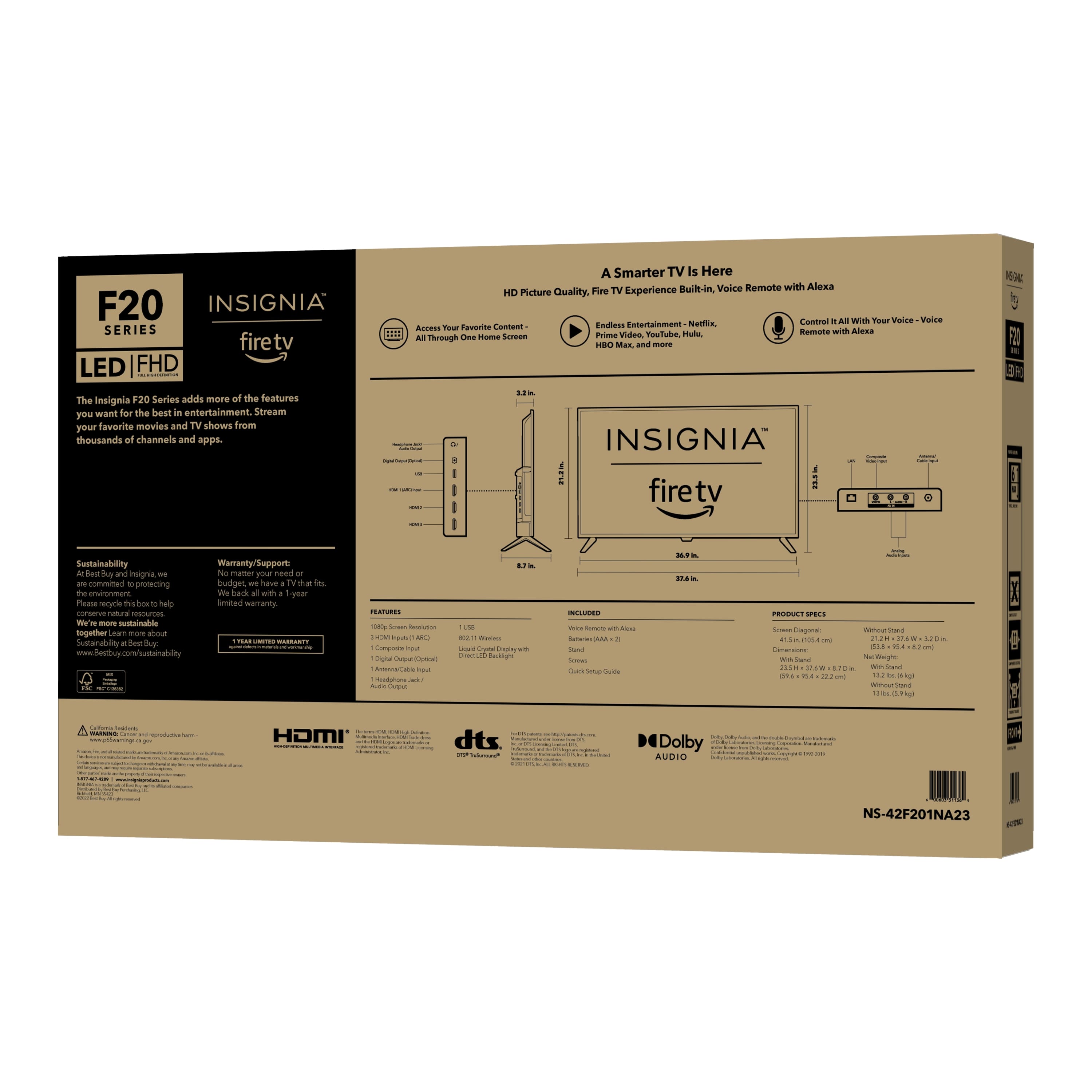
  • QuestionDoes NS-42F201NA23 have a video output port?

    Asked by SeaYues.

    • Answer The Insignia™ - 42" Class F20 Series LED Full HD Smart Fire TV (NS-42F201NA23) does not have a dedicated video output port. However, it does have several input options, including HDMI, USB, and VGA. For audio output, it features a digital optical output and HDMI ARC. Jeth | Insignia Support. https://www.bestbuy.com/site/insignia-42-class-f20-series-led-full-hd-smart-fire-tv/6495088.p?skuId=6495088

      Answered by InsigniaCustomerSupport

  • Questiondoes this tv work with air play or mirroring with no internet connection or cable

    Asked by jeff.

    • Answer Yes this model number TV Supports Apple AirPlay. Share videos, photos, music and more from an Apple device to your TV with the touch of a button. -Ed | Insignia Support | https://www.bestbuy.com/site/brands/best-buy-brands/pcmcat1596746025285.c?id=pcmcat1596746025285

      Answered by InsigniaCustomerSupport

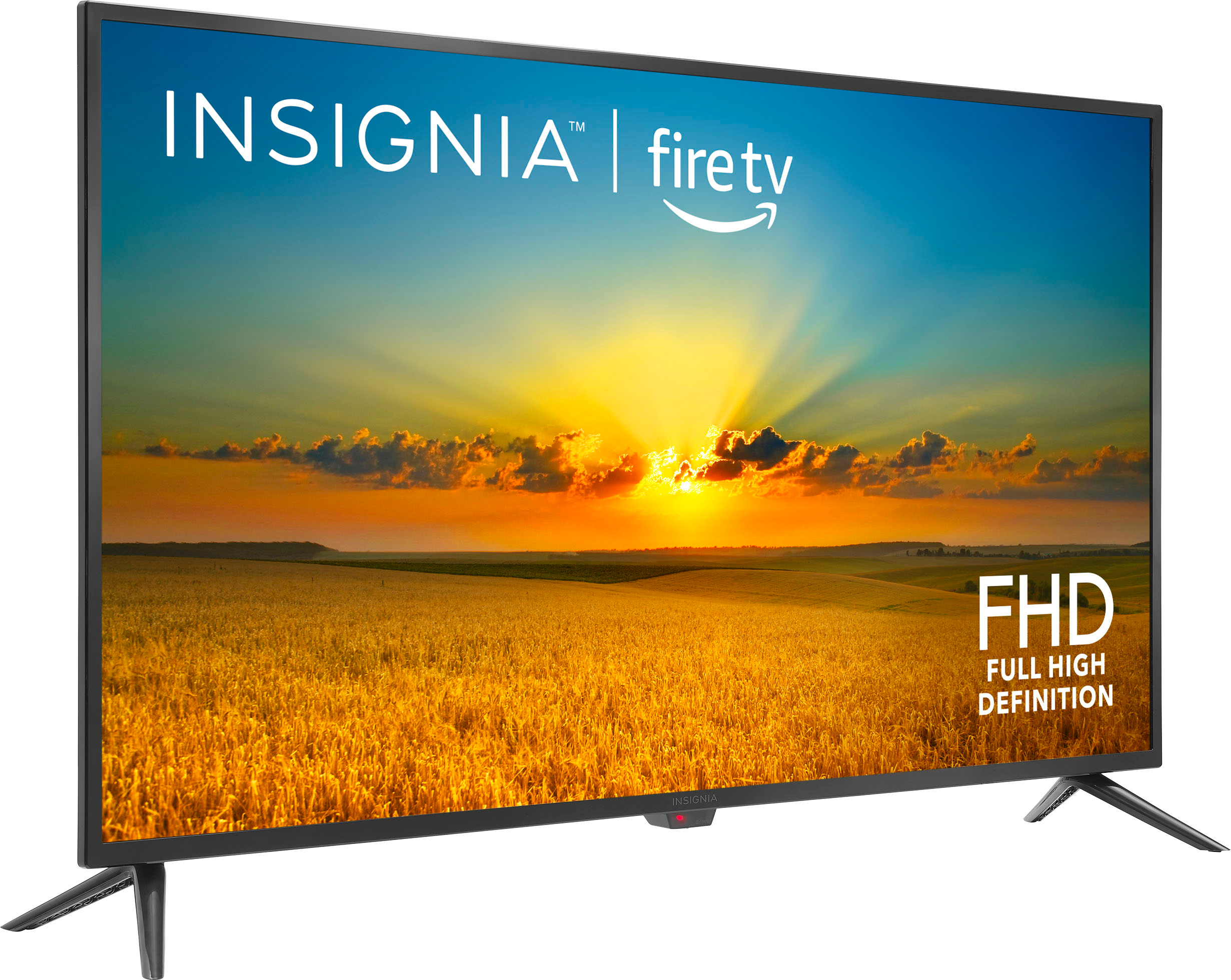
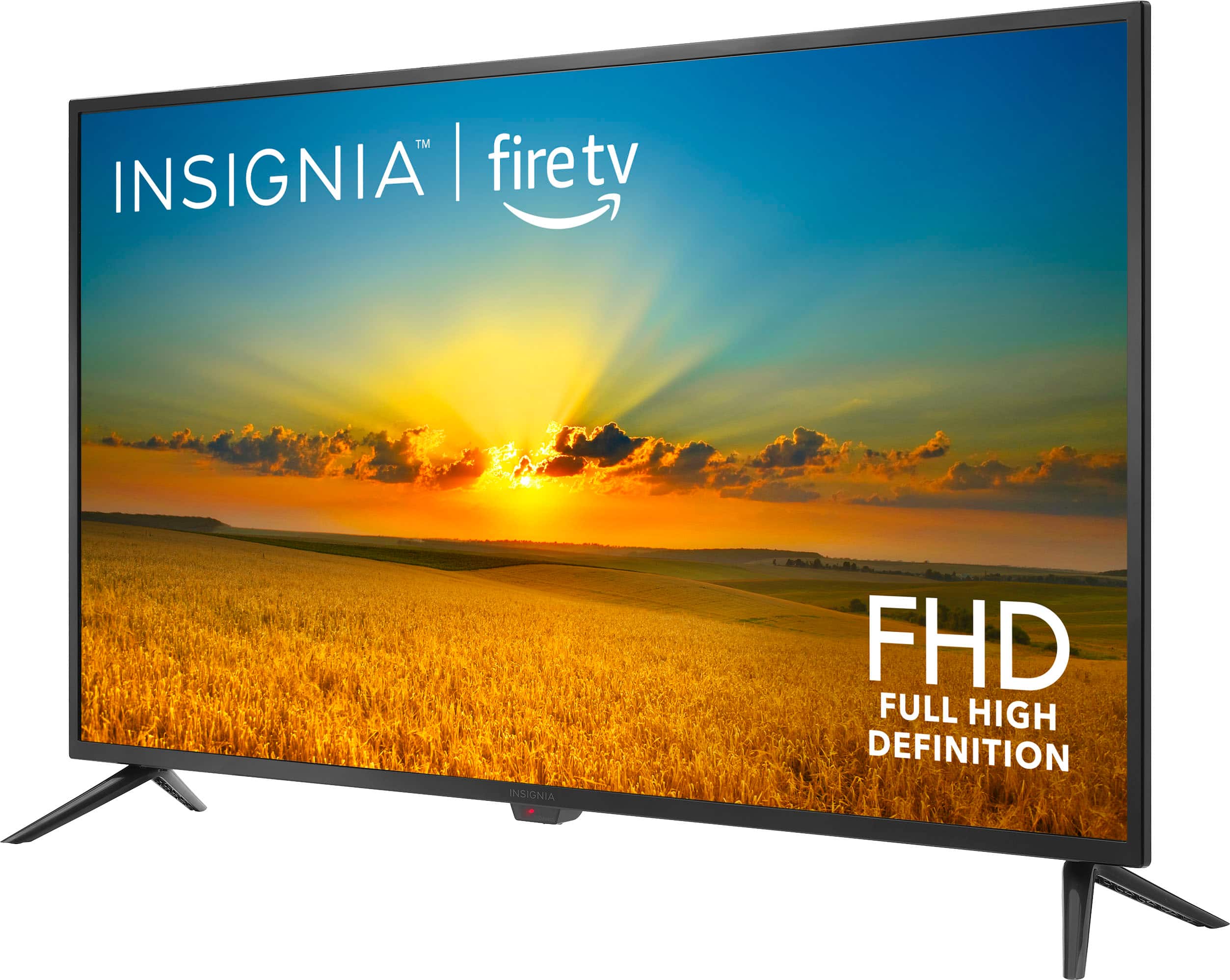
  • QuestionHave seen the legs can be revered. With legs reversed how wide are they? Trying to make it fit onto table that is not 37" wide.

    Asked by Hurst69.

    • Answer Legs are NOT reversible Picked up TV today and the legs are notched to fit each side specifically.

      Answered by hurst69

  • QuestionWill this FireTV support Verizon Fios App?

    Asked by BE.

    • Answer Hi there! Thank you for reaching out. Verizon Fios TV is downloadable on our Insignia Fire TVs. If you have further questions, feel free to reach out. - Carl | Insignia Support

      Answered by InsigniaCustomerSupport

  • QuestionWill the TV connect to a wireless router? Or do I have to hook it up to my cable box? In other words, can I put it in my bedroom and just have it connect wirelessly?

    Asked by leemusic.

    • Answer Hi there! Yes, our Insignia Smart Fire TVs can connect wirelessly to your router. If you have further questions, feel free to reach out! Happy watching! Carl | Insignia Support

      Answered by InsigniaCustomerSupport

  • Questiondoes it have roku

    Asked by jb.

    • Answer Yes, you can install The Roku Channel app on Amazon Fire TV devices in the United States. You can do this by following these steps: Use your Fire TV remote to open the top menu Scroll right and select Apps Select Categories, then Movies & TV Scroll down and select The Roku Channel

      Answered by hurst69

  • QuestionDoes this T.V. come with Roku???

    Asked by Carat.

    • Answer Thank you for your inquiry! The Insignia™ - 42" Class F20 Series LED Full HD Smart TV is designed with Amazon's Fire TV platform, not Roku. This means it has built-in access to streaming services through the Fire TV interface and includes features like Alexa voice control. If you're specifically looking for a TV with Roku built-in, you may want to consider other models that explicitly state they feature the Roku operating system. Keith | Insignia Support https://www.bestbuy.com/site/insignia-42-class-f20-series-led-full-hd-smart-fire-tv/6495088.p?skuId=6495088

      Answered by InsigniaCustomerSupport

  • QuestionI’m having a hard time connecting the 42 inch Insignia Tv to a Bose soundbar using the digital cable. I could not find the option to change the audio to PCM(?). Any suggestions?

    Asked by JohnnyUtah.

    • Answer Thank you for your inquiry! To connect your Insignia™ 42" Class F20 Series LED Full HD Smart Fire TV to a Bose soundbar using a digital cable, and to ensure proper audio output, follow these steps: First, connect the optical (TOSLINK) cable from the Optical Out port on your TV to the Optical In port on your Bose soundbar. Then, ensure the soundbar is set to the optical input using its remote control. Next, adjust your TV's audio settings by pressing the Home button on the Insignia remote and navigating to Settings. Find the Sound or Audio menu, and look for the Digital Audio Out setting. Change this setting to PCM (Pulse-Code Modulation). If you don't see PCM, try selecting Stereo or consult the TV’s manual for alternative labels. Also, check your Bose soundbar’s settings to ensure it is configured to receive PCM audio. Restart both the TV and soundbar after making these adjustments to ensure the settings are applied. Keith | Insignia Support https://www.bestbuy.com/site/insignia-42-class-f20-series-led-full-hd-smart-fire-tv/6495088.p?skuId=6495088
      Answered by InsigniaCustomerSupport

  • QuestionWhat are the dimensions of the insignia 40 inch tv?

    Asked by Nick.

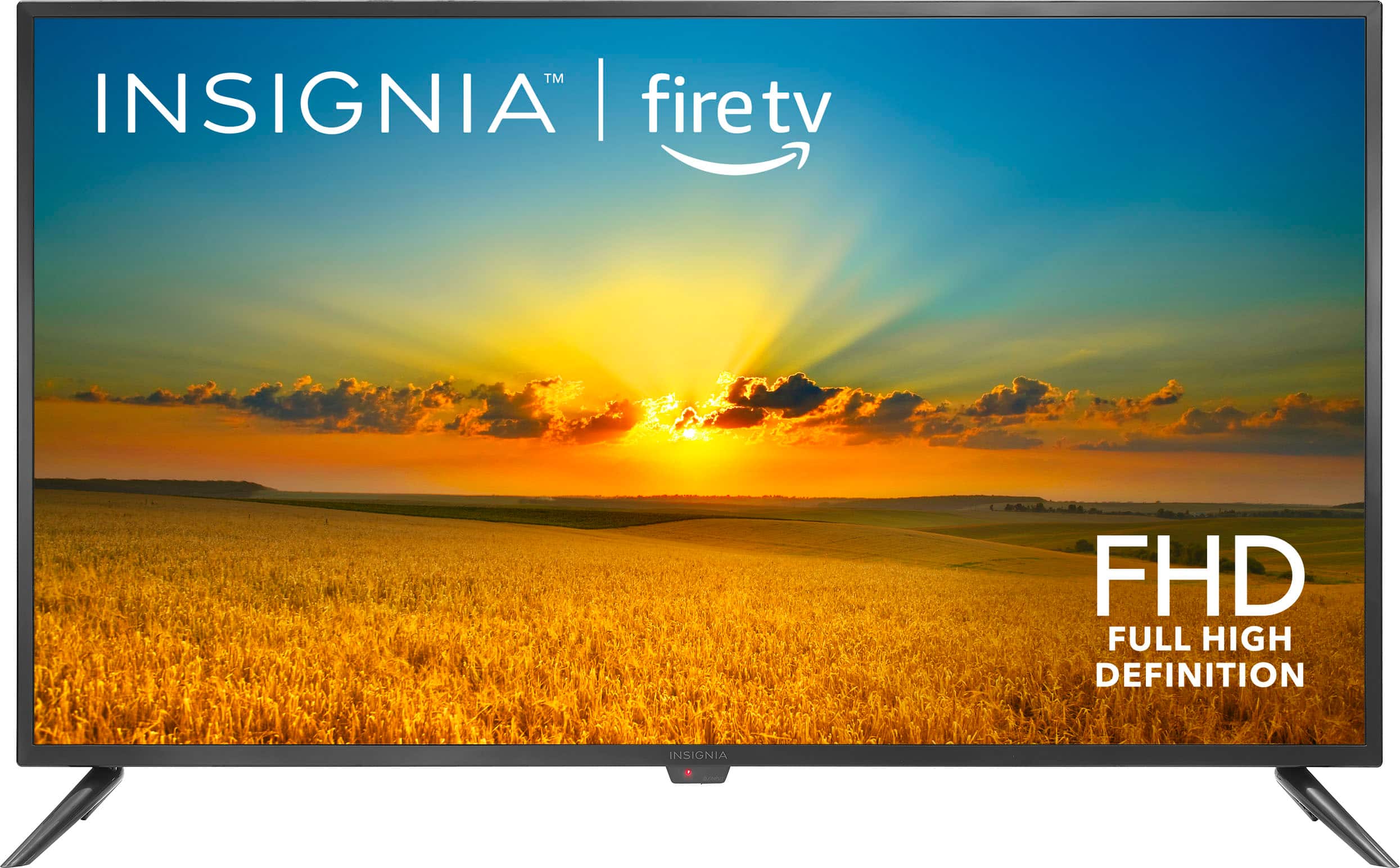
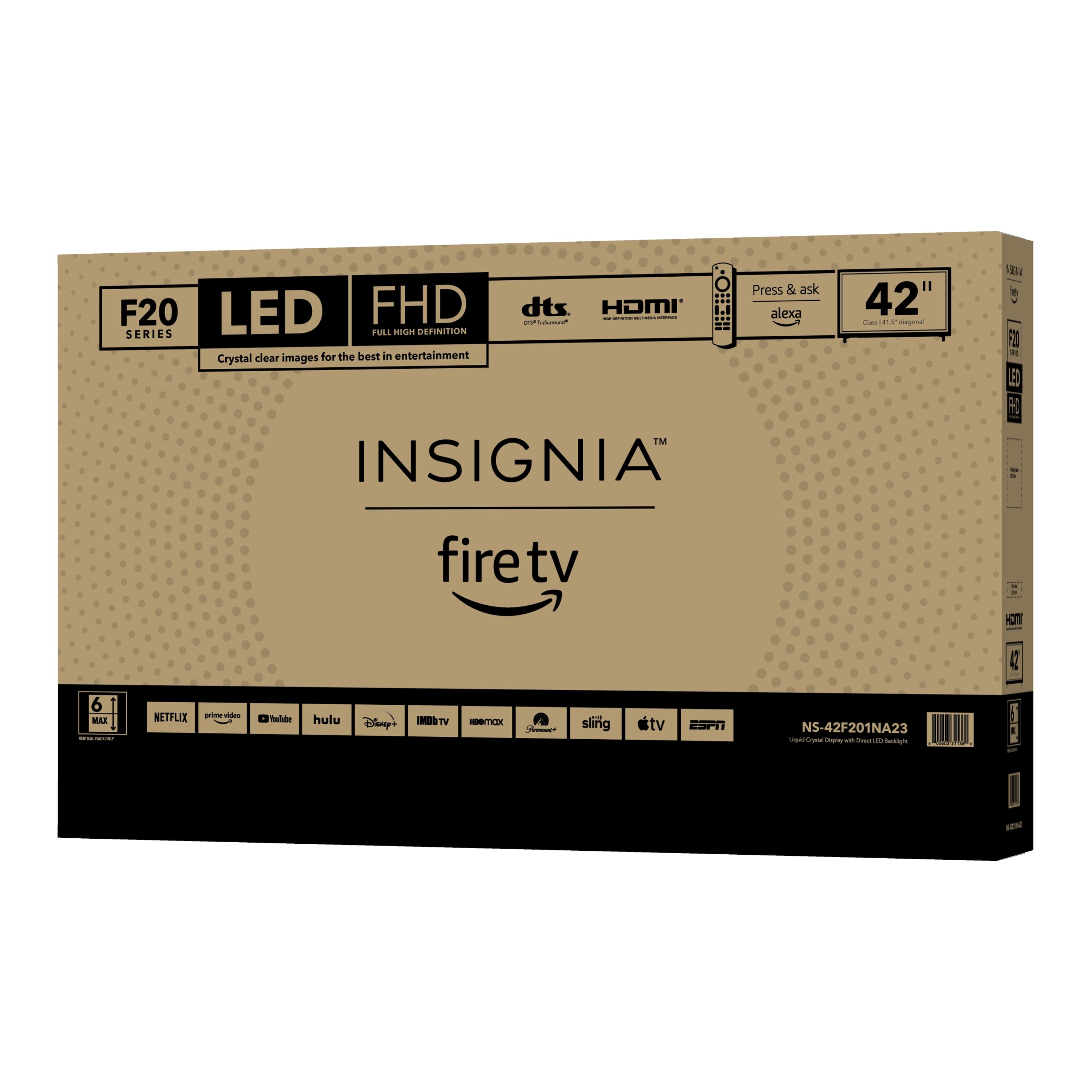
    • Answer Hello Nick, the dimensions of this Insignia™ - 42" Class F20 Series LED Full HD Smart Fire TV are as follows: the height is 21.1 inches, the width is 37.4 inches, the height with the stand is 23.5 inches, and the screen size is 41.5 inches. Patricia | Insignia Support https://www.bestbuy.com/site/insignia-42-class-f20-series-led-full-hd-smart-fire-tv/6495088.p?skuId=6495088

      Answered by InsigniaCustomerSupport

  • QuestionI have a 42in insignia. How do I adjust the picture size. I can only get about half.

    Asked by Ollieopps.

    • Answer Thank you for your inquiry! To adjust the picture size on your Insignia™ 42" Class F20 Series LED Full HD Smart Fire TV, start by pressing the "Home" button on your remote to bring up the main menu, then navigate to and select "Settings." In the Settings menu, go to "Display & Sounds." From there, select "Picture Size" or "Aspect Ratio." You will see several options such as "Wide," "Zoom," "Normal," or "Auto." Choose the one that best fits your screen. If you don't see these options, look for an "Advanced Picture Settings" section within the Display & Sounds menu. Keith | Insignia Support https://www.bestbuy.com/site/insignia-42-class-f20-series-led-full-hd-smart-fire-tv/6495088.p?skuId=6495088

      Answered by InsigniaCustomerSupport