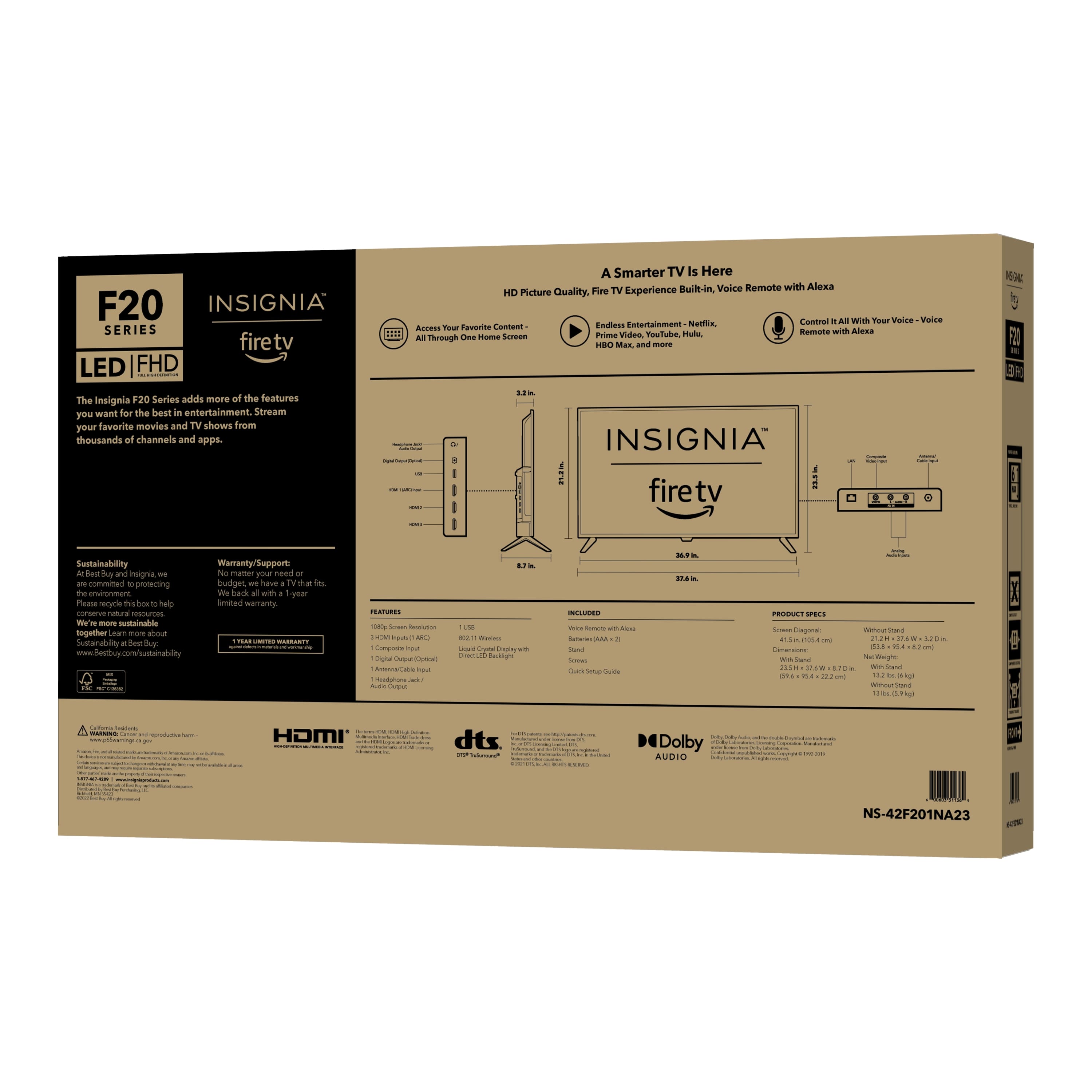
A:AnswerThank you for your inquiry! Yes, the Insignia™ 42" Class F20 Series LED Full HD Smart Fire TV can connect to a Fire Recast device. Fire Recast is Amazon's over-the-air DVR that allows you to watch and record live TV with your Fire TV device. Keith | Insignia Support https://www.bestbuy.com/site/insignia-42-class-f20-series-led-full-hd-smart-fire-tv/6495088.p?skuId=6495088
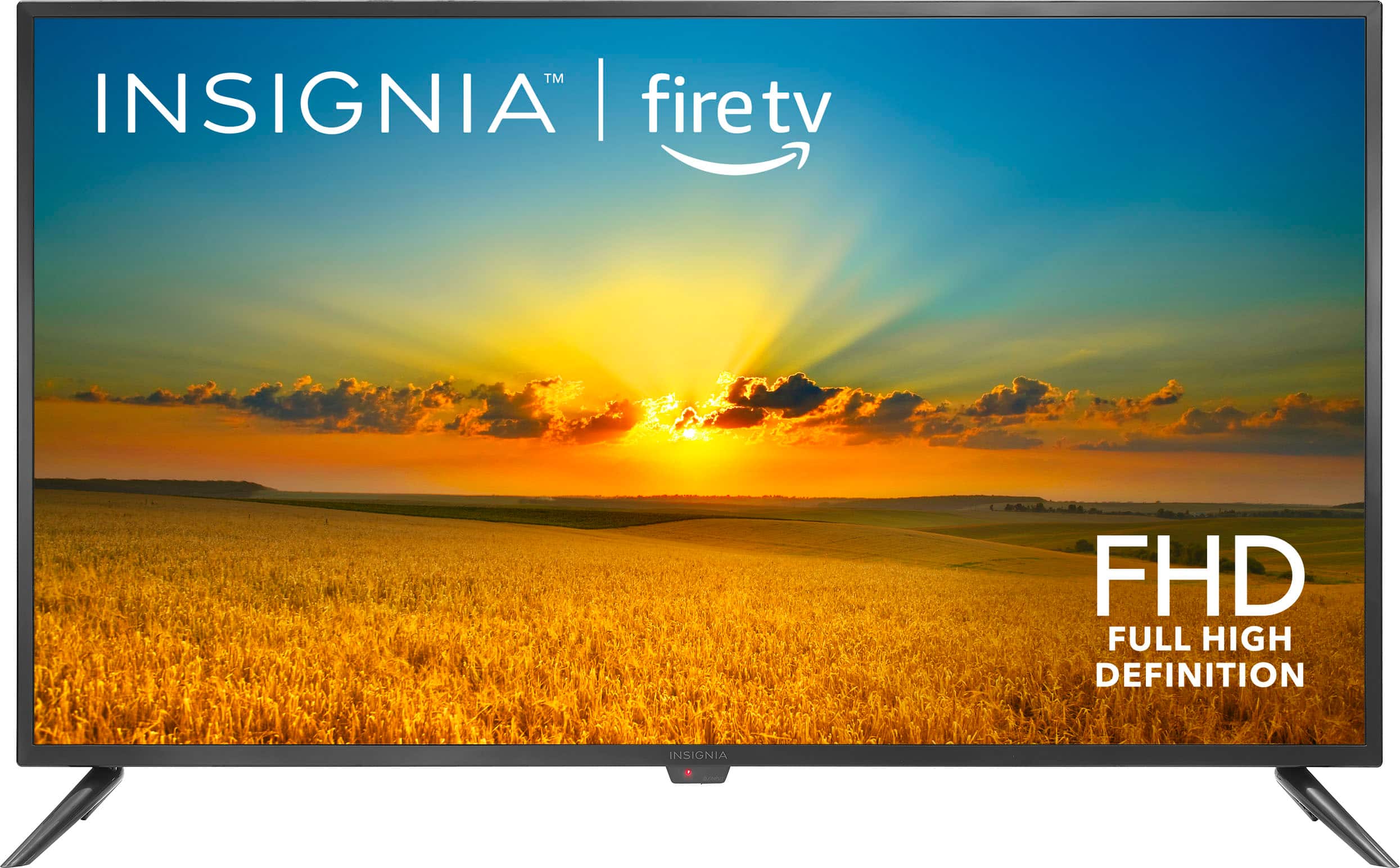
A:AnswerHi Franny! To answer your question, Insignia support can assist you with the setup over the phone. However, we don’t provide service appointments for TV setup. The factory warranty only covers services related to manufacturer defects of the product. For the installation, you may need to contact Geek Squad to schedule an appointment, and please note that there will be a corresponding fee for this service. If you need further assistance, please feel free to ask. |Angelica| Insignia Support| https://www.bestbuy.com/site/insignia-42-class-f20-series-led-full-hd-smart-fire-tv/6495088.p?skuId=6495088
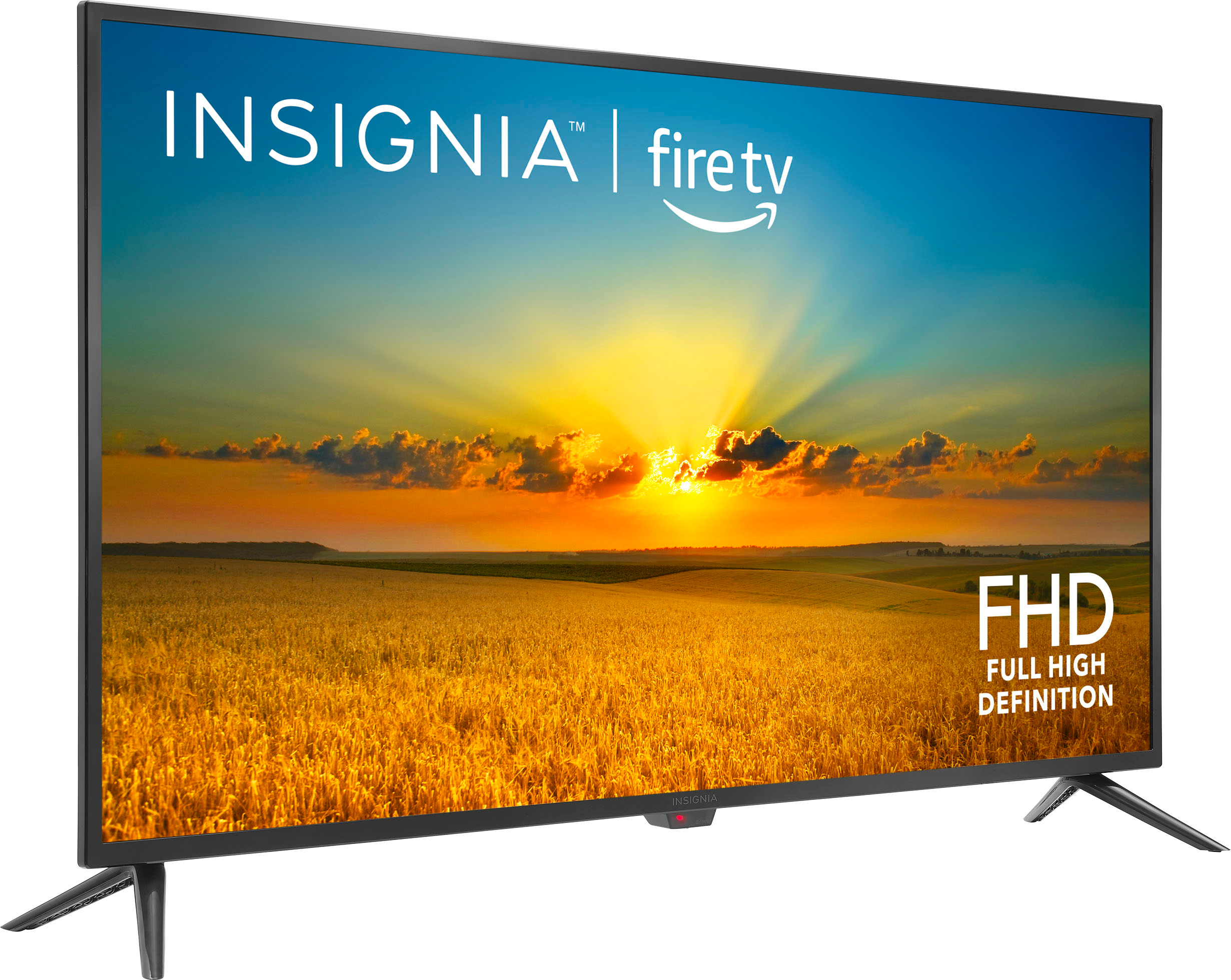
A:AnswerHi Mimi! The width is 37.4 inches and the height with stand is 23.5 inches and without stand is 21.1 inches. For more product information, please check the link below. |Angelica| Insignia Support| https://www.bestbuy.com/site/insignia-42-class-f20-series-led-full-hd-smart-fire-tv/6495088.p?skuId=6495088
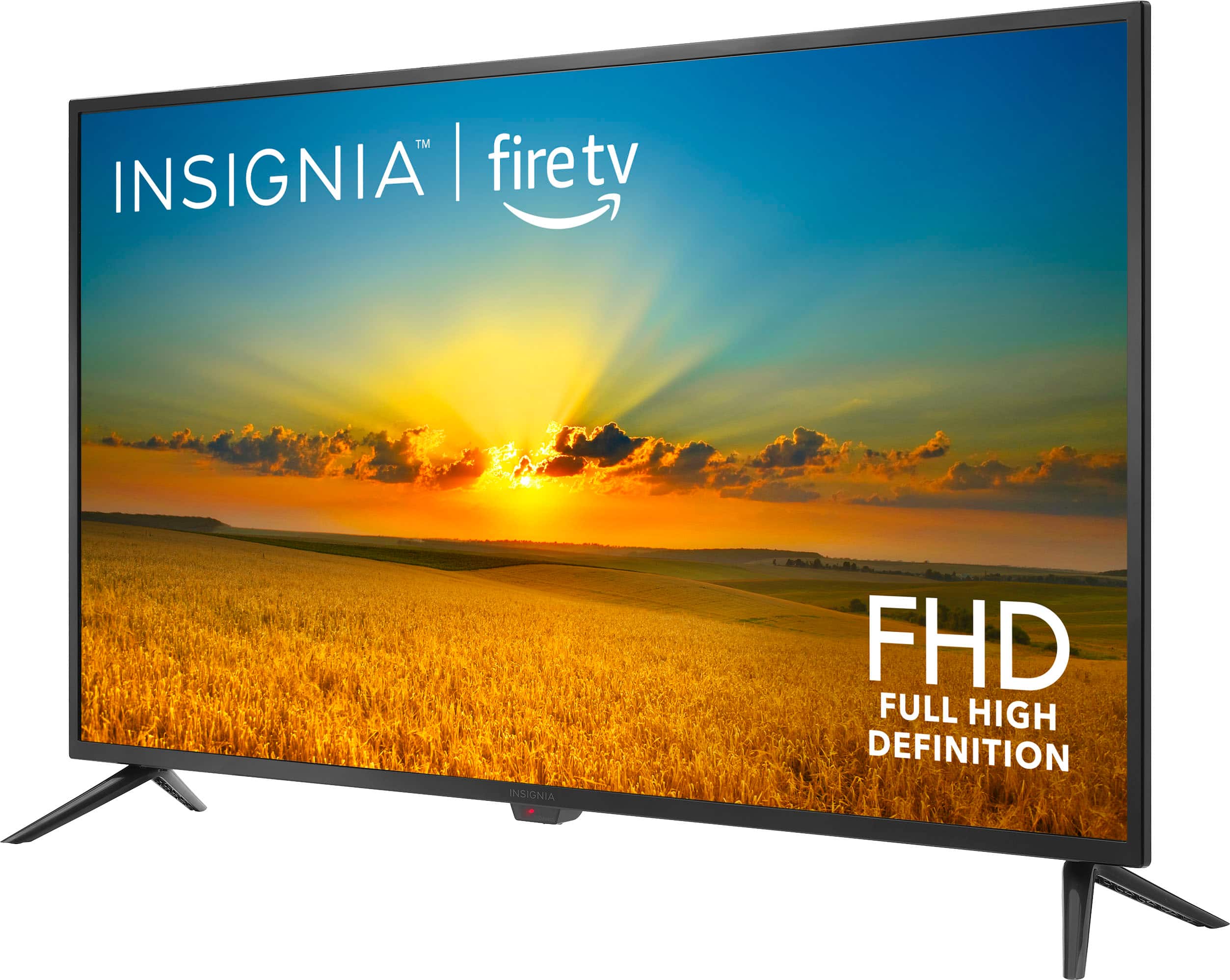
A:AnswerThank you for your inquiry! Yes, the Insignia™ 42" Class F20 Series LED Full HD Smart Fire TV typically comes with a TV stand. The stand is included in the box and usually consists of two legs or a central stand that can be attached to the bottom of the TV. This allows the TV to be placed on a flat surface, such as a table or entertainment center. If you prefer to mount the TV on a wall, you will need to purchase a compatible wall mount separately. Always refer to the included setup guide for detailed instructions on assembling and attaching the stand. Keith | Insignia Support https://www.bestbuy.com/site/insignia-42-class-f20-series-led-full-hd-smart-fire-tv/6495088.p?skuId=6495088
A:AnswerThank you for your inquiry! Yes, you can easily play media files from a thumb drive on the Insignia™ 42" Class F20 Series LED Full HD Smart Fire TV by plugging the thumb drive into one of the USB ports on the TV. Keith | Insignia Support https://www.bestbuy.com/site/insignia-42-class-f20-series-led-full-hd-smart-fire-tv/6495088.p?skuId=6495088
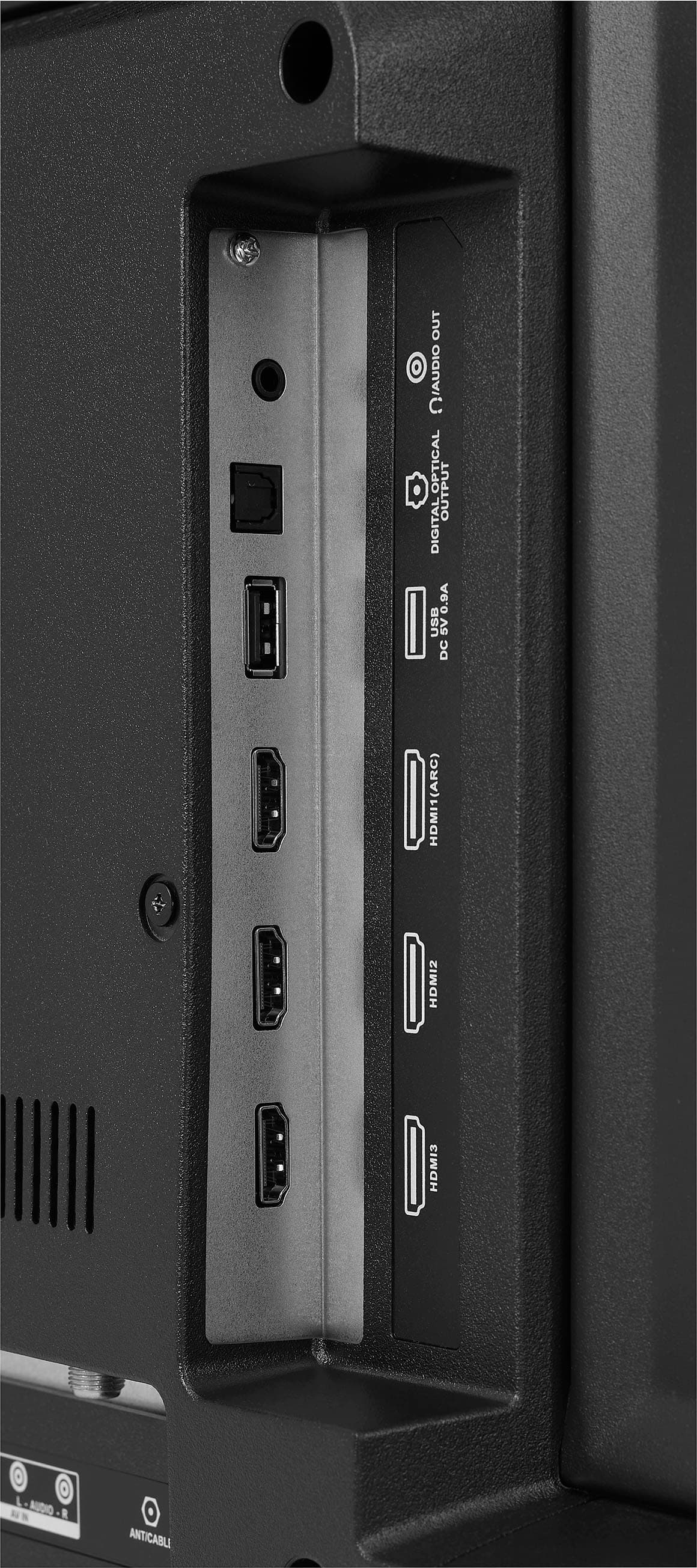
A:AnswerHi Millertime! Thank you for inquiring about our Insignia™ - 42" Class F20 Series LED Full HD Smart Fire TV. Yes, you can plug a thumb drive into the TV, view pictures and set it to slideshow. If you need further assistance, please let us know. Have a nice day! - James | Insignia Support | https://www.bestbuy.com/site/brands/best-buy-brands/pcmcat1596746025285.c?id=pcmcat1596746025285
A:AnswerThank you for your inquiry! To navigate YouTube without relying solely on suggested videos from whatever is playing, simply use the navigation options available on the platform. You can easily access the search bar by selecting the magnifying glass icon on the homepage or by clicking on the search feature in the menu. From there, you can type in specific keywords or phrases to find videos of interest. Additionally, you can explore different categories by browsing through the Movies and Explore pages to discover new content. By utilizing these features, you can broaden your viewing experience on YouTube and find videos that align more closely with your preferences. Keith | Insignia Support https://www.bestbuy.com/site/insignia-42-class-f20-series-led-full-hd-smart-fire-tv/6495088.p?skuId=6495088
A:AnswerHi Kevy! Thanks for inquiring about our Insignia™ - 42" Class F20 Series LED Full HD Smart Fire TV. As long as the wall mount supports VESA pattern 200mm × 100mm, it should be compatible. You may confirm this by looking at the wall mount manual or by contacting the manufacturer. If you have any other questions/concerns, feel free to reach out. Have a nice day! - James | Insignia Support | https://www.bestbuy.com/site/brands/best-buy-brands/pcmcat1596746025285.c?id=pcmcat1596746025285
A:AnswerThank you for your inquiry! The Insignia™ - 42" Class F20 Series LED Full HD Smart Fire TV is built on Amazon’s Fire TV platform and comes with Alexa voice controls. This means you can connect it to Alexa through Wi-Fi without needing another device.
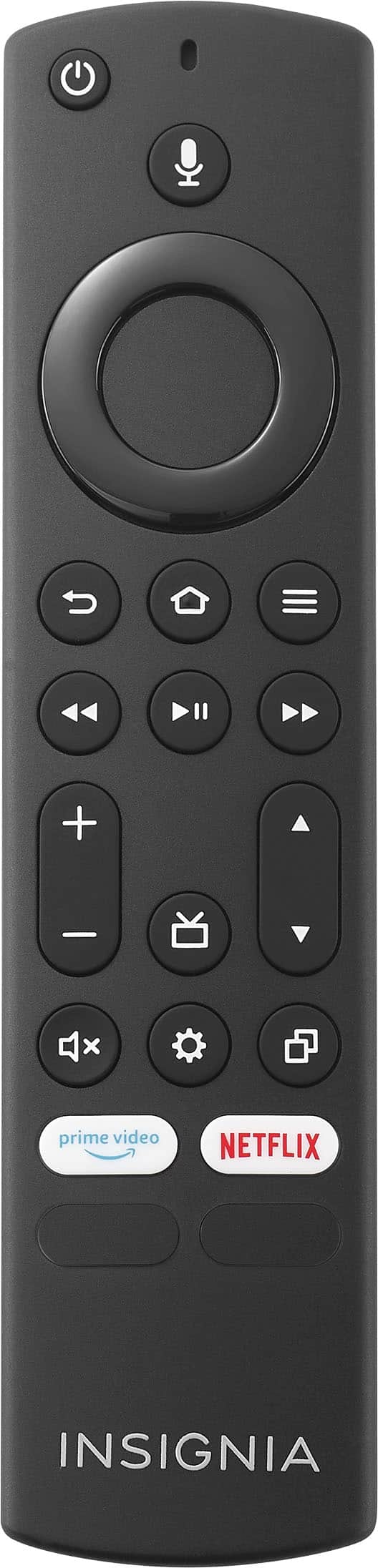
You can use the Alexa Voice Remote to easily control your entertainment, search across apps, switch inputs, and more using just your voice. Just press and hold the voice button and ask Alexa to easily find, launch, and control content, and even switch to cable.
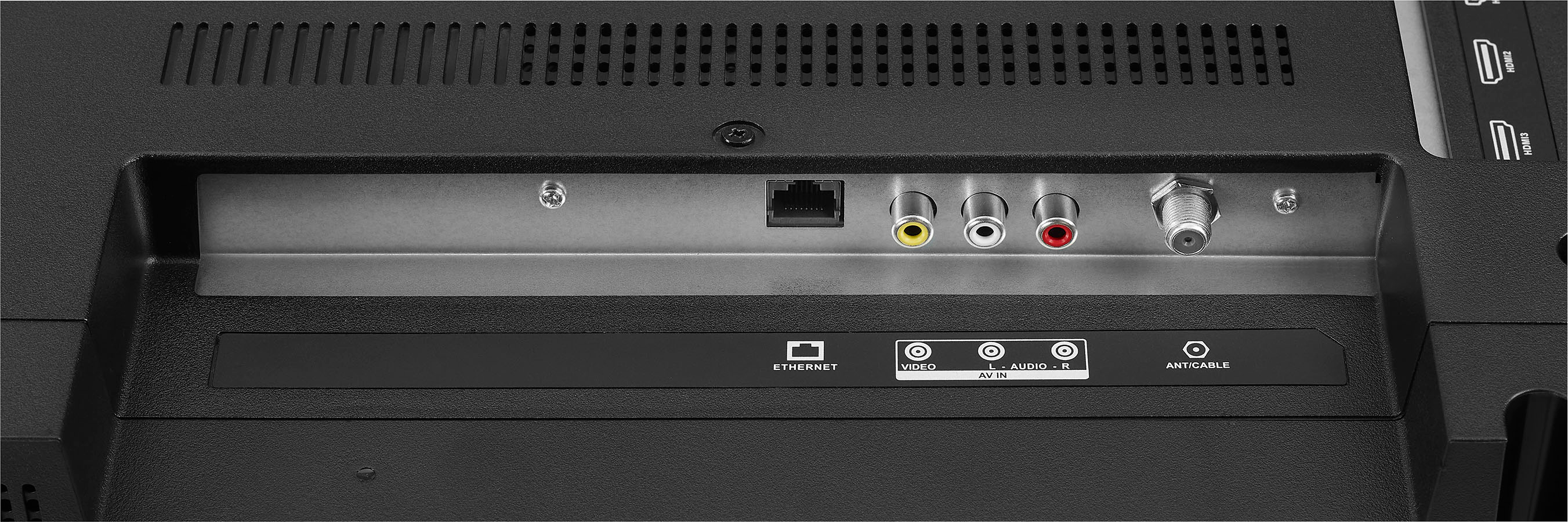
In terms of connectivity, this TV includes three HDMI ports, a digital optical jack, a headphone jack, and a coaxial jack. It also supports HDMI ARC, which sends audio directly from the HDMI jack to a compatible soundbar or AV receiver, removing the need for an extra cable²⁵.
So, you should be able to connect your Insignia™ - 42" Class F20 Series LED Full HD Smart Fire TV to Alexa through Wi-Fi directly. Enjoy your viewing experience! Keith | Insignia Support https://www.bestbuy.com/site/insignia-42-class-f20-series-led-full-hd-smart-fire-tv/6495088.p?skuId=6495088
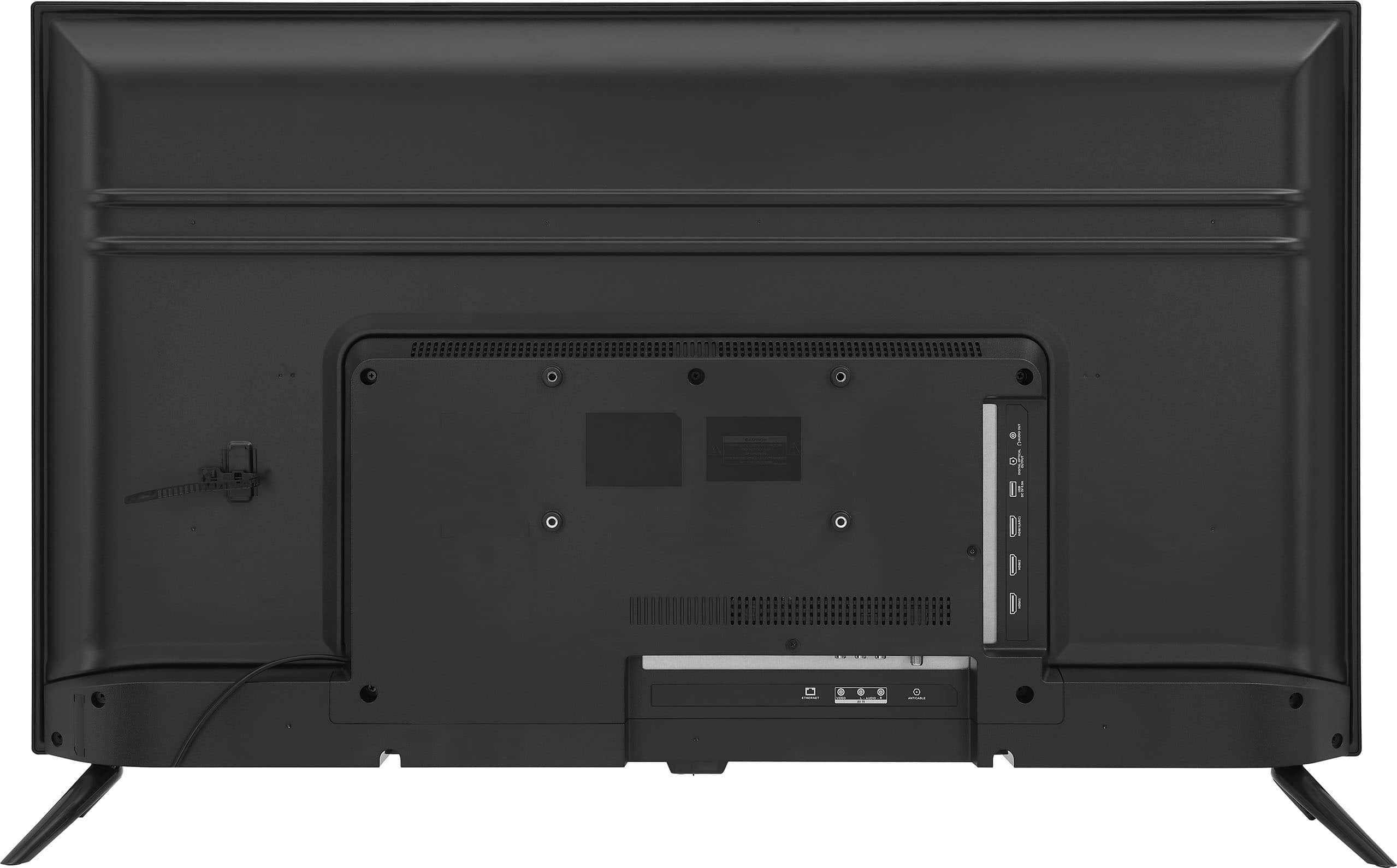
A:AnswerThank you for your inquiry! Yes, the Insignia™ 42" Class F20 Series LED Full HD Smart Fire TV typically has the capability to play a slideshow off of a USB drive. Smart TVs like this model often include USB ports that allow you to connect external storage devices such as USB flash drives or external hard drives. Keith | Insignia Support https://www.bestbuy.com/site/insignia-42-class-f20-series-led-full-hd-smart-fire-tv/6495088.p?skuId=6495088
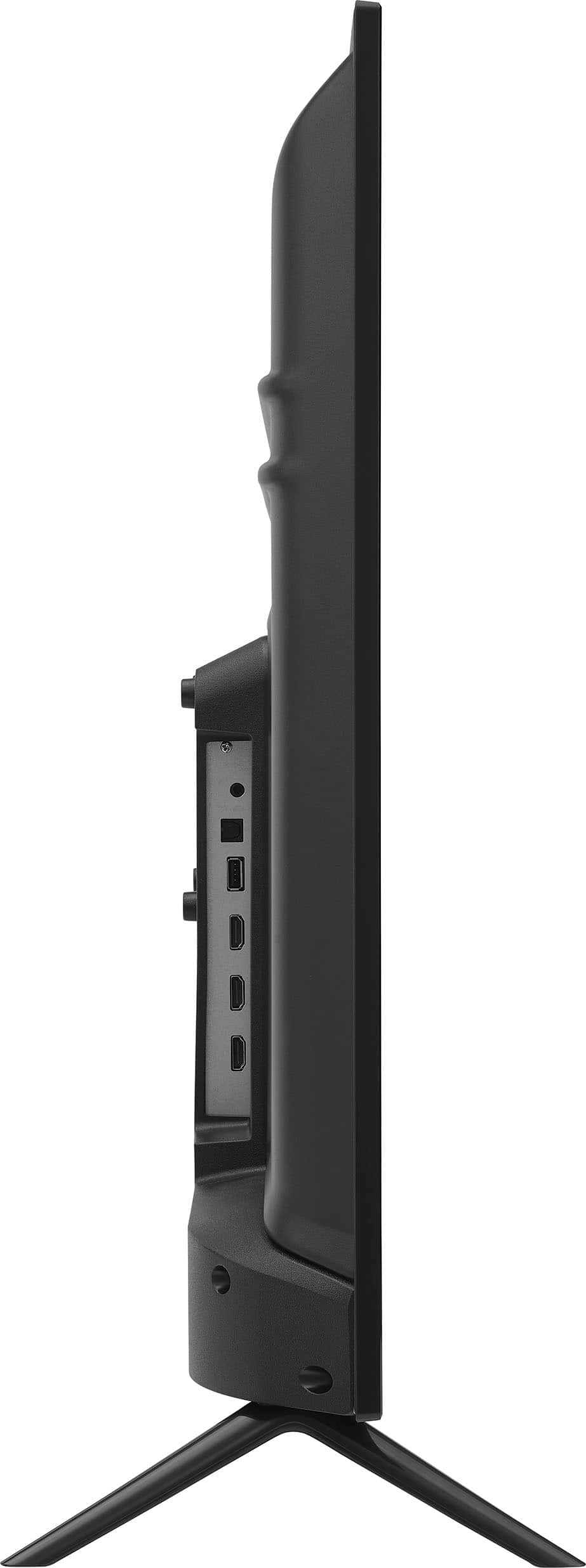
A:AnswerHi! The width of the Insignia™ - 42" Class F20 Series LED Full HD Smart Fire TV is approximately 37.7 inches.
JC | Insignia Support https://www.bestbuy.com/site/insignia-42-class-f20-series-led-full-hd-smart-fire-tv/6495088.p?skuId=6495088
A:AnswerHi Lex! Thank you for reaching out to us regarding this issue on your Insignia™ - 42" Class F20 Series LED Full HD Smart Fire TV. We need to identify if the issue is caused by a software or a hardware issue. Please contact our Insignia Support Team for assistance in troubleshooting the issue. Phone: 1-877-467-4289; Email: [email protected]. We look forward in assisting you. Have a nice day! - James | Insignia Support | https://www.bestbuy.com/site/brands/best-buy-brands/pcmcat1596746025285.c?id=pcmcat1596746025285
A:AnswerDon’t waste your time buying it, it has pRoblem with everything the sound, the image and the remote. It changes app whenever it wants to , your son might be playing and boom it goes on YouTube or Netflix. You don’t need that headache.
A:AnswerHi Bruce! Yes, the Insignia™ - 42" Class F20 Series LED Full HD Smart Fire TV can be paired with hearing aids. Many modern smart TVs are compatible with Bluetooth-enabled hearing aids and accessories, allowing users to stream audio directly to their devices. Additionally, some TVs may have audio settings that can enhance the listening experience for individuals with hearing difficulties.
JC | Insignia Support https://www.bestbuy.com/site/insignia-42-class-f20-series-led-full-hd-smart-fire-tv/6495088.p?skuId=6495088