Early Black Friday DealsNew Doorbusters every Friday.Shop now

Main Content

Questions & Answers

Your price for this item is $161.99
Clearance
The comparable value price is $169.99
Page Showing 121-140 of 255 questions
  • QuestionHi.My TV is connected to an Onkyo TX-SR393 AV Receiver (the "Receiver") via an eARC HDMI. How can I get the TV speakers to work while using a different audio input on the Receiver? See Pg. 24 of Manual for Troubleshooting answer

    Asked by Mingy.

    • Answer I don't think that's possible, You can use the RCA cable for another input bypassing the onkyo receiver.Then the sound will go directly to the tv speakers

      Answered by Sury

  • QuestionWhat ports

    Asked by Anonymous.

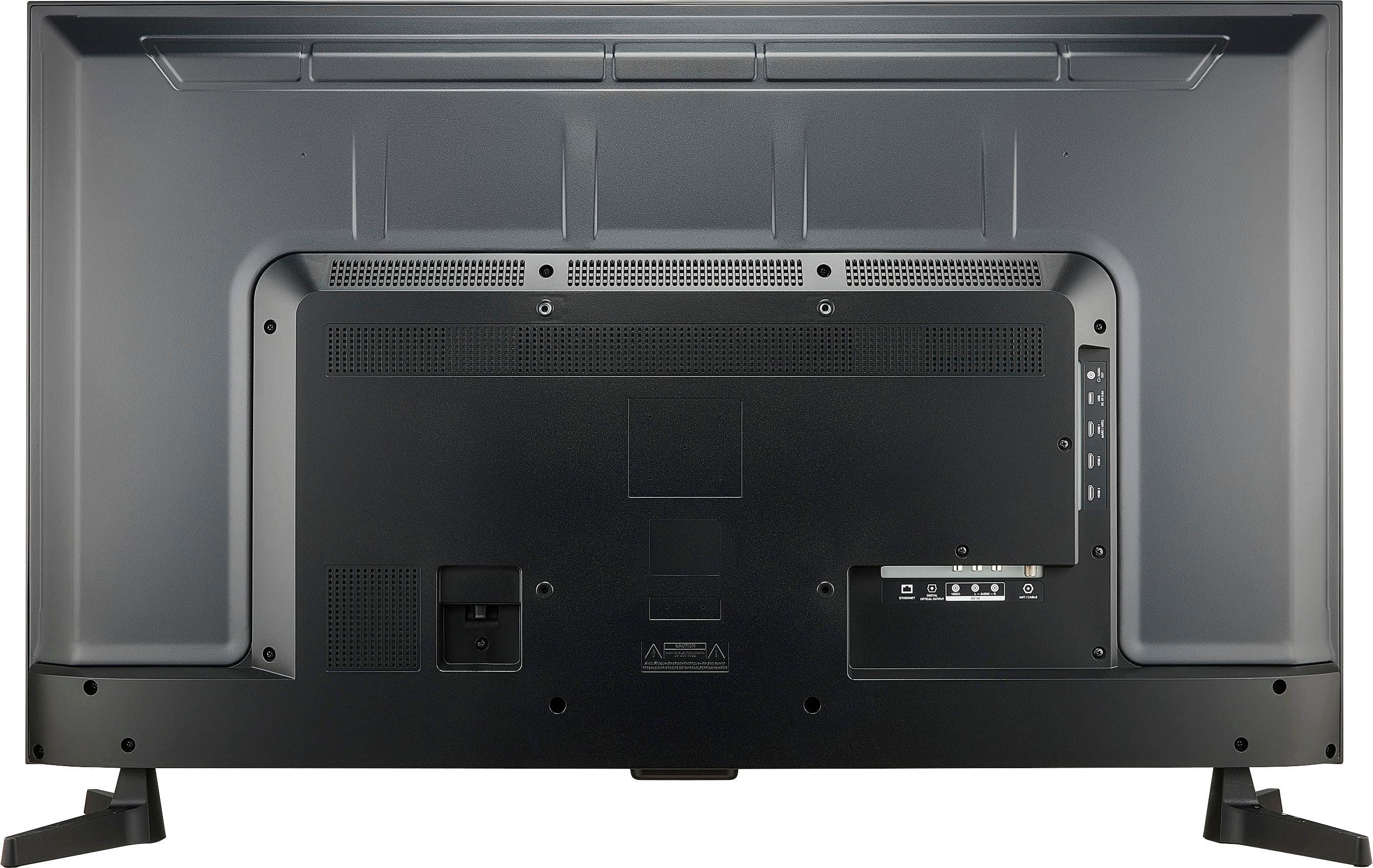
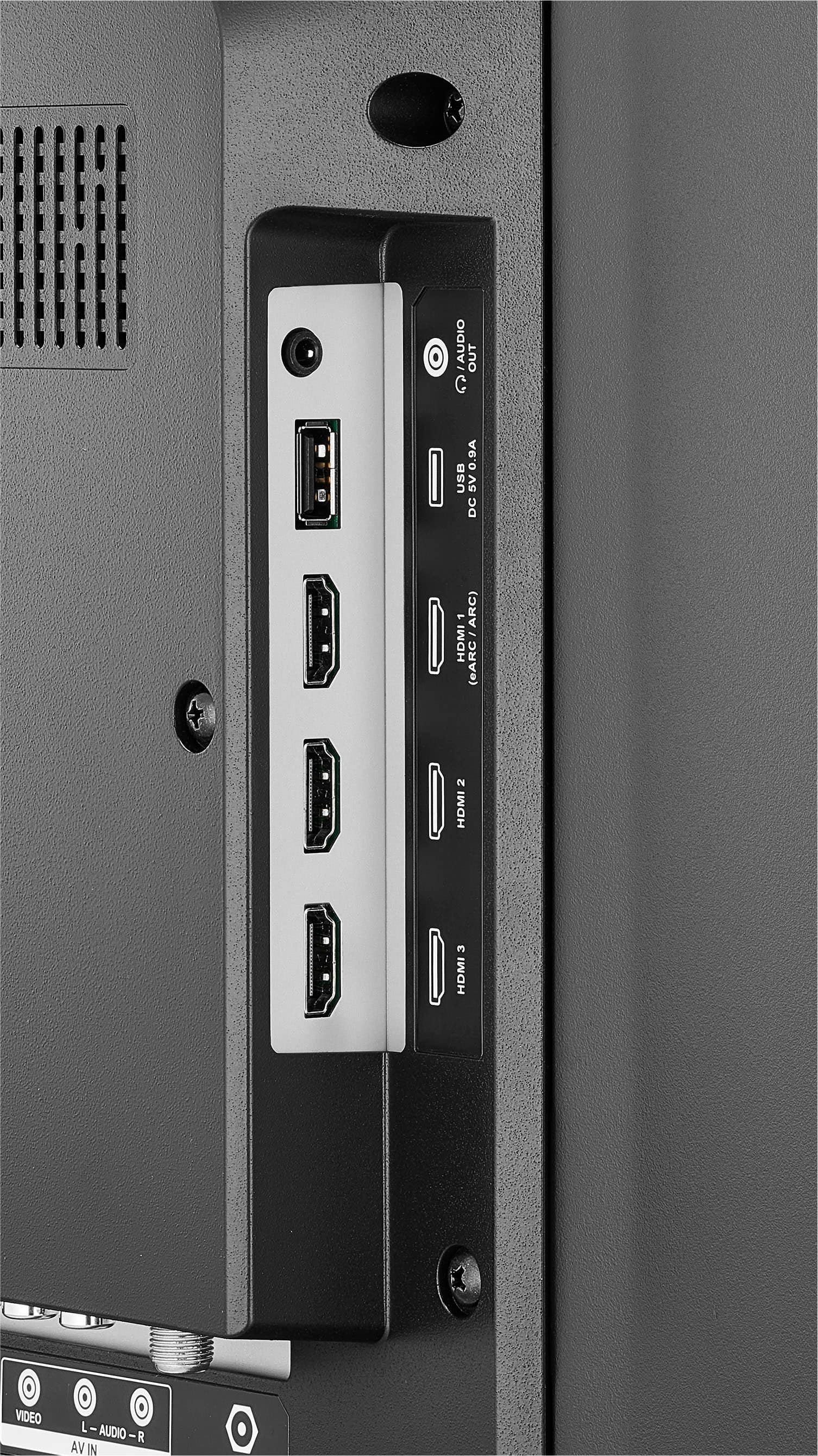
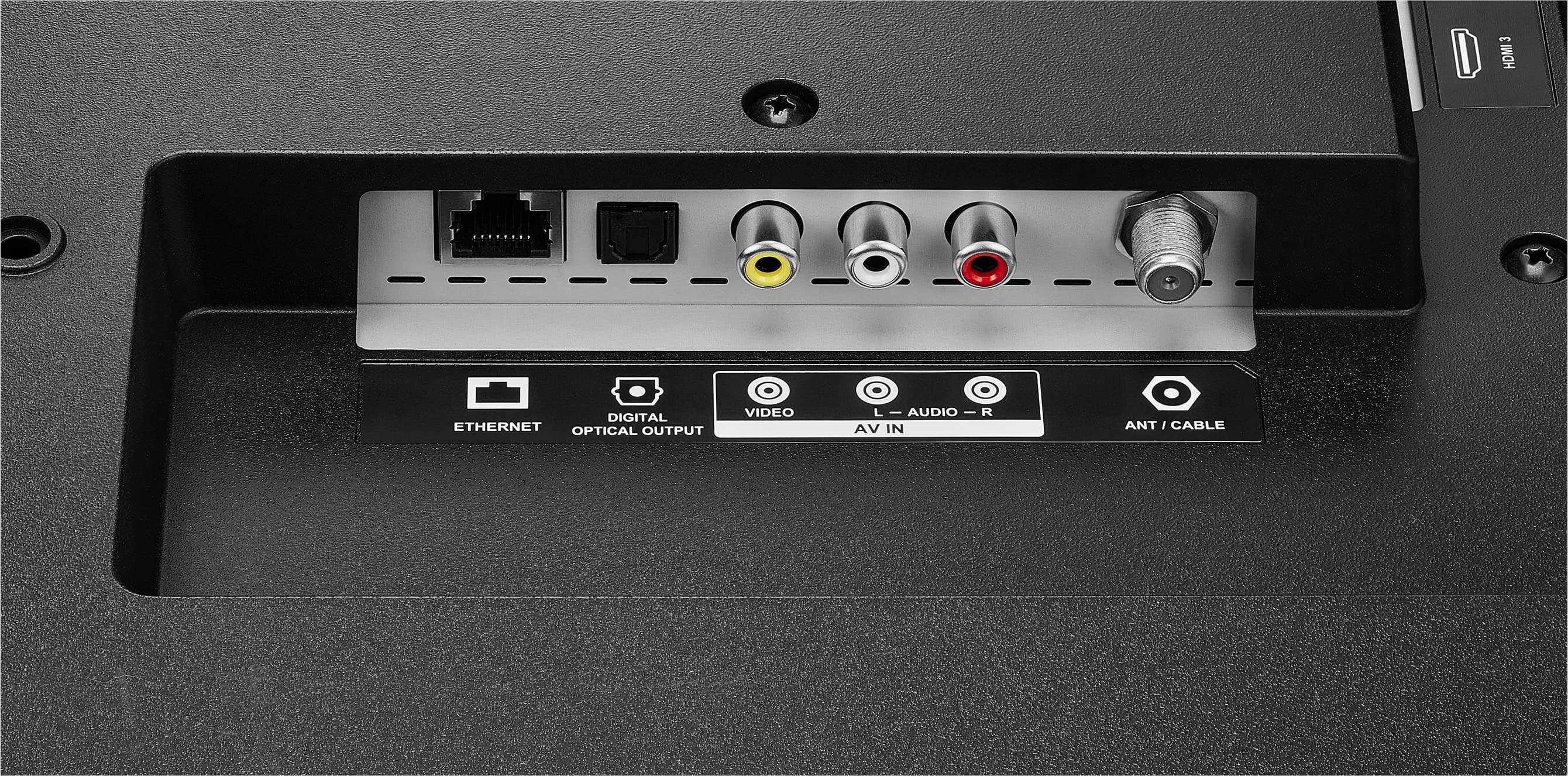
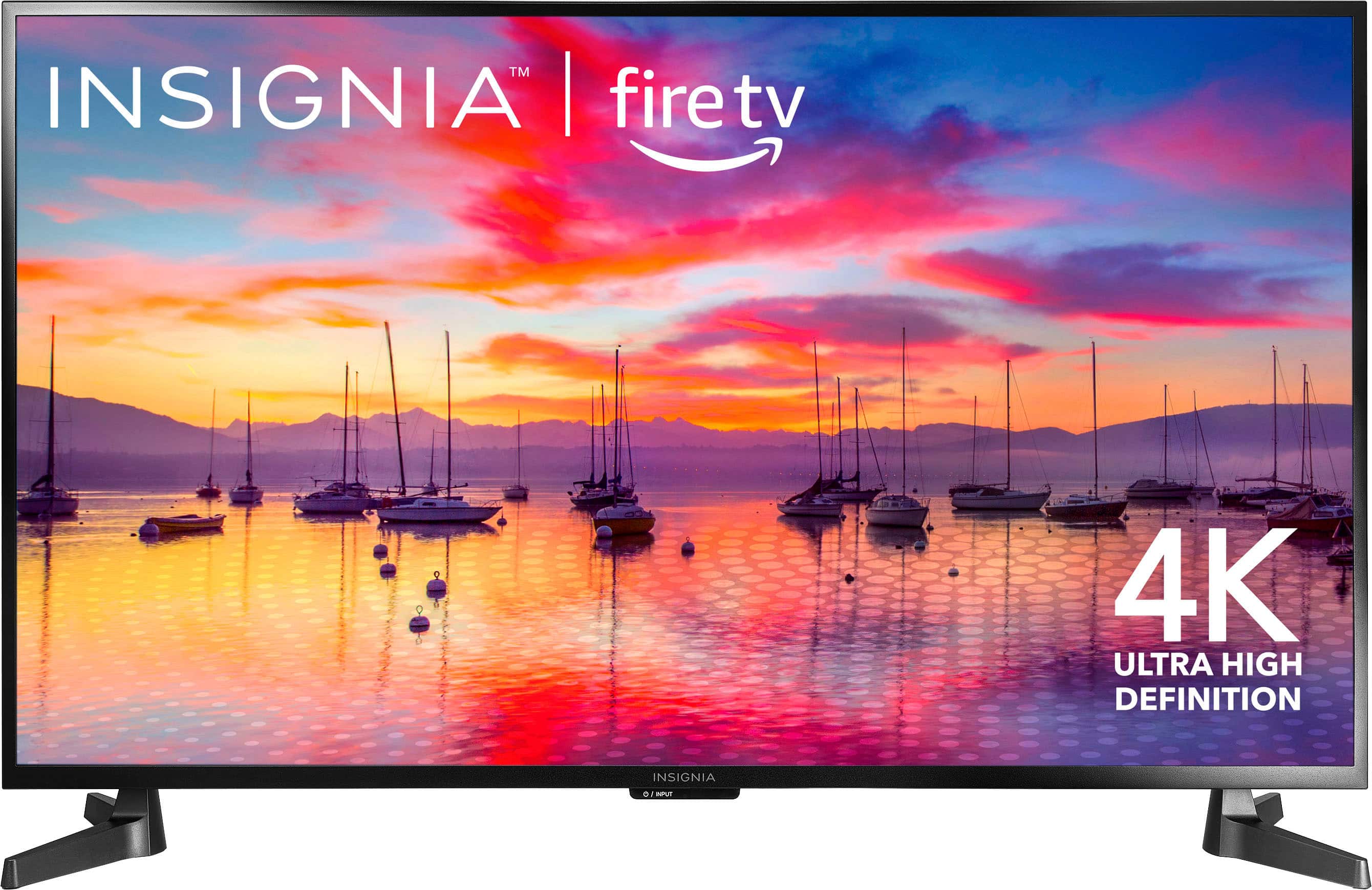
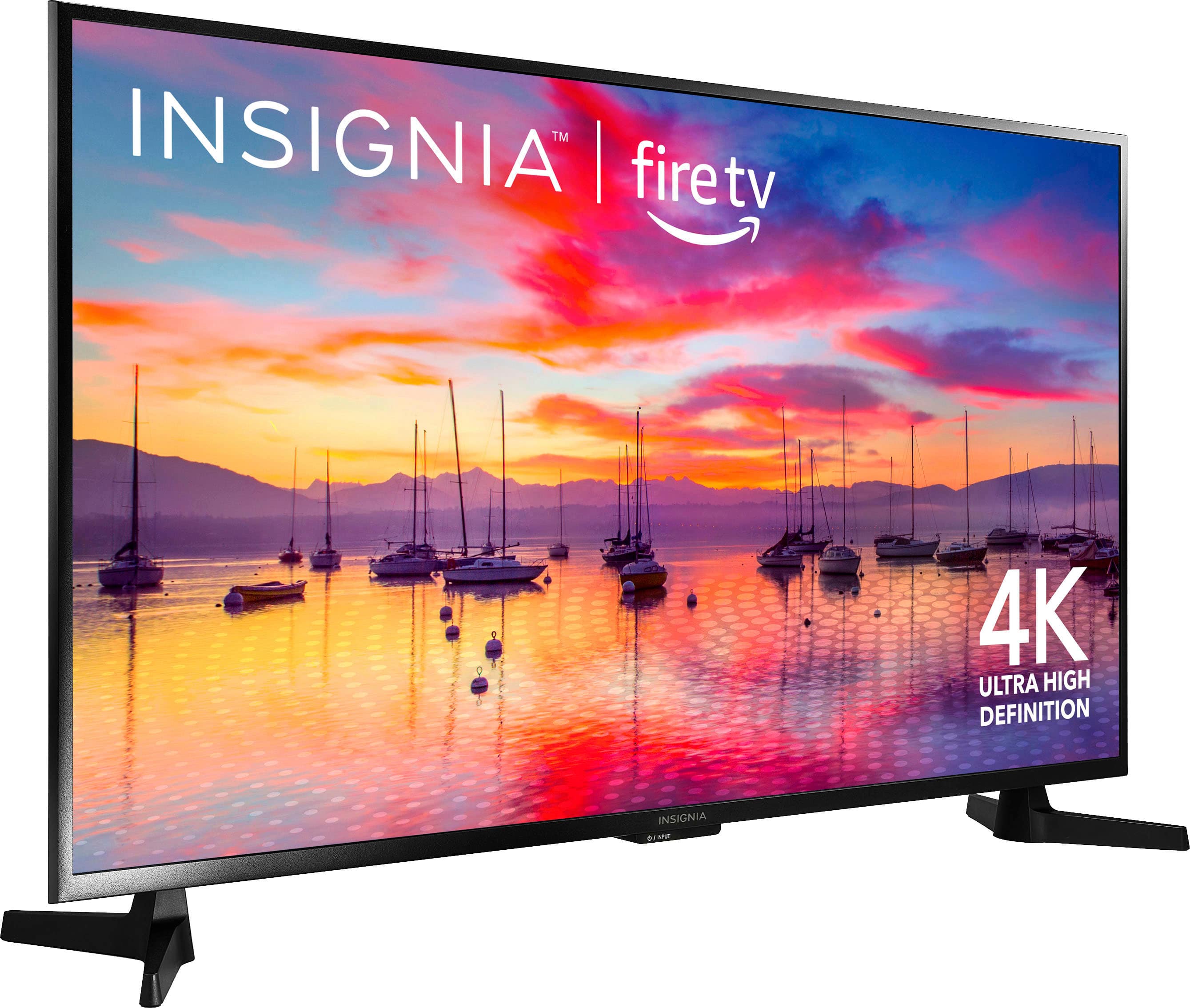
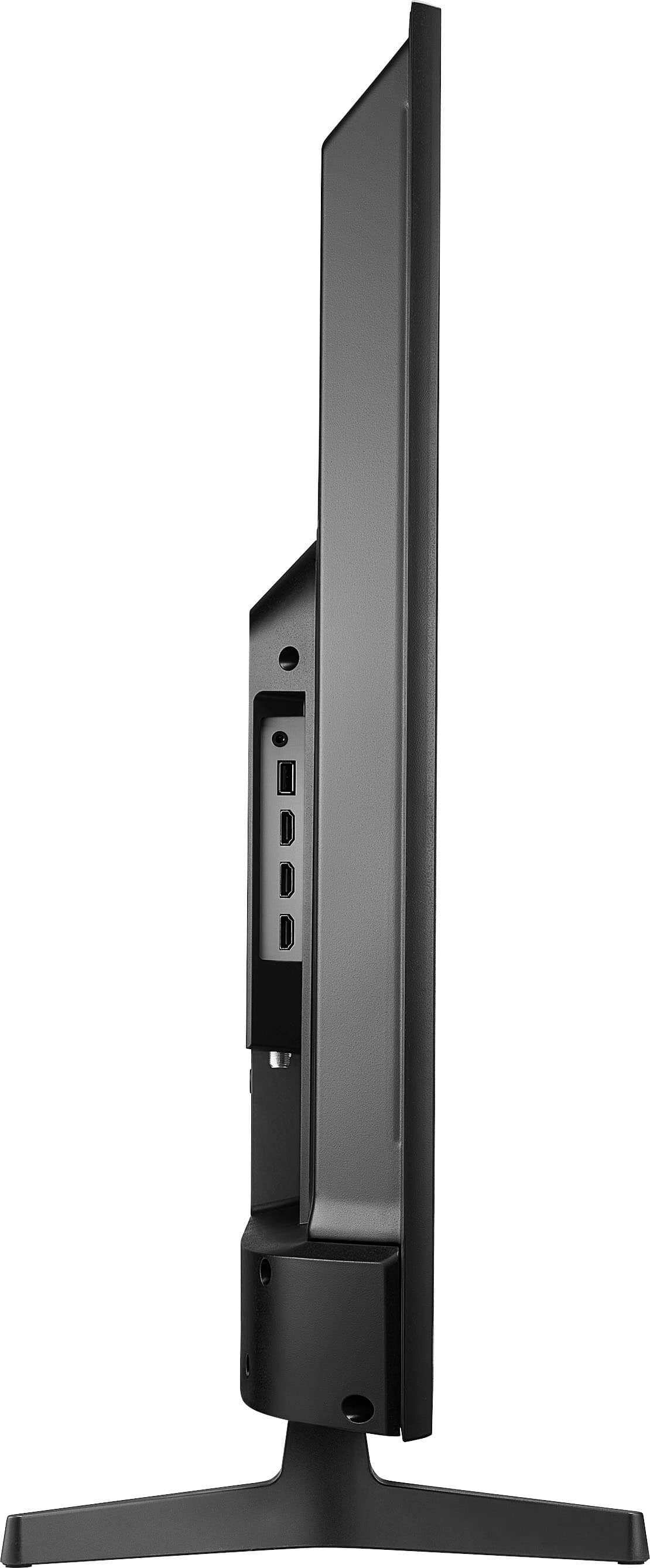
    • Answer The Insignia™ 43" Class F30 Series LED 4K UHD Smart Fire TV is equipped with a variety of ports to meet your connectivity needs. It includes three HDMI inputs (one of which may support ARC), USB port, Ethernet port, a set of composites (AV) jacks, a digital optical output, a headphone jack, and a coaxial jack. These ports provide a wide range of options for connecting your home theater components, such as Blu-ray players, game consoles, speakers, and more. Patricia | Insignia Support
      Answered by InsigniaCustomerSupport

  • QuestionCan this tv be used outdoors . Partial sunlight.

    Asked by Anonymous.

    • Answer Hi there. The Insignia™ - 43" Class F30 Series LED 4K UHD Smart Fire TV is primarily designed for indoor use. While it can handle some indirect sunlight, it isn't specifically built to withstand outdoor conditions like direct sunlight, humidity, or temperature fluctuations. For outdoor use, especially in partial sunlight, you might want to consider a TV specifically designed for outdoor environments. These models typically have higher brightness levels and are built to resist weather elements. Ivy | Insignia Support

      Answered by InsigniaCustomerSupport

  • QuestionIs the power cord two or three prong?

    Asked by RPM2.

    • Answer Thank you for your inquiry! The Insignia™ 43" Class F30 Series LED 4K UHD Smart Fire TV comes with a two-prong power cord. Keith | Insignia Support

      Answered by InsigniaCustomerSupport

  • QuestionDoes it connect to you tube tv

    Asked by Anonymous.

    • Answer Yes can use youtube Tv.

      Answered by ChristieC

  • QuestionMy power/input light blinks when I try to turn on my tv. Then my tv doesn’t come on, is there any way to fix it?

    Asked by Bear.

    • Answer Thank you for bringing this to our attention. We're sorry to hear you're experiencing issues with your Insignia™ 43" Class F30 Series LED 4K UHD Smart Fire TV. When the power/input light blinks and the TV doesn't turn on, there are a few steps you can try to resolve the issue. First, unplug the TV from the power outlet, wait for about 60 seconds, and then plug it back in to see if it turns on. Ensure the power outlet is working by testing it with another device, and if you're using a power strip, try plugging the TV directly into the wall outlet. Check the power cord for any visible damage and make sure it's securely connected to both the TV and the power outlet. If these steps do not fix the problem, you may call our customer service team at 877-467-4289 for further assistance. Patricia | Insignia Support

      Answered by InsigniaCustomerSupport

  • QuestionWhat is the source code?

    Asked by Quality.

    • Answer Thank you for your question! The source code for the Insignia™ - 43" Class F30 Series LED 4K UHD Smart Fire TV is not typically provided to consumers, as it is proprietary information. If you need technical details or support for setup, you can refer to the user manual or contact Insignia customer support for assistance. - Shiela | Insignia Support

      Answered by InsigniaCustomerSupport

  • QuestionDoes this tv support a TiVo dvr

    Asked by Sally.

    • Answer Hi Sally. Yes, the Insignia™ 43" Class F30 Series LED 4K UHD Smart Fire TV supports TiVo DVRs. You can connect your TiVo DVR to the TV using one of the HDMI ports. This allows you to enjoy recorded content and live TV through your TiVo device. If you have any more questions or need further assistance, feel free to reach out. We're here to help! Ivy | Insignia Support

      Answered by InsigniaCustomerSupport

  • QuestionCan I install the Peloton app on this TV like I can on my LG TV?

    Asked by LW.

    • Answer Yes, you can install the Peloton app on the Insignia™ - 43" Class F30 Series LED 4K UHD Smart Fire TV. Since this TV runs on the Fire TV OS, you can download the Peloton app directly from the Amazon Appstore. Patricia | Insignia Support
      Answered by InsigniaCustomerSupport

  • Questionwhich anti-blue light anti-glare protectors are recommended or known to be compatible and effective with the TV screen?

    Asked by question.

    • Answer For your Insignia™ 43" Class F30 Series LED 4K UHD Smart Fire TV, here are some recommended anti-blue light and anti-glare screen protectors that are known to be compatible and effective: 1. BU TV Screen Protectors: These protectors offer anti-blue light and anti-glare features, helping to reduce eye strain and protect your screen from scratches. They are available in various sizes, so make sure to select the one that fits your 43-inch TV. 2. AIZYR Matte Anti-Glare TV Screen Protector: This protector not only filters out blue light but also has a matte finish to reduce glare. It is designed to relieve eye strain and protect your screen from daily wear and tear. 3. Vizomax TV Screen Protector: Known for its high-quality protection, this screen protector offers anti-glare and anti-blue light features. It is designed to fit various TV sizes, including 43 inches. When choosing a screen protector, ensure you measure your TV screen accurately and compare it with the dimensions provided by the manufacturer to ensure a perfect fit. If you need further assistance, feel free to ask!

      Answered by InsigniaCustomerSupport

  • QuestionIs this an hdmi 2.1or 2

    Asked by Heheman.

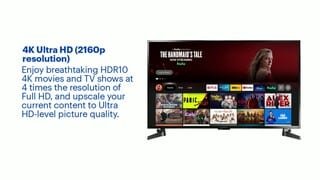
    • Answer The Insignia™ 43" Class F30 Series LED 4K UHD Smart Fire TV comes with HDMI 2.0 ports. While it doesn't have HDMI 2.1, the HDMI 2.0 ports still support 4K resolution at 60Hz, which should be sufficient for most viewing needs. If you have any other questions or need further assistance, feel free to ask! - -Ed | Insignia Support | https://www.bestbuy.com/site/brands/best-buy-brands/pcmcat1596746025285.c?id=pcmcat1596746025285
      Answered by InsigniaCustomerSupport

  • Questionis there a way to bypass the fire tv boot up and go straight to HDMI input?

    Asked by Lanki.

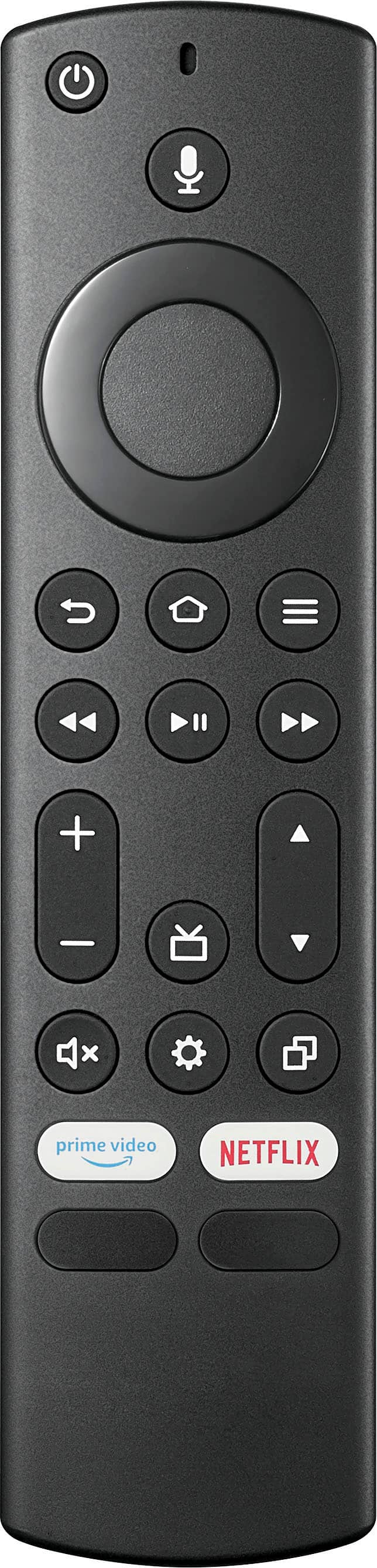
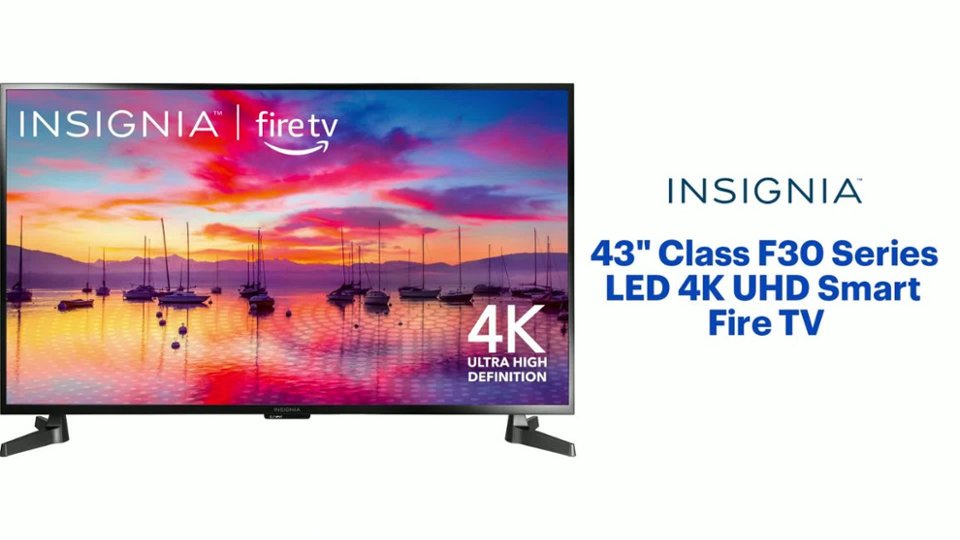
    • Answer Hi! Thanks for reaching out. To set your HDMI input as the default screen, follow these steps: Go to Settings > Select Display & Sound > Navigate to Power Controls > Choose Power On and set it to Last Input > Switch to your HDMI input > Turn the device off and then back on to test. I hope this helps! If you have any more questions, feel free to ask - Carl | Insignia Support
      Answered by InsigniaCustomerSupport

  • QuestionDoes this model power on automatically after a power outage or have the option to for "automatic power on" in settings? If the tv was on & power is cut by unplugging or flipping a power strip switch, I want the tv to turn back on when power returns.

    Asked by Projectmaster.

    • Answer Thank you for your inquiry! The Insignia™ 43" Class F30 Series LED 4K UHD Smart Fire TV does not have a specific "automatic power on" feature in its settings. This means that if the TV was on and the power is cut, it will not automatically turn back on when power is restored. You would need to manually turn it back on. Keith | Insignia Support

      Answered by InsigniaCustomerSupport

  • QuestionI want to add a sound bar to the TV. How do I disable the integrated speaker?

    Asked by Katshot.

    • Answer Thank you for your inquiry! To disable your Insignia TV's built-in speakers after connecting a soundbar, go to "Settings" > "Display & Sounds" > "Audio Output." Select the audio output option that corresponds to your soundbar connection (e.g., "HDMI ARC," "Optical," "Bluetooth"). This will route the sound through your soundbar instead of the TV's speakers. If you have any other questions or need further assistance, feel free to ask! - Mae | Insignia Support

      Answered by InsigniaCustomerSupport

  • QuestionWill the phone cast audio to an echo dot 5th generation for audio output?

    Asked by Chris.

    • Answer Thank you for your inquiry! Yes, you can cast audio from your phone to an Echo Dot 5th generation for audio output. To do this, you'll need to use the Alexa app to set up the Echo Dot as a Bluetooth speaker. First, pair your phone with the Echo Dot by opening the Alexa app on your phone, going to Devices, selecting Echo & Alexa, and choosing your Echo Dot. Tap on Bluetooth Devices and select Pair a New Device. On your phone, go to Bluetooth settings and select your Echo Dot from the list of available devices. Once paired, you can play audio from your phone, and it will be output through the Echo Dot. This setup allows you to use the Echo Dot as a wireless speaker for your phone, providing a convenient way to enhance your audio experience. Keith | Insignia Support https://www.bestbuy.com/site/insignia-43-class-f30-series-led-4k-uhd-smart-fire-tv/6562495.p?skuId=6562495

      Answered by InsigniaCustomerSupport

  • Questionis it bluetooth

    Asked by Danny.

    • Answer Hi there. Yes, the Insignia™ - 43" Class F30 Series LED 4K UHD Smart Fire TV does have Bluetooth connectivity. This allows you to connect wireless devices such as headphones, speakers, and other Bluetooth-enabled accessories. Ivy | Insignia Support

      Answered by InsigniaCustomerSupport
  • QuestionHow many hertz does it run

    Asked by Anonymous.

    • Answer 60

      Answered by NateTheGrate

  • QuestionCan I hook up an actual fire stick to this tv

    Asked by Anonymous.

    • Answer I suppose you could but there is no need to do so as it is a Fire TV

      Answered by SusanK

  • QuestionHow many free live tv channels are there

    Asked by Anonymous.

    • Answer That depends on your location. There’s a free government website to see what channels you should be able to catch on antenna.

      Answered by DustKillerGuy