


Main Content

Questions & Answers

Page Showing 1-20 of 65 questions
  • QuestionDoes this TV support high dynamic range?

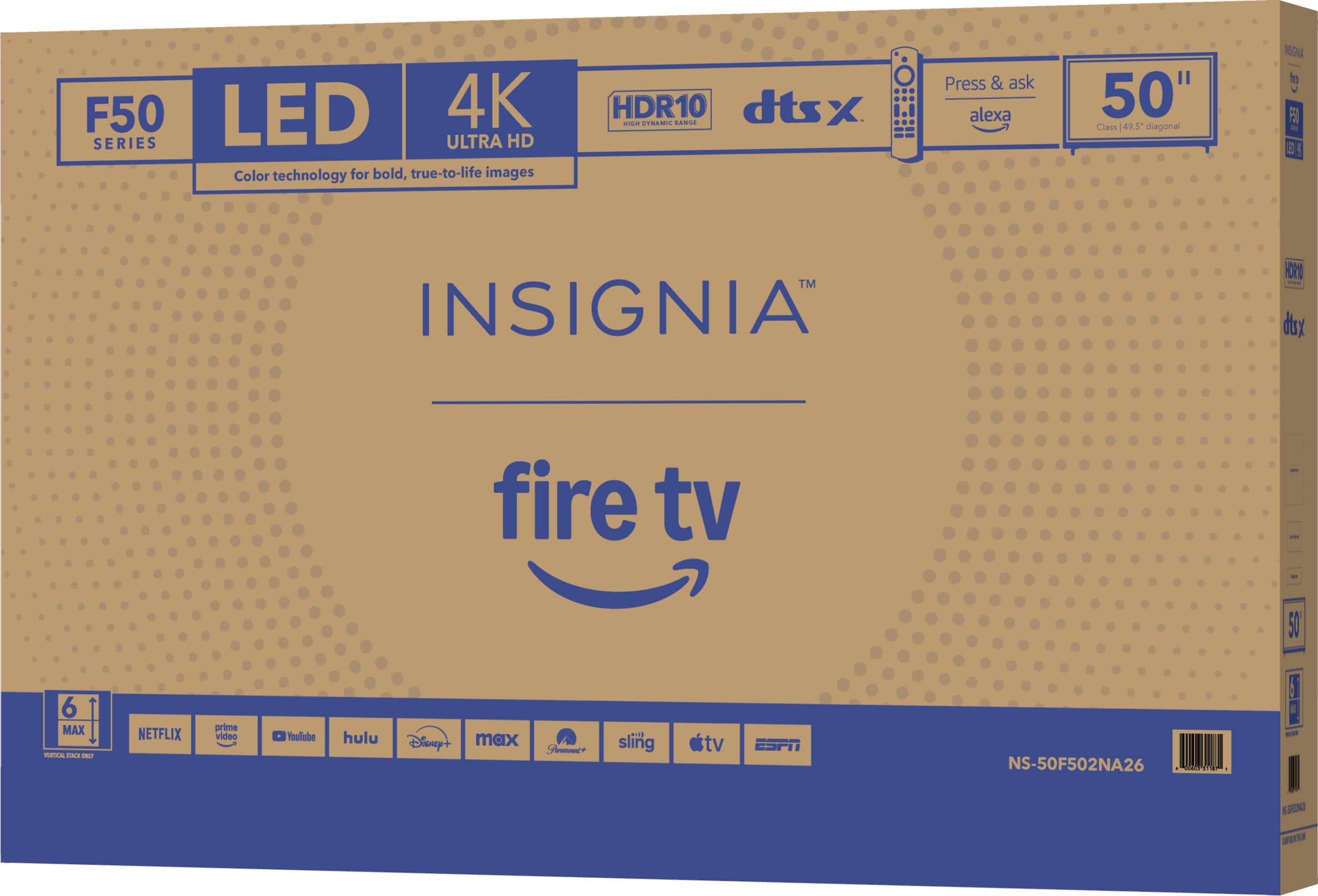
    • Answer Yes, this TV supports high dynamic range (HDR10).
    This question and answer was generated by AI based on customer and product data.

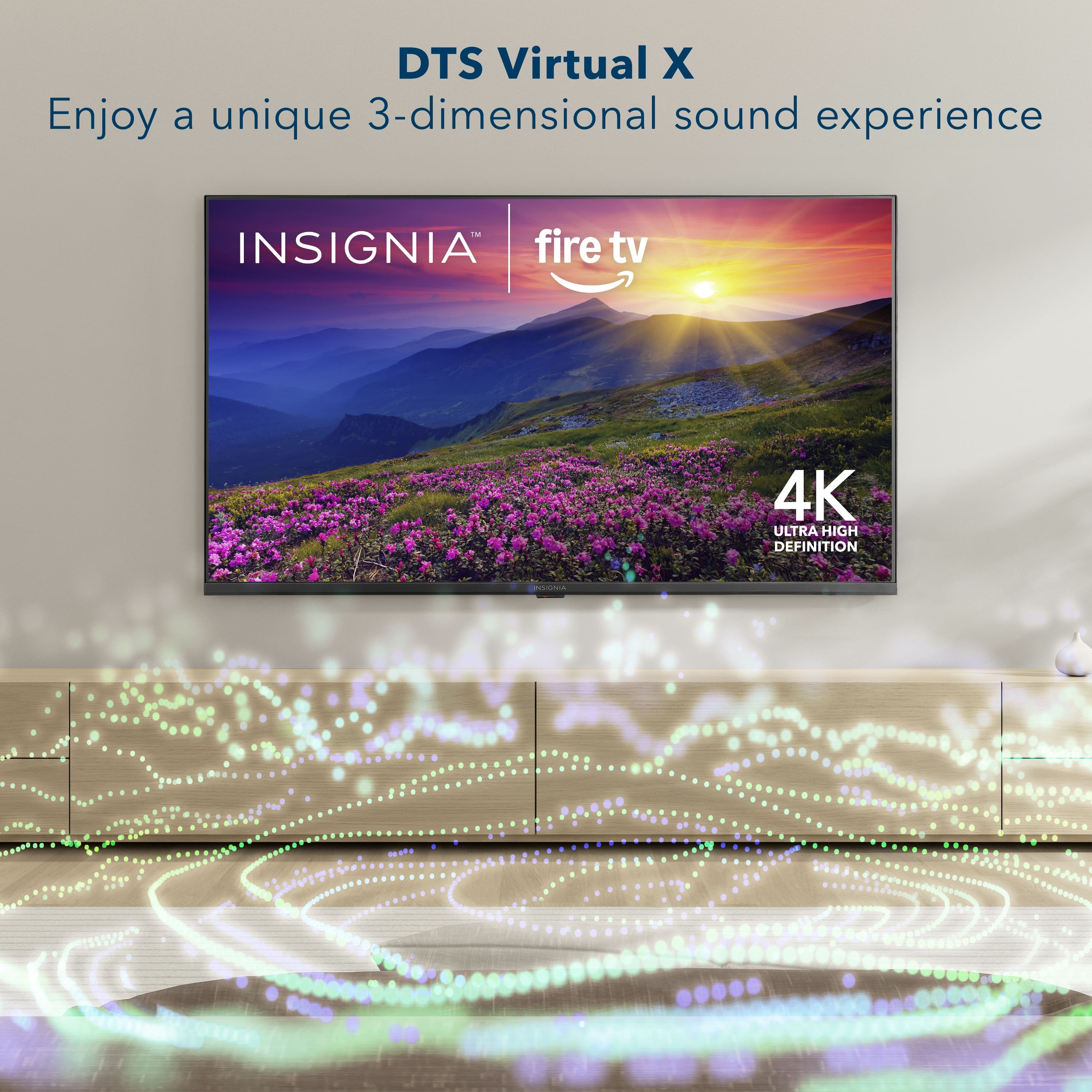
  • QuestionDoes this TV have built in speakers?

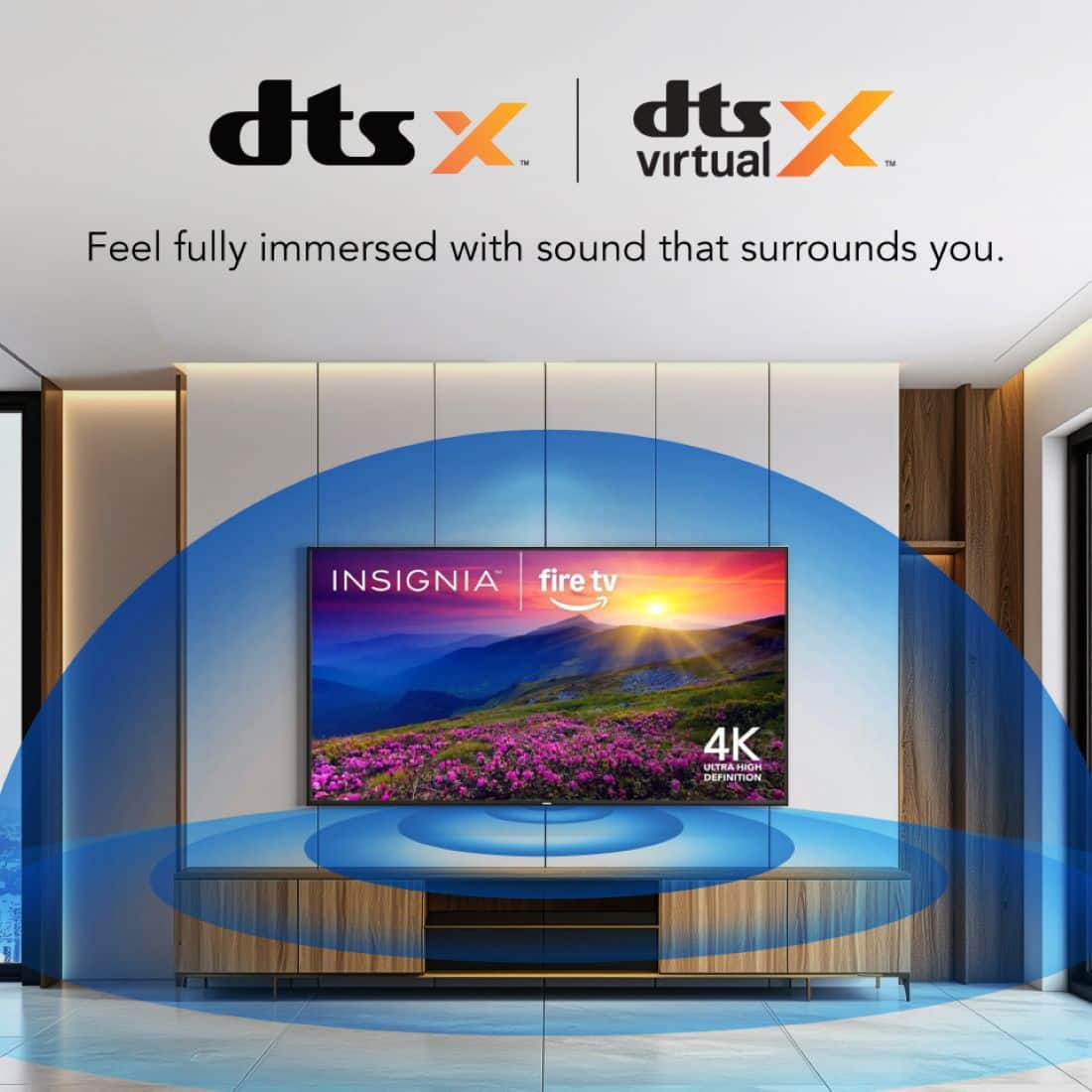
    • Answer Yes, this TV has built-in speakers.
    This question and answer was generated by AI based on customer and product data.

  • QuestionDoes this TV have screen mirroring capabilities?

    • Answer Yes, this TV has screen mirroring capabilities using Apple AirPlay.
    This question and answer was generated by AI based on customer and product data.

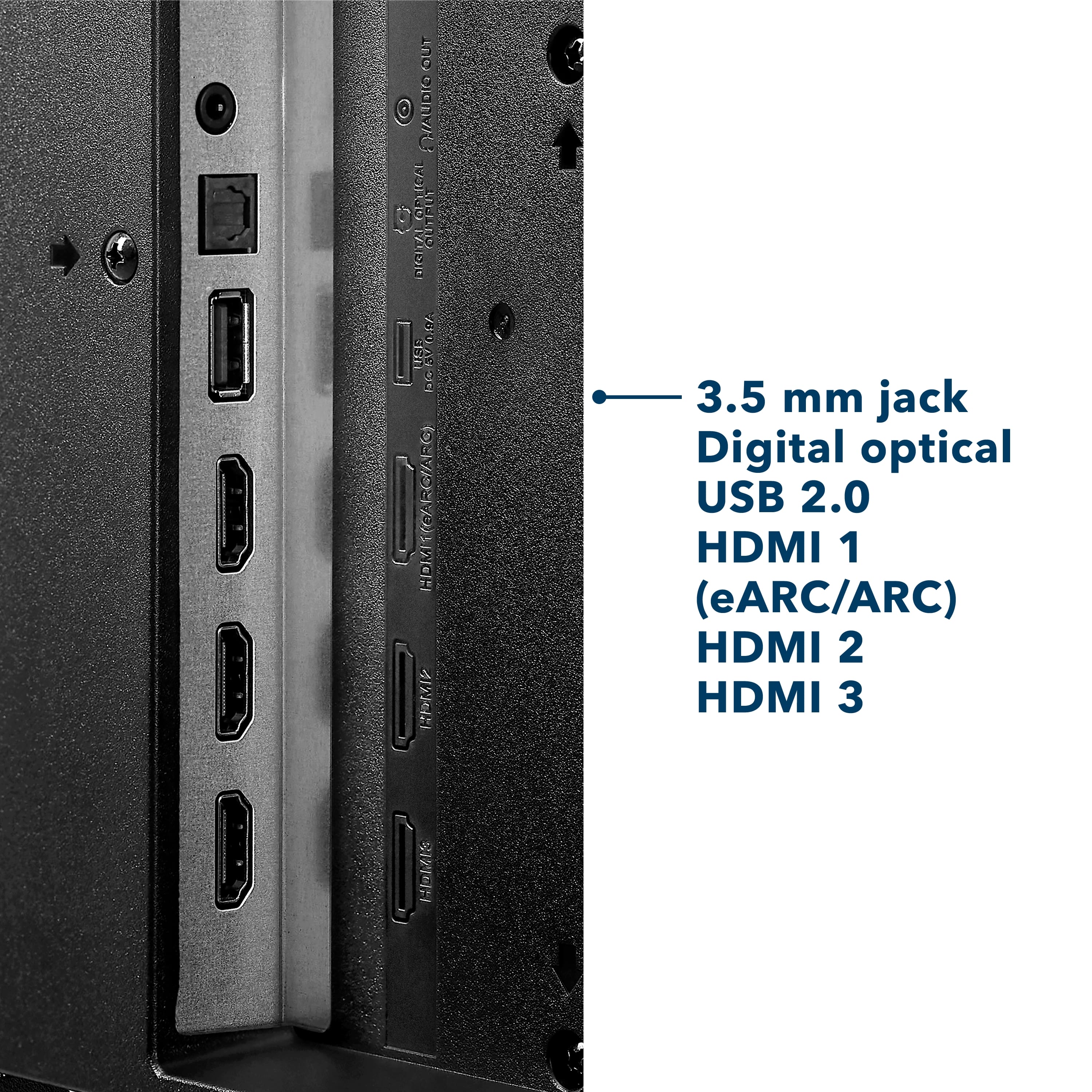
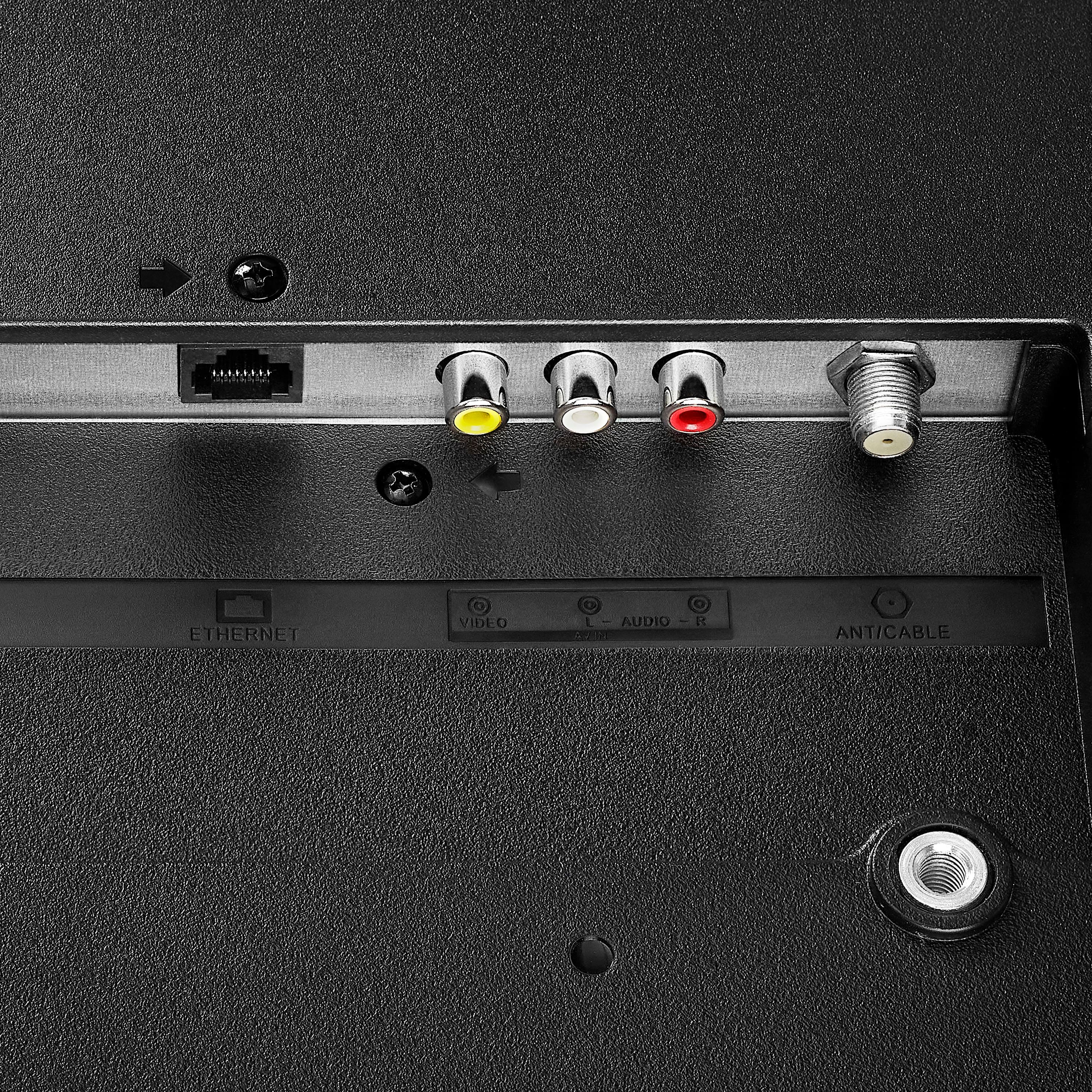
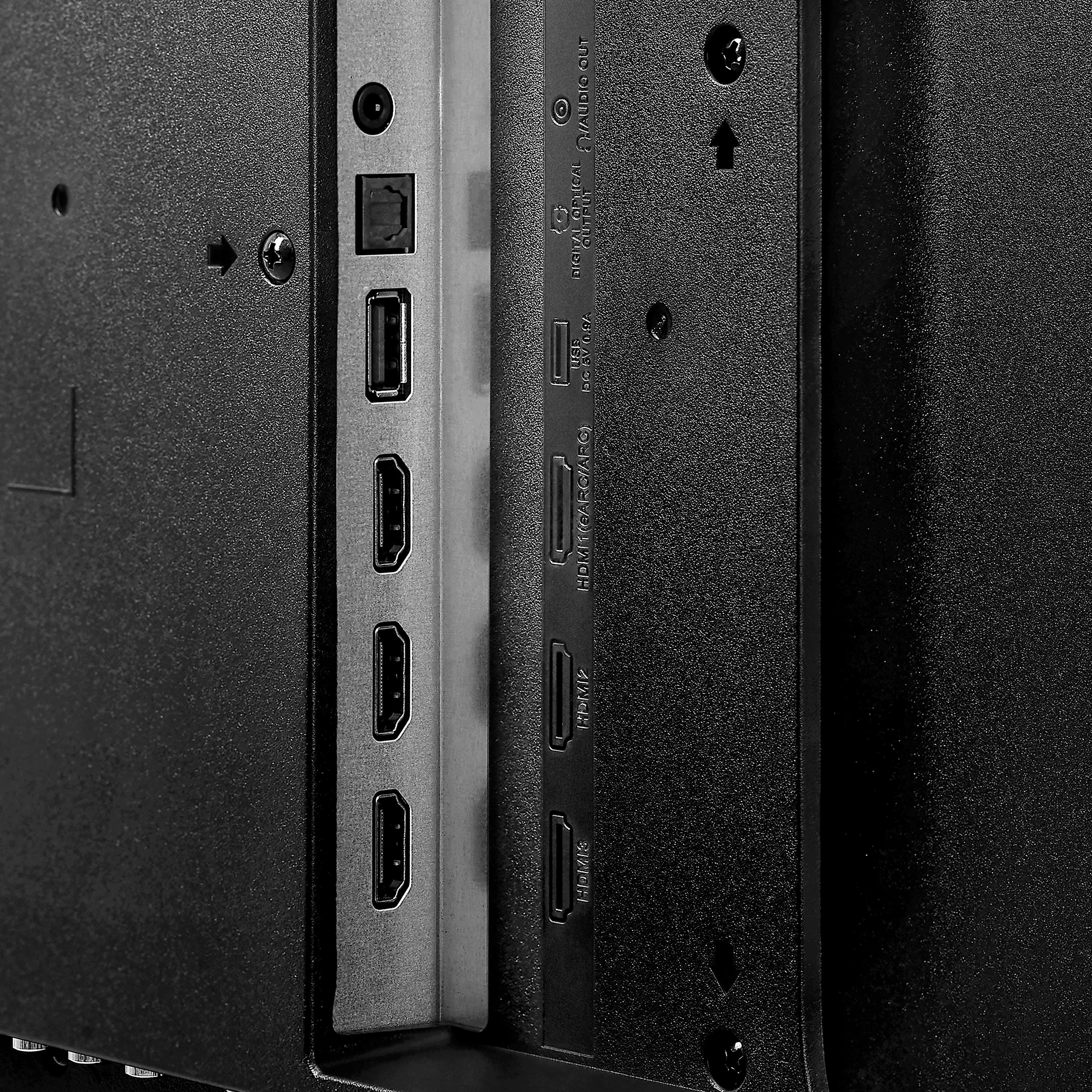
  • QuestionHow many HDMI ports does this TV have?

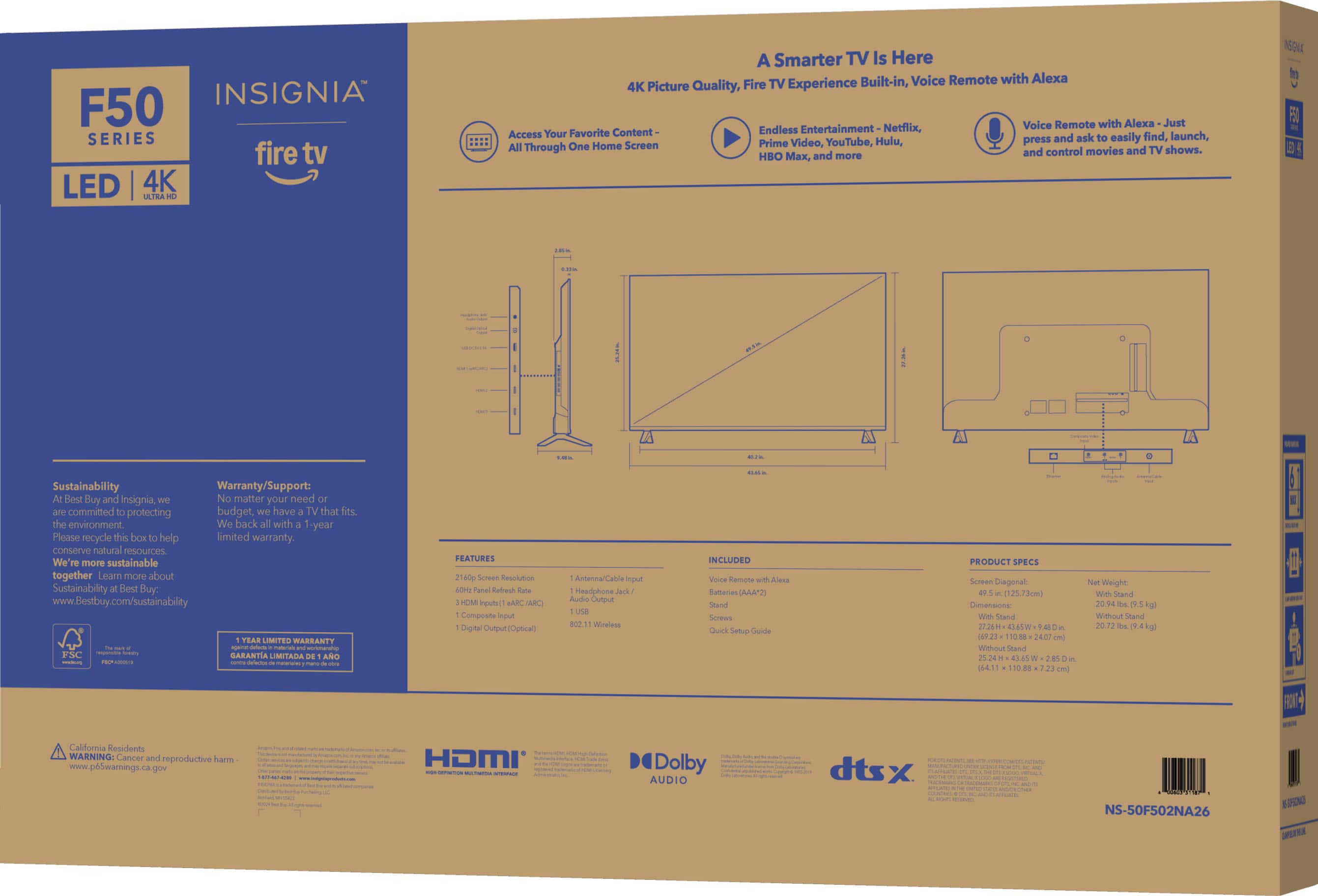
    • Answer This TV has a total of three HDMI ports.
    This question and answer was generated by AI based on customer and product data.

  • QuestionIs this TV able to be controlled by voice?

    • Answer Yes, this TV is voice controlled using Amazon Alexa.
    This question and answer was generated by AI based on customer and product data.

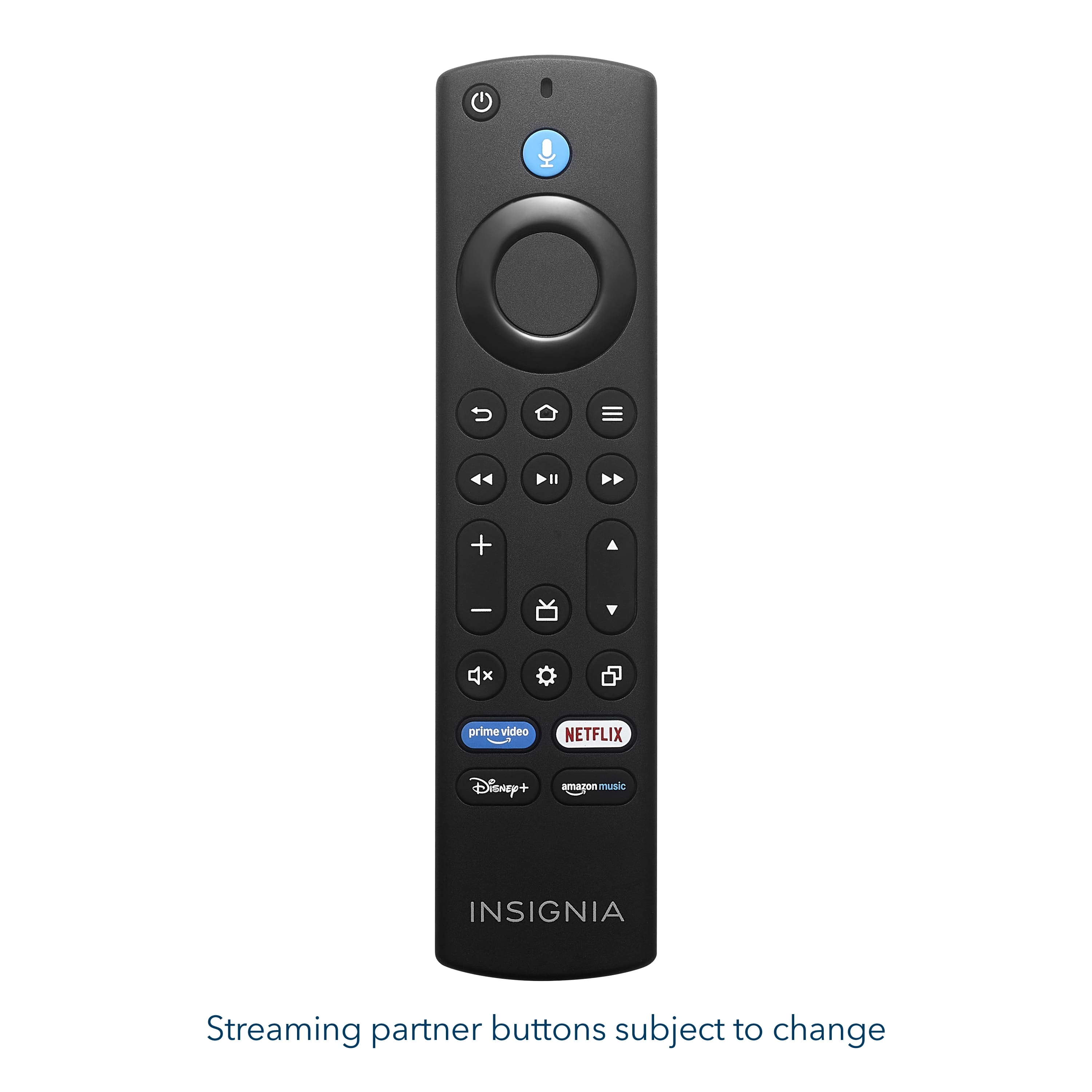
  • QuestionWhat type of batteries does the remote control require?

    • Answer The remote control requires alkaline AAA batteries.
    This question and answer was generated by AI based on customer and product data.

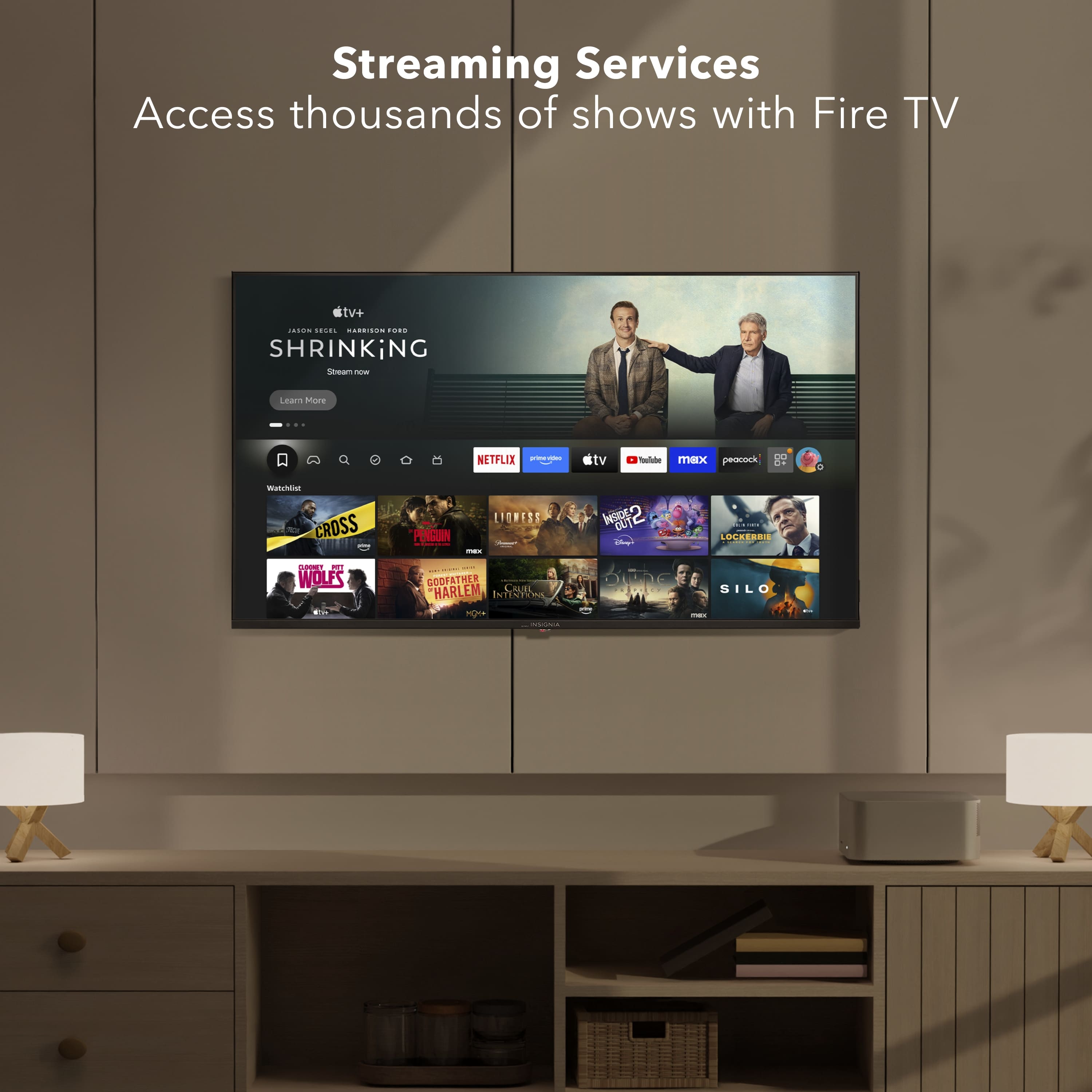
  • QuestionCan I stream content from various apps on this TV?

    • Answer Yes, you can stream from apps like Prime Video, Netflix, Disney+, and more on this TV.
    This question and answer was generated by AI based on customer and product data.

  • QuestionWhat is the difference between sku 6607829 and 6607830? Salesman said they were the same, but they have different skus.

    Asked by Steve.

    • Answer The stand legs are different widths on the models. Also, one model weighs a pound more.

      Answered by Anonymous

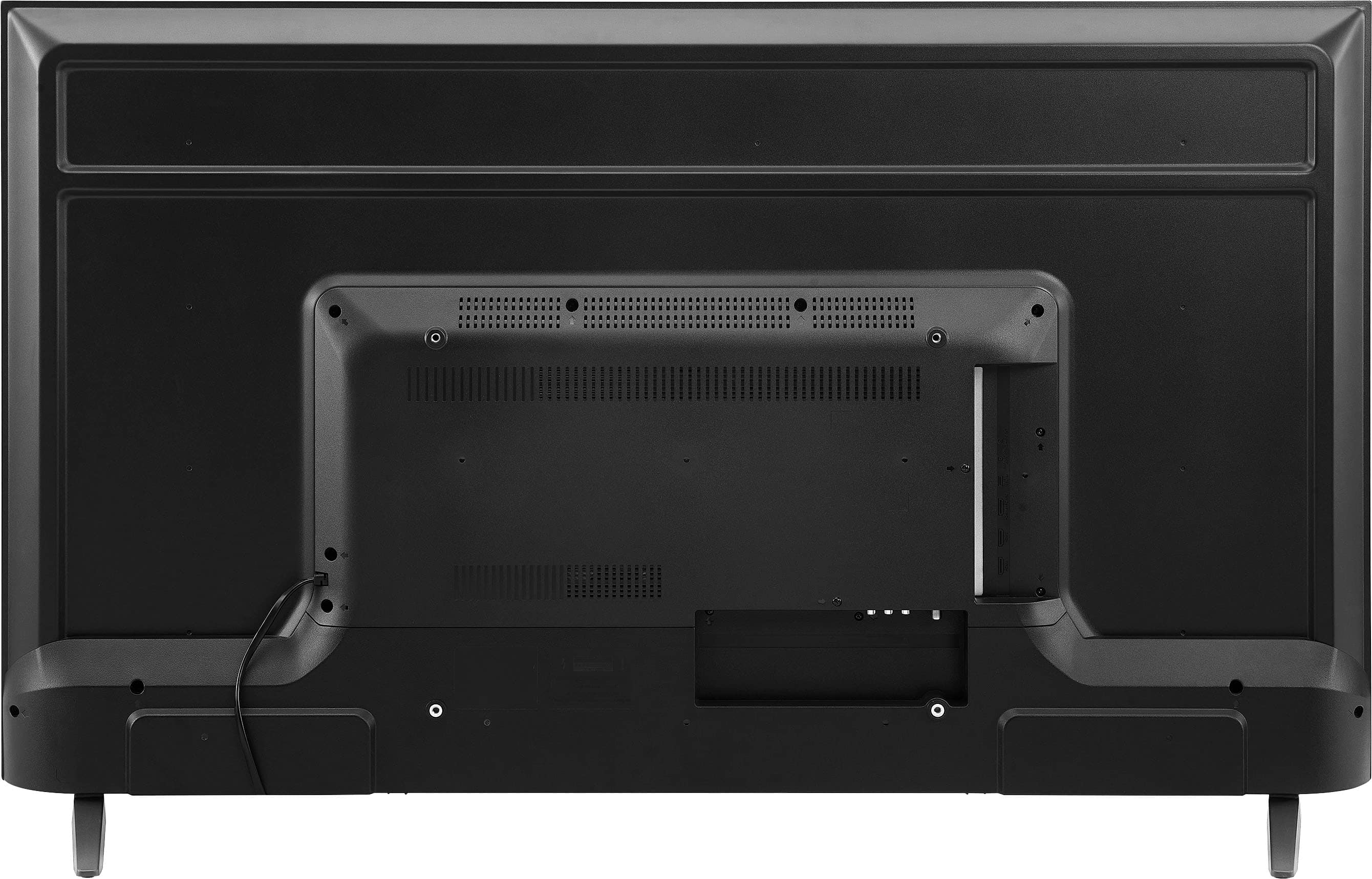
  • QuestionWhere do I hook up a sound bar in back of tv?

    Asked by bucksnipe.

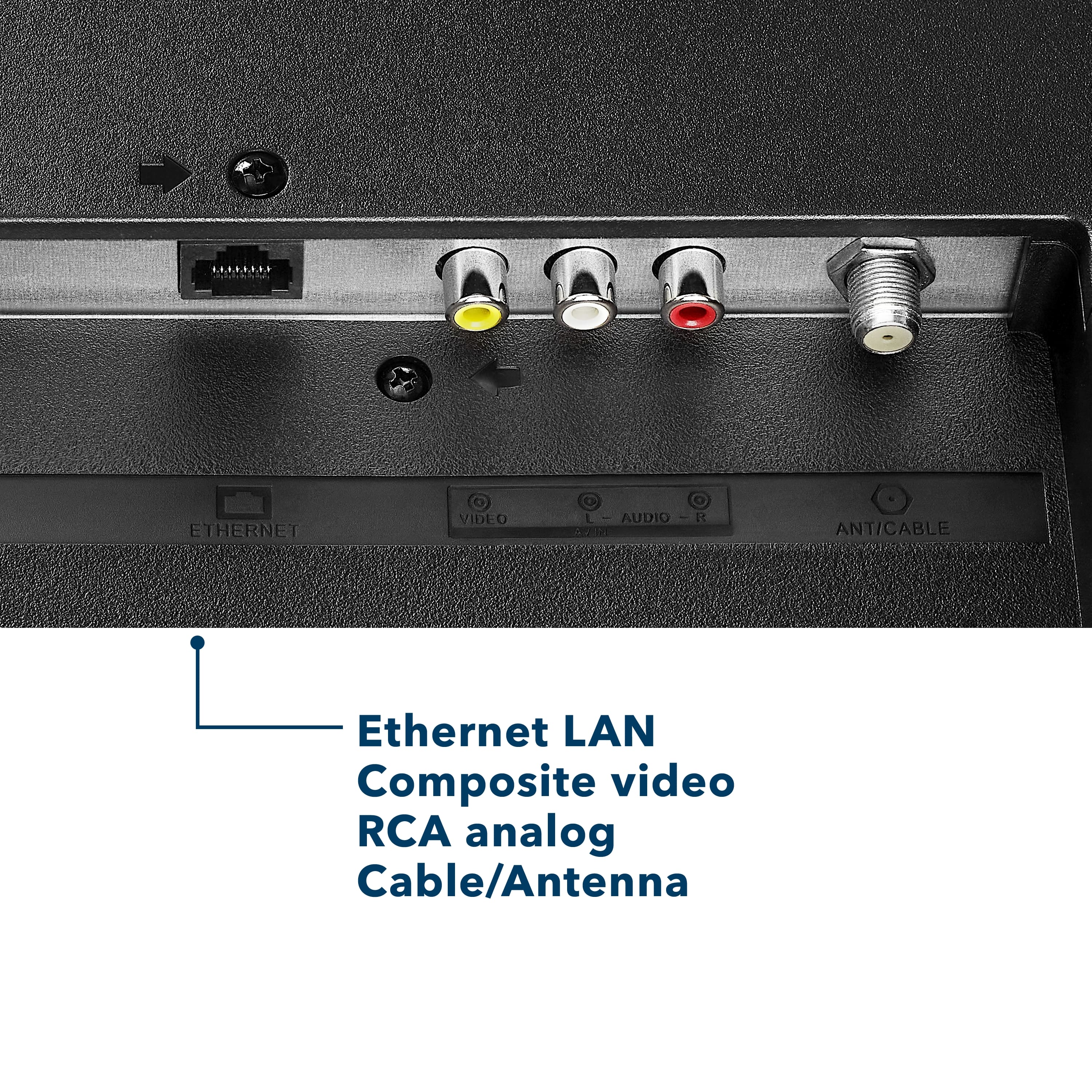
    • Answer Hello, thank you for your question. You can connect a compatible soundbar to this Insignia™ 50" Class F50 Series Fire TV using the HDMI eARC port, which is the recommended connection for the best audio experience. You may also use the TV's optical audio output if your soundbar supports it. Once connected, you can select the appropriate audio output in the TV's settings menu. Sudeep | Insignia

      Answered by InsigniaCustomerSupport

  • QuestionI lost my remote control and we just change WiFi company so I’m not aviliable to use the tv

    Asked by John.

    • Answer Hello John, thank you for your question. If you've lost your remote and the TV is not connected to your new Wi‑Fi network, you may need a compatible replacement Fire TV remote to complete setup and reconnect the TV to the internet. You can also check whether the TV's built-in controls allow you to access the network settings. For assistance with replacement remote options and reconnecting your TV, please contact Insignia Customer Support at 1-877-467-4289, or email us at insignia@bestbuy.com. Our team can check and help you with the available options. Sudeep | Insignia

      Answered by InsigniaCustomerSupport

  • QuestionDoes product come with hdmi cable

    Asked by Anonymous.

    • Answer Hi, Thank you for your question. The Insignia™ 50" Class F50 Series LED 4K UHD Smart Fire TV (Model NS-50F502NA26) does not come with an HDMI cable, so one will need to be purchased separately if you plan to connect external devices. Shashank | Insignia.

      Answered by InsigniaCustomerSupport

  • QuestionHow much does the TV weigh?

    Asked by Stayready.

    • Answer Hello, thank you for your question. Model NS-50F501NA26 weighs 20.26 lbs. with the stand and 19.89 lbs. without the stand. Mueez | Insignia

      Answered by InsigniaCustomerSupport

  • QuestionHow can I mirror it from my android phone or my Chromebook or HP laptop?

    Asked by Sicilystrong.

    • Answer Hello! Thank you for your question. You can mirror content from your Android phone, Chromebook, or HP laptop to the Insignia 50" Class F50 Series 4K UHD Smart Fire TV using wireless screen mirroring or casting features, depending on your device. Make sure both devices are connected to the same Wi-Fi network, then enable screen mirroring on the TV and select the TV from your device's cast or display menu. For detailed setup instructions specific to your device, please contact our support team at 1-877-467-4289 or Insignia@bestbuy.com, and we'll be happy to assist. Darshan | Insignia

      Answered by InsigniaCustomerSupport

  • QuestionWhat size of mounting is this TV? I’m getting a movable cart that holds the TV.

    Asked by Anonymous.

    • Answer Hello, and thank you for your question! The Insignia™ 50" Class F50 Series LED 4K UHD Smart Fire TV uses a 400 × 300 mm VESA mounting pattern and weighs approximately 20.72 lbs without the stand. If you're using a movable TV cart, please ensure it supports the 400 × 300 mm VESA standard and the TV's weight. Vennila | Insignia

      Answered by InsigniaCustomerSupport

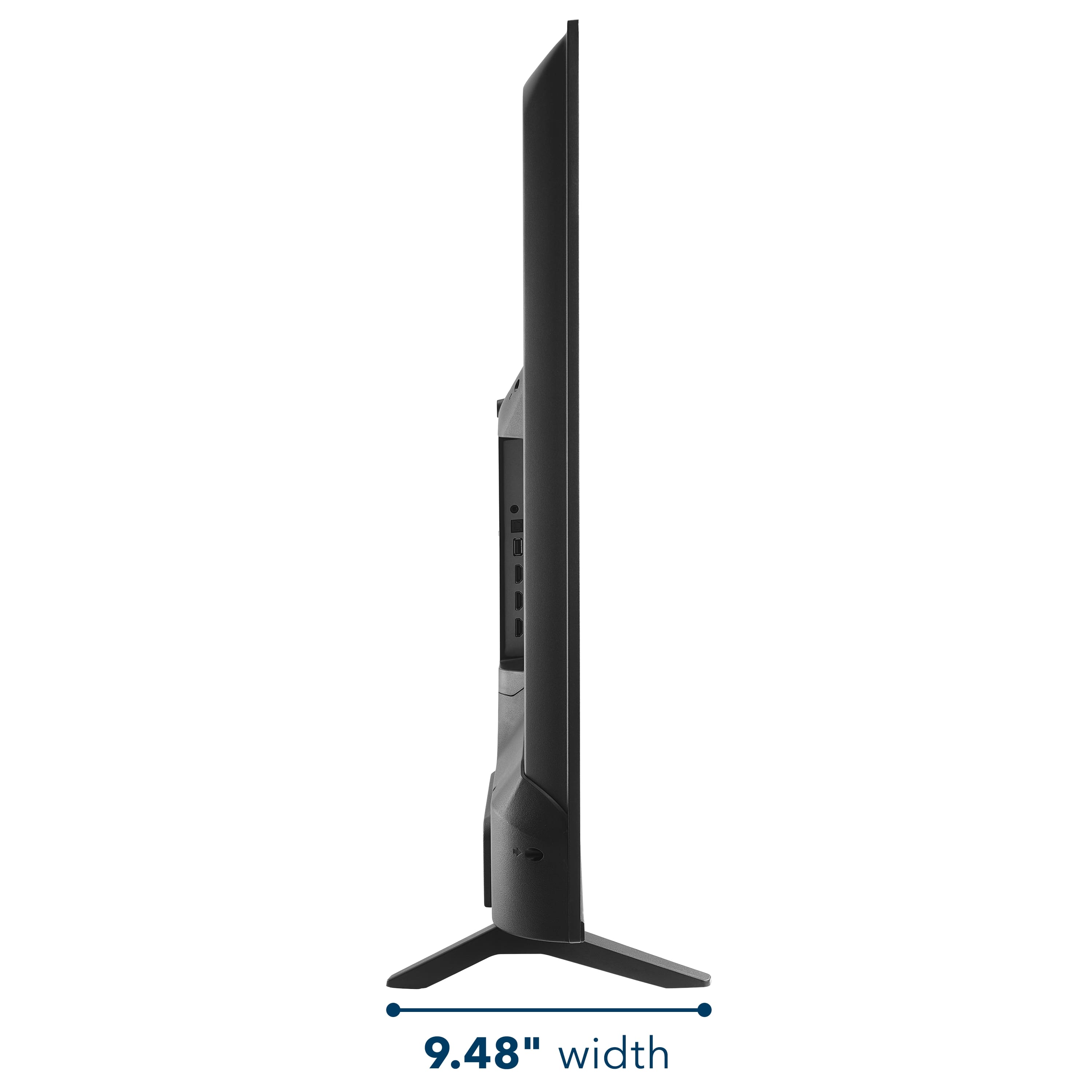
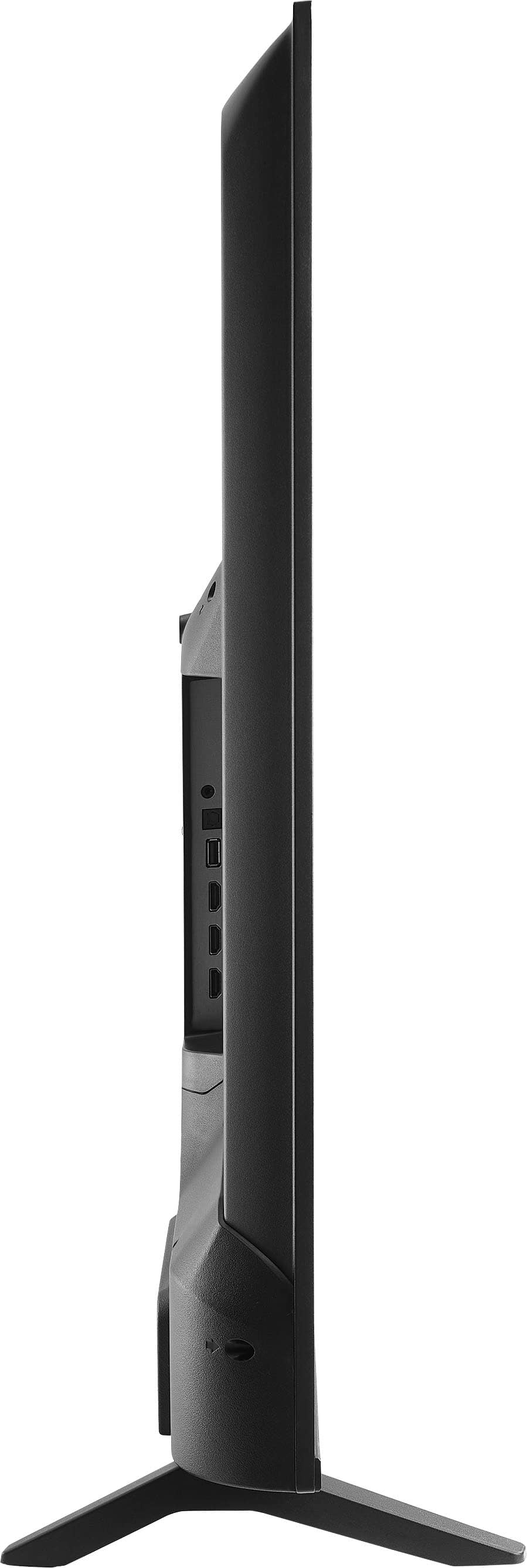
  • QuestionWhat is the span between feet that TV stands on?

    Asked by Dick.

    • Answer Hello, thank you for the question. The distance between the outer edges of the TV stand feet is approximately 40.2 inches. We recommend using a TV stand or entertainment center that is at least this wide to ensure a stable fit. Poojitha | Insignia

      Answered by InsigniaCustomerSupport

  • QuestionDoes Best Buy install tv’s on wall?

    Asked by Donuell.

    • Answer Hello, thank you for the question. Yes, Best Buy offers TV wall mounting and installation services for eligible TVs and locations. For details on pricing, availability, or to schedule an installation, please contact Best Buy at 1-888-237-8289 or visit www.bestbuy.com. Poojitha | Insignia

      Answered by InsigniaCustomerSupport

  • QuestionDoes it has Bluetooth connection?

    Asked by Amanad.

    • Answer Hi, Thank you for your question. Yes, the Insignia™ 50" Class F50 Series LED 4K UHD Smart Fire TV (NS-50F502NA26) supports Bluetooth connectivity, allowing you to pair compatible devices such as Bluetooth headphones, speakers, keyboards, and game controllers. Shashank | Insignia

      Answered by InsigniaCustomerSupport

  • QuestionDoes installation include disposal of old TV.

    Asked by Mamad115.

    • Answer Hello, thank you for the question. TV disposal or haul-away services may be available through Best Buy as part of installation or delivery services, depending on your location. We recommend contacting Best Buy at 1-888-237-8289 to confirm availability and any associated fees for removing your old TV. Poojitha | Insignia

      Answered by InsigniaCustomerSupport

  • QuestionI have an insignia, all of a sudden it died, no pic, strange ticking sounds. Hit power button & blue screen appears for seconds, no audio. Need a TV & great over the air antenna, Not using cable, Wi-Fi. I do cast from cell, hot spot. Recommendation?

    Asked by Dawn.

    • Answer Hello, thank you for your question. The symptoms you describe may indicate a hardware issue with your current TV. For troubleshooting assistance, please contact Insignia Customer Support at 1-877-467-4289. If you are looking for a replacement TV and an over-the-air antenna, we recommend contacting Best Buy at 1-888-237-8289 or visiting BestBuy.com. Best Buy can help you compare current TV models and antenna options based on your viewing preferences and reception needs. Sudeep | Insignia

      Answered by InsigniaCustomerSupport

  • QuestionDoes this TV have a built-in speaker?

    Asked by Anonymous.

    • Answer Dear Customer, thank you for your question. The Insignia 50" Class F50 Series LED 4K UHD Smart Fire TV (Model NS‑50F502NA26) does have built‑in speakers, allowing you to enjoy audio directly from the TV without additional equipment. Rafay | Insignia

      Answered by InsigniaCustomerSupport