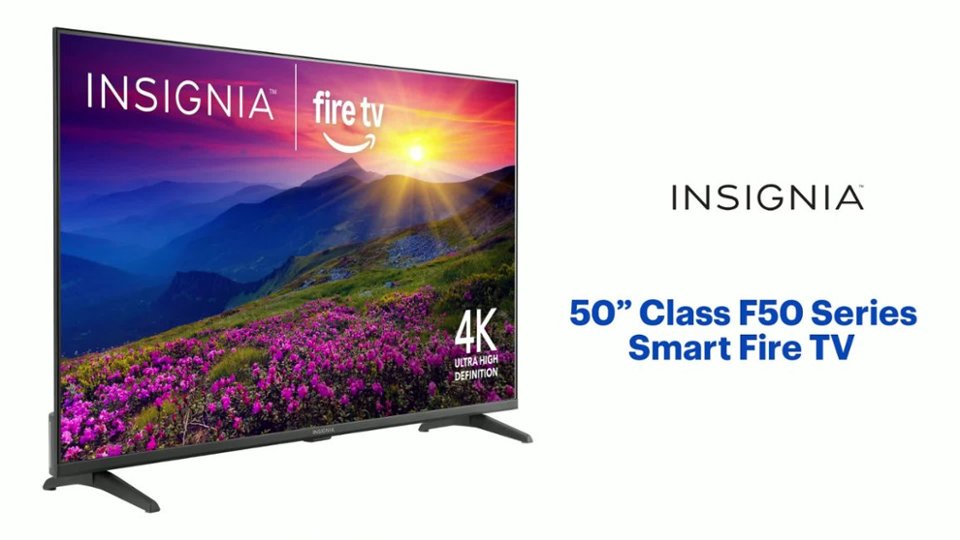
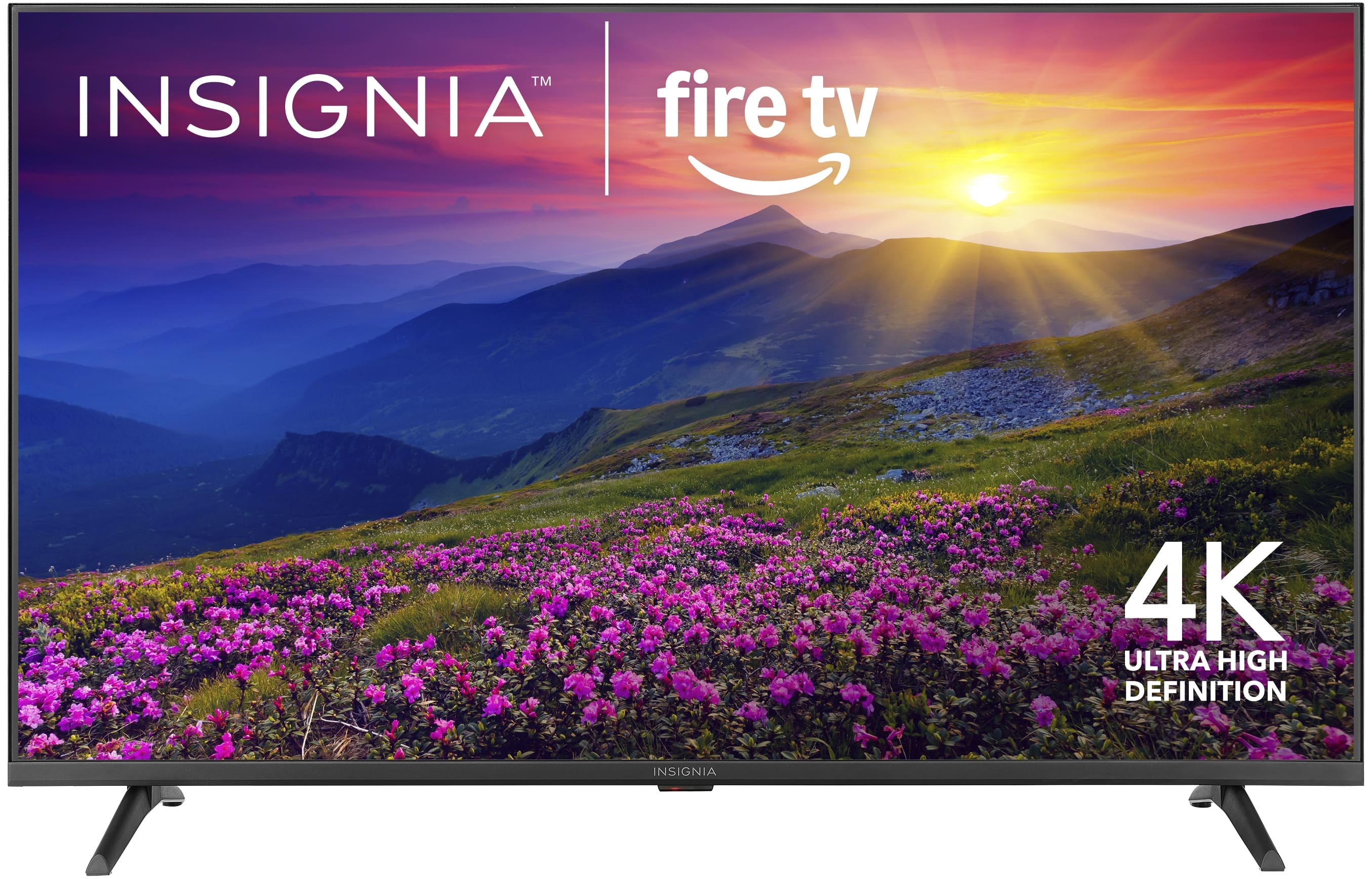
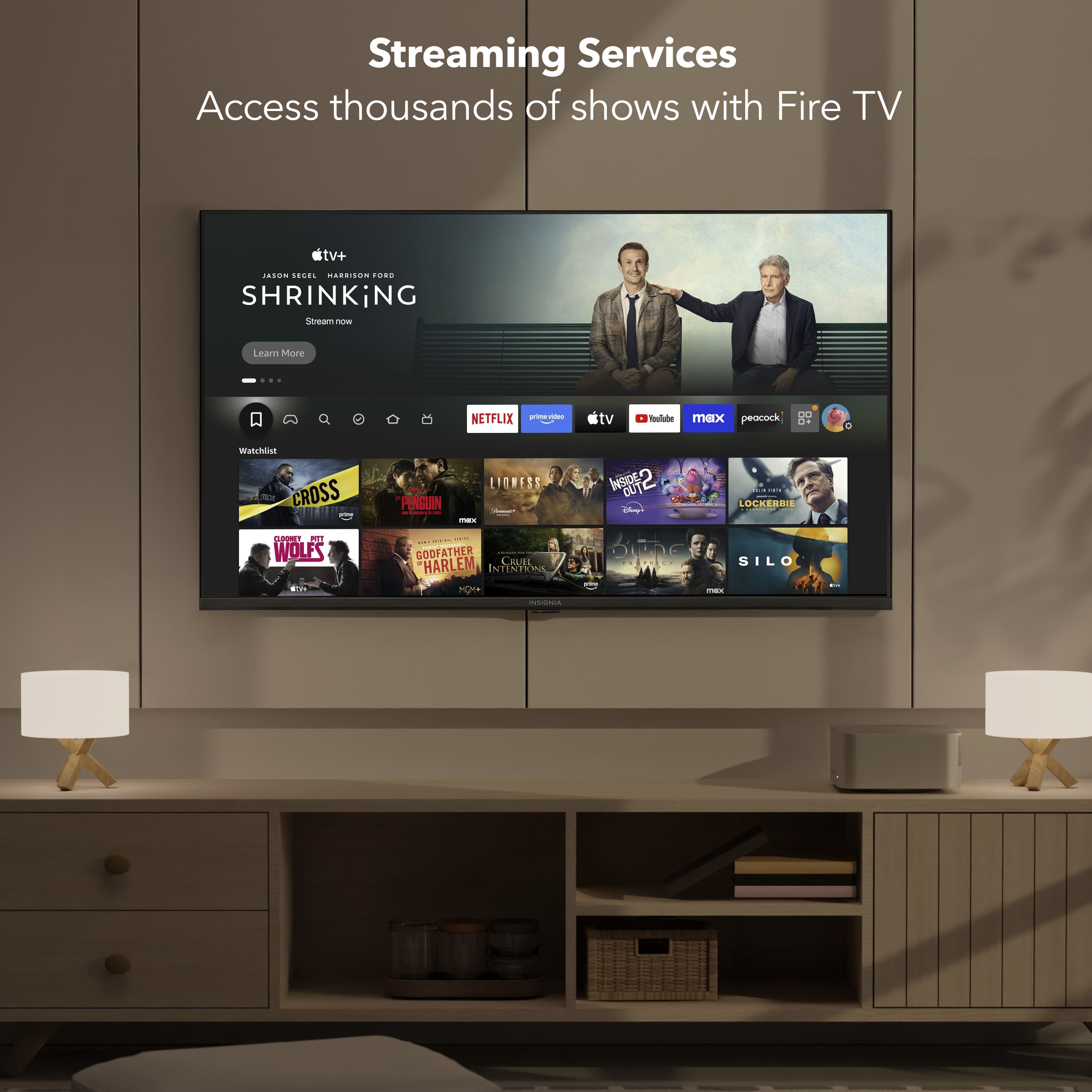
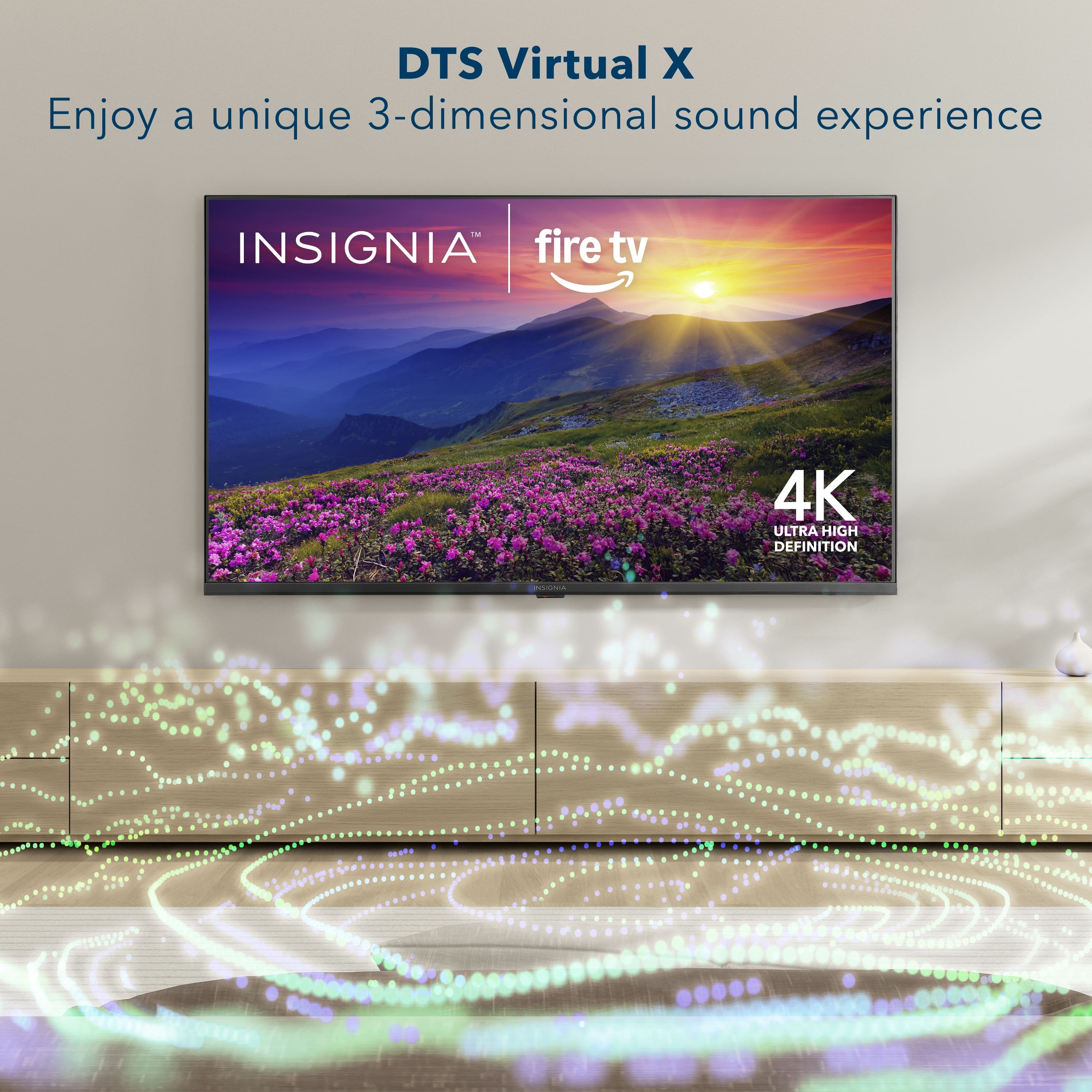
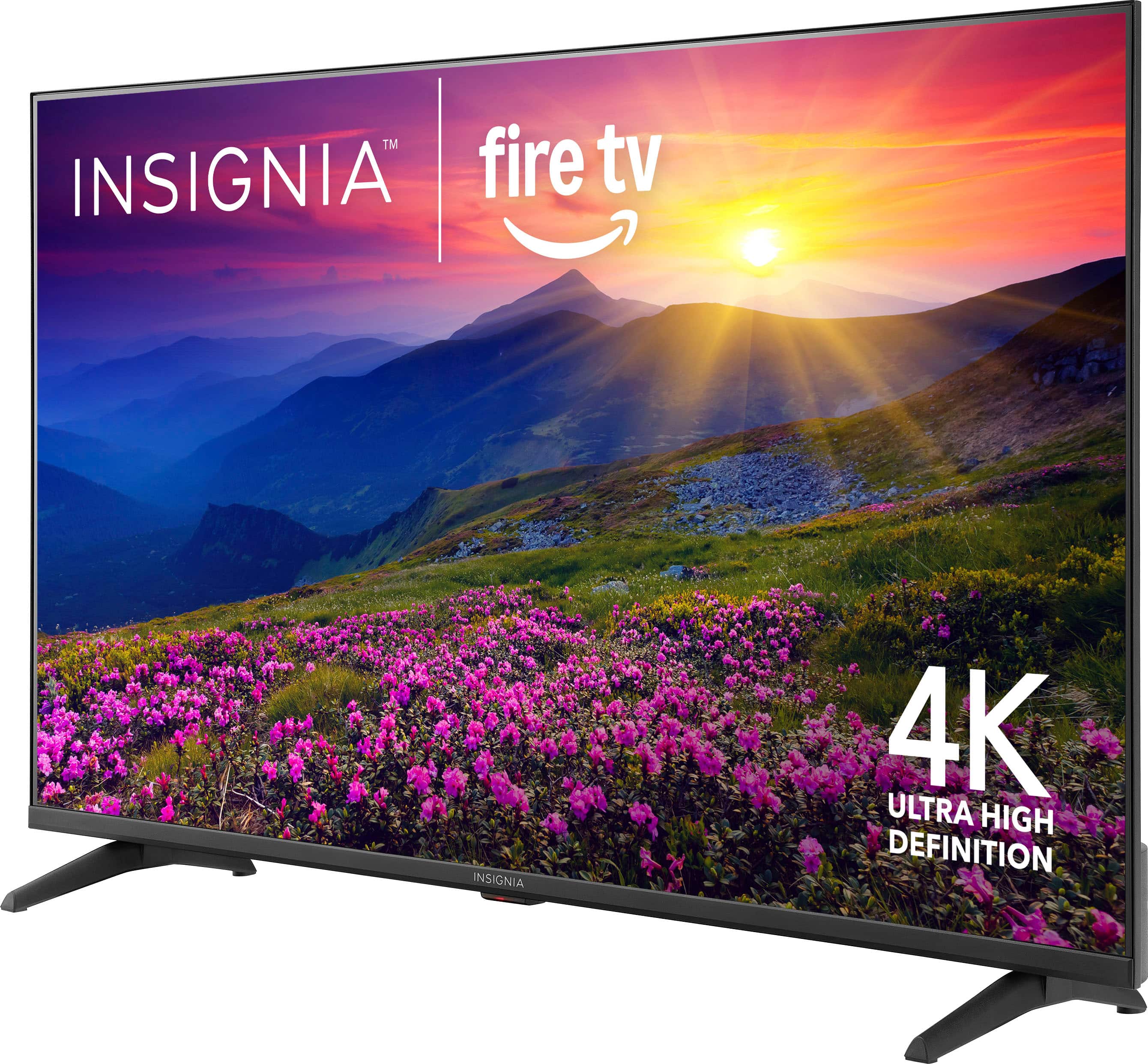
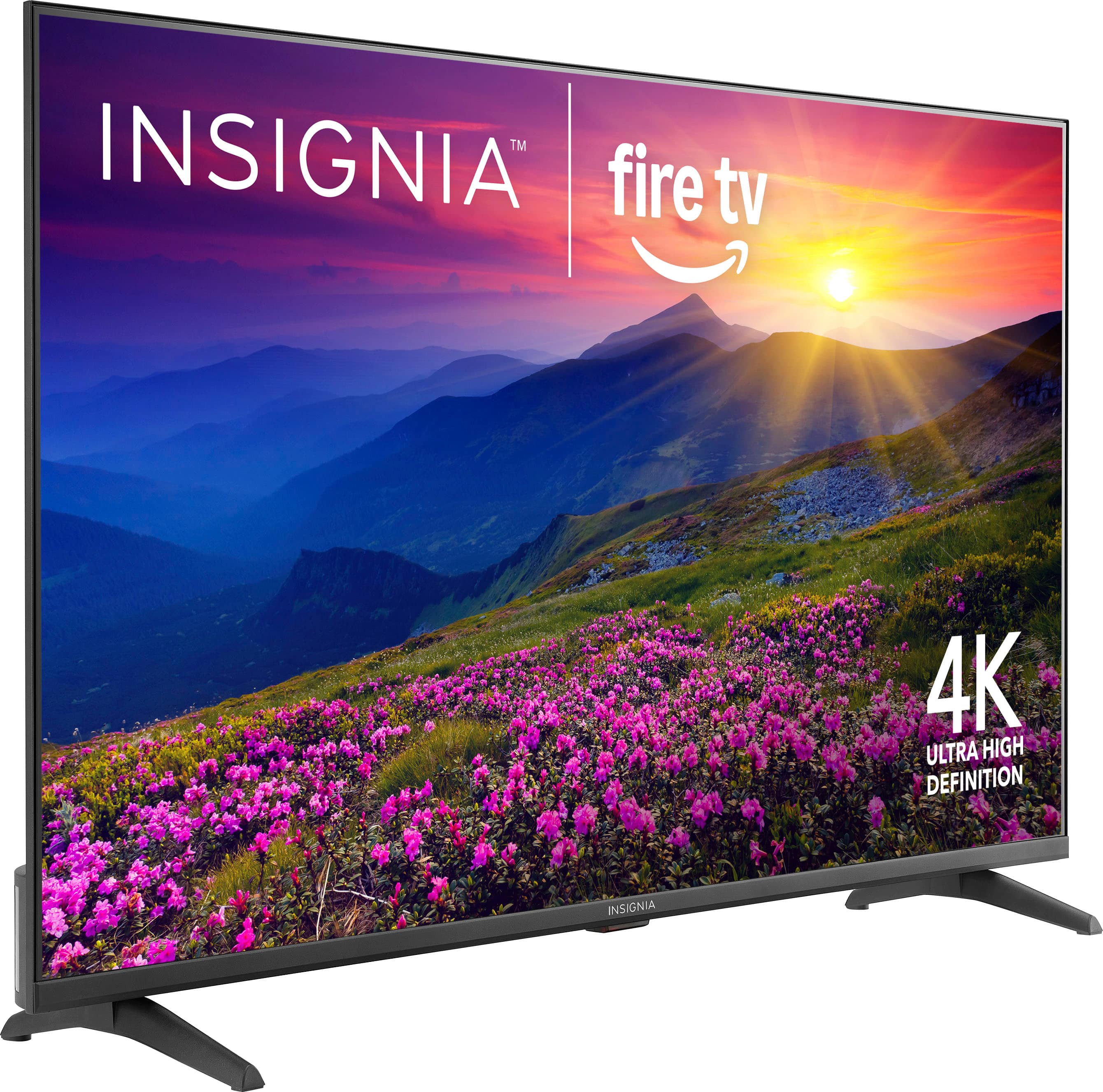
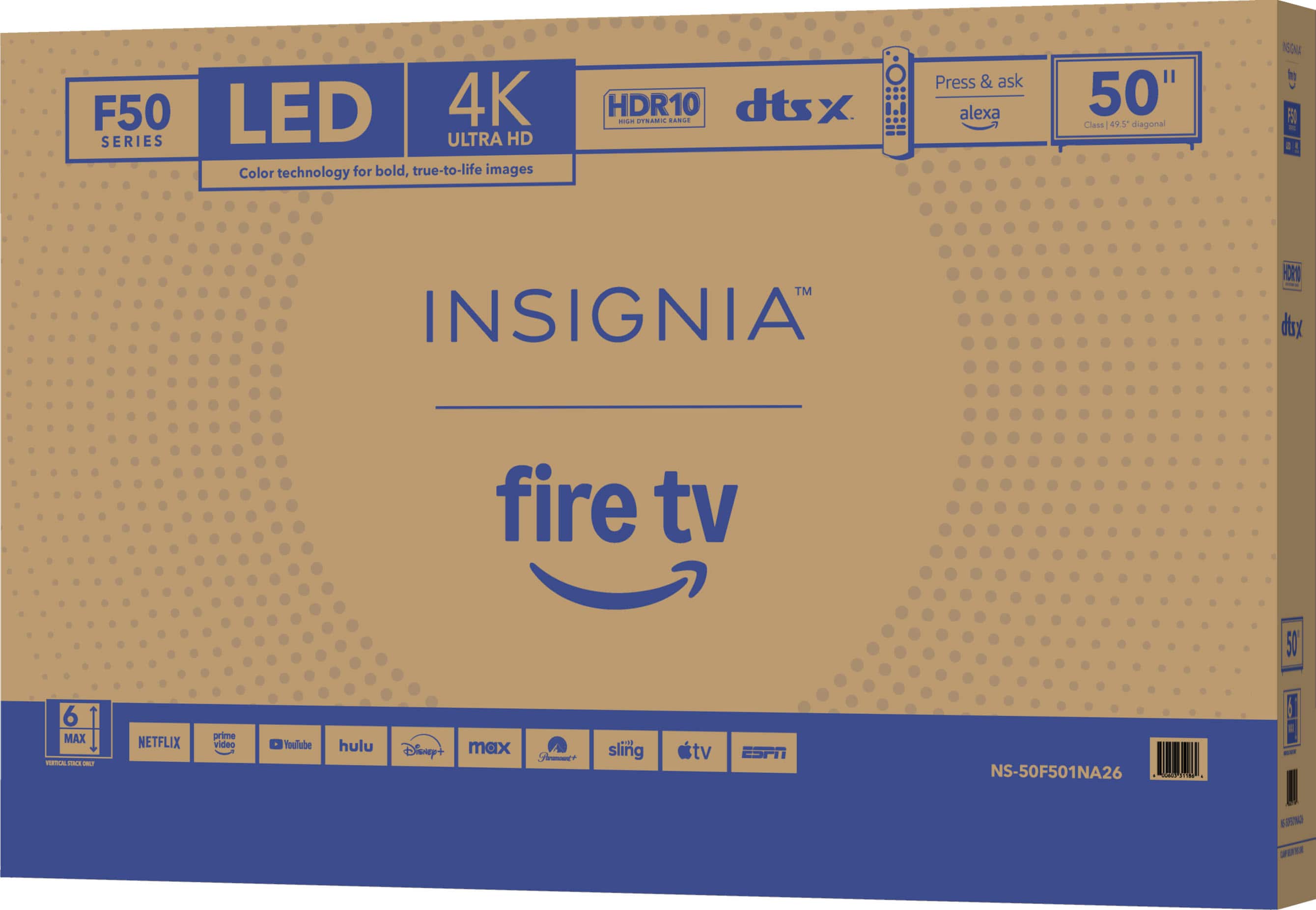
A:Answer Hi, thank you for reaching out. Yes, as a Fire TV, the Insignia™ 50" Class F50 Series (Model NS-50F501NA26) supports popular streaming apps including YouTube TV, Disney+, Netflix, and Amazon Prime Video, which can be downloaded or accessed through the Fire TV app store. An internet connection and subscriptions may be required for some services. Faisal | Insignia

 Pedlogig FEAR LIMITID WARRANTY Cintateg LARANTIA LIMITADA AD FSC SC* C150839 FEATURES 21400 Smaan Reskton Ced CM ipun MRC C Componite rput Digital Crpu po Armanna aboe input Headphors SAT Ad Cutput Wrelens NCLUDED voce tamote Aids Aymura A Pow."](https://pisces.bbystatic.com/image2/BestBuy_US/images/products/2dd2a379-3045-411a-98ea-5c8a4feb02ac.jpg)