Black Friday is hereShop new DoorbustersShop now

Main Content

Questions & Answers

Your price for this item is $169.99
The comparable value price is $299.99
Page Showing 81-100 of 128 questions
  • QuestionWhat size screw to attach the wall mount bracket to it?

    Asked by Keith.

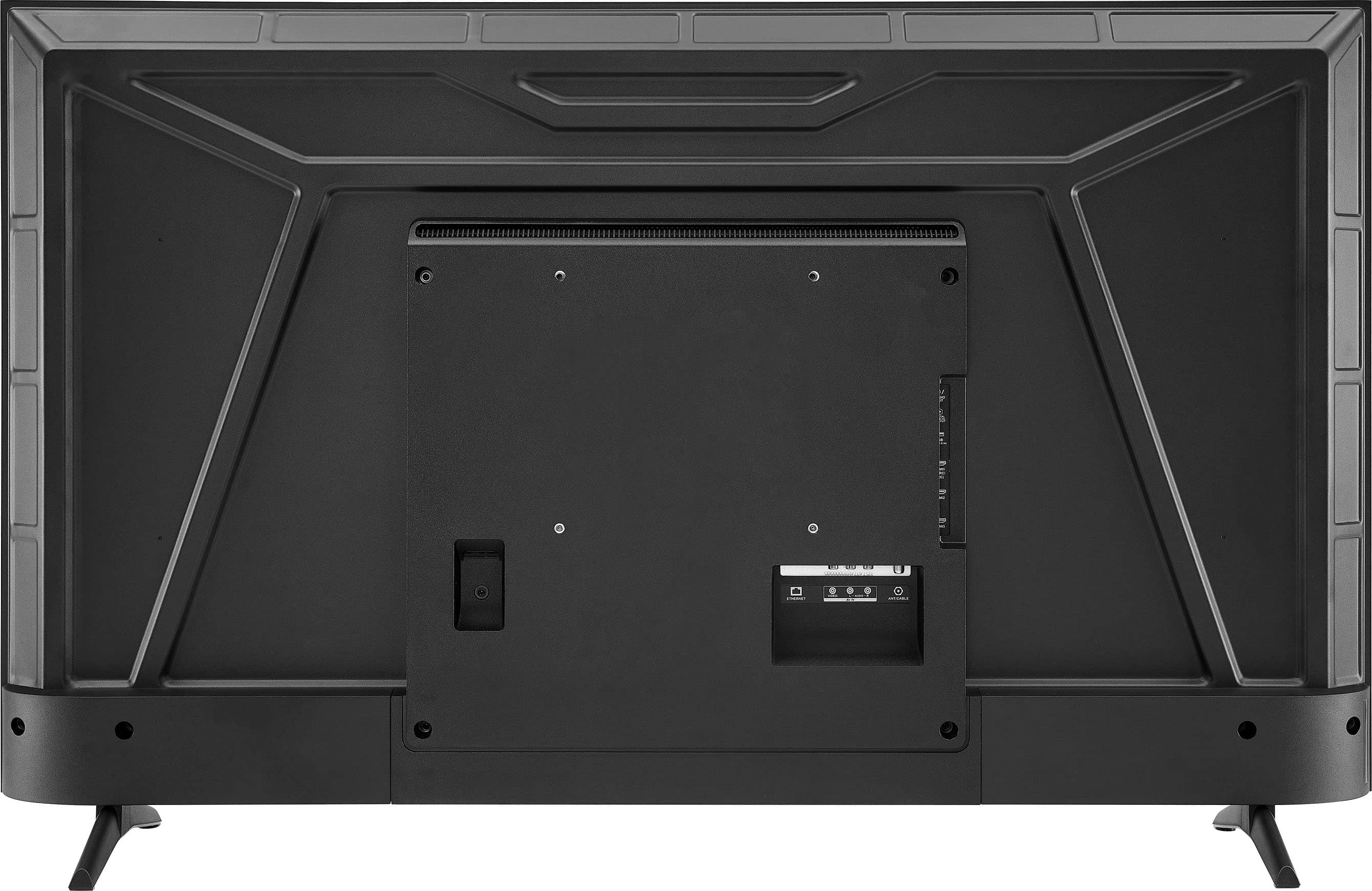
    • Answer It uses an M6x10 screw, depending on the mount used it can be longer.

      Answered by BobM

  • QuestionI I been watching the same channel all day long but now it's showing half the screen why?

    Asked by Anonymous.

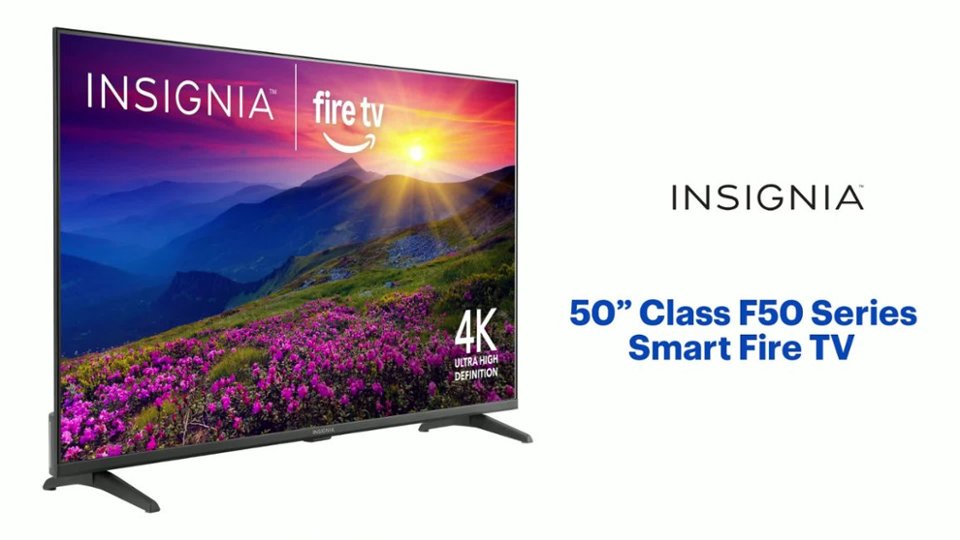
    • Answer Thank you for your inquiry! The Insignia™ 50” F50 Series Fire TV suddenly displayed only half the screen on the same channel. While the issue could stem from a broadcast glitch, it might also be due to a change in aspect ratio settings or a loose cable connection. A quick restart or checking the display settings often resolves the problem. If the issue still persists, we recommend you contacting the Insignia Customer Service by phone (877-467-4289) for further troubleshooting. Tine | Insignia Support

      Answered by InsigniaCustomerSupport

  • Questionwhat wall mount works with this tv

    Asked by abby.

    • Answer what wall mount should I use for the insignia 50" fire tv

      Answered by Anonymous

  • QuestionIs it possible to hook up my insignia 15 inch TV with my outdoor speaker system using a aux cable?

    Asked by Al.

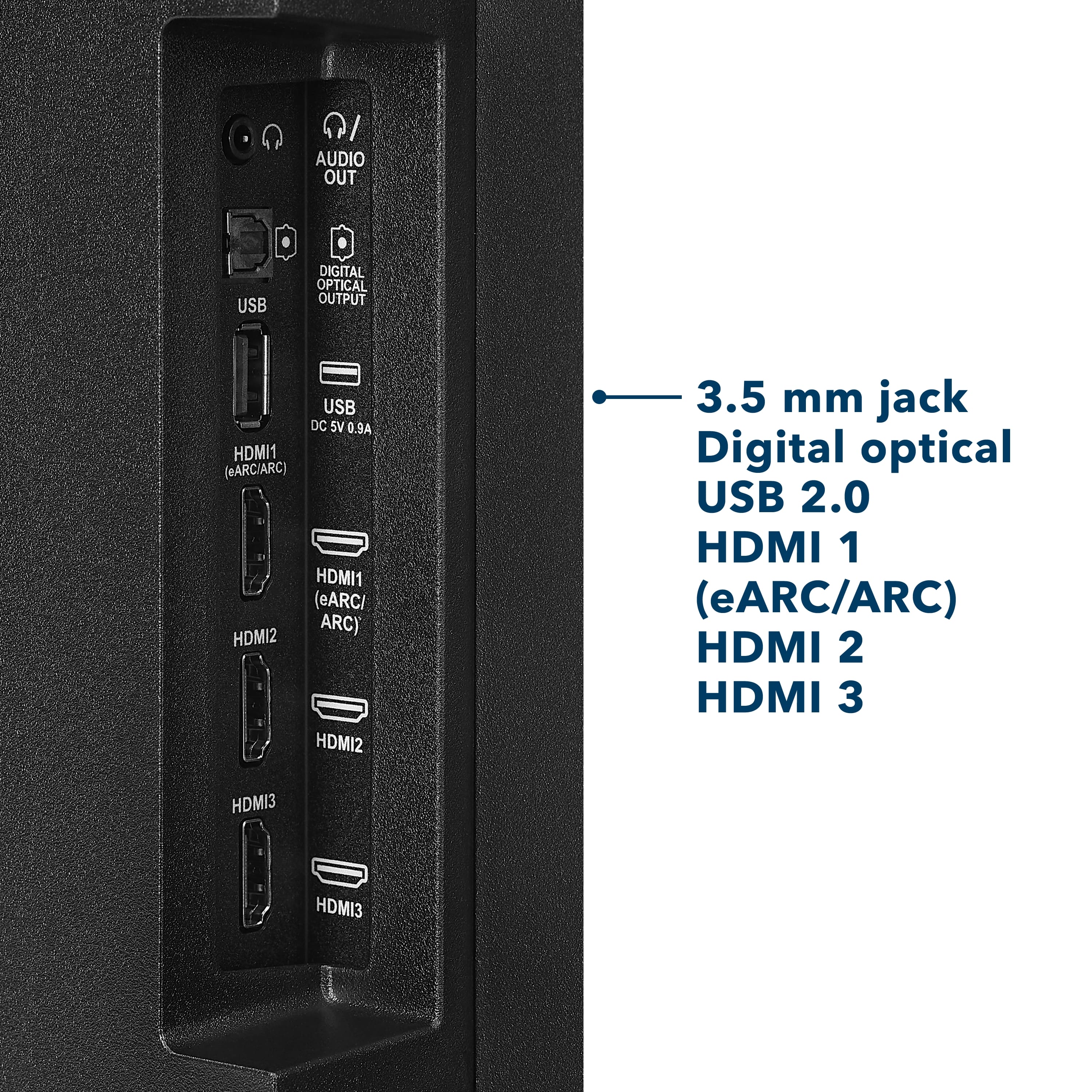
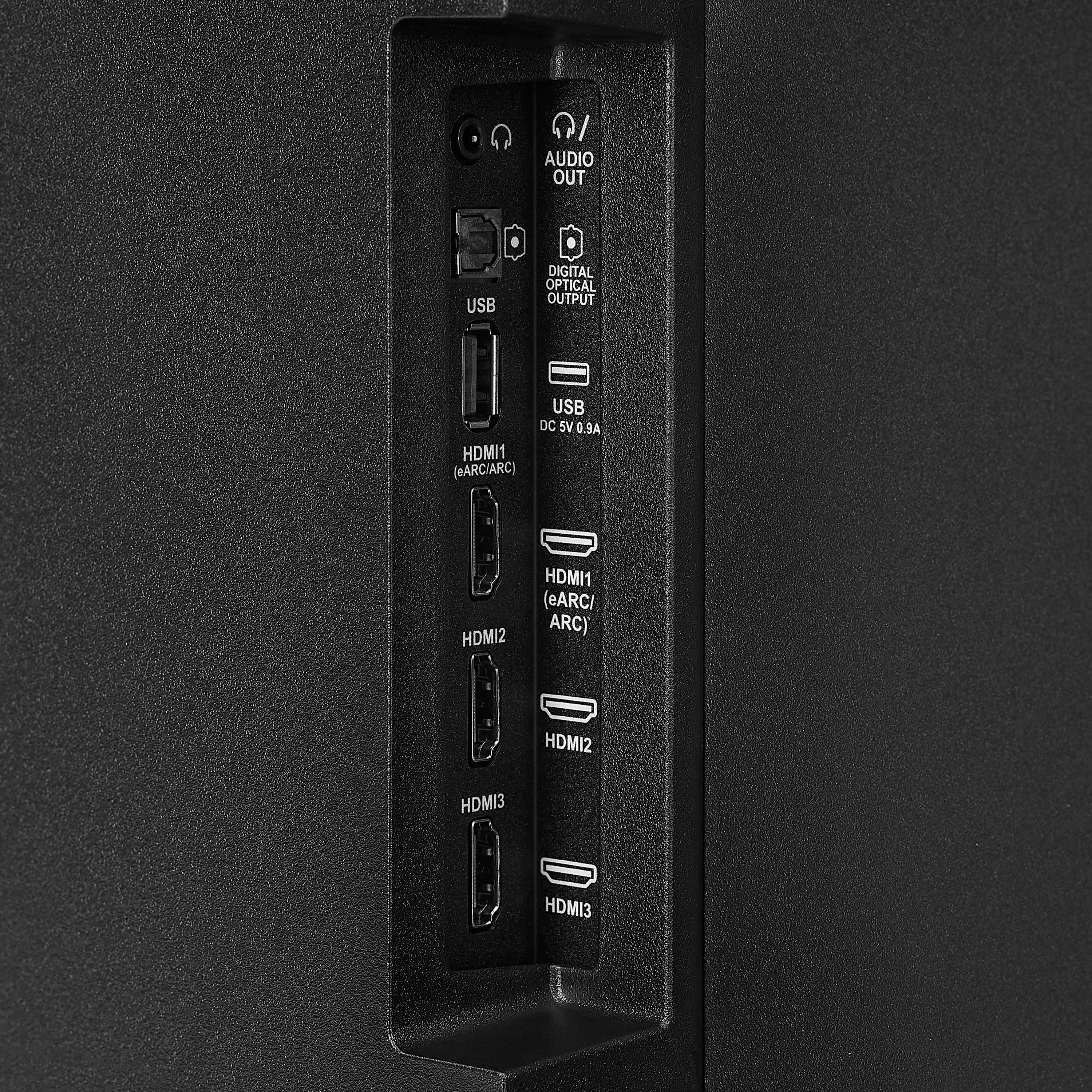
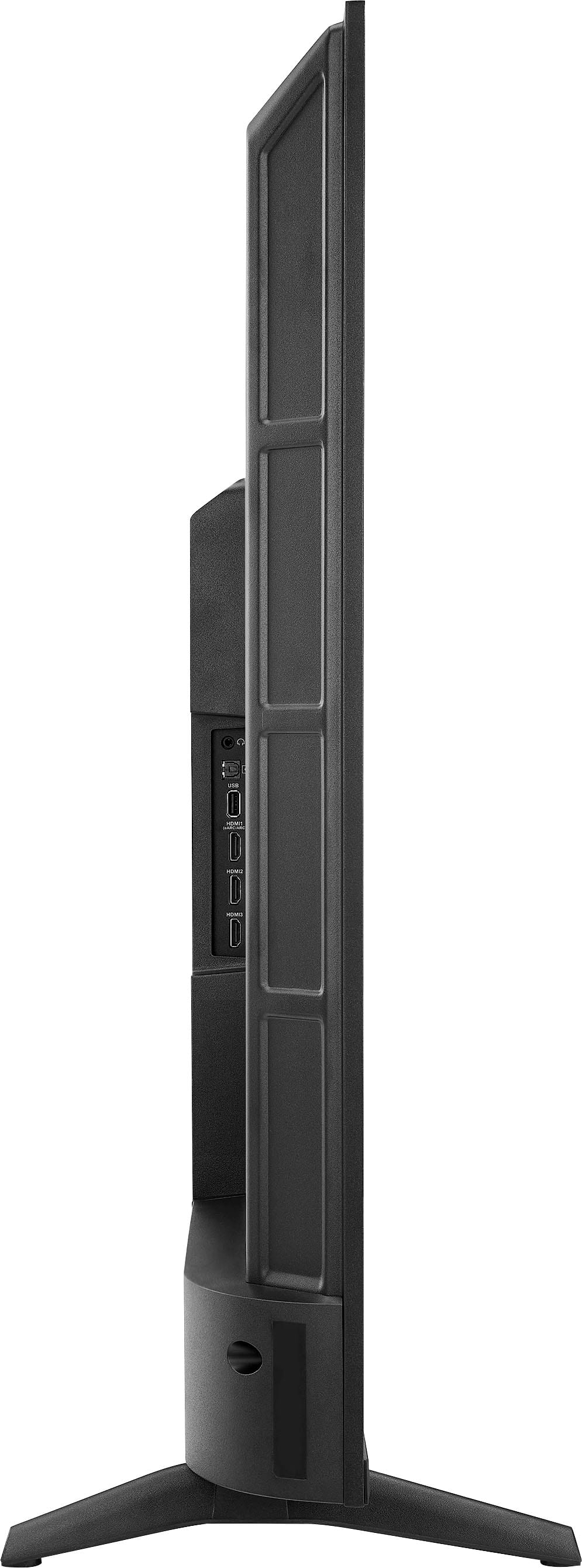
    • Answer Thank you for your inquiry! Yes, it is possible to connect your Insignia 50” Class F50 Series LED 4K UHD Smart Fire TV to an outdoor speaker system using an aux cable, but it depends on the available audio output ports on your TV. This model typically includes a digital optical audio output, HDMI ARC, and possibly a headphone jack. If your TV has a 3.5mm headphone jack, you can directly connect it to your speaker system using a standard aux cable. However, if it only has a digital optical output, you’ll need a digital-to-analog converter (DAC) to convert the signal to a format compatible with your aux input. Alternatively, if your outdoor speaker system supports Bluetooth, you can pair it wirelessly with the TV. Keith | Insignia Support

      Answered by InsigniaCustomerSupport

  • QuestionWe had an Insignia 50 inch TV mounted in our 5th wheel. It quit working, so we need a replacement, and we would like to use the existing mounting bracket in the existing position. So I am asking about the positioning of the mounting holes on this new TV.

    Asked by Ohioboomer.

    • Answer Hi Ohioboomer, For your reference, this TV has a 200mm x 200mm VESA wall mount pattern. This measurement will help you find a compatible wall mount. We hope this information helps! If you have any further questions, feel free to ask. Carl | Insignia Support

      Answered by InsigniaCustomerSupport

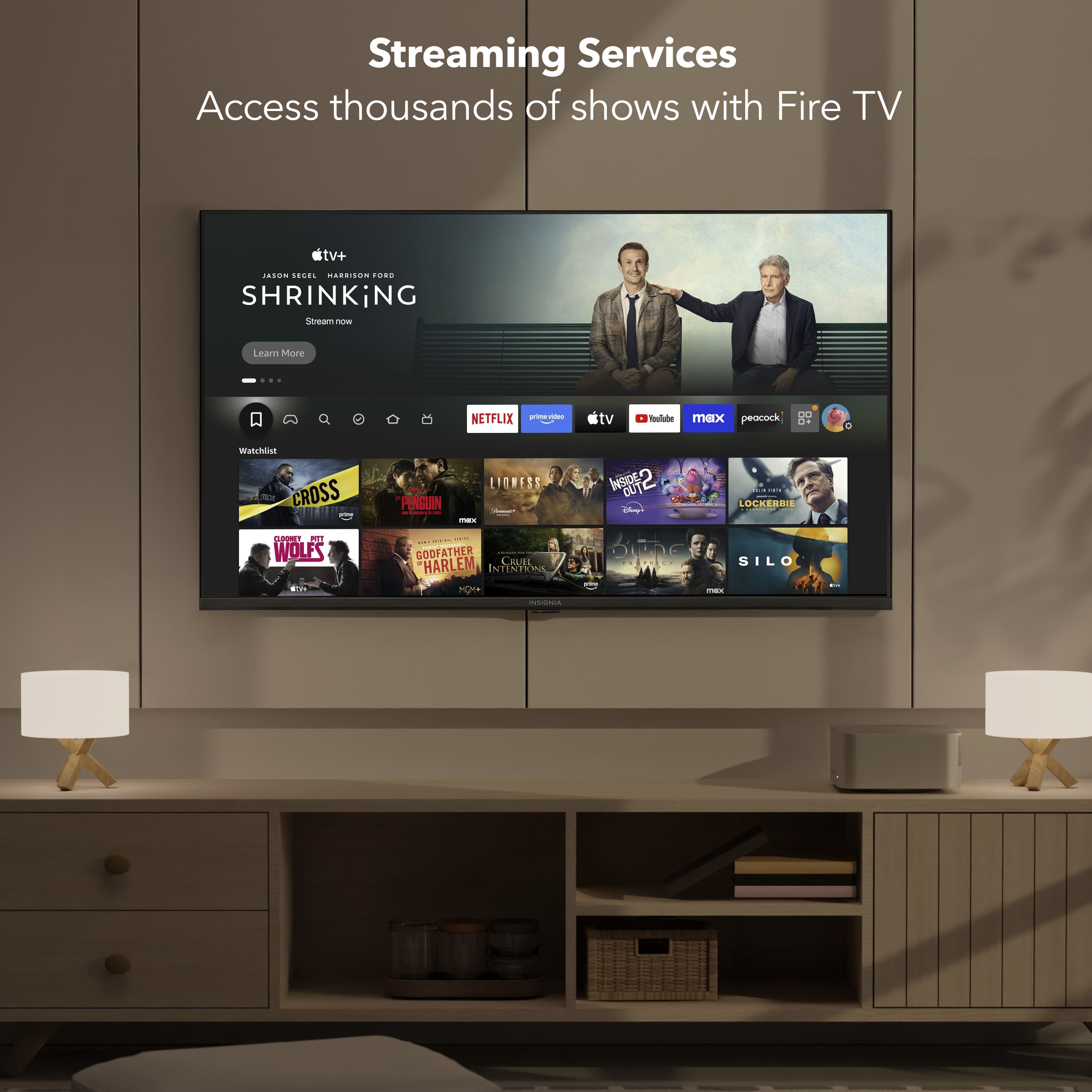
  • QuestionWhich streaming services require an Amazon log-in?

    Asked by Lauren.

    • Answer Thank you for your inquiry! The Insignia™ - 50” Class F50 Series LED 4K UHD Smart Fire TV operates on the Fire TV platform, which requires users to sign in with an Amazon account to access its core features. This includes navigating the Fire TV interface, downloading apps, using Alexa voice controls, and accessing Amazon Prime Video. While the TV supports a wide range of popular streaming services such as Netflix, Disney+, Hulu, YouTube, HBO Max, and Apple TV+, these platforms require their own separate logins and subscriptions. However, even to install and launch these third-party apps, you must first be signed into your Amazon account, as it is essential for managing app downloads and system settings on the Fire TV system. Keith | Insignia Support

      Answered by InsigniaCustomerSupport

  • QuestionDoes this TV have the latest ATSC 3.0 NextGen tuner?

    Asked by Caseman.

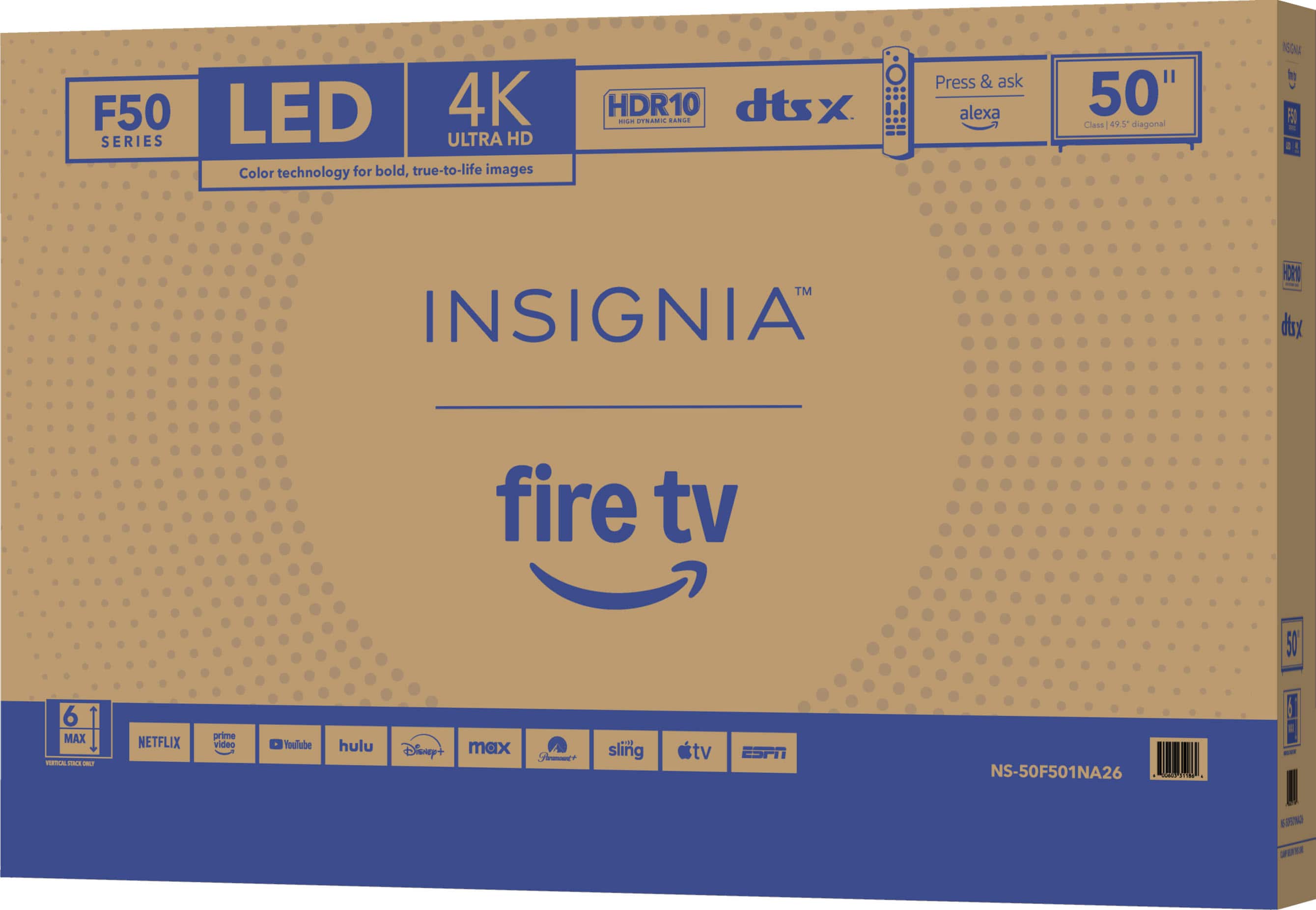
    • Answer Thank you for your inquiry! The Insignia™ - 50” Class F50 Series LED 4K UHD Smart Fire TV (Model: NS-50F501NA26) does not include an ATSC 3.0 (NextGen TV) tuner. It comes with a standard ATSC 1.0 tuner, which allows you to receive over-the-air HD broadcasts, but not the newer features of ATSC 3.0 like 4K OTA broadcasts, enhanced audio, or interactive content.

      Answered by InsigniaCustomerSupport

  • QuestionCan i mirror stuff on my phone to the tv?

    Asked by Jess.

    • Answer Hi there. Yes, you can mirror content from your phone to your Insignia 50” Class F50 Series Fire TV, and how you do it depends on the type of phone you have. If you're using an Android phone, you can swipe down from the top of your screen to open the Quick Settings panel, then tap on “Cast”, “Smart View”, or “Screen Mirroring”, depending on your phone model. Your TV should appear in the list of available devices—just tap it to start mirroring. Make sure both your phone and TV are connected to the same Wi-Fi network. If you're using an iPhone, you can use AirPlay if your Fire TV supports it. Swipe down to open the Control Center, tap “Screen Mirroring”, and select your Fire TV. If AirPlay isn’t available, you can install a free app like AirScreen on your Fire TV, which allows your iPhone to connect wirelessly. If you have any questions or need further assistance, please don't hesitate to reach out. Ivy | Insignia Support

      Answered by InsigniaCustomerSupport

  • QuestionDoes this TV have the capability to have audio from the TV and also audio through wireless Bluetooth at the same time? Thank you.

    Asked by Johnb.

    • Answer Hi Johnb! The Insignia™ 50” Class F50 Series LED 4K UHD Smart Fire TV does support Bluetooth audio output, allowing you to connect wireless headphones or speakers. However, it does not support simultaneous audio output through both the TV speakers and Bluetooth at the same time. When you connect a Bluetooth device, the TV typically disables the internal speakers and routes all audio to the Bluetooth output. This is a common limitation across many smart TVs. — Shiela | Insignia Support

      Answered by InsigniaCustomerSupport

  • QuestionAre all three HDMI ports 4K? I had an older version of this TV, and I believe that only the HDMI 3 port was 4K, HDMI 1 and HDMI 2 were 1080p.

    Asked by HavanaJoe.

    • Answer Hi GreenFrog, thanks for reaching out! Yes, all of the HDMI ports on your TV are 4K compatible. We hope this helps answer your question. If you have any further questions, please feel free to ask! - Carl | Insignia Support

      Answered by InsigniaCustomerSupport

  • QuestionCan you hook up regular house antenna instead of cable

    Asked by Sam.

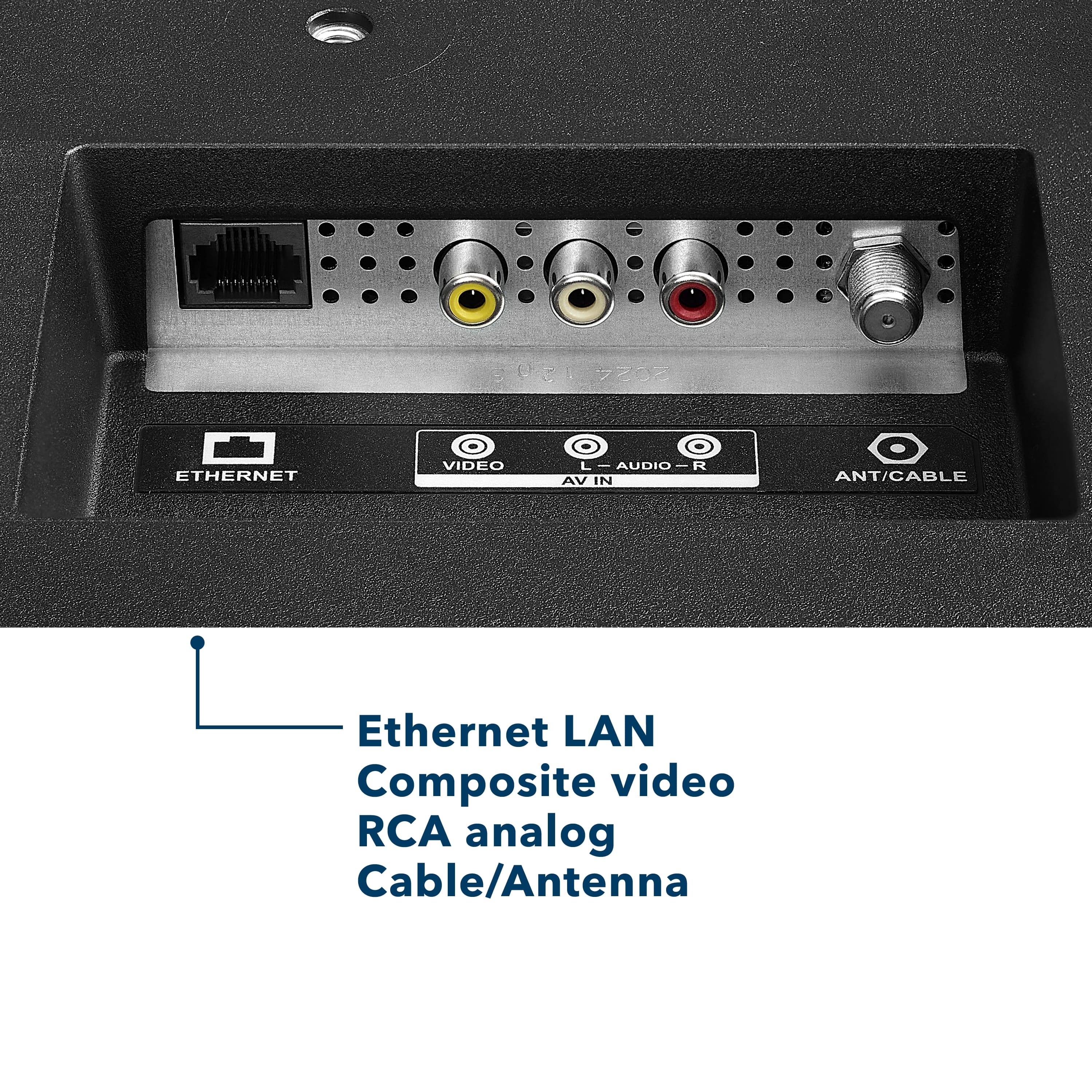
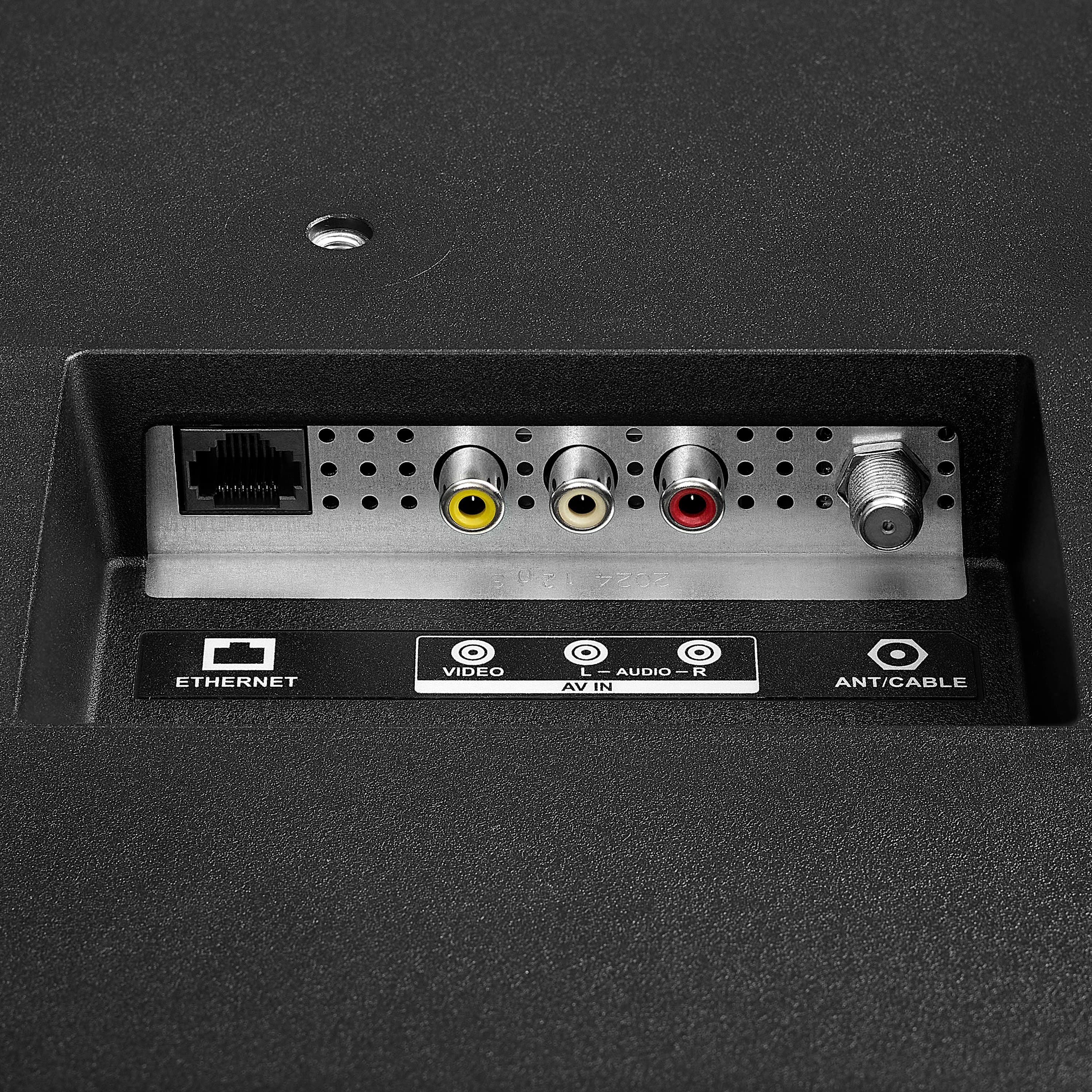
    • Answer Hi Sam! Yes, you can hook up a regular house antenna to the Insignia F50 Series TV. Just connect it to the coaxial input on the back, then go to the TV settings and scan for over-the-air channels. You’ll be watching local broadcasts in no time! — Shiela | Insignia Support

      Answered by InsigniaCustomerSupport

  • Questioncan you stream cable network to watch Spectrum for example?

    Asked by Anonymous.

    • Answer The Insignia™ 50” Class F50 Series LED 4K UHD Smart Fire TV does not currently support the Spectrum TV app directly through the Fire TV platform. However, you can still watch Spectrum cable channels by connecting a Spectrum cable box to the TV using an HDMI cable. Once connected, simply switch the TV’s input to the correct HDMI port to access live TV and on-demand content through the cable box. This setup provides a reliable and high-quality viewing experience, even without the app. Patricia | Insignia Support

      Answered by InsigniaCustomerSupport

  • QuestionWhat is outside height wihout stand.

    Asked by Geof.

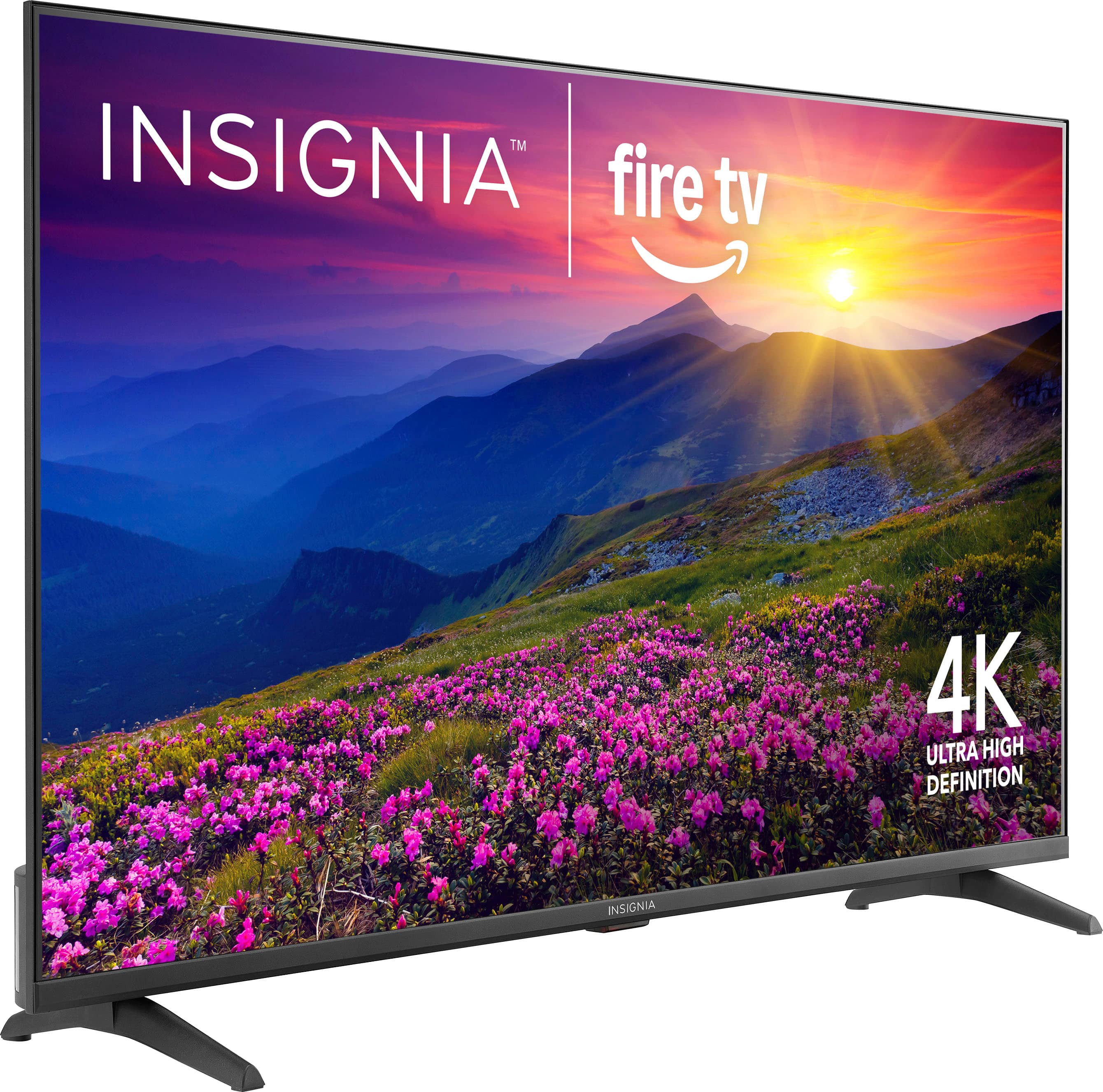
    • Answer Thank you for your inquiry! The Insignia™ 50” Class F50 Series LED 4K UHD Smart Fire TV has an outside height of approximately 25.7 inches without the stand. With the stand attached, the height increases to about 27.5 inches. Keith | Insignia Support

      Answered by InsigniaCustomerSupport

  • QuestionIam able to use the AirPlay feature to stream my Apple iPhone to this television?!??

    Asked by Mina.

    • Answer Thank you for your inquiry! Yes, you can use the AirPlay feature to stream content from your Apple iPhone to the Insignia™ 50” Class F50 Series LED 4K UHD Smart Fire TV. This TV supports Apple AirPlay, allowing you to wirelessly share videos, music, photos, and even mirror your iPhone’s screen directly to the television. To use this feature, ensure that both your iPhone and the TV are connected to the same Wi-Fi network. Then, simply open the content you want to stream, tap the AirPlay icon on your iPhone, and select your Insignia TV from the list of available devices. This makes it easy and convenient to enjoy your favorite media on a larger screen. If you have further questions, please feel free to reach us via phone 1-877-467-4289 Monday-Saturday 8 a.m. to 9 p.m. CT.

      Answered by InsigniaCustomerSupport

  • QuestionCan apps such as DTV and sling be downloaded to this TV? Or do I need a unit like Roku to use those apps?

    Asked by Ken123.

    • Answer Thank you for your inquiry! Yes, the Insignia™ 50” Class F50 Series LED 4K UHD Smart Fire TV supports downloading and using streaming apps like DirecTV (DTV) and Sling TV directly on the TV. Since it runs on the Fire TV platform, you do not need an external streaming device like Roku to access these services. You can simply go to the built-in Appstore, search for the desired app, and download it. Once installed, you can log in with your account and start streaming right away, making it a convenient all-in-one solution for your entertainment needs.

      Answered by InsigniaCustomerSupport

  • QuestionCan you mirror a laptop screen wirelessly

    Asked by Quis.

    • Answer Yes, the Insignia™ 50” Class F50 Series LED 4K UHD Smart Fire TV allows you to mirror your laptop screen wirelessly, depending on the type of laptop you have. If you're using a MacBook, you can use Apple AirPlay to mirror your screen directly to the TV. For Windows laptops, you can use Miracast, as long as your laptop supports it and both devices are connected to the same Wi-Fi network. If you have any questions or need further assistance, please don't hesitate to reach out. Ivy | Insignia Support

      Answered by InsigniaCustomerSupport

  • QuestionDoes this tv support a web browser?

    Asked by DPJ1.

    • Answer The Insignia™ 50” Class F50 Series LED 4K UHD Smart Fire TV does not come with a built-in web browser. Like other Fire TV-based smart TVs, it focuses on streaming apps such as Prime Video, Netflix, Disney+, Hulu, and others. However, you can install a web browser like Amazon Silk or Firefox from the Amazon Appstore if you want to browse the internet. Jeth|Insignia Support.

      Answered by InsigniaCustomerSupport

  • QuestionHow is speed on the TV for like game systems and stuff

    Asked by APRILM.

    • Answer The Insignia™ 50” Class F50 Series LED 4K UHD Smart Fire TV offers solid performance for casual gaming. It features a 60Hz refresh rate, which is suitable for most console games, and includes a dedicated Game Mode that helps reduce input lag by minimizing image processing. Patricia | Insignia Support

      Answered by InsigniaCustomerSupport

  • QuestionCan you pause and rewind live over the air tv?

    Asked by MarkL.

    • Answer Hi there. The Insignia™ 50” Class F50 Series LED 4K UHD Smart Fire TV does not have the built-in ability to pause or rewind live over-the-air TV. This feature typically requires a built-in DVR or support for an external USB storage device, which this model does not offer. However, you can still achieve this functionality by connecting a compatible external DVR device, such as the Amazon Fire TV Recast, which works well with Fire TV and allows you to pause, rewind, and record live TV broadcasts. If you have any questions or need further assistance, please don't hesitate to reach out. Ivy | Insignia Support

      Answered by InsigniaCustomerSupport

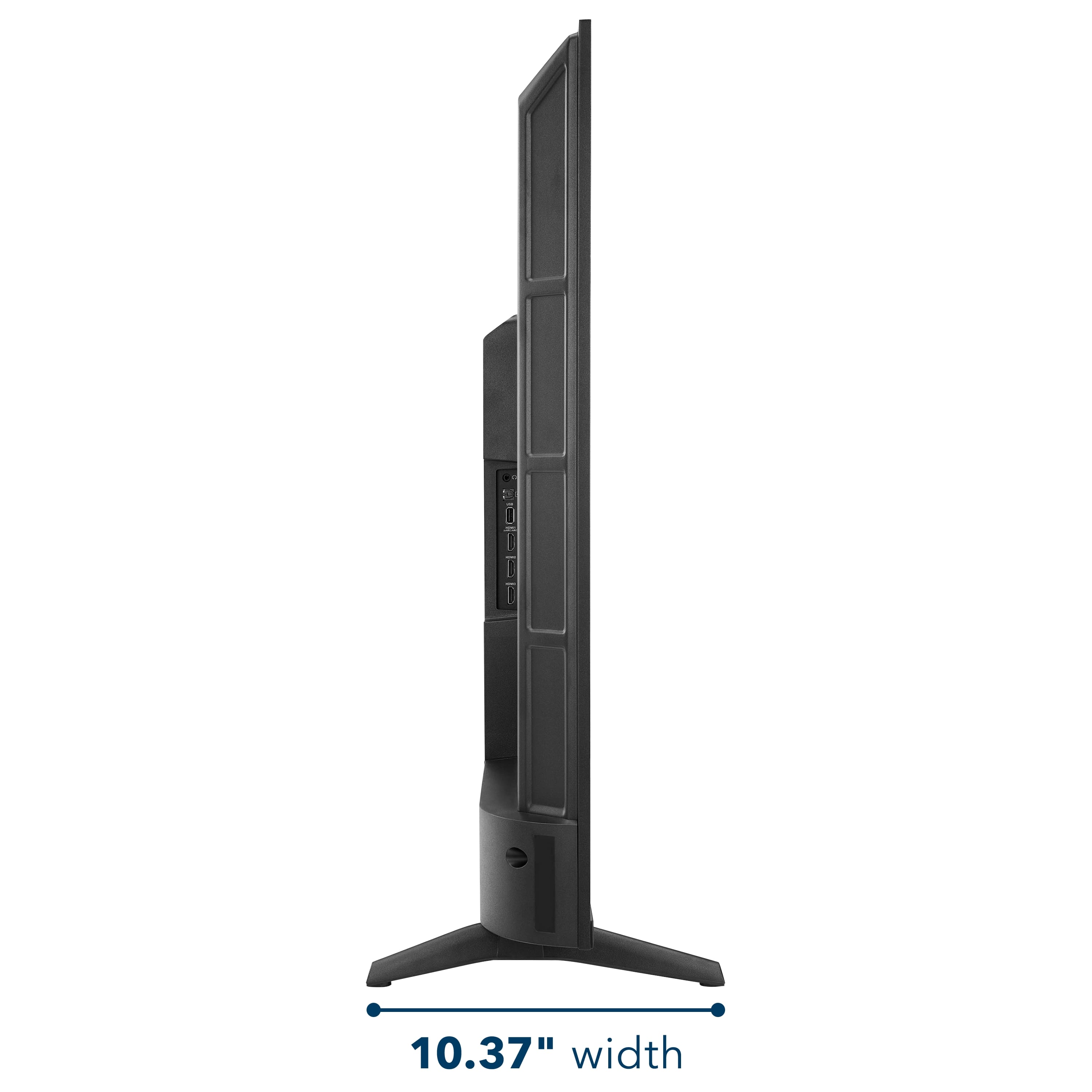
  • QuestionTwo questions. What is the footprint size needed to hold the TV. (non wall mounted) In other words how far apart are the feet that hold it up on a table? Second questions is Does this have a COAX cable input?

    Asked by CBI.

    • Answer The Insignia™ 50” Class F50 Series LED 4K UHD Smart Fire TV requires a surface that is at least 36.7 inches wide to accommodate the distance between its two feet when not wall-mounted. This ensures the TV sits securely on a table or stand without overhang. Additionally, the TV is equipped with a coaxial (RF) input, allowing you to connect an antenna or cable TV source directly to it. Patricia | Insignia Support

      Answered by InsigniaCustomerSupport