Year-End SaleEnds 1/1/26. Limited quantities. No rainchecks.

Skip to content
Gift Ideas
Main Content

Questions & Answers

Your price for this item is $56.99
Clearance
The comparable value price is $259.99
Page Showing 221-240 of 484 questions
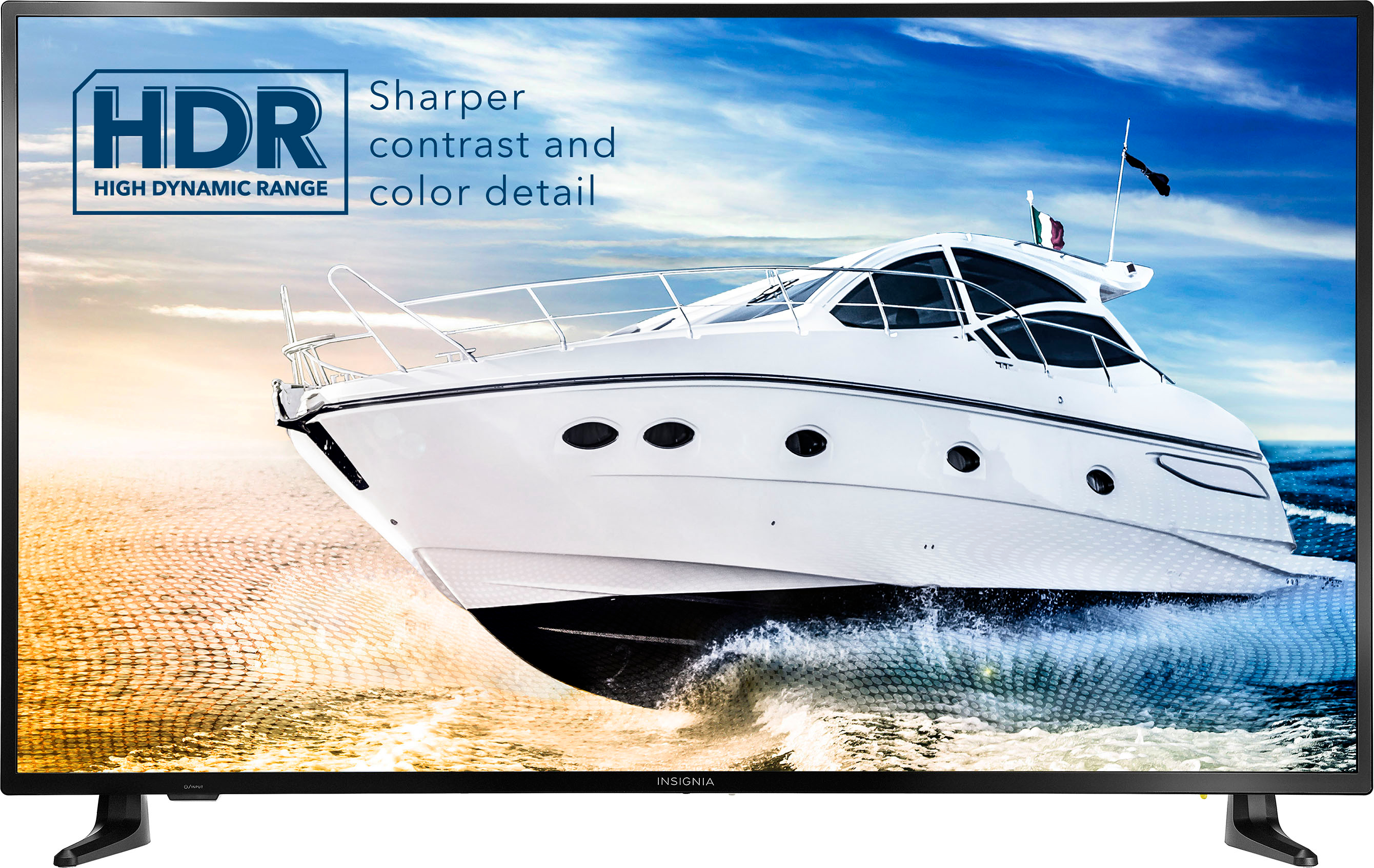
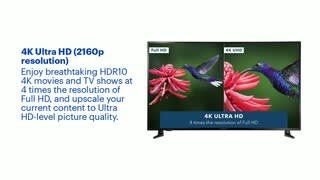
  • QuestionHow does 4k show or activate on the tv?

    Asked by Daytona.

    • Answer Very well great picture.

      Answered by Jimbo

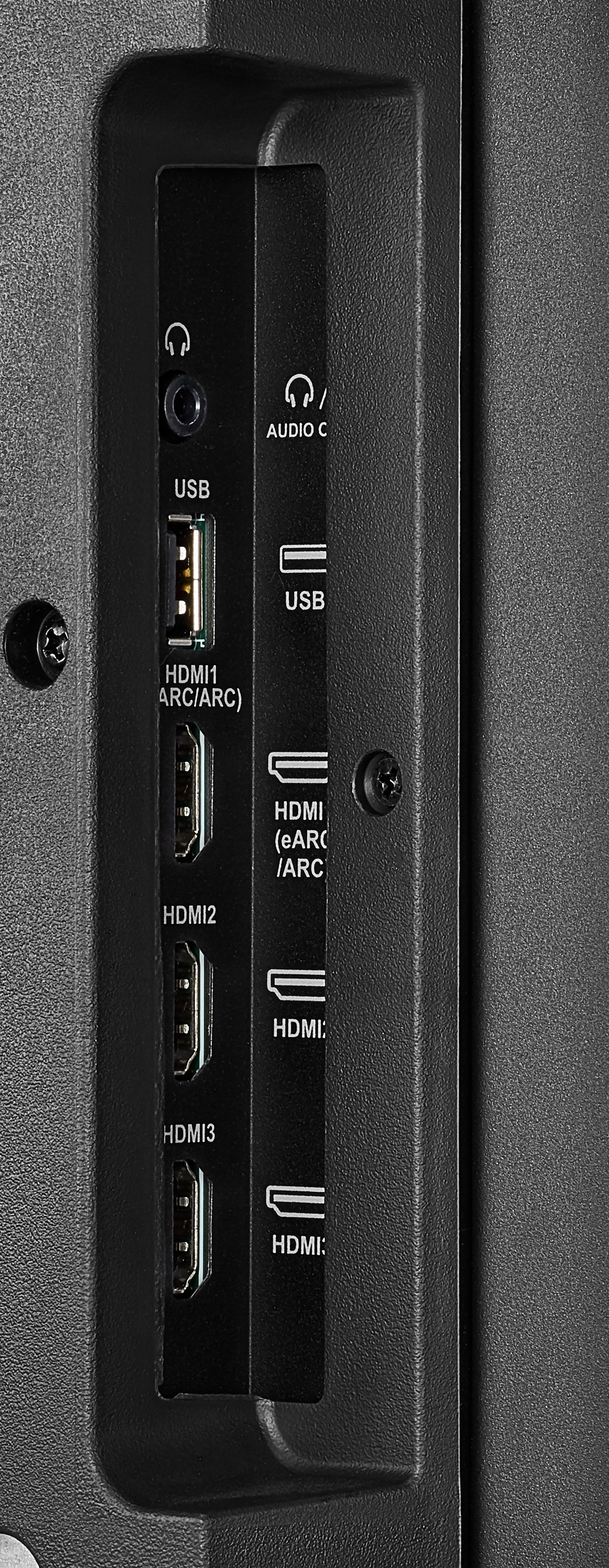
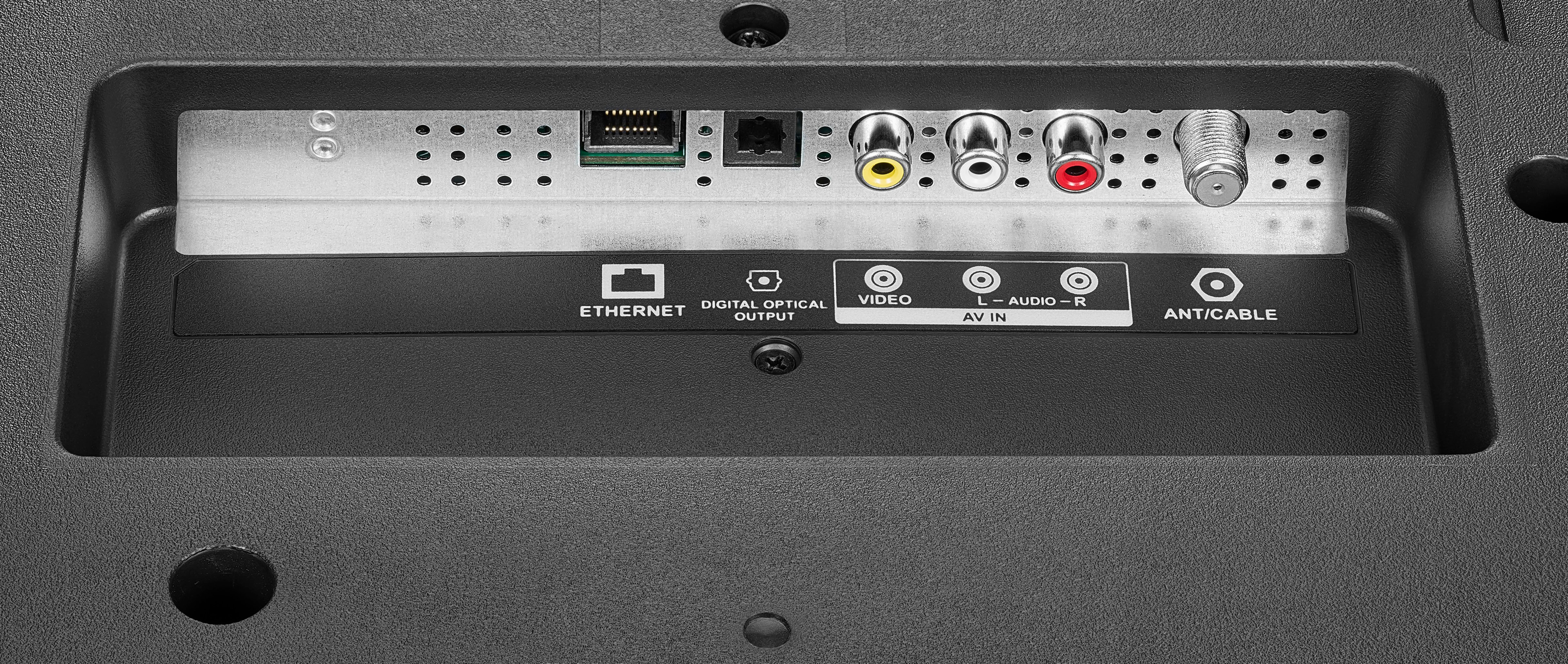
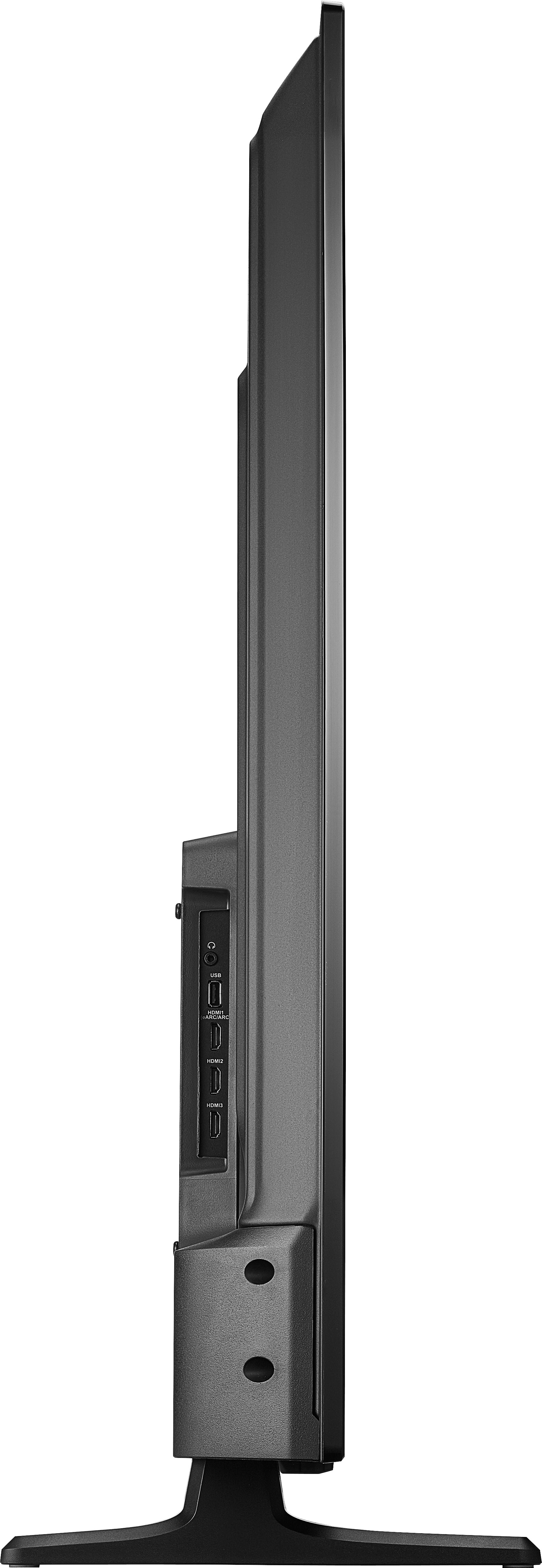
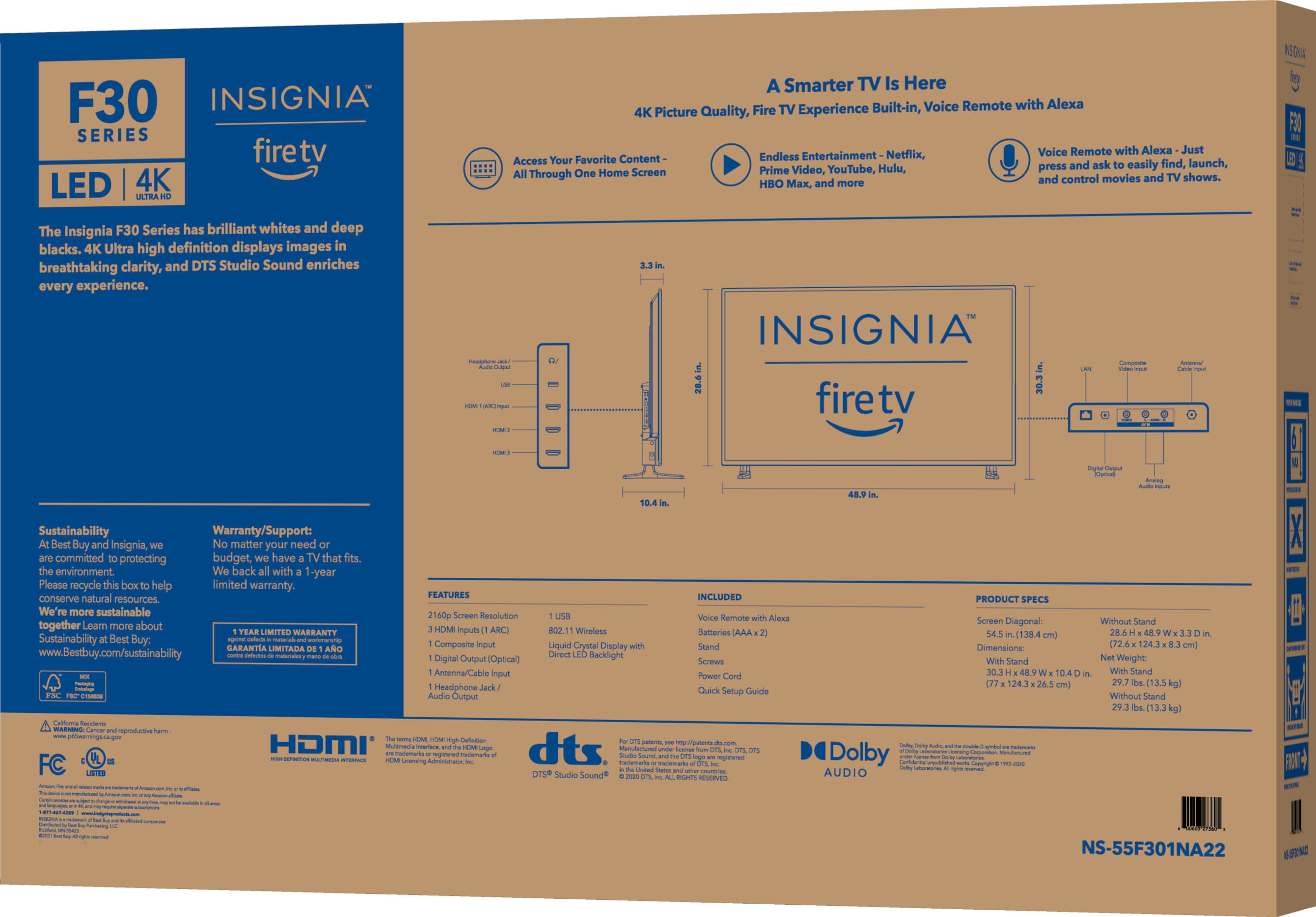
  • QuestionWhat kind and type of OUTput ports are built into the TV? Are there ‘wired’ external speakers that are comparable carried by bestbuy?

    Asked by Sammy.

    • Answer It has a USB connection also three HDMI and the output for you to be able to plug-in a telephone and you can put it cord in. Also you can put an ether cord in the back it’s not limited and you’re also able to be able to. Do your external speakers

      Answered by PearlS

  • QuestionI live in an area that doesn’t have WI-FI (I know. Ridiculous!), and I use Dish for my tv viewing. Is it an easy hook up with Dish network?

    Asked by Pam.

    • Answer Hi Pam, I would highly suggest to call Dish Network directly. Renee, Insignia Support

      Answered by InsigniaCustomerSupport

  • QuestionHow do you enable closed captioning?

    Asked by Leftybob.

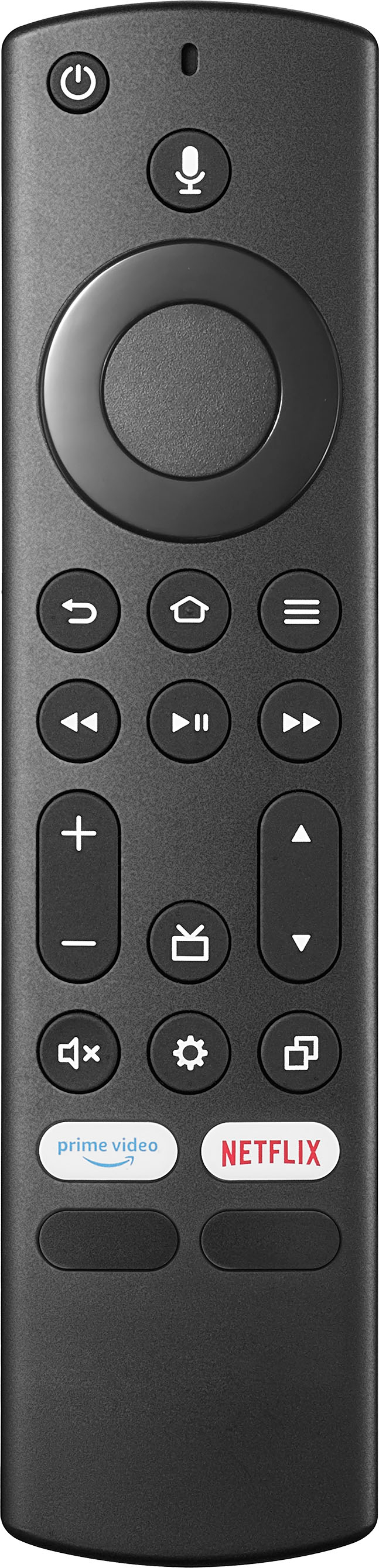
    • Answer You can add subtitles to a streamed video by finding the settings (the button that has 3 horizontal parallel lines and is usually next to home button on the remote). You can add subtitles to all items in a streaming app (Netflix, etc.) by opening that app and then going to the settings of the app. You can also go to the TV setting from the original menu, go to Accessibility, turn on closed captioning.

      Answered by Maria

  • QuestionIs the Peacock channel download on the TV already or have to download an app.

    Asked by Steveo23.

    • Answer May be on nerwer models. Not if older than 1 tear.

      Answered by Knowledgeable

  • QuestionDoes this TV work with Apple TV 4K

    Asked by Anonymous.

    • Answer Yes

      Answered by JoeB

  • QuestionCan I hook up a ps5 to this tv?

    Asked by Cl129222.

    • Answer Hi there! You can hook up a PS5 into one of the HDMI inputs on the TV. Insignia Support Angela

      Answered by InsigniaCustomerSupport

  • Questiondoes this tv have wifi and can you buy ear phones for this tv its for a older ladt thanks

    Asked by SUSAN.

    • Answer Yes to both

      Answered by Knowledgeable

  • Questioncan you add sreeming apps to this smart tv

    Asked by Anonymous.

    • Answer Yes, as many as y

      Answered by CarlosR

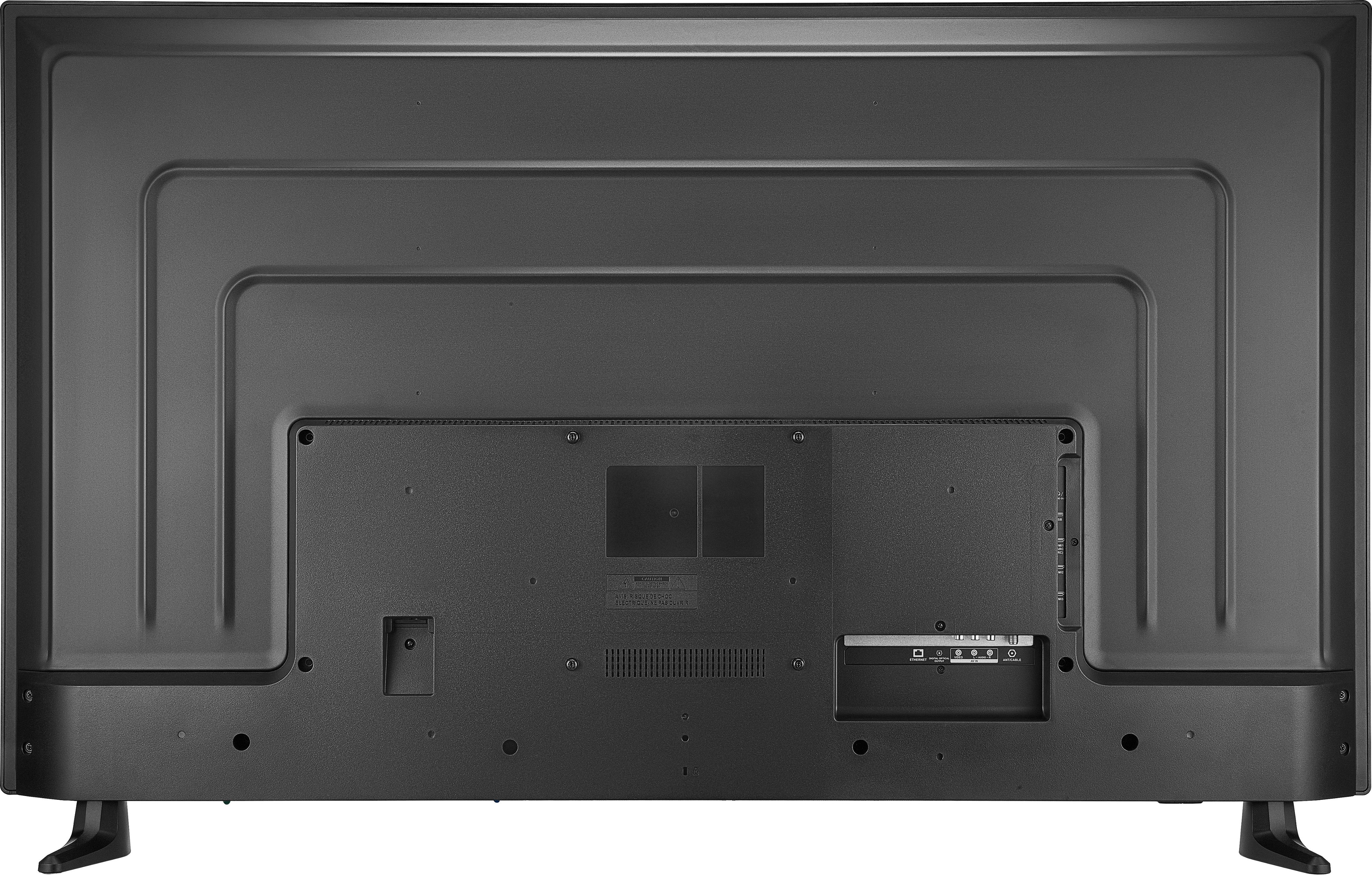
  • Questioncan you wall mount tv

    Asked by hick.

    • Answer Yes, you can wall mount. I bought a wall mount from Best buy and mounted the TV myself.

      Answered by Anonymous

  • QuestionCan theTV be Hooked into other TVs that are hooked up to our system

    Asked by Bill.

    • Answer Several canbe on the same router, but daisy chaining won't work

      Answered by Knowledgeable

  • QuestionDoes this TV have a digital antenna built in?

    Asked by MelB.

    • Answer NO

      Answered by Knowledgeable

  • QuestionNeed Replacement remote

    Asked by UserFriendlyMenu.

    • Answer There an Insignia Ph # on the remote. It's available, but there is a charge.

      Answered by Knowledgeable

  • QuestionWhat year is this model TV?

    Asked by dan.

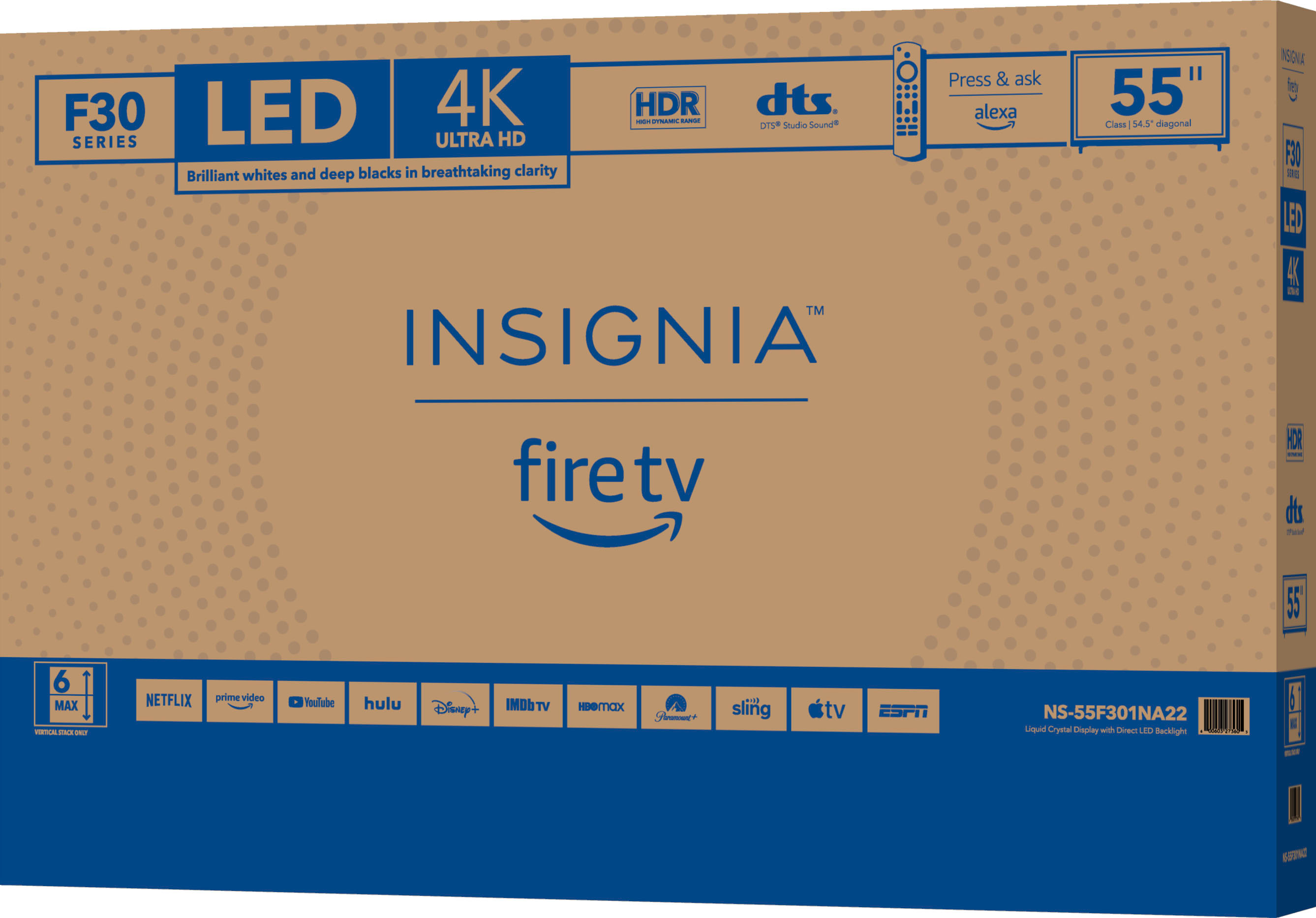
    • Answer 2022

      Answered by Ldub

  • QuestionWill this work with a ps5?

    Asked by Jerry.

    • Answer Yes with a HDMI cable

      Answered by Joplinbuyer

  • QuestionWhat is the pixel count for this t

    Asked by Stinky.

    • Answer it's on the tag and in theuser manuel.

      Answered by Knowledgeable

  • QuestionI have Philo how and can I get Philo ? and can I hook up air antenna for local news and shows ?

    Asked by Grandparetired.

    • Answer Hi Grandparetired, Once you get an antenna, you can tune in to local broadcast channels, such as ABC, CBS, Fox, and NBC, as well as PBS and Telemundo. It's free TV. For the past few years, we've been advising consumers who use antennas to rescan for channels at least once a month. Launch the app store and search for “Philo” on your Amazon Fire TV. Alternatively, click here to install the app. Select “Download” to install the app. Once installed, log in using your Philo credentials. If you have any questions or concerns, please use the link below to reach us and also you can contact this phone number 877-467-4289 for further assistance. Insignia Products Nikki https://insigniaproducts.com

      Answered by InsigniaCustomerSupport

  • QuestionDid I use speakers from a stereo speakers? Can I use same wires input to the television?

    Asked by SueSue.

    • Answer Hello SueSue, Yes, you can use your stereo speaker and connect it to your television with the same wire. Insignia Support Molina www.insigniaproducts.com/support

      Answered by InsigniaCustomerSupport

  • QuestionIs YouTube tv on this?

    Asked by Johnny.

    • Answer Hi Johnny, Yes. This TV supports YouTube TV app. Open the Google Play Store on your TV. Search for YouTube TV. Download the YouTube TV app. Dina | Insignia Support | https://www.insigniaproducts.com/contact-us

      Answered by InsigniaCustomerSupport

  • QuestionIs the power cord rated for inside the wall installations to meet local building codes.

    Asked by CABLEHATER.

    • Answer Hi Cablehater, Yes this is easy to use. Please follow the following steps: g your toaster oven 1 Place your food inside the toaster oven, then close the door. 2 Turn the TEMP.(°F)/FUNCTION knob to select a heat setting (Toast or Broil) or the temperature you need: • Bake: Select a temperature between 150-450°F (65-232°C) • Warm: Select 150°F (65°C) • Defrost: Select 150°F (65°C) 3 If you selected a temperature or Broil, turn the TIME Min knob to set the cooking time. Your toaster oven heats and the Power indicator lights. • If the time is less than 15 minutes, turn the knob past the 15-minute mark, then turn it backward to the time you want. • To turn on the toaster oven without a countdown, turn the Timer knob to Stay On. When the timer reaches “OFF,” a bell rings, and the toaster oven turns off. 4 If you selected Toast, turn the TOAST-TIMER knob to set the darkness of your toast. Your toaster oven heats and the Power indicator lights. If you select lighter toast, turn the knob past the halfway point, then turn it backward to the darkness you want. When the timer reaches “OFF,” a bell rings, and the toaster oven turns off. 5 Open the door completely and remove your food. Tip: Lighter breads and waffles need less toasting time. Darker breads, muffins, and English muffins need more time. Set the timer to the first toast icon for the lightest shade and the last toast icon for the darkest shade. WARNING: The cooked food and metal rack may be very hot. Handle with care. Do not leave your toaster oven unattended. Insignia Support Renee

      Answered by InsigniaCustomerSupport