Questions & Answers
- Model:
- NS-55F501NA26
- |
- SKU:
- 6607832
Q: Questionmay this smart tv also be used as a computer monitor?
Asked by lisa.
- A:Answer Yes, you can duplicate or even extend your display. I have a macbook, but not sure about other computers
Answered by Daniel
Q: QuestionDoes this tv have hdmi cec?
Asked by Mike.
- A:Answer Thank you for your inquiry! Yes, the Insignia™ 55" Class F50 Series LED 4K UHD Smart Fire TV does support HDMI CEC (Consumer Electronics Control). This feature allows you to control connected HDMI devices—like Blu-ray players, soundbars, or game consoles—using the TV’s remote. On Fire TVs, this feature is typically labeled as HDMI-CEC Device Control and can be enabled or disabled in the settings menu. Keith | Insignia Support
Answered by InsigniaCustomerSupport
Q: Questionare insignia tv compatible with direct tv
Asked by Anonymous.
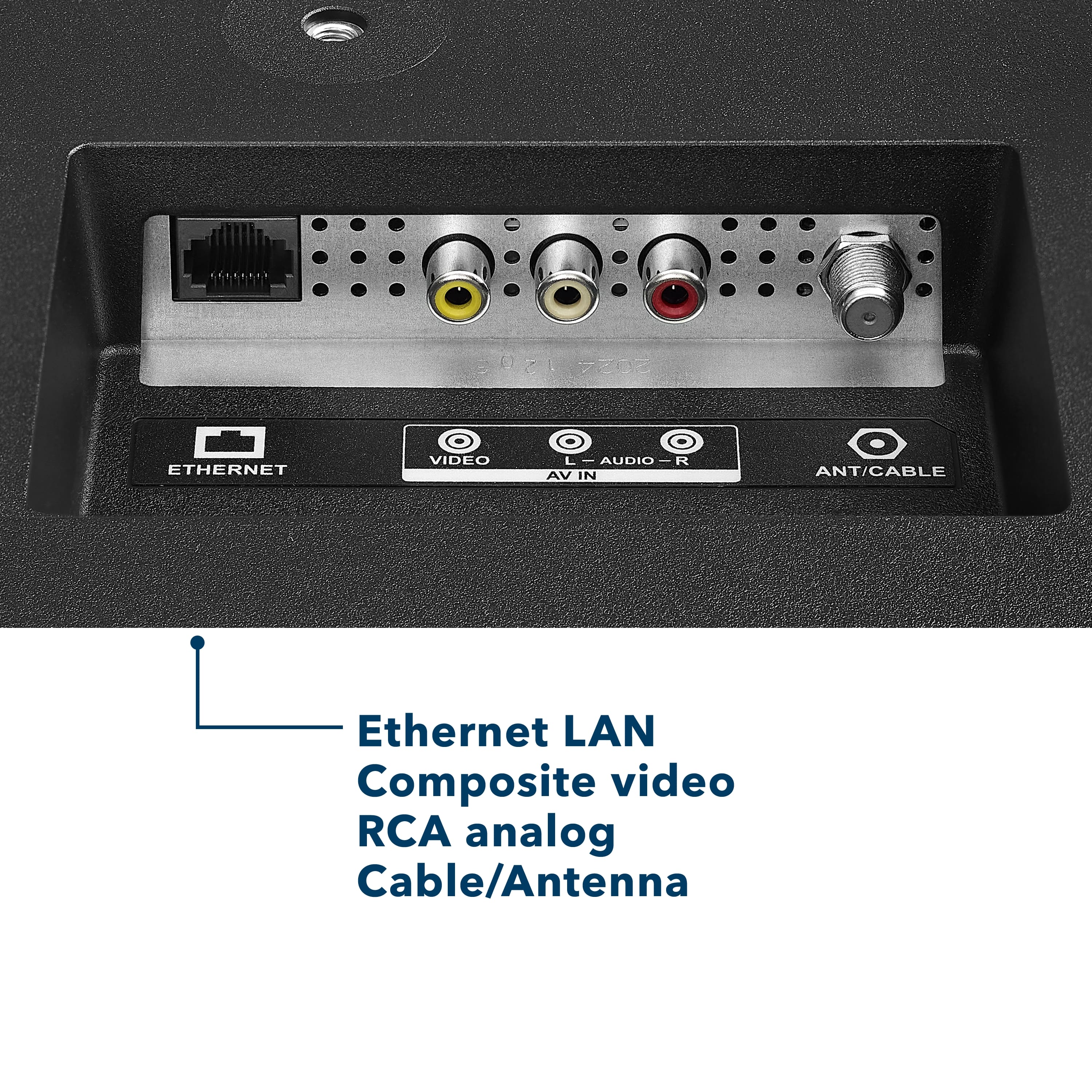
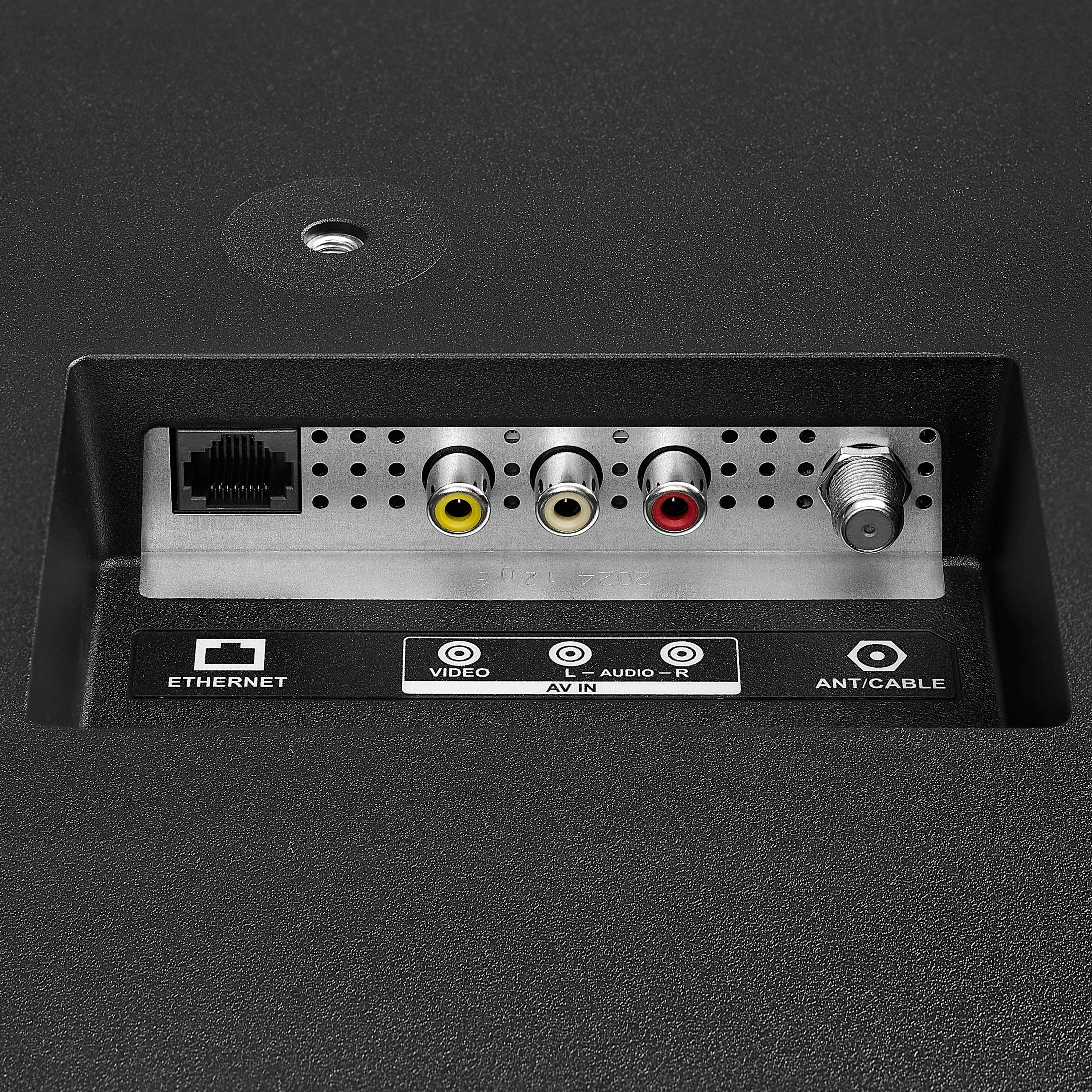
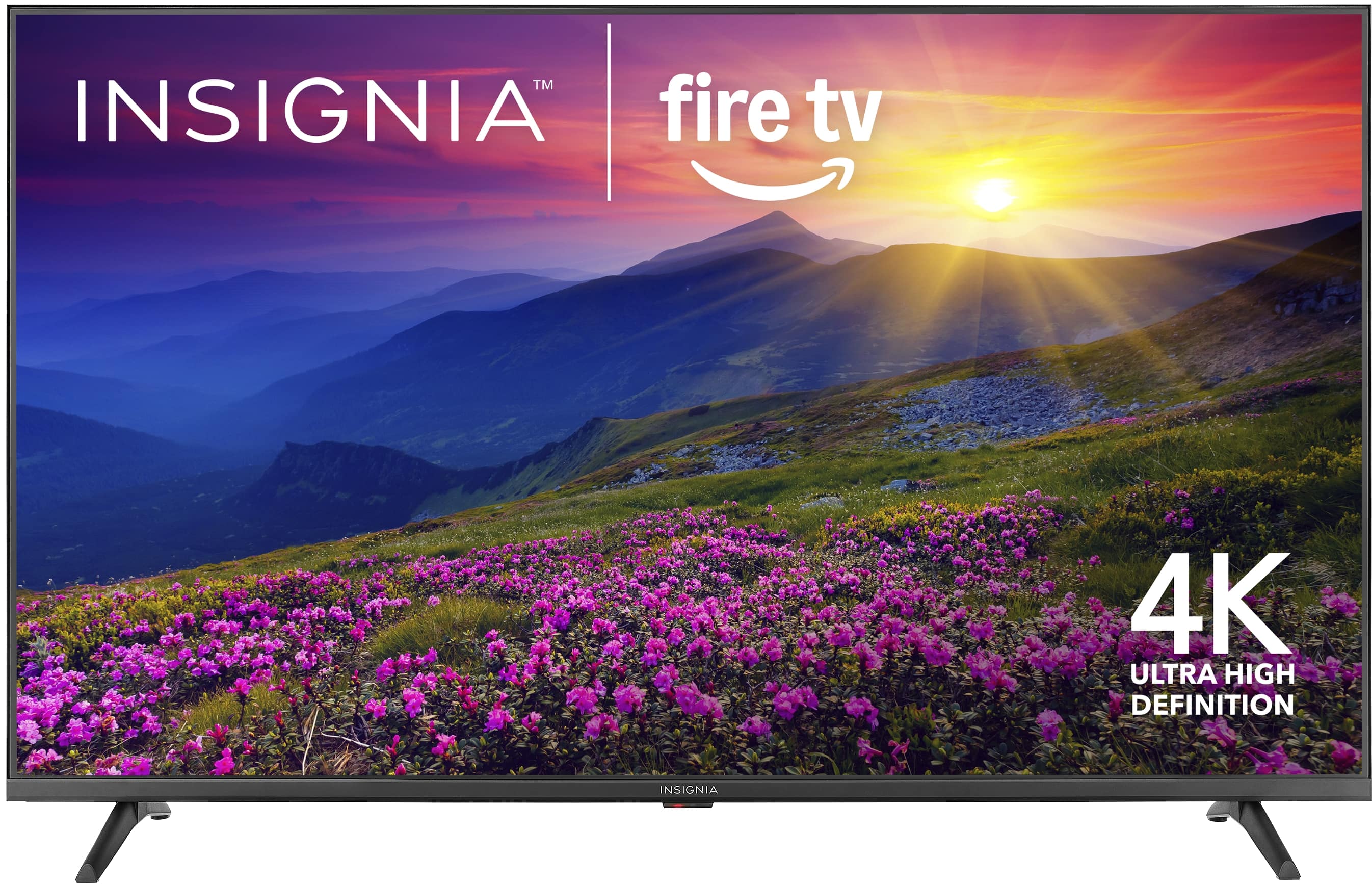
- A:Answer Thank you for your inquiry! Yes, the Insignia™ 55" Class F50 Series LED 4K UHD Smart Fire TV is compatible with DirecTV. This TV includes multiple HDMI ports, which allow you to easily connect a DirecTV receiver for high-definition viewing. It also has a coaxial input, which can support older DirecTV setups, though HDMI is recommended for the best quality. Since the TV runs on Amazon’s Fire TV operating system, you can still access DirecTV by switching to the appropriate HDMI input. The Fire TV interface won’t interfere with DirecTV usage, and you can even use Alexa voice commands through the Fire TV remote to switch inputs if you’ve set that up. Overall, the setup is straightforward and works well with DirecTV services. Keith | Insignia Support
Answered by InsigniaCustomerSupport
Q: QuestionCan you add sound bar
Asked by Anonymous.
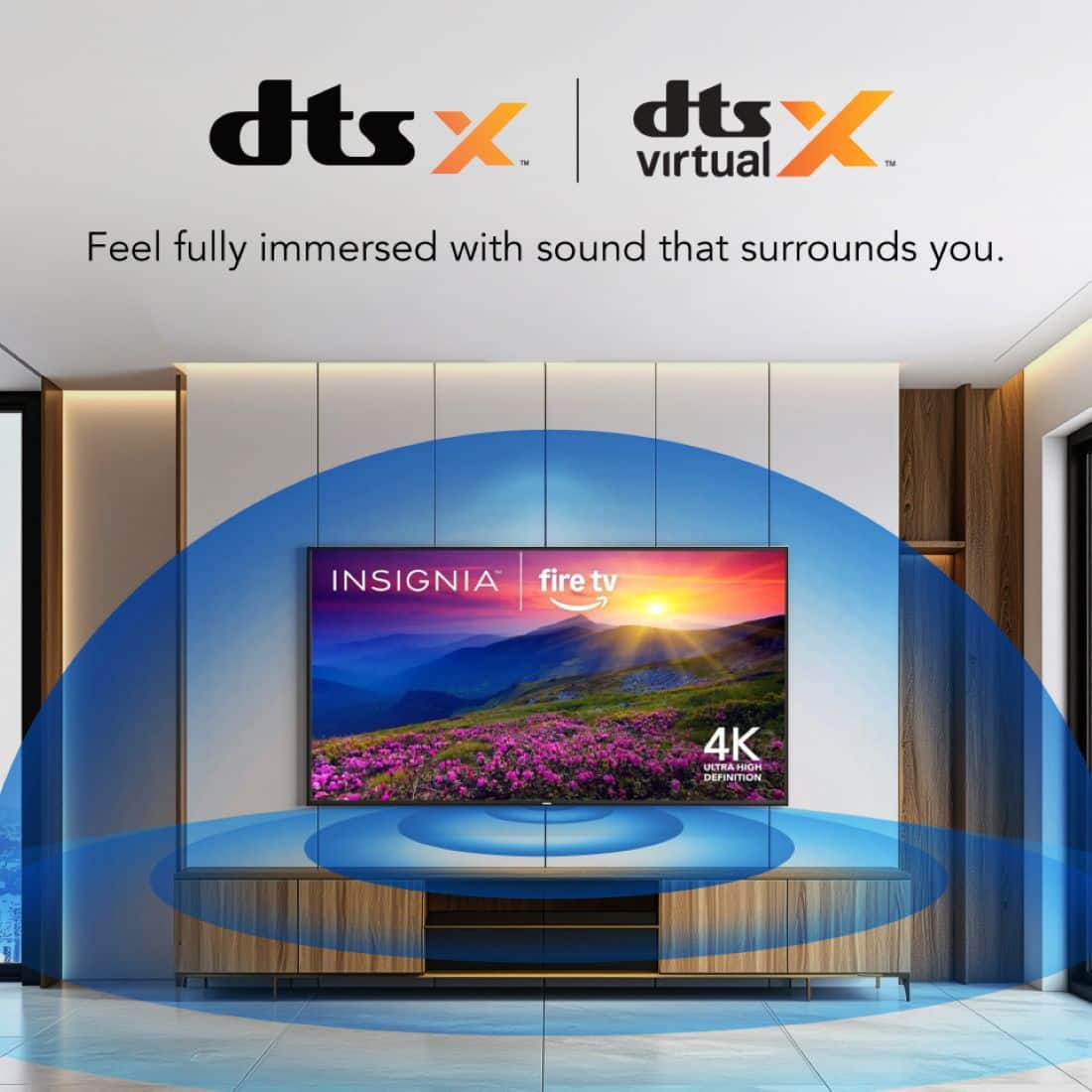
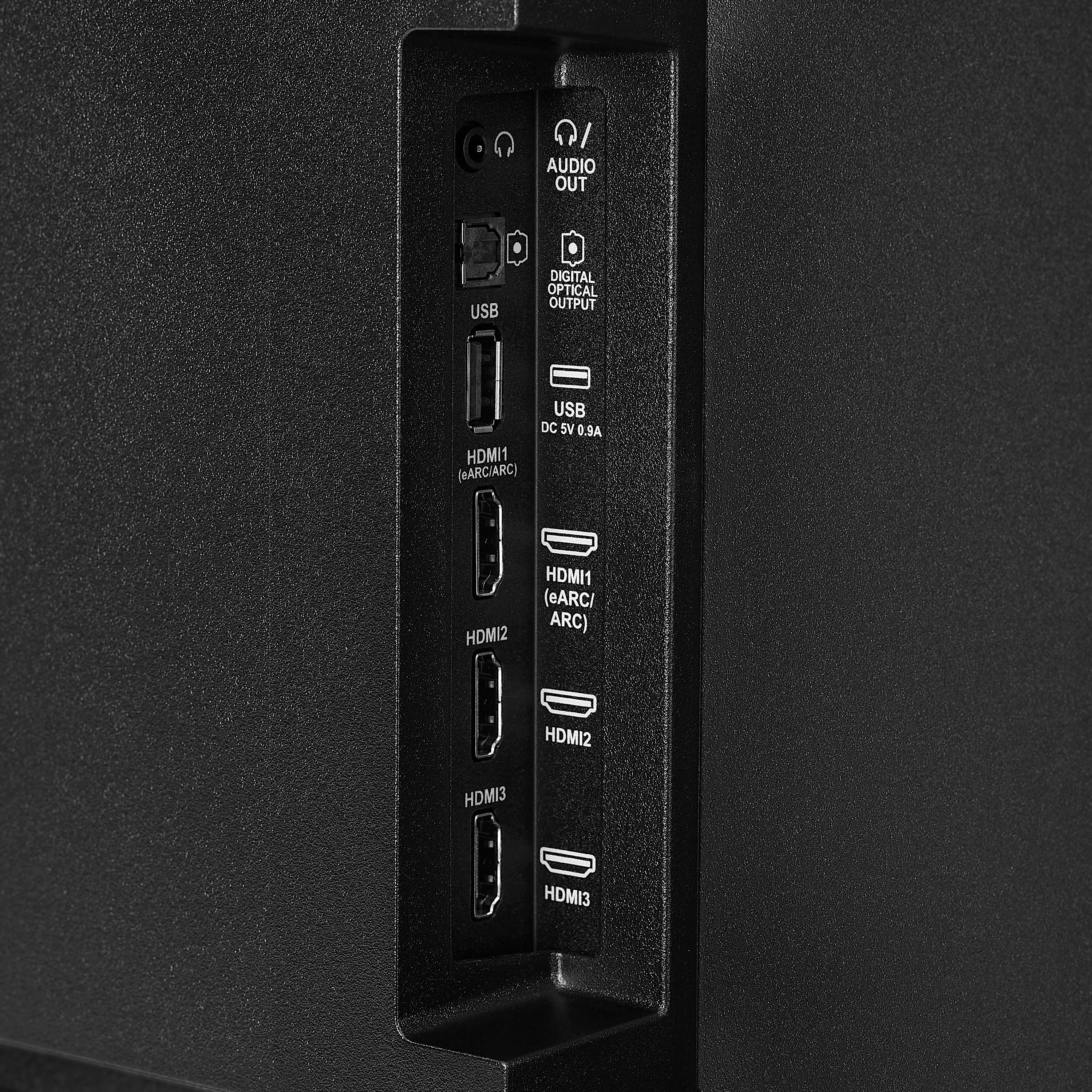
- A:Answer Hi there! Yes, you can absolutely add a sound bar to the Insignia™ 55" Class F50 Series LED 4K UHD Smart Fire TV. |Angelica| Insignia Products|
Answered by InsigniaCustomerSupport
Q: QuestionCan you use an antenna for antenna local channels without being connected to the internet?
Asked by BillFromNO.
- A:Answer It has one built in , and yes without wifi.
Answered by Jstaples21
Q: QuestionCan I screen mirror from an Apple device?
Asked by Ca.
- A:Answer Yes! Super easy to cast from your iphone
Answered by KamerynH
Q: QuestionWhat is the weight of this TV?
Asked by FrustratedIPADUser.
- A:Answer The Insignia™ 55" Class F50 Series LED 4K UHD Smart Fire TV has a total weight of 24.01 pounds (10.89 kg) when the stand is attached. Without the stand, the TV weighs slightly less at 23.63 pounds (10.72 kg). This makes it relatively lightweight for a 55-inch television, allowing for easier handling during setup or wall mounting. Patricia | Insignia Support
Answered by InsigniaCustomerSupport

Q: Questionwill this tv work with cox wifi
Asked by steve.
- A:Answer Hi Steve! Yes, this TV will work with Cox WiFi. Just connect it to your home network during setup, and you’ll be able to stream content using the built-in Fire TV features. — Shiela | Insignia Support
Answered by InsigniaCustomerSupport

Q: QuestionIs it bluetooth capable w bluetooth headphones?
Asked by AP.
- A:Answer Yes, the Insignia™ 55" Class F50 Series 4K UHD Smart Fire TV does support Bluetooth, allowing you to connect Bluetooth headphones directly through the TV’s settings by navigating to Controllers & Bluetooth Devices > Other Bluetooth Devices, where you can pair your headphones. Jeth | Insignia Support.
Answered by InsigniaCustomerSupport

Q: QuestionWhat is the max nits?
Asked by Judd94.
- A:Answer Thank you for your inquiry! The Insignia™ 55" Class F50 Series LED 4K UHD Smart Fire TV (Model: NS-55F501NA26) has a peak brightness of approximately 250 to 300 nits. This level of brightness is typical for budget-friendly LED TVs and is suitable for most indoor viewing environments, especially in rooms with moderate lighting. Keith | Insignia Support
Answered by InsigniaCustomerSupport

Q: QuestionWhat version of HDMI ports does it have?
Asked by tadcrash.
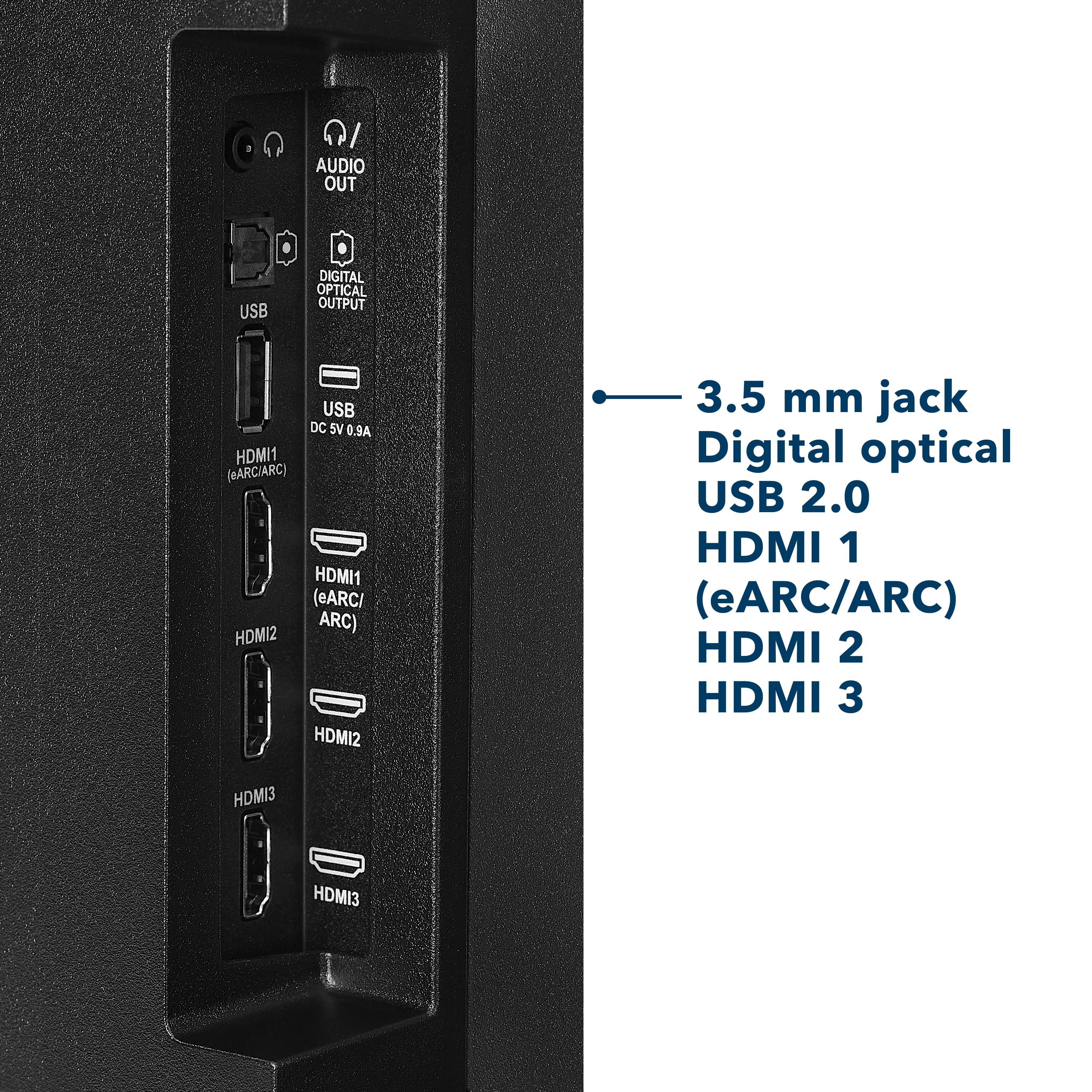
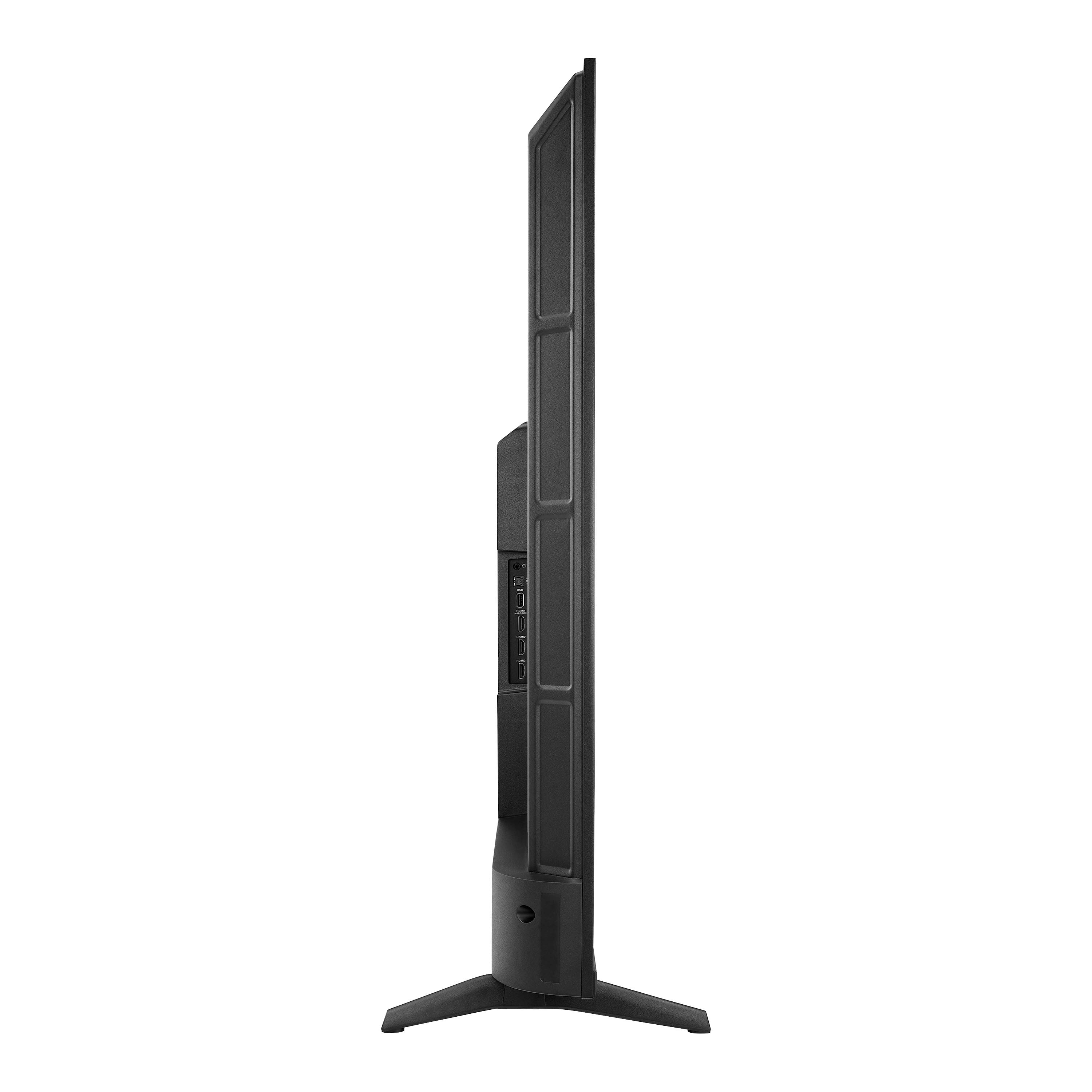
- A:Answer Hello, thank you for your question, the Insignia 55" Class F50 Series Fire TV (NS‑55F501NA26) includes three HDMI ports, and all of them are HDMI 2.0 ports with one port supporting eARC for soundbars and receivers. Sudeep | Insignia
Answered by InsigniaCustomerSupport
Q: QuestionWhy does my tv run super slow and why does it go to a black screen in the middle of playing a game. Also I can’t watch anything on the tv i have to use my ps5, why is that
Asked by Jenn.
- A:Answer Hello Jenn, thanks for your question. We’re very sorry to hear you’re experiencing slow performance, black‑screen interruptions, and issues using the TV’s built‑in apps. Those symptoms usually mean the TV’s software or hardware is struggling. Please feel free to reach out to us directly at 877‑467‑4289 or [email protected]. Our team will be happy to assist with troubleshooting and provide any further support you may need. Sandhya | Insignia Products
Answered by InsigniaCustomerSupport
Q: QuestionCan my remote be replaced foe this tv with the warranty plan?
Asked by Remote.
- A:Answer Hello, thank you for your question. Your remote may be eligible for replacement under the warranty plan. Please contact us at 1-877‑467‑4289 or [email protected] and we will be happy to help you with this. Sidhartha | Insignia
Answered by InsigniaCustomerSupport
Q: QuestionCan you get the internet
Asked by potty.
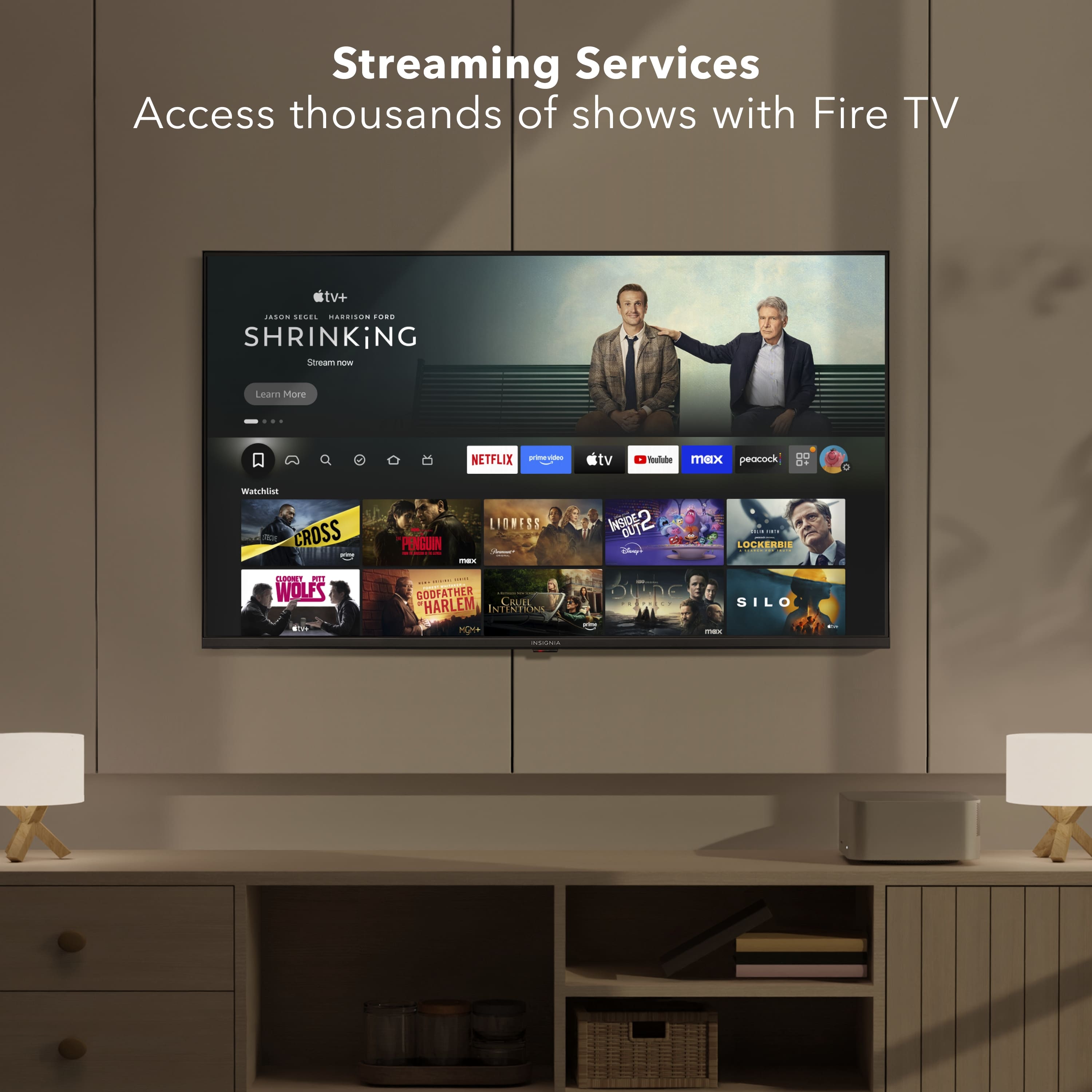
- A:Answer Hello! Thank you for your question. Yes, the Insignia 55" Class F50 Series LED 4K UHD Smart Fire TV (Model: NS‑55F501NA26) can connect to the internet. It supports both built‑in Wi‑Fi for wireless access and an Ethernet port if you prefer a wired connection, so you can easily stream apps, use Fire TV features, and access online content. Darshan | Insignia
Answered by InsigniaCustomerSupport
Q: QuestionCan it pair with Bluetooth external speakers?
Asked by ShannonR.
- A:Answer no
Answered by RohanvikramJ
Q: QuestionCan u download a remote
Asked by Kiddle123.
- A:Answer Hello! Thank you for your question. yes, you can. Since the Insignia F50 Series is a Fire TV model, you can use the official Amazon Fire TV app as a downloadable remote. Mueez | Insignia Products
Answered by InsigniaCustomerSupport
Q: Questioni need a guide to set up my 55' smart insignia tv
Asked by Eddie.
- A:Answer No guide needed
Answered by AlayshaW
Q: QuestionHello, can I watch KartinaTV on this tv?
Asked by Jinka.
- A:Answer Hi Jinka! Thanks for your question, Yes, you can watch KartinaTV on the Insignia 55" F50 Series Fire TV, but you’ll need to install the KartinaTV app from the Amazon Appstore. If you have any questions or for more information please contact us at 1-888-237-8289. Lucien | Insignia
Answered by InsigniaCustomerSupport
Q: QuestionCan i play games on ps5 with it? Any problems?
Asked by Bill.
- A:Answer Hello Bill, Thank you for contacting us. Yes, the PS5 is compatible with virtually any modern TV or monitor that includes an HDMI input. There are no special setup requirements—just ensure you’re using the appropriate HDMI cable to take full advantage of the system’s performance capabilities. Sabiha | Insignia
Answered by InsigniaCustomerSupport
Q: QuestionWhat are the dimensions of the tv without the stand
Asked by Kat.
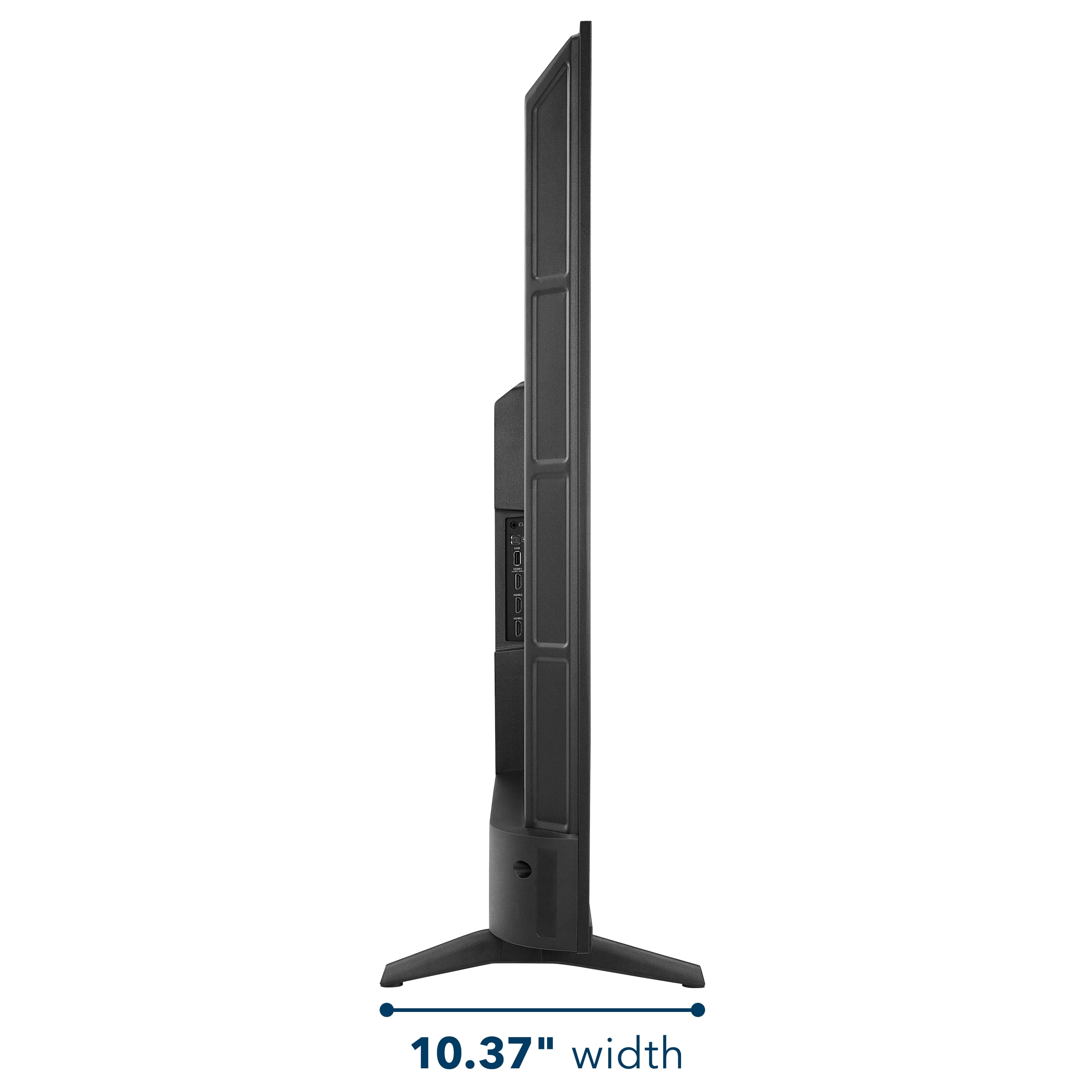
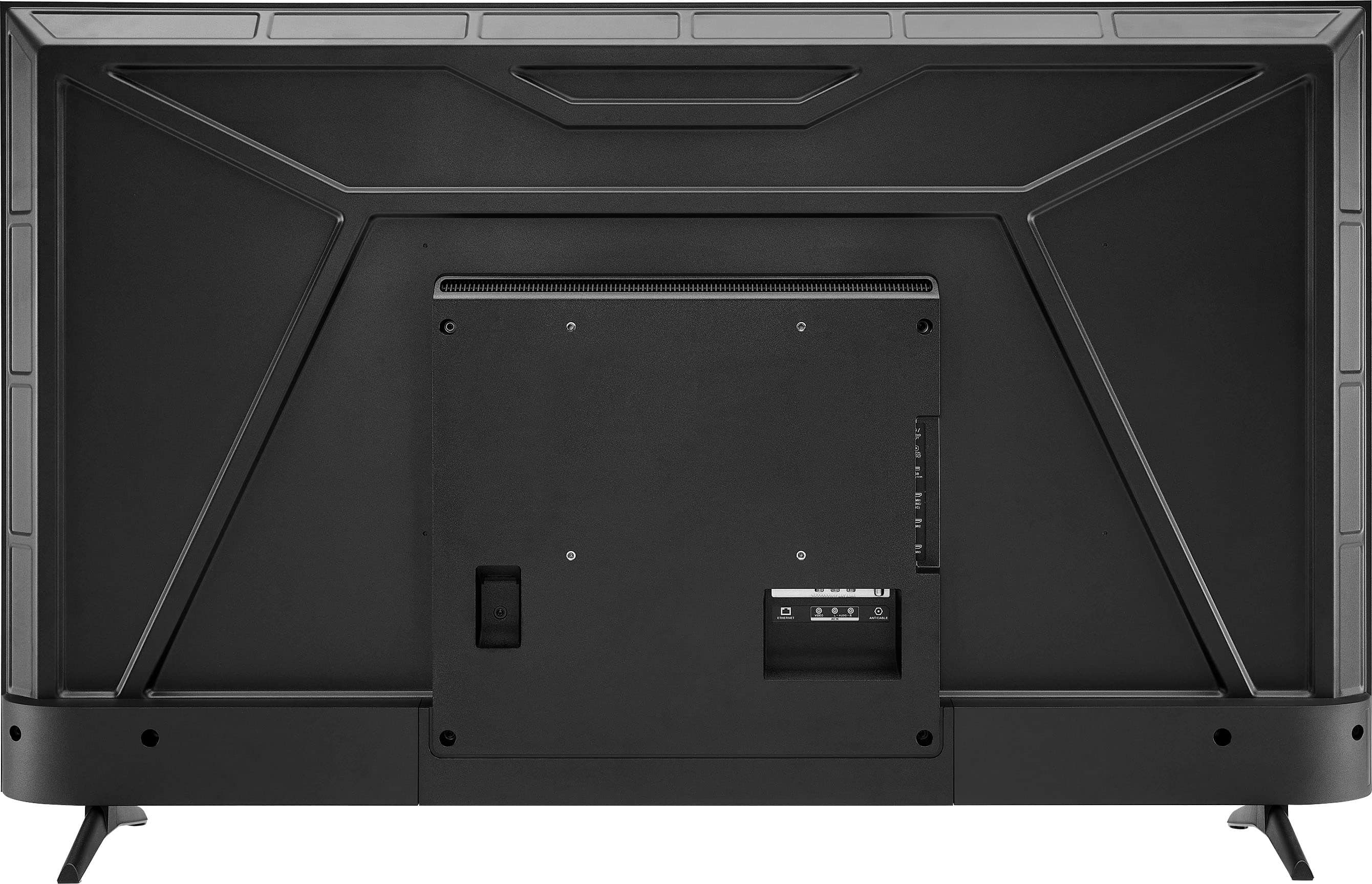
- A:Answer Hello Kat! Thank you for your question. The dimensions of the Insignia™ 55" Class F50 Series LED 4K UHD Smart Fire TV (Model NS‑55F501NA26) without the stand are 48.4 inches wide, 28.3 inches high, and 3.2 inches deep. If you have any other questions about features or settings, please feel free to reach out to us. Thank you again for your question and for considering Insignia products. Sudeep | Insignia
Answered by InsigniaCustomerSupport
Top Rated
- Limited Time Deal$159.99


.
FEATURES:
- 160p Screen Resolution
- Antenna/Cable Input
- HDMI Input
- Parallel Refresh Rate
- Headphone Jack
- Audio Output
- Wireless Digital Output
- Optical Audio Output
WARRANTY/SUPPORT:
- Best Buy and Insignia offer a limited warranty.
- Please recycle this box to help conserve natural resources.
- For more information about warranty and support, visit Best Buy.](https://pisces.bbystatic.com/image2/BestBuy_US/images/products/d9ec79da-15df-4d39-934a-5f9c9726d885.jpg;maxHeight=54;maxWidth=54;format=webp)