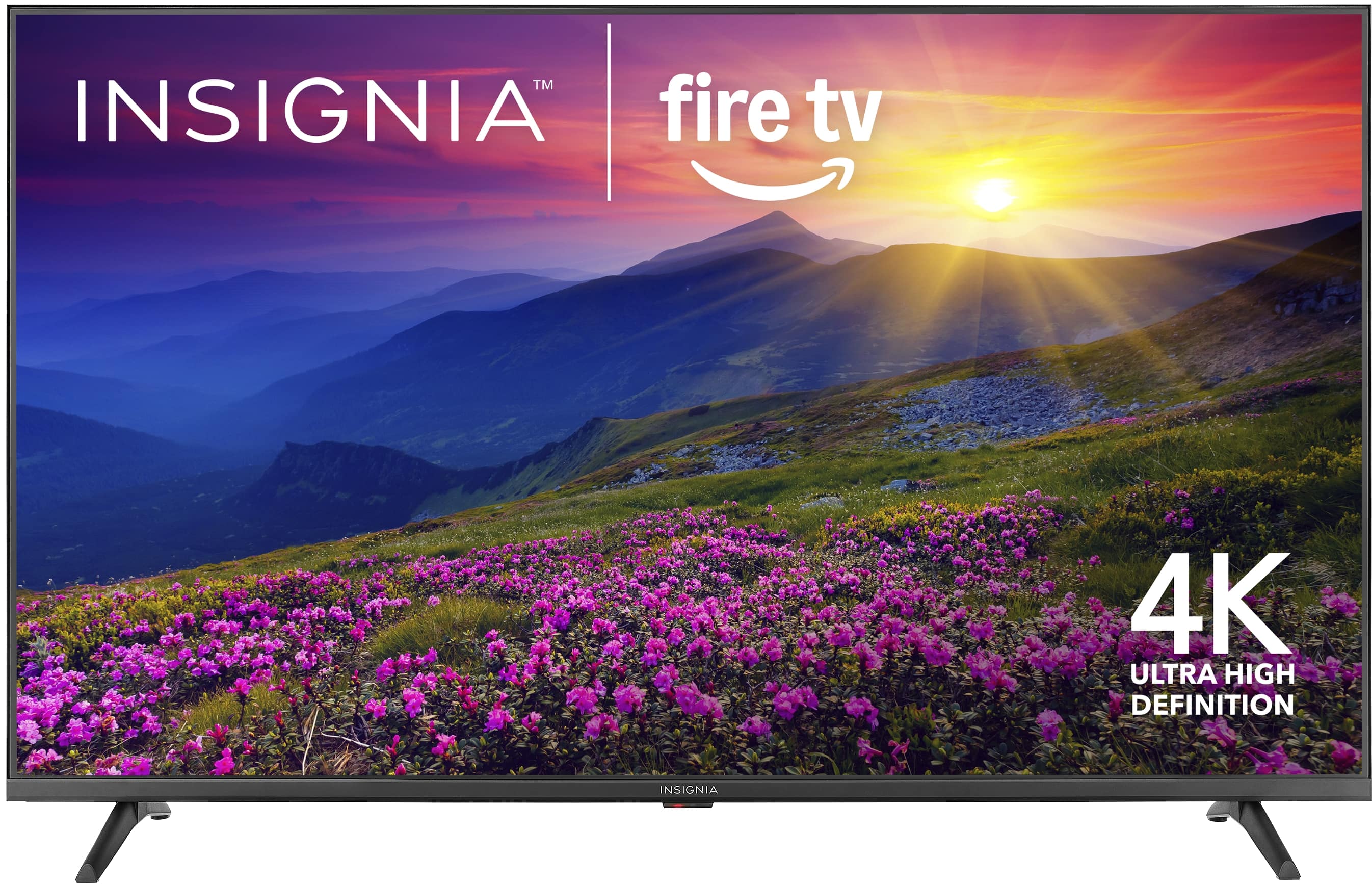
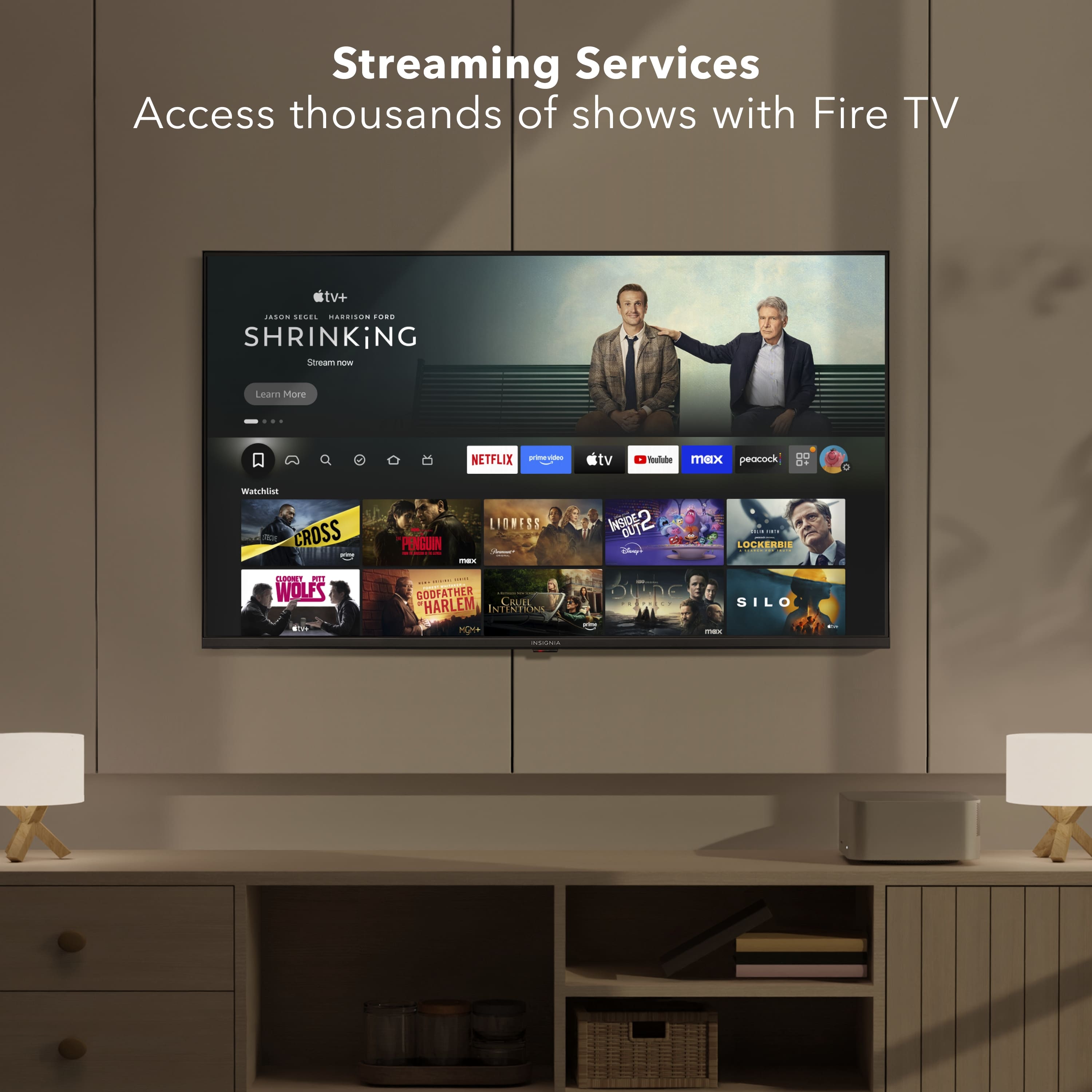
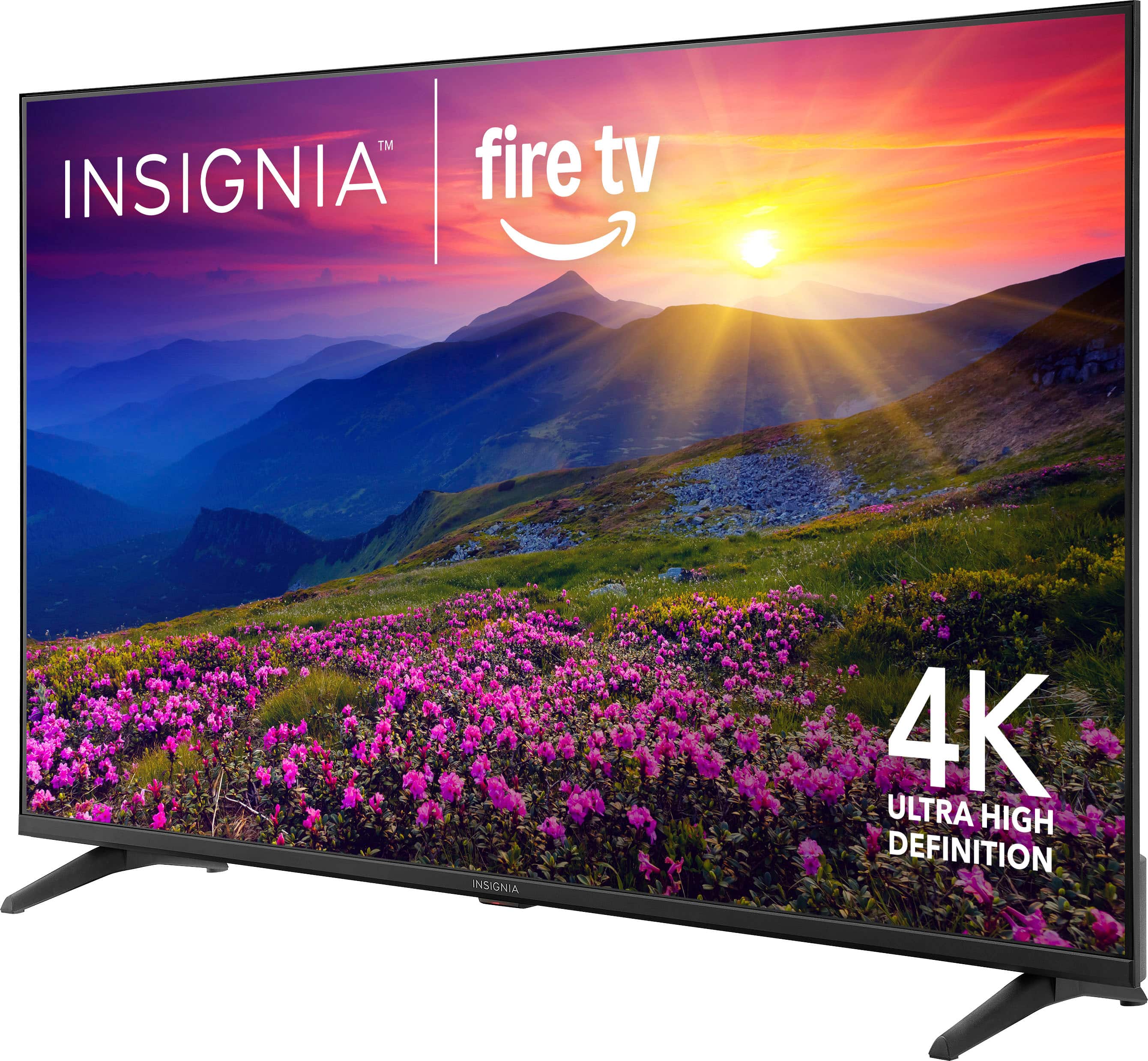
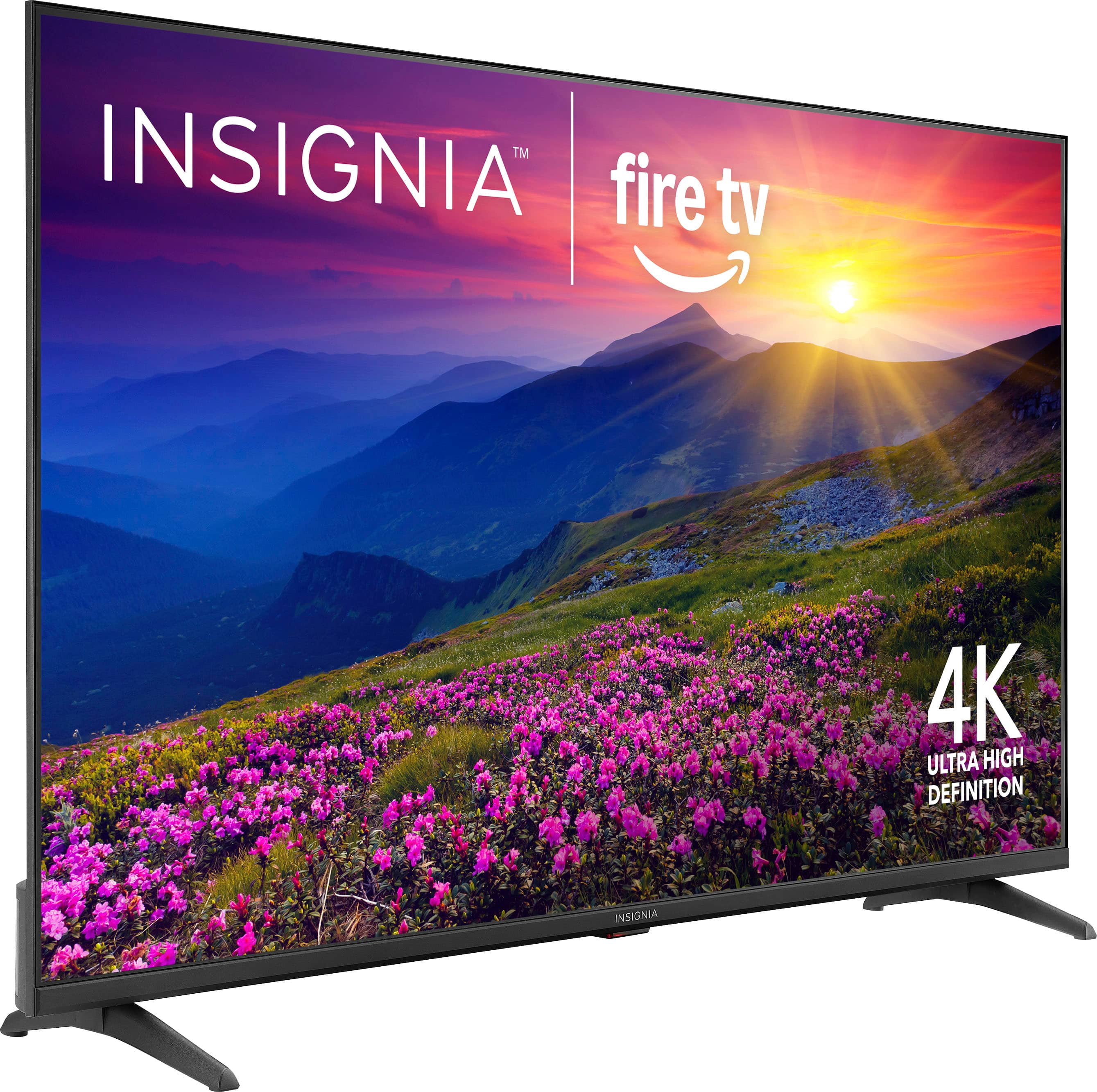
A:Answer Hello Mark, thank you for your question. No, you cannot download the Xfinity Stream app directly on the Insignia 55" Class F50 Series Fire TV, because Xfinity Stream is not available in the Amazon Fire TV Appstore. However, you can still use it by connecting an external device that supports the Xfinity Stream app, such as a Roku, Apple TV, Chromecast with Google TV, or Xfinity Flex/X1 box.
Sudeep | Insignia

.
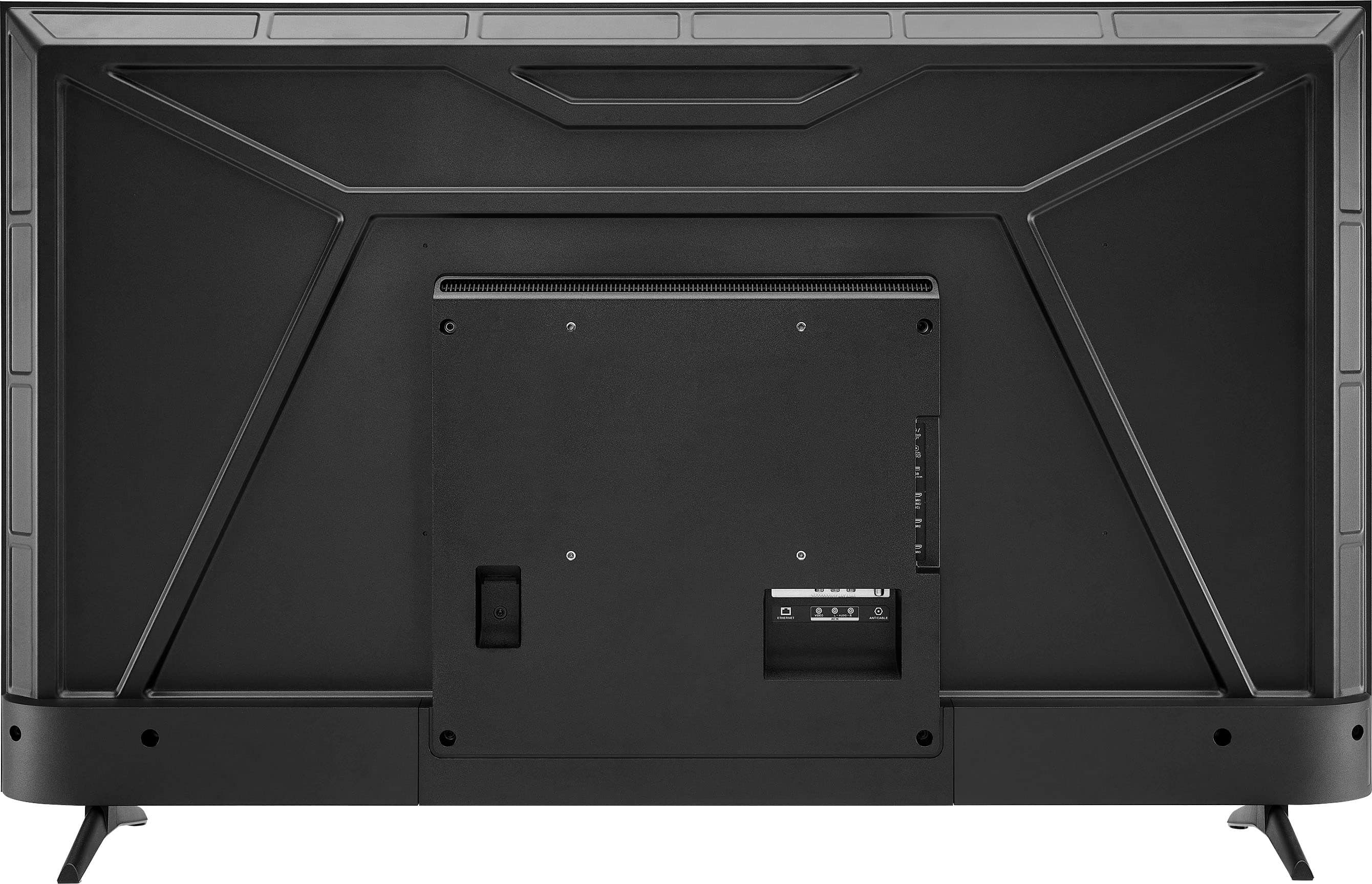
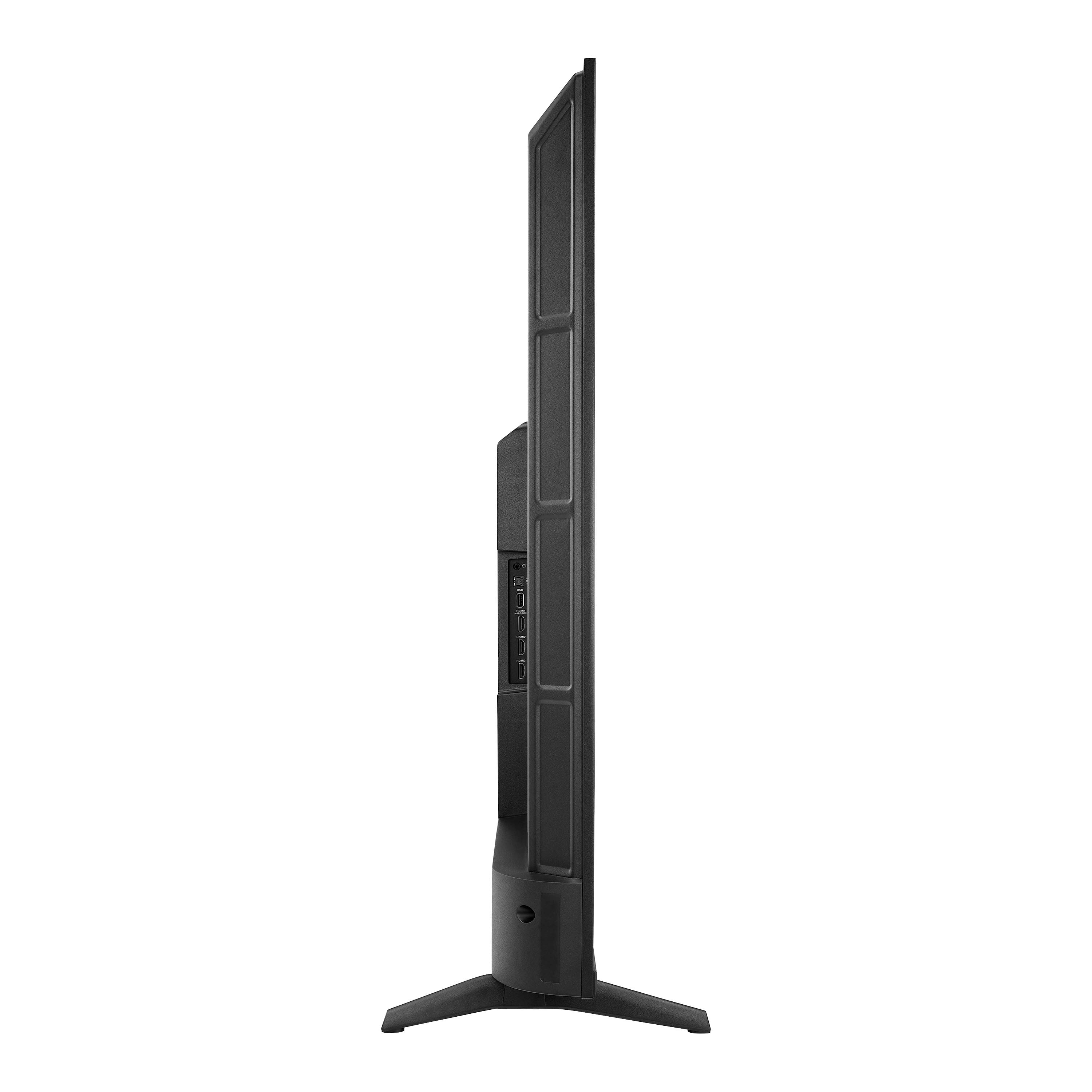
FEATURES:
- 160p Screen Resolution
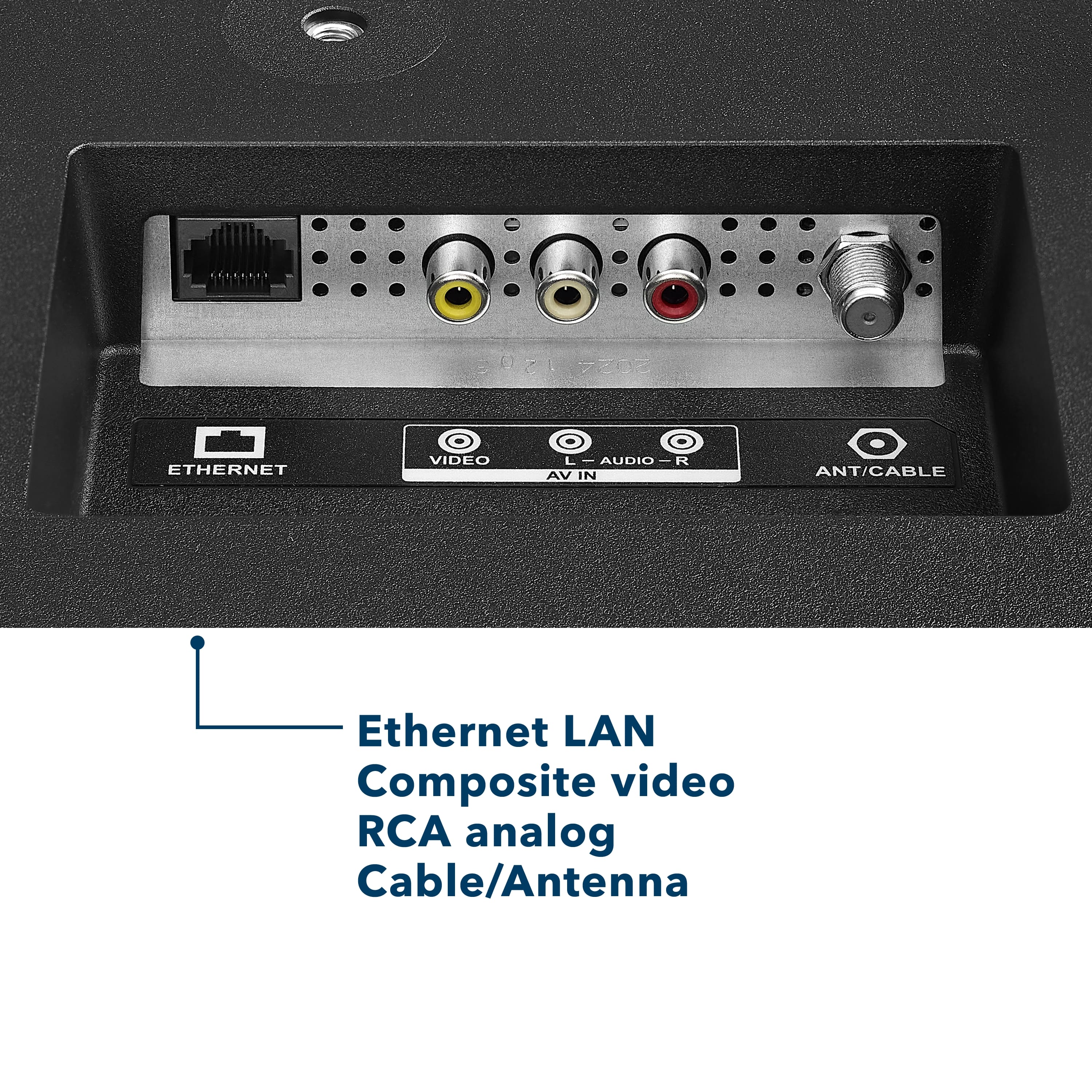
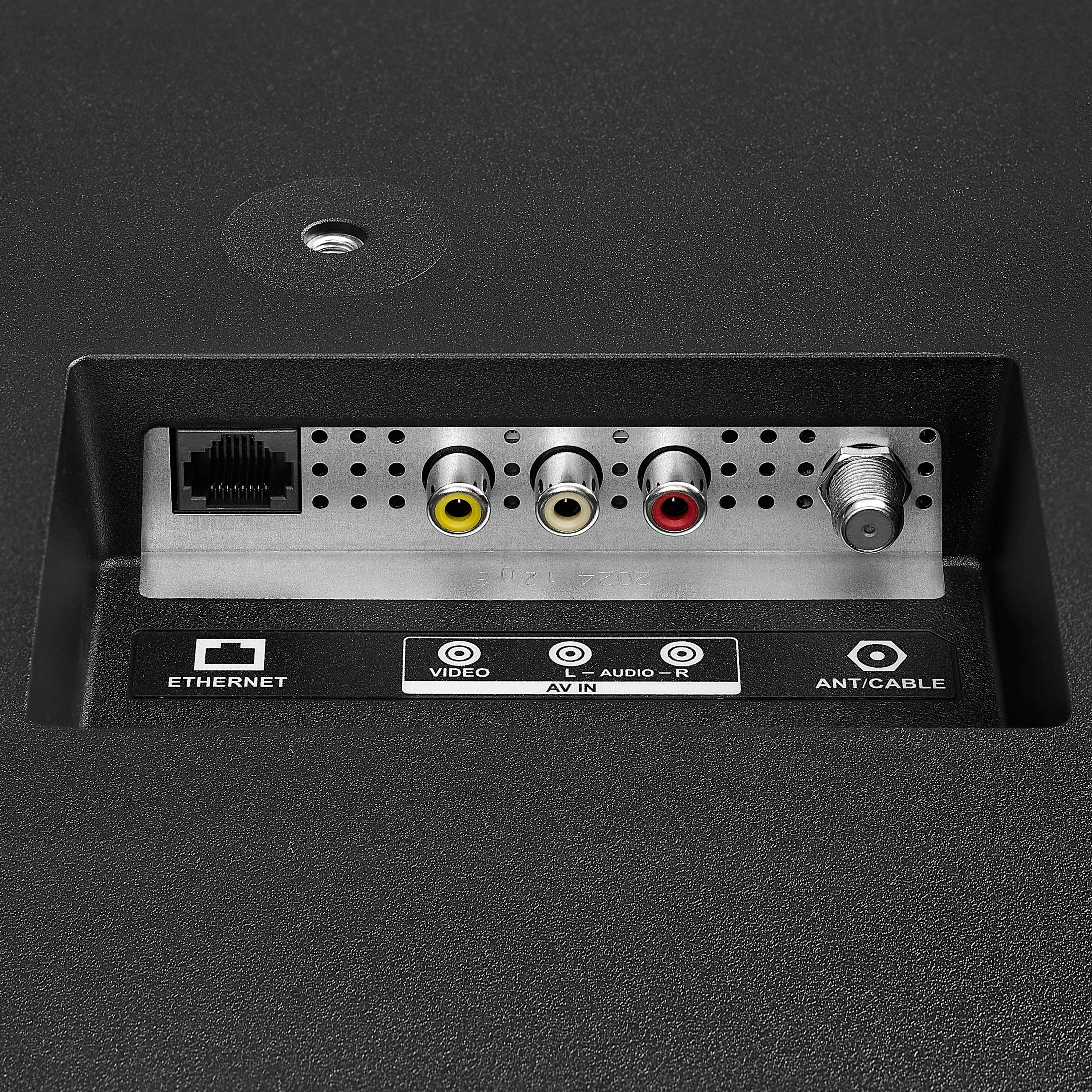
- Antenna/Cable Input
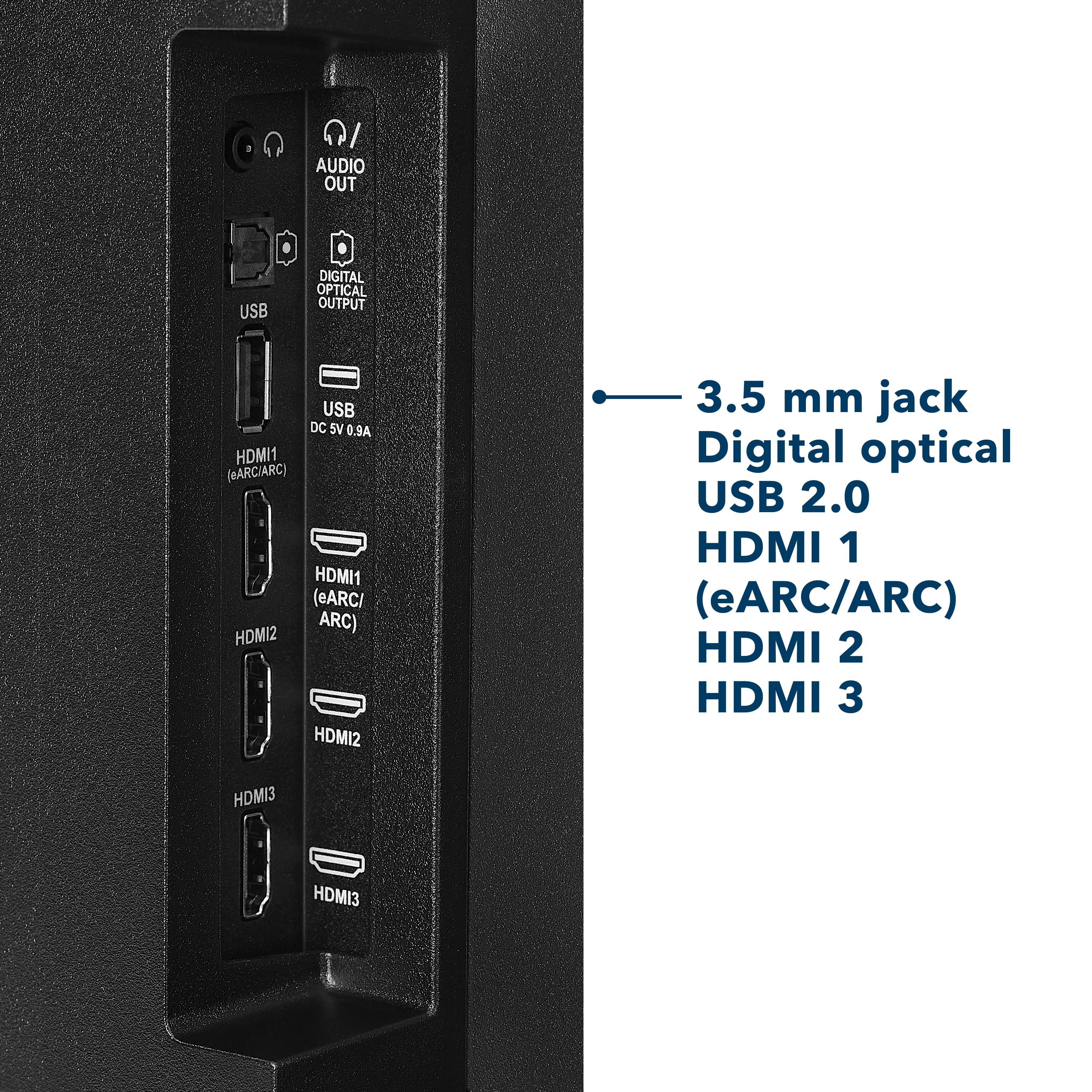
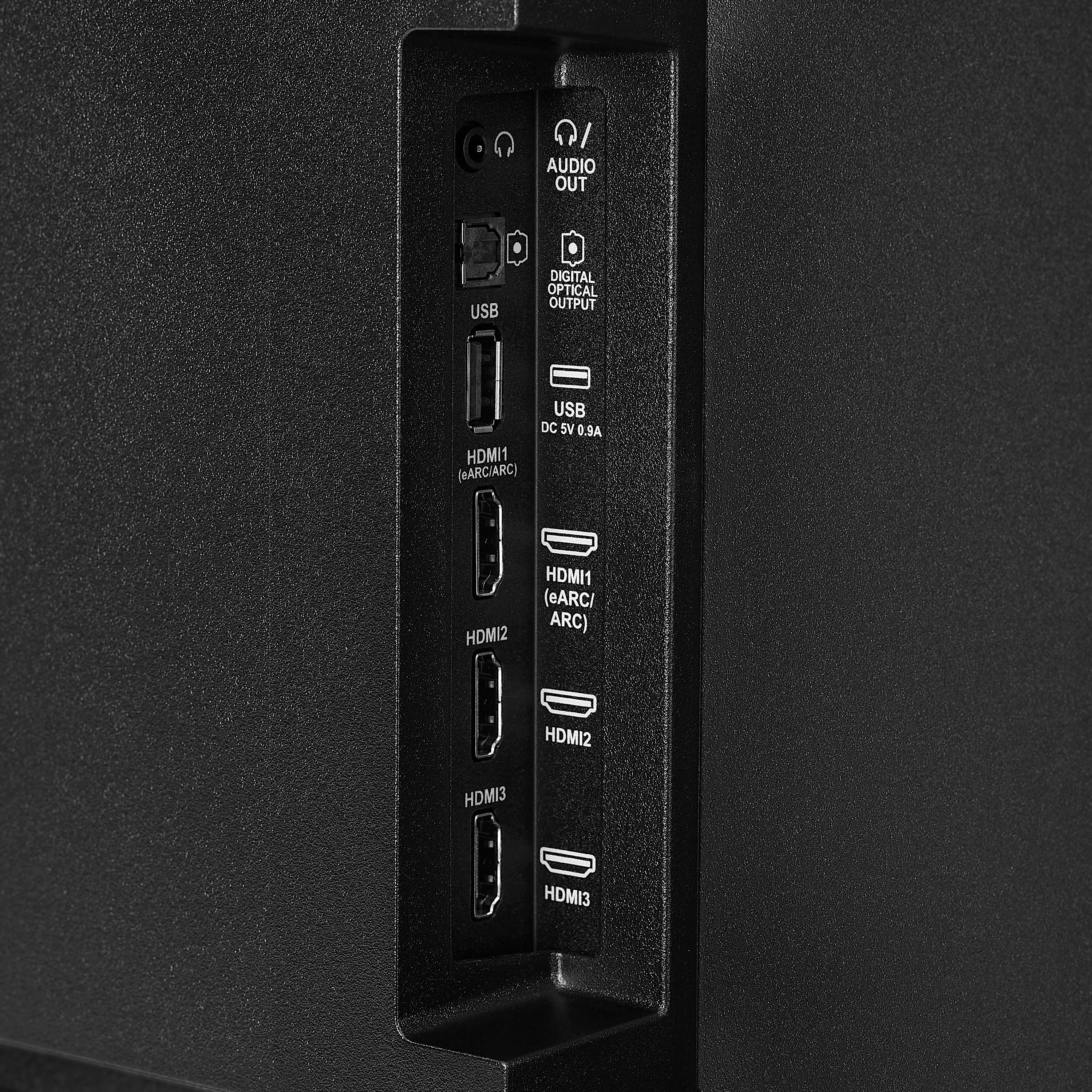
- HDMI Input
- Parallel Refresh Rate
- Headphone Jack
- Audio Output
- Wireless Digital Output
- Optical Audio Output
WARRANTY/SUPPORT:
- Best Buy and Insignia offer a limited warranty.
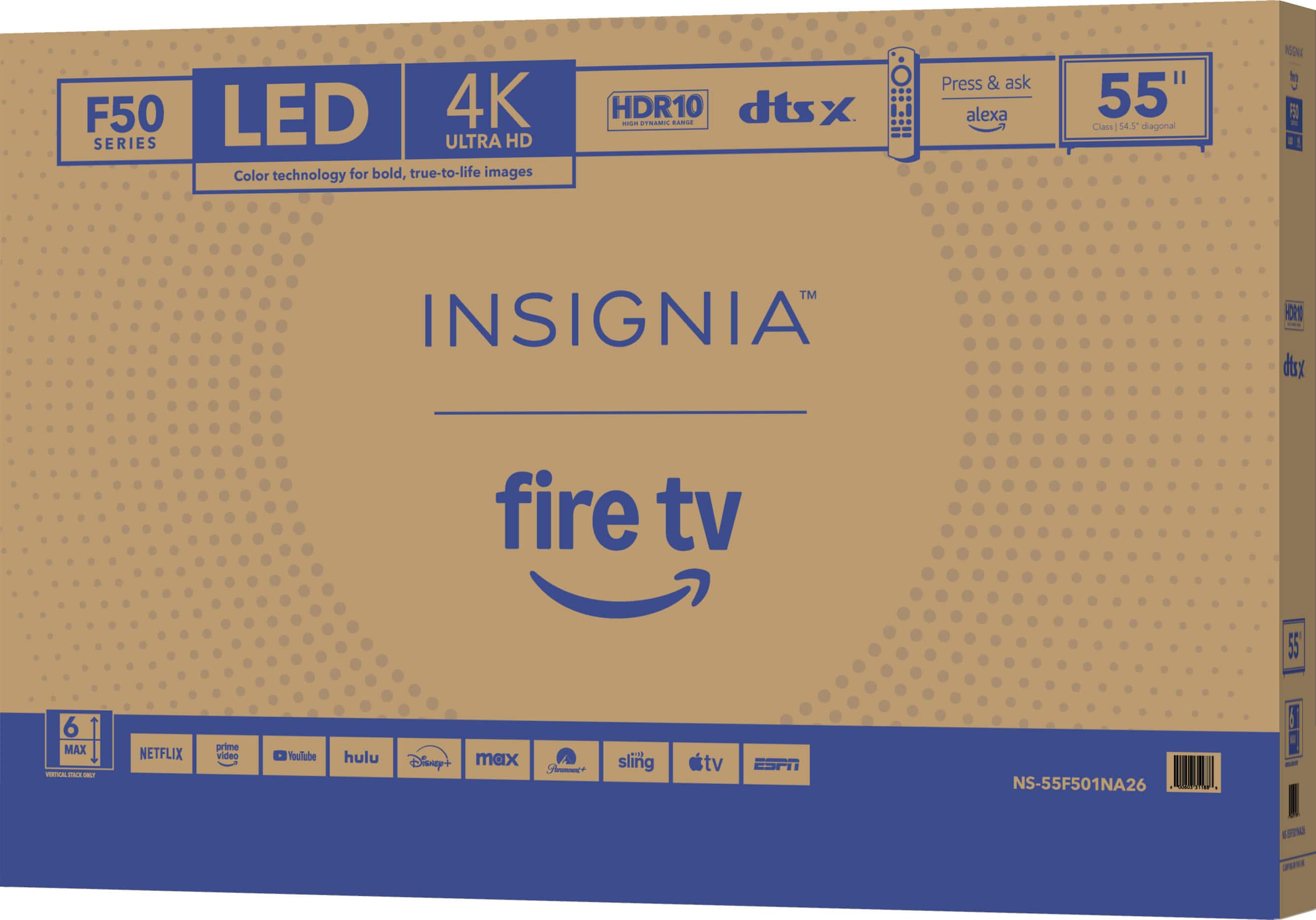
- Please recycle this box to help conserve natural resources.
- For more information about warranty and support, visit Best Buy.](https://pisces.bbystatic.com/image2/BestBuy_US/images/products/d9ec79da-15df-4d39-934a-5f9c9726d885.jpg)