A:AnswerYou can link an Echo device to the TV for hands-free control. Use the smartphone Alexa app, go Home > Menu > Settings > Video and TV > Fire TV and follow the on-screen instructions.
David M. - Insignia Support
A:AnswerThe Fire TV Edition television features Closed Captions.
While watching Live TV press the Menu button and select Captions and Audio.
David M. - Insignia Support
A:AnswerTo search for available apps to download on your Fire TV Edition television, please visit: amazon.com > Menu - Shop By Category > Fire TV > Fire TV Apps & Channels > Refine by Device Type select Fire TV Edition TV and search.
David M. - Insignia Support
A:AnswerThis TV supports HDR10.
Try to change the HDMI Mode, press and hold the home button for 3 seconds to launch the Quick Access menu, go to Picture > Advanced Settings > HDMI Mode and select 2.
Also, change the picture mode to Game and set Motion Processing to Off.
David M. - Insignia Support
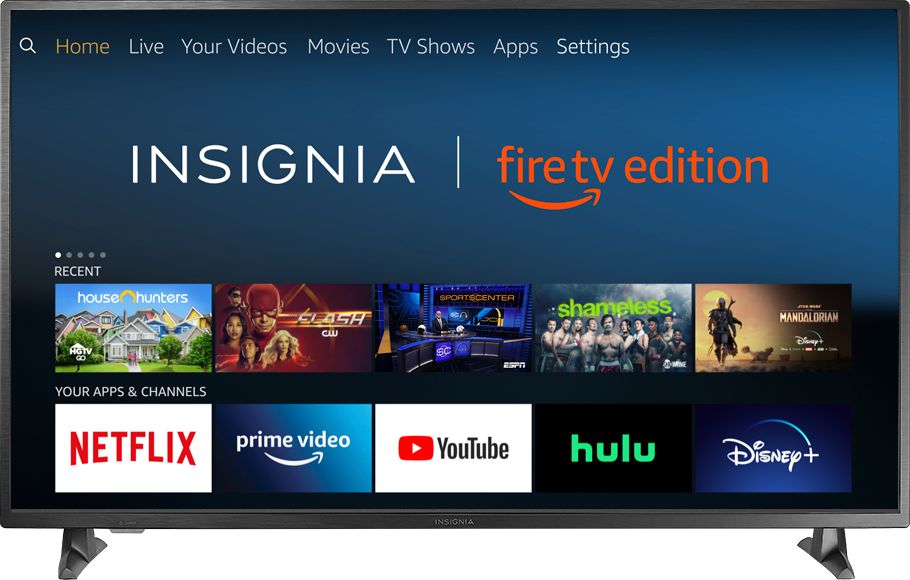
A:AnswerTry to change the HDMI Mode, press and hold the home button for 3 seconds to launch the Quick Access menu, go to Picture > Advanced Settings > HDMI Mode and select 2.
Also, change the picture mode to Game and Motion Processing to Off.
David M. - Insignia Support
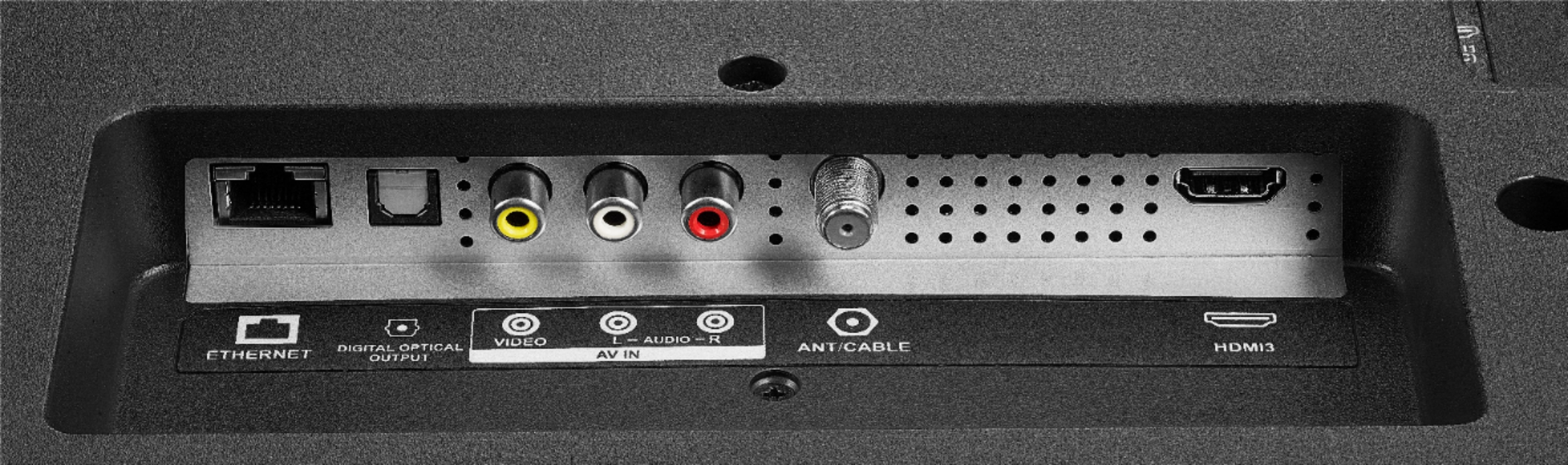
A:AnswerYes, just hook up your Cable Box using an HDMI cable.
This television has the Fire TV experience already built-in.
Also you can connect an antenna to watch free over-the-air broadcasts from your local channels.
David M. - Insignia Support

A:AnswerYou can connect your Spectrum Cable Box to the Fire TV Edition television using an HDMI cord.
Also you can connect your streaming device, that support the Spectrum app, to the TV.

David M. - Insignia Support