A:AnswerTo pair a Bluetooth device, go Home > Settings > Controllers & Bluetooth Devices.
For more information, please visit:
https://www.amazon.com/gp/help/customer/display.html?nodeId=GSBSBL44Y4QM59FV
David M. - Insignia Support
A:AnswerHi, Ricky.
Thank you for sharing your inquiry. This TV is designed to work most of its functions with the original remote. To verify compatibility with your controller please refer to the manufacturer.
Alexander G. - Insignia Support
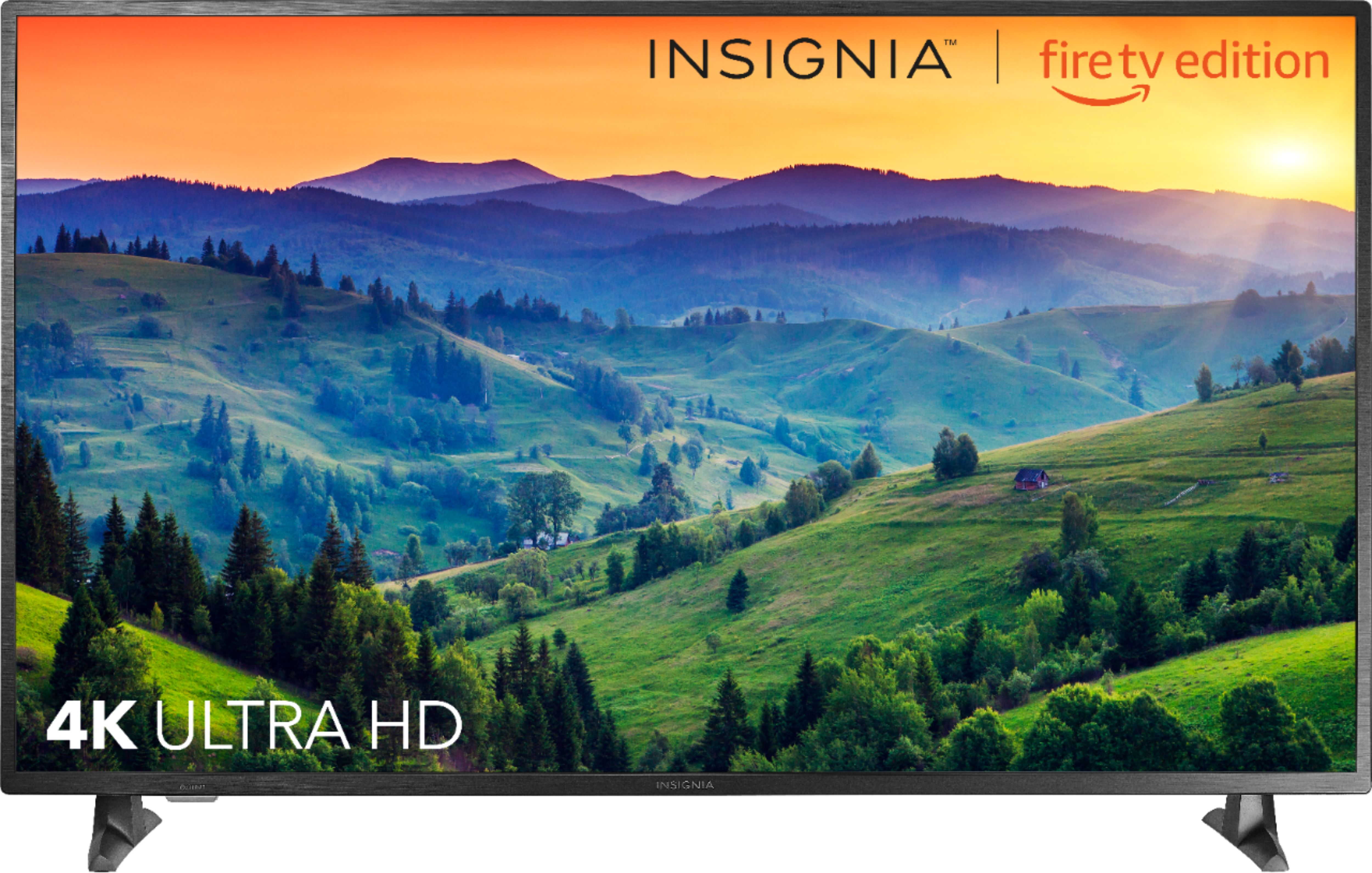
A:AnswerThis Fire TV Edition television supports 4K UHD HDR10 enabled content, you just have to play the movie or TV show.
For product support please call 1-877-467-4289 available from 8 am to 9 pm CT daily.
David M. - Insignia Support
A:AnswerConnect an antenna to watch free over-the-air broadcasts from your local channels.
For product support please call 1-877-467-4289 available from 8am to 9pm CT daily.
David M. - Insignia Support
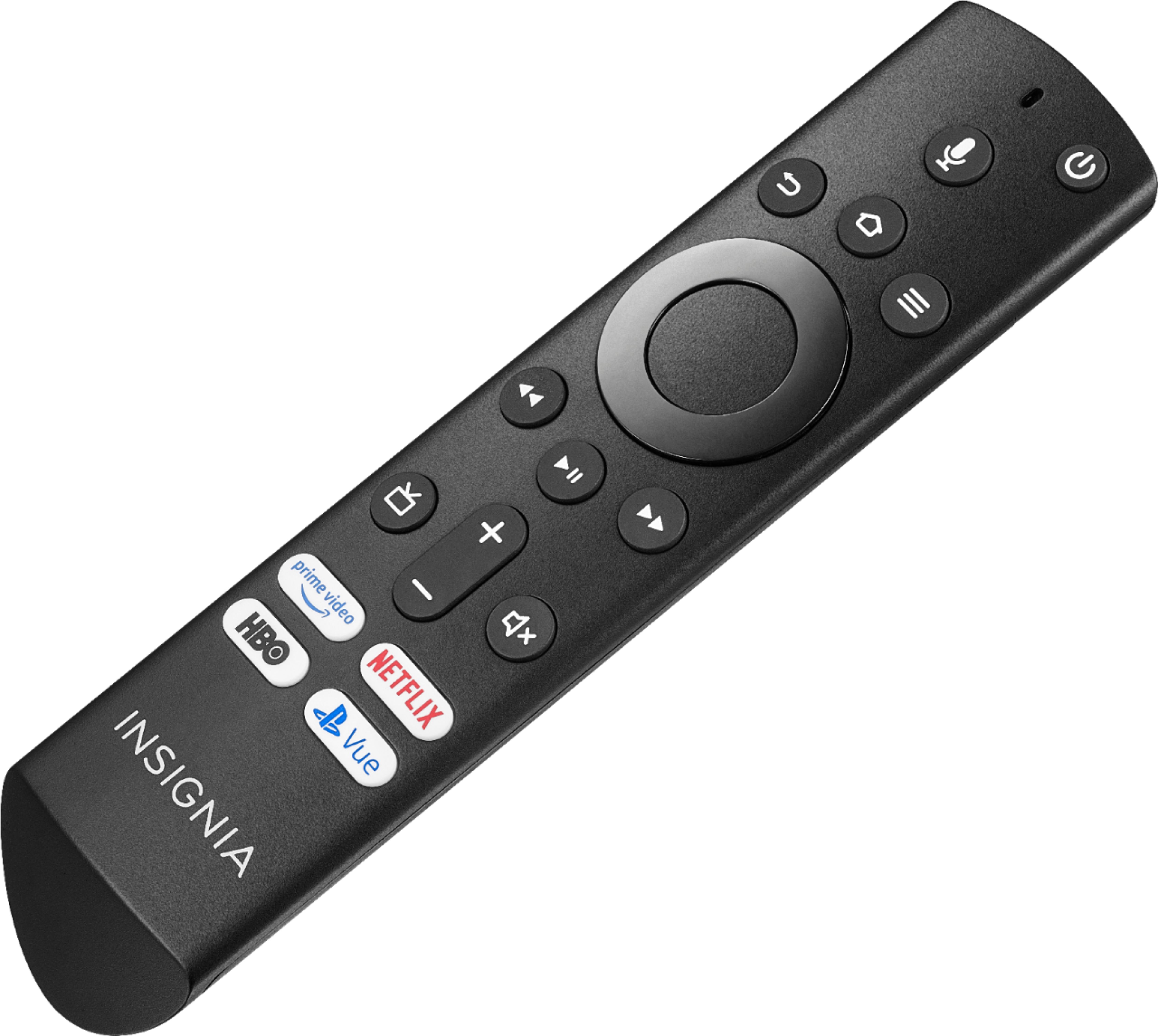
A:AnswerUse the included Voice Remote to control your Fire TV Edition television.
To watch Fire TV Edition TV Help Videos, please visit:
https://www.amazon.com/gp/help/customer/display.html?nodeId=202162190
David M. - Insignia Support
A:AnswerSelect the input where you have the DVD player connected.
To watch Fire TV Edition TV Help Videos, please visit:
https://www.amazon.com/gp/help/customer/display.html?nodeId=202162190
David M. - Insignia Support
A:AnswerHi, Zion.
Thank you for taking the time to share your inquiry with us. This TV has HDMI ports enabled to work with any UHD or 4K connection. They are also compatible with 60 Hz frame rate.
Alexander G. - Insignia Support
A:AnswerHi Ryce.
I appreciate your trust in that we will answer your question accurately. For the 55 inch TV model, the stand is 29 inches wide. My suggestion is use a bigger surface than this, as using a surface exactly 29 inches wide could lead to the TV being unstable or vulnerable to bumps.
Charles V. - Insignia Support
https://www.insigniaproducts.com/contact-us
A:AnswerHi, Jordan.
I appreciate you taking the time to share your inquiry with us. There are several configurations that can be done on your TV. As far as making it wall art we can do some research for you. Please contact us at https://www.insigniaproducts.com/contact-us so we can better assist you.
Alexander G. - Insignia Support
A:AnswerHi, Deegee.
I appreciate you taking a moment to share your inquiry. While watching streaming channels' content on any TV you require a fast and reliable Internet connection, since the lagging or low resolution of the picture relates to a slow connection. If you require further assistance, please reach us at https://www.insigniaproducts.com/contact-us
Alexander G. - Insignia Support
A:AnswerThe Fire TV Edition television features a Sleep Timer. Go to Home > Settings > Sleep Timer ; or you can press and hold the Home Button on the Voice Remote for 3 seconds to launch the Quick Access Menu, select Sleep Timer. This function turns off the TV in: 5 , 10 , 15 , 30 , 60, 90, 120, 150, 180 and 240 minutes. After you select the desired time, select again Sleep timer and there should be an OFF option to turn off the Sleep Timer.
David M. - Insignia Support
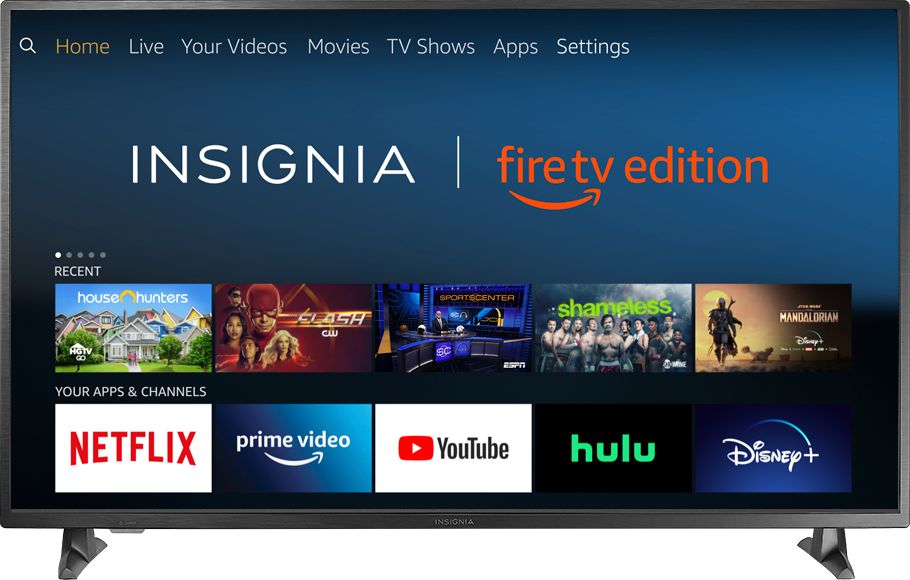
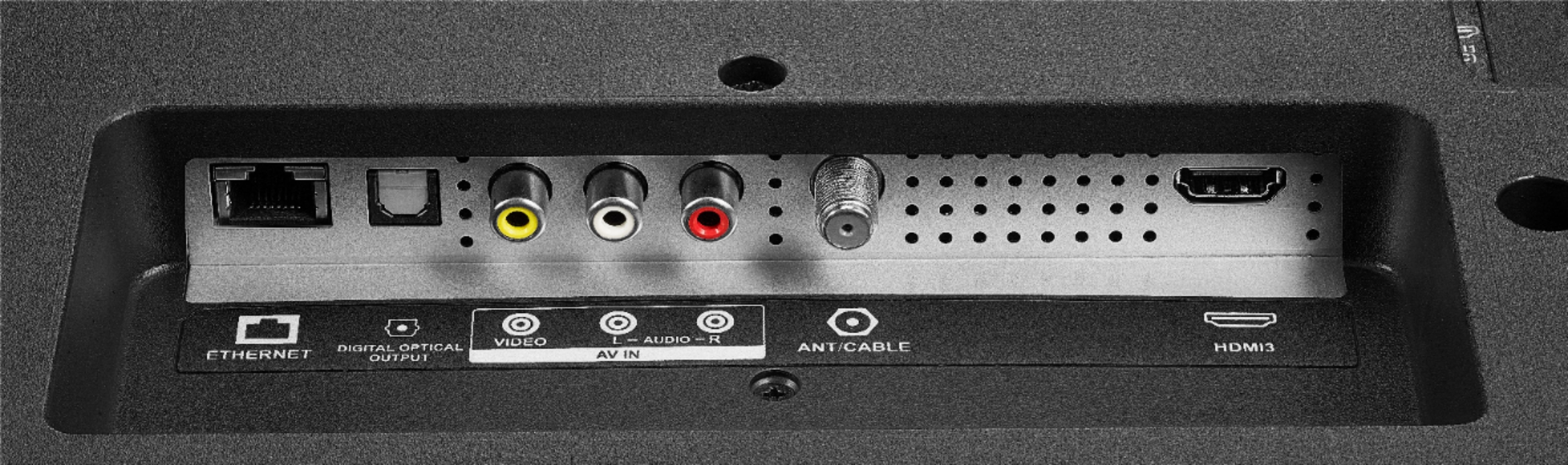
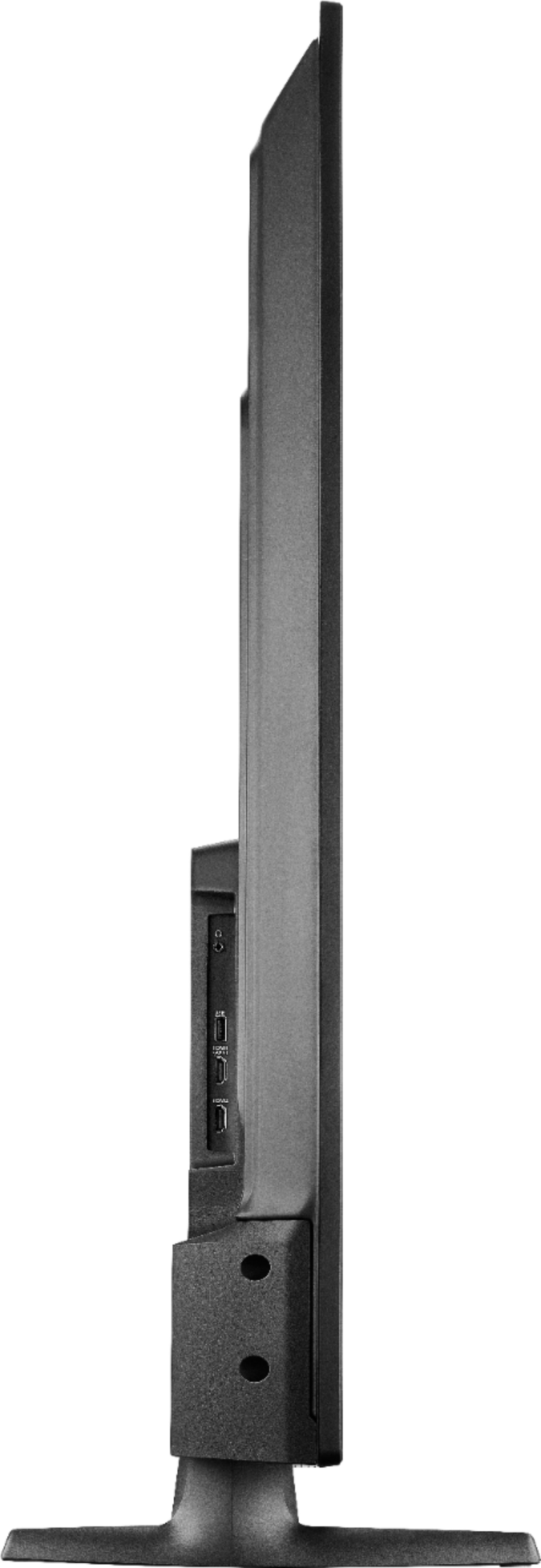
A:AnswerThe Fire TV Edition television features the following Audio Outputs:
Bluetooth (for audio devices), 3.5 mm (Headphone Jack) and Digital Optical Output.
David M. - Insignia Support

A:AnswerThe Fire TV Edition television requires a strong stable high-speed internet connection to stream content. For example Netflix and YouTube recommend an internet speed of 25 Mbps.
David M. - Insignia Support