Questions & Answers
- Model:
- NS55-UQFL26
- |
- SKU:
- 6616640
Highly rated by customers for: Picture Quality, Setup Ease, Weight
Page Showing 121-127 of 127 questions
Q: QuestionThe NS55-UQFL26 TV doesn't let me turn on hdr, the option is greyed out no matter what source or app I try it on.
Asked by JH.
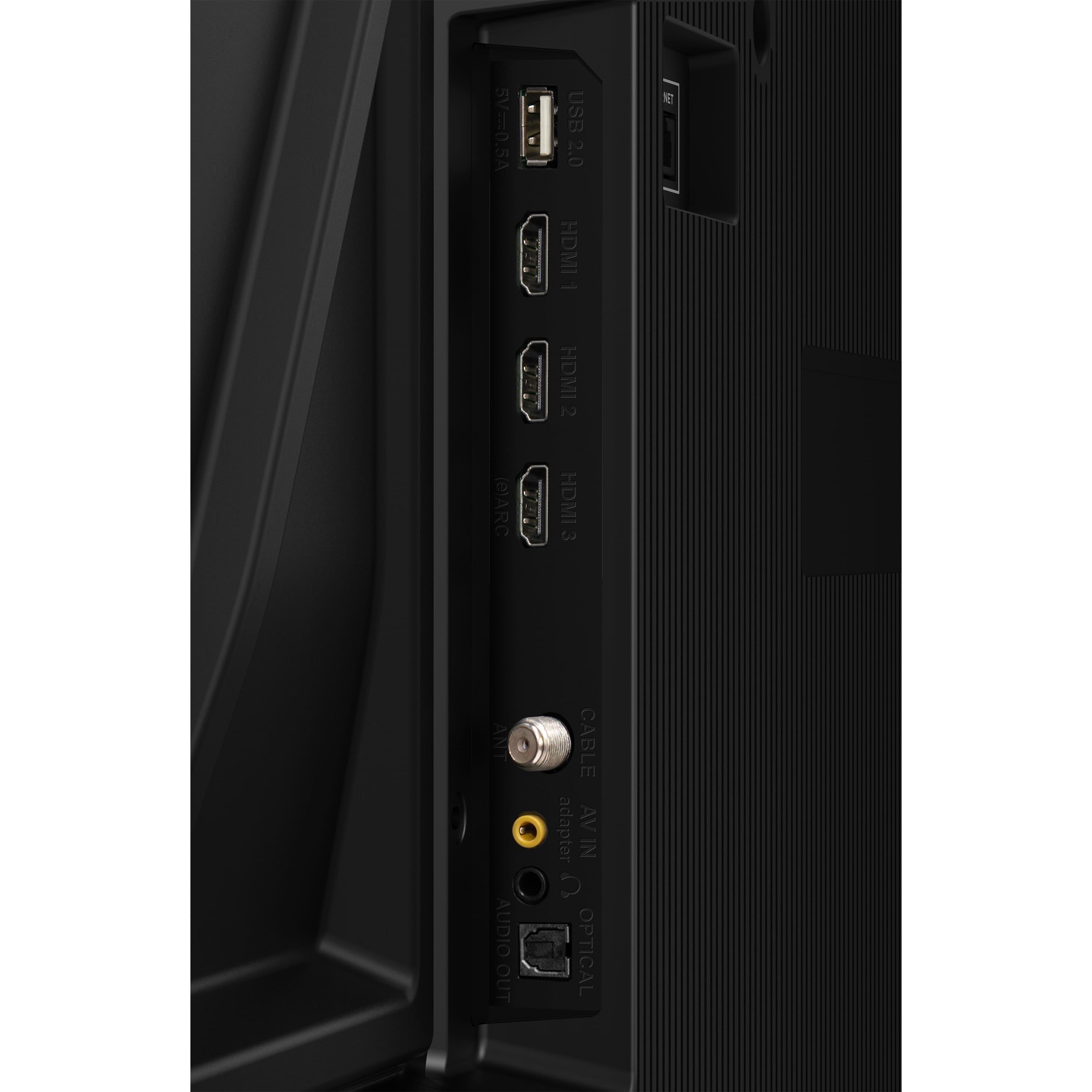
- A:Answer Thank you for your inquiry! If the HDR option is greyed out on your Insignia NS-55UQFL26 QF Series QLED Fire TV, even when using supported apps or sources, it’s likely due to the TV not detecting an active HDR signal. This setting typically becomes available only when HDR content is being played. To troubleshoot, first ensure you're using a compatible HDMI port and that it's set to “Enhanced Format” in the TV’s HDMI settings. Also, verify that your streaming device or console is outputting 4K HDR and that you're using a high-speed HDMI cable. Built-in apps like Netflix or Prime Video should trigger HDR automatically when playing HDR content. Additionally, check for any available firmware updates in the TV’s settings, as software updates can resolve compatibility issues. If all else fails and HDR remains inaccessible, it may be a system-level limitation or a hardware issue, in which case contacting Insignia support would be the next best step. Keith | Insignia Support
Answered by InsigniaCustomerSupport
Q: QuestionDoes this TV work well for gaming? I'm not talking about AAA games but Nintendo Switch and Steam Deck games! Thanks!
Asked by downeaster59.
- A:Answer Seems to work just fine. Only 60HZ refresh rate but I don’t have any issues playing the single player games I play. Definitely better than the F50 series I had before this.
Answered by ChesterE
Q: QuestionWhy isn't my Insignia™ - 55" Class F30 Series LED 4K UHD Smart Fire TV allowing my outdoor ring camera to work with the Alexa App? It is definitely the software version for the TV. With a 4K firestick attached, the TV shows the camera just fine.
Asked by Camera.
- A:Answer Hi Camera, thank you for reaching out. Yes, you can synchronize your Ring Doorbell with our Insignia Smart Fire TVs. Please ensure that you select the TV as the device to receive notifications. I hope this information is helpful, and if you have any further questions, please feel free to ask! - Carl | Insignia Support
Answered by InsigniaCustomerSupport

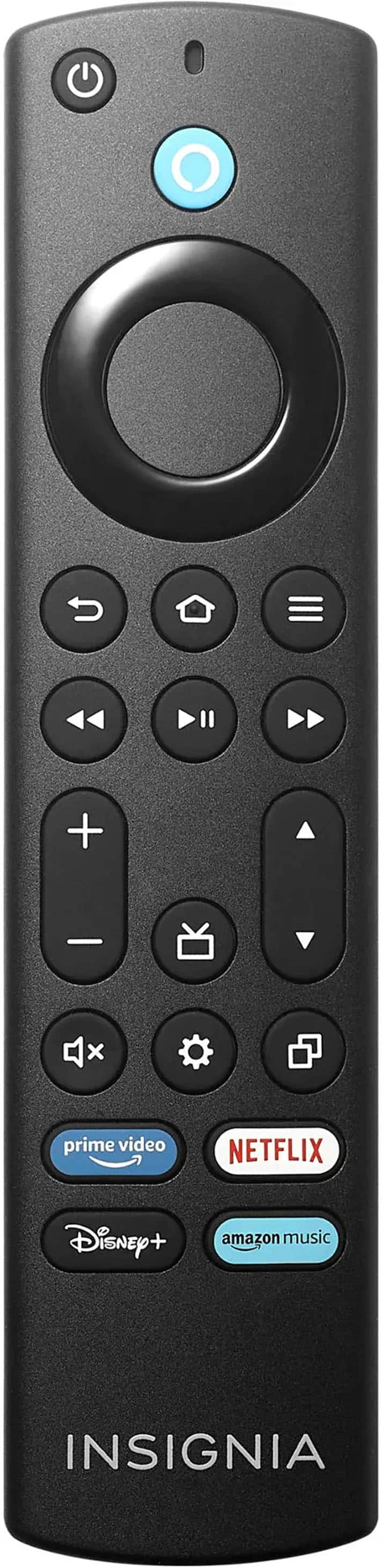
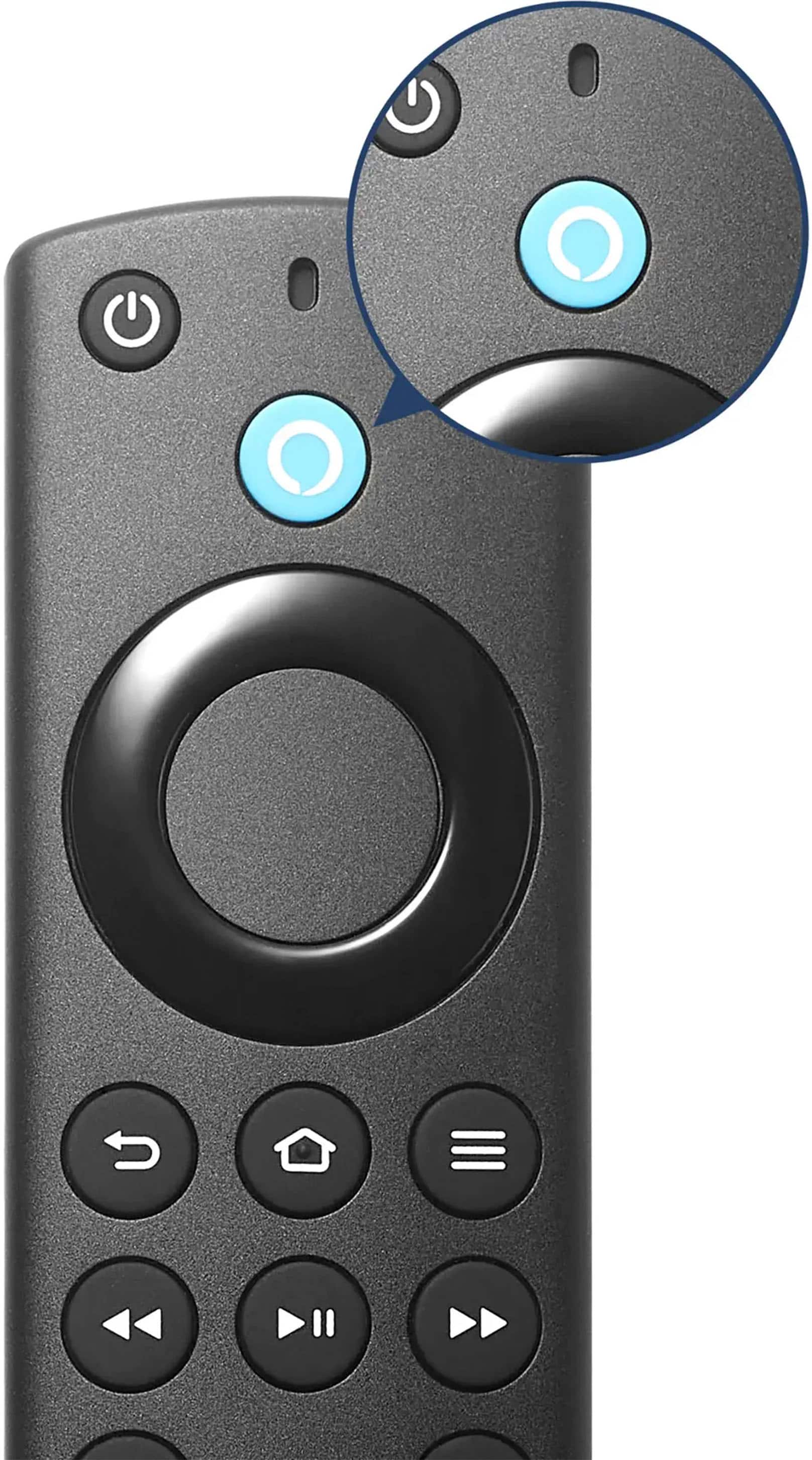
Q: QuestionWhere are the codes for cable remote
Asked by Randy.
- A:Answer None of the remote codes on that hyperlink worked. I was able to use my remote after contacting my cable provider very quickly. I want the TV to open when powered up to Cable TV, not streaming. I have to use the TV remote to switch to HDMI3 in order to do that, thereby requiring me to use 2 remotes. Also, the cable remote only turns the TV back on within 10 minutes. I have to there again use the TV remote to power up the TV whenever I watch TV later on. Very strange and completely disappointing to have to use 2 remotes constantly each time I start to watch TV. This is very disappointing and frustrating!!!
Answered by Anonymous
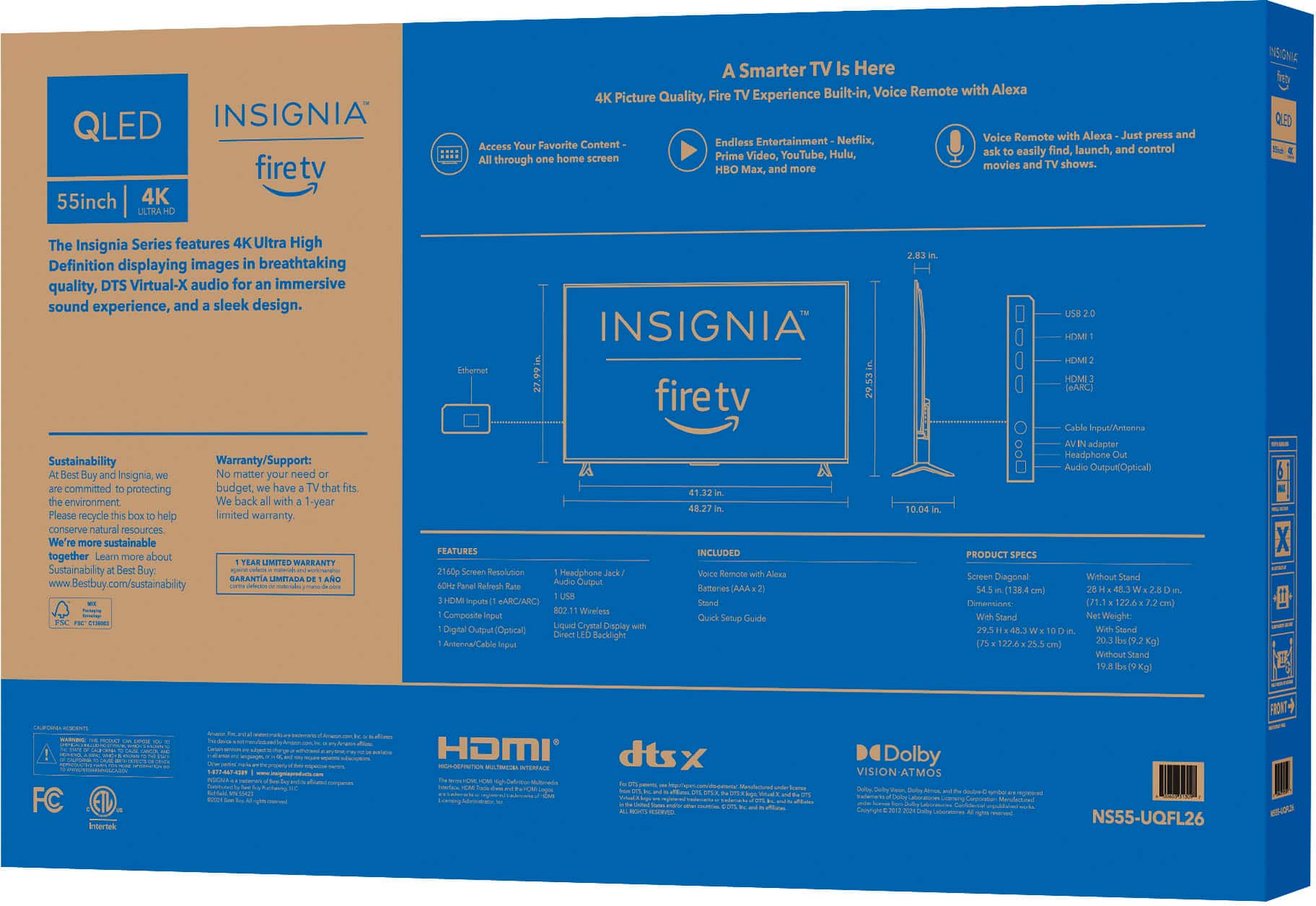
Q: QuestionHow much memory does it have available for installed apps? On the FireTV Settings, this can be found under Device & Software, About, Your TV (or Storage).
Asked by Mike.
- A:Answer Thank you for your inquiry! The Insignia™ 55" Class QF Series QLED 4K UHD Smart Fire TV typically has around 8 GB of internal storage available for installed apps. This can be confirmed by navigating to the FireTV Settings under Device & Software, About, Your TV (or Storage). Keith | Insignia Support
Answered by InsigniaCustomerSupport

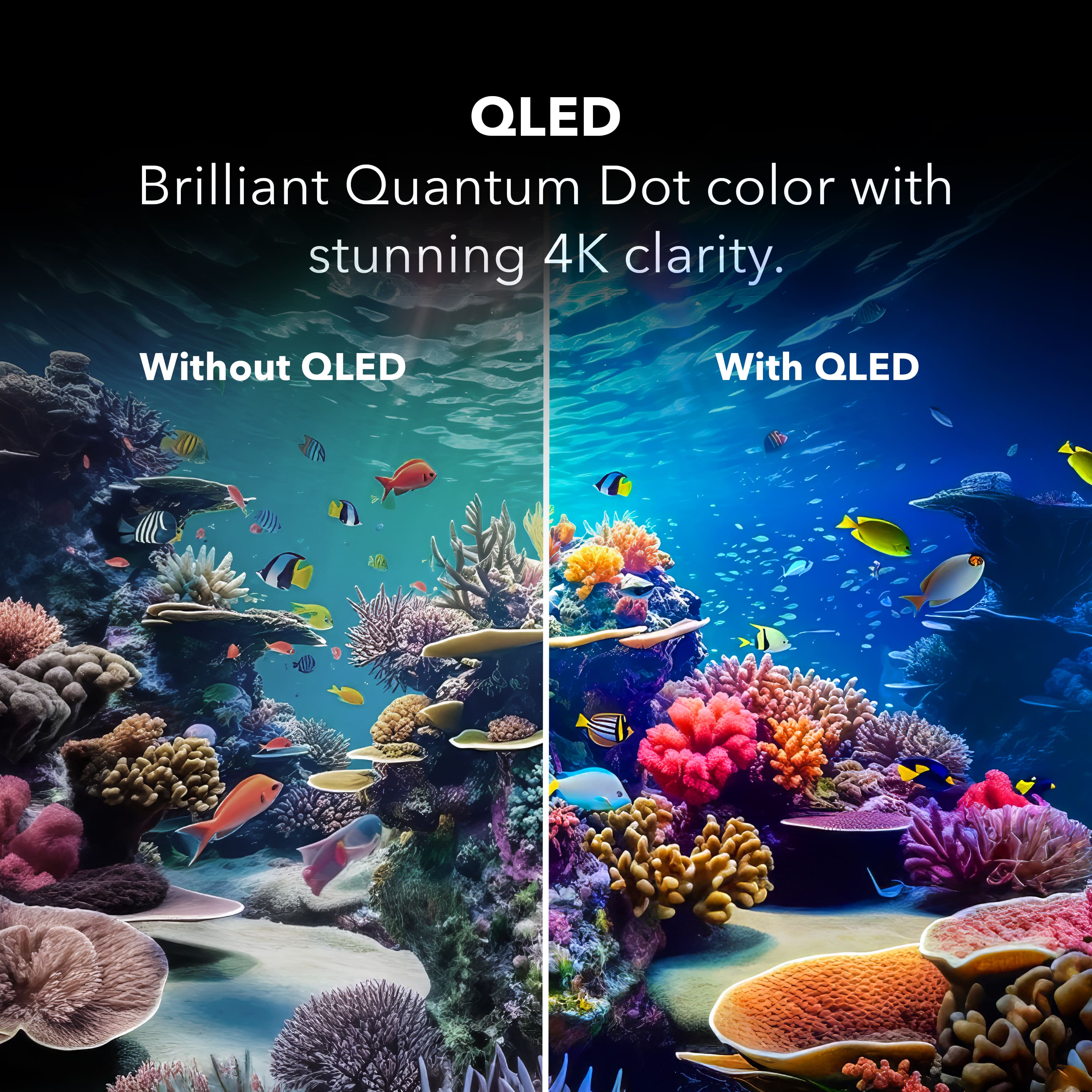
Q: QuestionWhat is the max NIT output of this model and how does that compare to the Insignia F30 and F50, non "Q" models. I am interested in any other numerically quantifiable details related to addition of the "quantum" lighting .
Asked by rick.
- A:Answer Thank you for your inquiry! The Insignia™ 55" Class QF Series QLED 4K UHD Smart Fire TV has a maximum brightness of up to 350 nits. This is significantly higher than the Insignia F30 Series, which typically has a maximum brightness of around 250-300 nits. The Insignia F50 Series also uses QLED technology and can reach up to 500 nits
Answered by InsigniaCustomerSupport