A:AnswerThis TV complies with the regulations in United State (include California prop 65), and all TV material are controlled by ISO qualified manufacturers.
David M. - Insignia Support
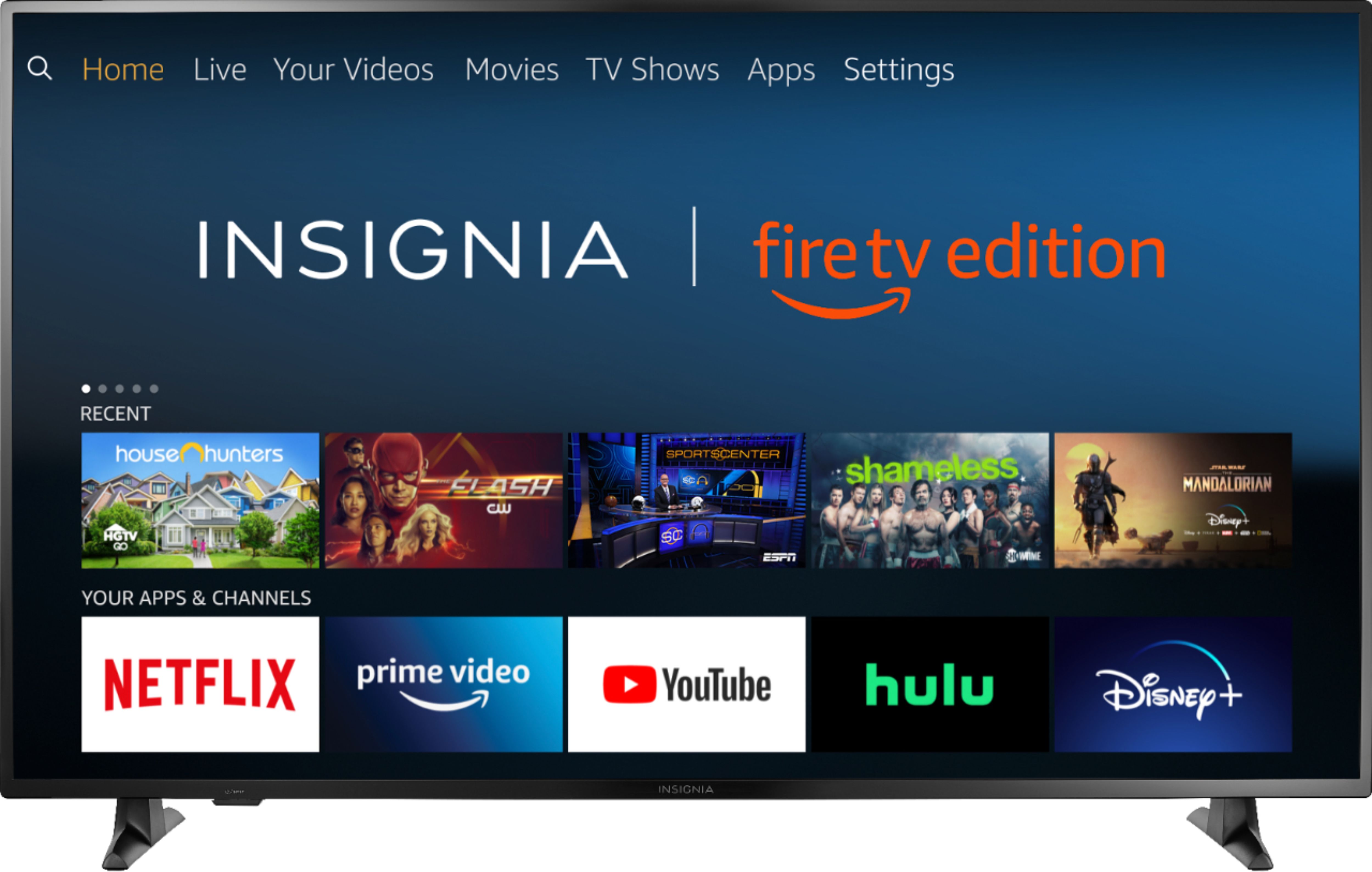
A:AnswerThe Fire TV Edition television has the app internet | Amazon Silk browser to surf the web and watch videos. To search for more available apps to download, please go to: amazon.com > Menu - Shop By Category > Fire TV > Fire TV Apps & Channels > Refine by Device Type select Fire TV Edition TV and search.
David M. - Insignia Support
A:AnswerProcessor (SoC) MStar T12
CPU Quad core A53 1.4GHz
GPU Mali 820MP2
For more specifications, please visit:
https://developer.amazon.com/docs/fire-tv/device-specifications-fire-tv-edition-smart-tv.html?v=ftveditioninsignia4k
David M. - Insignia Support
A:AnswerAll Black Friday ad items are available for sale November 28, 2019–November 30, 2019. Prices and offers are subject to change and are valid online during, but may start before and end after, the ad dates.
For more information, please visit:
https://www.bestbuy.com/site/black-friday/terms-conditions-black-friday-ad/pcmcat1572375461960.c?id=pcmcat1572375461960
David M. - Insignia Support
A:AnswerTo pair a Bluetooth device, go Home > Settings > Controllers & Bluetooth Devices.
For more information, please visit:
https://www.amazon.com/gp/help/customer/display.html?nodeId=GSBSBL44Y4QM59FV
David M. - Insignia Support
A:AnswerIt is strongly recommended to use the included remote to fully control your TV.
You can connect your Cable / Satellite Box or Converter Box to the TV, most of those devices include a remote that has numbers on them.
David M. - Insignia Support
A:AnswerHi! This TV only comes with a remote similar to the one for the Fire stick. For the antenna channels I understand that this might not seem so easy to use, however, you can display the list of channels and go from one to another in a very simple way.
Viridiana E.
Insignia Support.
https://www.insigniaproducts.com/contact-us
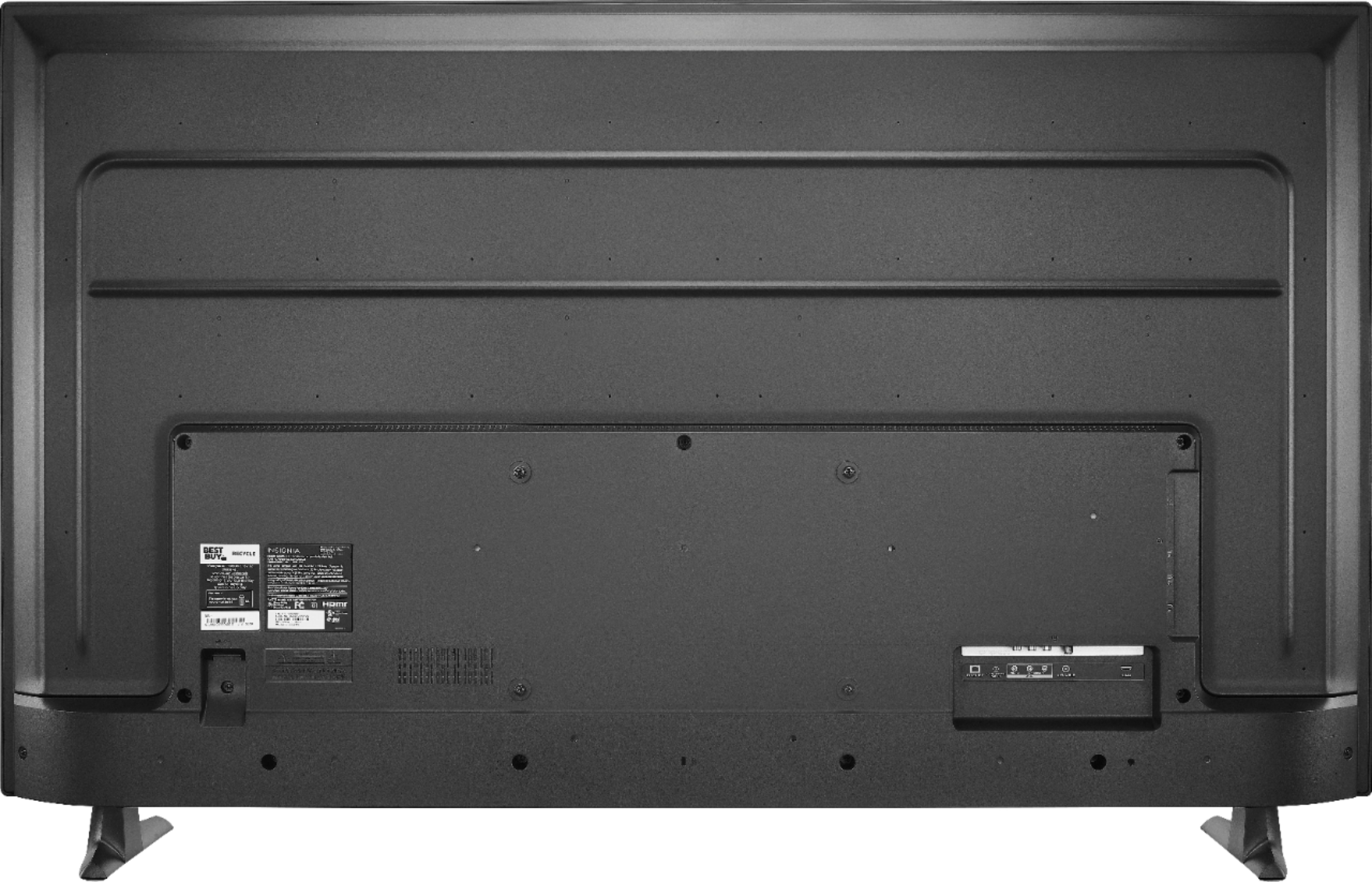
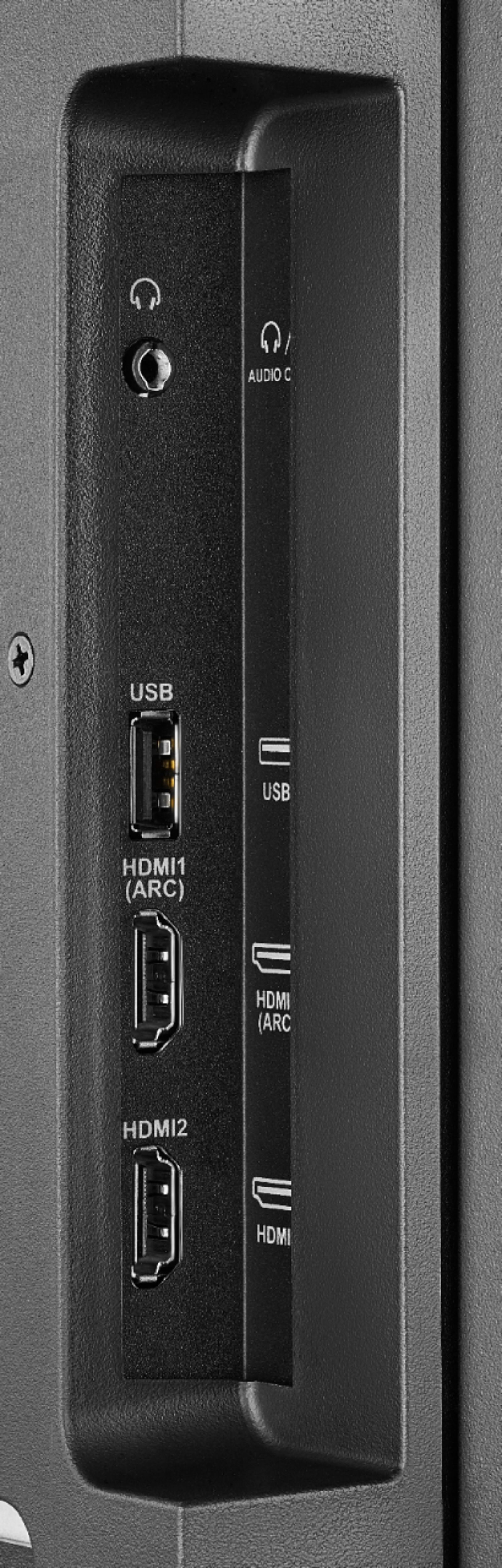
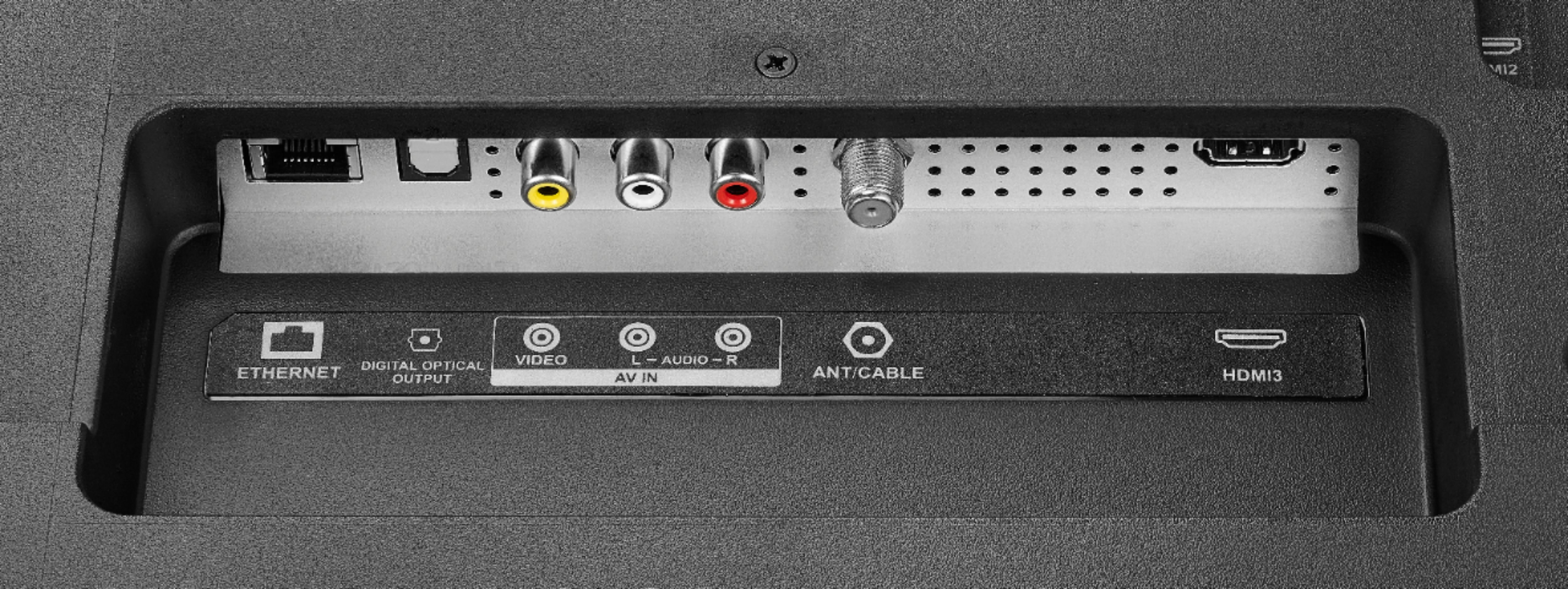
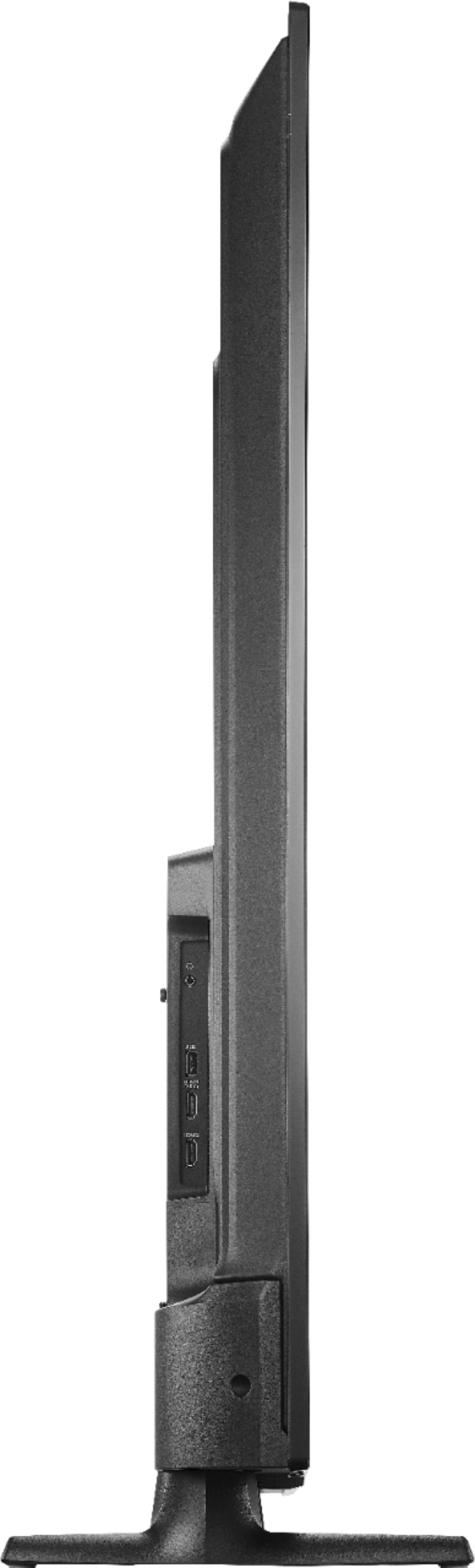
A:AnswerYES & YES. #1) this device has USB, HDMI with Audio Return Channel (ARC), ethernet, wifi, BLUETOOTH*, 3.5mm audio jack, & optical audio. However, the TV itself can only handle one directly connected bluetooth headset at a time, but there are workarounds for sharing a connection or using multiple variable connections for two or more listeners. If you intend to do any major computing or gaming etc, you might want to give your display focused TV a break and hook up an equal or better powered computer or gaming console (XB1, PS4, & Switch can handle up to 8 controllers &,or headsets). * Here's the general details for the bluetooth on this TV -- https://www.amazon.com/gp/help/customer/display.html?nodeId=GSBSBL44Y4QM59FV
#2) Search for online How to Mirror My Android Phone to Fire TV? or How to Mirror My iPhone to Fire TV?
Optional) Also search for How to install Google Play Store on Fire TV? Most but not all Android apps from Google Play Store will function adequately on Android based Fire devices. Some of Amazon Store Apps are a bit dated & barely functional but they no longer restrict users from using Google Play
A:AnswerAll Black Friday ad items are available for sale November 28, 2019–November 30, 2019. Prices and offers are subject to change and are valid online during, but may start before and end after, the ad dates.
For more information, please visit:
https://www.bestbuy.com/site/black-friday/terms-conditions-black-friday-ad/pcmcat1572375461960.c?id=pcmcat1572375461960
David M. - Insignia Support
A:AnswerThe TV features 2 built-in 10 watts speakers.
Or you can connect external speakers. The TV also features the following Audio Outputs:
3.5 mm (Headphone Jack) and Digital Optical Output.
David M. - Insignia Support
A:AnswerAll Black Friday ad items are available for sale November 28, 2019–November 30, 2019. Prices and offers are subject to change and are valid online during, but may start before and end after, the ad dates.
For more information, please visit:
https://www.bestbuy.com/site/black-friday/terms-conditions-black-friday-ad/pcmcat1572375461960.c?id=pcmcat1572375461960
David M. - Insignia Support