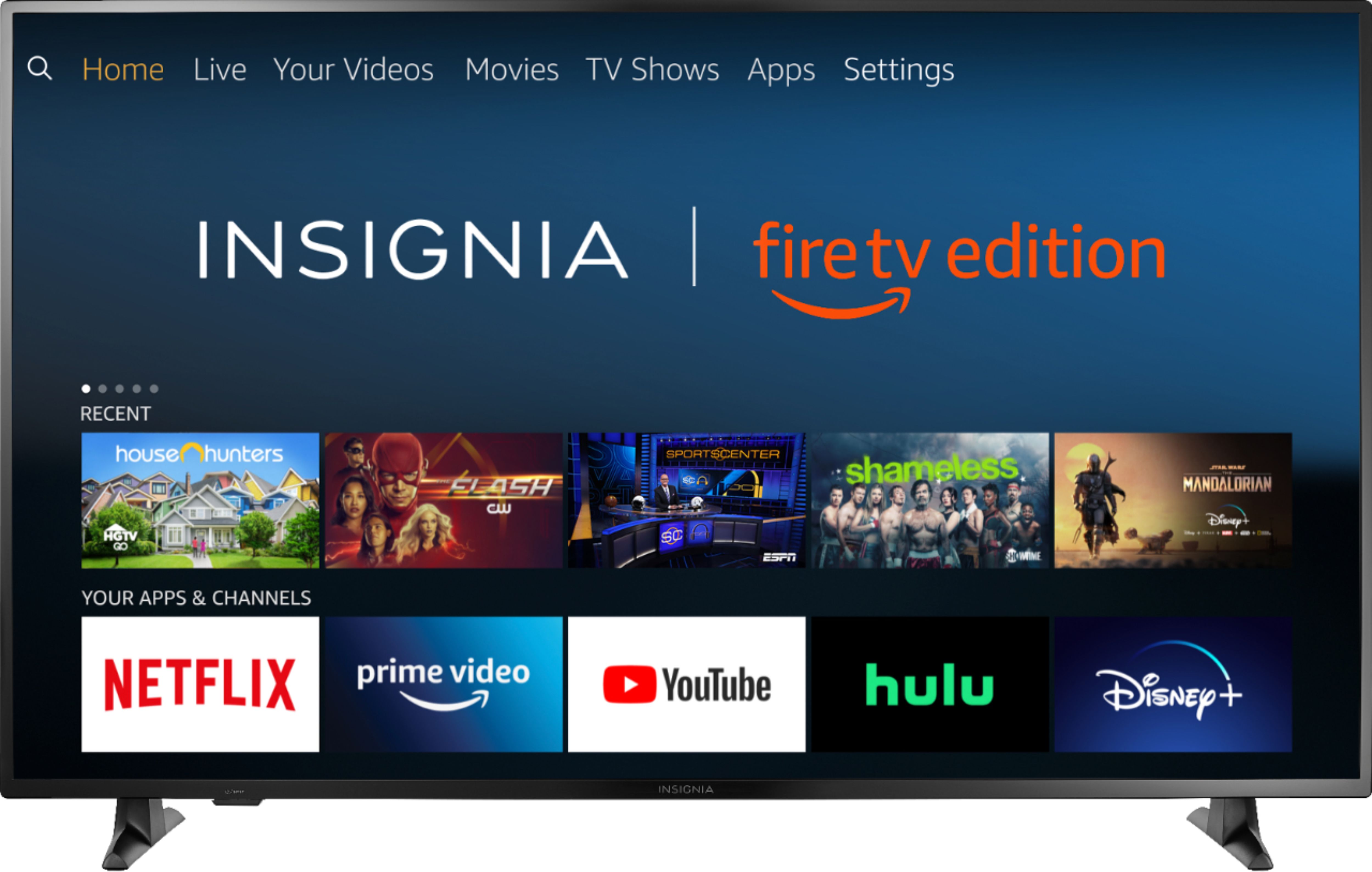
A:AnswerThe Plex app shows as available for the Fire TV Edition experience.
To search for more apps for please visit: amazon.com > Shop By Category > Fire TV > Fire TV Apps & Channels > Refine by Device Type select Fire TV Edition TV and search.
David M. - Insignia Support
A:AnswerAll Black Friday ad items are available for sale November 28, 2019–November 30, 2019. Prices and offers are subject to change and are valid online during, but may start before and end after, the ad dates.
For more information, please visit:
https://www.bestbuy.com/site/black-friday/terms-conditions-black-friday-ad/pcmcat1572375461960.c?id=pcmcat1572375461960
David M. - Insignia Support
A:AnswerAn internet connection is required if you want to stream content.
If you do not want to use internet, you can connect an antenna to watch free over-the-air broadcasts from your local channels or you can connect a Cable / Satellite box using an HDMI cable.
David M. - Insignia Support
A:AnswerYou can watch a video from a USB Flash Drive using the app VLC for Fire.
The app VLC for Fire supports the following formats:
MKV, MP4, AVI, MOV, Ogg, FLAC, TS, M2TS, Wv and AAC
Also, the VLC app features a repeat function.
The TV supports one USB flash drive up to 128 GB formatted FAT32
David M. - Insignia Support
A:AnswerTry different picture modes and set motion processing to Off.
Press and hold for 3 seconds the Home button to launch the Quick Access Menu, go to Picture and select Advanced Settings.
The response time (typical): 8 ms
David M. - Insignia Support

A:AnswerThe speakers are inside the TV.
You can connect external speakers and place them in another location.
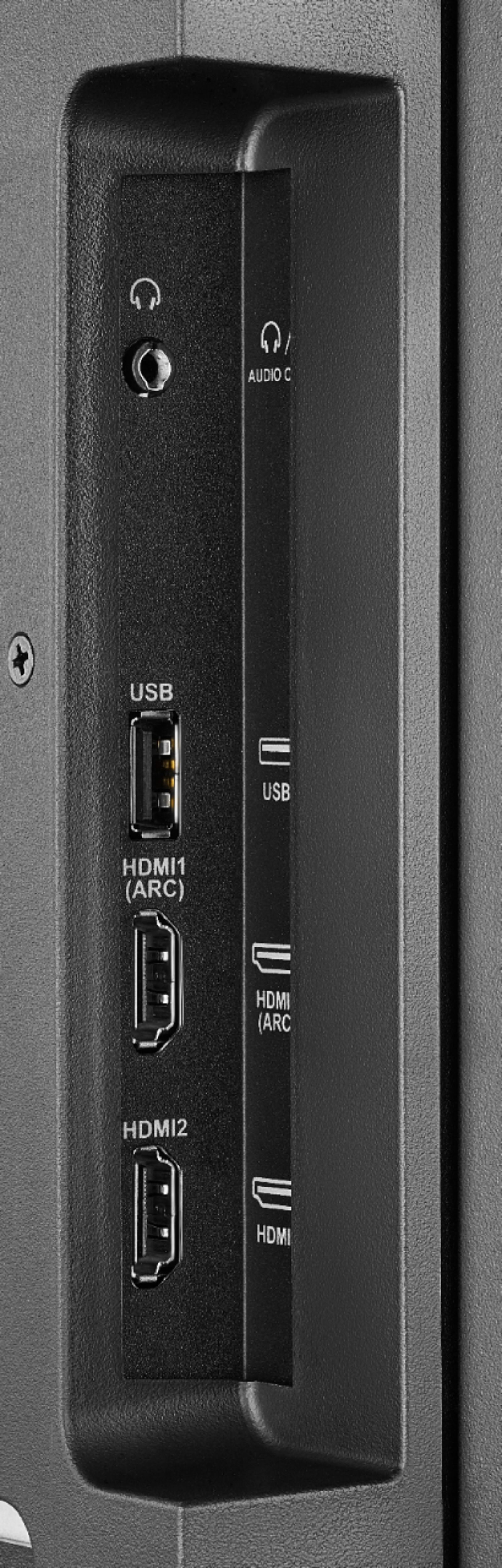
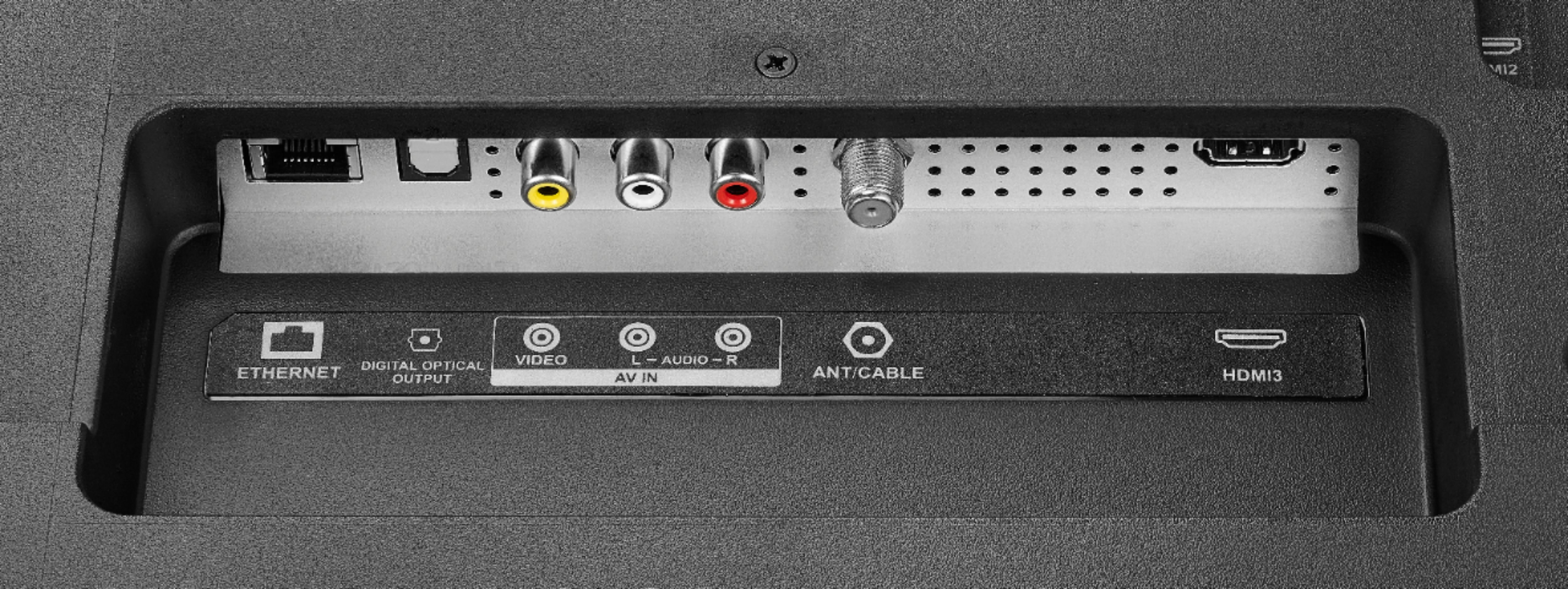
The TV features the following audio outputs:
3.5 mm (Headphone Jack) and Digital Optical Output.
David M. - Insignia Support
A:AnswerThis TV does not support screen mirroring.
You can connect your iPhone to the TV using an AV Adapter Lighting - HDMI.
David M. - Insignia Support