Skip to contentGo to Product Search
Main Content

Questions & Answers

Page Showing 121-125 of 125 questions
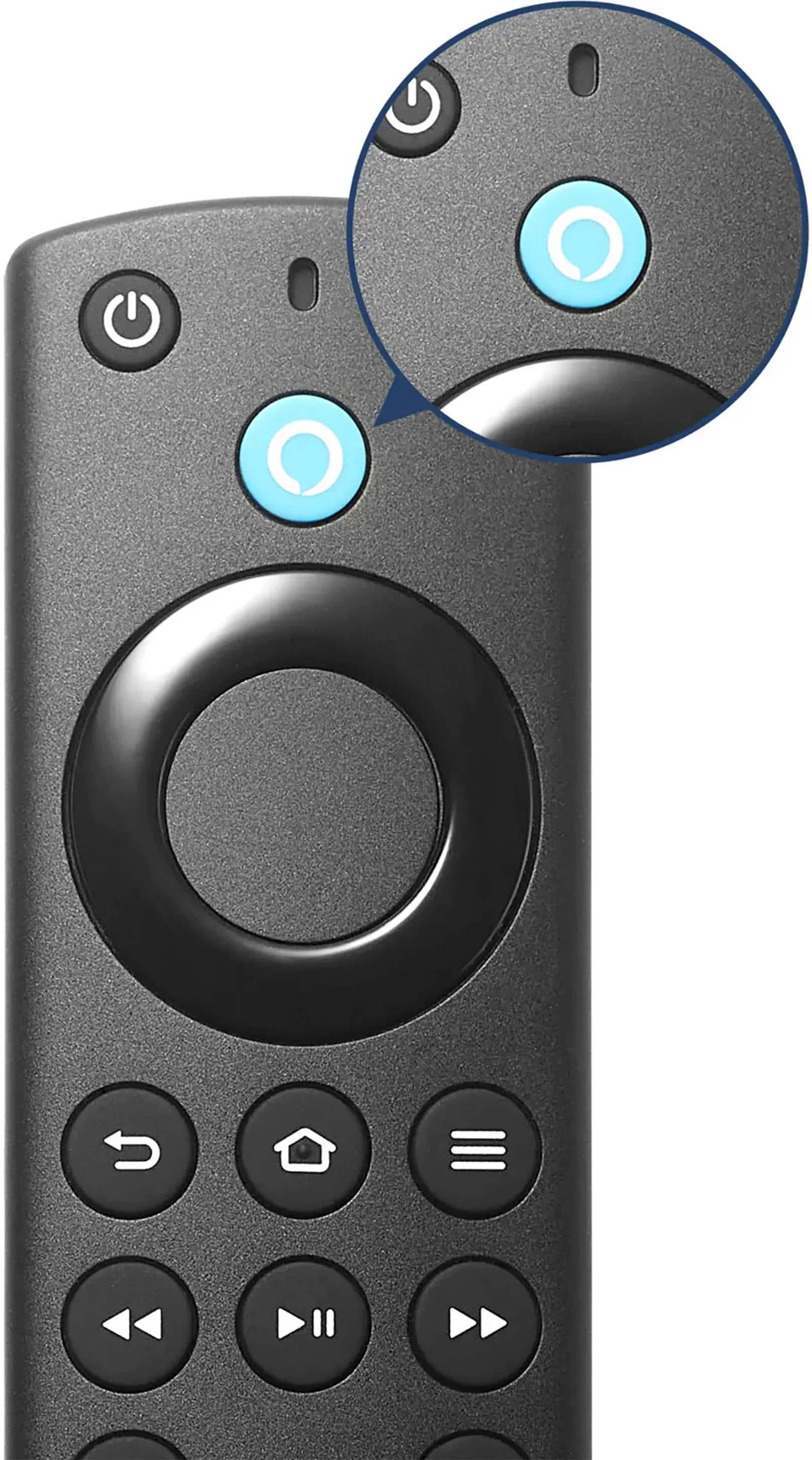
  • QuestionHow do u remove the back to put in batteries

    Asked by Remote.

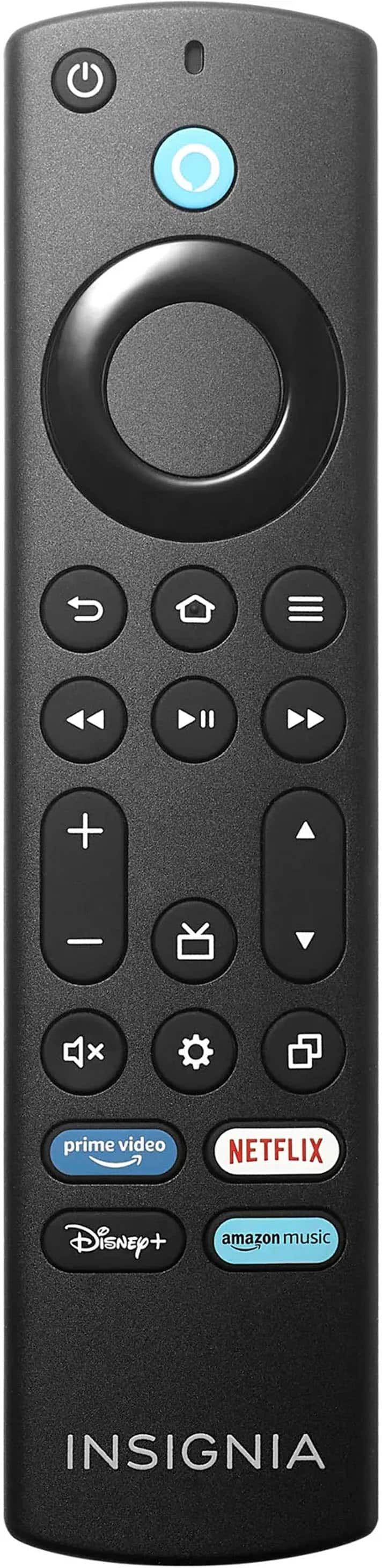
    • Answer I assume you mean the remote. You press your thumb into the indentation of the back and slide it open. These remotes are hard to open for the first time and it may take a bit of effort. Do use anything like a screw driver, just use patience. After the first time, the remote opens easily.

      Answered by PaulH

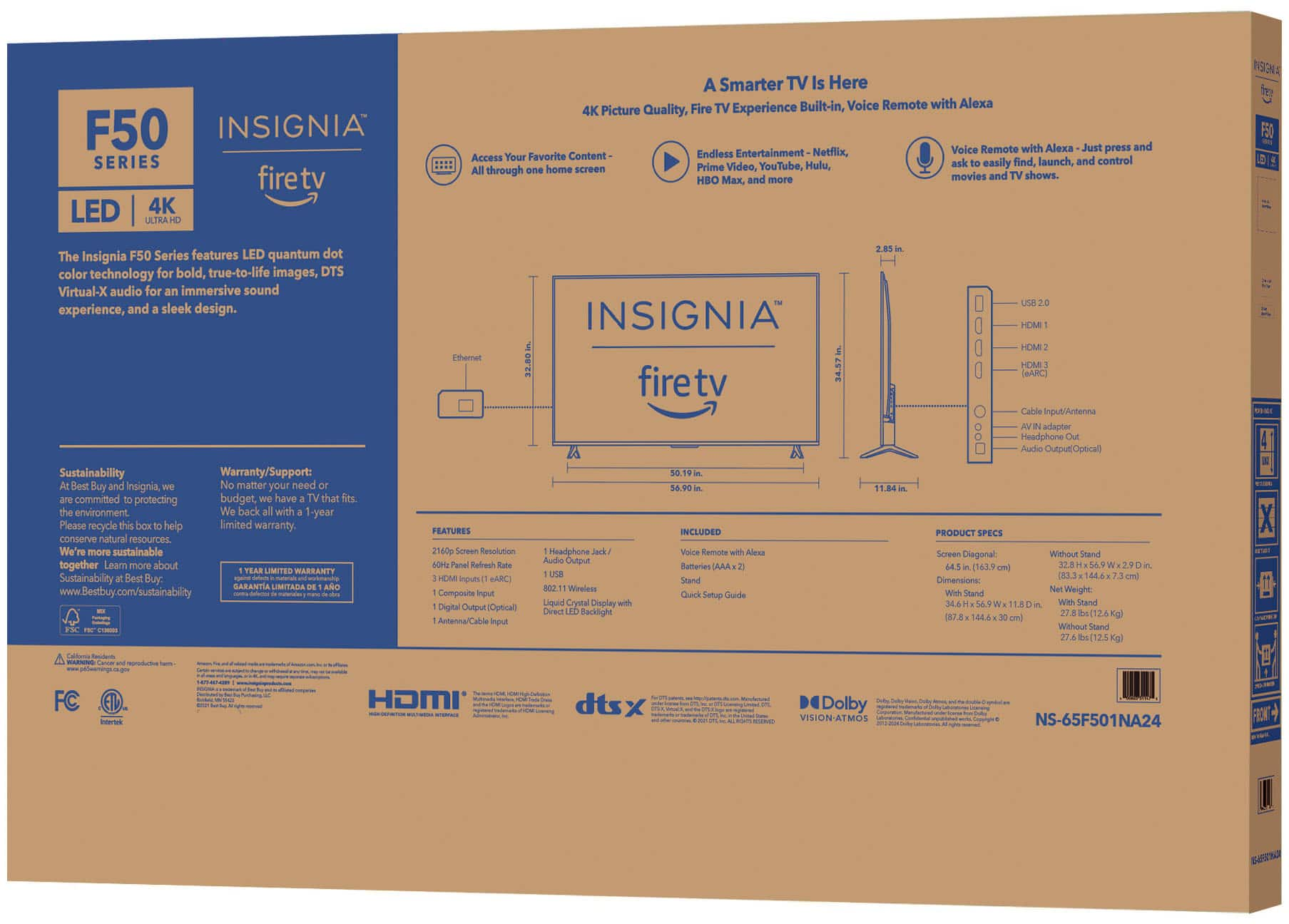
  • QuestionI purchased this TV & it did not come with a physical manual, just the quick start guide. The manual is not available on the best buy website, nor could I find one anywhere online. How can I access a copy of this manual?

    Asked by Mike.

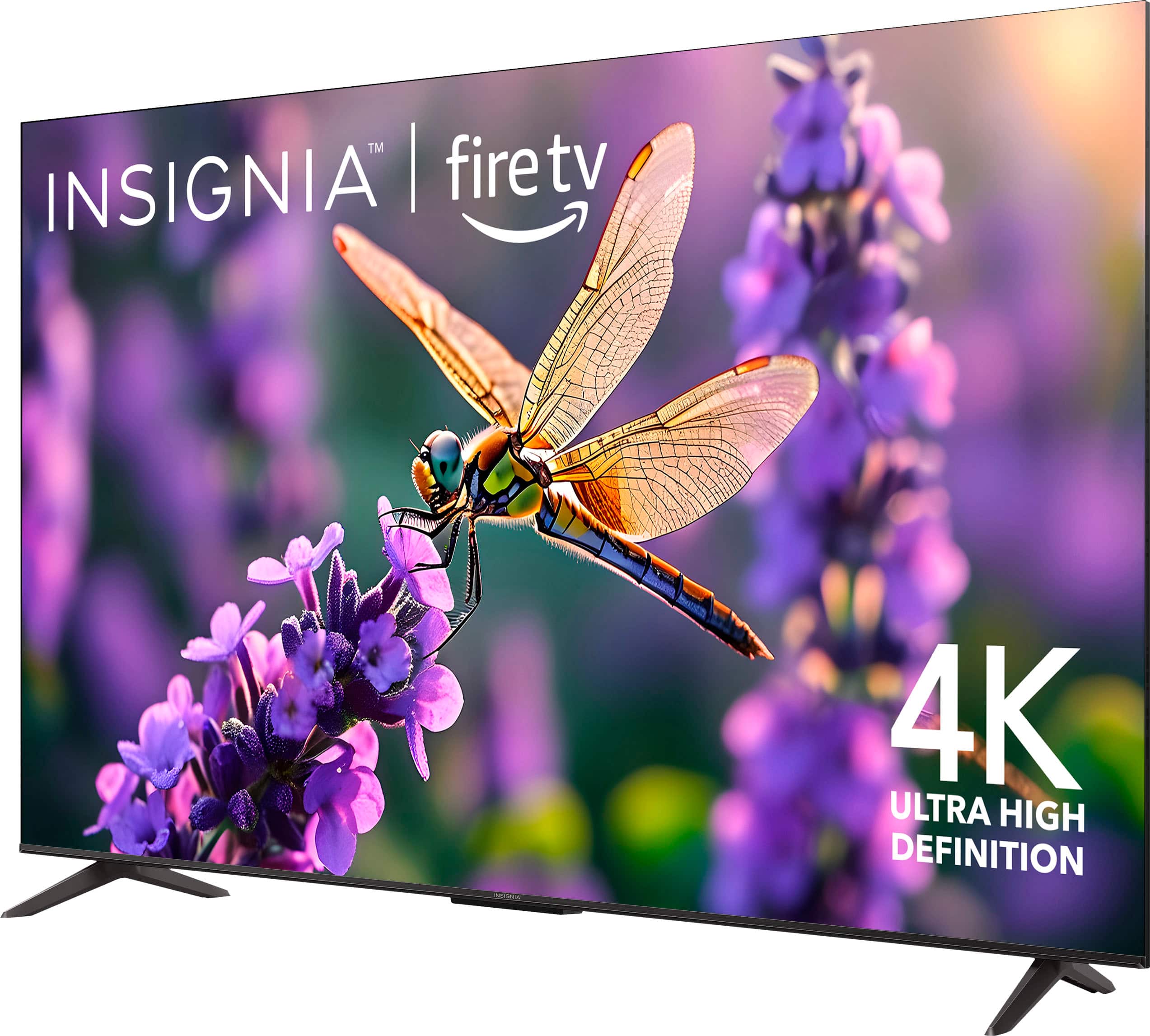
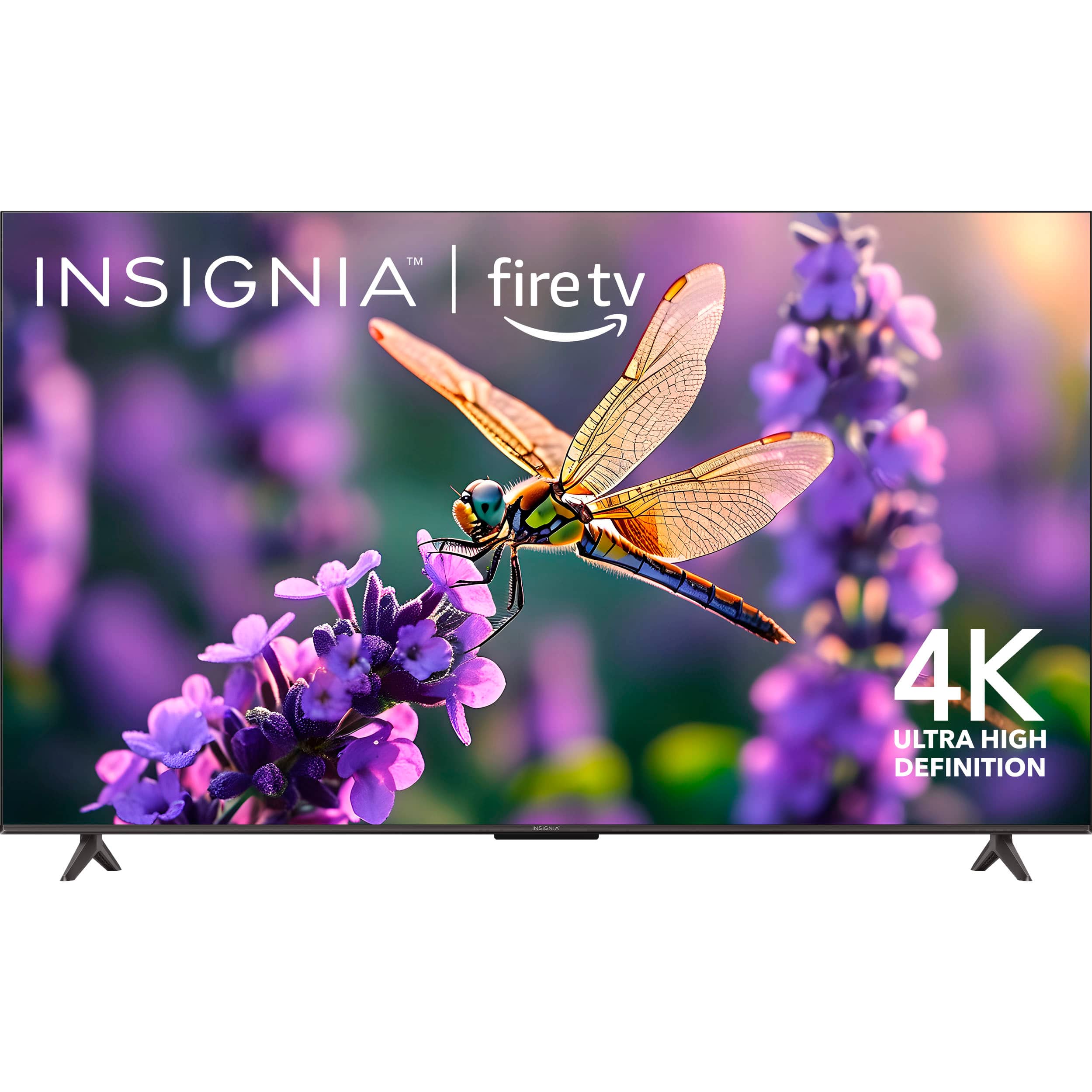
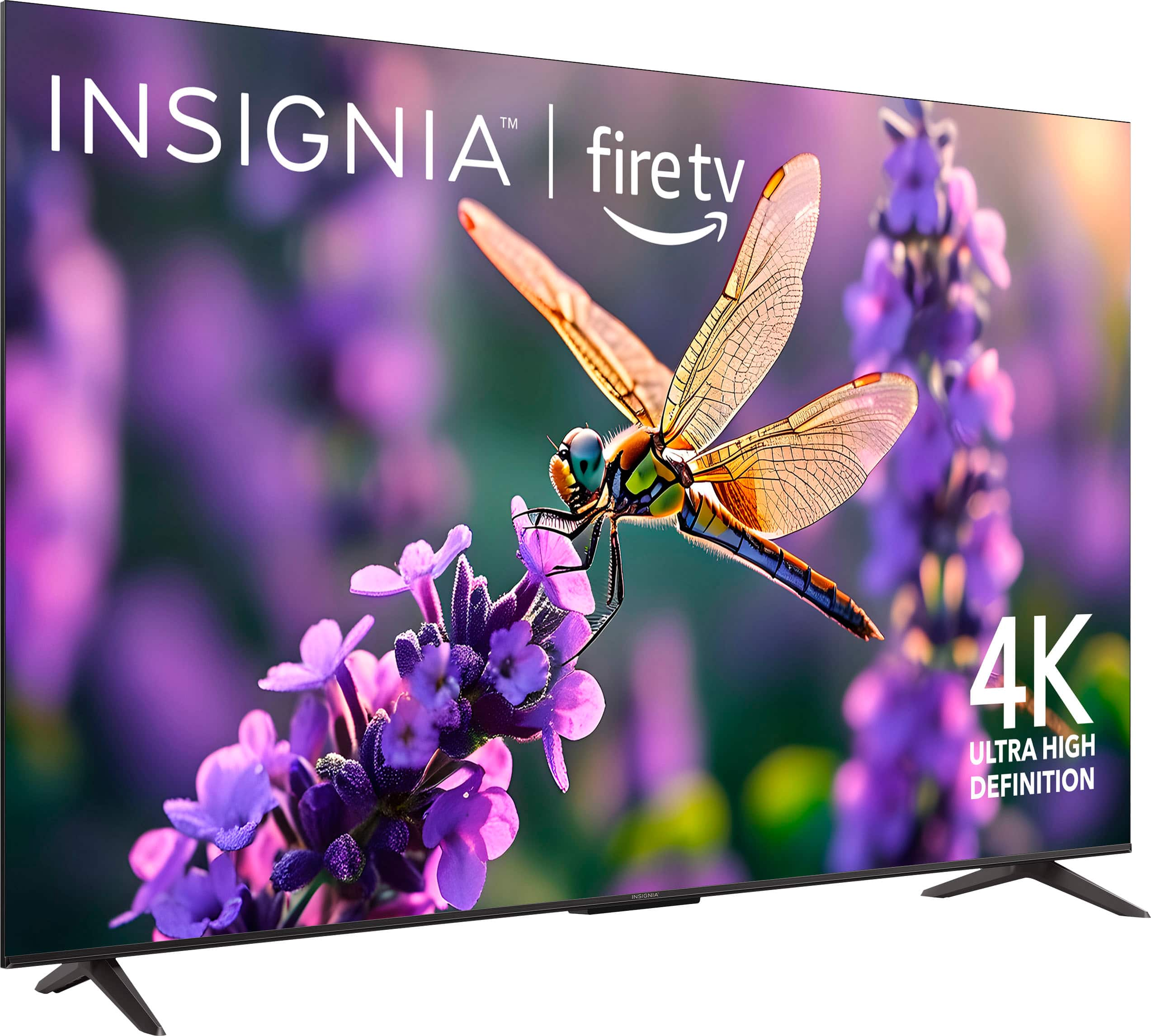
    • Answer Hi Mike, thank you for your question and for choosing the Insignia™ 65" Class F50 Series LED 4K UHD Smart Fire TV. We understand how important it is to have access to the full user manual. While the TV includes a quick start guide, the full manual may not always be packaged physically. Since you weren’t able to locate it online, we recommend reaching out directly to Insignia Support for assistance. They can provide you with the correct manual and any additional support you may need. You can contact Insignia Support at 877-467-4289. We appreciate your patience and hope this helps! — Shiela | Insignia Support

      Answered by InsigniaCustomerSupport

  • QuestionHow do I turn off the auto sleep option when it's in media mode displaying a picture from a USB?

    Asked by ZWagon.

    • Answer Hi ZWagon, great question! When your Insignia™ 65" F50 Series TV is playing media from a USB drive, it may still follow the system’s power-saving settings, which can cause it to enter sleep mode after a period of inactivity, even if a photo slideshow is running. Here are some steps that you do to adjust the turning off of your TV: Go to Settings from the home screen.Navigate to Display & Sounds > Power Controls.ook for Sleep Timer or Auto Power Savings and set it to Off. However, it cannot be turned off since it is one of the feature of the tv on the power-saving when inactivity was detected. Tine | Insignia Support
      Answered by InsigniaCustomerSupport
  • QuestionWhat wall mount can I use and how do I attach it to the back of the TV

    Asked by Lonie.

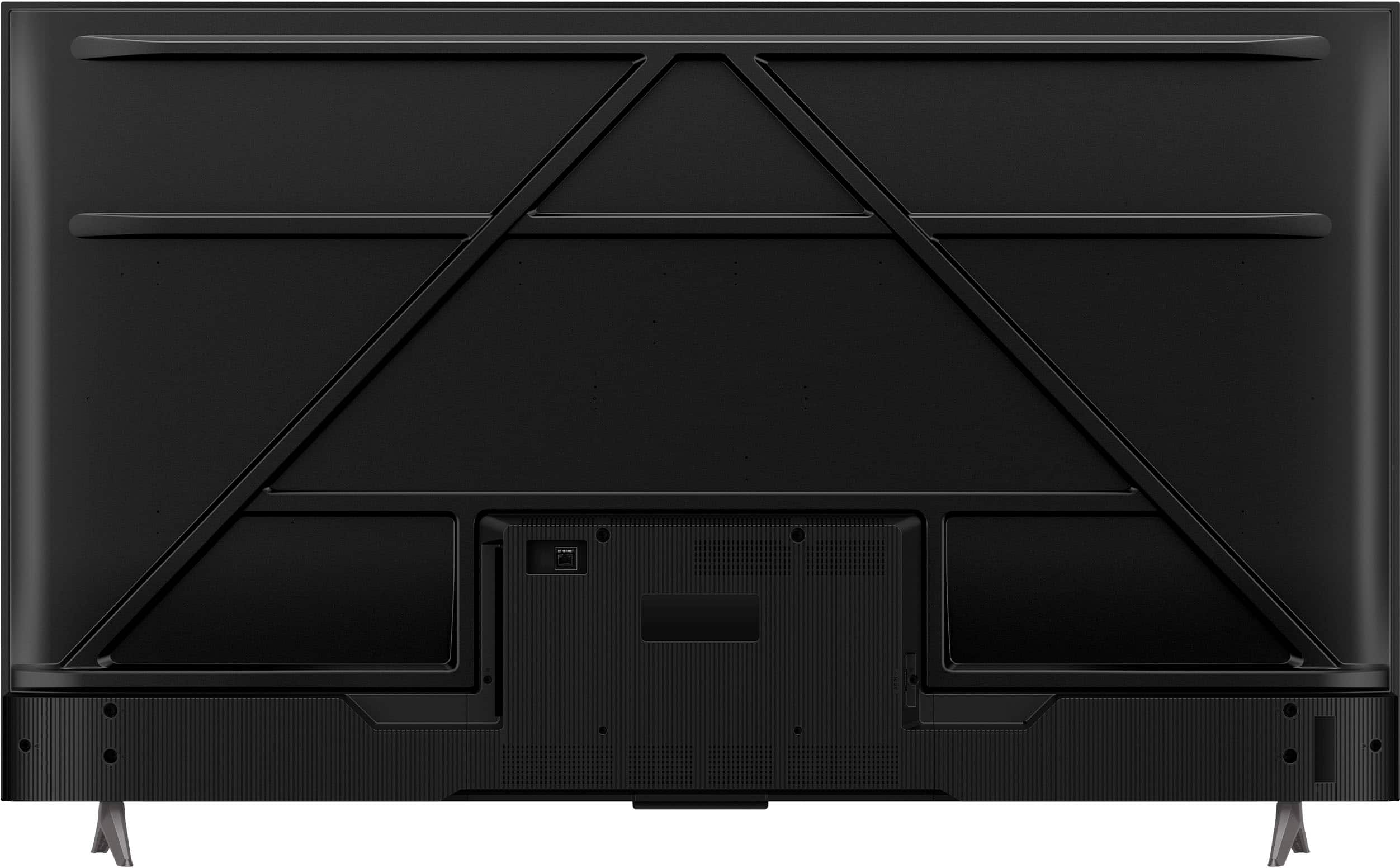
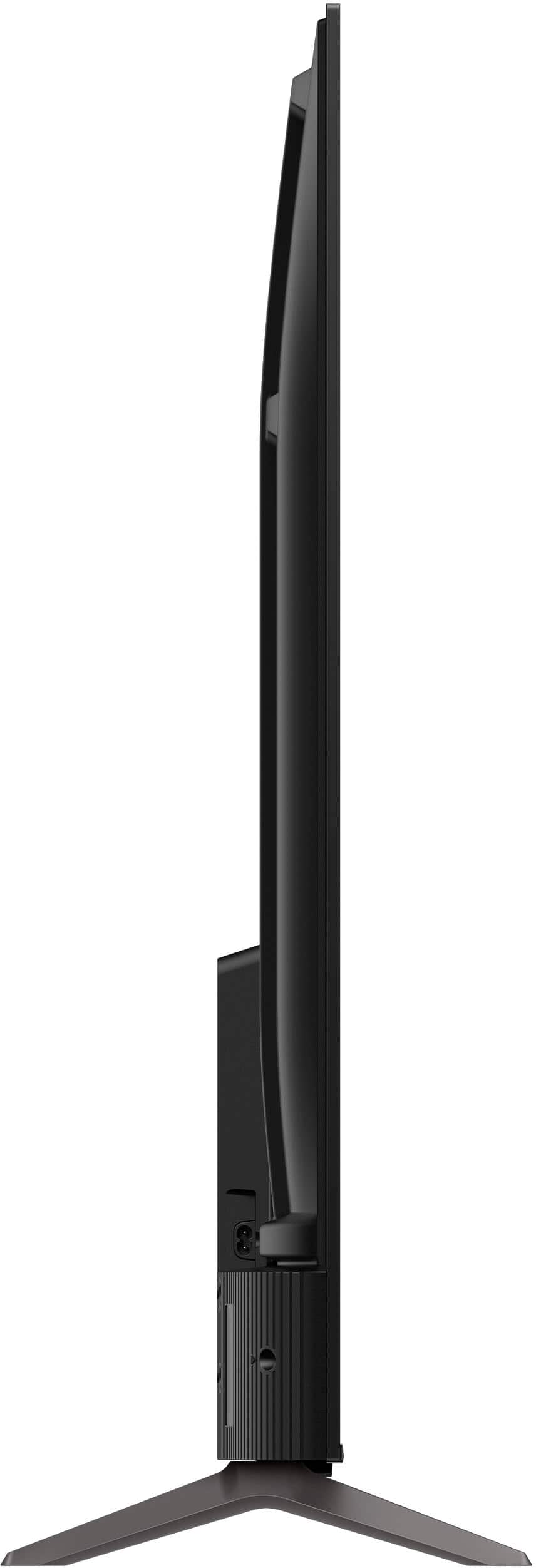
    • Answer I used a $20 harbor freight mount. 4 mounting screws in a square configuration on back of tv line up with standard tv mounts

      Answered by ClintD

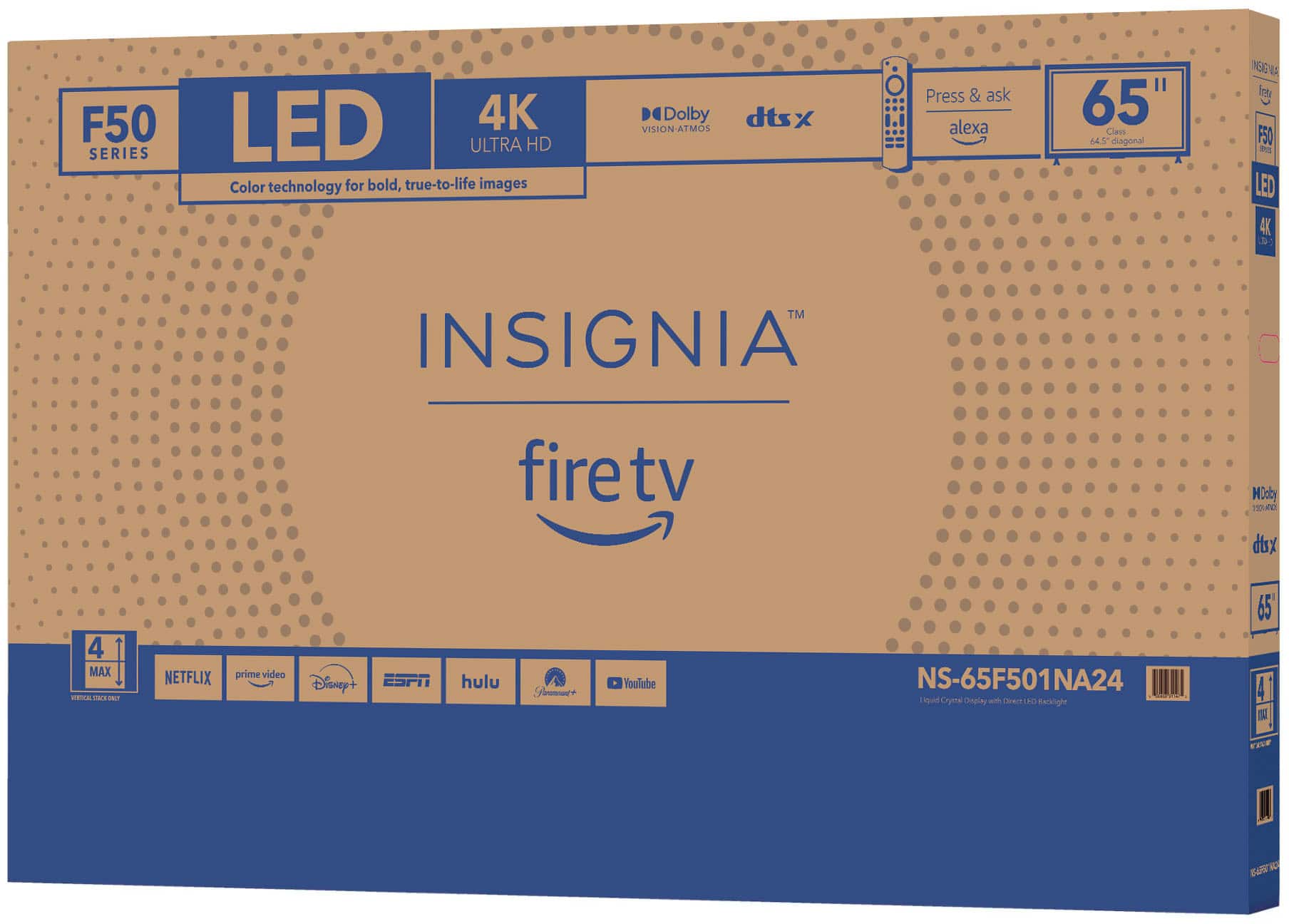
  • QuestionEmail me the user manual for NS-65F501NA24

    Asked by Paul.

    • Answer Email me the user manual for NS-65F501NA24 PLEASE my remote stopped working and I just purchased the TV July 10th of 2025.

      Answered by Anonymous