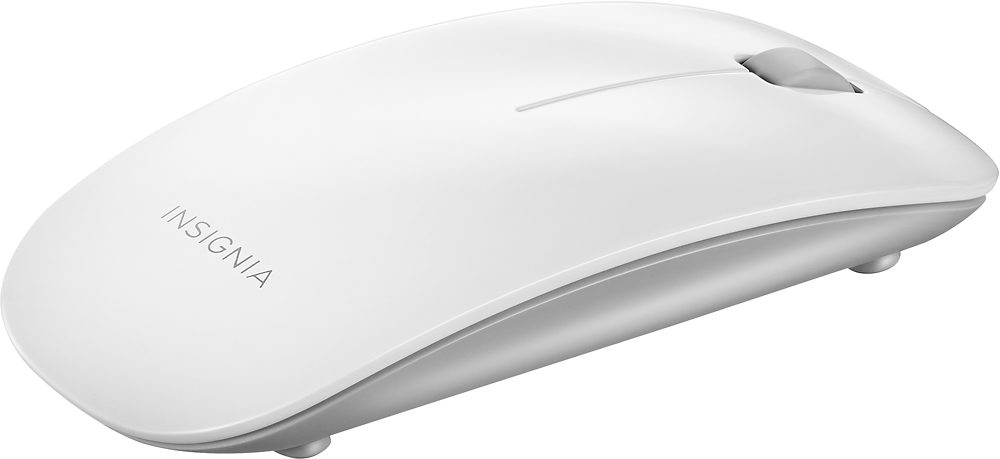
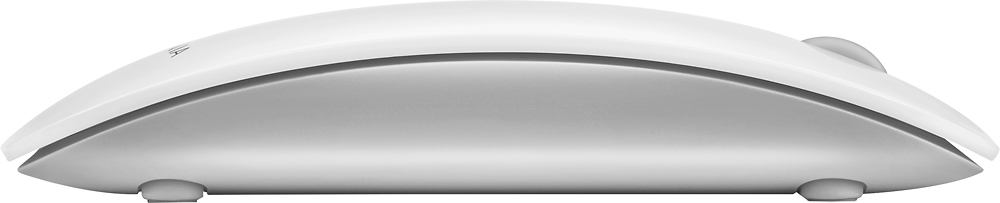
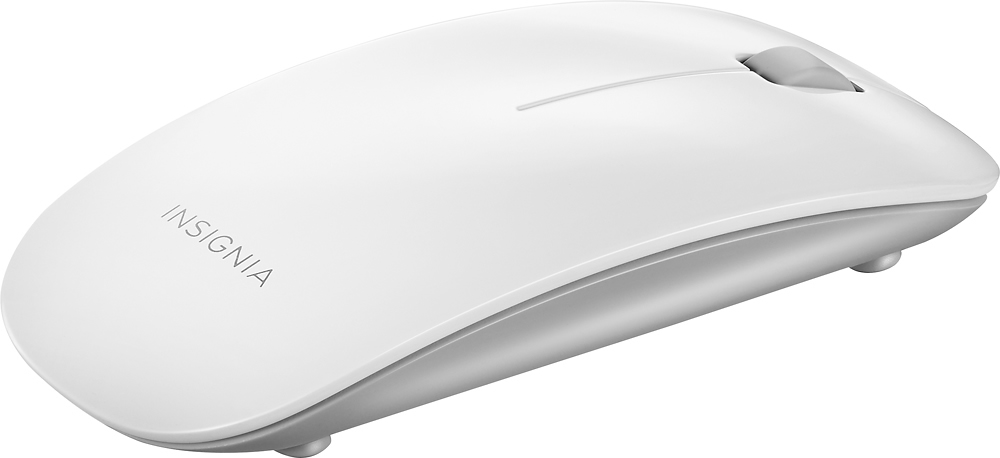
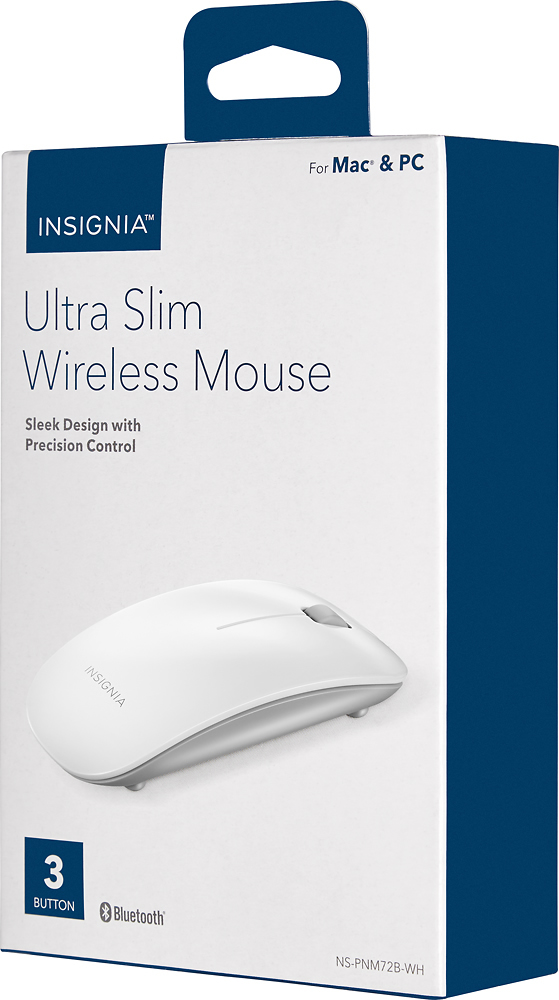
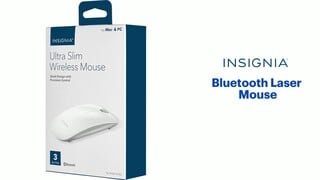
A:AnswerThis mouse is compatible with Mac computers.
On your Mac computer you need to:
1. Open System Preferences in the dock.
2 Click the Bluetooth icon .
3 Click + in the lower-left corner. Your computer searches for your mouse.
4 Double-click Ultra Slim Wireless Mouse.
Note: If your computer has never connected to a Bluetooth device, click Set
Up New Device to pair your mouse to your computer.
When pairing is complete, the LED indicator lights turn off.
A:AnswerI don't know they said it was comparable with an apple computer they would know if it is comparable or not and all it should say on the box if it is comparable or not.