Early Black Friday DealsNew Doorbusters every Friday.Shop now

Main Content

Questions & Answers

Page Showing 1-9 of 9 questions
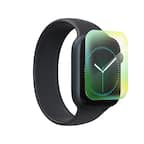
  • QuestionWill this screen protector fit my Apple Watch Series 8?

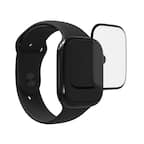
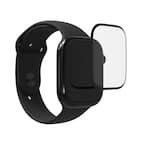
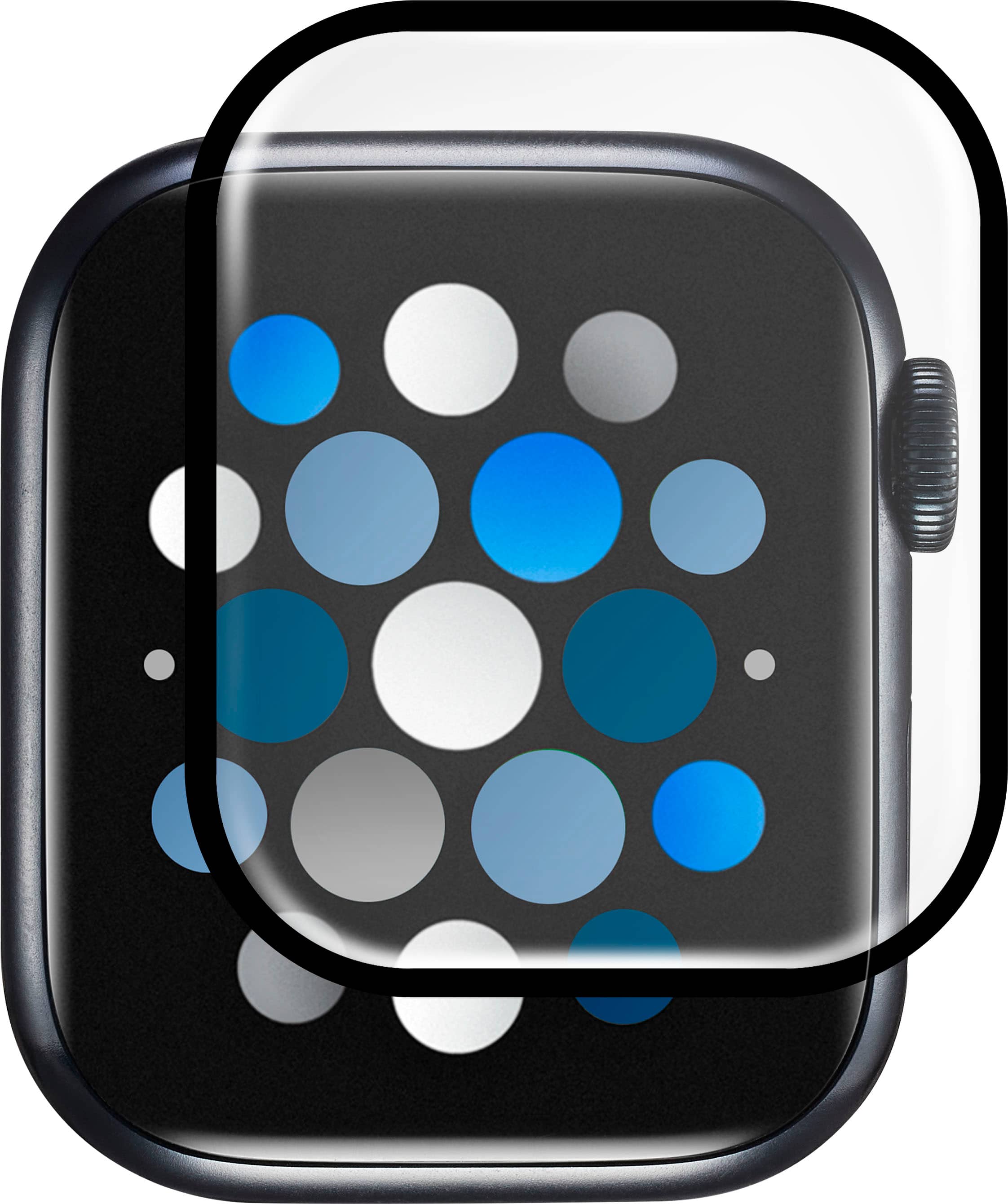
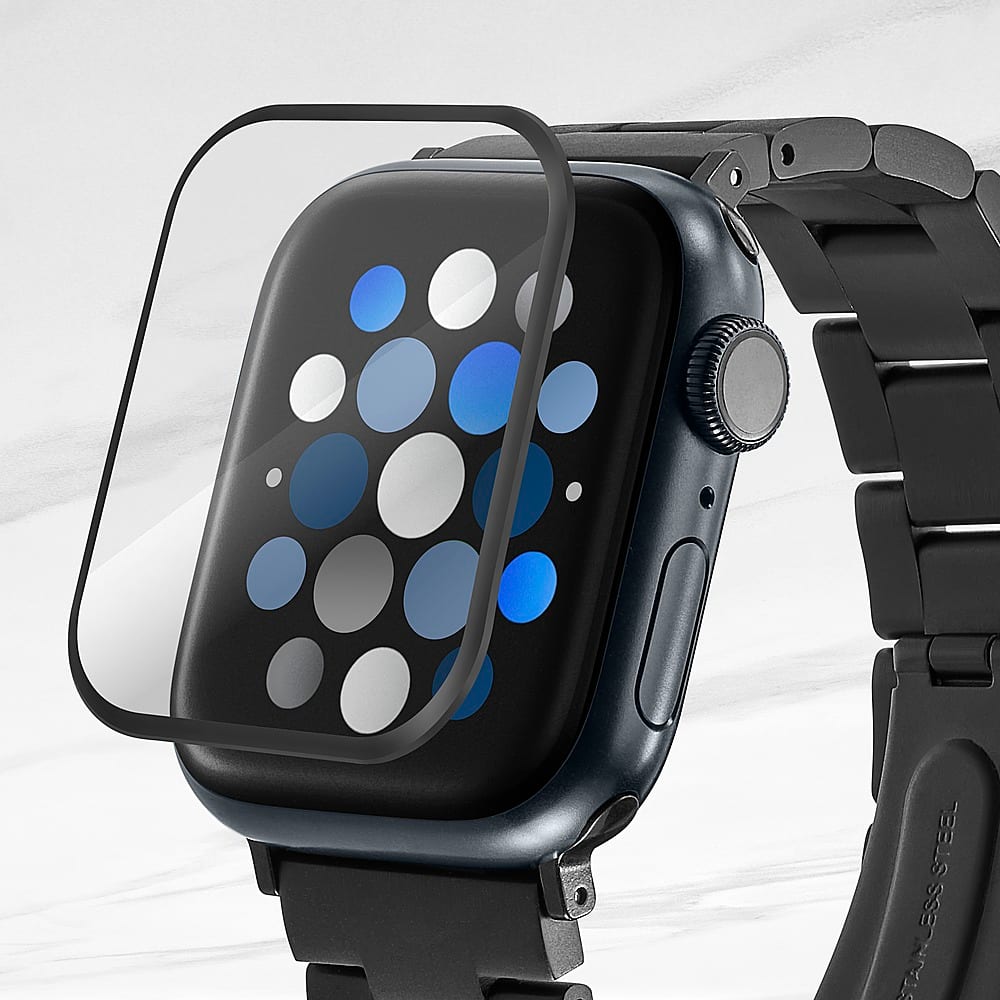
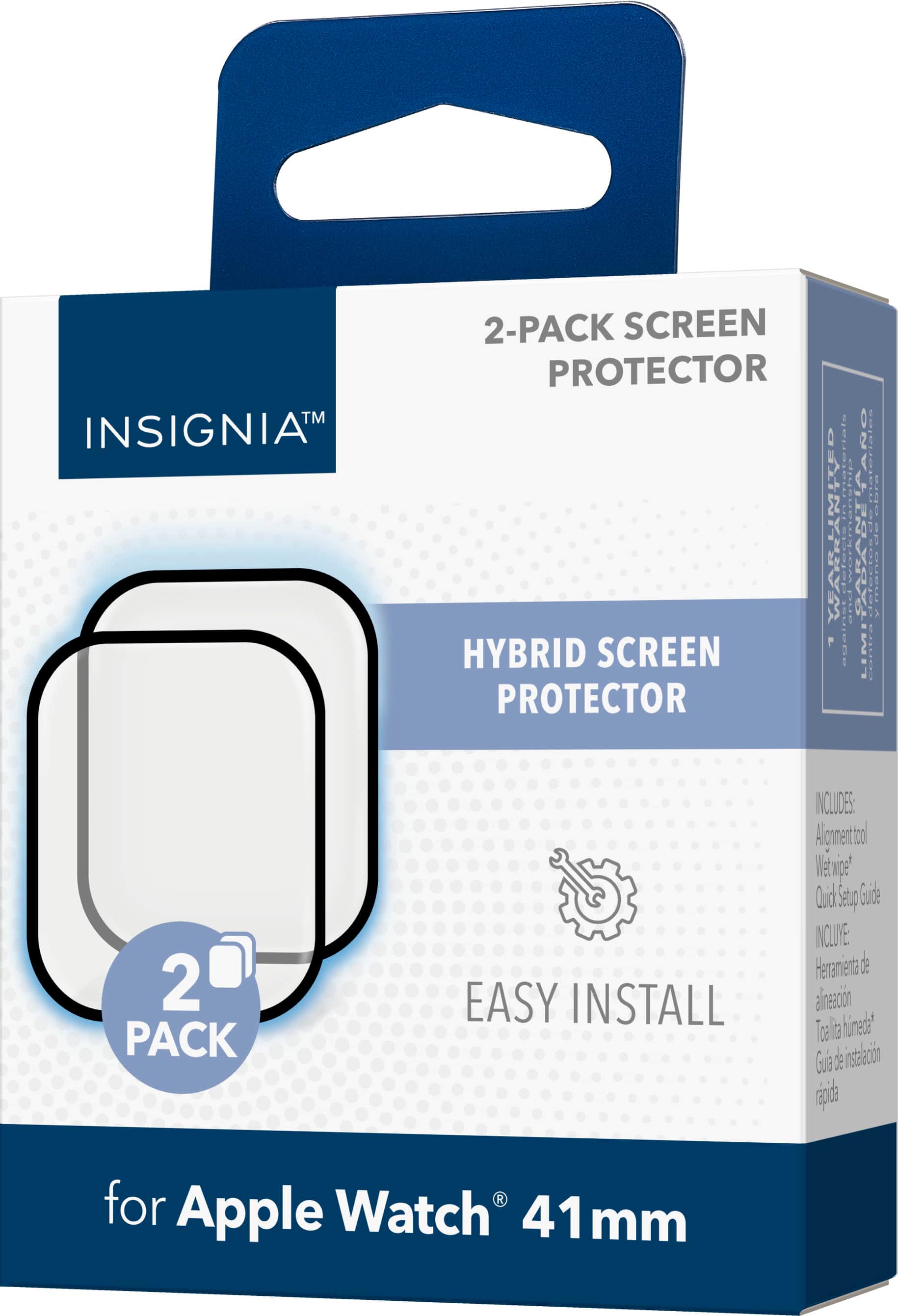
    • Answer This screen protector is designed for the Apple Watch 41mm, so it may not fit other series.
    This question and answer was generated by AI based on customer and product data.

  • QuestionDoes this screen protector come with any installation tools?

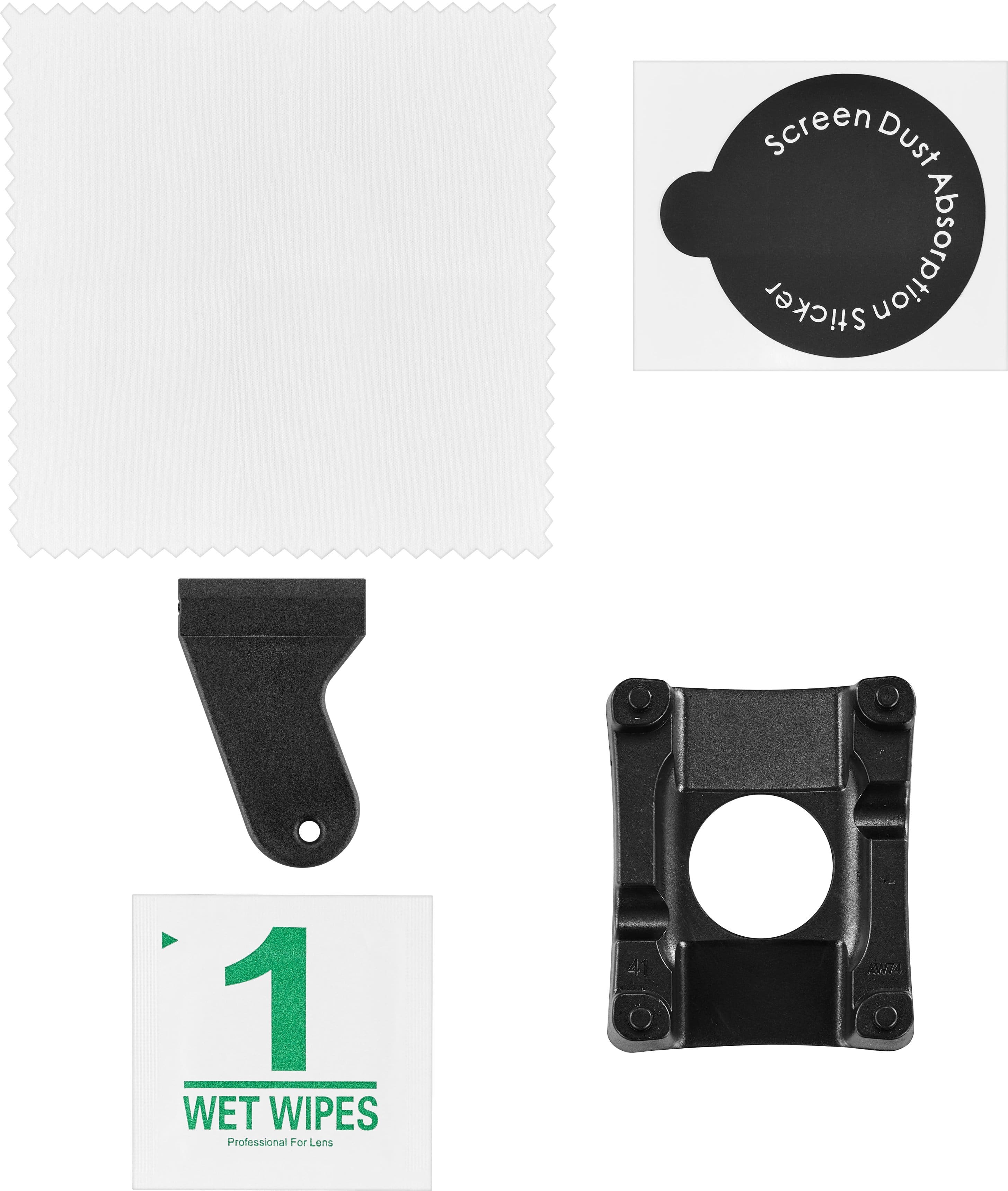
    • Answer Yes, it includes everything you need to ensure your screen protector is aligned correctly and bubble-free.
    This question and answer was generated by AI based on customer and product data.
  • QuestionDoes this screen protector affect the touch sensitivity of my Apple Watch?

    • Answer No, it has a touch-sensitive construction that allows for precise control of your touchscreen.
    This question and answer was generated by AI based on customer and product data.
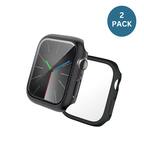
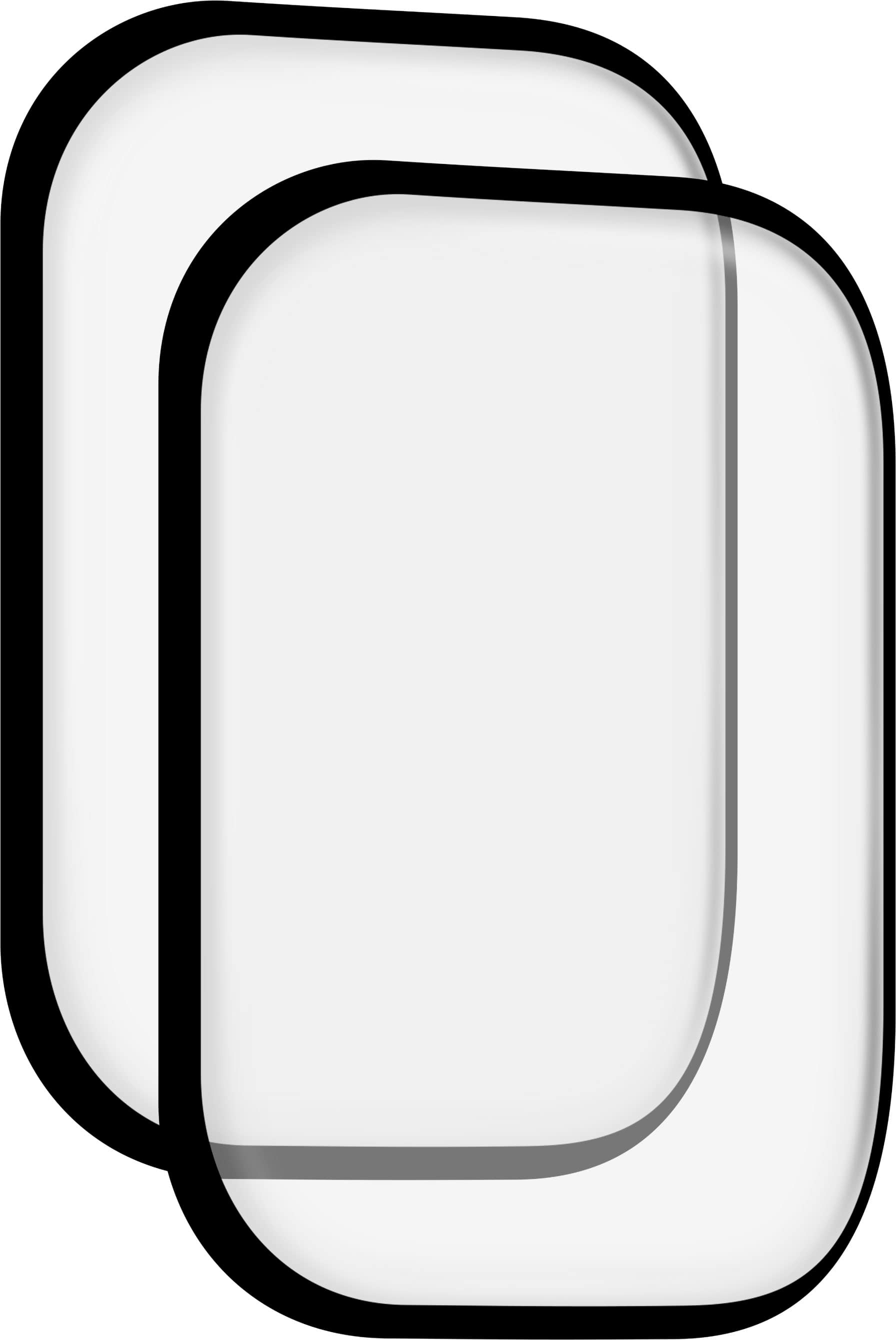
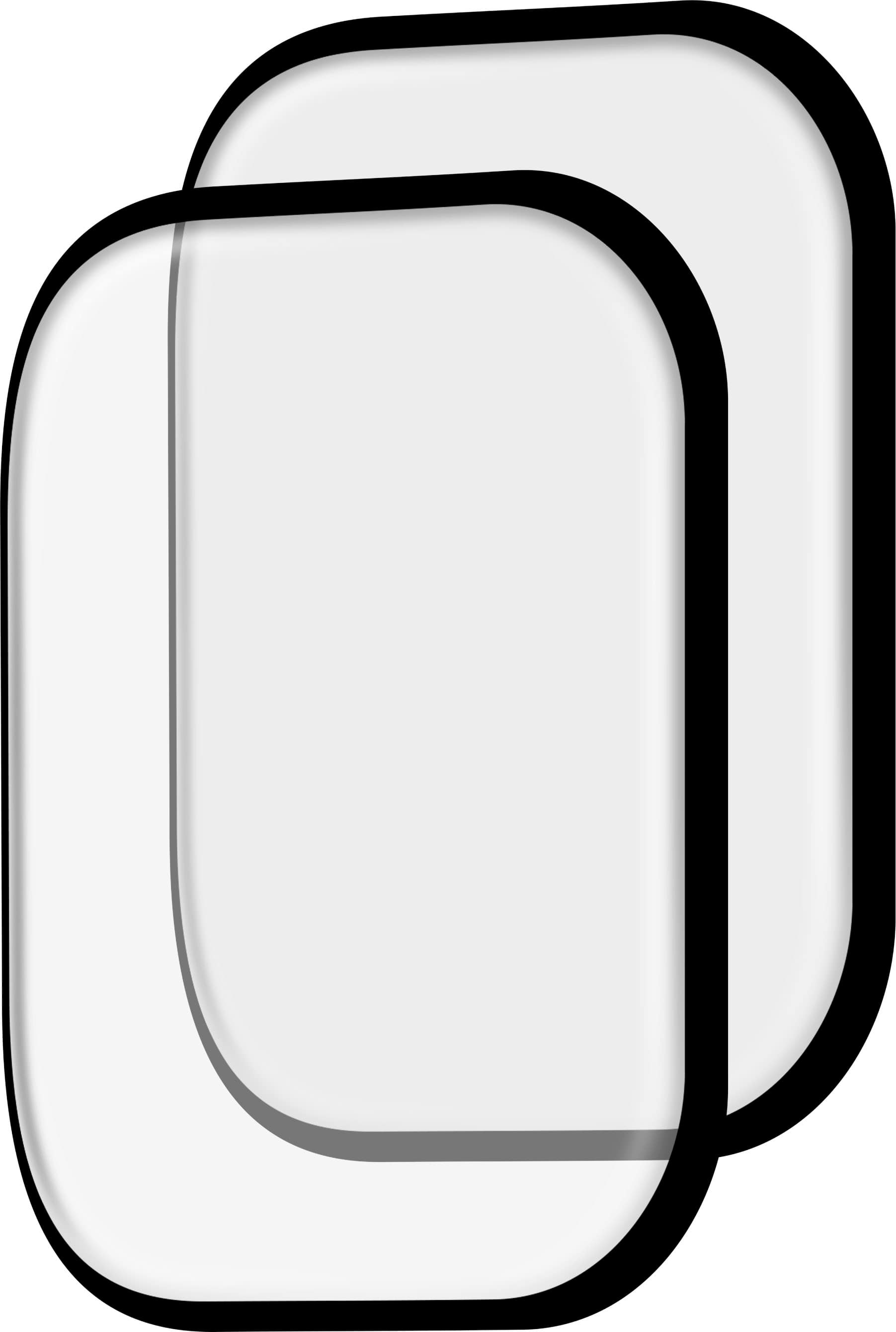
  • QuestionHow many screen protectors are included in the package?

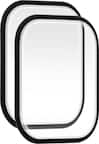
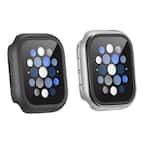
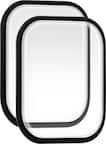
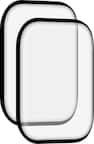
    • Answer This product is a 2-pack of screen protectors.
    This question and answer was generated by AI based on customer and product data.
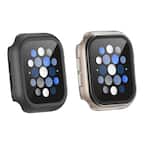
  • QuestionWhat is the material of this screen protector?

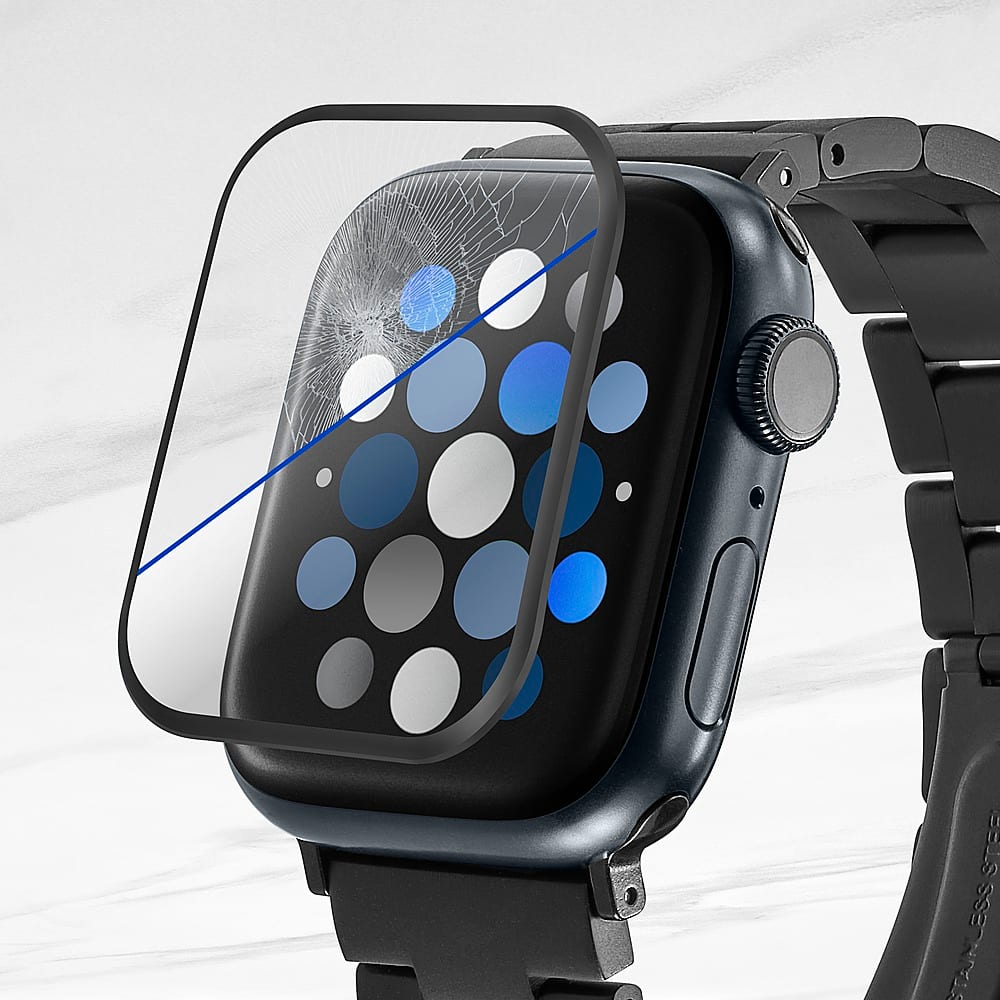
    • Answer This screen protector is made of a hybrid glass material.
    This question and answer was generated by AI based on customer and product data.
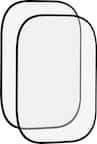
  • QuestionDOSE THIS SCREEN PROCTER FIT ANY SMART WACTH ?

    Asked by Anonymous.

    • Answer The Insignia™ Hybrid Glass Screen Protectors for Apple Watch 41mm are specifically designed to fit the Apple Watch 41mm models. If you have a different smartwatch or a different size Apple Watch, you will need to find a screen protector specifically designed for that model to ensure a proper fit and optimal protection. Patricia | Insignia Support

      Answered by InsigniaCustomerSupport

  • QuestionHow can I safely remove one of these screen protectors from my Apple Watch?

    Asked by Rick.

    • Answer Removing a screen protector from your Apple Watch can be done safely by following these steps: 1. Power Off Your Apple Watch: Hold down the side button until the “Power Off” slider appears, then slide it to turn off your watch. 2. Lift a Corner: Use a fingernail, credit card, or a guitar pick to gently lift one corner of the screen protector. Be careful not to scratch the screen. 3. Peel Off Slowly: Once a corner is lifted, slowly peel the protector away from the screen. If it resists, try lifting from another corner. 4. Clean the Screen: After removing the protector, use an alcohol wipe and a microfiber cloth to clean any residue from the screen. If you have any questions or need further assistance, please don't hesitate to reach out. Thank you for choosing Insignia! - Emman | Insignia Support | https://www.bestbuy.com/site/brands/best-buy-brands/pcmcat1596746025285.c?id=pcmcat1596746025285

      Answered by InsigniaCustomerSupport

  • QuestionDoes this work with the Apple Watch 3?

    Asked by Nana.

    • Answer I have a Series 3 (42mm) and it barely just fits. The corners aren't fully covered, but it seems better than getting protectors that are too big.

      Answered by MelanieD

  • QuestionDoes this work for Apple Watch SE 2nd generation?

    Asked by Maam.

    • Answer Yo lo usé con un series 9 41 mm y funcionó muy bien solo tienes que buscar el tamaño correcto

      Answered by Anonymous