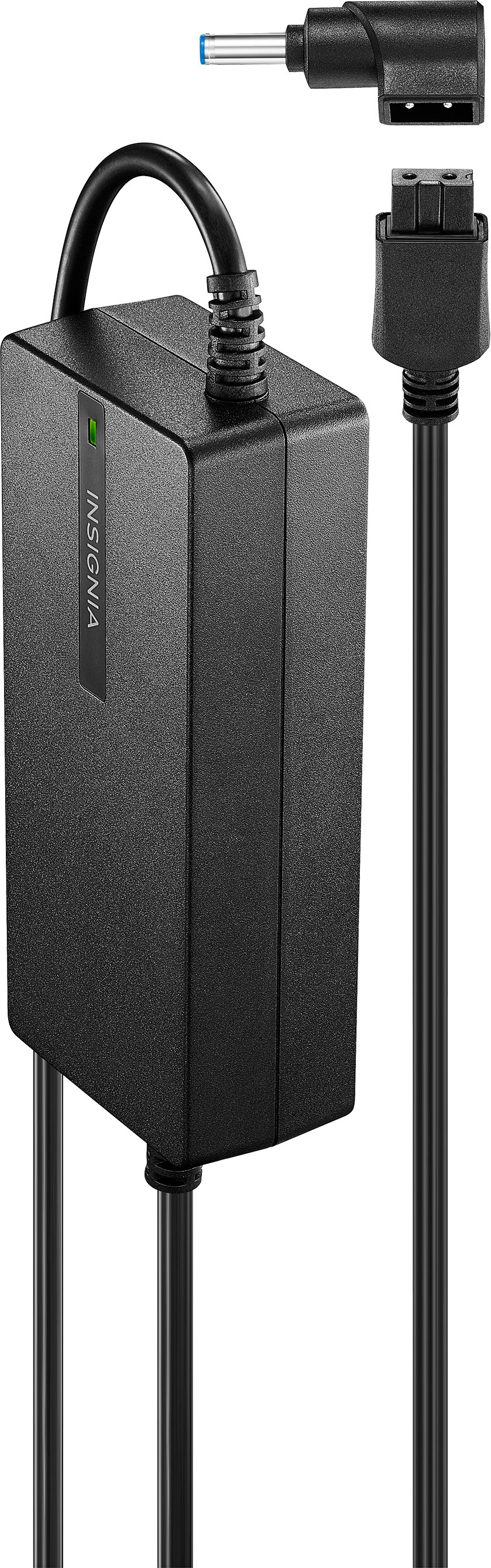
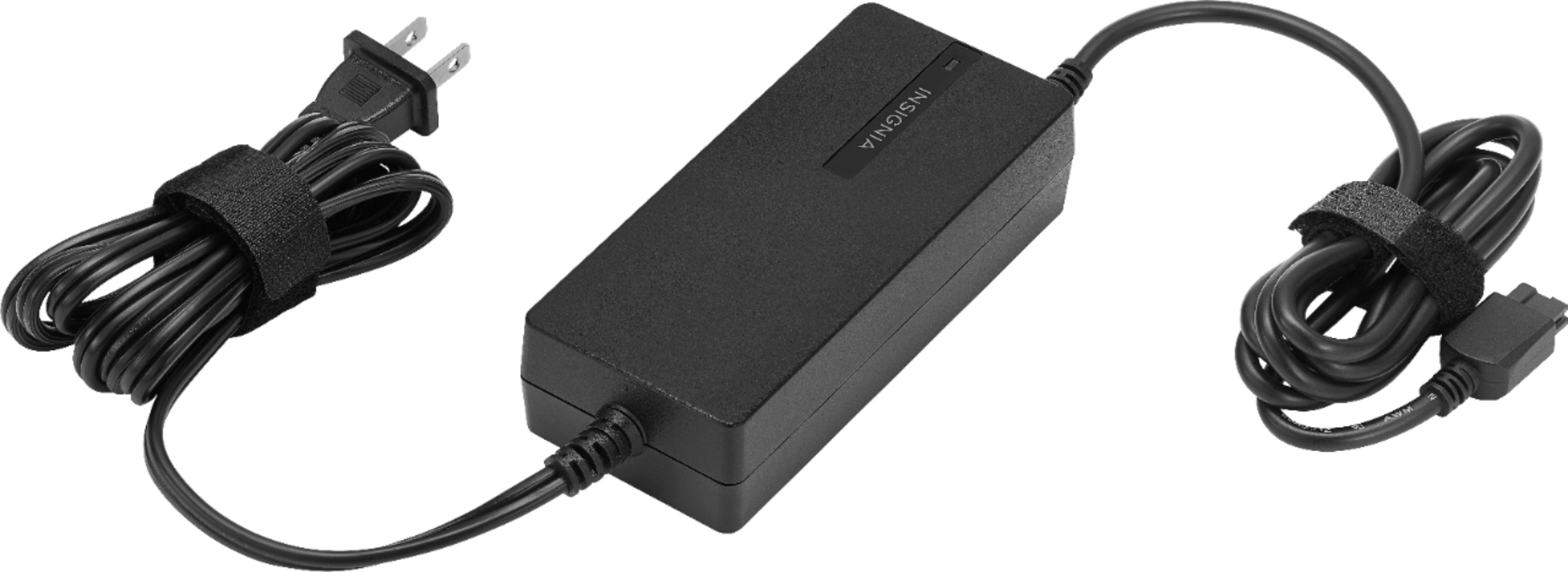
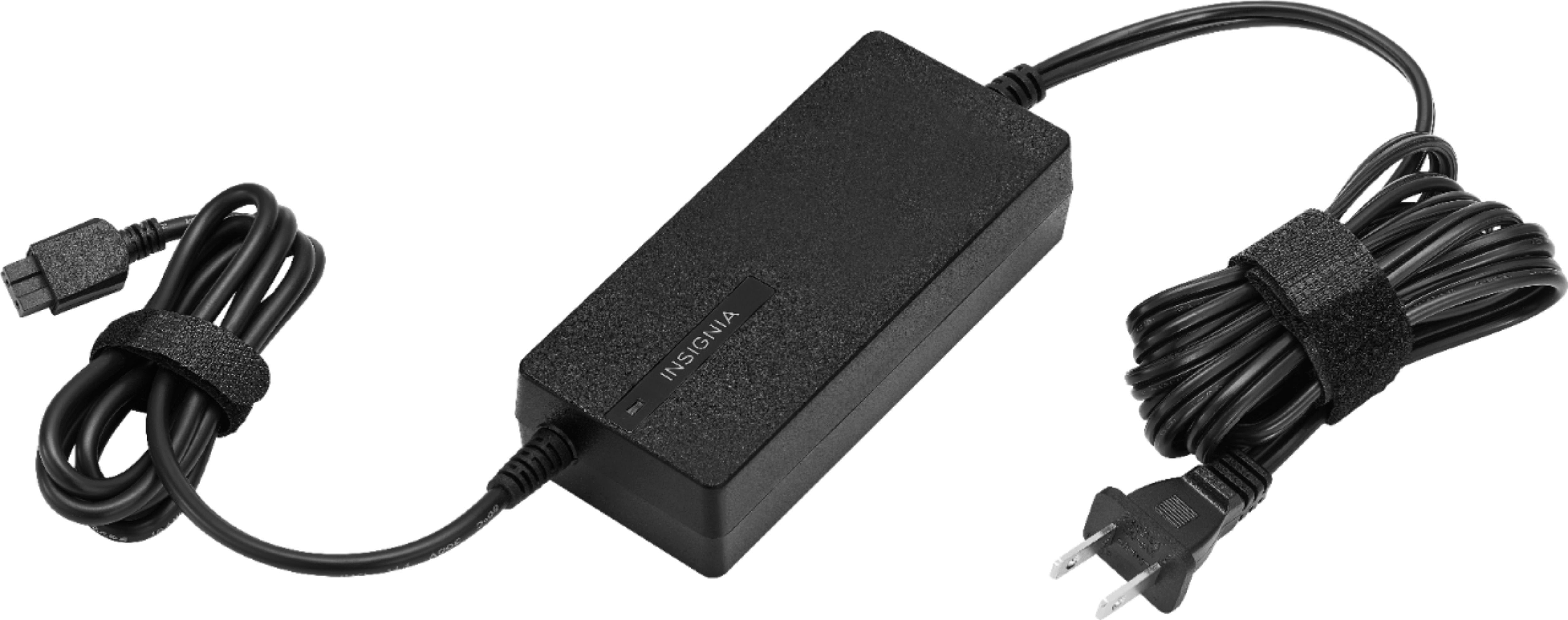
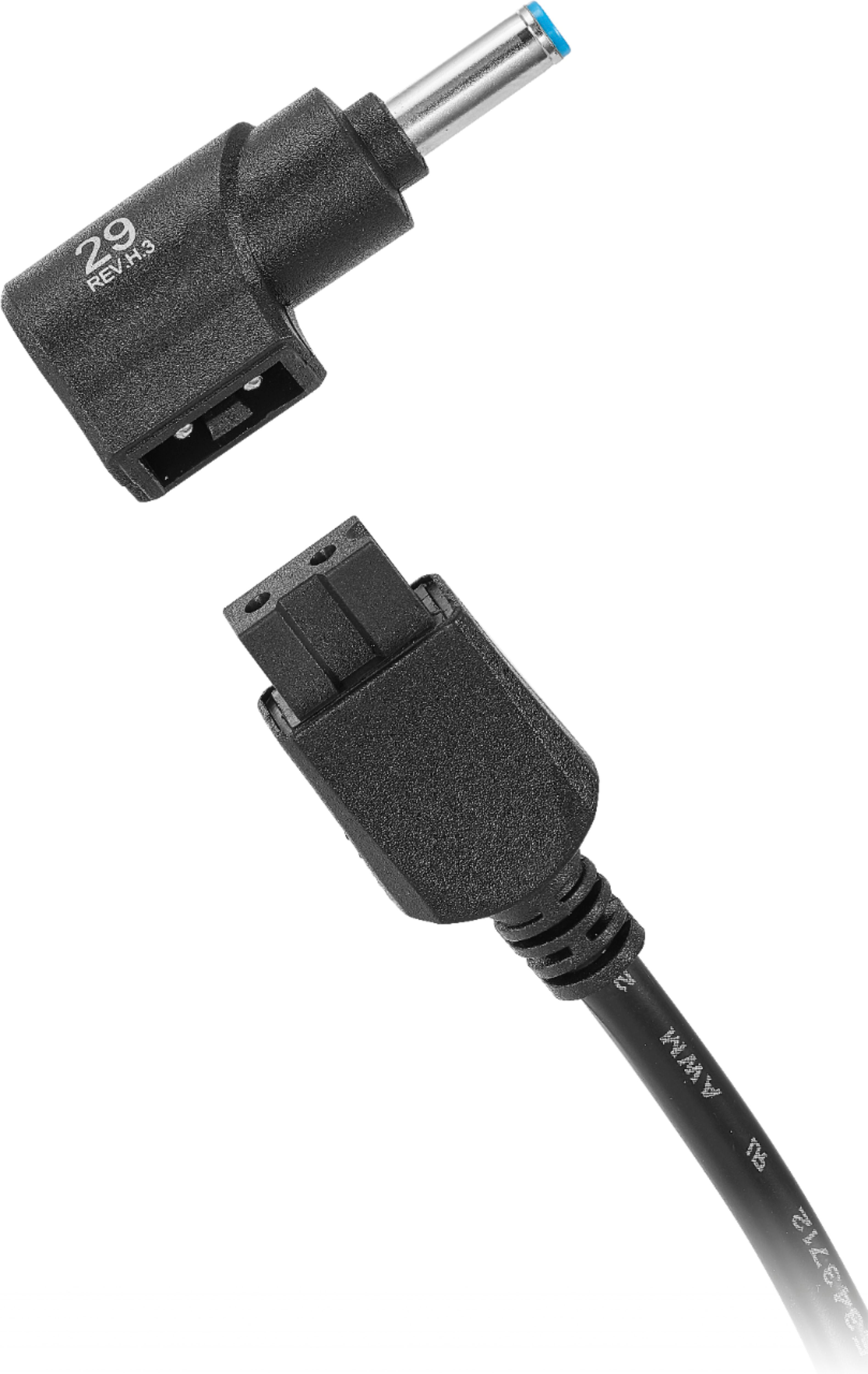
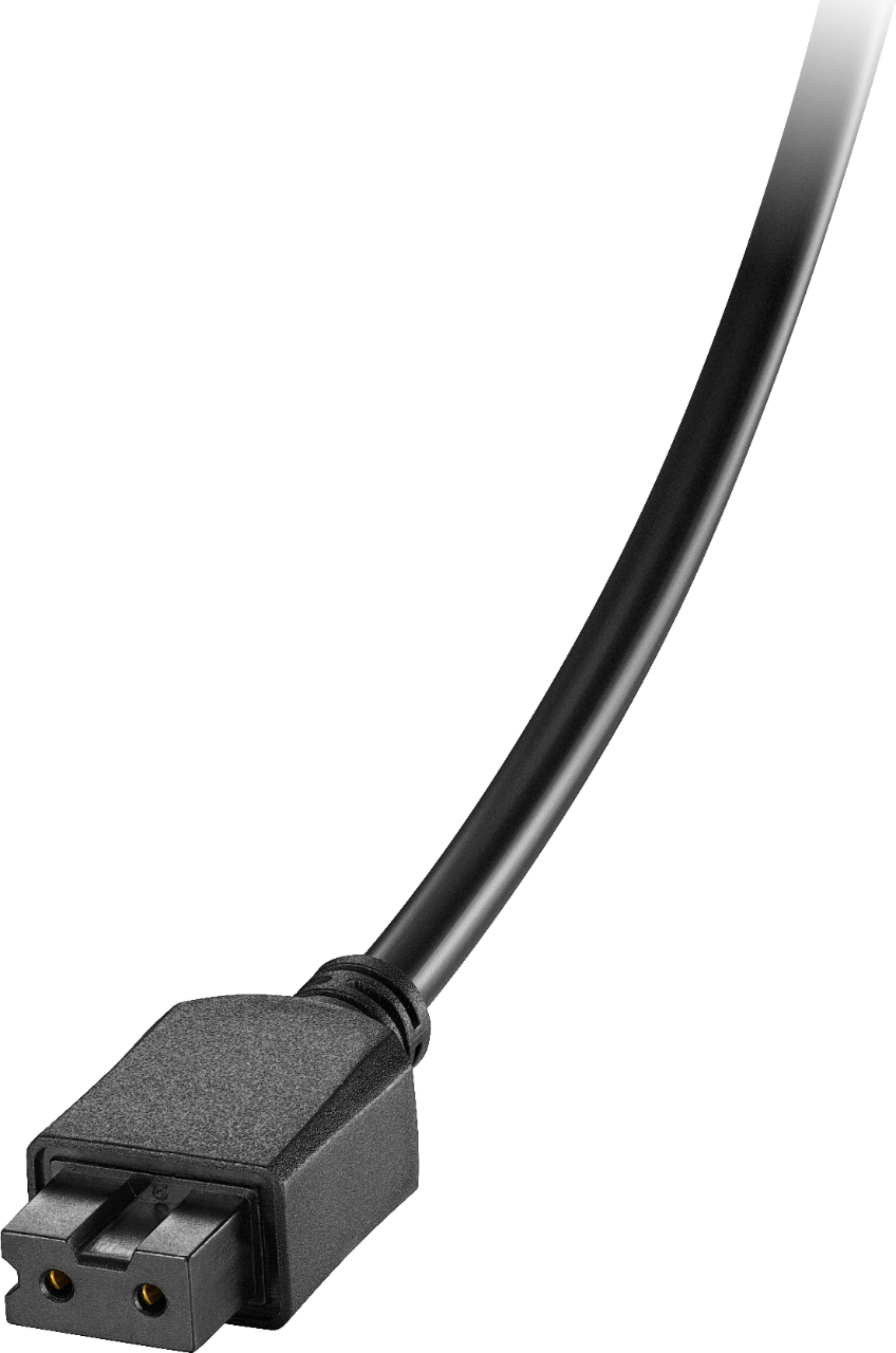
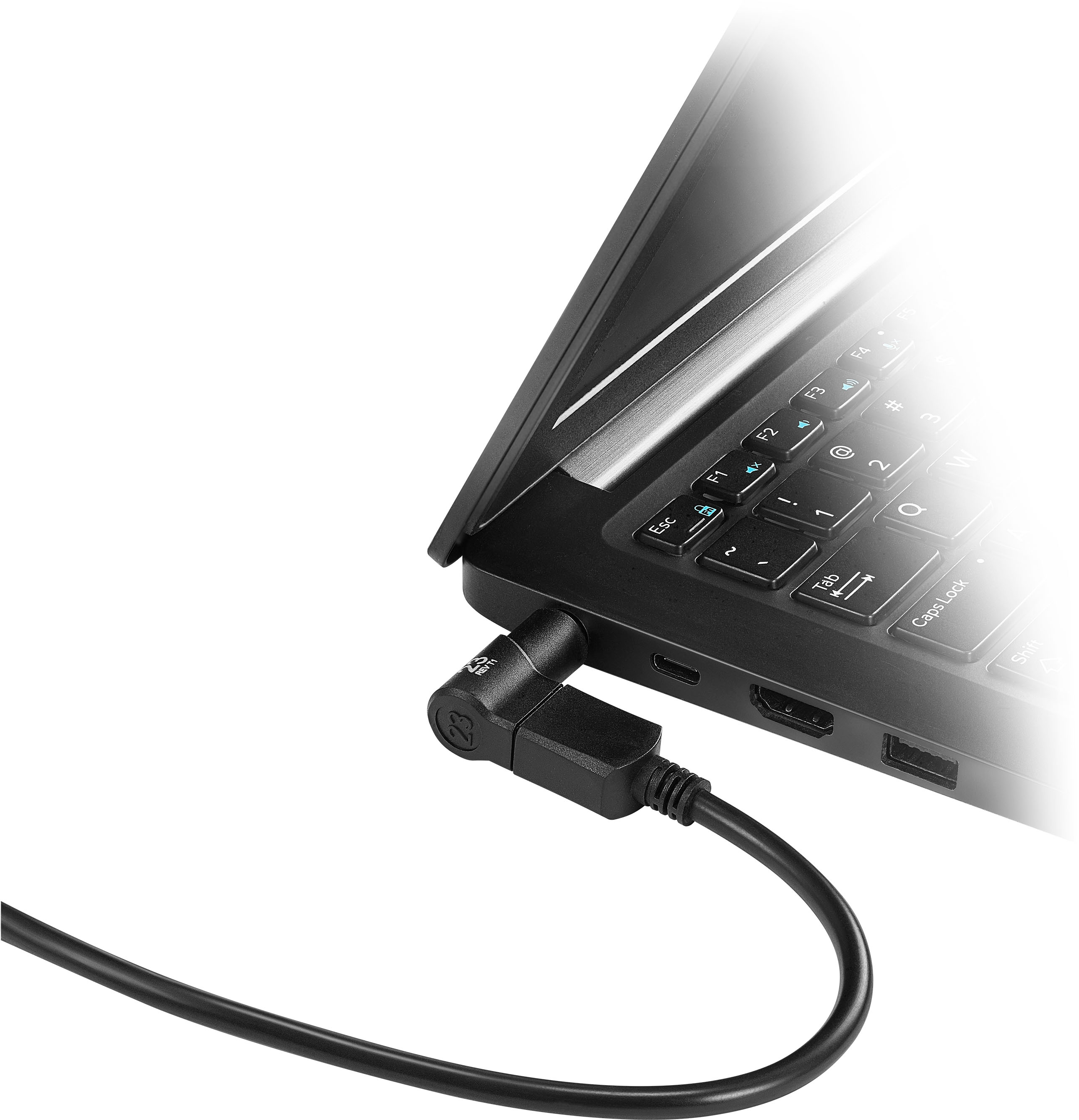
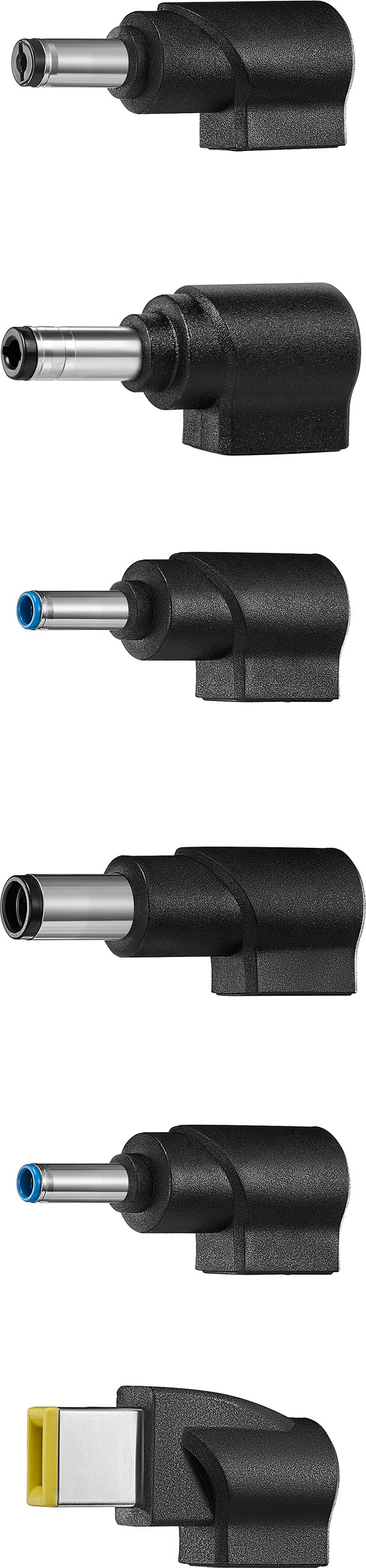
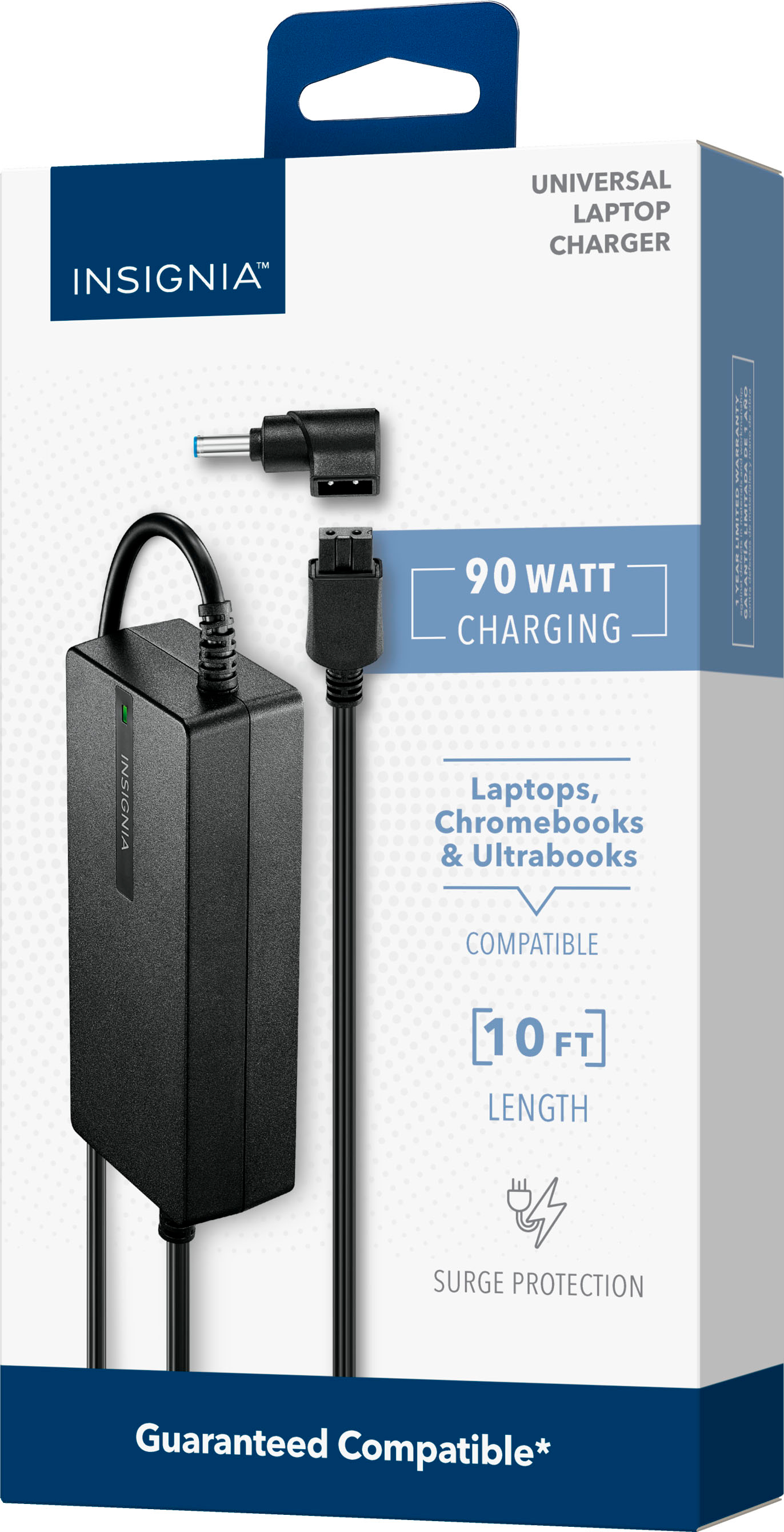
A:AnswerHello! Thank you for your question. You can contact the Insignia support team at 1‑877‑467‑4289 and they’ll be able to check your laptop model and help you order the one compatible tip you need. Darshan | Insignia
A:AnswerNot that I know of. I looked, and replaced it with something that was just USB-C. This charged my laptop, but it didn't charge anything else, and my laptop will charge USB-C as well. This is a legacy product that needs a tiny update... A USB-C plug.
A:AnswerHi there! For further assistance and to confirm charger compatibility, please contact Insignia Customer Service.
U.S. and Canada: 1-877-467-4289 Hours: Monday–Saturday, 8 a.m. to 9 p.m. CT
They’ll be happy to help you find the right solution. |Angelica| Insignia Products|
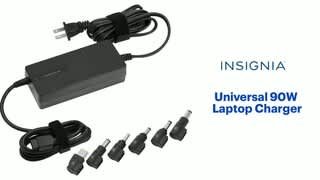
A:AnswerHi Zach, thank you for your question! For specific compatibility details like whether the Insignia™ Universal 90W Laptop Charger includes a 5.5mm/2.5mm connector tip, we recommend reaching out directly to Insignia Support at 1-877-467-4289. They’ll be able to confirm the exact connector types included and help ensure it fits your device. We appreciate your interest!
— Shiela | Insignia Support
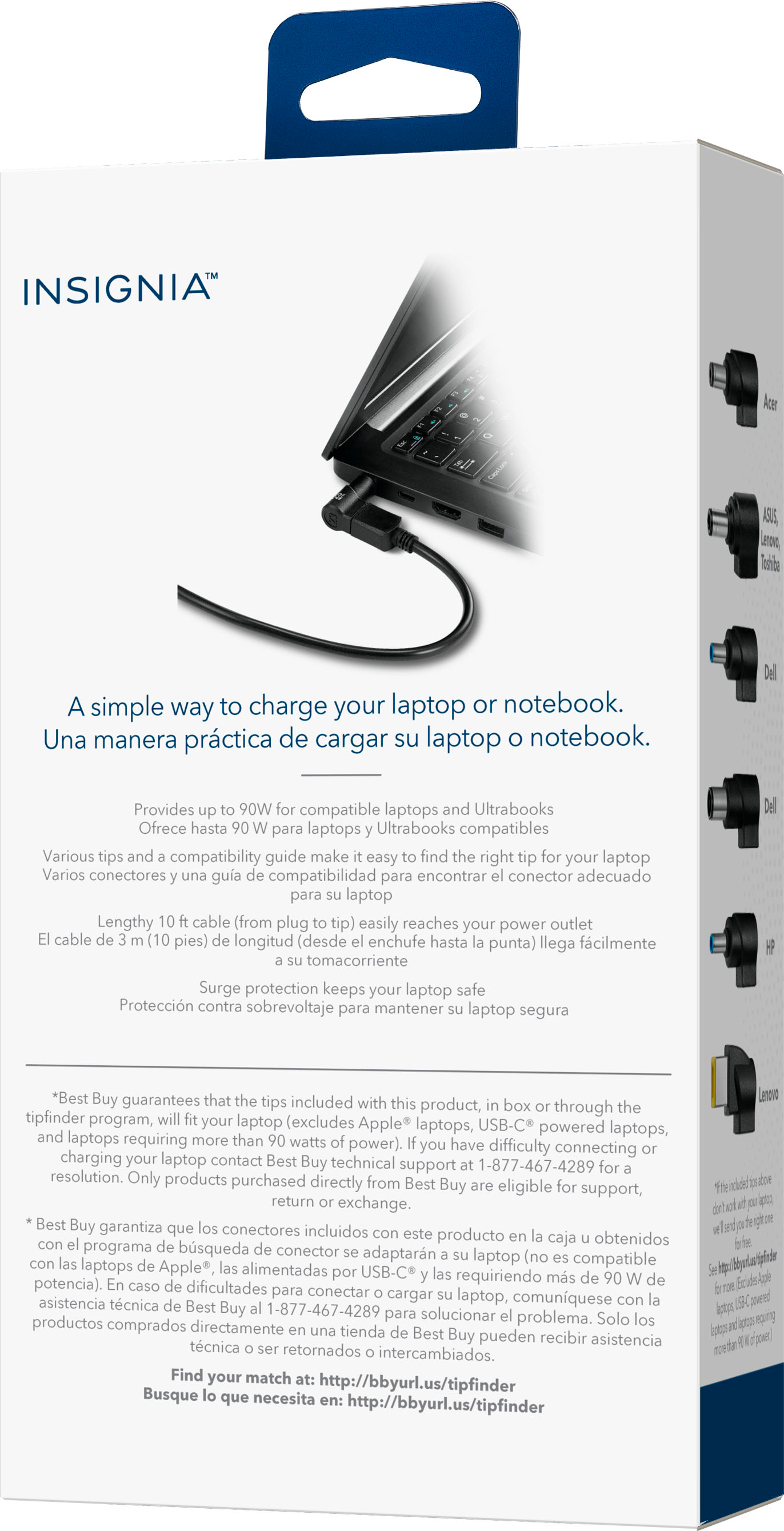
A:AnswerThank you for your inquiry! No, the Insignia™ Universal 90W Laptop Charger is not suitable for charging an electric scooter. It is specifically designed for use with certain laptop brands (like Acer, Dell, HP, and Lenovo) and delivers power through proprietary tips that match laptop charging ports. Keith | Insignia Support
A:AnswerHi RA, for your questions we recommend contacting Insignia customer service for assistance in selecting the right tip. You can contact the Insignia Customer service at 877-467-4289 to determine if the Insignia™ Universal 90W Laptop Charger is compatible with your Dell Inspiron 24. Tine | Insignia Products
A:AnswerHi Lizz! Yes, the Insignia™ Universal 90W Laptop Charger provides the correct 19V output and sufficient wattage for your AOC 27g15 monitor.
The critical factor is the physical fit of the charger tip. You must verify if one of the included tips on the Insignia charger matches your monitor's power input port. |Angelica| Insignia Products|
A:AnswerThank you for your question. The Alienware m16 R1 typically requires a power adapter with a wattage significantly higher than 90W to run optimally and charge effectively, often needing a 240W or even a 330W adapter depending on the specific configuration (CPU and GPU).
While our Insignia™ Universal 90W Laptop Charger might power your Alienware m16 R1 to some extent for basic tasks, it is highly unlikely to keep it running at full performance, especially during demanding tasks like gaming, and it will likely not charge the battery, or charge it very slowly. The laptop may even display warnings about insufficient power.
Using a charger with insufficient wattage can strain both the charger and your laptop's power system over time. For the best performance and to ensure proper charging, we strongly recommend using the original power adapter that came with your Alienware m16 R1 or a compatible, high-wattage replacement (240W or 330W) designed for gaming laptops.
If you have any other questions or need further assistance, feel free to ask! - Mae | Insignia Support
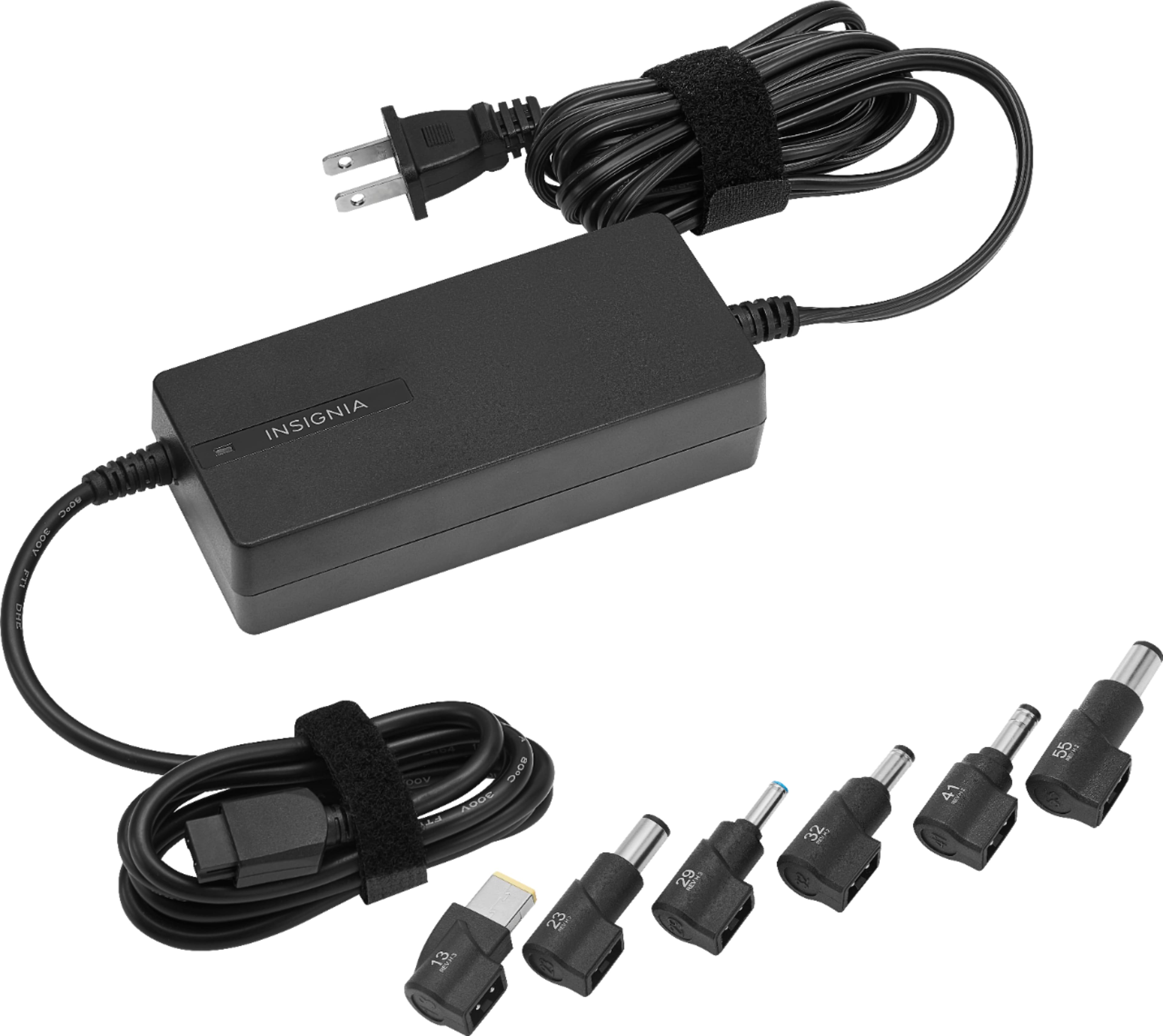
A:AnswerVAIO, thank you for your question. To ensure compatibility with your Sony Vaio SVT151A11L, it's important to check the power requirements of your laptop, specifically the voltage and amperage (or wattage) of your original charger. Our Insignia™ Universal 90W Laptop Charger typically has a 19V output.
Please locate the output voltage (V) on your Sony Vaio's original power adapter. If it also says 19V, and the wattage (which is voltage multiplied by amperage) is 90W or less, then our Insignia charger may be compatible, provided one of the included tips fits your laptop's power port.
It's crucial to select the correct tip for a secure connection and proper power delivery. We recommend comparing the included tips with the connector on your original Sony charger.
If you're unsure about the exact specifications or finding the right tip, we suggest visiting your local Best Buy store with your laptop and original charger, or contacting our Insignia support team. They can help you verify compatibility to avoid any potential damage to your device. - Mae | Insignia Support

A:AnswerYes, the Insignia™ Universal 90W Laptop Charger is compatible with HP laptops. It includes multiple charging tips to fit various laptop models, including those from HP. Patricia | Insignia Support
A:AnswerYes, the Insignia™ Universal 90W Laptop Charger is compatible with most HP laptops. It comes with multiple interchangeable tips to fit various laptop models, including HP.
To ensure compatibility, you can:
1. Check the Included Tips: Verify that one of the included tips fits your specific HP laptop model.
2. Contact Insignia Support: If you're unsure, you can contact Insignia Support at 1-877-467-4289 for further assistance
If you have any other questions or need further assistance, feel free to ask!