A:AnswerI do not think this directly affects this product. This is a question geared towards Google Home / Assistsnt support for wink itself.
I would recommend looking online at Wink / Google support or forums more aimed at Google Home products.
A quick result brought up this link:
https://www.wink.com/help/products/google-assistant/
Hope that helps! I find Google Home to be very easy to use. However, the initial learning curve of setting things up takes a few tries!
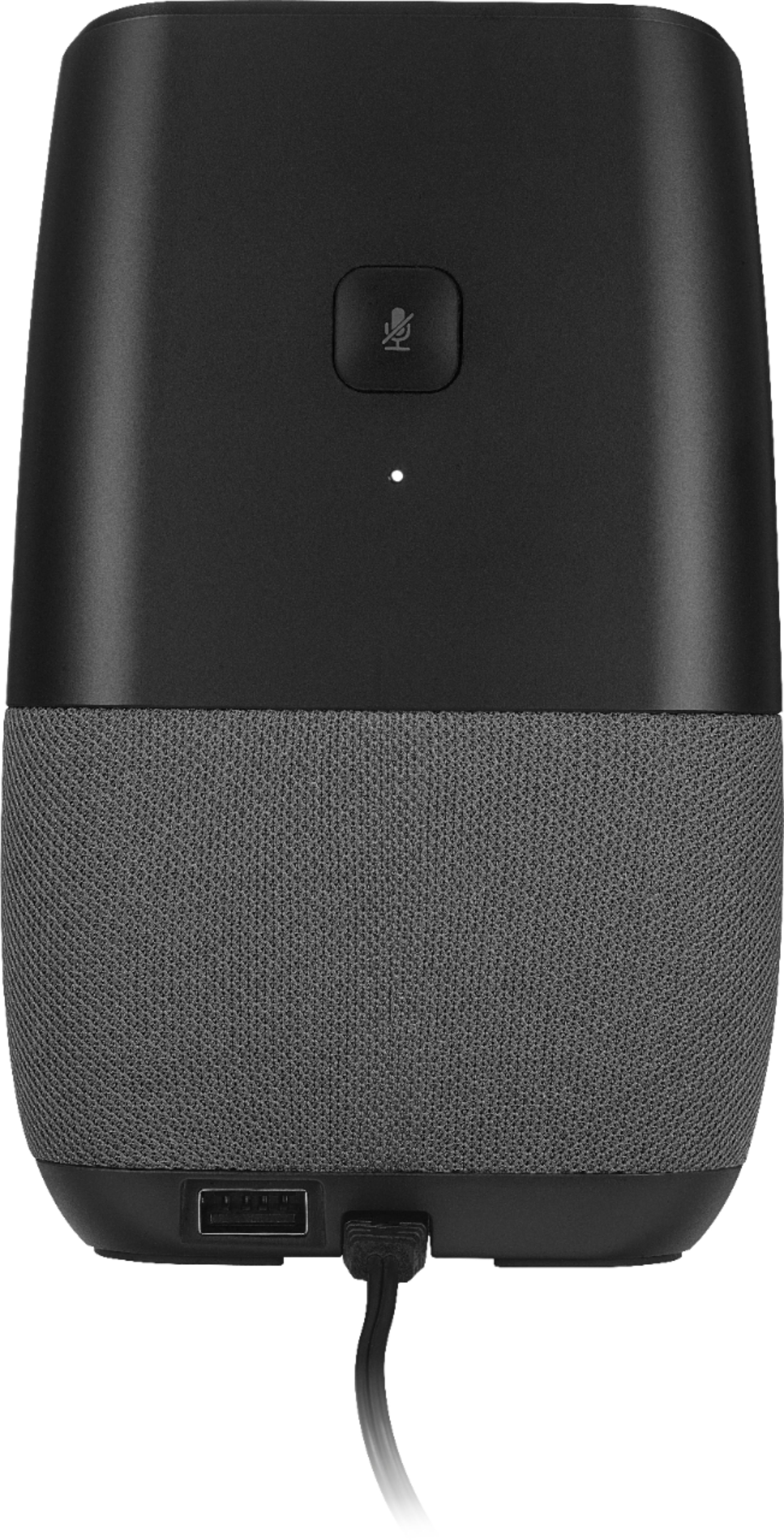
A:AnswerHi, thank you for sharing your experience. I would suggest you to perform a factory reset by pressing the pressing the Microphone button for 12 seconds. Then try to connect it again. If you need further assistance, please feel free to contact us at https://www.insigniaproducts.com/contact-us
Deneb M.- Insignia Support
A:AnswerIt should not be any different than your Google products. All of the home control settings on the Google Assistant stay the same across devices. You might want to just restart the device and/or reset it.
A:AnswerCheck your manual. If no manual, it should be available online.
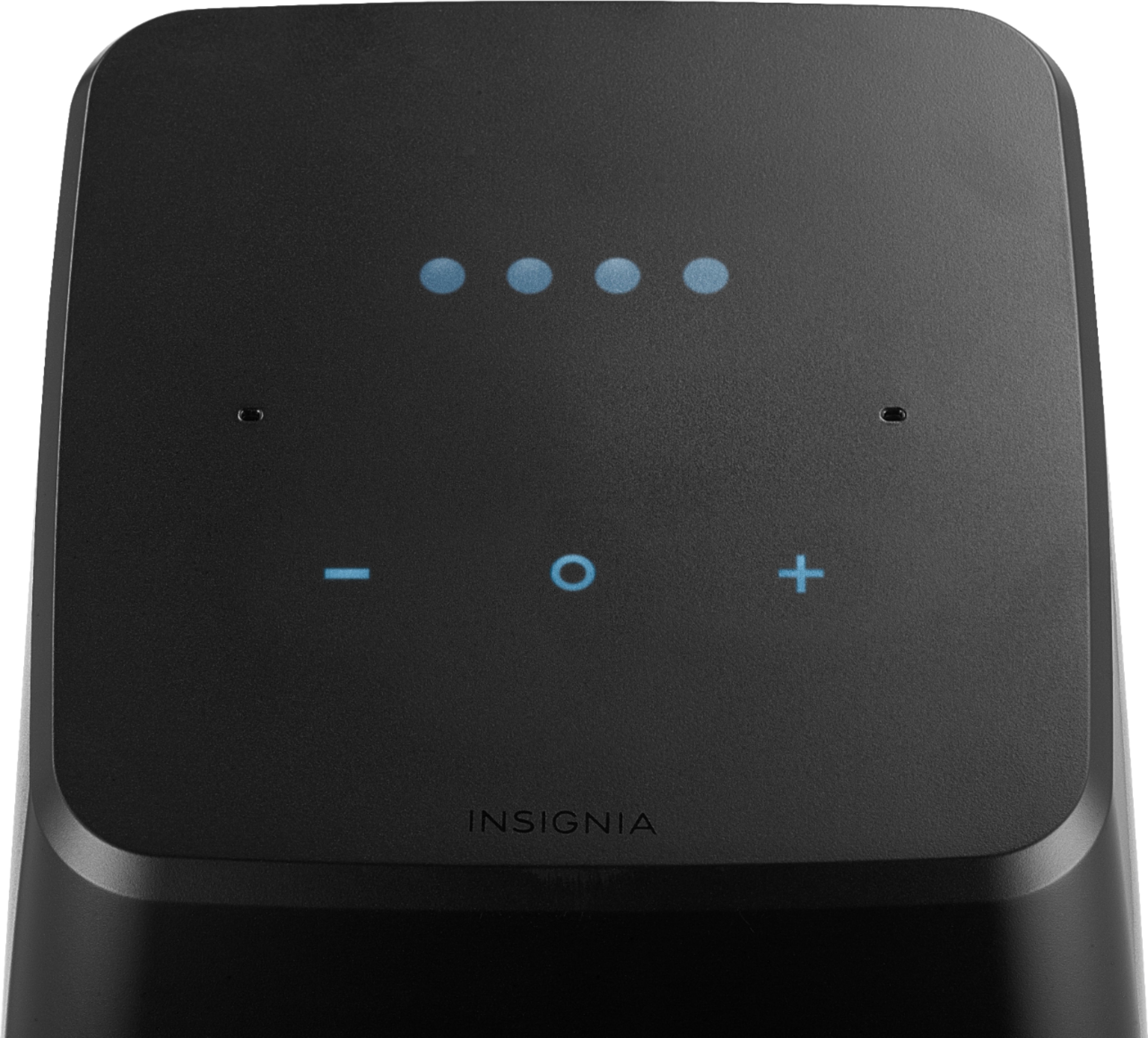
There are some other button combinations I don't remember, such as touching two on the top to turn on Bluetooth, I think.
Other than holding the back button down for a very long time, longer than twenty seconds, I don't know what to tell you.
Mine will randomly reset itself every couple months though, so there's that to hope for
Check your Google home app in devices (top right corner of the Homes home screen) and make absolutely sure it's not already there and they the unit itself isn't just "acting normally."
Like I said, I have problems with this thing all the time. I have to unplug it almost daily
A:AnswerYou could always just return it and get a new one. I had the same problem. I've been very happy with it since. I've bought 4 total and 1 authentic Google one and still prefer the insignia over the original. Sometimes the Wi-Fi screws up authentication and it's hard to recover from it. Just exchange it.
A:AnswerHad that happen to me this morning. Alarm never went off and I woke up to flashing time display. I double checked volume level and that was fine. One oddity I noticed was it showed two alarms for exact same time this morning in Google home app. I deleted one in the app by tapping X and both alarms disappeared. I set another alarm to test it and the alarm went off just fine. Not sure what happened.
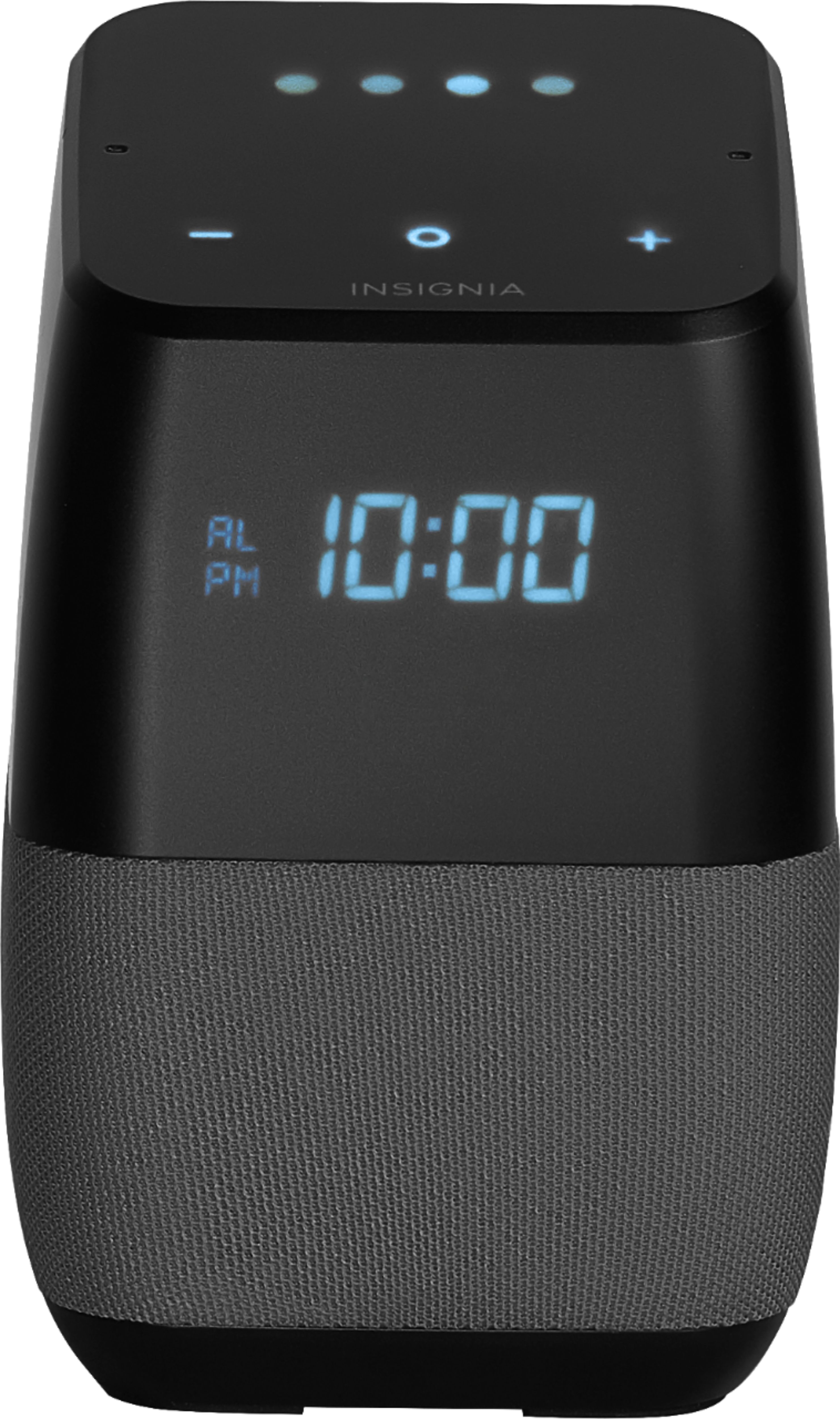
A:AnswerThanks for your reply brianeno77, and please note the manual says you can adjust the brightness by pressing the – and O buttons at the same time. It states... Press to lower your display brightness. Press and hold to lower it quickly. Note: Use audio controls to completely turn off the display (for example, say “Hey Google, turn off the display light.”).
If anyone has two of these in the same room, one setup with each spouse's Google account, I'd like to know if the Google Assistant is smart enough to take and process commands from the associated user for only their Insignia Voice Smart Bluetooth Speaker?
A:AnswerI was able to solve this issue only through the GoogleHome app on Android (should work on iphones also). Select "devices," then select your device and click the 3 dots to bring up the settings, and disable the setting "let others control your cast media" and the ° symbol will no longer blink. I am unsure why this works, but that is what works for me. You can then reenable the setting if you wish.
A:AnswerI've noticed that the temperature doesn't always show too. A quick 'hey google, what's the temperature outside' works though. Maybe it's because it needs to access the internet to get the temperature and it wastes bandwidth if it does that 24/7.
A:AnswerIf Google Home doesn't play the radio station you requested, be more specific with your query, or ask for the station in different way, using name, frequency, or call sign.
If the request is not properly answered, try adding "on TuneIn" or “on iHeartRadio” to the query. Example: "Play ESPN Radio on TuneIn” or "Play ESPN Radio on iHeartRadio."
If the provided station is inaccurate when asking for frequency, try adding the name of a nearby city. Example: "Play 101.9 FM LA."