A:AnswerYou can find the latest firmware on the Google Home website. The latest is 1.30.111201. Their software is way out of date and I had to return my clock/speaker unit because it couldn't do what a true Google Home device can do.
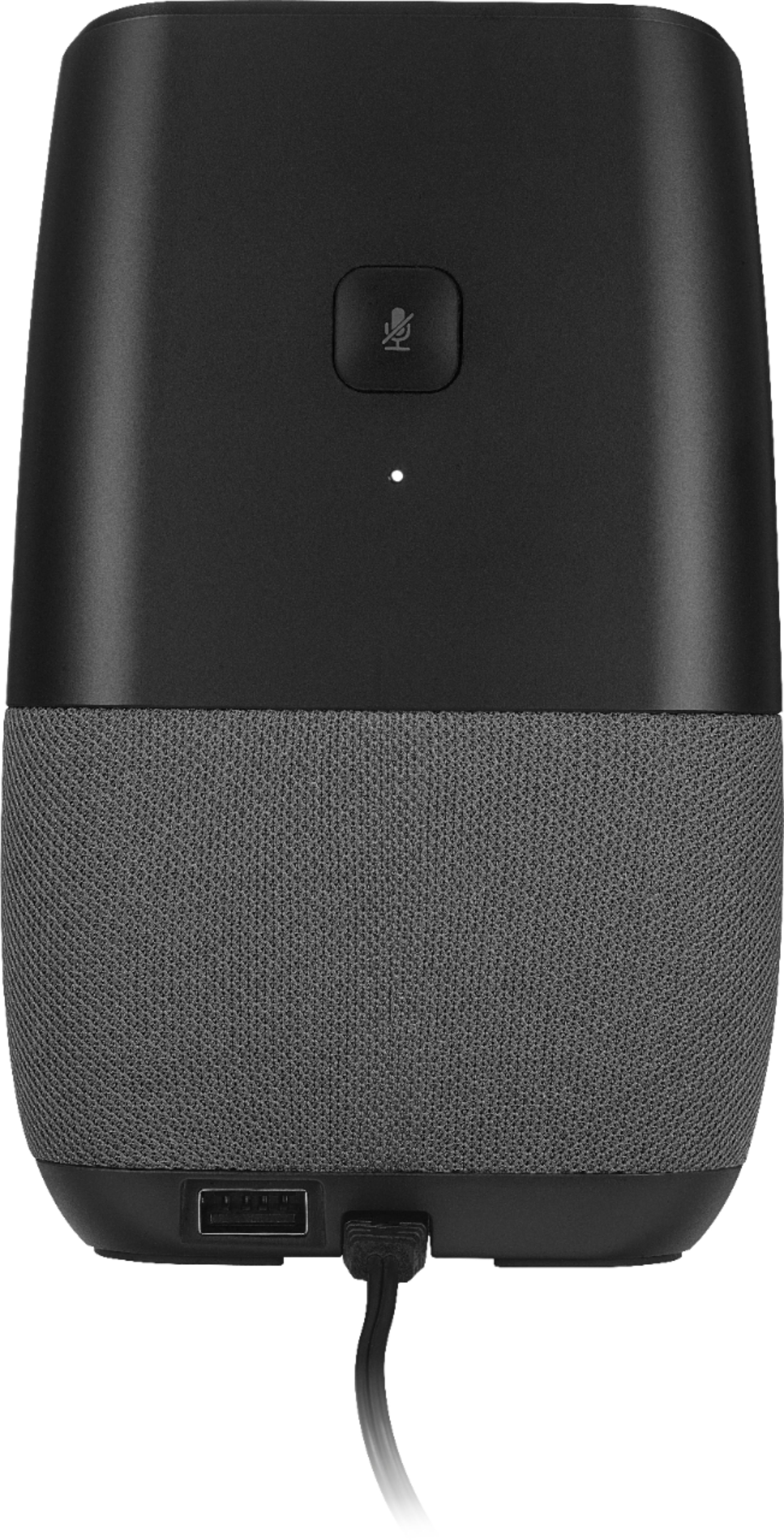
A:AnswerThe USB on the back is for charging your cell or smart watch. The output is only 1 amp so you will not get fast charge if you have a phone like Samsung S8. I use the back USB for my smart watch.
A:AnswerAll you have to do is ask the assistant for the temperature in Celsius and it will appear on the display in Celsius. I'm trying to attach a picture to show you and I live in Florida. See you know it's not 16 degrees here it's actually 16 degrees Celsius
A:AnswerNo, this device is the bluetooth speaker. You can pair a bluetooth audio source to it, but not pair it to an external bluetooth speaker. What you can do is use the Google Home app to change which speaker in your home that it outputs from. So if you've got a Google Chromecast Audio you can plug it into another speaker system and set it up to output to that instead of it's built in speaker.
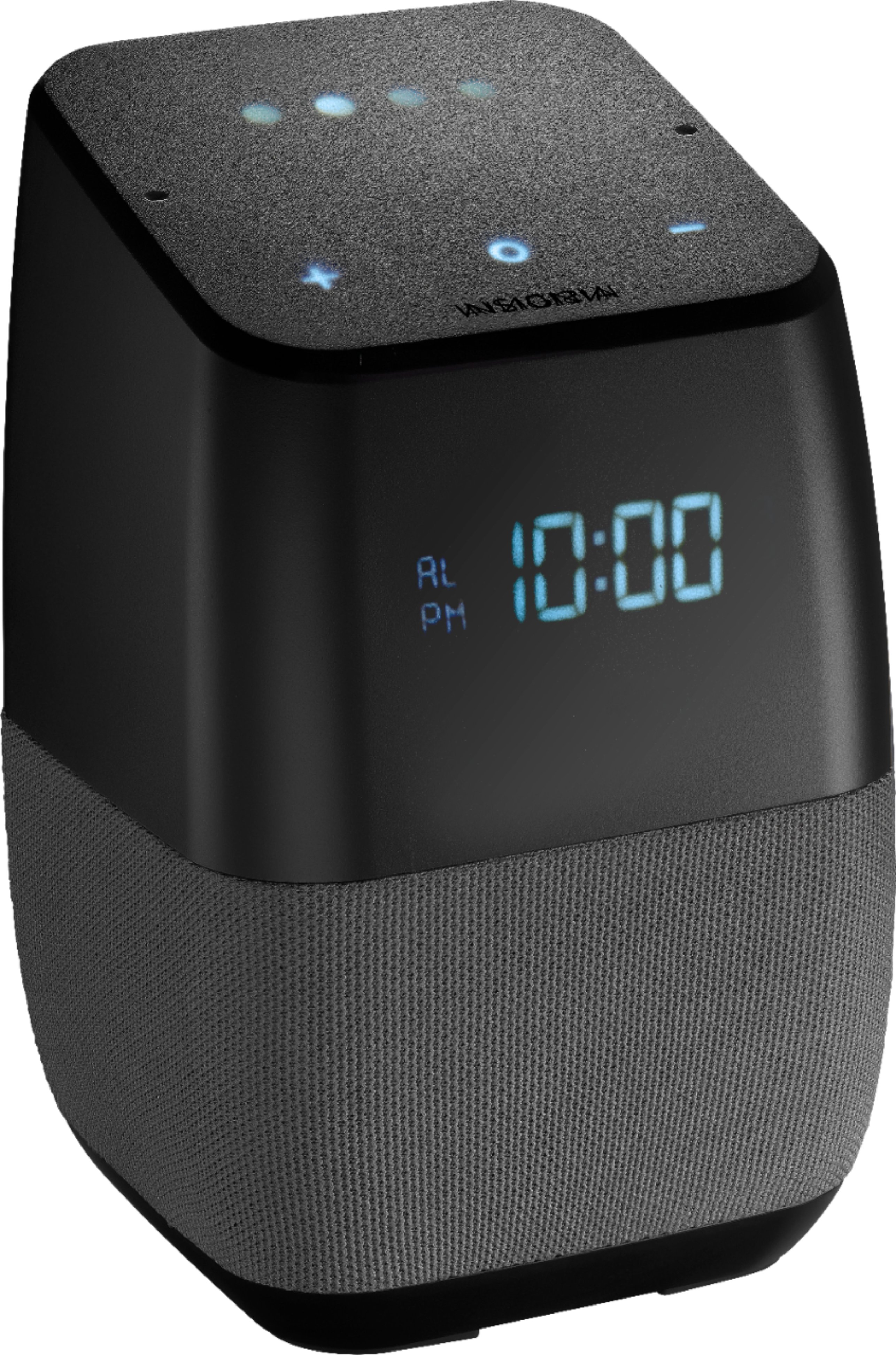
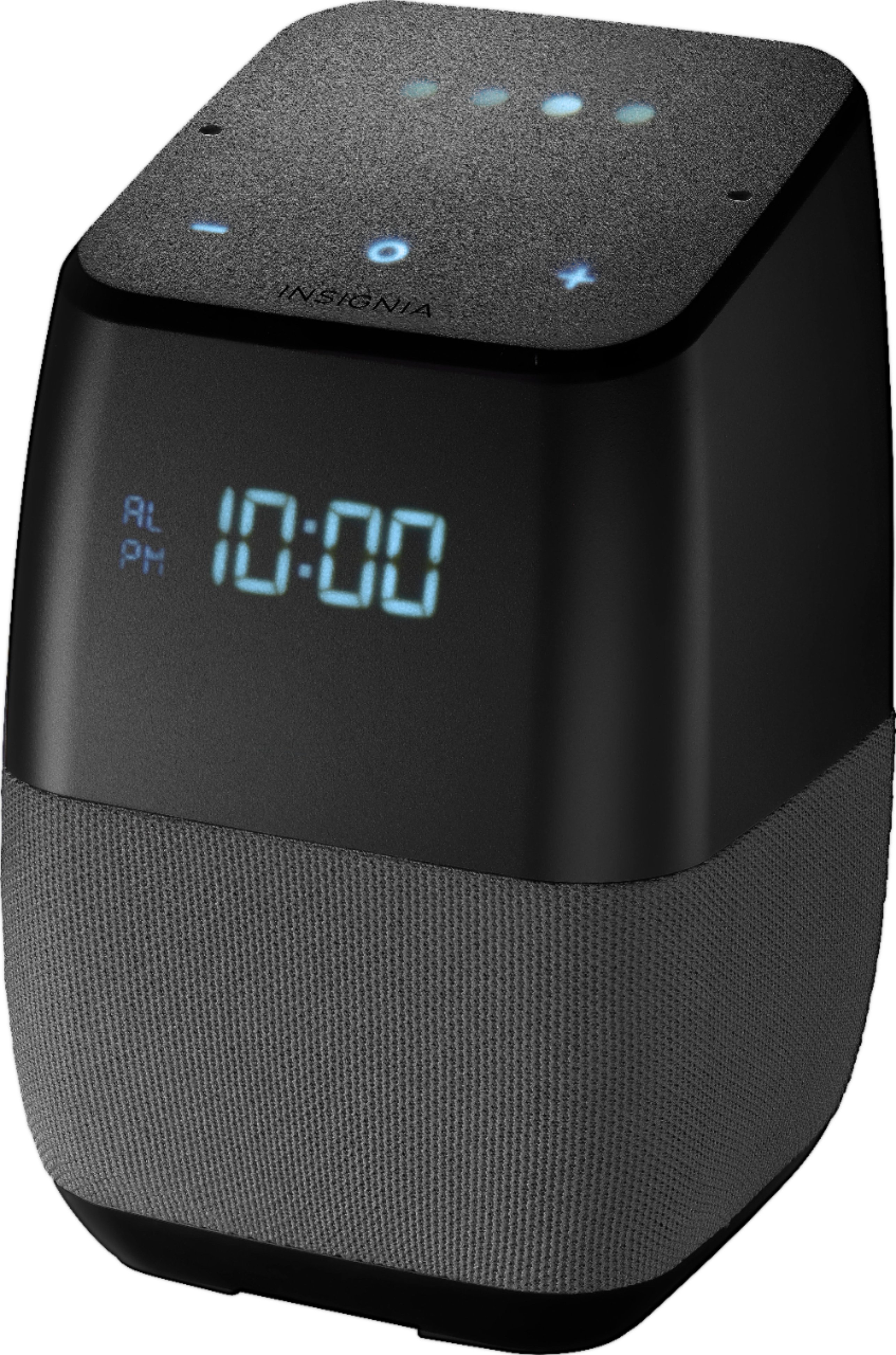
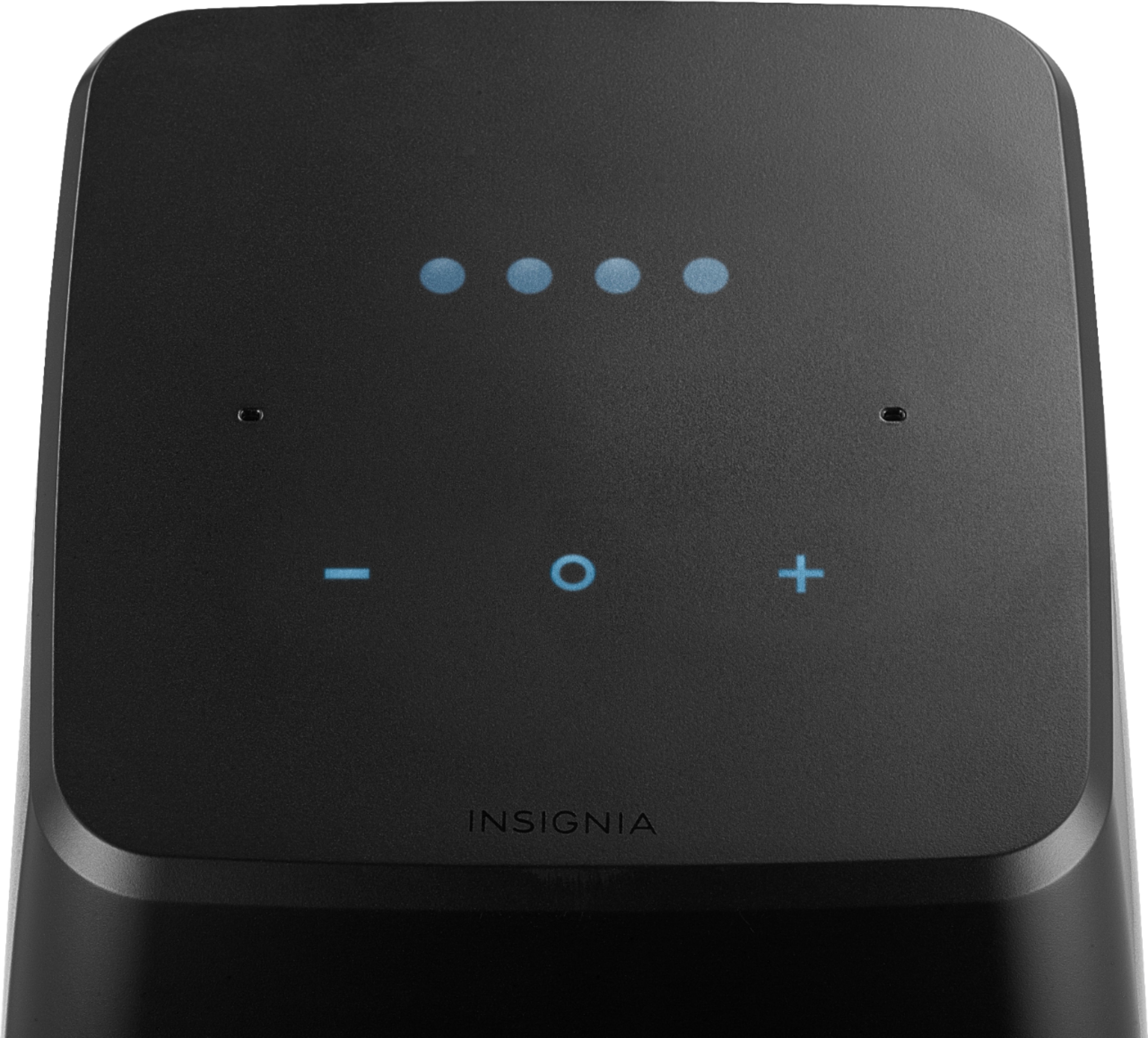
A:AnswerIf you hit the circle "button" it should turn the alarm off, not snooze. Waving your hand should snooze it, weird that it doesn't. Another way to snooze is to talk to it, if you say "google, snooze the alarm" it'll snooze for 10 minutes. I think you can only do it once or twice though. You can also say "google, snooze alarm for X minutes".
It's finicky for sure.
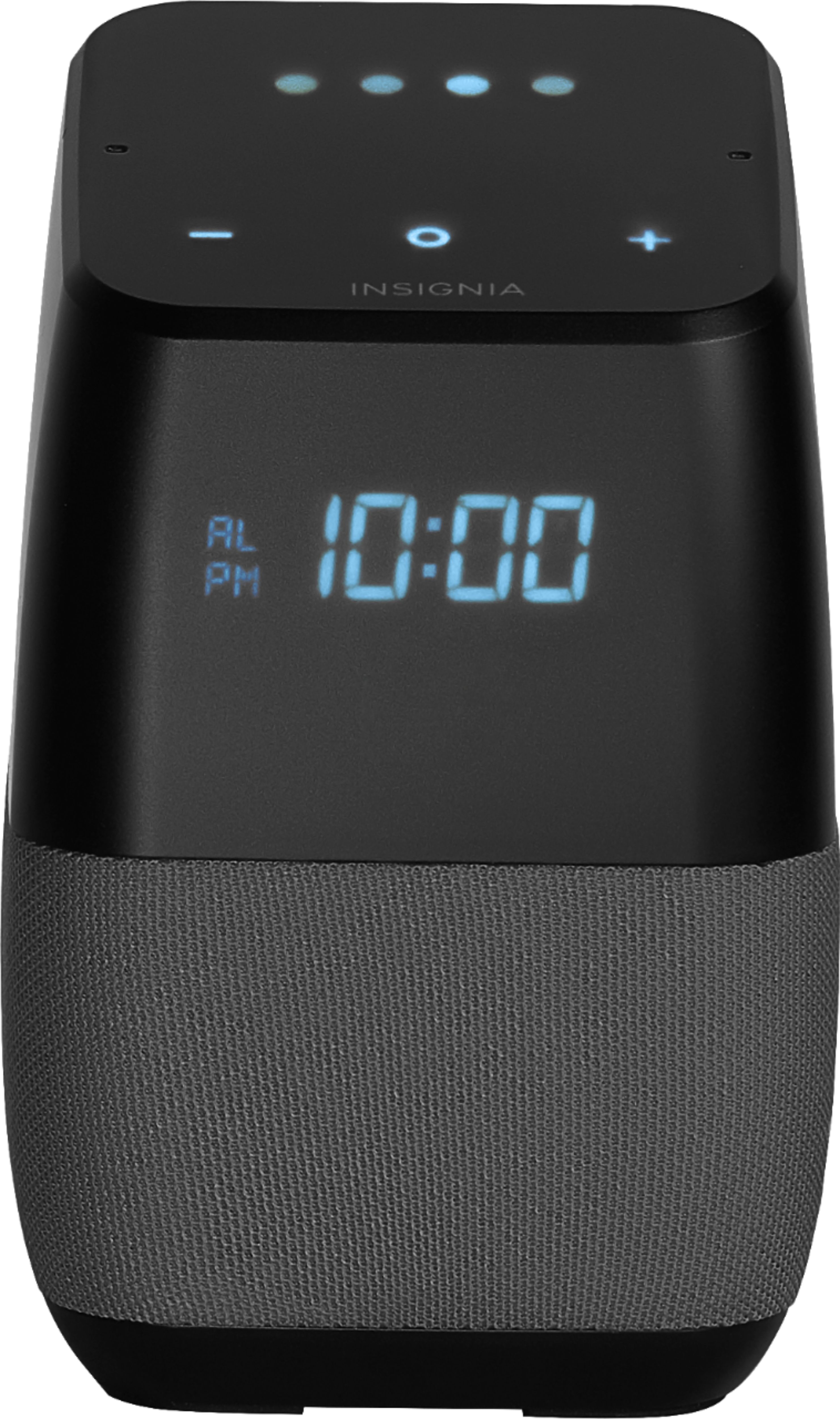
A:AnswerYes it does. Unless you need someone to shake you to wake up. i have to put it at 40% volume because it just startles me when its super loud in the morning and freaks me out. However, unless i haven't learned yet but there is only one alarm tone.
A:AnswerExactly. I found as if you change the language to english (canada) it will work properly, however, once the device is rebooted, it will never work again... I am really considering this piece of junk... nothing other than bluetooth seems to be comparable, almost a year after the problems occured, and they are still selling it. Annoying.
A:AnswerChange the language in the Google Home app to English (Canadian). It will fix it and the alarms will work as expected. I had the same issue and found reviews and questions from several others. This seems to be the only working fix posted by others.