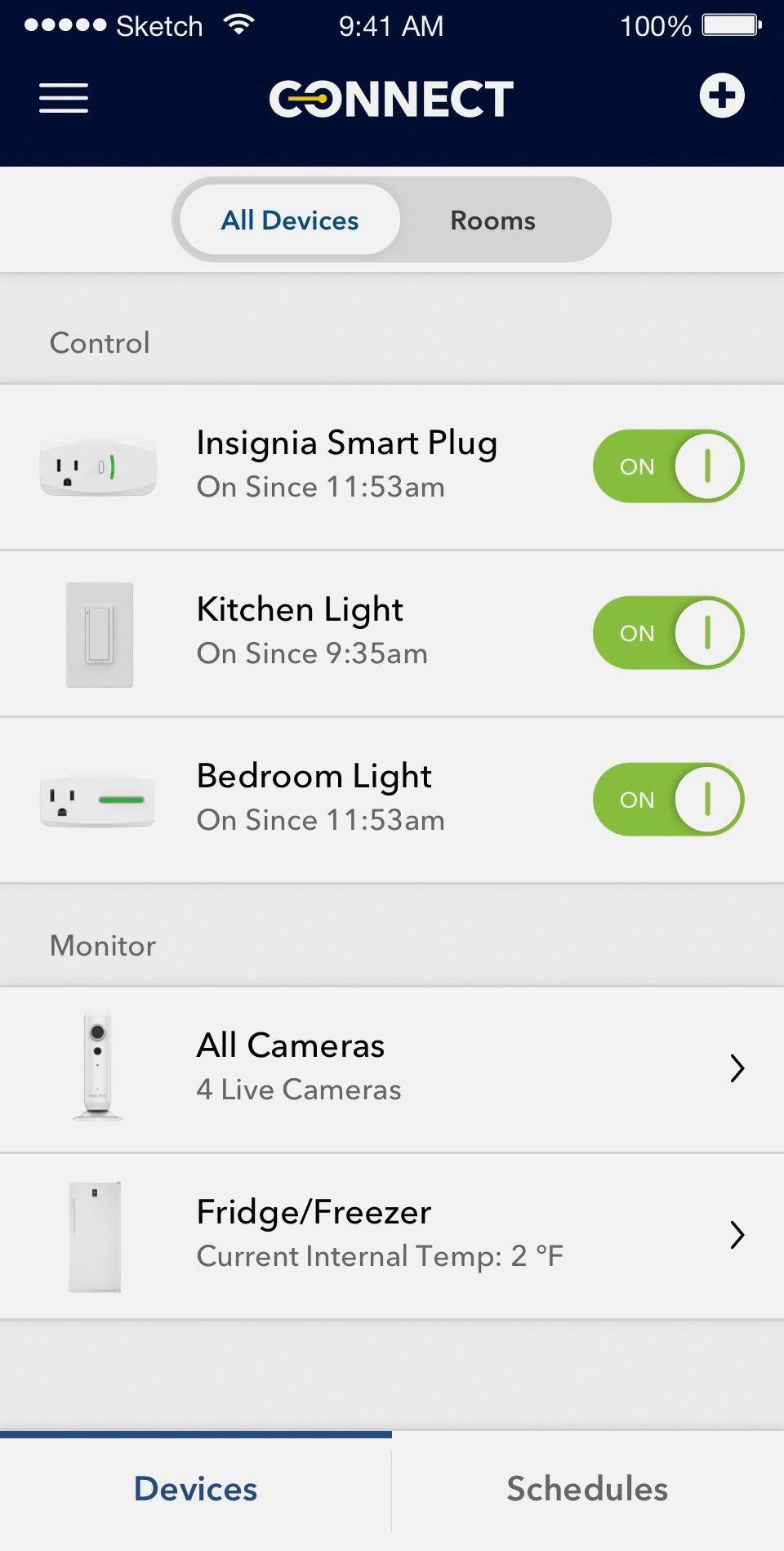
A:AnswerThe distance doesn't matter with control the devices. You "lost" both devices because they lost the connection with your WiFi network. Probably because your service felt down or lack of energy.
A:AnswerSetup automation on your mobile device you take with you. Make sure location services is on (settings<privacy<location services< System Services< HomeKit) for HomeKit otherwise it won’t know when your home. You’ll have the option available for you then.
A:AnswerIf your Google account has 2 factor authentication enabled then you may need to turn that off. I had this issue with my Logitech Harmony hub and had to turn off Google's 2 factor authentication to get it to pair with Google Home.
A:AnswerDid you add the item to home kit? Without doing this SIri has no clue what this switch is, so it can't control it. Also outside of your home you will need something like an apple tv, or ipad or something to be home at all times to act as your hub for homekit.
A:AnswerYes, if the box has 2 single pole switches, you will have to get a double switch plate cover. I bough a Lutron one at Home Depot it looks very much like the included one but with two holes.
A:AnswerHow did you get it to program? I've been trying with the insignia app for a month now! I'm installing replacements and returning these defective pieces of junk.
A:AnswerTry holding the reset button for 15 seconds. Should hear 2 clicks. First one at 8 seconds and second click at 15 seconds. That resets the light switch and should allow you to pair.