Questions & Answers
- Model:
- PARTYROCKERMAX2XUS
- |
- SKU:
- 6580478
Highly rated by customers for: Sound Quality, Volume, Battery Life
$219.99Your price for this item is $219.99
Page Showing 1-13 of 13 questions
Q: QuestionDoes the Party Rocker Max have an FM radio?
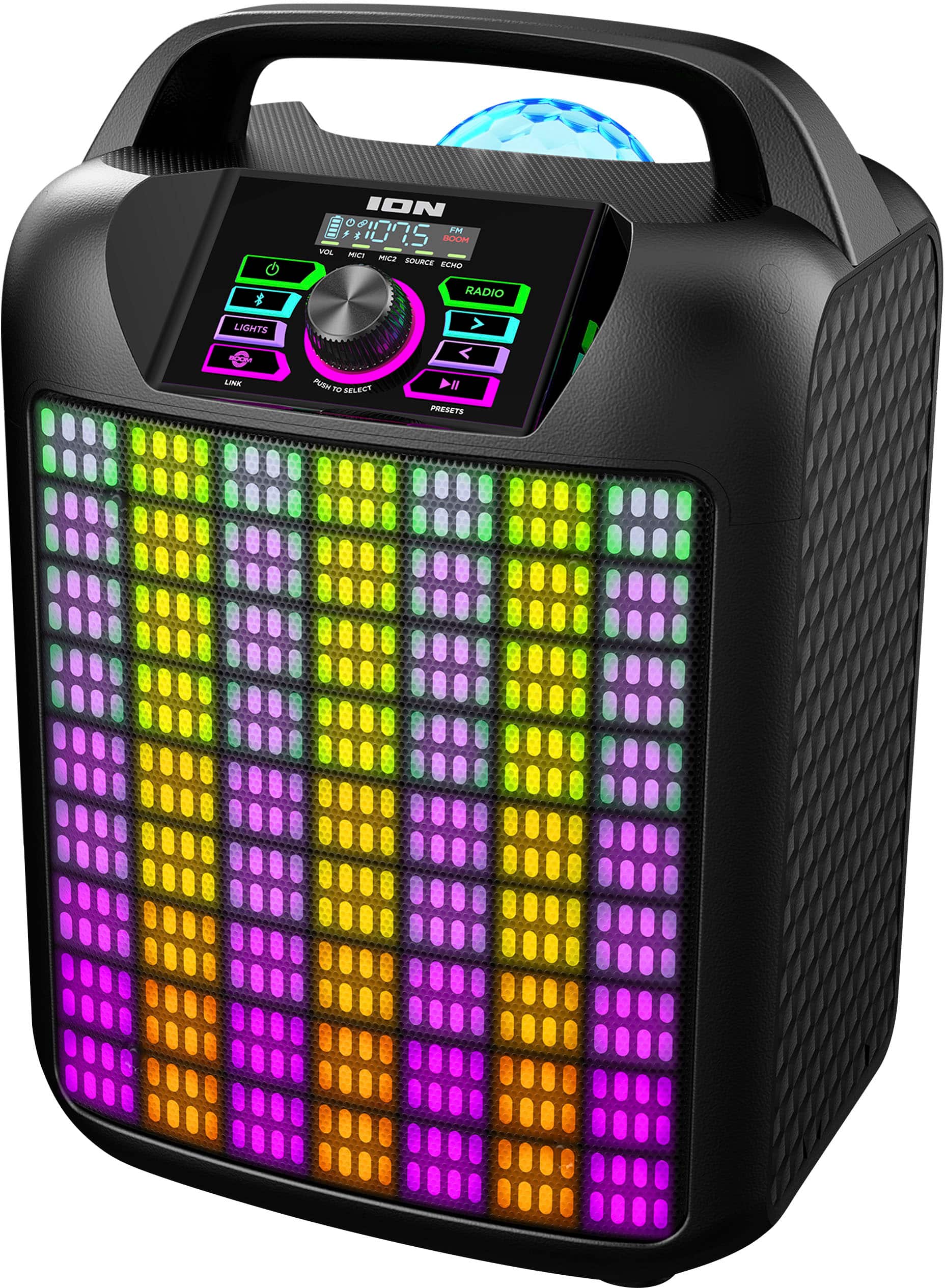
- A:Answer Yes, the Party Rocker Max has an FM radio with presets for your favorite stations.
This question and answer was generated by AI based on customer and product data.Q: QuestionHow long does the battery last on the Party Rocker Max?
- A:Answer The rechargeable battery in the Party Rocker Max has a 15 hour battery life.
This question and answer was generated by AI based on customer and product data.Q: QuestionWhat is the wattage of the Party Rocker Max speaker system?
- A:Answer The Party Rocker Max has a high-power 120-watt sound system.
This question and answer was generated by AI based on customer and product data.Q: QuestionHow many different party themes does the Party Rocker Max have?
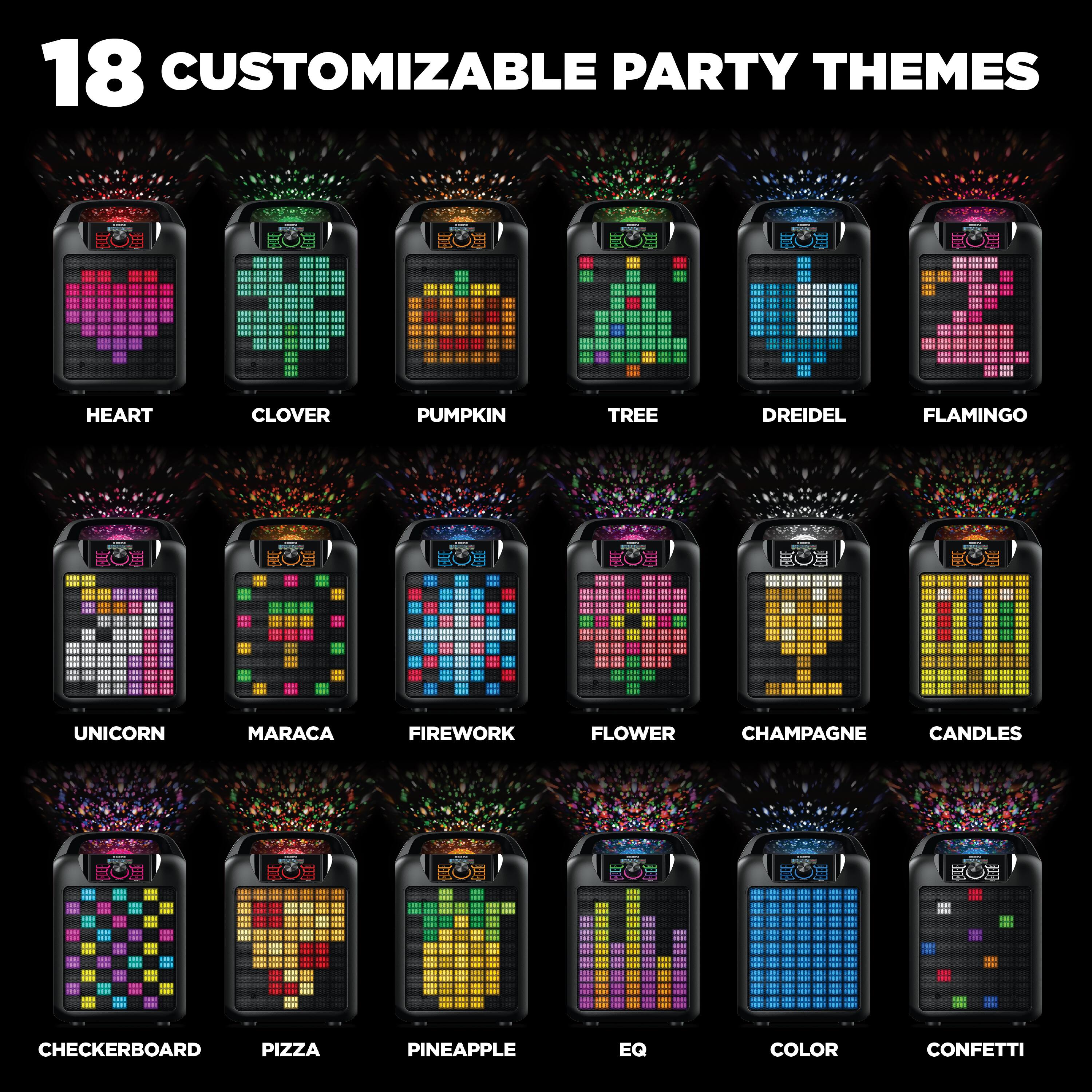
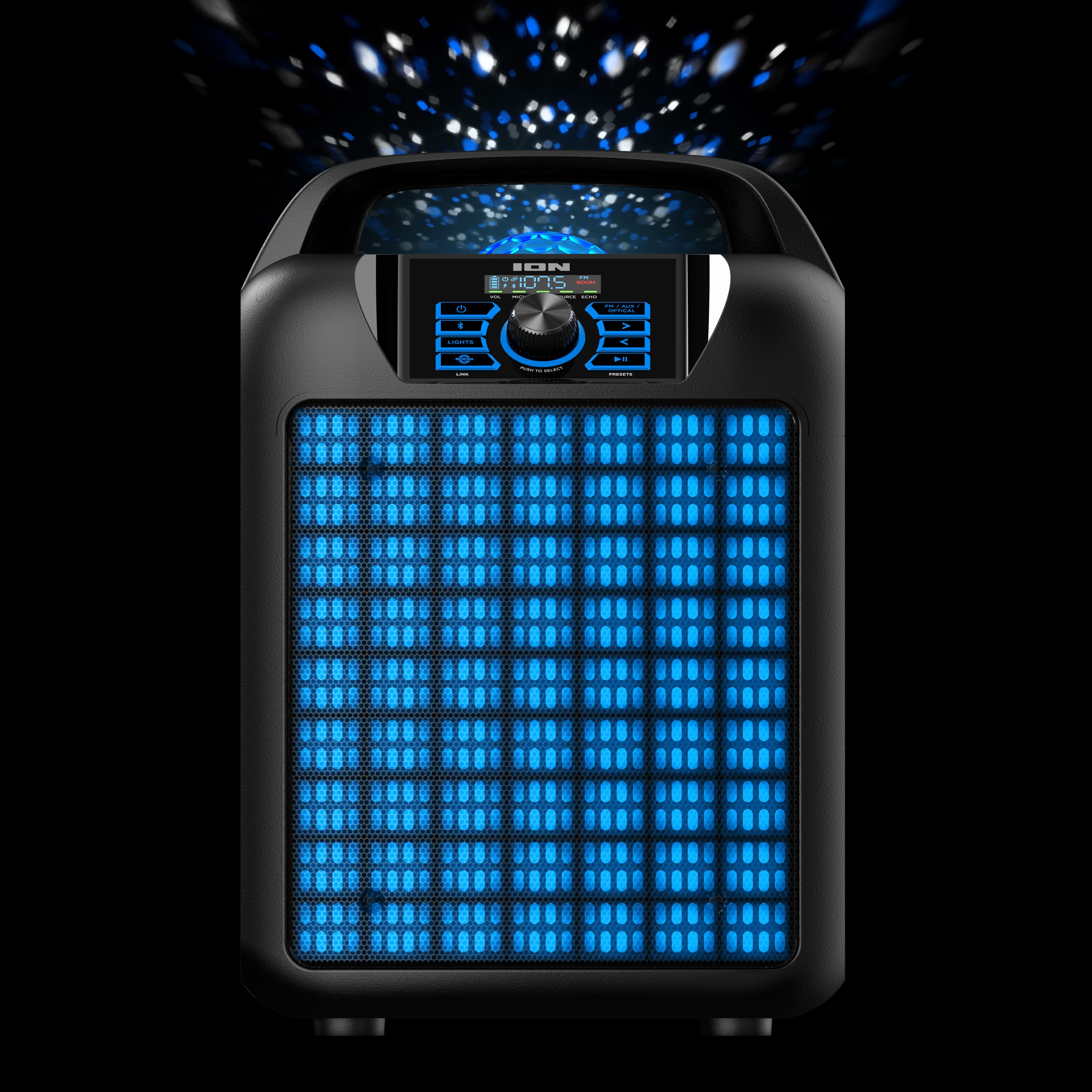
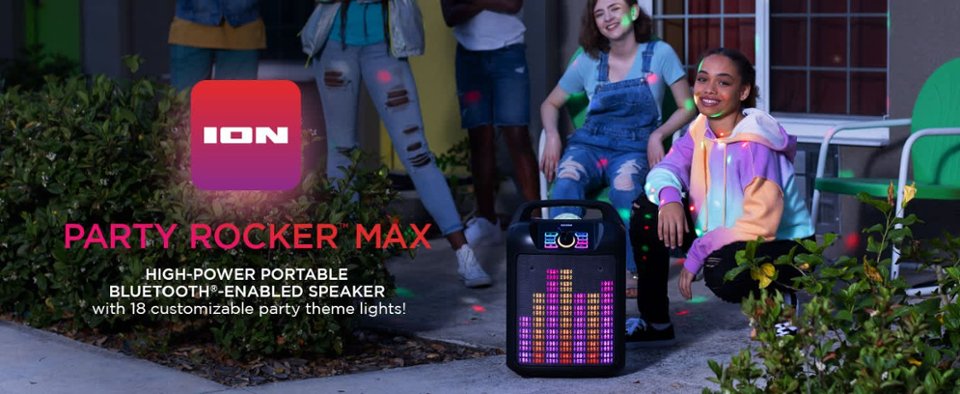
- A:Answer The Party Rocker Max has 18 different preset holiday and classic party themes to choose from.
This question and answer was generated by AI based on customer and product data.Q: QuestionCan I connect the Party Rocker Max to my TV?
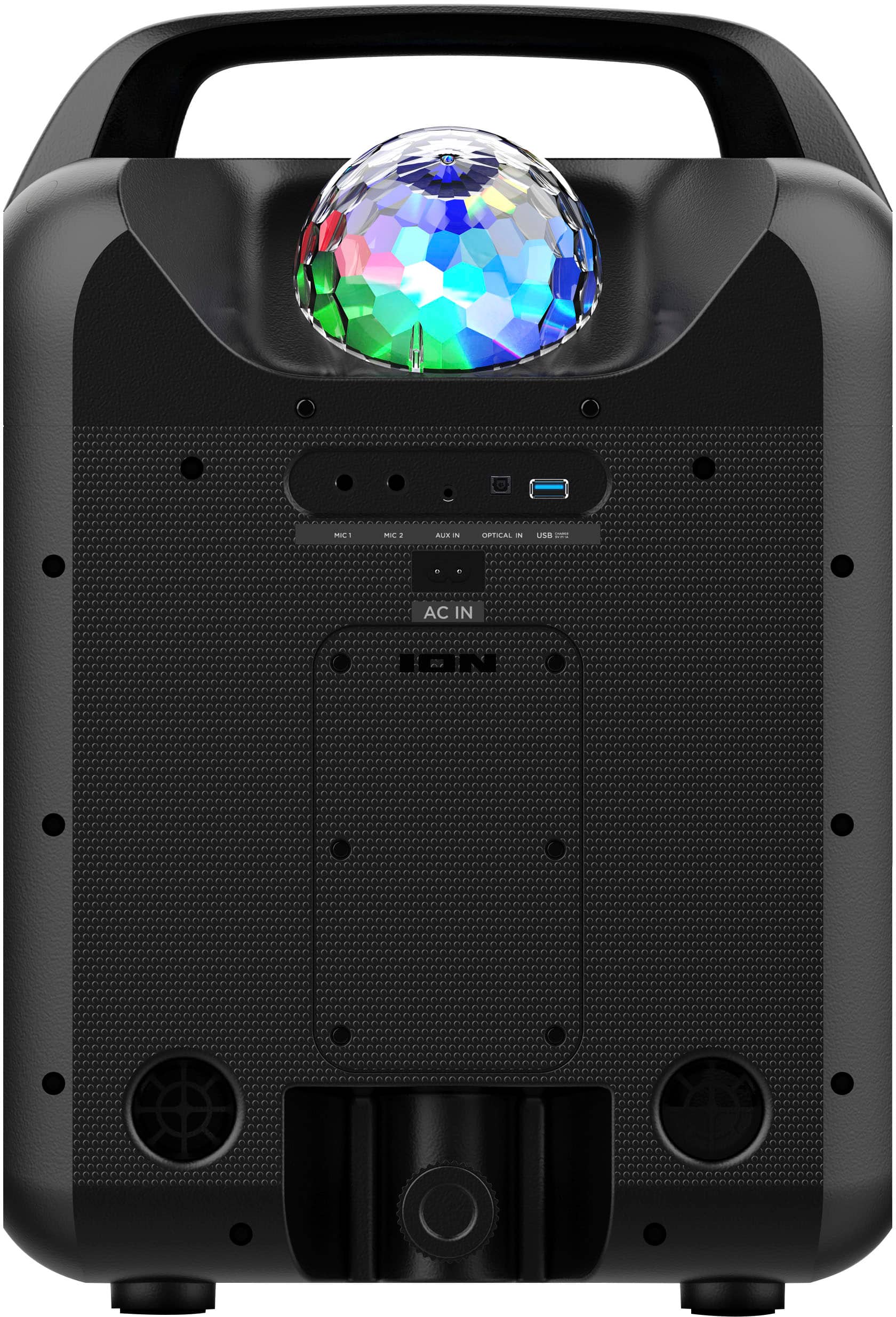
- A:Answer Yes, you can connect the Party Rocker Max to your TV using the optical input jack.
This question and answer was generated by AI based on customer and product data.Q: QuestionWhat version of Bluetooth does the Party Rocker Max use?
- A:Answer The Party Rocker Max uses Bluetooth 5.0 for wireless streaming.
This question and answer was generated by AI based on customer and product data.Q: QuestionCan the speaker be paired to another one for a surround sound?
Asked by HWOO.
- A:Answer Yes, the Party Rocker Max MK2 can be paired with another Party Rocker Max MK2 for stereo sound. To do this, put both speakers in Bluetooth pairing mode. Press and hold the BOOM button on one speaker, then do the same on the second speaker to link them. Once synced, press the Bluetooth button on one speaker to set it as the primary (left channel), and you're ready to play in stereo. Double-press the BOOM button to disconnect. For detailed instructions, see "Stereo-Link: Syncing Two Party Rocker Max Speakers" in the user guide.
Answered by inMusic Support

Q: QuestionWHat size is the overall unit?
Asked by Anonymous.
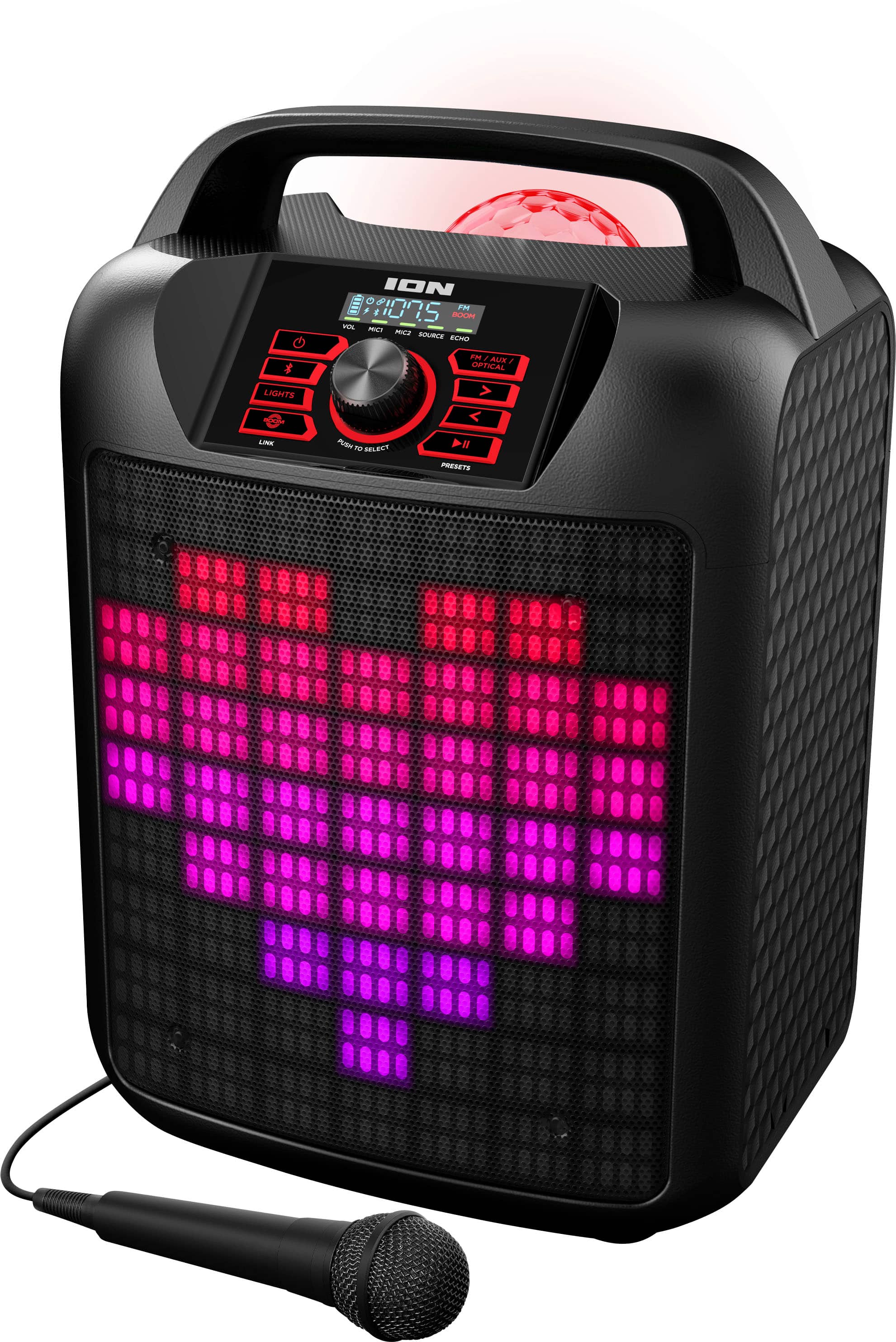
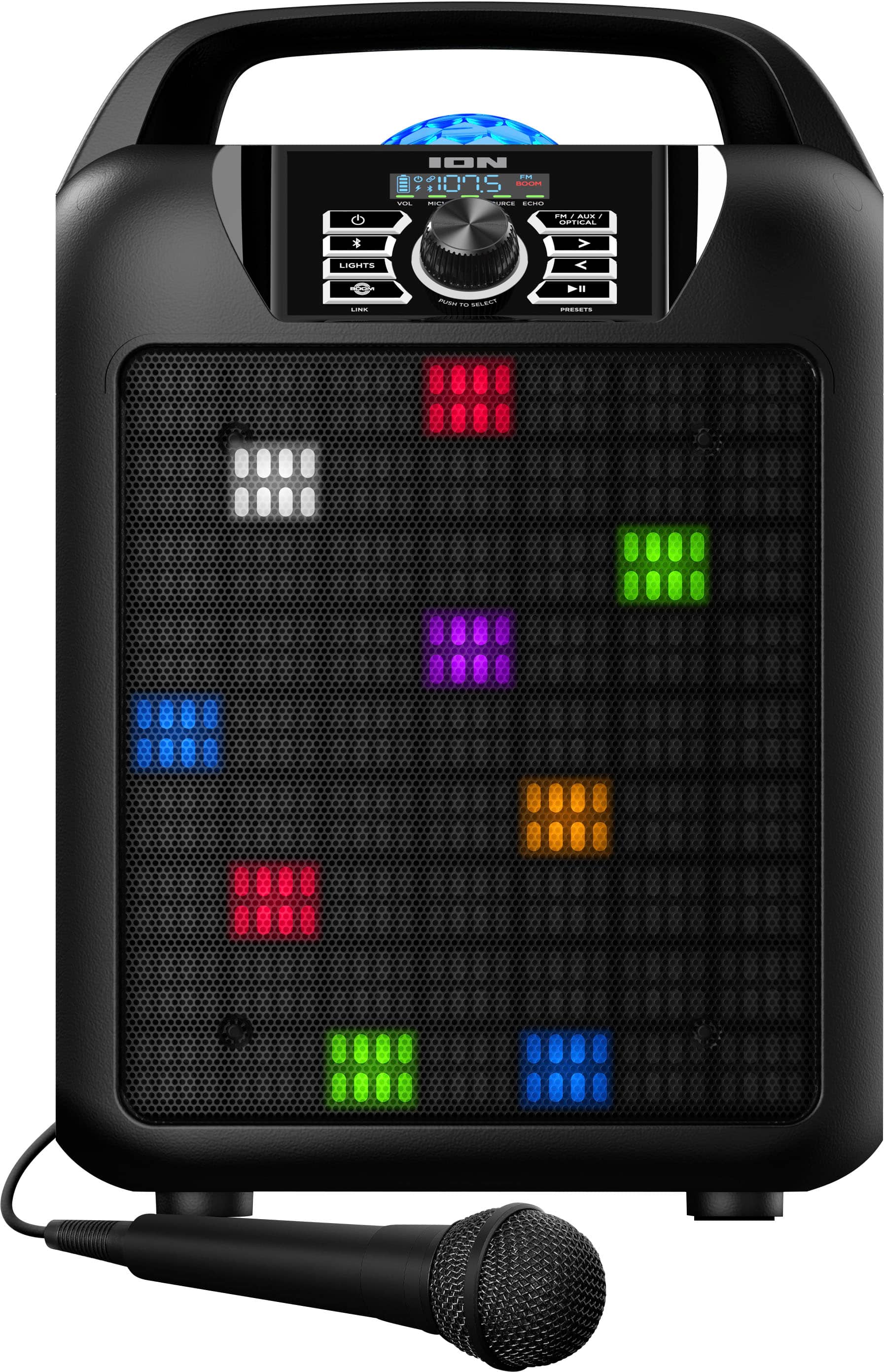
- A:Answer It is about 14" wide, by about 10" deep (excluding the removable power cord), and about 20" tall.
Answered by Rockman527
Q: QuestionIs there a manual for instructions?
Asked by Hank.
- A:Answer You can access the Party Rocker Max User Guide and QuickStart Guide from the product page here: https://www.ionaudio.com/party-rocker-max.html You can also find the User Guide and QuickStart Guide on the Walmart product page under the "From the Manufacturer" tab.
Answered by inMusic Support

Q: QuestionHow long does the battery last on a full charge? Thanks
Asked by Elsa.
- A:Answer The ION Audio Block Rocker Max offers up to 50 hours of battery life on a full charge, depending on the volume level and usage. This duration is based on moderate use; playing at higher volumes or using features like the lights may reduce the battery life somewhat.
Answered by inMusic Support

Q: QuestionDoes this speaker have wheels?
Asked by ZZ.
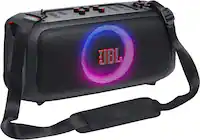
- A:Answer No wheels but isn't very heavy so easy to move. Nice handle on the top.
Answered by Rockman527
Q: QuestionDo the party light circulate and move like the older models? I current have the house party mini and it appeares the dome light only flashes… Is there a way to make them “dance” circulate and move like the older models?
Asked by Lexxx.
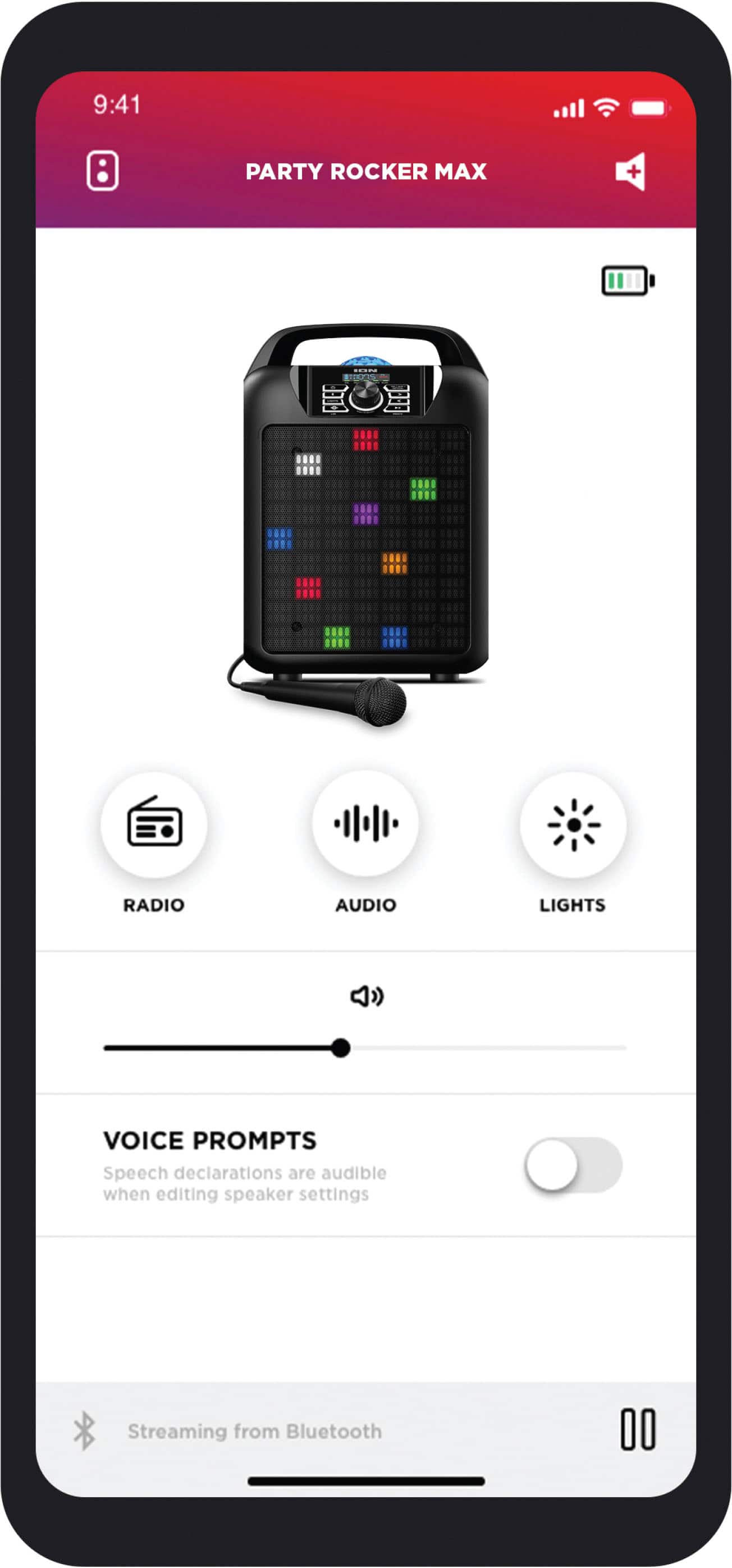
- A:Answer Hi Lex. The Party Rocker Max does have light modes, but the dome light on this model primarily flashes rather than circulating or "dancing" like older models. You can cycle through different light modes using the Lights button or the ION Sound XP app, but the specific circulating effect you're asking about isn't available on this speaker. There is a list of the available light modes in the Party Rocker Max User Guide.
Answered by inMusic Support

Q: QuestionCan this speaker use a thumb drive
Asked by Mar.
- A:Answer No, the speaker does not support USB playback.
Answered by inMusic Support

Page 1, Showing 1-13 of 13 questions
Most-viewed items
- Black Friday Deal$549.95Your price for this item is $549.95
- Black Friday Deal$119.00Your price for this item is $119.00
- Black Friday Deal$449.95Your price for this item is $449.95
- Black Friday Deal$399.95Your price for this item is $399.95
- Black Friday Deal$169.00Your price for this item is $169.00
- $799.95Your price for this item is $799.95$1,099.95The comparable value for this item is $1,099.95
- $599.00Your price for this item is $599.00$699.00The comparable value for this item is $699.00
- $189.00Your price for this item is $189.00$199.95The comparable value for this item is $199.95
- Black Friday Deal$79.95Your price for this item is $79.95
- Black Friday Deal$299.00Your price for this item is $299.00
- Black Friday Deal$179.99Your price for this item is $179.99
- Black Friday Deal$349.95Your price for this item is $349.95
- $1,204.95Your price for this item is $1,204.95$1,899.95The comparable value for this item is $1,899.95
- Black Friday Deal$259.95Your price for this item is $259.95
- Black Friday Deal$199.99Your price for this item is $199.99
- Black Friday Deal$89.99Your price for this item is $89.99
- $229.95Your price for this item is $229.95$329.95The comparable value for this item is $329.95
- $199.95Your price for this item is $199.95$329.99The comparable value for this item is $329.99
- Black Friday Deal$379.00Your price for this item is $379.00
- Black Friday Deal$349.95Your price for this item is $349.95