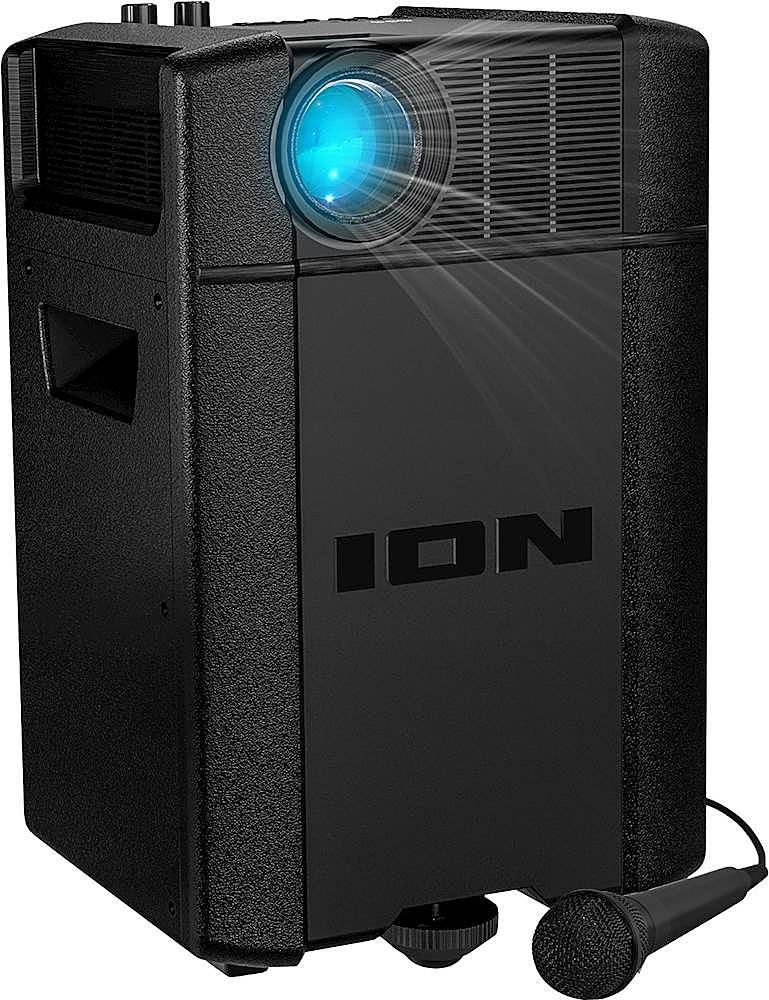
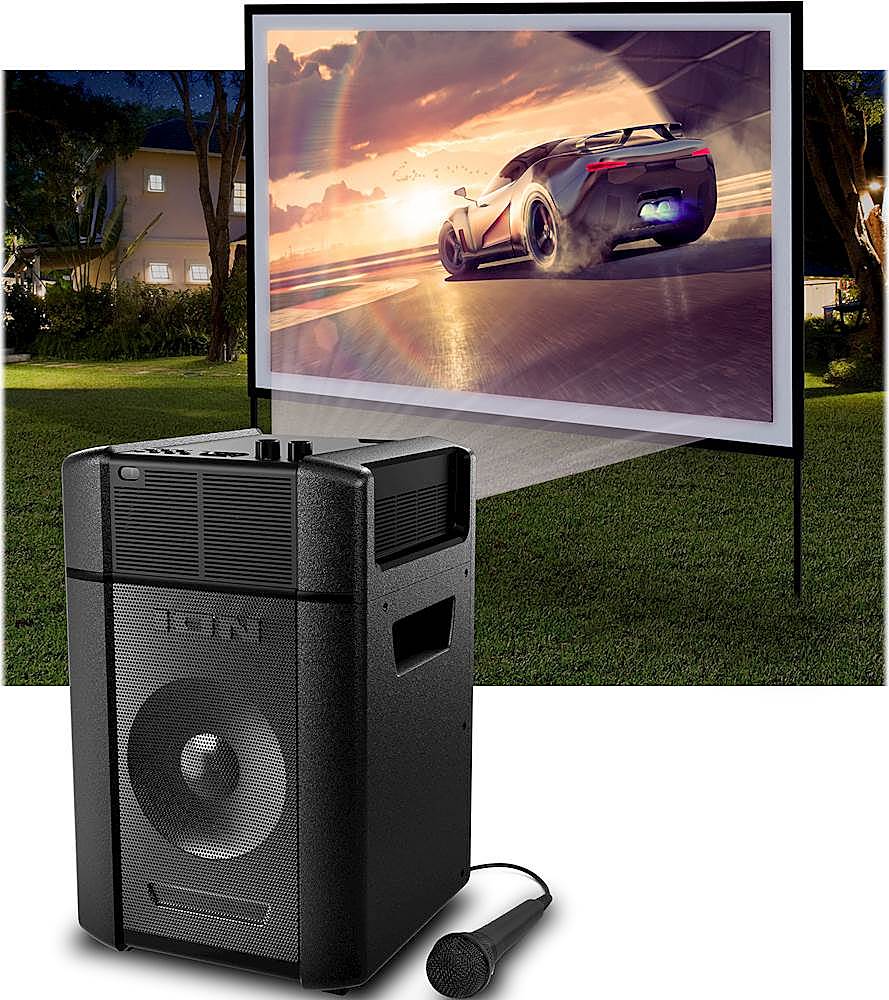
A:AnswerHi! If you are connected to the computer via HDMI cable, both audio and video signal will be sent to the Projector. If you are not hearing any audio, be sure to select HDMI as the output and input source in your computer's sound settings.
A:AnswerYes, move it closer or further away from the screen and also adjust the keystone to get a clear image.
Its loud enough for a movie night outside.
A:AnswerHi, I'll be glad to assist! The Ion Audio Projector Plus will support a Fire TV Stick through the HDMI Input. Plug the Fire TV Stick into the HDMI input on the Projector Plus, and make sure you have an active Wi-Fi connection in order to stream the video.