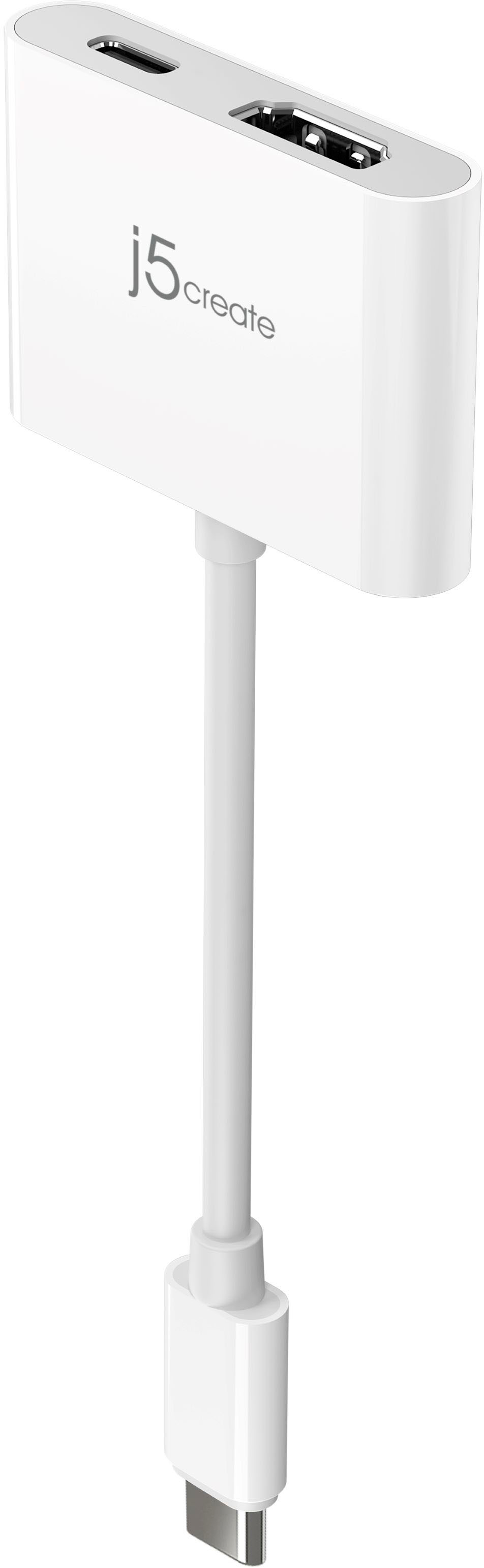
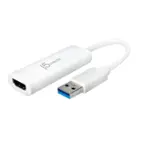
A:AnswerUnfortunately not, the JCA153G requires a feature called "DisplayPort Alt. Mode" which will need to be part of the Galaxy Tab A SM-T590 to output video display. The JUA165C will be perfect with devices that don't support "DisplayPort. Alt. Mode). You may come across "HDCP' which is a copyright protection if you are going to stream with Netflix, Hulu, etc.
A:AnswerNo, the JCA153G will only output video signal to a monitor, TV, or projector. If you are attempting to use a laptop as an external monitor, that will not work unfortunately.
A:AnswerNo, due to the particular phone lacking the required feature of video output via USB-C, this will not work for you. Instead, the JUA165C will, simply download the required app on your phone and you're all set.
A:AnswerUnfortunately because the Samsung A50 does not support DP alt-mode (video output capability via USB-C) the JCA153G will not work for you. Instead we recommend the JUA165C, simply download the required app on your phone and you're all set.
A:AnswerNo, the JCA153G is intended to connect to a computer, tablet, or phone supporting video output via USB-C and output video signal to a TV. If you are wishing to capture media, you would need to use a capture card such as the JVA02, JVA06.
A:AnswerIf you are looking to connect the JCA153G to your phone via USB-C and an HDMI cable to a TV - yes, this will work. If you are looking to connect the USB-C end to the camera and an HDMI cable to a TV, no that will not work.
A:AnswerUnfortunately, the Samsung Galaxy A11 does not support video output via USB-C and therefore the JCA153G will not work for you. The JUA165C will work for you.
A:AnswerNo, it is intended for outputting video signal to a TV, monitor, or projector from a computer, tablet, phone. For streaming, the JVA06 will work for that setup.
A:AnswerIf you are wishing to connect an HDMI cable to your camera via the JCA153G and insert the USB-C male end into your Mac - that will not work. The JCA153G is intended to send a signal out to a TV, monitor, or projector from your computer. For streaming, we recommend the JVA02 or the JVA06.
A:AnswerThe JCA153G is intended to connect to a computer, phone, or tablet supporting video output through USB-C; if you are looking to use the JCA153G as a medium to connect a Fire Stick to a TV, no, that will not work.
A:AnswerIn order for this device to work it requires that your computer supports a feature called DisplayPort Alternate Mode over USB Type-C. This feature allows your computer to output a display over the USB Type-C port on your computer. If your computer does not support this feature then unfortunately this device will not work.
A:AnswerThe JCA153G requires video output via USB-C capability on the device being used; apparently the USB-C port on the Facebook Portal is for simple data-transfer and therefore this adapter will not work for you. We may be able to recommend a different device that will work, but in order to narrow down the operating system of the Portal you have because specs do not specify which version of Android it uses, we recommend contacting support on the casing and an agent will glad to assist.
A:AnswerThe JCA153G is intended to send a video signal out to a monitor connecting via USB-C to a computer. Because the JCA153G is a PnP adapter, it requires that the computer you are using support thunderbolt 3; if it does not, it will not output a video signal. In order to determine whether or not it supports such feature and better understand the set up, we recommend contacting support on the casing and a rep will be happy to help.
A:AnswerBecause the JCA153G requires that the phone, computer, tablet support a feature called DP alt-mode/Thunderbolt 3 and it does not appear that the Microsoft Surface Laptop Go does, it will not. We do have other adapters available that will work for proving you another display and if interested, we would value the chance to discuss them with you. Our support information can be found on the casing and a rep will be happy to help.