A:Answer Got it to work with the tv - need to use the track pad, which appears on the lower left side. This gives similar ability to use the entire phone as a mouse. And the keyboard seems to pop up when needed (e.g., search). However, seems to need to go into either the Netflix or Amazon Prime Video from Chrome - won't just stay in Chrome like on a laptop. And it sometimes acts really squirrelly, like doesn't scroll properly - so you're looking at whatever the top movie/series is on there with no way to scroll.
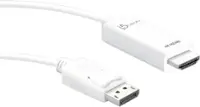
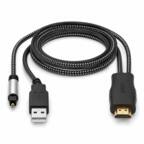
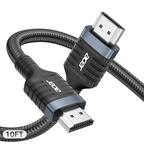
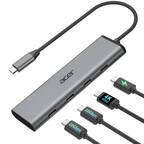
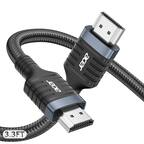
Honestly, I think it's better to just use the HDMI whatever little plug fits the Note in order to cast the screen. And usually at least a few dollars cheaper.