A:AnswerNo the are not. I had the same problem. My ears were hurting within the first five minutes and only got worse the longer I had them in my ears.
A:AnswerHello Jerry,
Thanks for your interest in the Jabra Elite 65t! It has a batter life of up to 5 hours on a single charge, and up to 15 hours in total with the included pocket-friendly charging case. With our rapid charge, 15 minutes of charge gives you 1.5 hours of battery life.
Hope this helps answer your question.
Jabra
A:AnswerHello TUTU- Thank you for your interest in the Jabra Elite 65t. Yes, the earbuds are able to announce your incoming caller. This feature, however, must also be supported by your smartphone.
A:AnswerHello Chester- Please feel free to check out our Compatibility Guide through the following link: https://www.jabra.com/compatibilityguide/. Thank you!
A:AnswerHi DLOW- The Jabra Elite 65t is able to pair with smartphones and tablets. If you are having trouble, we hope that you will contact the Jabra Support team: https://www.jabra.com/supportpages/Jabra-Elite-65t-IET-6500/100-99000000-02/contact-support, so we can check into this for you. We are here to help!
A:AnswerHello CMW- Great question! The Elite 65t supports Bluetooth connectivity with two devices simultaneously, however, if the connected devices are an iPhone and an Apple Watch Series 3, the connection becomes unstable and will disconnect and reconnect continually. This behavior is caused by the operating systems of the iPhone and Apple Watch. From the Apple point of view, there is no need for headphones to be connected to two devices simultaneously. So multiple connections (such as headphones connected to iPhone and Apple Watch simultaneously) are not supported by Apple. Please feel free to contact our technical support team if you have any other questions: https://www.jabra.com/supportpages/jabra-elite-65t-iet-6500/100-99000000-02/contact-support. We are happy to help.
A:AnswerHi John, thank you for your question. The Jabra Elite 65t was designed to fit most ear sizes and shapes. Please feel free to purchase the product and test it out. When purchased from the Jabra website, there is a 30 day return policy if the product is not to your liking. Otherwise, please reach out to Best Buy to inquire about their return policy.
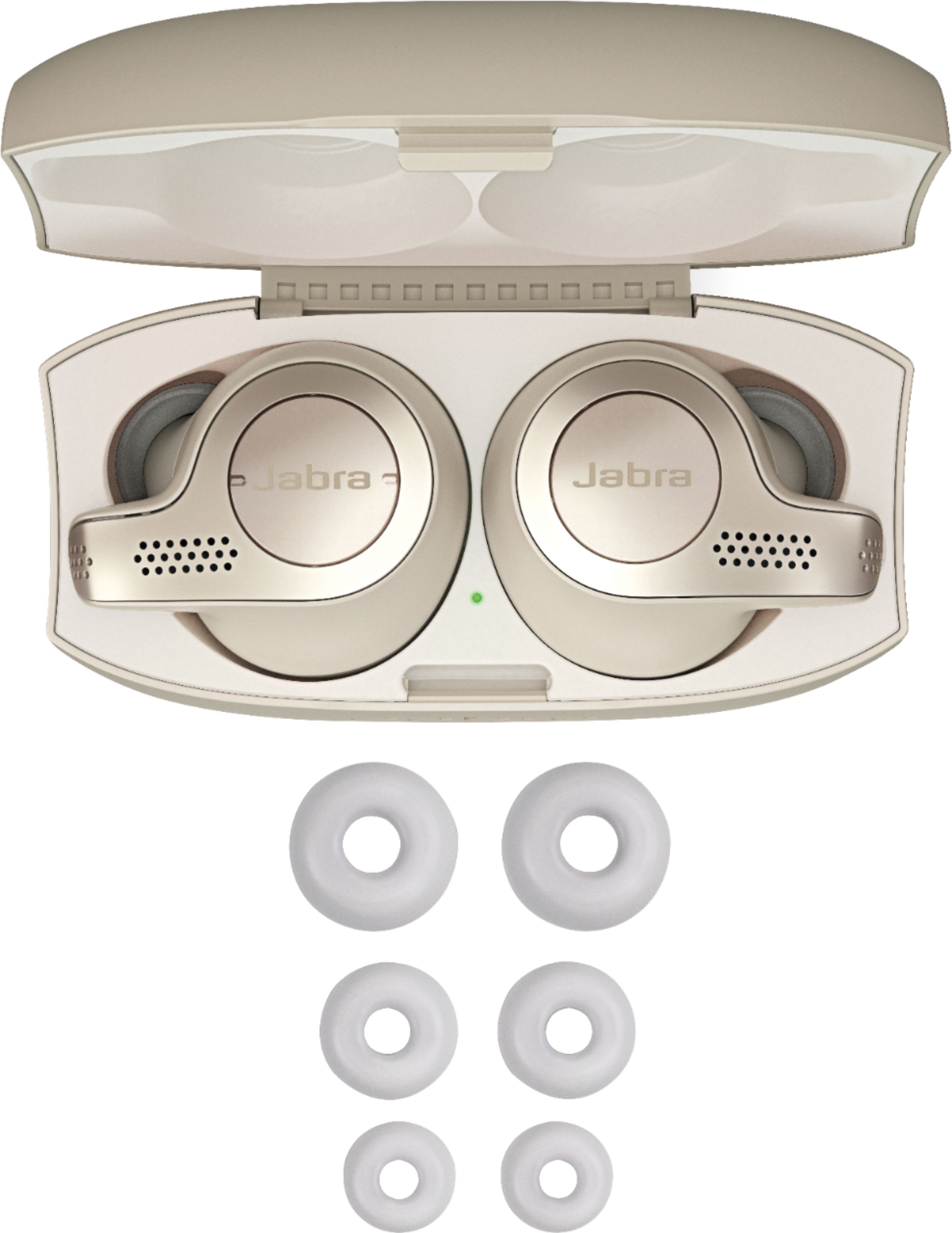
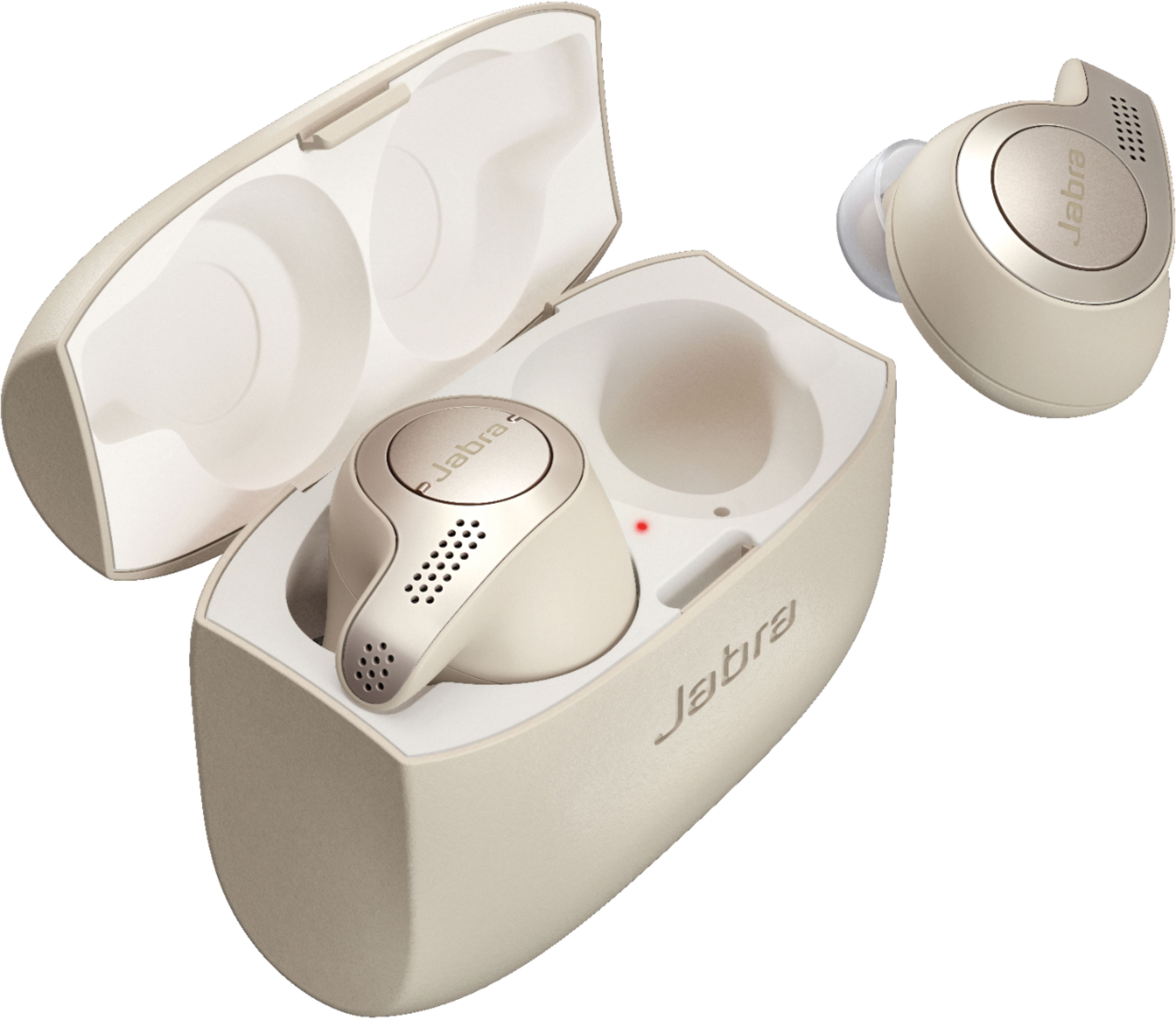
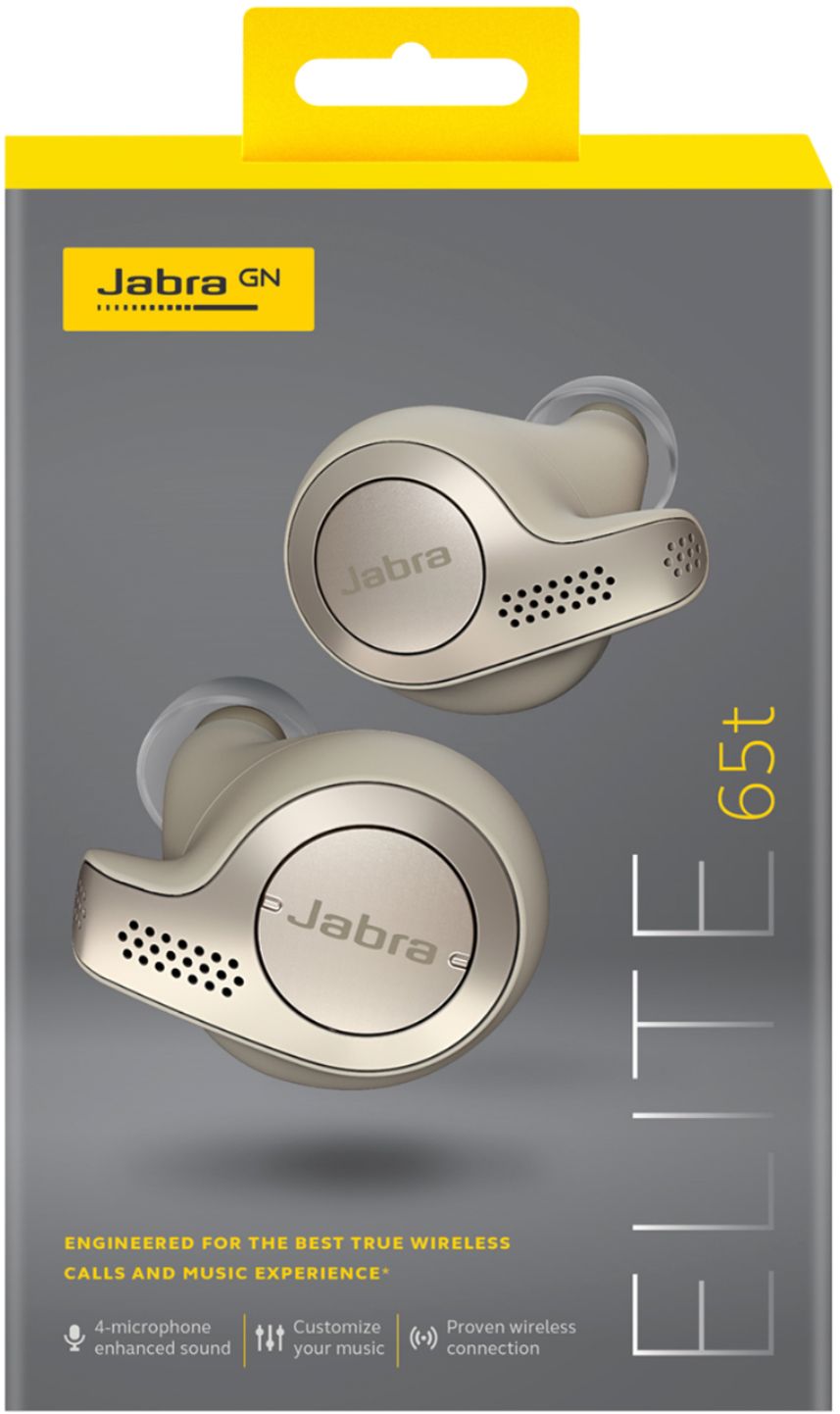
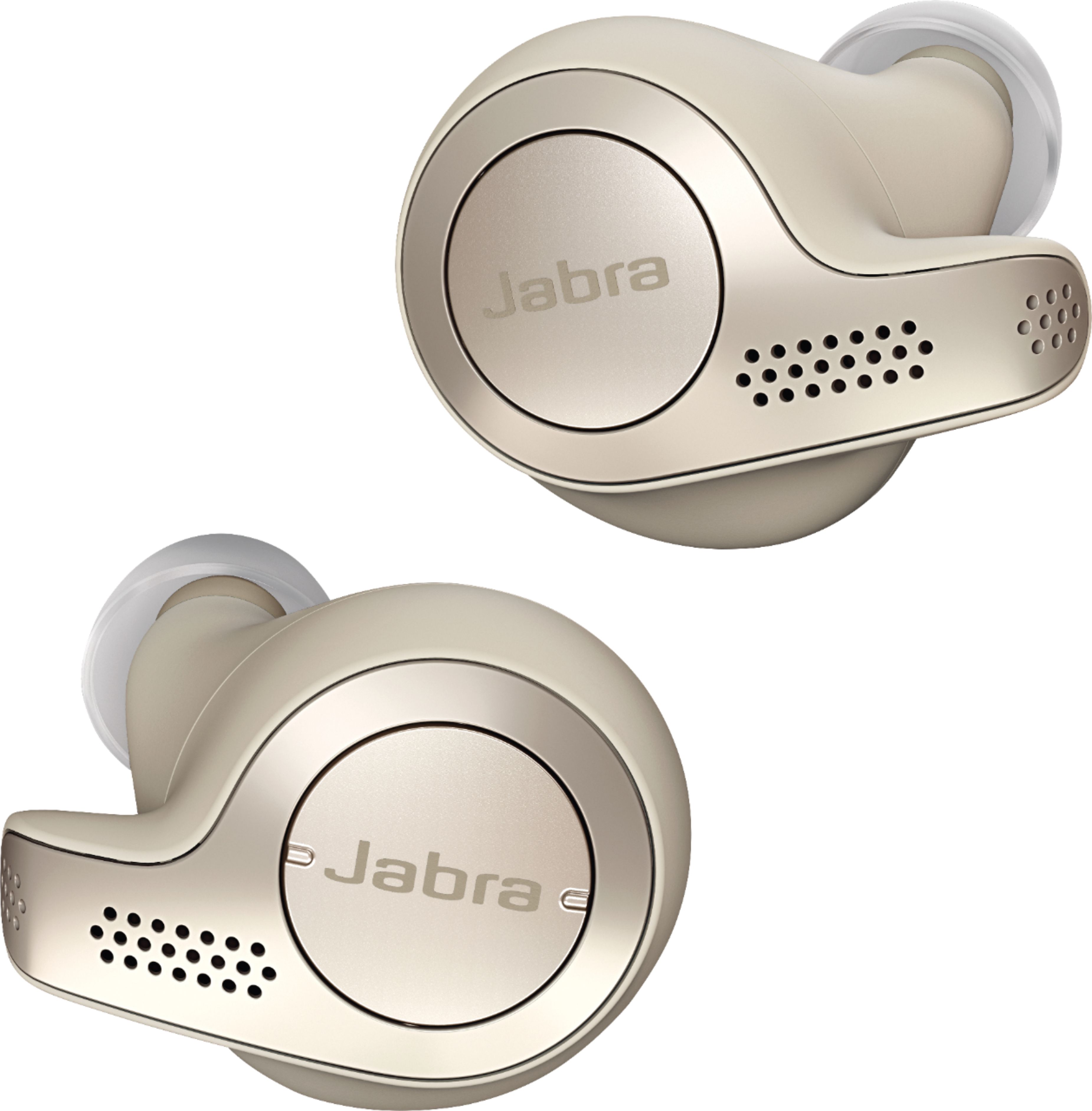
A:AnswerHi Nana, excellent question! The Jabra Elite 65t includes everything that you need to get started using your earbuds. Inside the box you will find both earbuds, the charging case, the charging cable, 3 sets of EarGels (S, M, L) M pre-mounted, and the Quick Start Guide.
A:AnswerHello Flagtime! To answer your question, the Jabra Elite 65t does have the capability to accept voice commands during phone calls. When your earbuds announce an incoming call, you will be able to say "answer" to receive the call or “ignore” to reject it.
A:AnswerHello there! We apologize but the Elite 65t is only able to pair with smartphones and tablets. We cannot guarantee full functionality when connecting the Elite 65t to your television. Thank you.
A:AnswerHello Emm365- great question! Being able to hear notification sounds through the Jabra Elite 65t is dependent on the smart phone that you have connected to it. Typically if your notification sound volume is on, you should hear a notification sound through your phone, and through your ear buds. Hope this helps! Thank you.