A:AnswerThey are IP55 rated and the 65t sport are IP56 rated. The first number is the solids protection rating and the second number is the water protection rating. So with these and the sport they are dust rated which means solids are not entirely prevented but no solid shall be able to enter in sufficient quantity to make it interfere with satisfactory operation. The regular 65t are rated for water jets 6.3mm from any direction and have no harmful effects. The sport are rated for powerful water jets 12.5mm from any direction and have no harmful effects.
A:AnswerIf you have ambient noise on then you will hear background sound. It reminds me of being inside an elevator. You'll hear it once you try it out.
but if you turn off ambient noise, you will not hear background noise.
At work, ambient sound is kinda cool if you can get used to it. If you're typing, you can hear the echo of your typing back in your ear.
A:AnswerThere are no buds on the market that will block out lawnmower noise to the caller you’re talking to. The only ones that can help you there are the BlueParrott S450xt stereo Bluetooth headset. They’re over-the-ear headphones with a boom mic that you use to talk. I’m a truck driver and use these for work, and I can speak to someone while standing in front of my truck with the hood open and fan blowing while windy outside and we can hear each other using “inside voices.” Oh and music doesn’t sound terrible through them either.
But, Earbuds at best can block out outside noise to your ears for good music quality, but will only block out commuter noise for the caller, such as walking through a busy section of the city or subway noise.
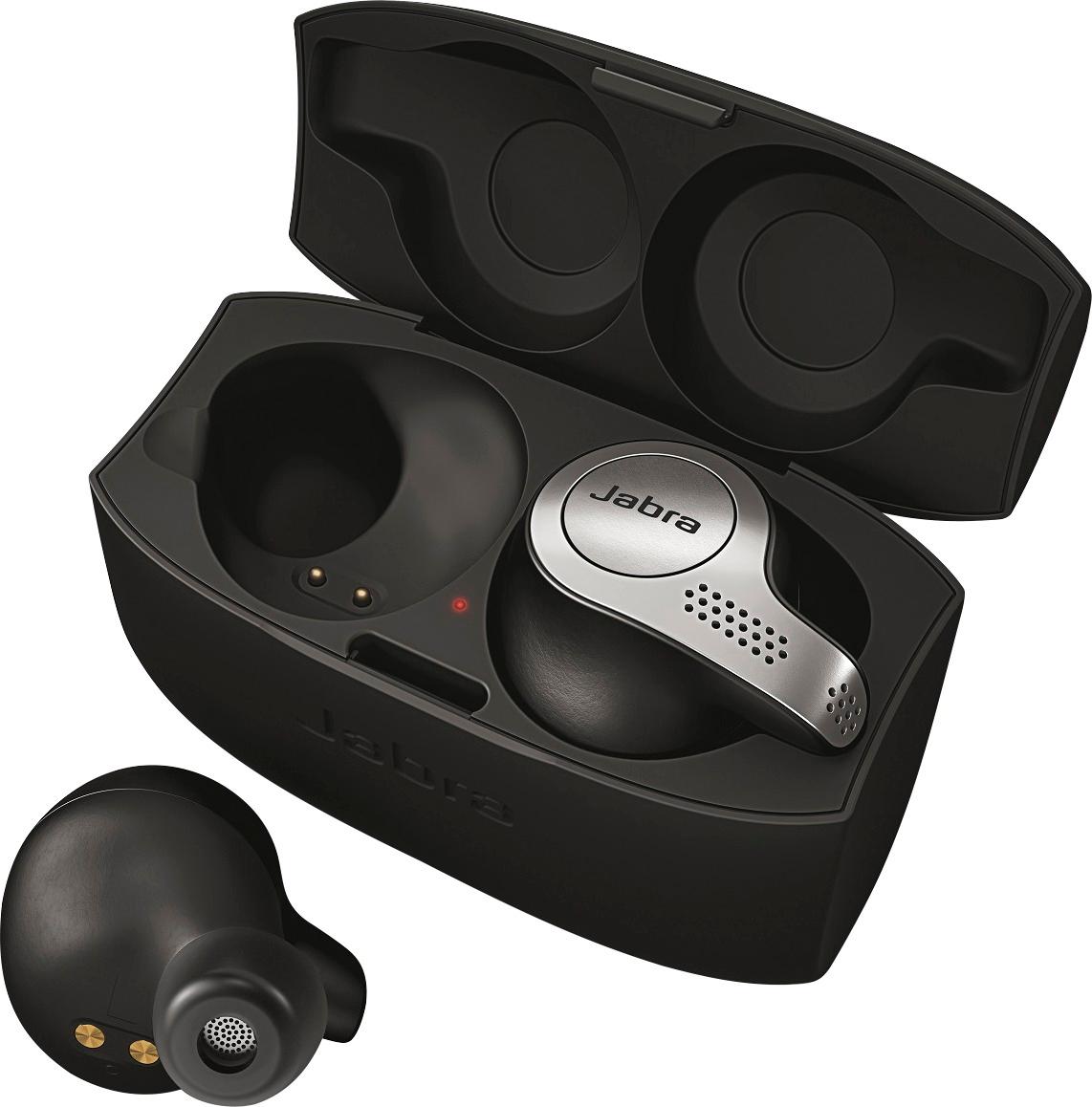
A:AnswerHi Rey - Thanks for your question! When charging the Elite 65t the charging case LED should go through a sequence of blinking red, blinking yellow, and blinking green. When fully charged, the LED will turn solid green.
A:AnswerHello TVwatcher - Thank you for your questions! Unfortunately there is no mute function on the Jabra Elite 65t ear buds themselves, but the buds can be muted from your mobile phone. The Elite 65t was designed and tested to pair with mobile devices, such as smart phones and tablets. We have not tested the connection when paired to bluetooth transmitters and TVs. For this reason, we are sorry to say that we cannot guarantee the Elite 65t will have full functionality with your TV/bluetooth transmitter as this is not a supported use. You are welcome to try this connection, and return the product if it does not work as expected for this use. Lastly, the bluetooth operating range for the Elite 65t is up to 10m/33ft. It should work fine when walking through the house, but dense objects and walls in certain environments may block the bluetooth signal. Please do not hesitate to contact Jabra Support if you have anymore questions. We are always happy to help!
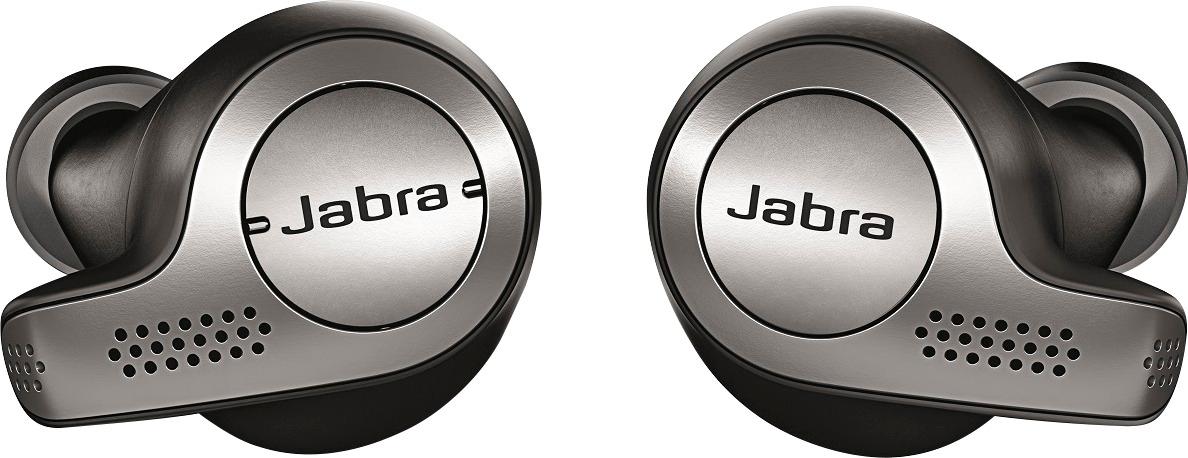
A:AnswerI could say that may happen with all true wireless earbuds (even some other type of BT headphones). As long as your hat doesn't cover all of your ears or too thick, you will be fine with this
A:AnswerThe right is the master earbud, if you take it away from the left farer than 10-15 inches the left stop playing, because is not pair any more. If you want to use a single earbud you must use the right one.
A:AnswerI was finally able to test mine out to answer your question. I depleted them totally so they shut down, then I put them in the charger. After about 20 minutes they were at 50%, after 40 minutes they were around 65% and after a little more than an hour they showed 100%. This was just using the case by itself though. Not sure if charging would be faster if the case was plugged in as well to a power source.
A:AnswerZERO audio lag on everything I’ve tried so far both on my phone and laptop. I returned a bunch including the Jaybird’s because of this very issue also. These are incredible!
A:AnswerHello LauraP- At this time, we do not recommend using the Jabra Elite 65t with Microsoft Teams on a computer. The Elite 65t is optimized primarily for use with smartphones or tablets running either iOS or Android. If you want to use the Elite 65t with Teams, we encourage you to do so from their mobile app. Otherwise, you are welcome to check out our Compatibility Guide to see all the Jabra devices supported by Microsoft Teams and your computer: https://www.jabra.com/compatibilityguide/.
A:AnswerHello Rico - Thank you for your question! The Jabra Elite 65t was designed and optimized to pair with mobile devices, such as smartphones and tablets. We have not tested the Elite 65t with home theater systems or with Apple TV, so for this reason, we cannot guarantee it will pair. To pair, the home theater system/Apple TV will need to have the ability to scan for nearby available devices. If it does pair, we still cannot guarantee that you will have full functionality as we have no testing data to support this type of connection. Please feel free to contact us with any further questions, thank you.