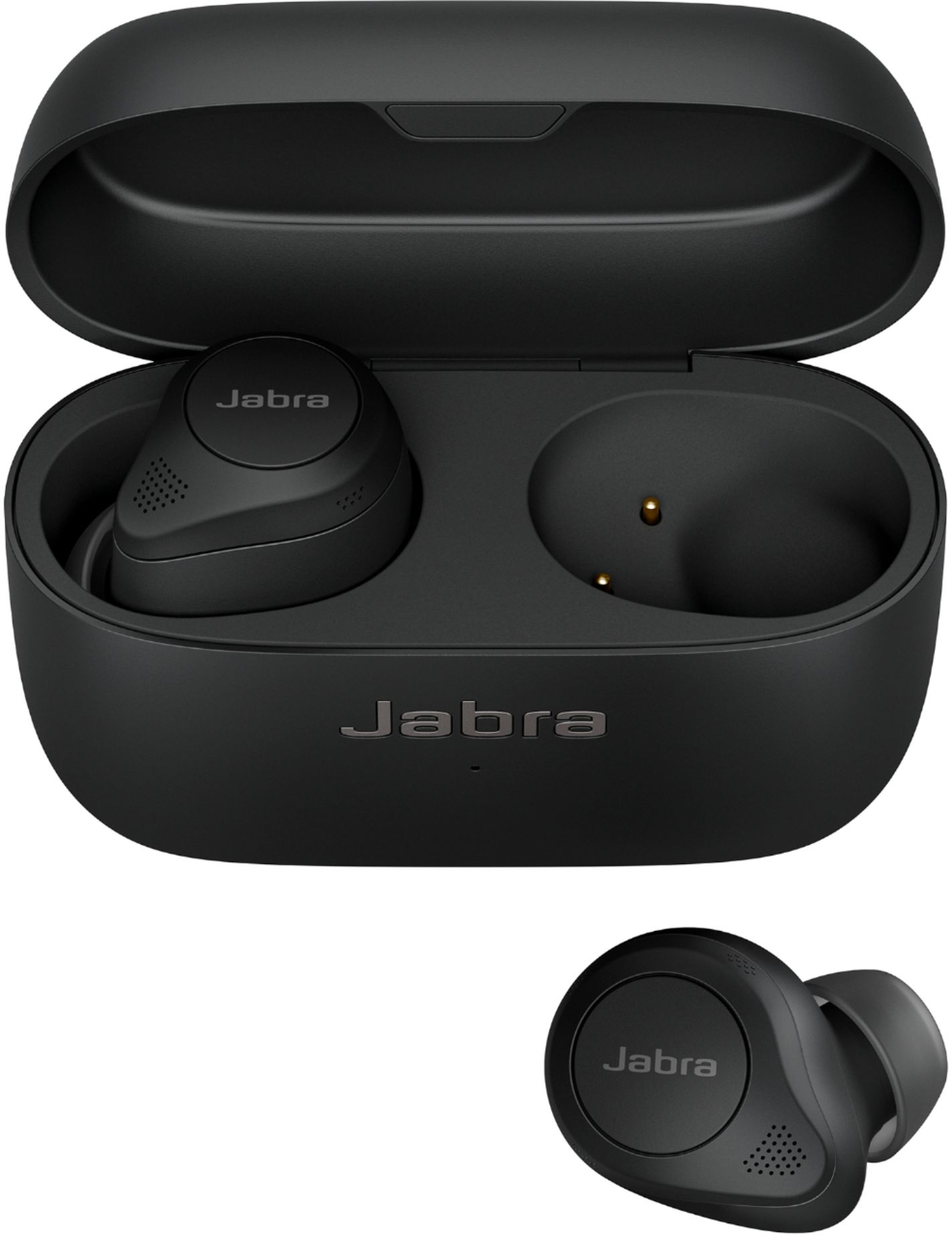
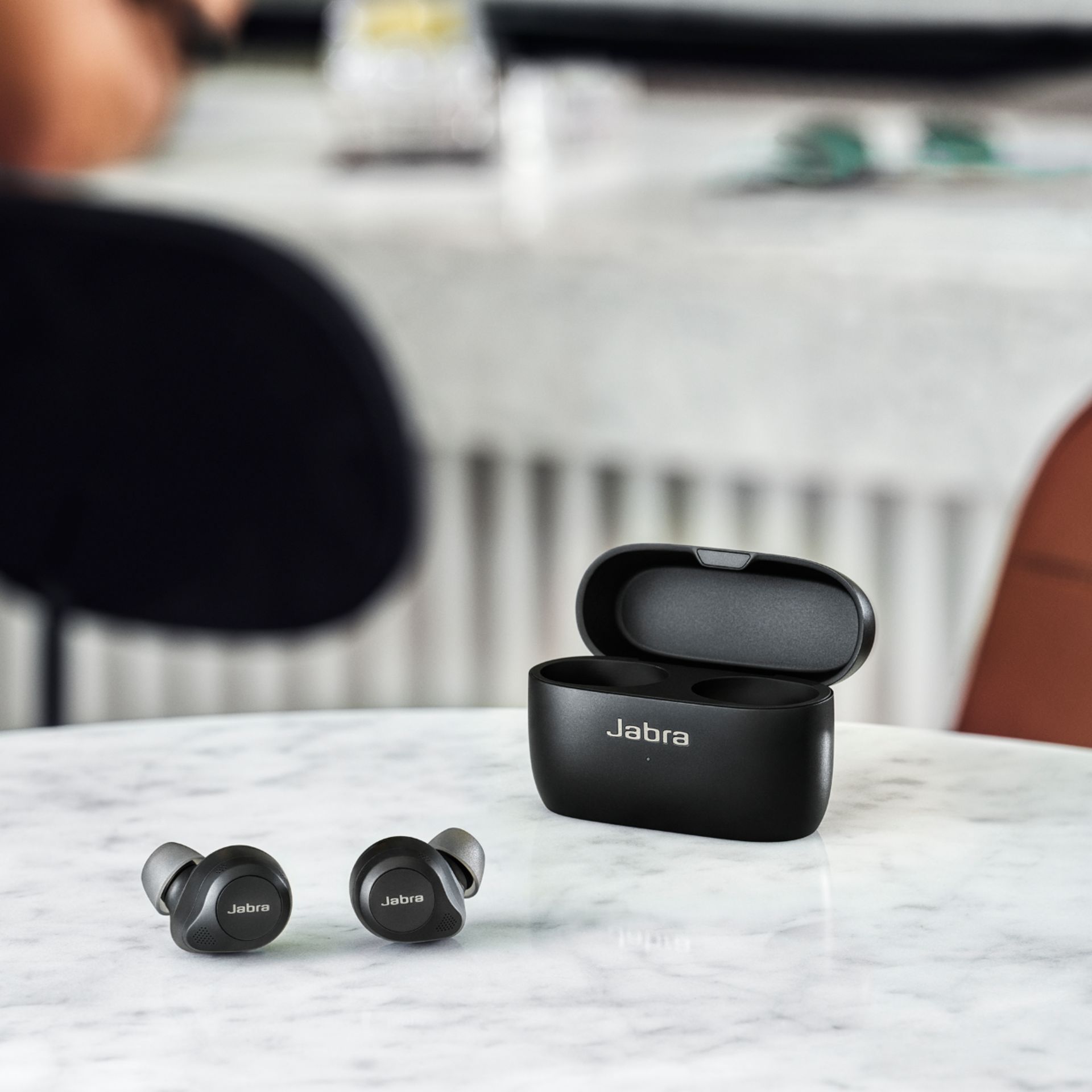
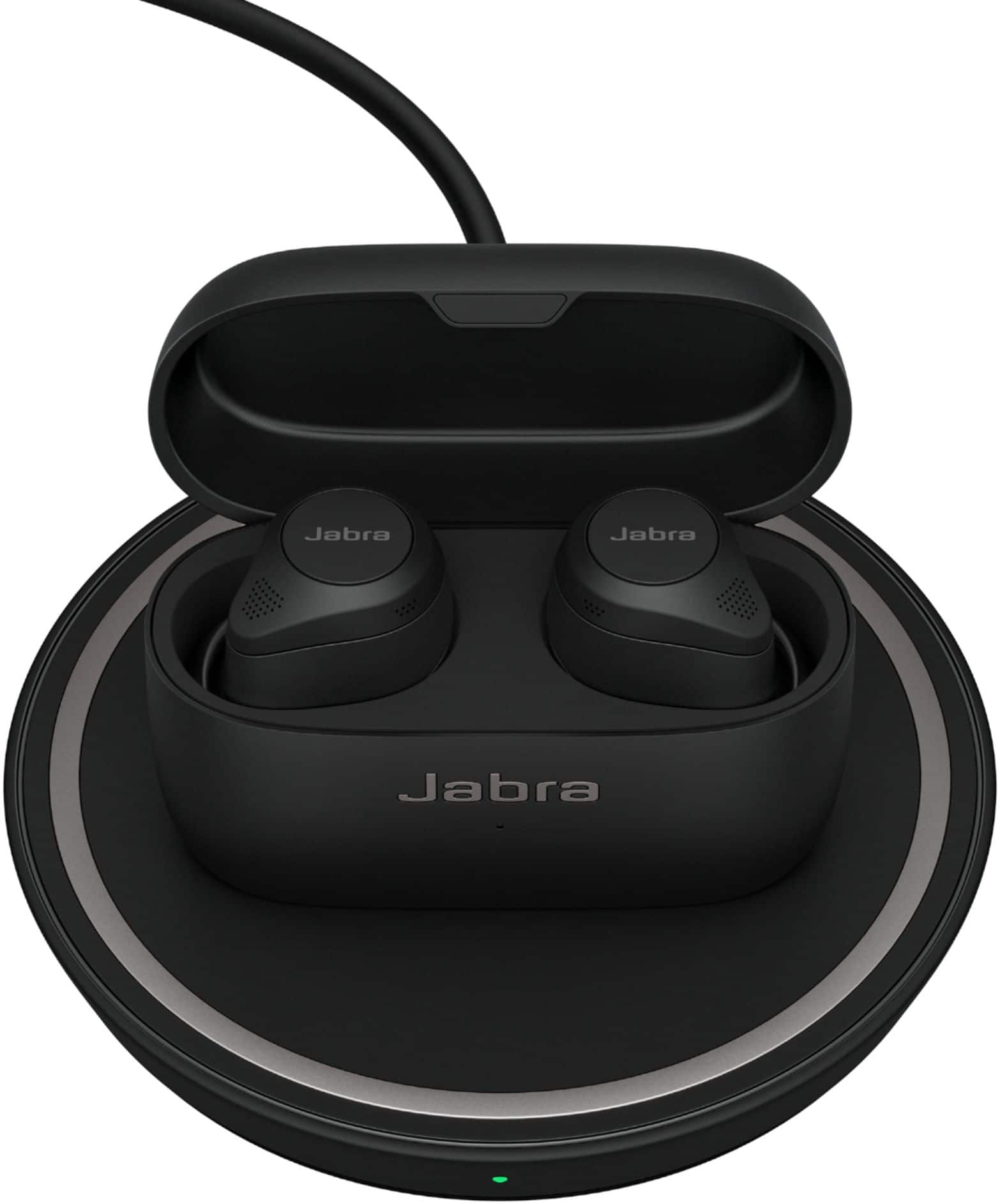
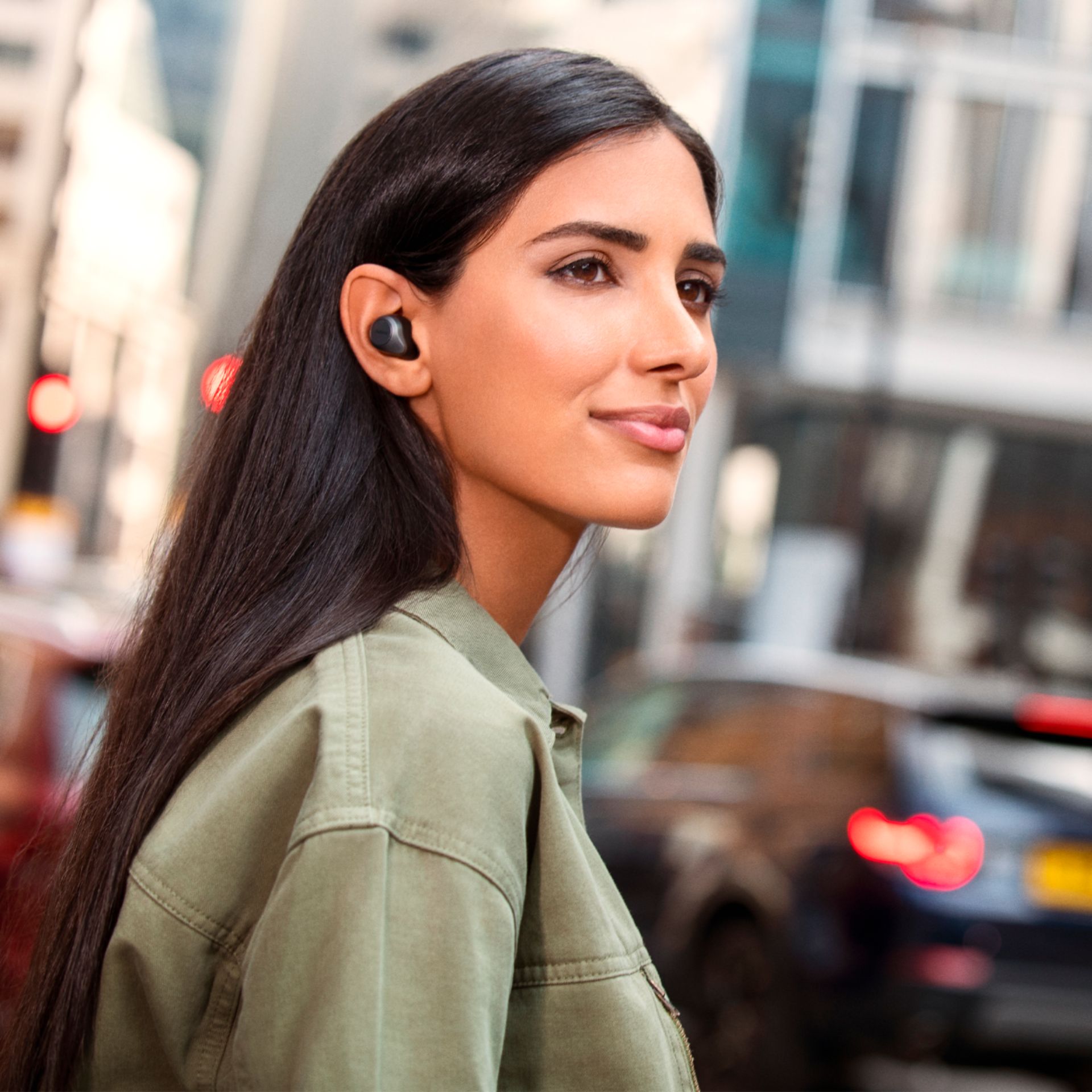
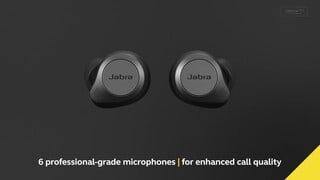
A:AnswerHi StanN- At the moment there are no plans to make an Active version of the Elite 85t. The Elite 85t has a semi open design which has a lot of benefits. You get a more natural awareness of your surroundings, it reduces the “earplug effect” that some people experience, and it also makes the Advanced ANC much more noticeable and impactful. This is why some of the best ANC products on the market have a semi-open design. The downside is that the product is at higher risk of being exposed to water, which is why you typically see higher IP ratings in products with a closed design like the Elite Active 75t (IP57). For the Elite 85t we have secured an IP rating of IPX4 by ensuring that components are nano coated. Thank you for your question.
A:AnswerI have the same problem only my right drains almost 50% faster than the left. Today the right was at 4% and the left at 50% there hasn't been 1 time that the right doesn't drain at a faster rate. This photo shows after I charged it a little you can see the gap
A:AnswerHi Joe- The major difference between the Jabra Elite 85t and the Jabra Elite Active 75t are the IP Ratings. The Jabra Elite 85t is equipped with IP55-Rated protection from dust and water. However, Jabra Elite 85t also comes with a 2-year warranty against dust and water damage, so you can wear them with confidence. The Jabra Elite Active 75t is equipped with IP57-Rated protection making them fully waterproof and sweatproof, so there’s nothing holding you back from running through the storm or sweating out your new personal best in the gym. For more information on the Jabra Elite 85t, please visit the following page: https://bit.ly/2QY64K1. For more information on the Jabra Elite Active 75t, please visit the following page: https://bit.ly/2FwD3zG. Thank you!
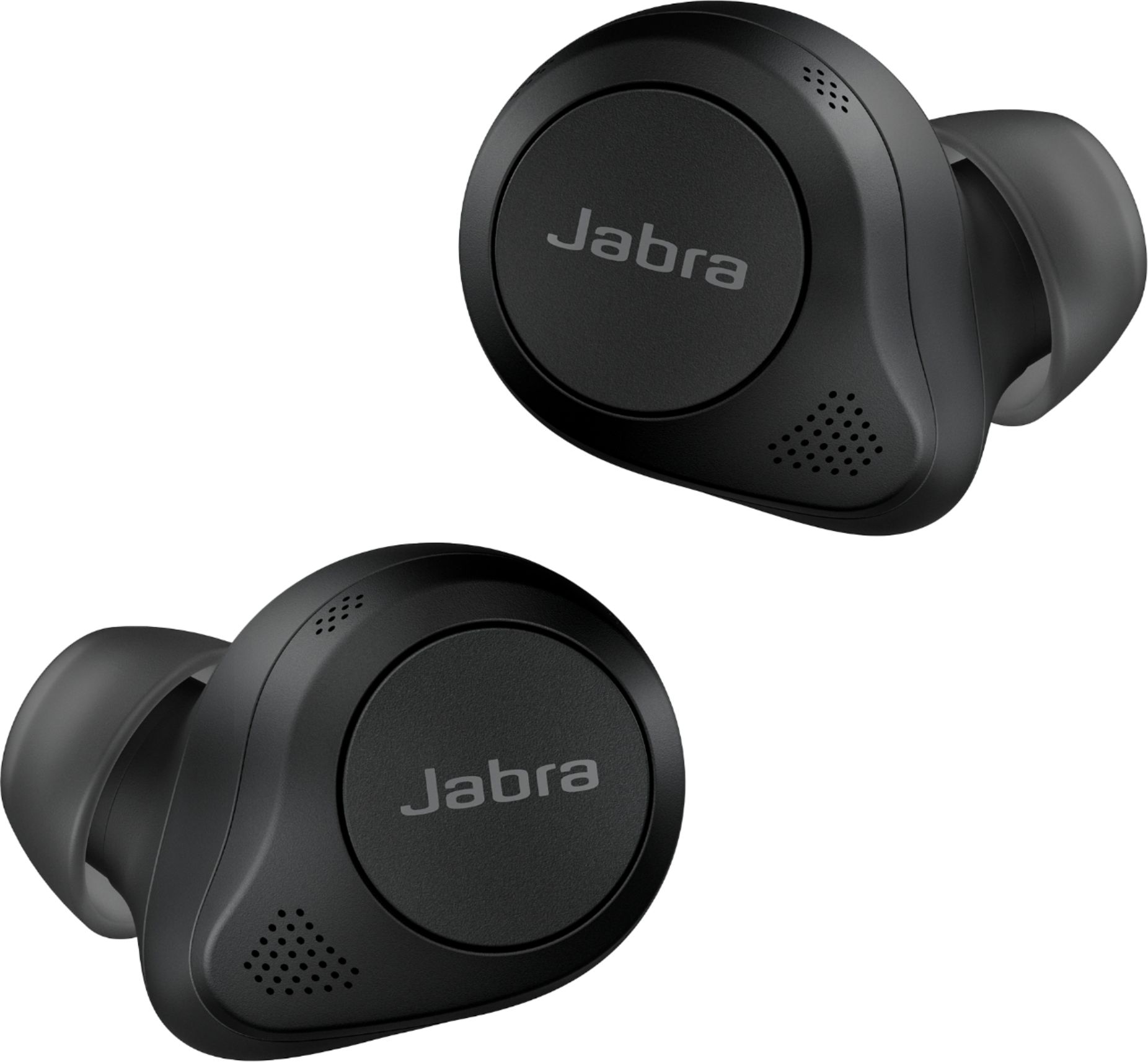
A:AnswerHello - While the Jabra Elite 85t may be able to connect to the MS Surface Tablet computer, full functionality may not be experienced. For example, you may be able to send and receive audio; however, the buttons on the headphones or earbuds may not work for music controls the way they would with a smartphone.
A:AnswerHello! To raise the volume of the Jabra Elite 85t earbuds, simply press and hold the right earbud button. To lower the volume, press and hold the left earbud button. Thank you.
A:AnswerHi SoundFan- The Jabra Elite 85t will not support APTx and also cannot be added via a Firmware Update. Thank you for your question, we truly appreciate it!
A:AnswerHello Joey- When the Jabra Elite 85t earbuds are in the charging case, you cannot use Find My Jabra to track their location. To have the Find My Jabra feature of the Sound+ app track your device's last known location, you must first allow Sound+ to use your GPS location. Then, when using the Elite 85t, open the Jabra Sound+ app. Find My Jabra will not track your device if Sound+ is not open and running on your smartphone or tablet.
A:AnswerYES. Not only are they more comfortable for lengthy listening sessions AND occlusion is a thing of the past. You don't hear your footsteps when you walk and you don't sound like you're in a tunnel when you talk.
A:AnswerHello Adam- Great question. We will have more information coming soon! We truly appreciate your patience during this time. Please feel free to follow the Jabra Newsletter on the Jabra Website: https://www.jabra.com/newsletter for the latest updates.
A:AnswerHi SoundFan, we appreciate your feedback! Integrating the aptX codec means an increased drainage of power, and it also means lower connectivity quality, due to usage. We have done a cost/benefit analysis and determined that the vast majority of our users will not be impacted by the omission of aptX codec in Elite 85t.This is because most users use streaming services where the audio quality will not be impacted. This, however, is a feature that is getting more important over time and we will definitely consider including the codec going forward.