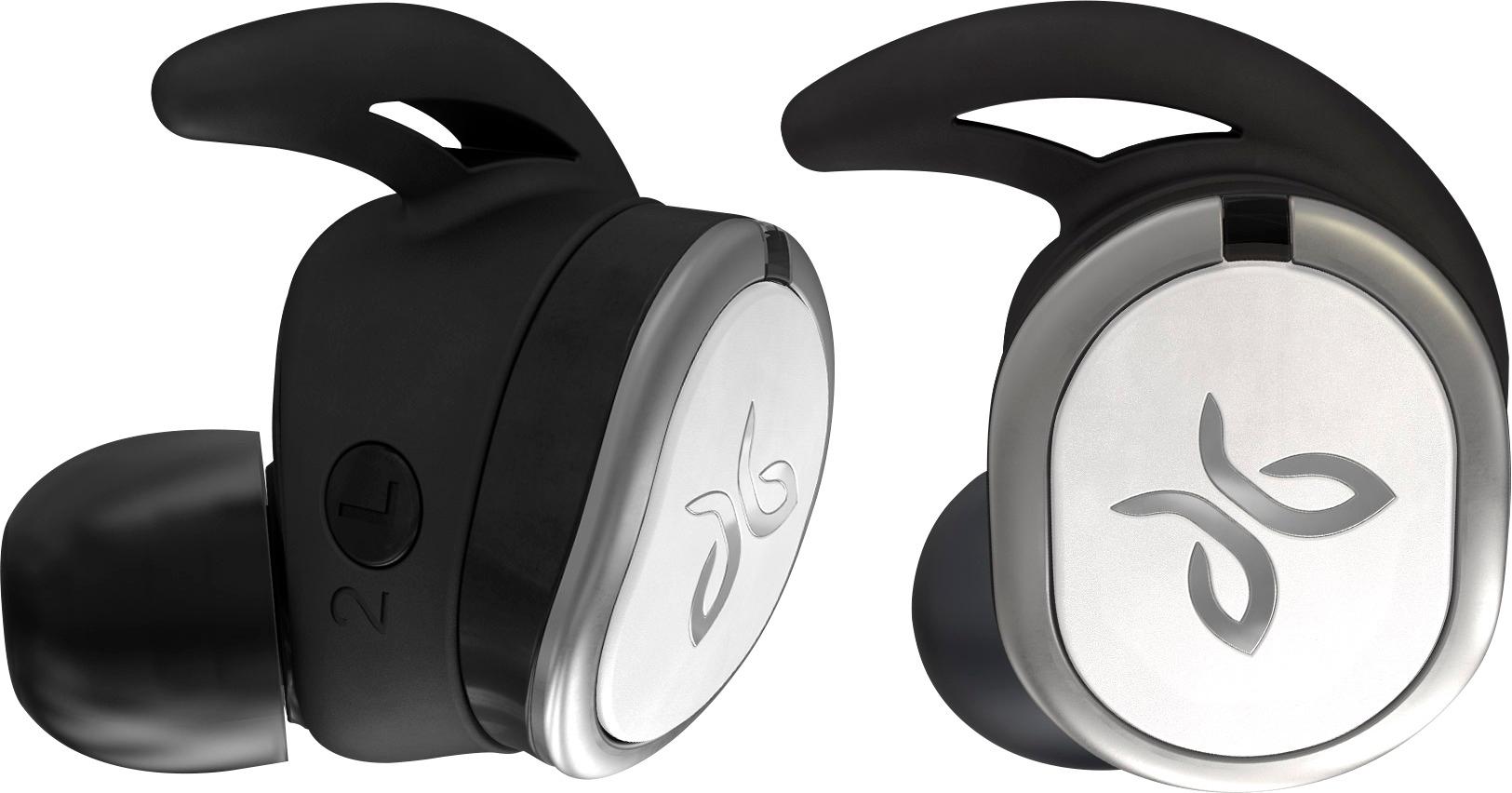
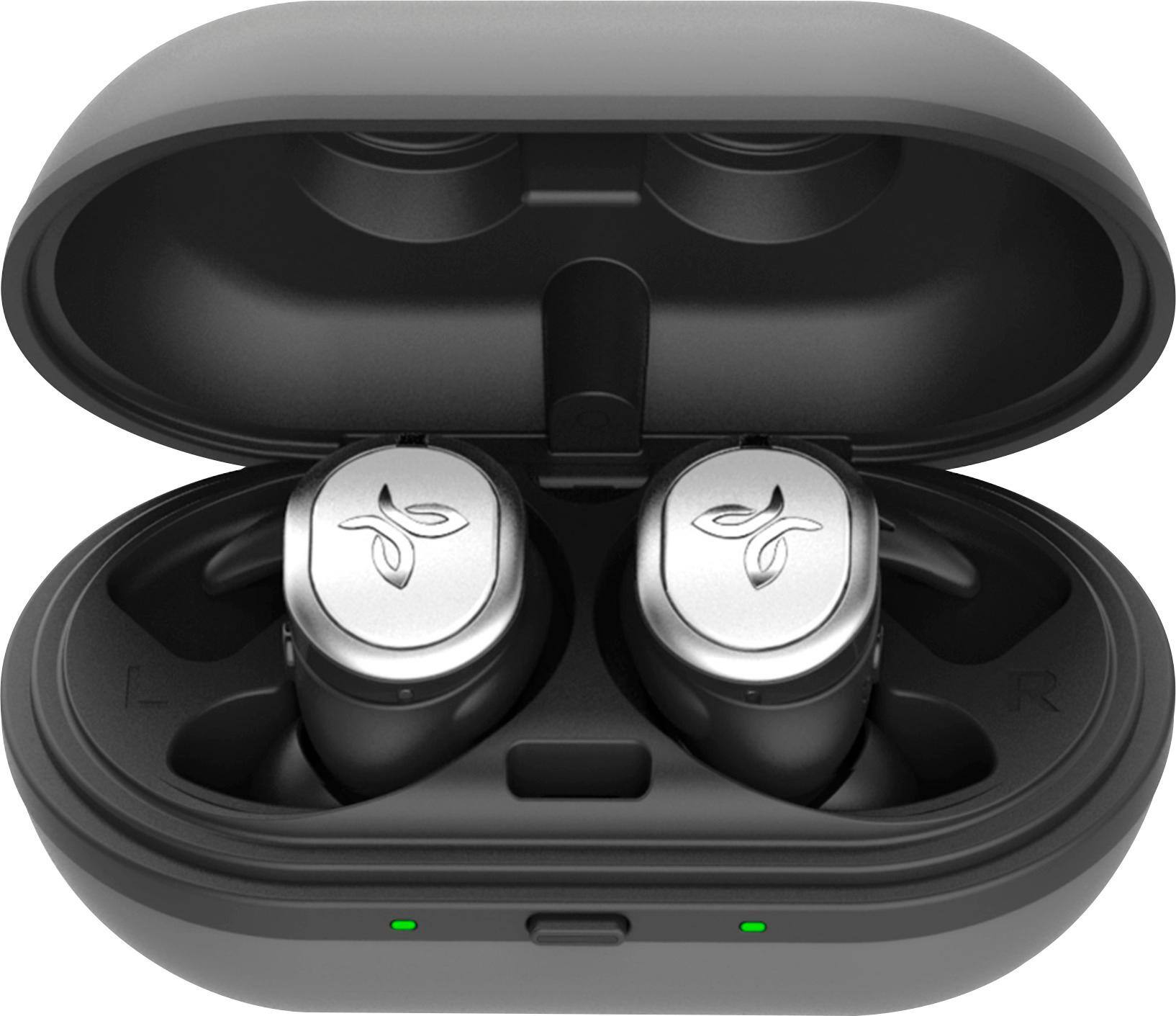
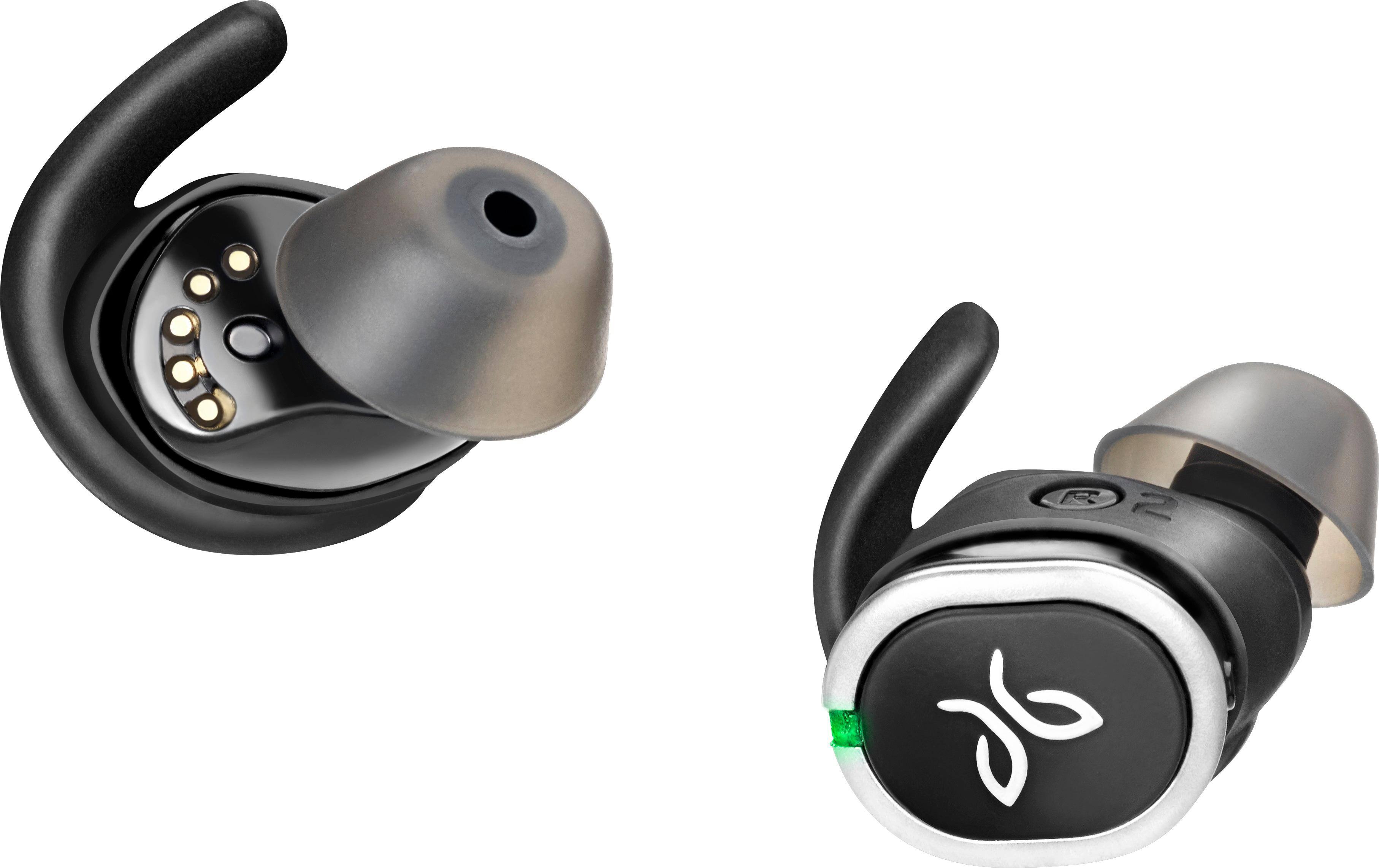
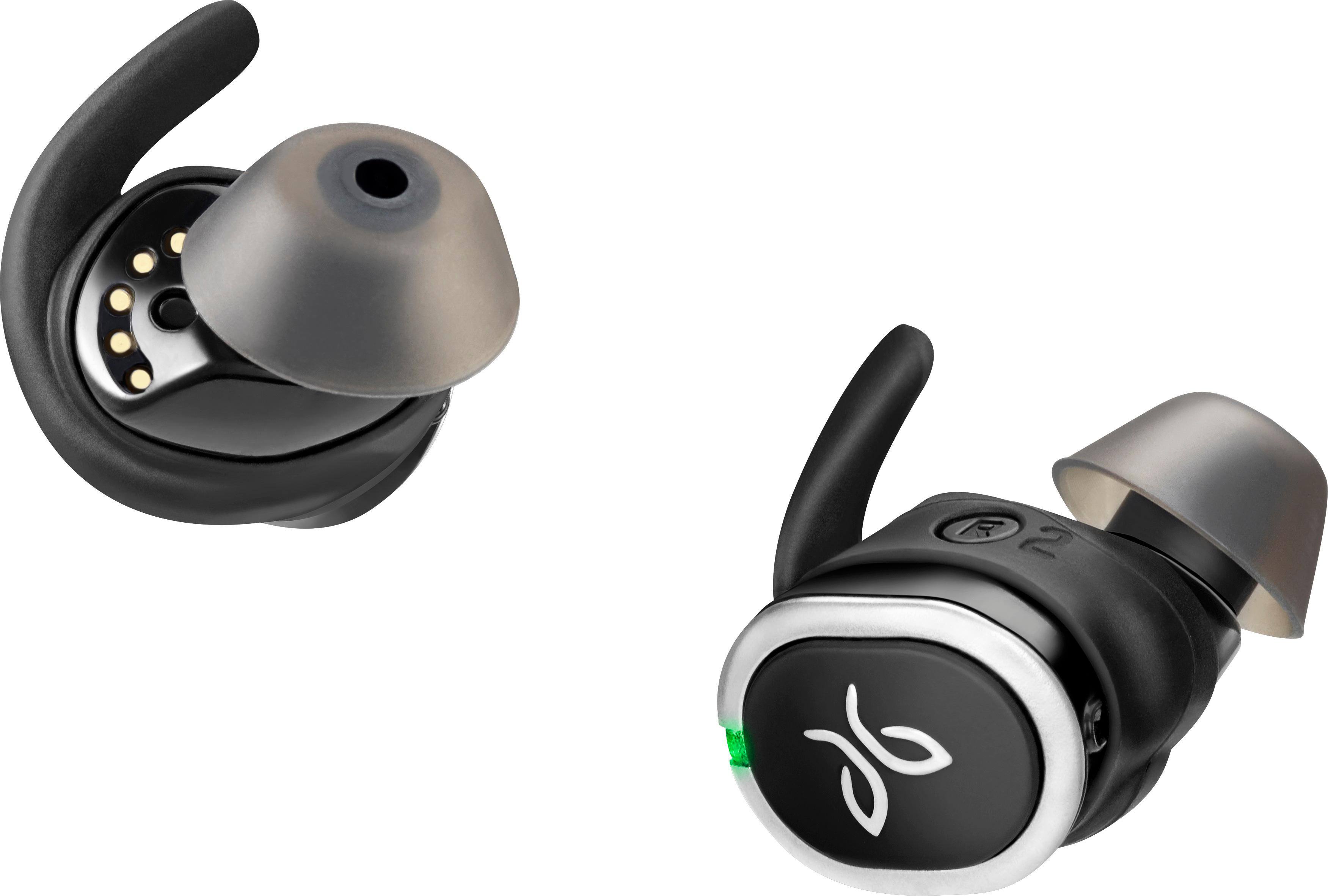
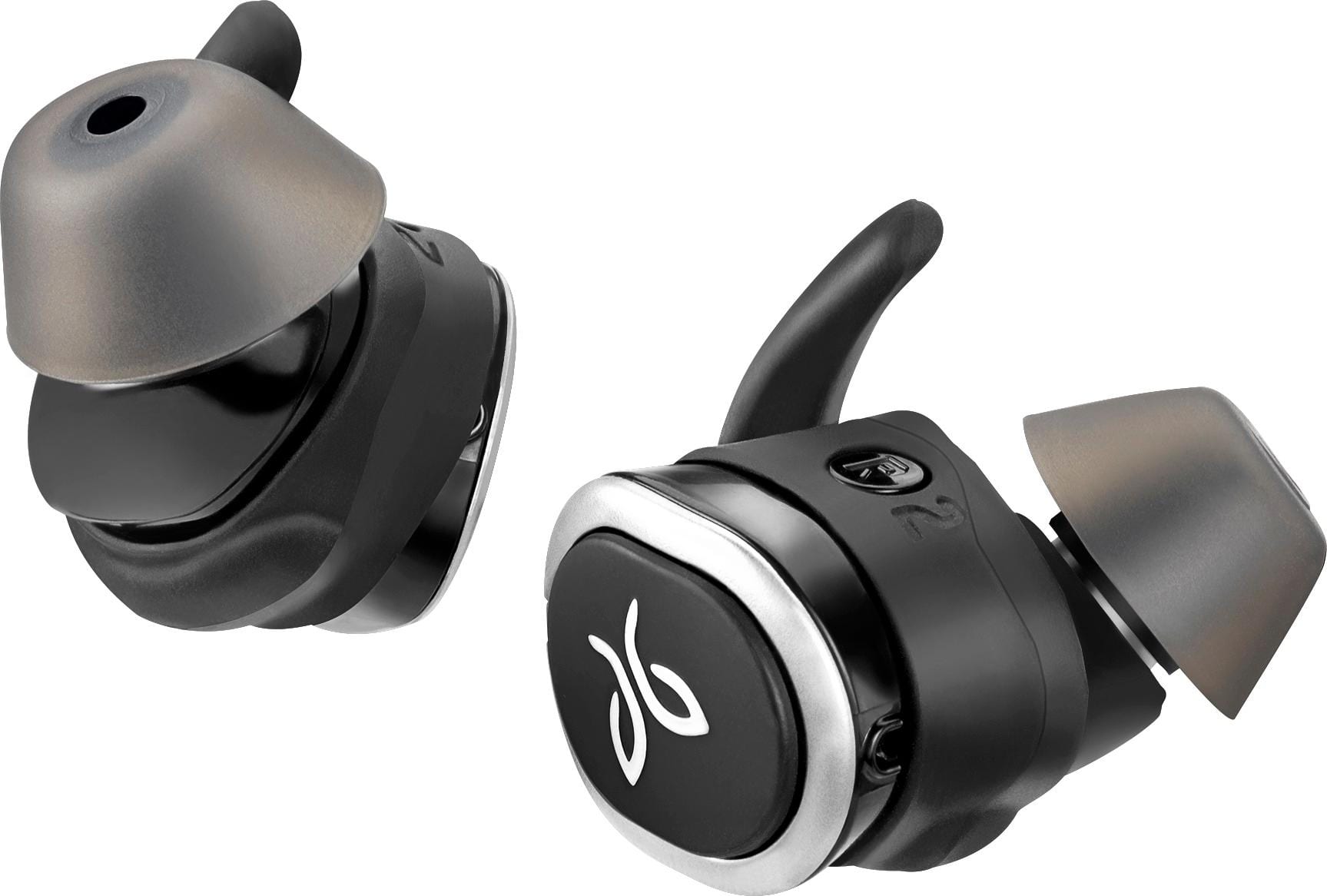
A:AnswerThe earbuds have several controls available by pressing on them. Tapping the left earbud once activates Siri. Tapping the right earbud once to play/pause or to accept/end call.
Tapping either earbud twice skips music forward or declines a call.
See my review of the Jaybird Run for more information on these great headphones. I have had them for several weeks now and still give them 5 stars and my highest recommendation!
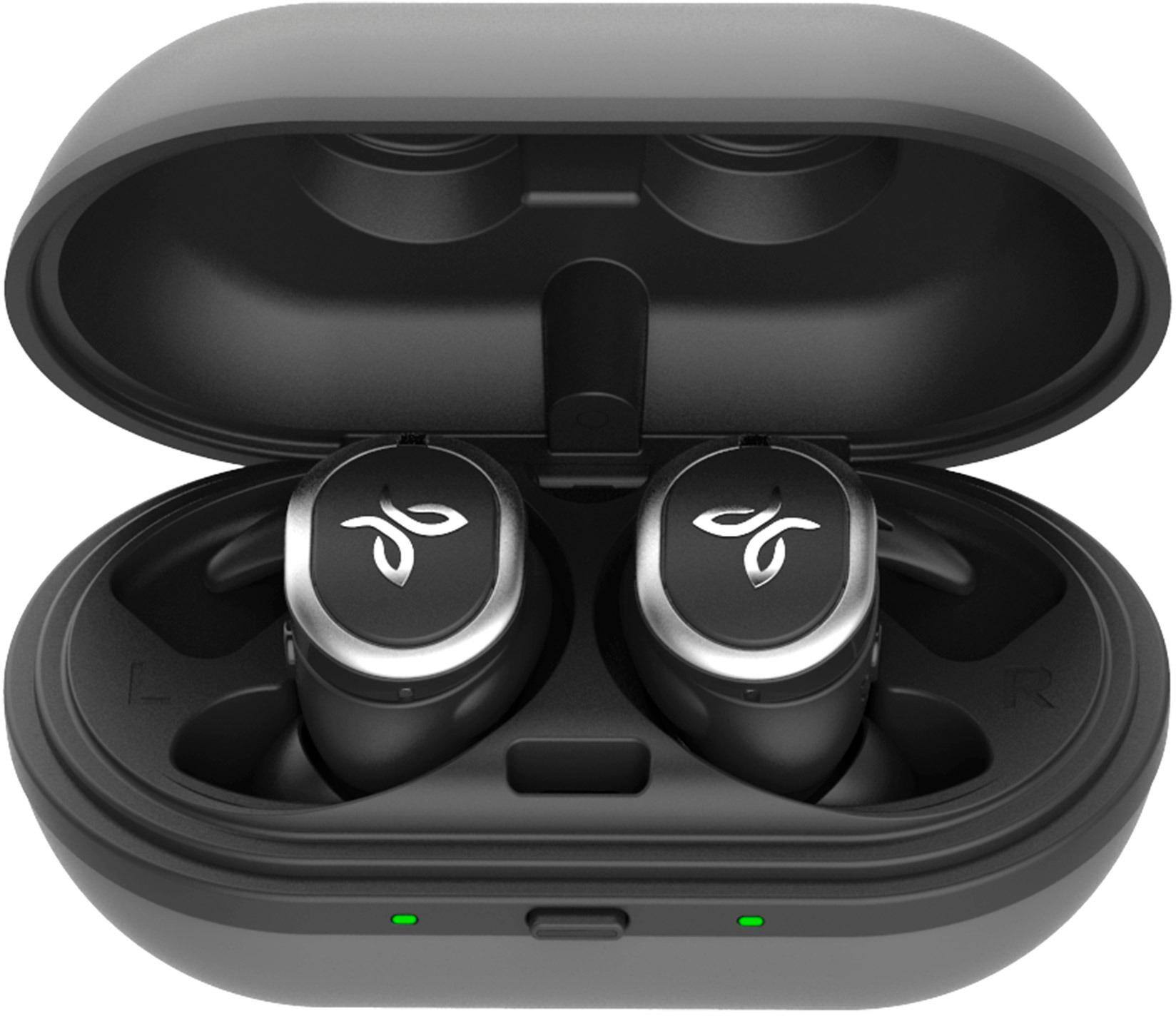
A:AnswerI get about 4 ours per charge but the case has another 8hrs. They also charge extremely fast. When dead they take about 5mins to charge enough for 1hr of music. That’s fast!
A:AnswerYes. Almost too well at noise canceling. I don't know how many times someone has tried to talk to me while I was wearing them, and iwas startledby their presence. They could have been snakes or something!
A:AnswerWorks great with my Android.google Assistant..I use my Pandora music all night at work from 6:30 I'm talking on phone then on lunch till 12:30 sharp. During meeting I charge it for 10 or 12 minutes and gets them charged 80 percent,and that last till 5…¡
A:AnswerYes, you need to change the "1 button push" setting to volume control in the app. It defaults to SIRI and answering a call, but I changed it with mine, and they can get very loud.
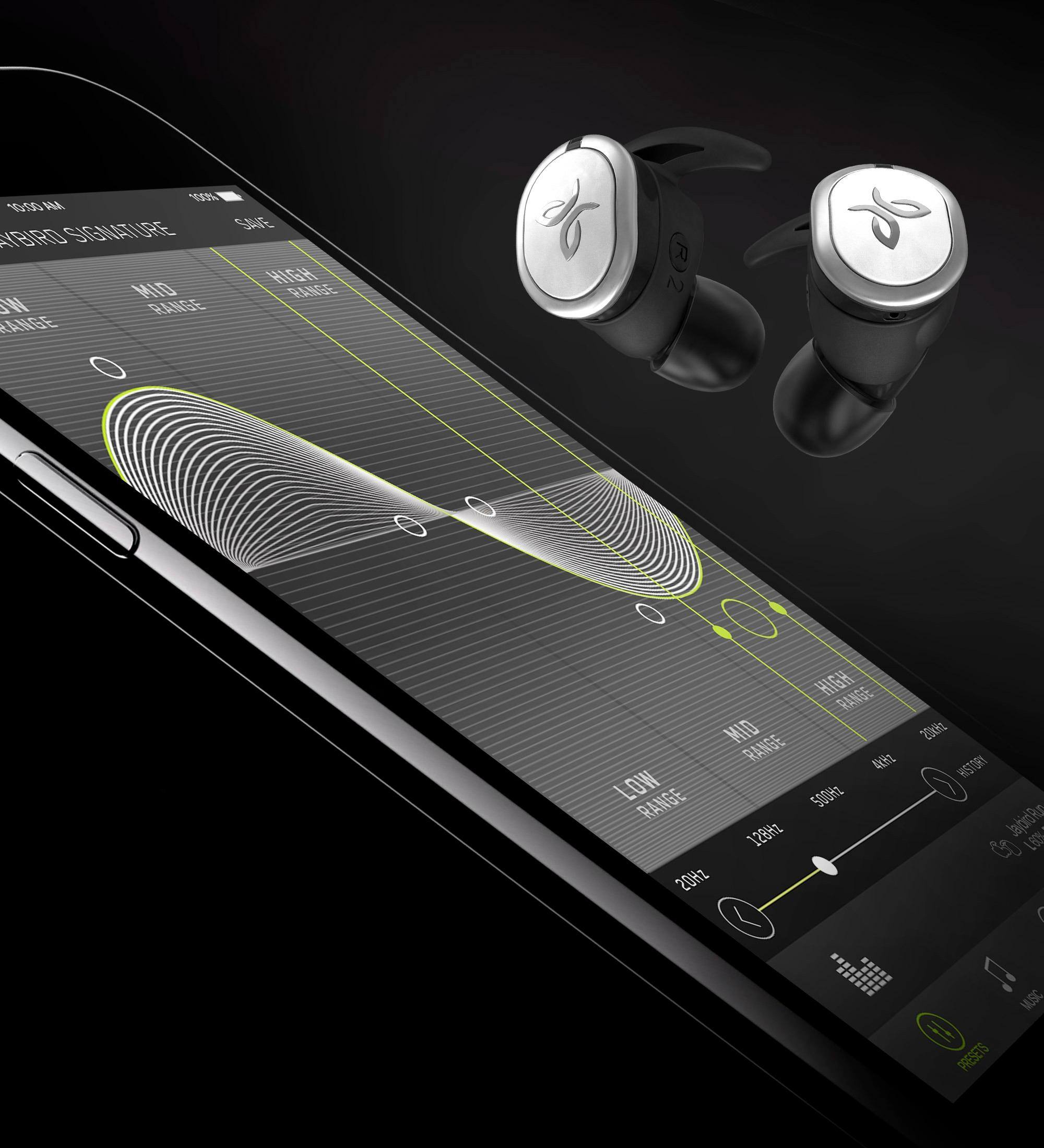
A:AnswerYou can change the sound profile in the app. I also found that if you press the left earbud button for 3 seconds, sometimes it fixes connection issues.
A:AnswerI work in a 40°environment and I havent noticed any problems...battery life is great, I also use them under an under armor baklava, pretty thin, so there not in the open air...