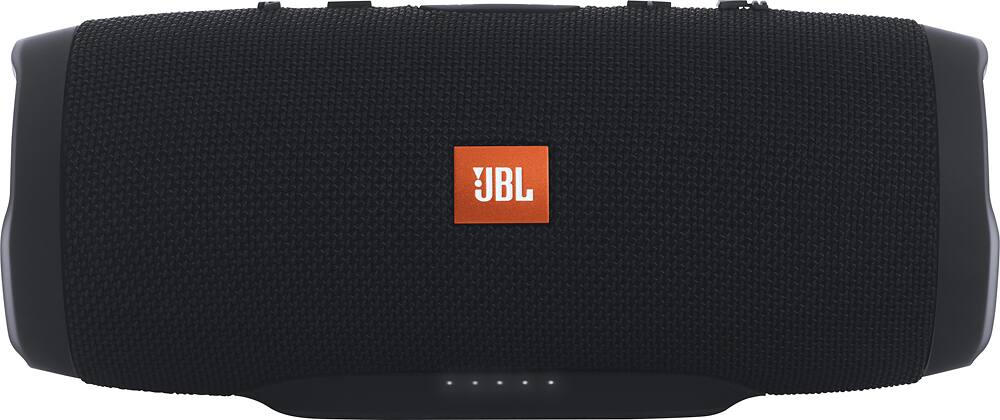
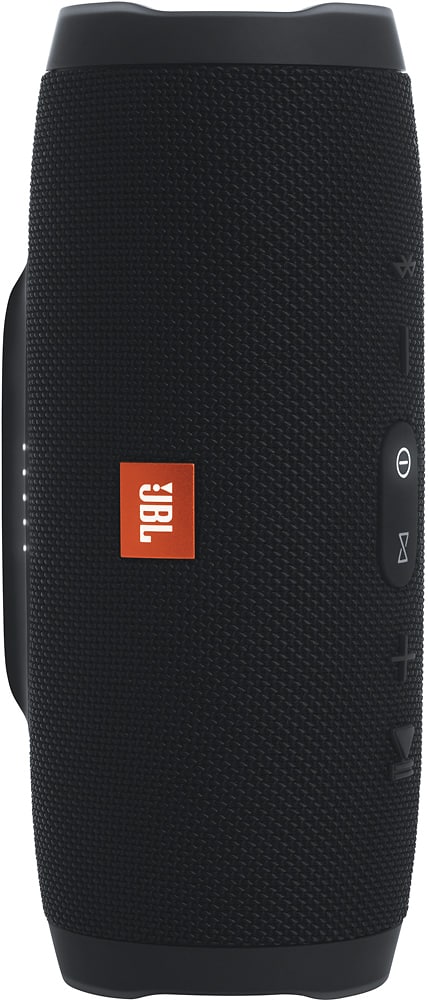
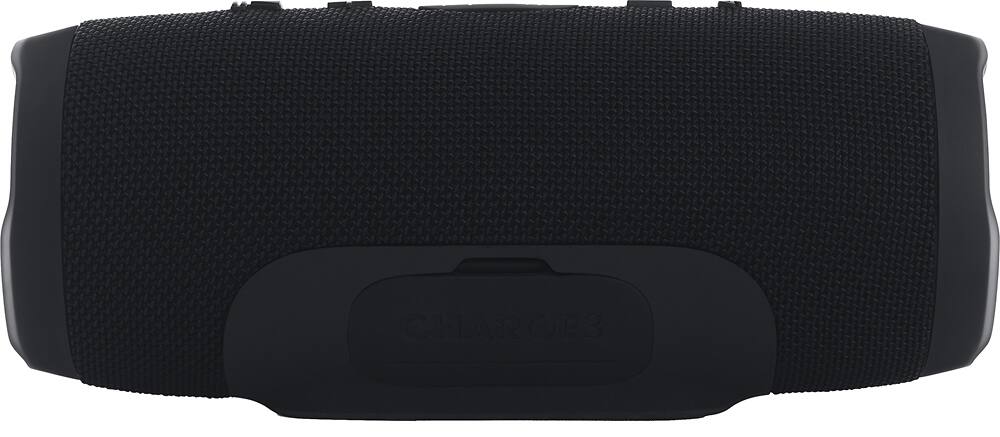
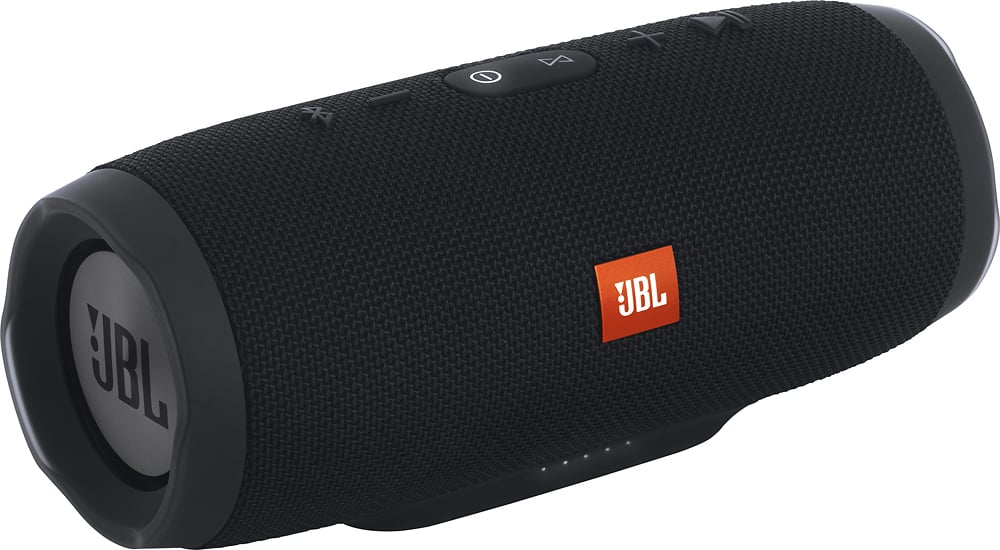
A:AnswerNo, The USB ports are used for charging phones and cannot be used to play music. You can only use bluetooth or plug in an auxiliary cable to get the Charge 3 to play.
A:AnswerNote: the Warranty Card provided with your JBL product contains the full terms and conditions of your warranty.
Unless a different warranty period is stated in the Warranty Card provided with your JBL product, JBL warrants for a period of 1 year (5 years for any non-powered speakers) from the date of retail purchase by the original end-use purchaser, that this product, when delivered to you in new condition, in original packaging, from a JBL authorized reseller and used in normal conditions, is free from any defects in manufacturing, materials and workmanship. Refer to the Warranty Card provided with your JBL product for specific details including what is not covered along with other terms and conditions.
A:AnswerIf your MP3 has Bluetooth capability (like iPods for example), then yes! If not, it has an Aux jack that works perfectly fine. That is how I am using my MP3 (Zune) with it!
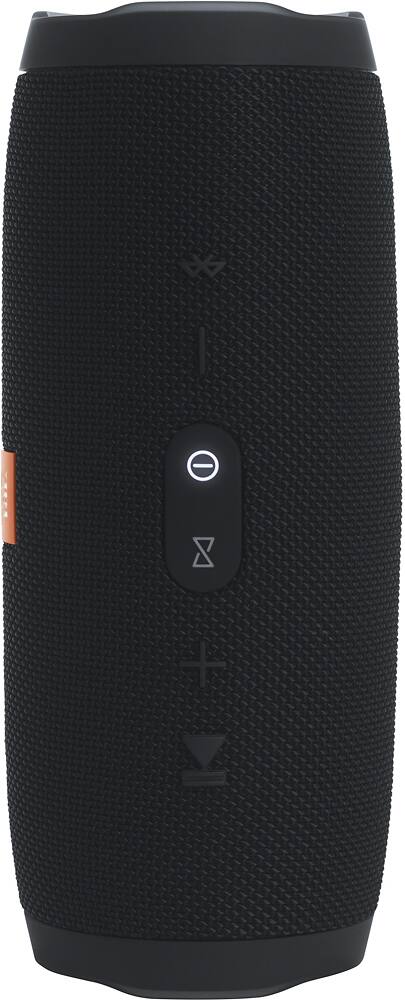
A:AnswerYes, The CHARGE 3's play/pause button can be used to skip the current track by pressing it twice in a quick succession. Unfortunately, it’s not possible to go back to the previous track.
A:AnswerPretty comparable! Both have great sound and bass, both are easy to set up with Bluetooth. I have no complaints with my JBL, I think you're just paying extra for the "Dre" and "Beats" name.
A:AnswerHello,
The life of the battery is determined by usage cycles, how many times the battery charged and discharged. This product is not repairable and is only replaceable.
Listening time on battery power: >12 hours (depending on volume level)
Battery charge time: 3.5 hours
Best Regards,
The JBL Team
A:AnswerIf your Tv has an Aux out to connect to the Xtreme, it should be able to play. For a better sound experience, we advice getting a soundbar instead as it's designed mainly to be used with TVs.
A:AnswerNo, you cannot charge it with the Boombox since the charger for the JBL Boombox has a higher voltage rating at 20V as compared to the Charge 3's 5V.
A:AnswerEven though you may not be using it to play music, if you don't cut it off completely the battery is still being used. If you cut it on when you want to use it and then cut it off when you're done, the battery will last for days on one charge.
A:AnswerMake sure that your Apple Mac is capable of bluetooth connection. Then press and hold the bluetooth button of the Charge 3 for 3-5 seconds to put it in pairing mode. Go to your Mac's bluetooth settings and look for the device and connect to it.