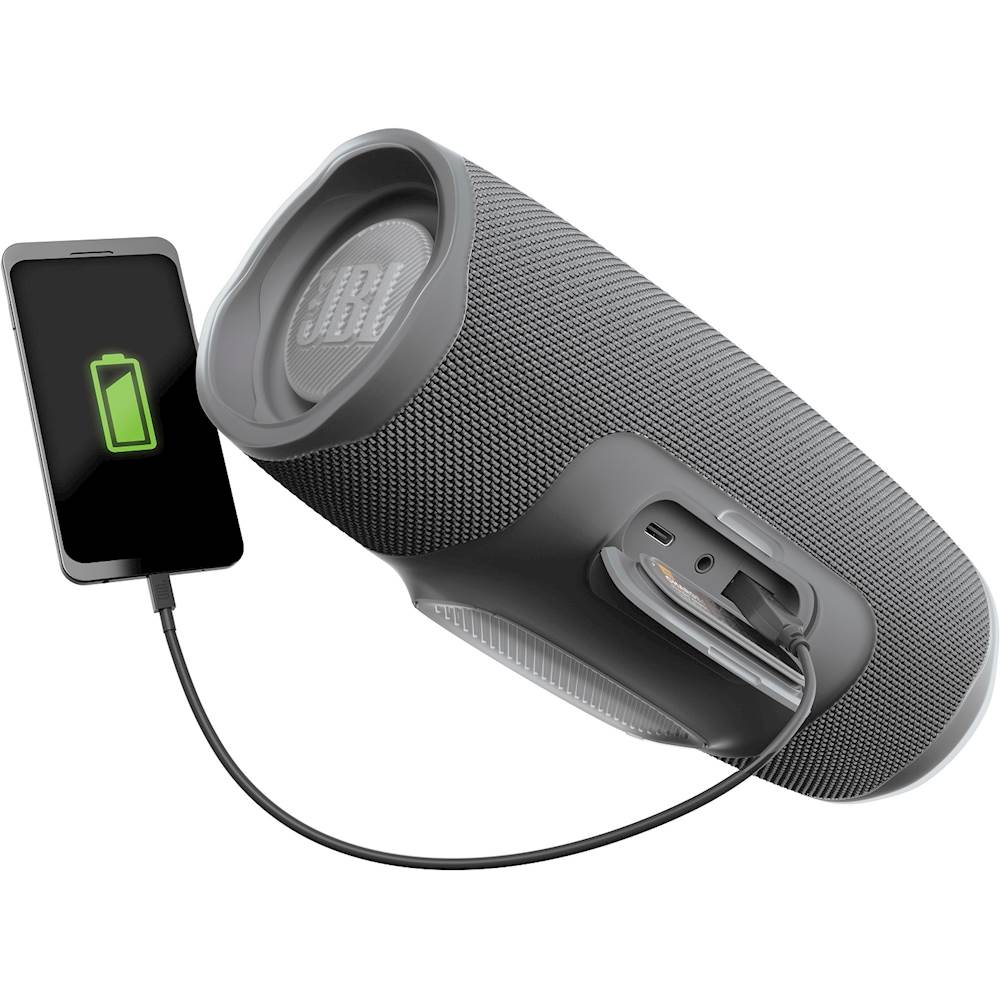
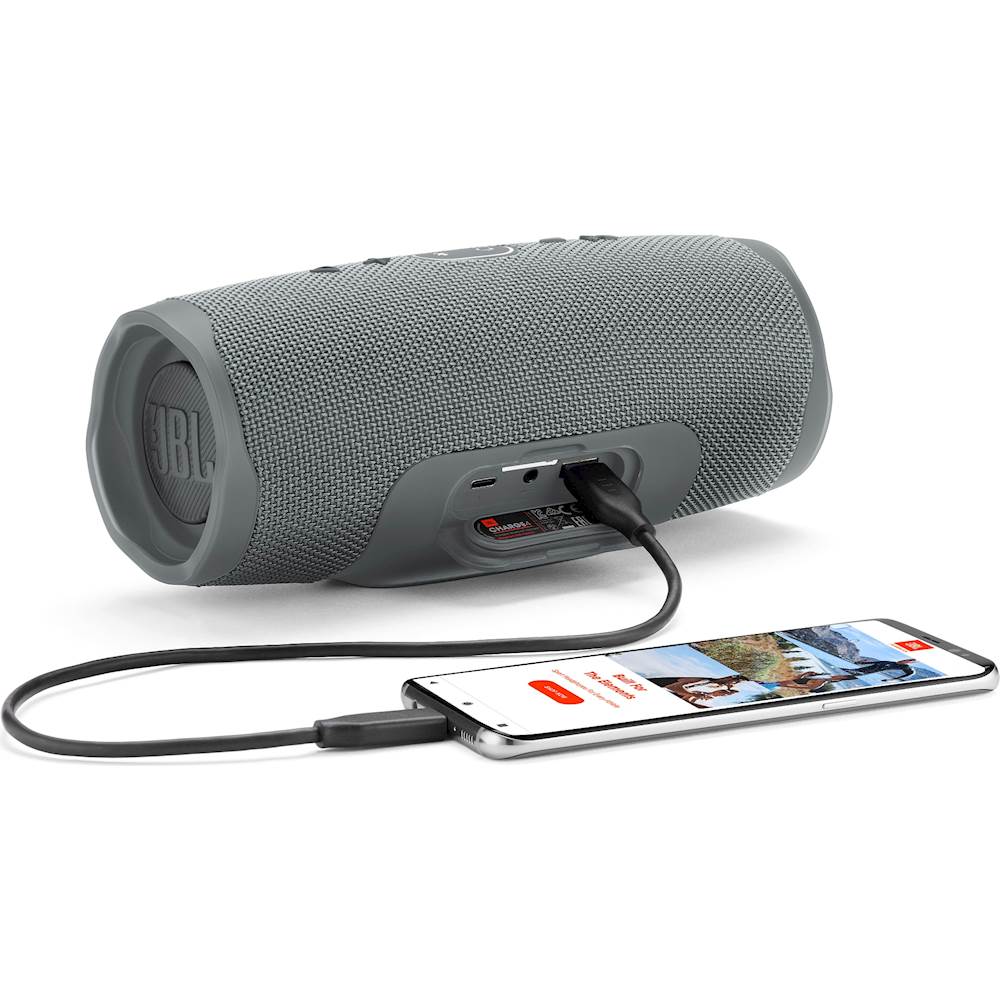
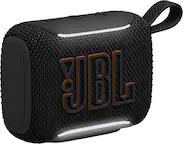
A:AnswerYou can use any USB phone charger to connect the charging cable of our JBL Charge 4 to a wall outlet to charge the battery. If you need more help, please contact us here: https://bit.ly/2zwFkYM
A:AnswerFrom JBL's deliberately evasive and vague answer one can only assume that you'll be stuck with garbage once the battery quits charging. Alas, we're happily filling land with garbage when batteries should be replaceable and speakers should go on for very long time.
A:AnswerThank you for your question, our JBL Charge 4 can be linked only by using the JBL Connect + feature. If you need more help, please contact us so we can aid you. https://bit.ly/2zwFkYM
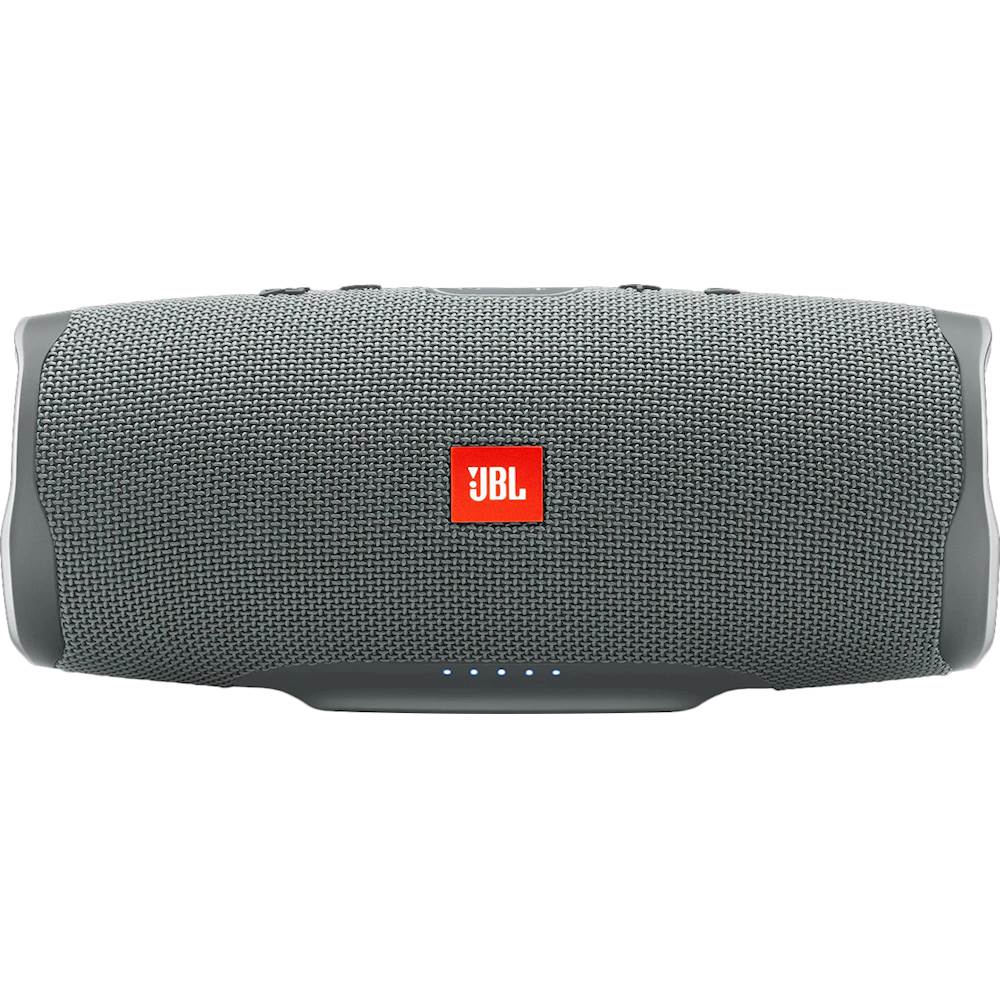
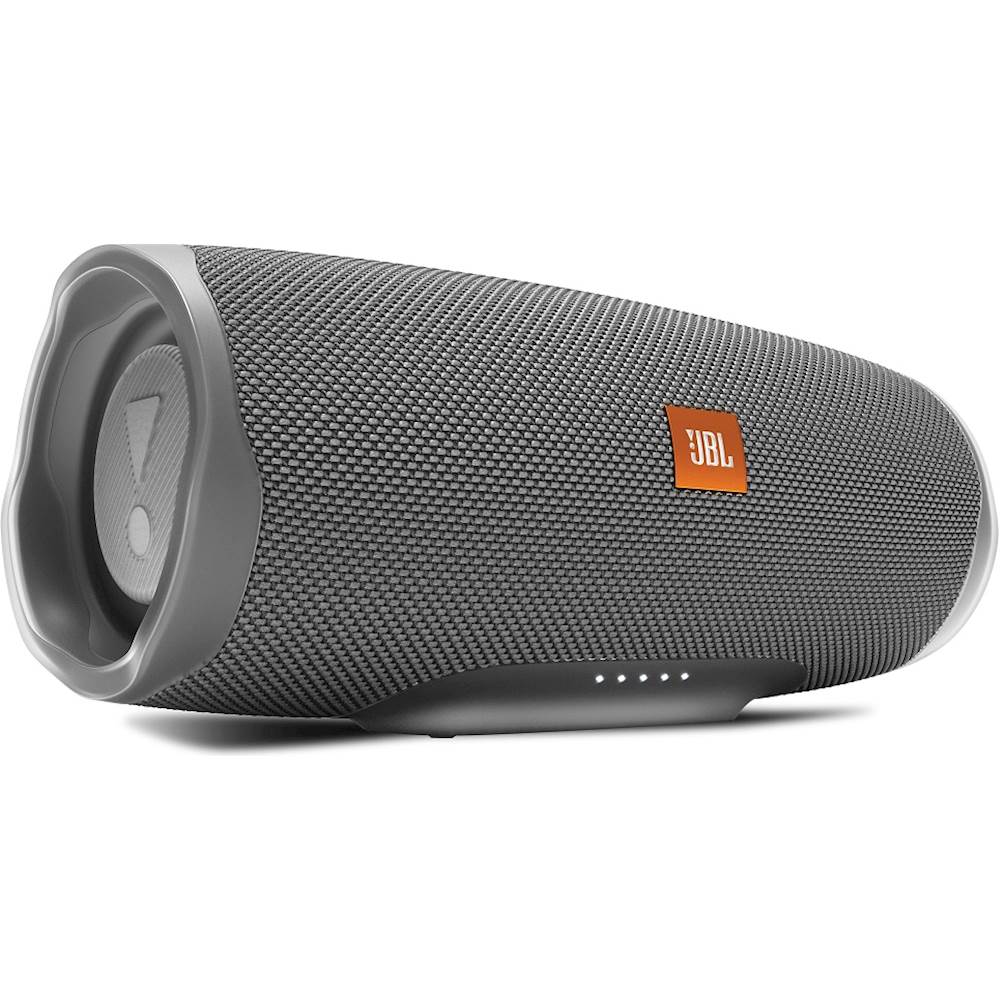
A:AnswerHey Jimmie, thanks for asking. The battery level indicator is represented by five white LED light on the bottom front of the speaker. Each LED lights represents a 20% level of power.
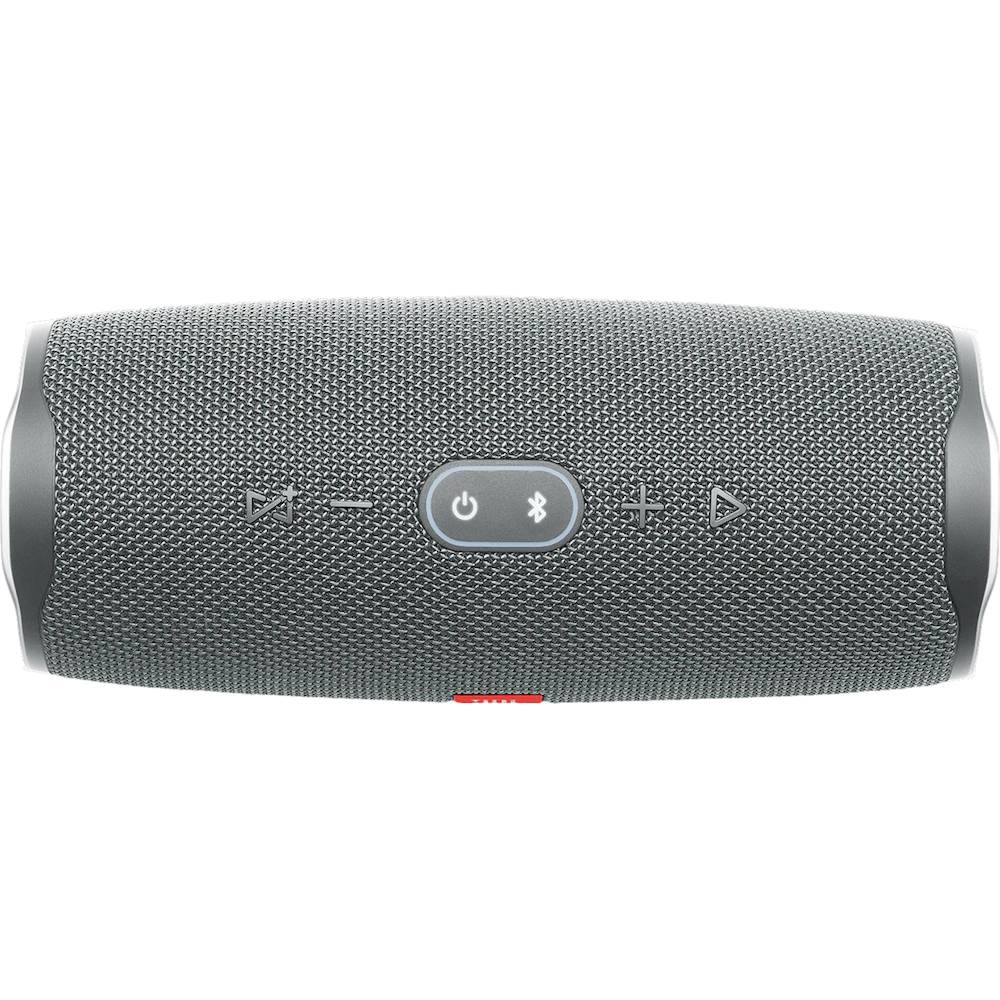
A:AnswerHi, thanks for your question. Yes, you can. If you connect one of your devices with your computer via Bluetooth, and then press the 'connect' button on both devices, they will play audio from the same source. If you need further assistance, please submit a case request at https://www.harmanaudio.com/support-contact.html and the Customer Service Team will be more than happy to assist you.
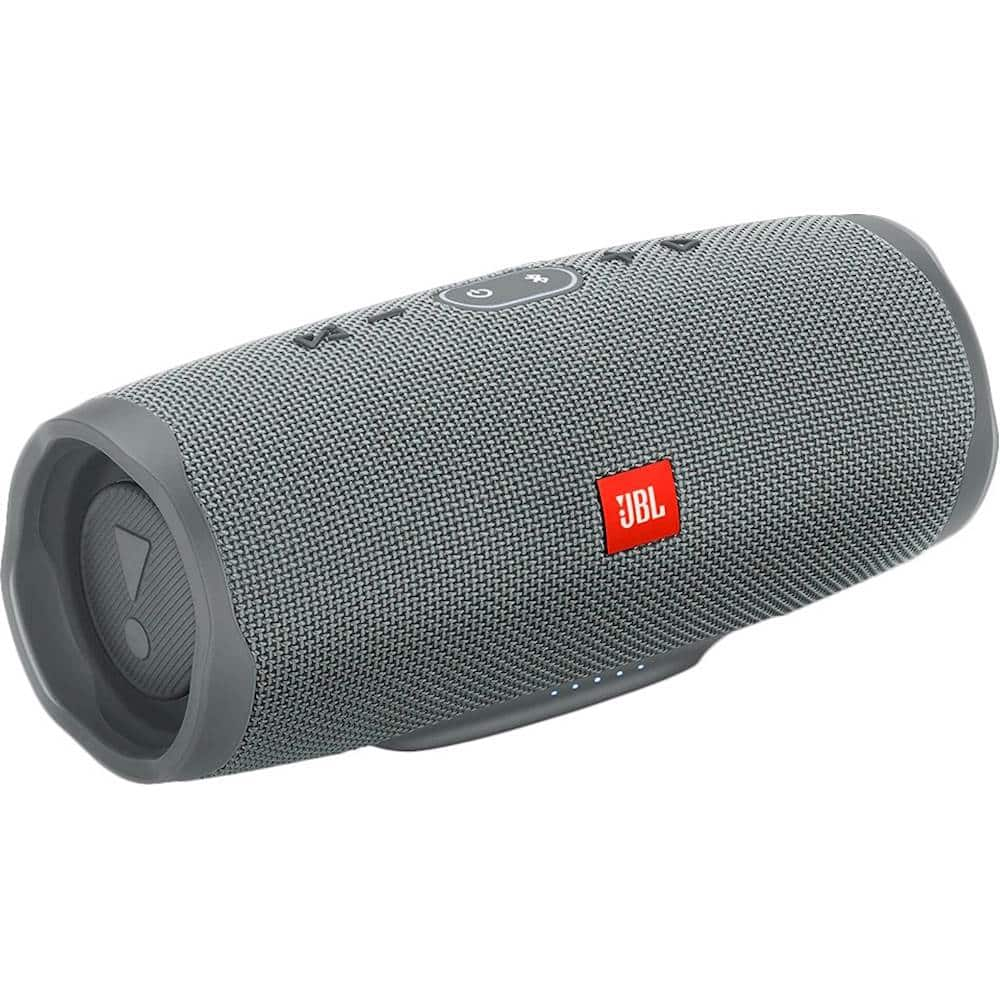
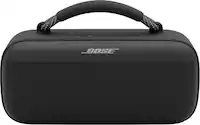
A:AnswerTo answer your question regarding “is it more powerful then the Bose mini” yes, it is, and slightly less tinny. It’s not the base I expected, but it’s still pretty clear. Very pleased with it.