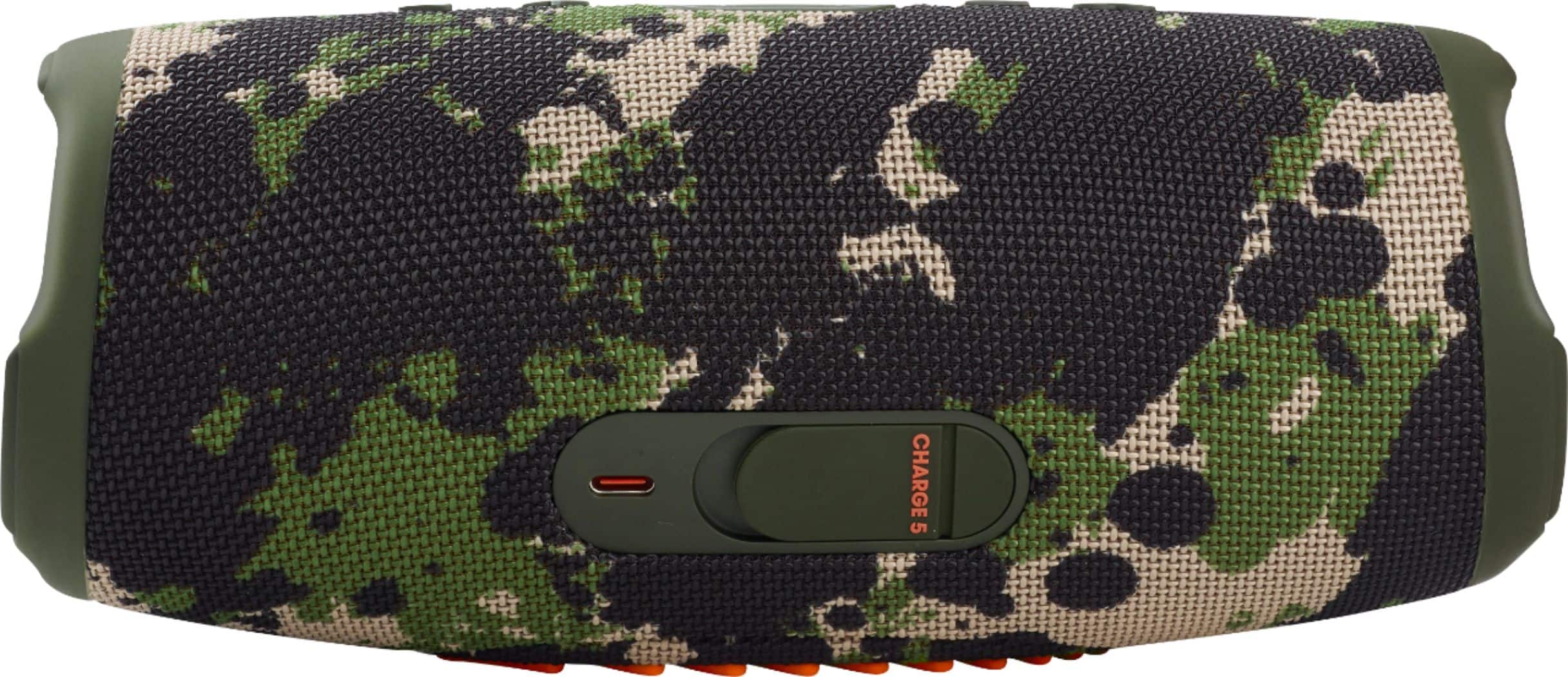
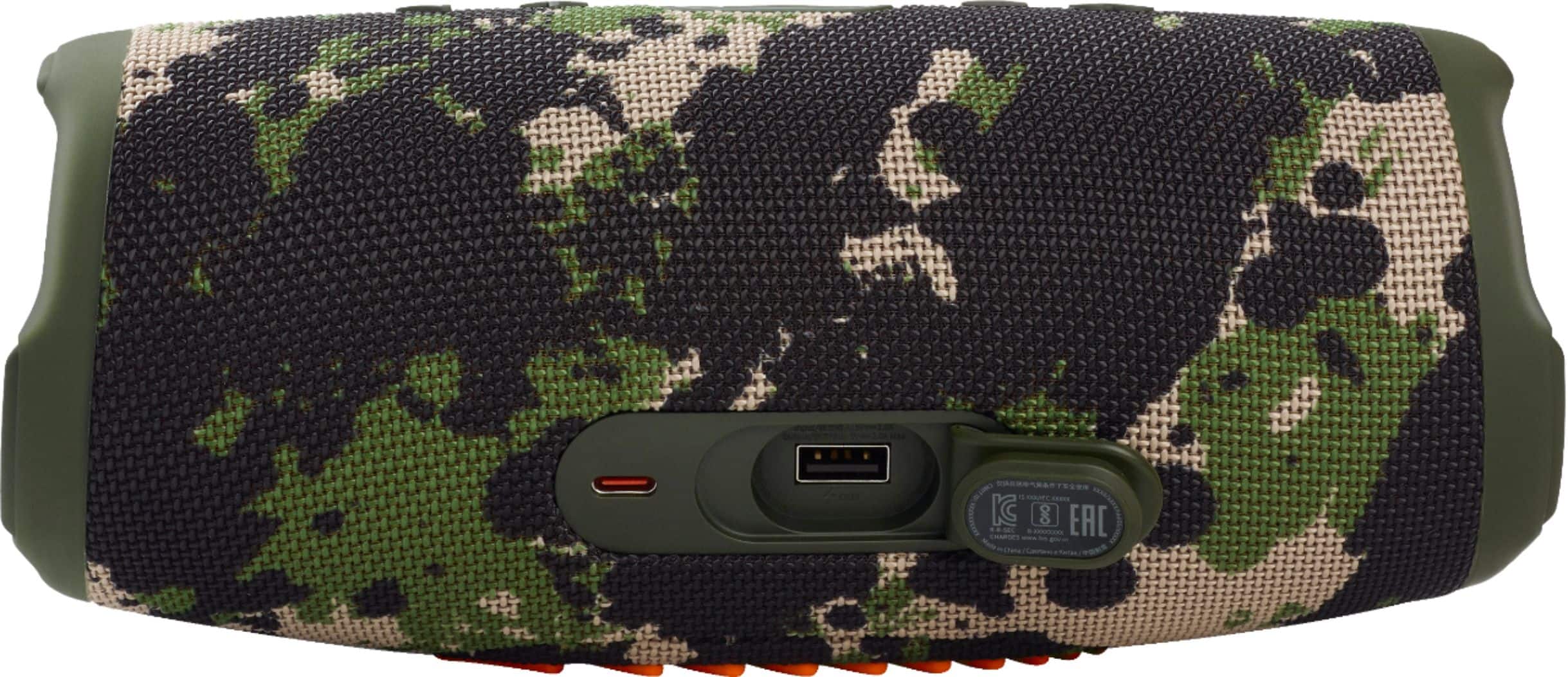
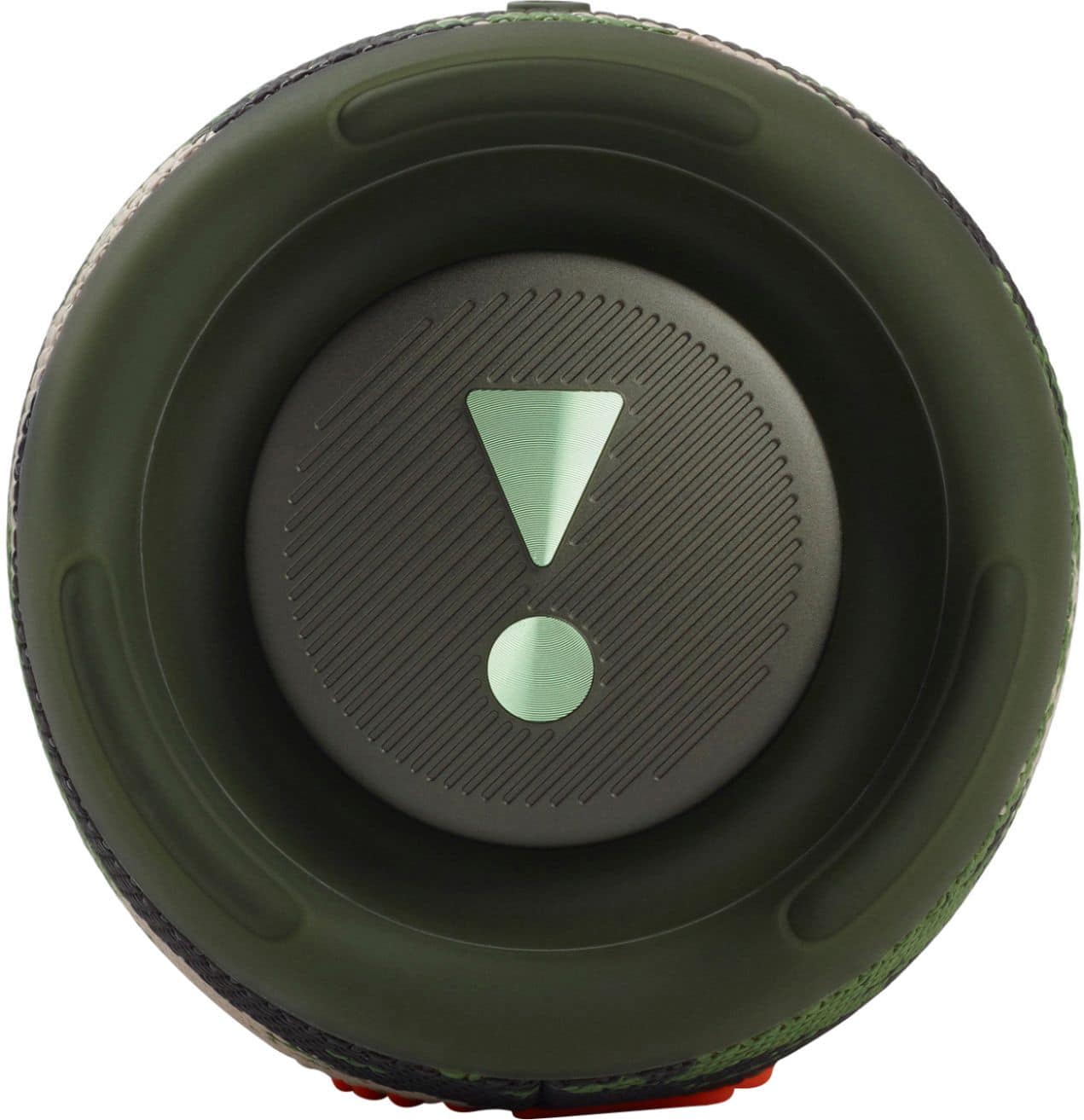
A:AnswerThank you for your inquiry. Discover the JBL Charge 5's full potential. Find detailed specs, including max power output (30W RMS for Woofer and 10W RMS for Tweeter), in the Quick Start Guide. Our JBL Charge 5 is a mono speaker with a 52mm x 90mm woofer and a 20mm tweeter. It delivers powerful and immersive sound, though it may not have the same sound separation as a stereo system.
A:AnswerIf you want to charge something, plug the u s b part in to the speaker and the c part into whatever you want to charge. If you're charging the speaker, it's vice versa
A:AnswerNot Sure About Compatibility with Alexa I'm Not A Subscriber . Best Buy with the purchase of the Charge 5 Includes a FREE 4 Month Subscription to Sirius XM FREE For 4 Months