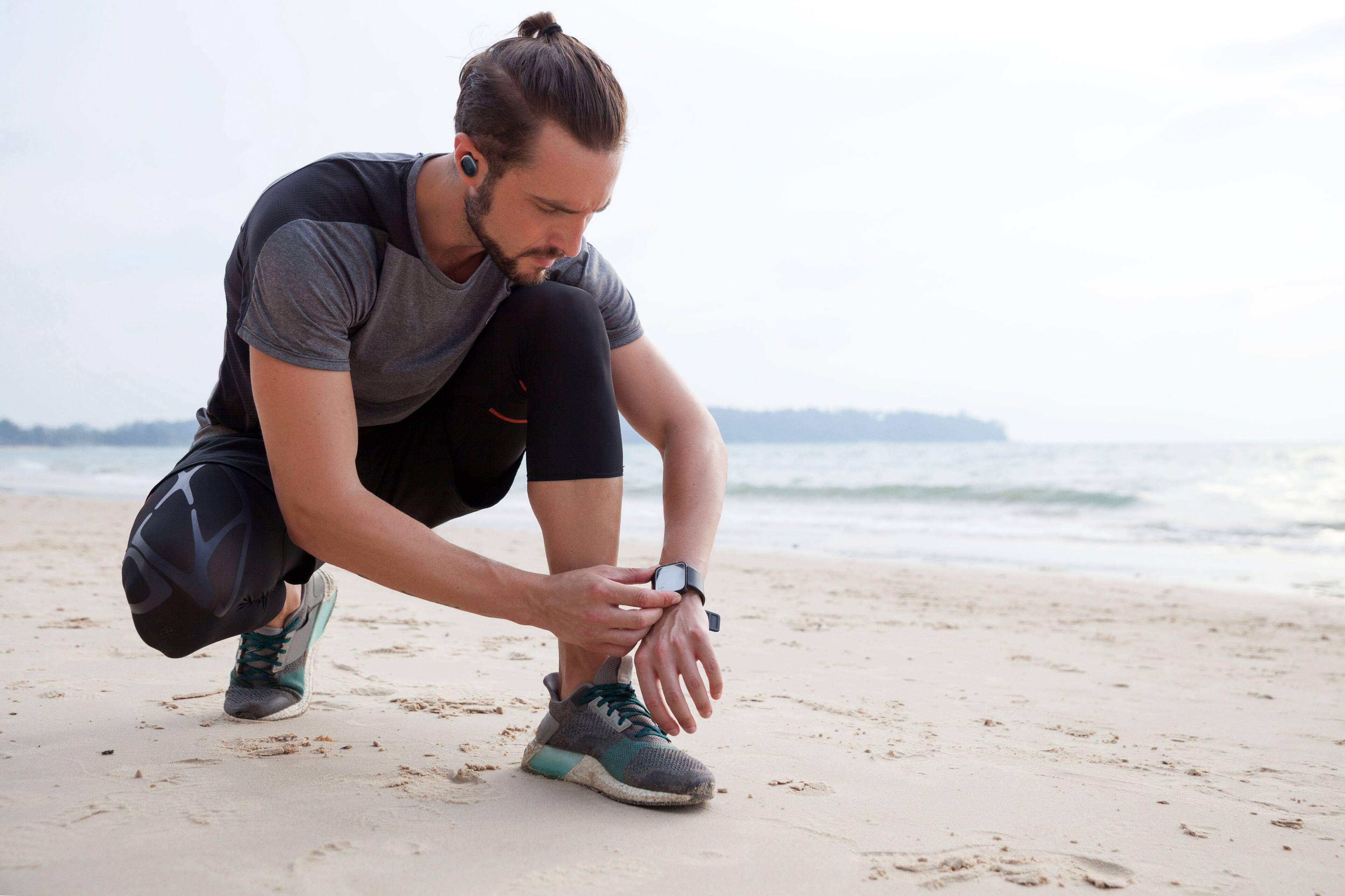
A:AnswerOur JBL Endurance Race TWS are primarily used for listening to music from source devices; we recommend getting earplugs or ear protection equipment instead.
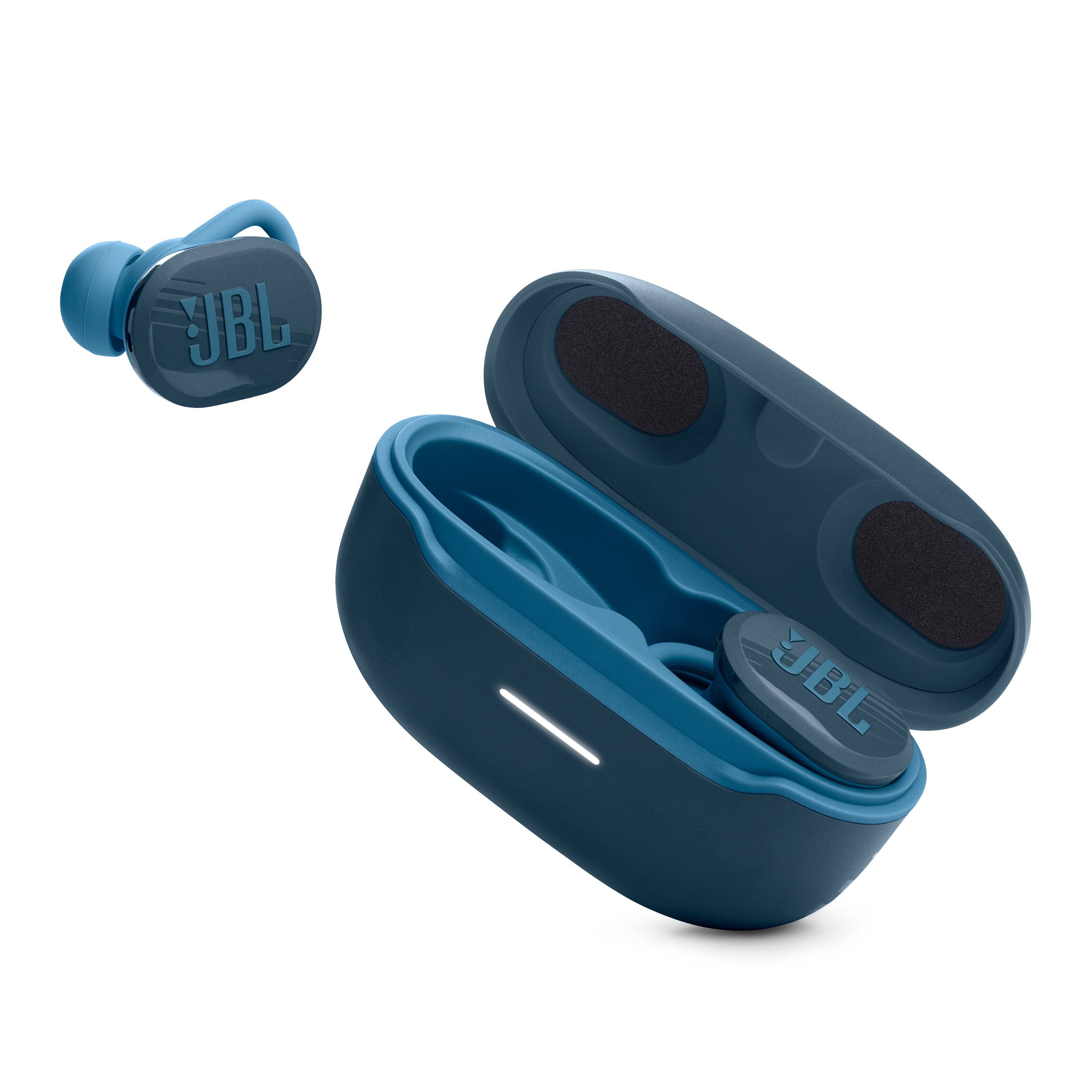
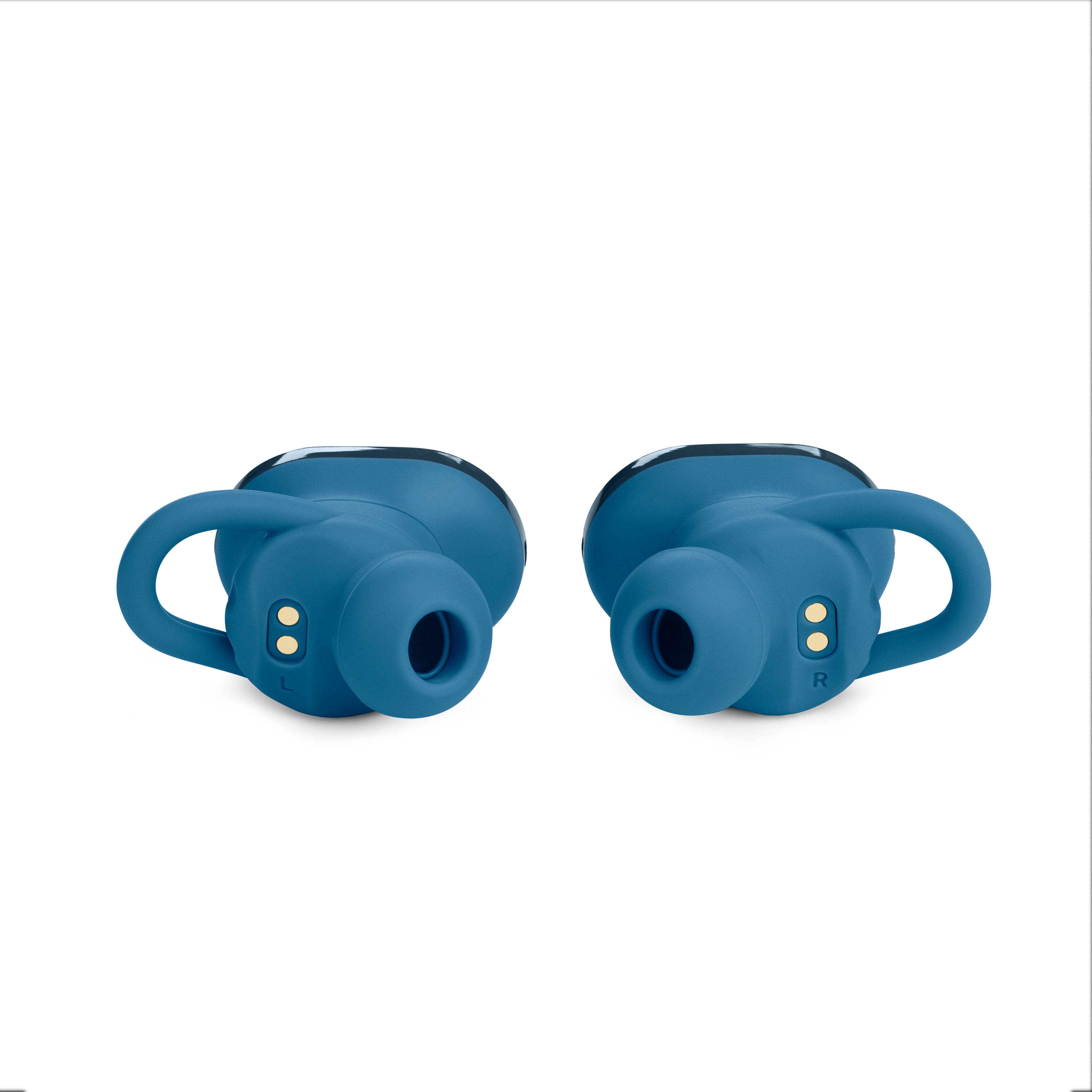
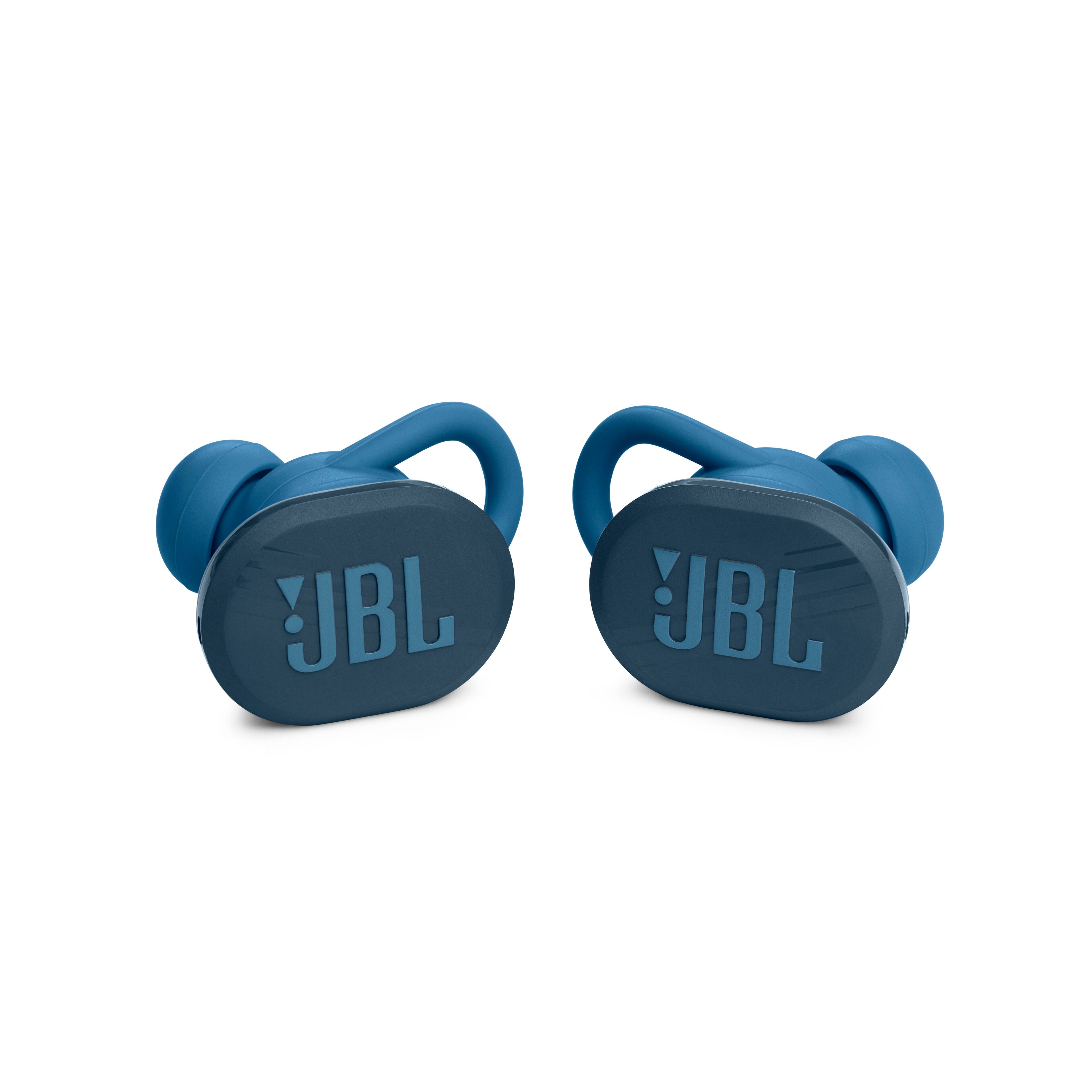
A:AnswerThanks for your inquiry. If you're looking for a replacement Right earbud for your JBL Endurance Race, please contact JBL Customer Support for its pricing and availability.
A:AnswerOur JBL Endurance Race is compatible with laptops/PCs, both Mac and Windows. Make sure that your laptop/PC has the latest Bluetooth driver (software) and should support the following Bluetooth protocols, A2DP and AVRCP. To download the correct driver (software), visit the manufacturer's website of your Computer/PC/Laptop. They usually have a "Support/Download" section where you can find the correct driver. Otherwise, contact their support.
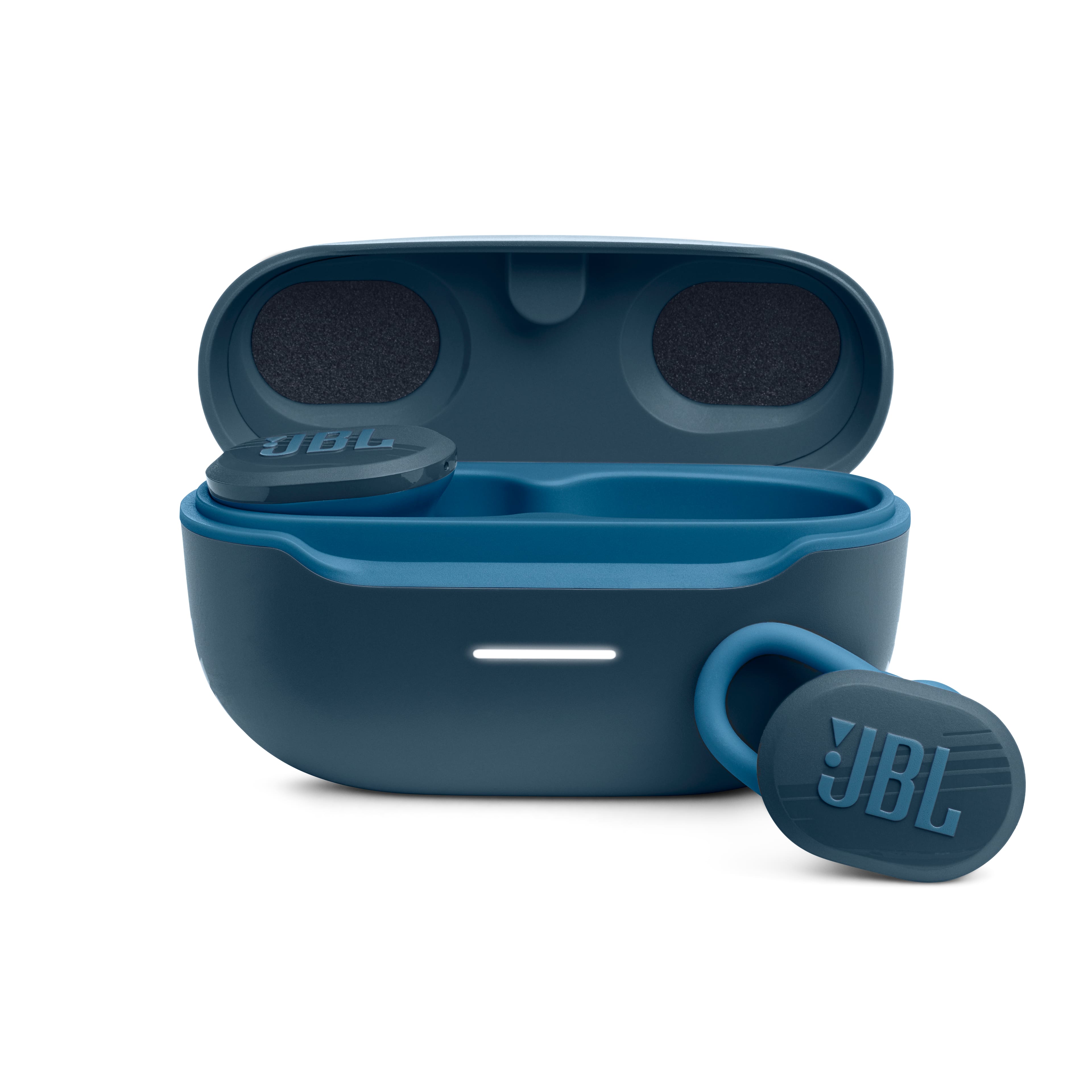
A:AnswerSince our JBL Endurance Race's Bluetooth version is backward-compatible, it should be compatible with your iPod 7th generation. Please try to pair your JBL Endurance Race to another source device to see if it works, if there are still no sound, it is best to contact our customer support to try more troubleshooting steps.
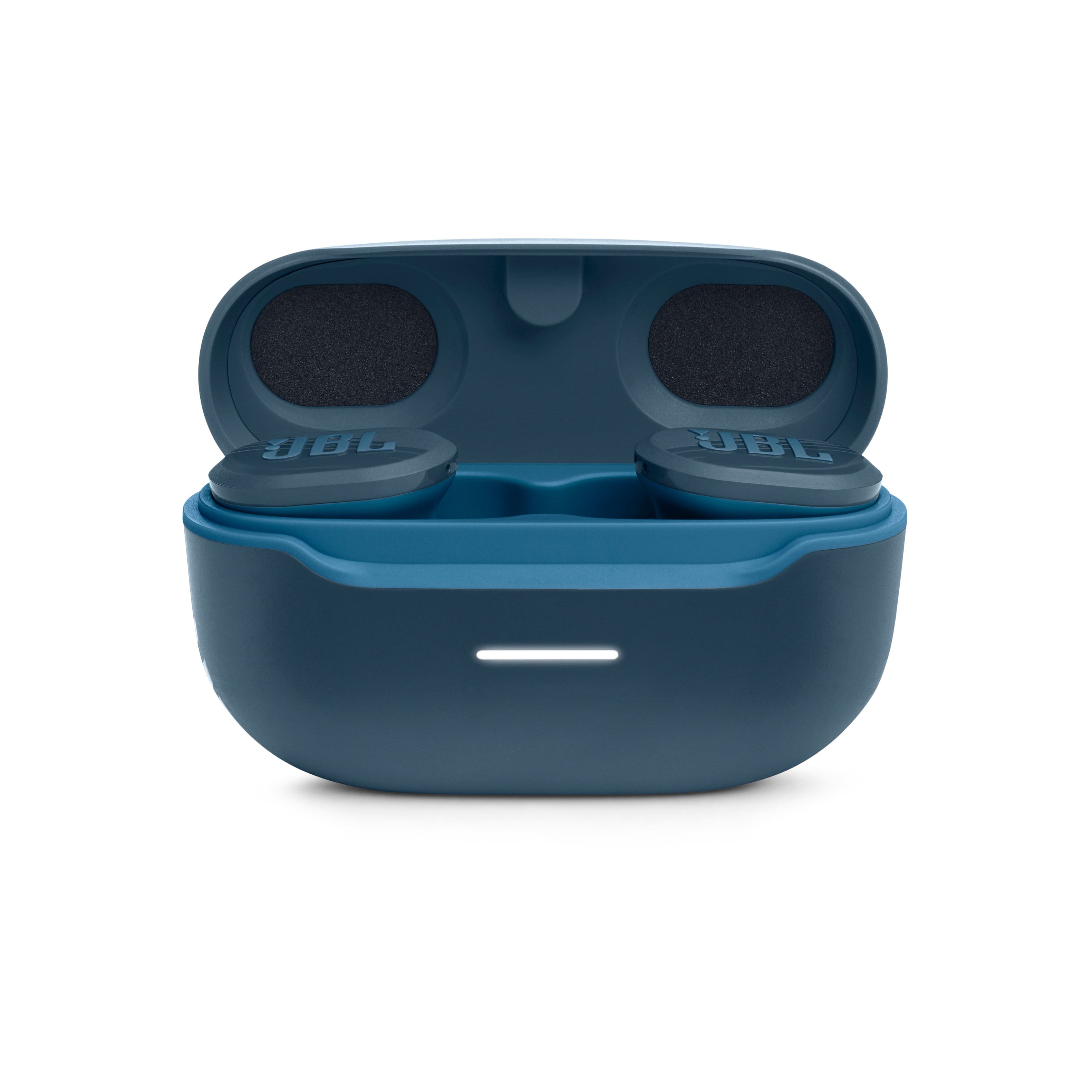
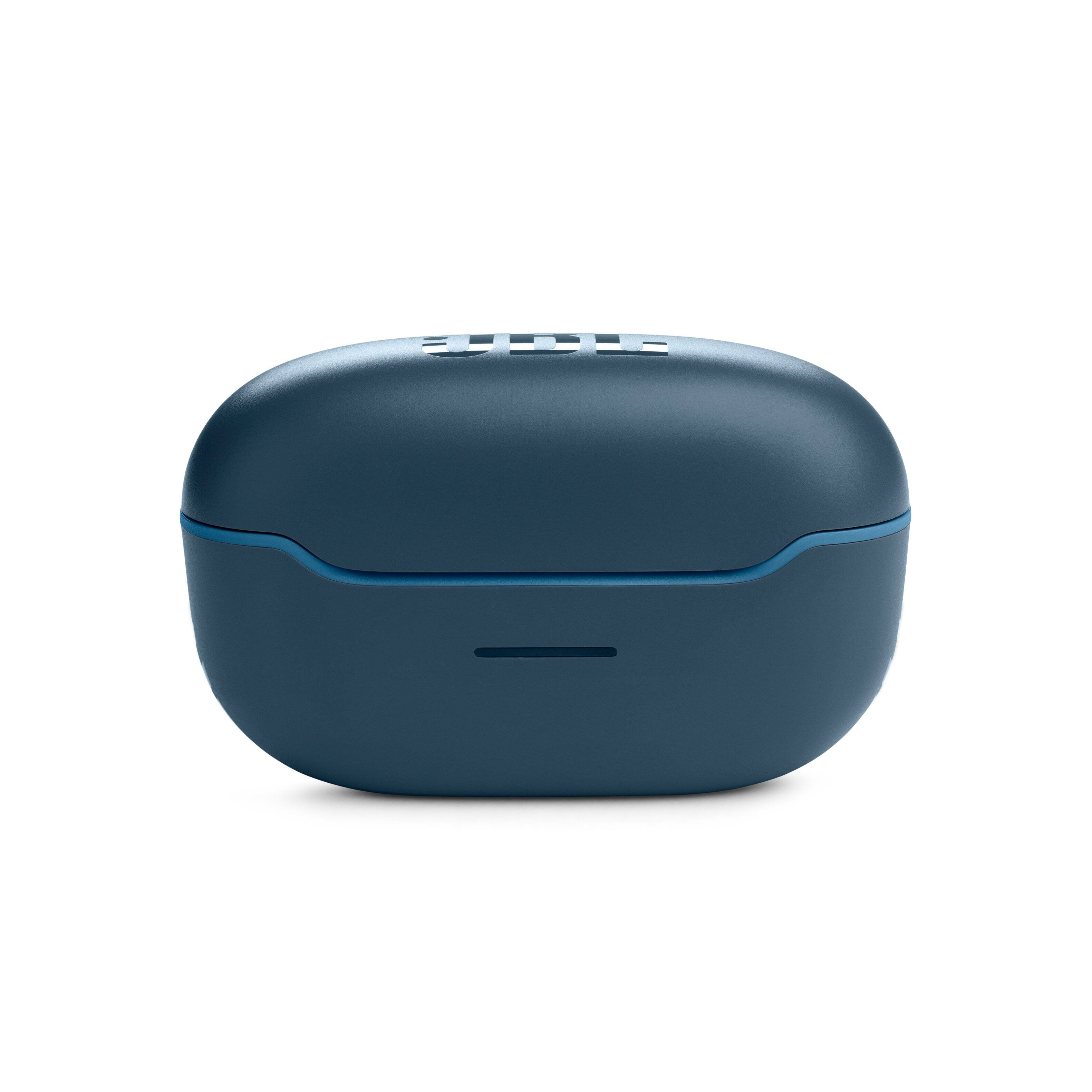
A:AnswerYes, you will be able to charge your Endurance Race earbuds with a new case. For replacement part orders and availability for your JBL Endurance Race, please contact Customer Support so that we can assist you with your part inquiries.
A:AnswerYes, all of our products come with one year warranty when purchased new from an authorized retailer, issues like the one you mention would be covered by it.
A:AnswerWe recommend our JBL Endurance Dive, aside from being waterproof, it also features a built-in MP3 player that is perfect for swimming activities but you may also use the Bluetooth function of this device.