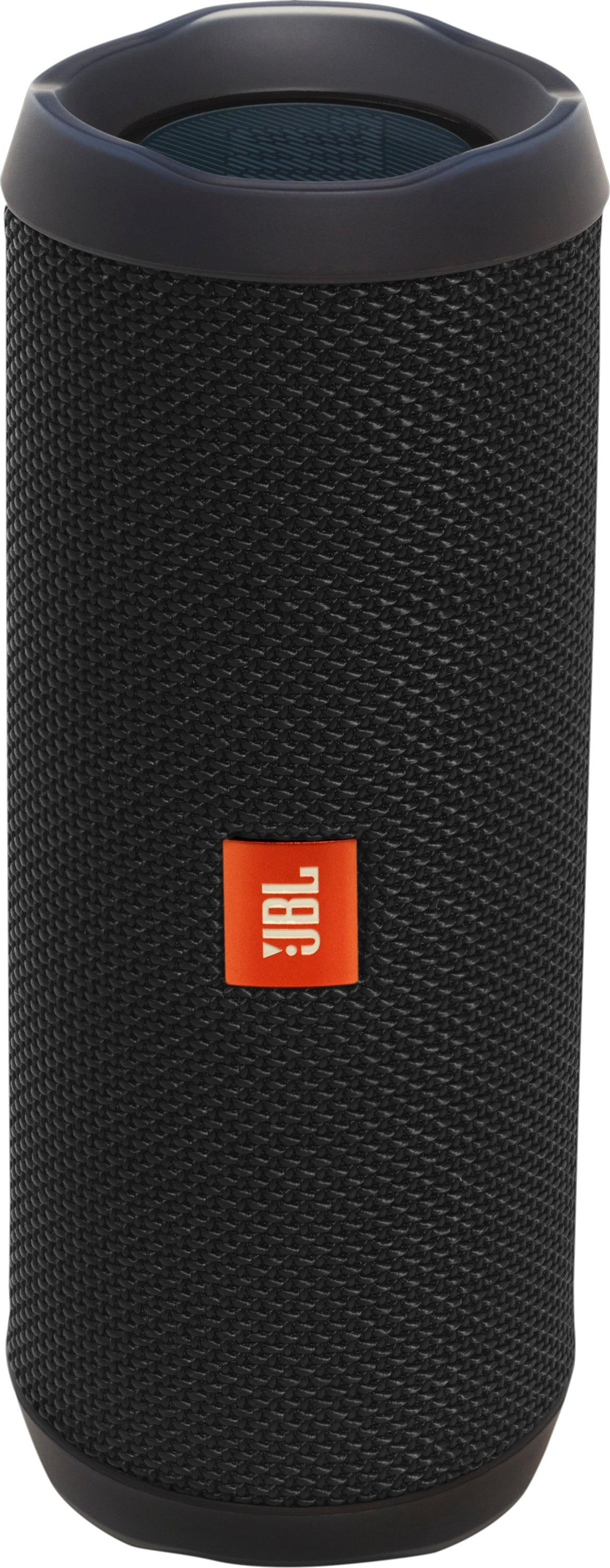
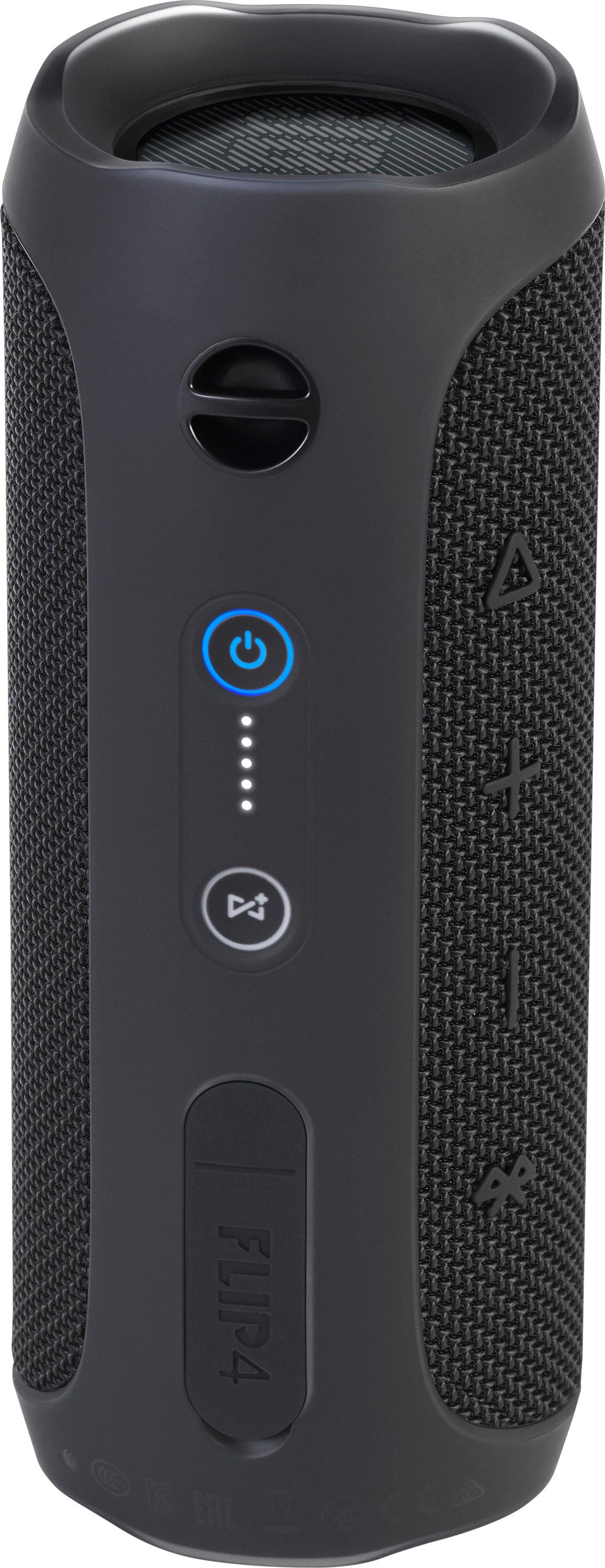
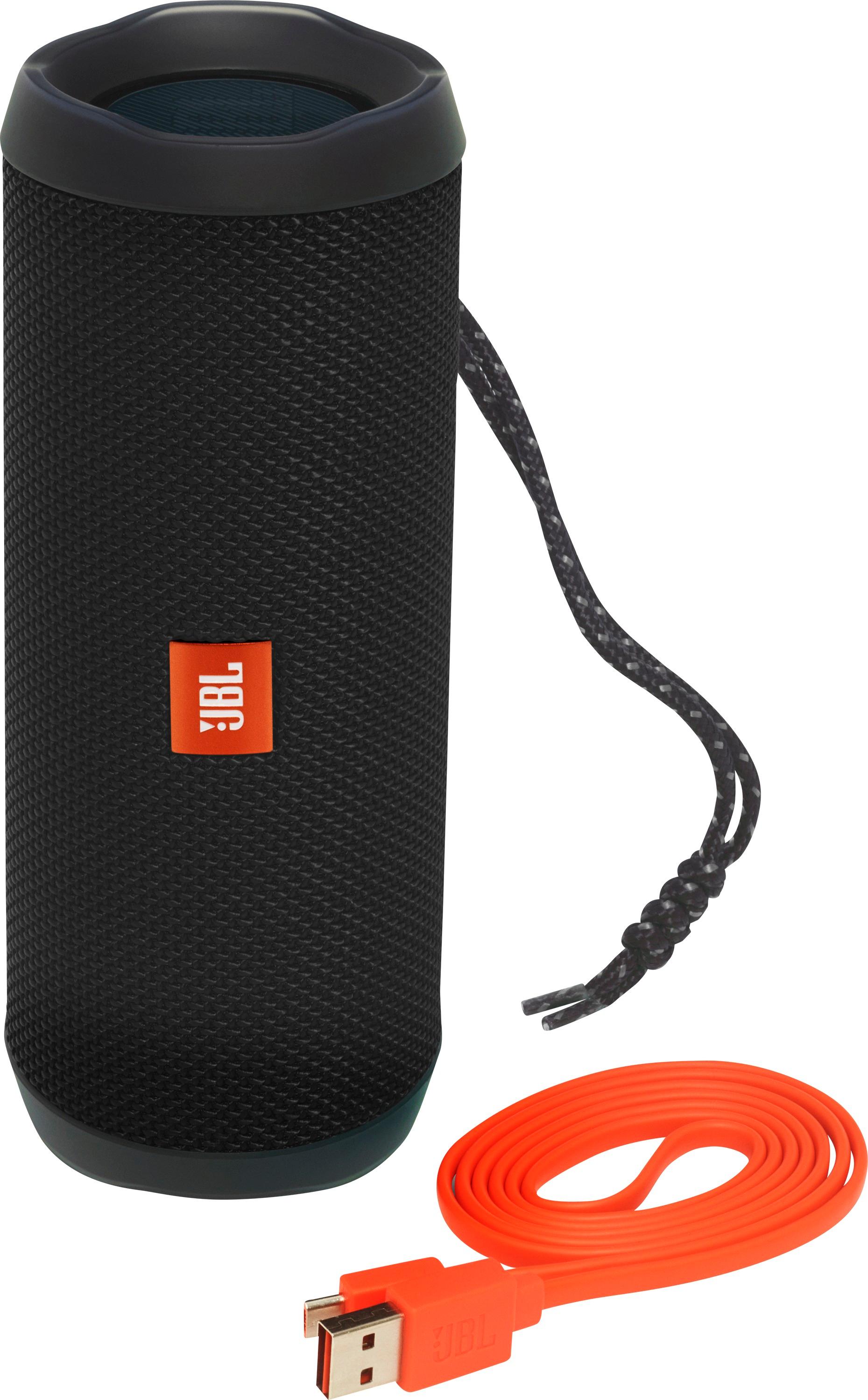
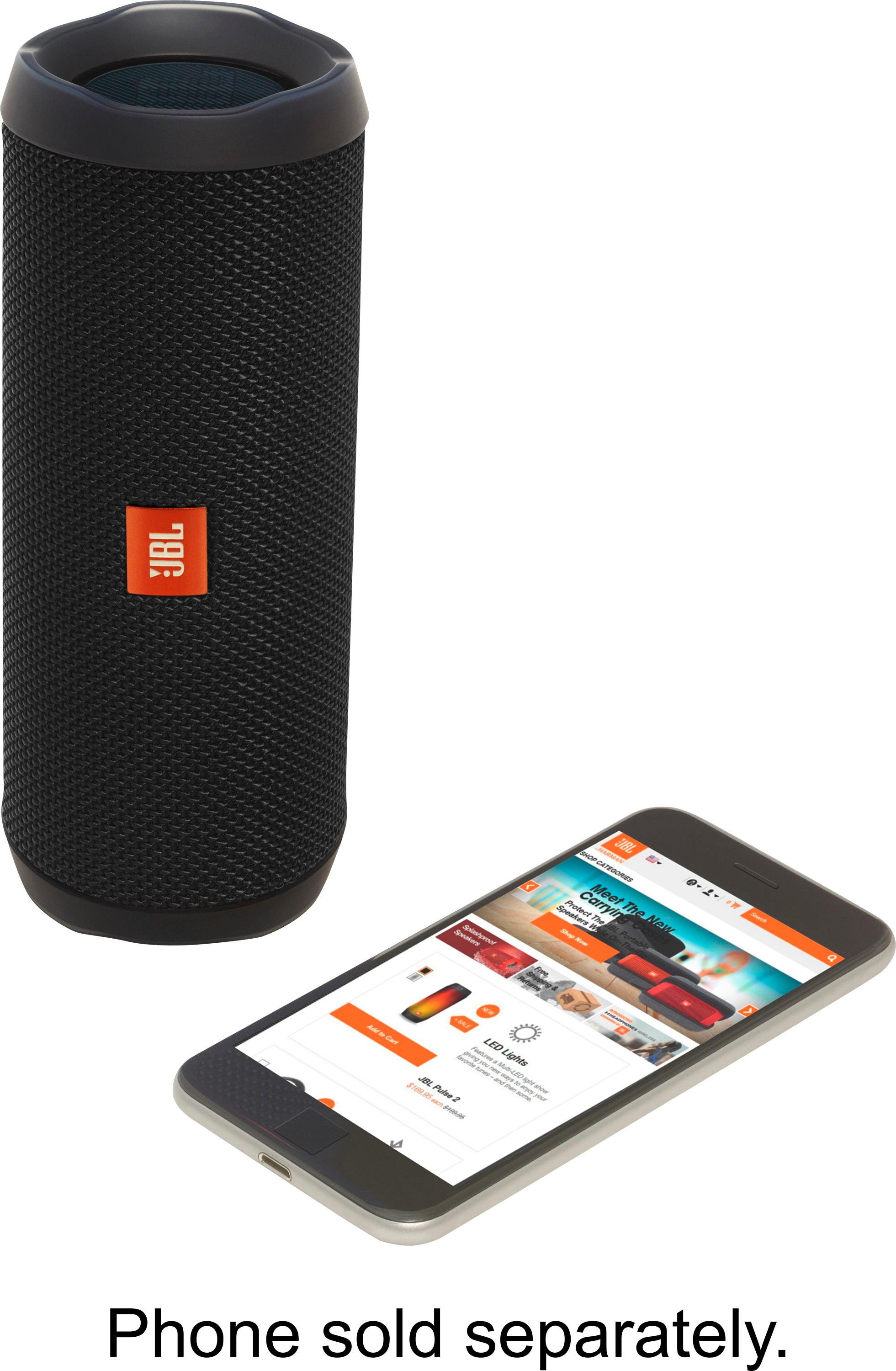
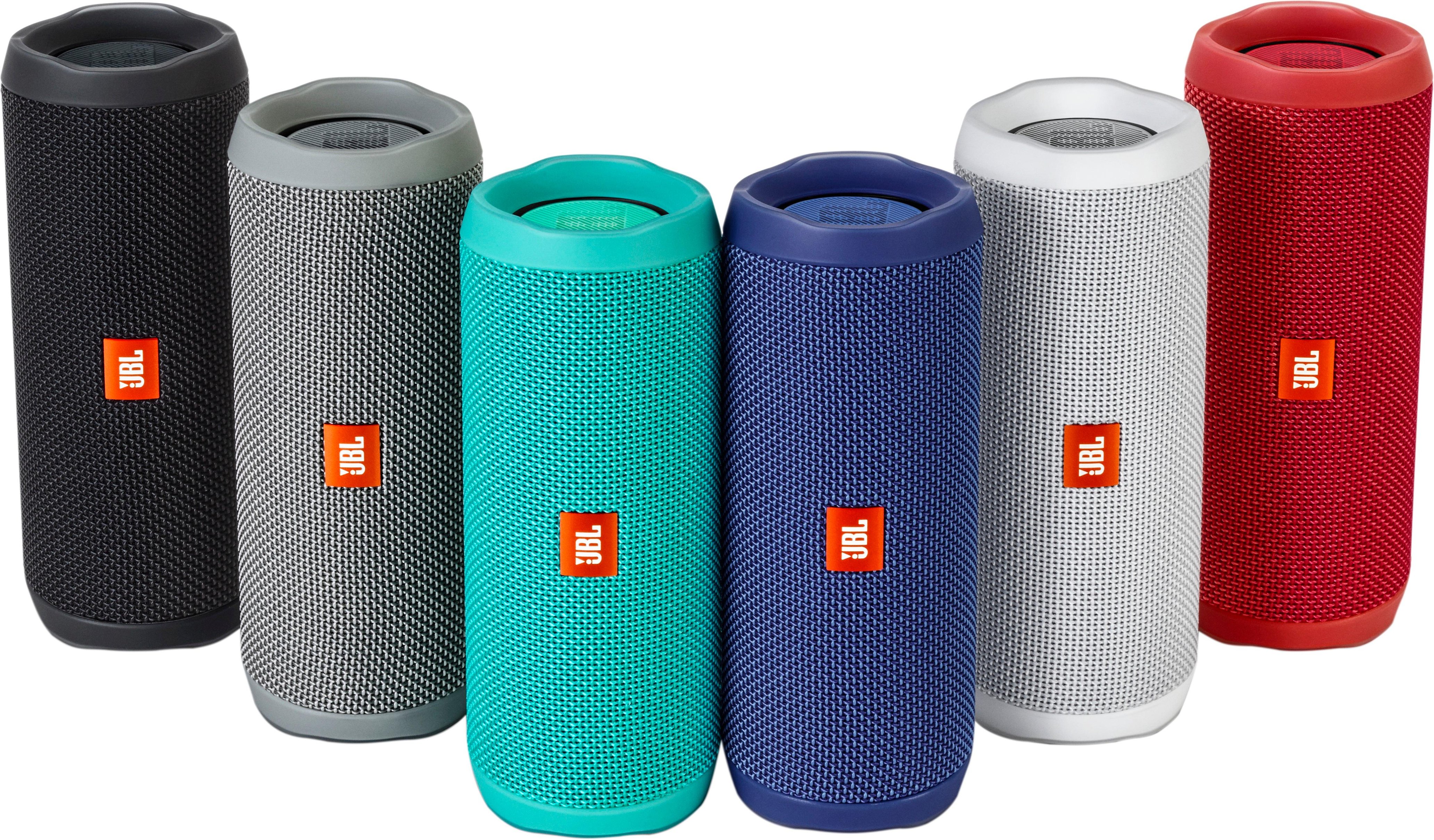
A:AnswerTurn JBL Flip 4 on . Press the bluetooth button. On your iphone make sure bluetooh is on and search for JBL Flip 4. Pair it and once connected you should hear a chime to confirm your conneced wirelessly. Speaker also has an aux port, but need to buy the cable seperate.
A:AnswerI've only tested Flip 4, Flip 5 and Charge 4. The Flip 4 easily connects to Charge 4 speaker. They have same software from what I was told. I tried connecting Flip 4 with Flip 5 and didn't have any luck. Different software.