A:AnswerIt is hard to say, however I have used my speakers at the beach multiple times in 85+ degree weather sitting in the sun. It did not damage the speaker whatsoever. I even left one out in the rain at night. These things are super durable. I would expect it would be fine.
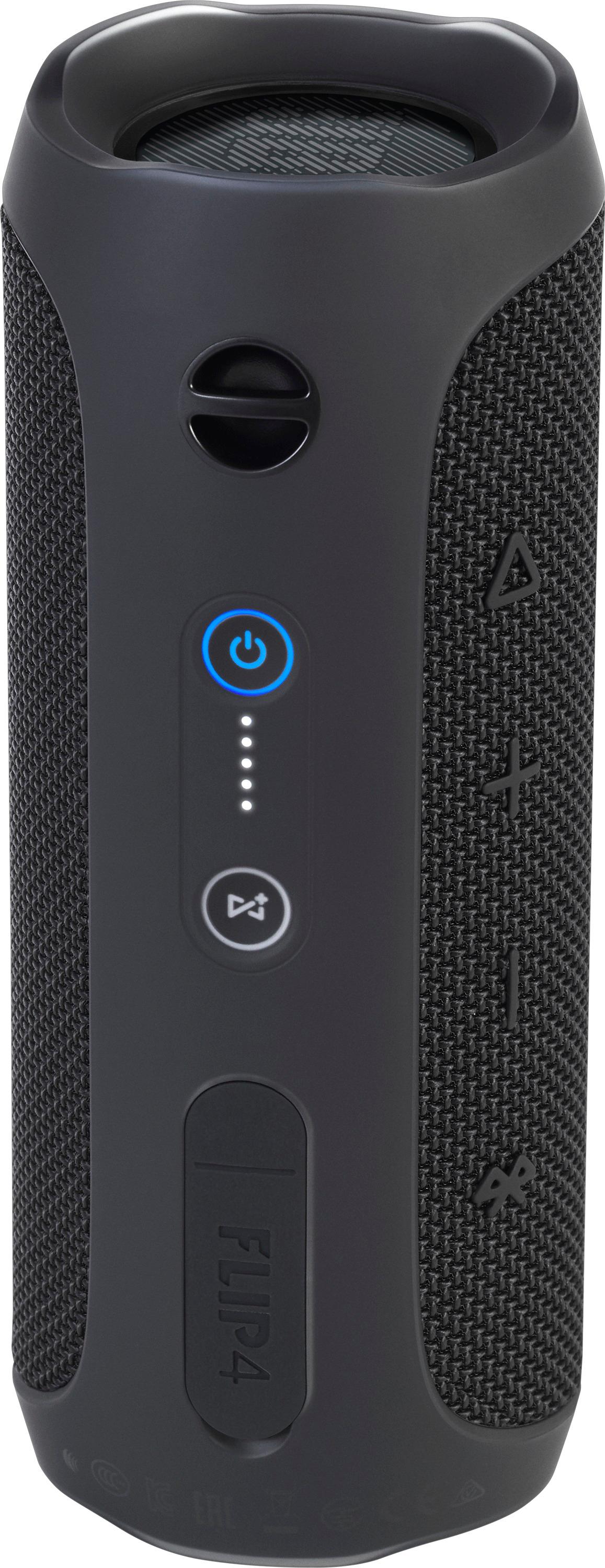
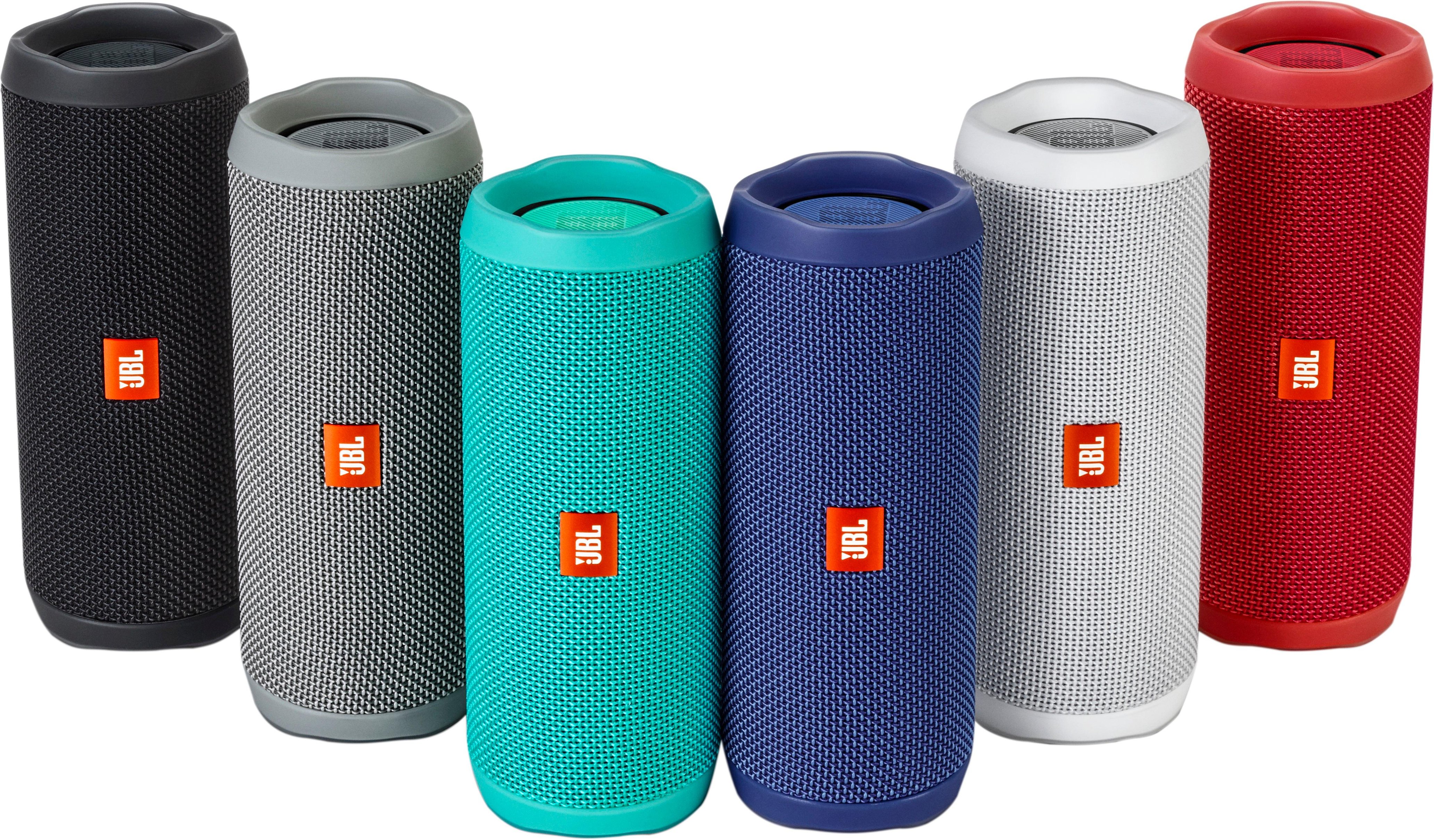
A:AnswerA blinking blue LED on our JBL Flip 4 means it's in Bluetooth pairing mode, while a Blinking white light means it's in Standby. https://bit.ly/2Q1d8px
A:AnswerYeah, same with mine. Battery just died. Would not work even plugged in. I tried to replace the battery, but something was damaged, so now the Bluetooth won't work. JBL was no help.
A:AnswerOur JBL Flip 4 is in mono when you'll be using it on its own. The stereo mode is only available if you'll be pairing two Flip 4's using the Connect + feature via our JBL Connect App. You can use any 3.5 mm auxiliary cable and the output will still be in mono. This setting can't be modified. If you have more questions, please reach out to our Customer Support. https://support.jbl.com/us/en/
A:AnswerJBL Flip 4 has lithium-ion batteries that have smart circuits. This means that when you're using the unit while it's plugged, it will not affect the battery performance since the circuits will automatically go into trickle charging.
A:AnswerI doubt it. A quick call to the geek squad would tell you. My battery didn't last very long at all before total failure. Replacement wasn't simple and now my Bluetooth connection won't work. It sucks that this nice device was given a short term battery.
A:AnswerAbsolutely. More of the newer models also have the group play feature through the jbl app. I sold these in my previous job and also have one myself.