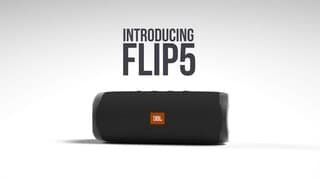
A:AnswerI would say yes probably but it does not have much low end especially at loud volumes. I have 2 of these and you can sink them and play them together and add more volume if needed.
A:AnswerNo, the sound will only come out of your headphones. There are no wired inputs on our JBL Flip 5. The only way to play music through it is by using Bluetooth from a source device.
A:AnswerOur JBL Flip 5 has an output power of 20W RMS. For more information, check it out here: https://www.jbl.com/bluetooth-speakers/JBL+FLIP+5-.html
A:AnswerYeas. JBL Flip 5 has an IPX7 rating. Meaning it's waterproof and can withstand being submerged in water for a depth of one meter up to 30 minutes.
A:AnswerThanks for your inquiry. When you're playing music on your JBL Flip 5 and receive a phone call, the music will pause, and the call will come through directly on your phone. If you're interested, we have the JBL Xtreme 2, which includes a speakerphone feature so you can take phone call with the speaker.
A:AnswerThanks for your question. Our JBL Flip 5 is designed to connect to phones and tablets via Bluetooth. It appears your device is not supported by Bluetooth, which is why it won't connect.
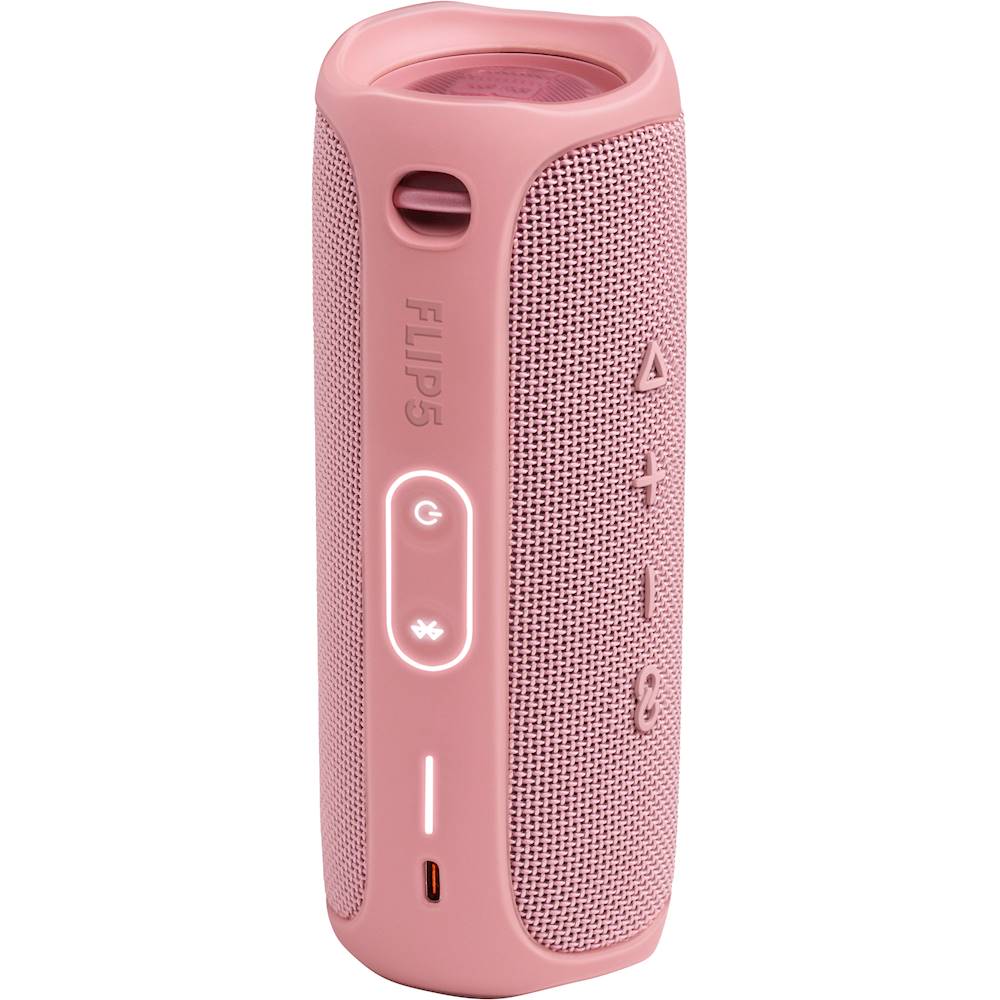
A:AnswerThanks for your question. To pair the unit, simply turn it on and press the Bluetooth button to activate pairing mode. Then, enable Bluetooth on your phone or iPad, search for "JBL Flip 5," and select it to connect. If you need further assistance, please contact us at (800) 336-4525.
A:AnswerIt comes with a USB charging cord. A white light on the side flashes its charging level. A full charge at max volume gets about 7 hours. At work i leave it charging while it plays all day.