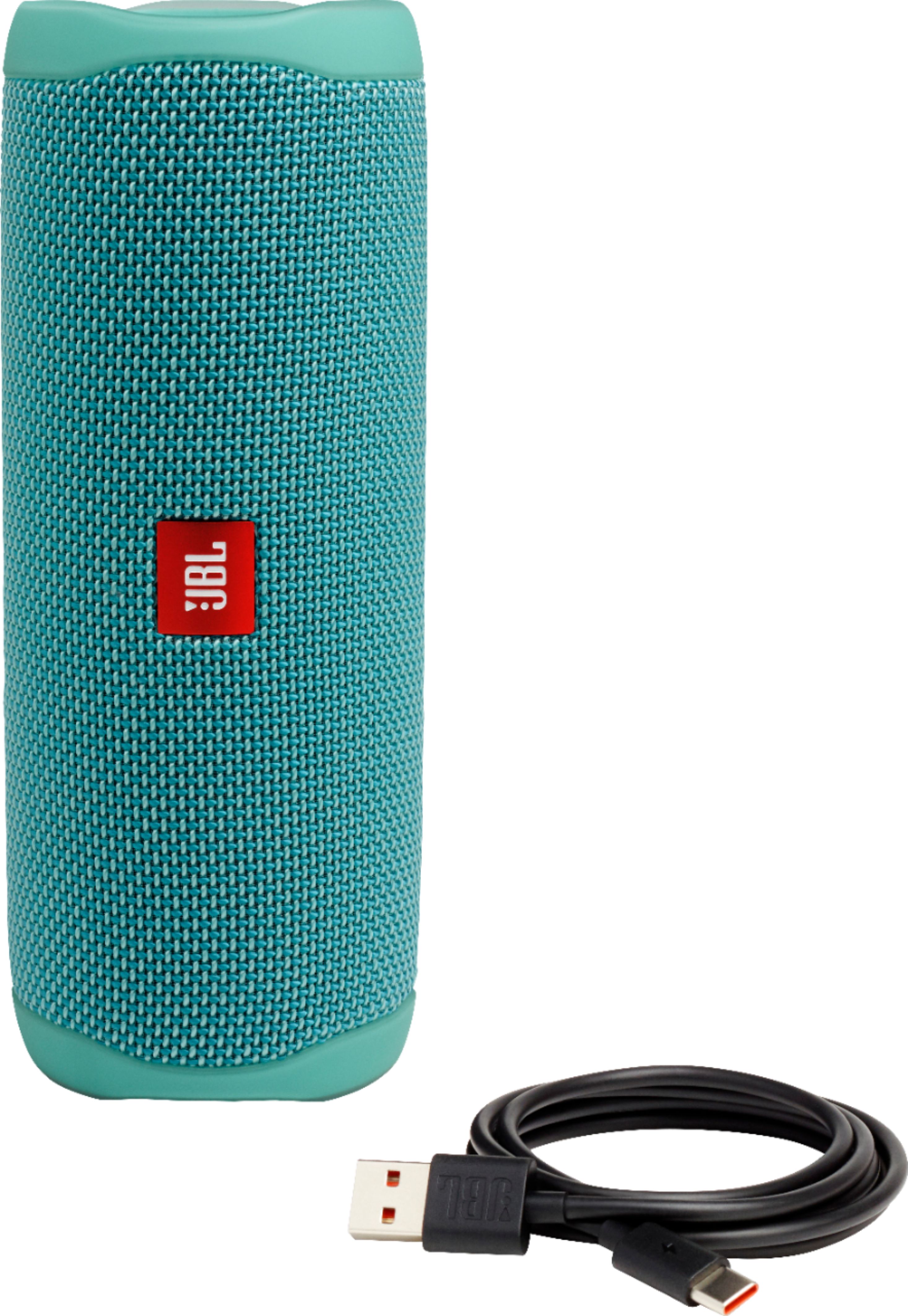
A:AnswerWe're sorry to hear about what happened. Please try using a different Type-C USB charging cable and wall charge to check if this can help fix the problem. Try charging the speaker to a different power outlet to check if the speaker will charge and power on. If the problem persists, there could be a problem with the battery or the internals of the speaker. Please contact us, so we can assist you in checking your options: https://support.jbl.com/us/en/#contact
A:AnswerOur JBL Flip 5 doesn't have a magnet to have it attached to surfaces. You may check custom mounts from third-party sellers for your JBL Flip 5.
A:AnswerOur JBL Flip 5 is a mono speaker with 20 Watts RMS. You can sync this speaker with another speaker using partyboost to create surround sound if desired.
A:AnswerOur JBL Flip 5 is designed for music. It can't receive calls since it has no mic and speakerphone function. However, you may check our JBL Flip 4 which has a built-in microphone that can be used as a speakerphone.
A:AnswerOur JBL Flip 5 can only be set up in stereo mode with our JBL Portable app via phone or tablet. Our JBL Portable app is the only one that has the option to set a PartyBoost speaker to stereo mode. Unfortunately, it's not available for smart TVs.
A:AnswerYou could buy a USB power adapter from any big box stores. Please make sure to get a minimum rating of 3 Ampere. Getting a lower current rating will make the charging slower.