A:AnswerYes, as long as your devices support bluetooth connections. This headset will work for you. The iphone I am sure, you have to check to see if your TV is bluetooth enabled.
A:AnswerI think if you have an iPhone, you have to download the Google Assist app from the iTunes App Store… but if you have an iPhone, why not just use Siri?
A:AnswerYes, JBL Live 500BT will work even when the has a low battery and will be plugged to the device. The headphones will take in power from the device where it's connected with. If you have further questions, please reach out to our Customer Support. https://www.jbl.com/support-contact.html
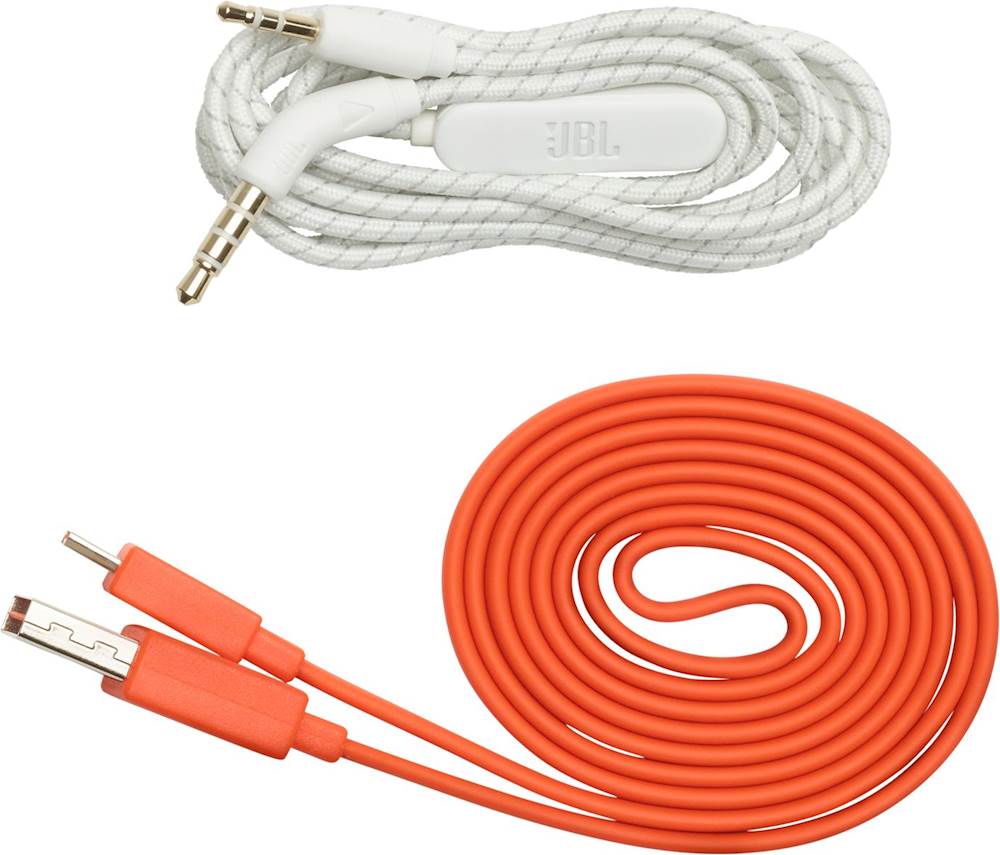
A:AnswerIts a micro USB. Charging cable comes in the package. Can plug other end into a USB 2 or 3 charger or charging port.
Can not use while charging, but charges pretty quickly
A:AnswerThanks for posting a question. Our JBL Live 500BT headphones should work fine with your player as it is backwards compatible with older source devices with BT versions 4.0 and 4.1.
A:AnswerYes, you may use any USB charging cable, either way you may contact our JBL Support Team to purchase the original charging cable of your JBL Live 500 BT. You can call us now at: (800) 336-4525
Mon - Fri: 9:00 am - 11:00 pm (EST)
Sat - Sun: 9:00 am - 5:00 pm (EST)
A:AnswerMicrosoft Windows 10 has known bugs and issues with it's Bluetooth drivers. Check with Microsoft updates if they have a fix or patch.
https://support.microsoft.com/en-us/help/14169/windows-10-fix-bluetooth-problems
A:AnswerJBL Live 500BT has Multi-point Connection, which allows you to switch seamlessly between two connected devices. Phone calls always take priority, so when a call comes in it would be heard on your headphones.