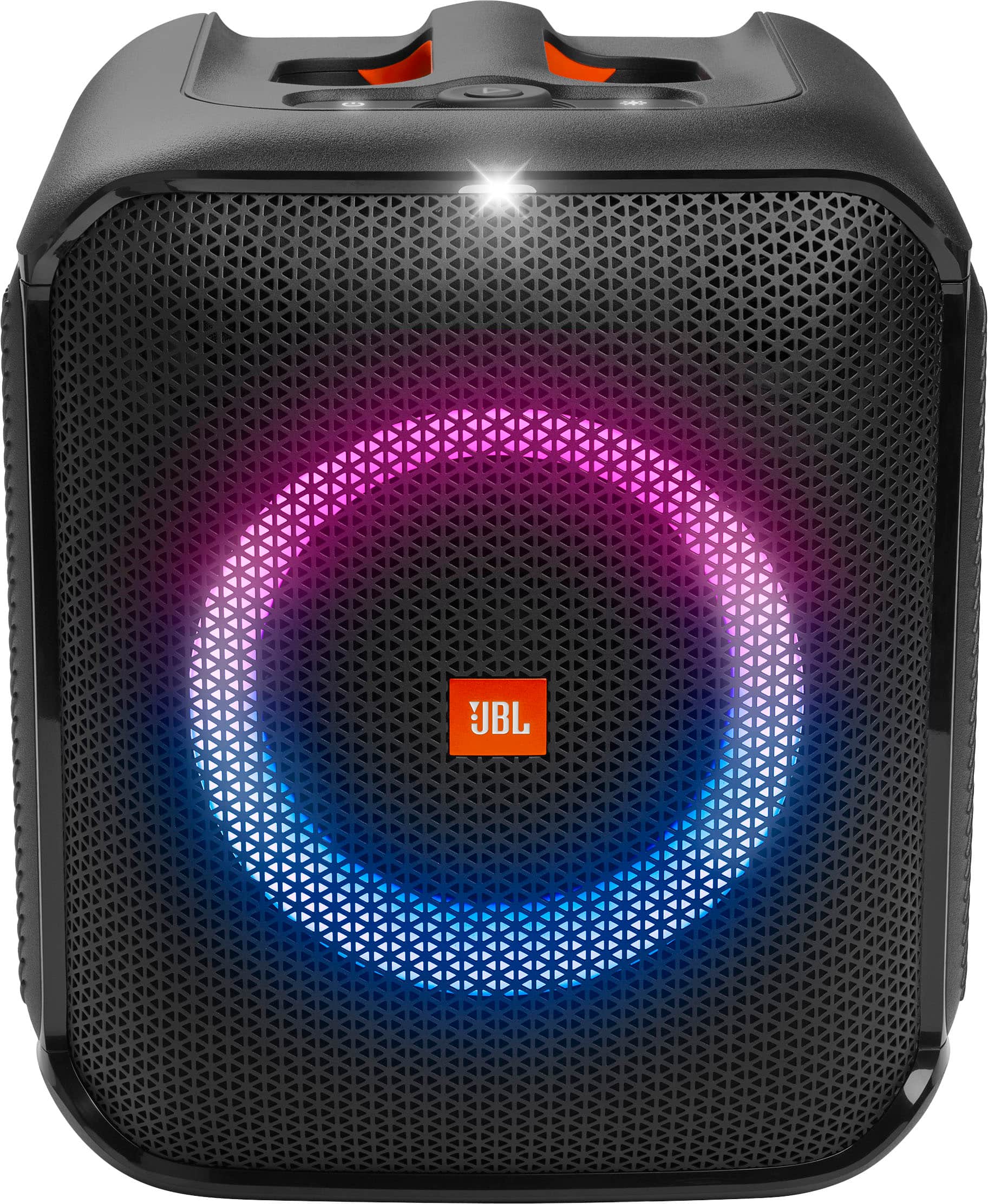
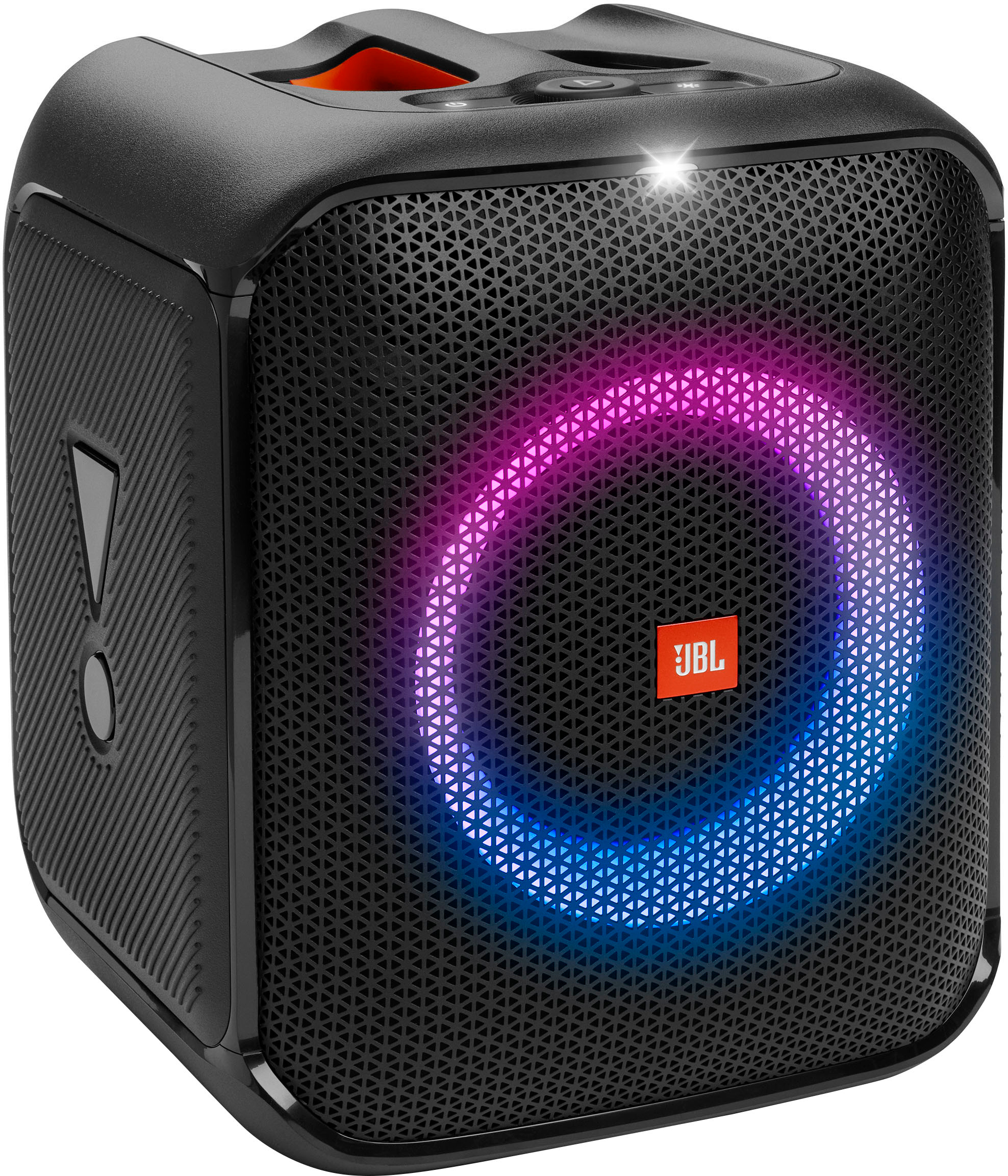
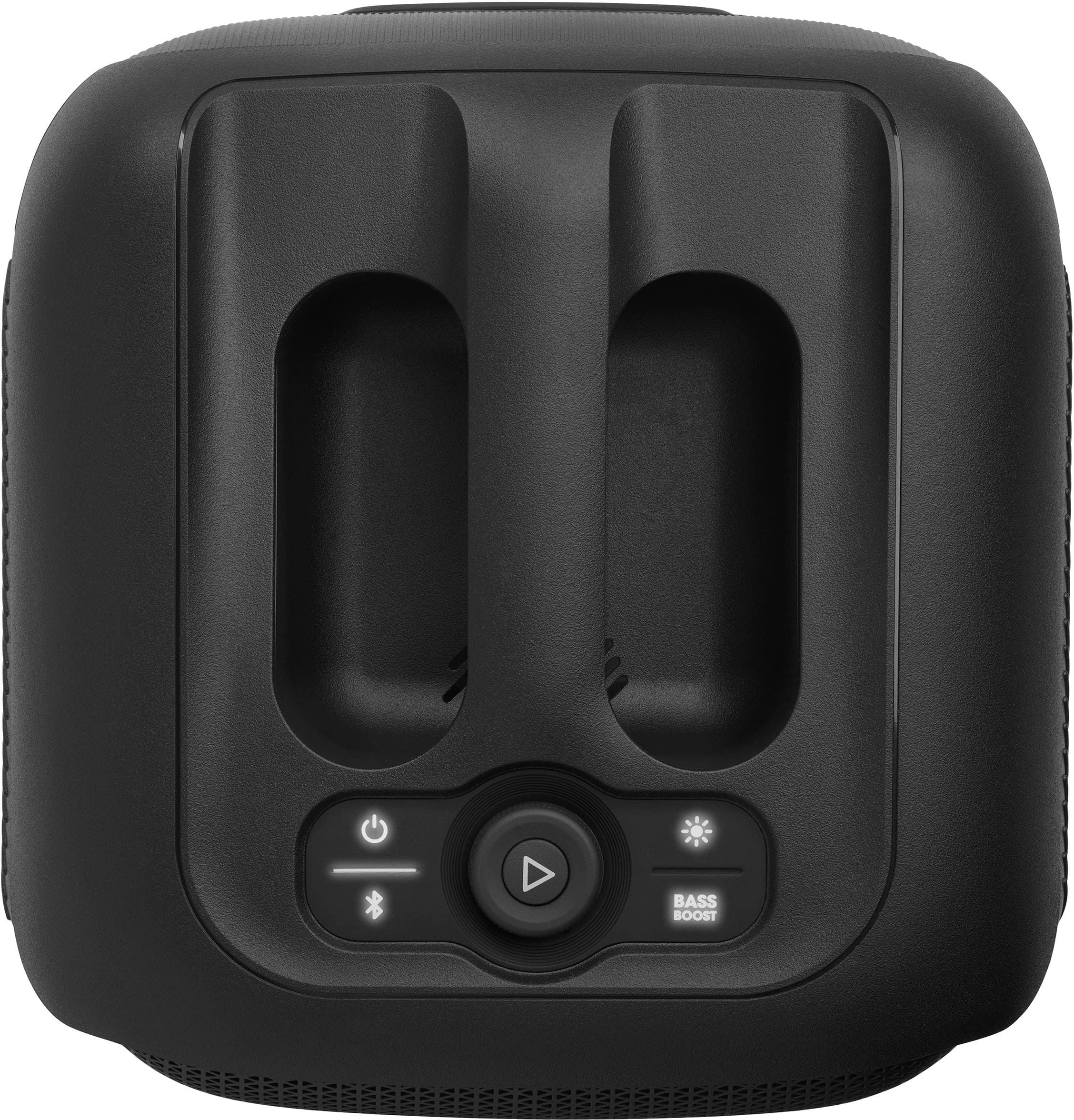
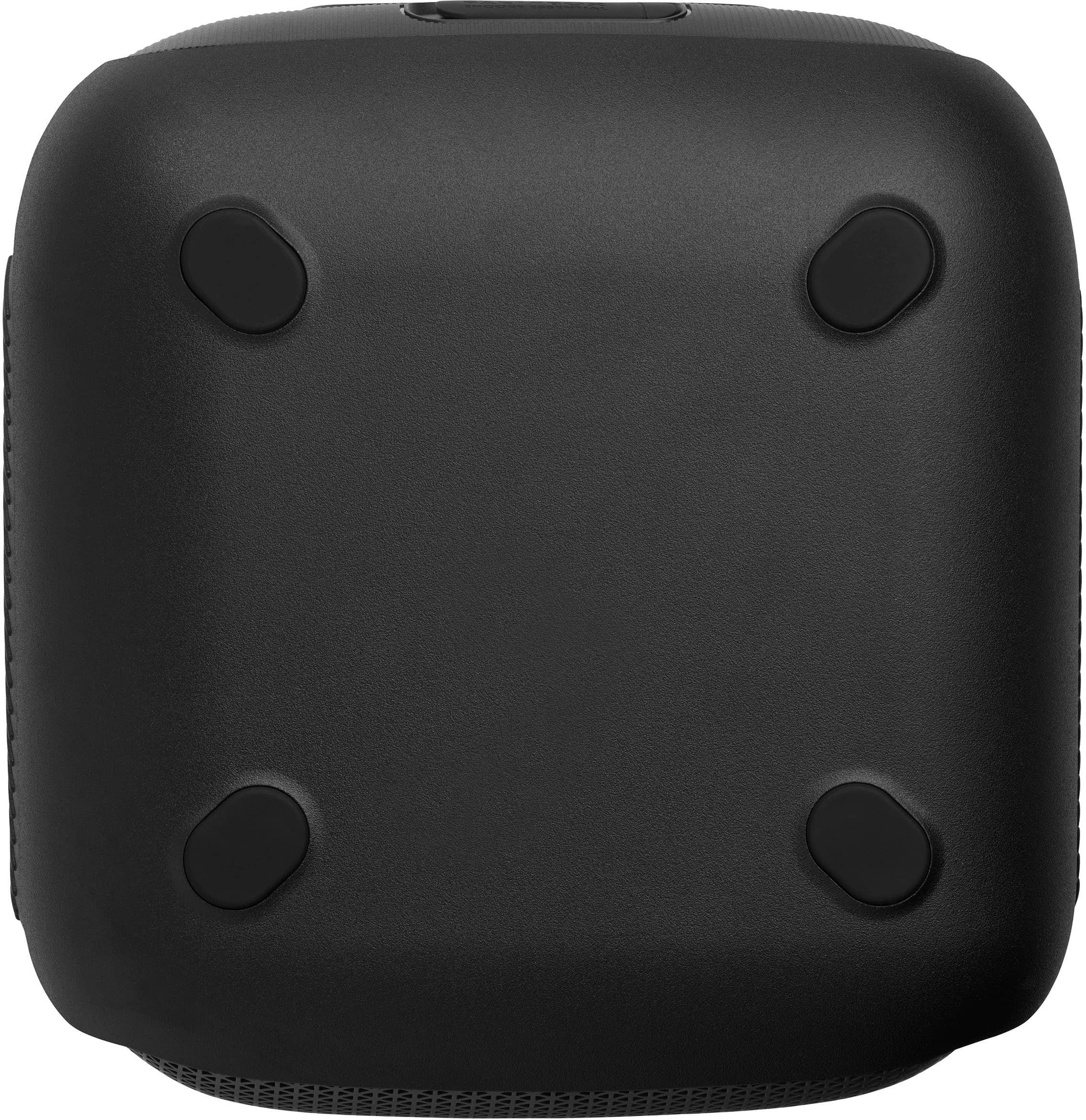
A:AnswerThanks for your question. Yes, our JBL Partybox Encore Essential allows you to adjust the echo, bass, and treble of the microphone sound. While it doesn't have a physical control knob, you can make these adjustments through the JBL Partybox App.
A:AnswerWe appreciate your interest in our products. Yes, you can connect your JBL Partybox Encore Essential via TWS connection to a JBL Partybox Encore. Also, if you have a JBL Partybox On the Go, you may connect it to the JBL Partybox On the Go Essential via TWS. If you have other questions, please contact our customer support.
A:AnswerThank you for your inquiry. Our JBL Partybox Encore Essential has a Figure 8 charging port and it is not possible to charge it with an USB cord since it will only charge to an AC power cord. If you have other concerns, feel free to contact our customer support.
A:AnswerThank you for your inquiry. We do not have replaceable battery for our JBL Partybox Encore Essential. If you need assistance with your speaker's battery, please contact us.
A:AnswerThank you for your feedback. Our portable speakers will work with one source device at a time. This means that if you would like to use the speaker with both an aux cable and Bluetooth, the priority of the connection will be the aux, and Bluetooth will not work simultaneously.
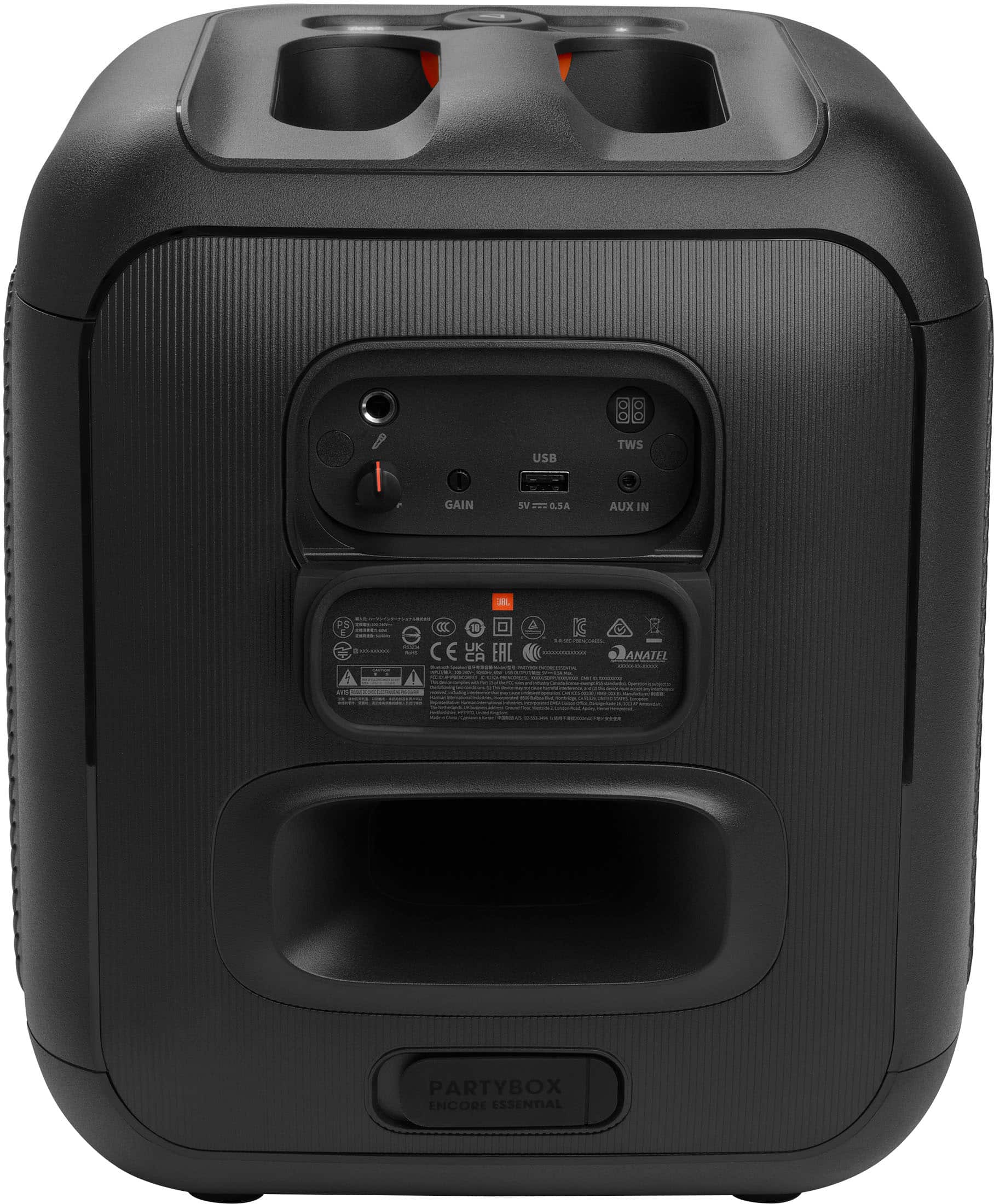
A:AnswerThanks for your inquiry. You can use our JBL Wireless Microphone from the PartyBox On-The-Go with the JBL PartyBox Encore Essential by connecting the wireless microphone's receiver to the microphone input on the PartyBox Encore Essential.
A:AnswerThank you for your question and for your interest with our JBL PartyBox Encore Essential. This unit comes with a continuous maximum output of 100 watts.