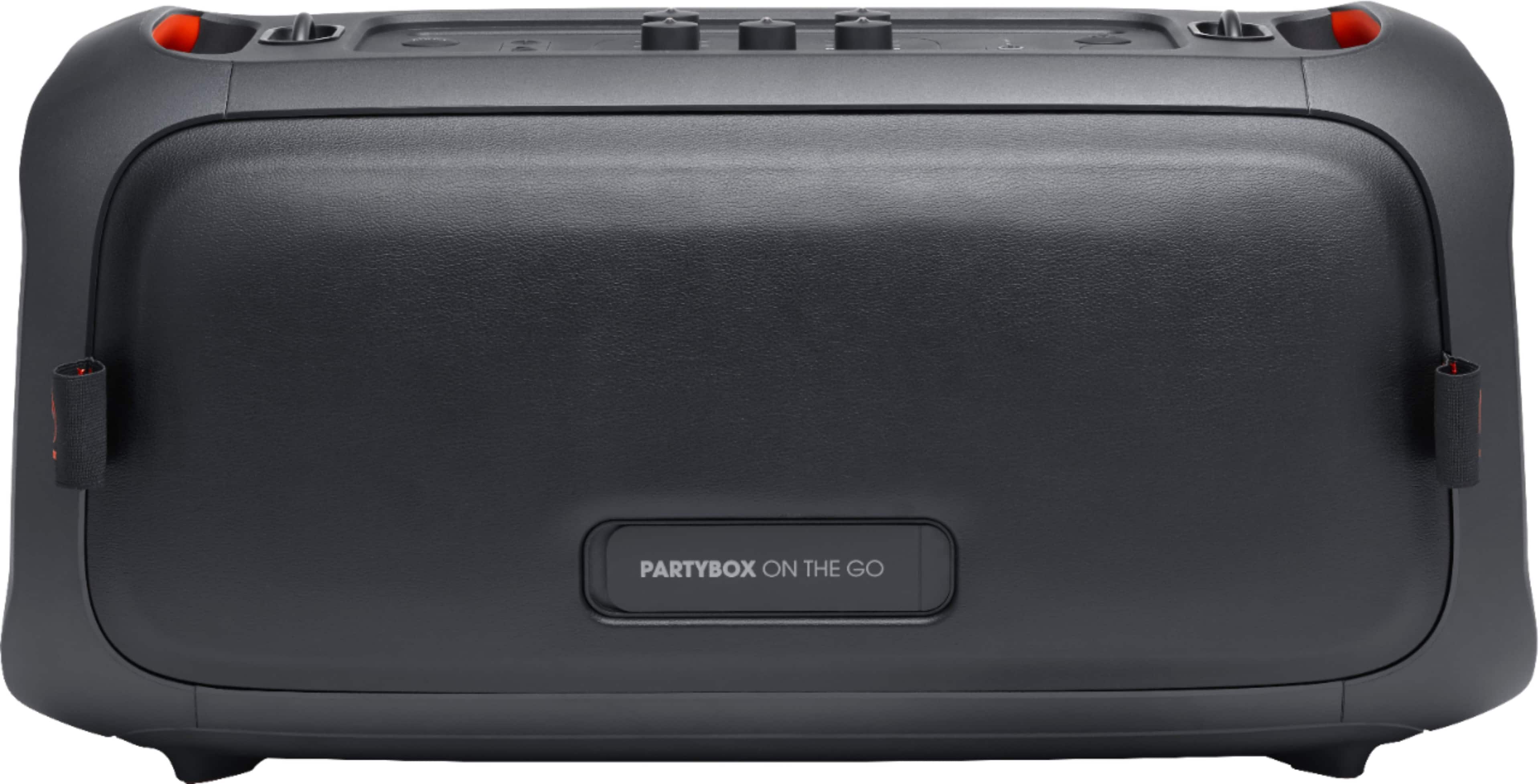
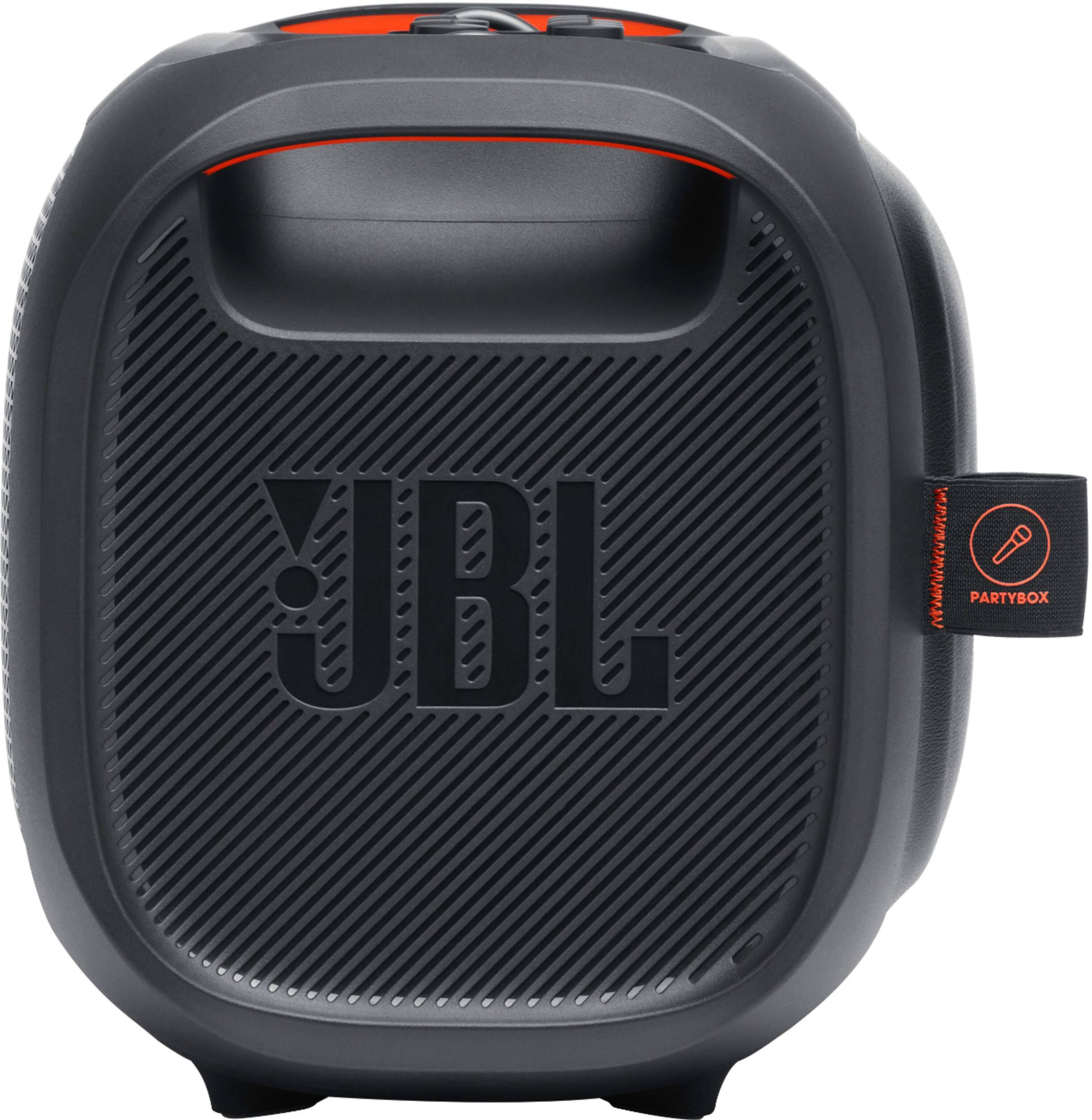
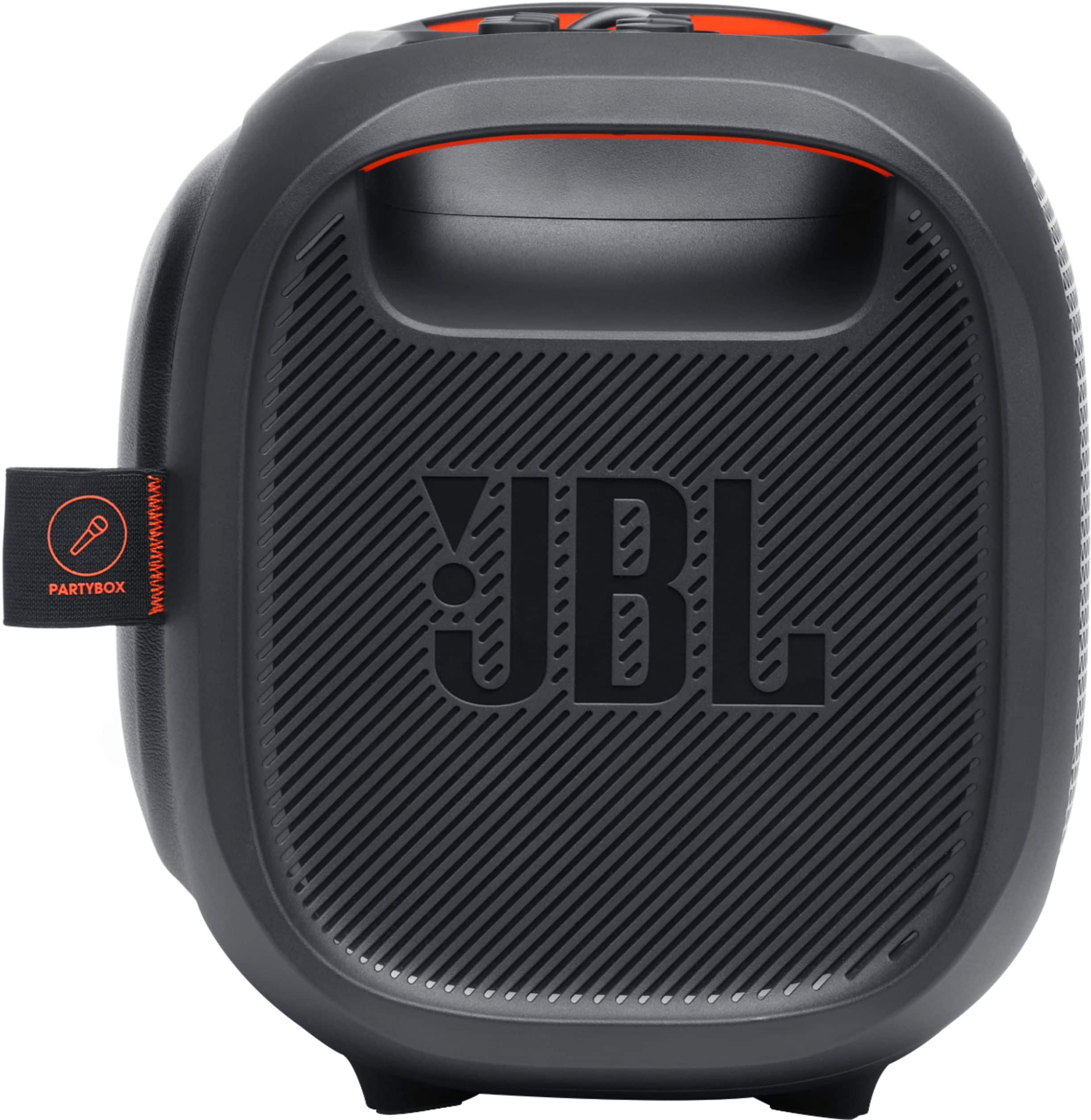
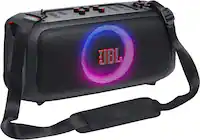
A:AnswerYou may connect a DJ pad controller to the Partybox-on-the-Go as long as you have good quality cables (XLR to RCA or XLR to 1/4" TRS). however, in most cases, you would end up with either humming or static noises
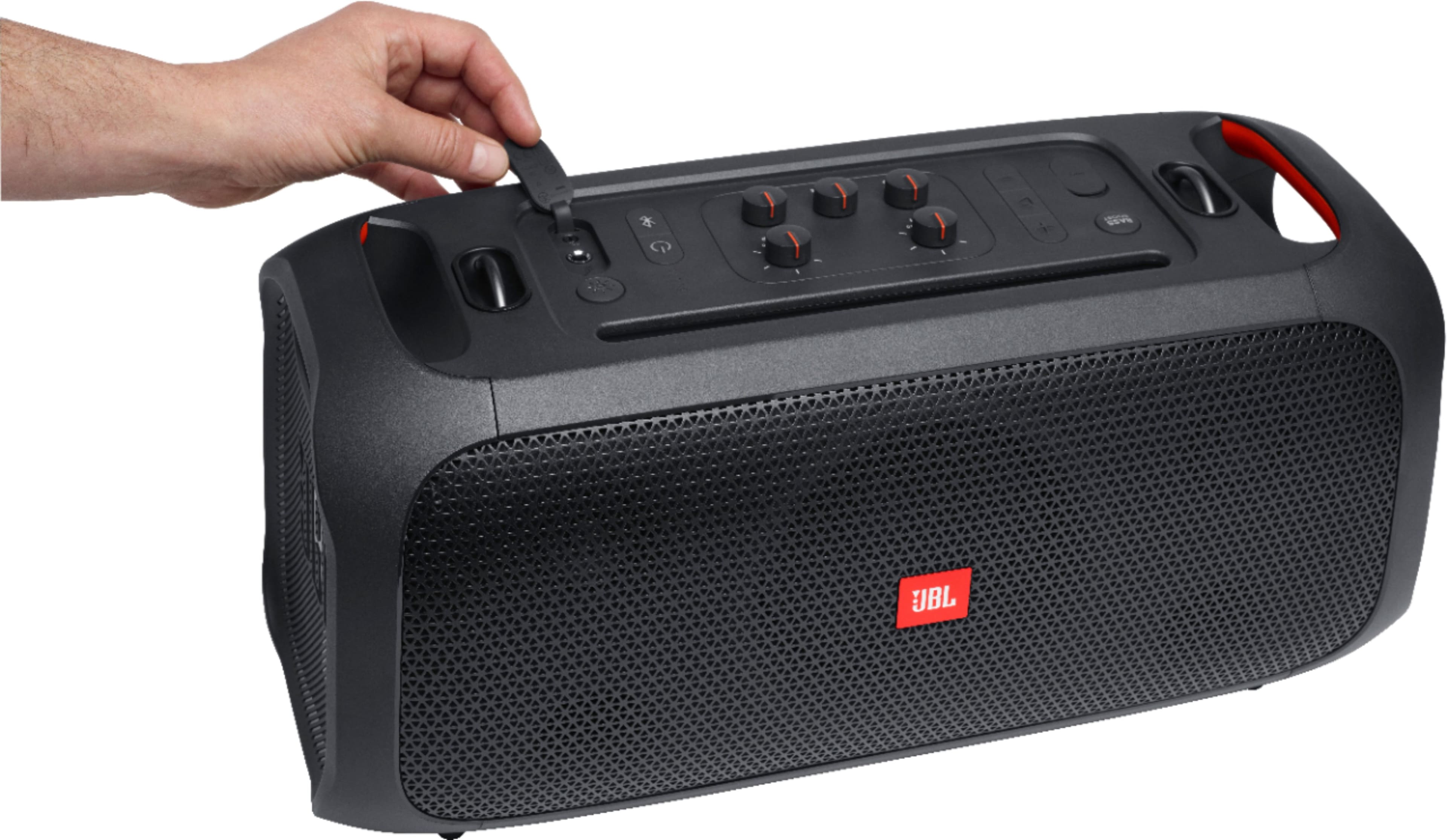
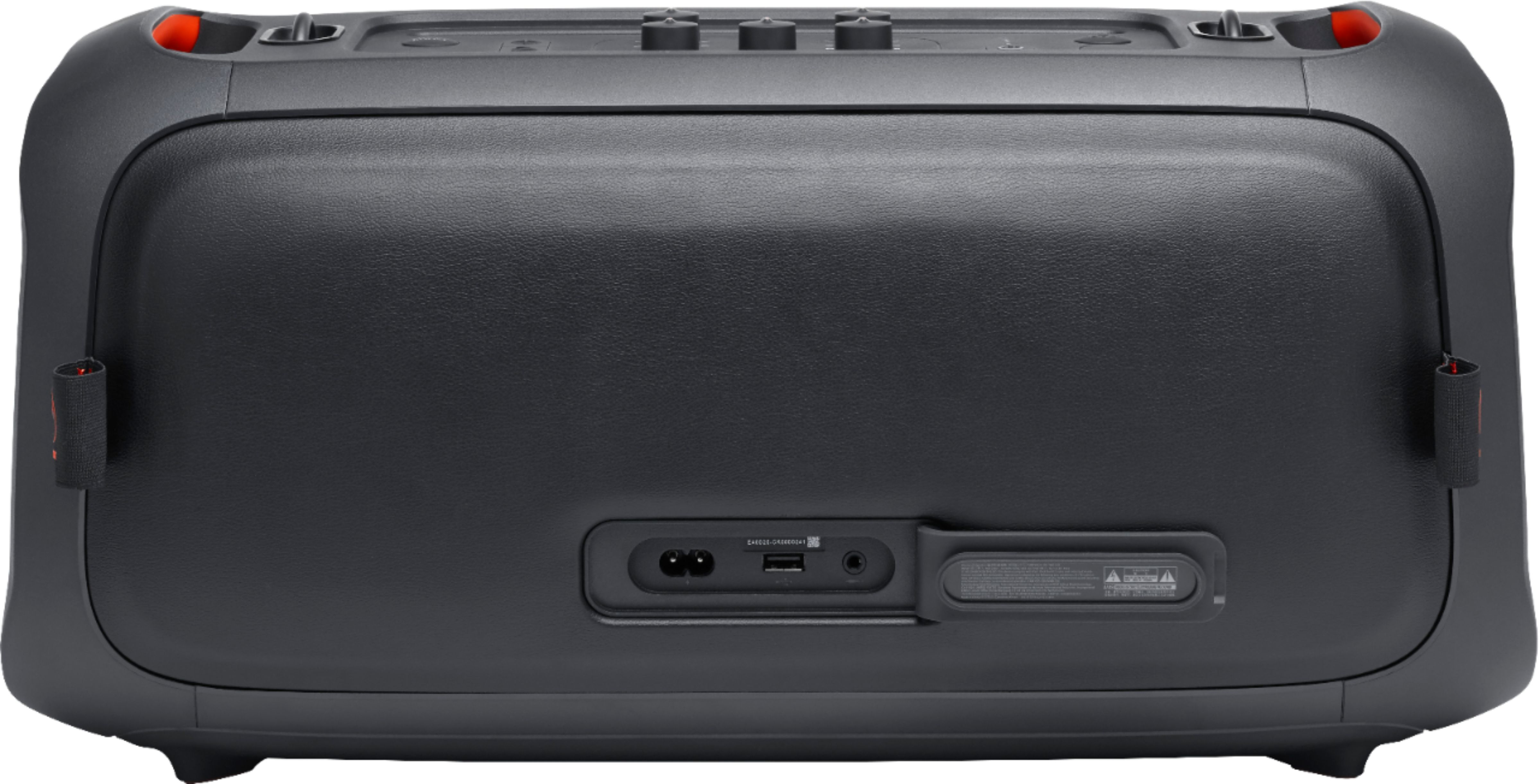
A:AnswerOur JBL Partybox-On-The-Go can only be charged by using the main power cord port, the usb port is only used for usb thumb drives to play music.
A:AnswerFrom JBL response Prior:
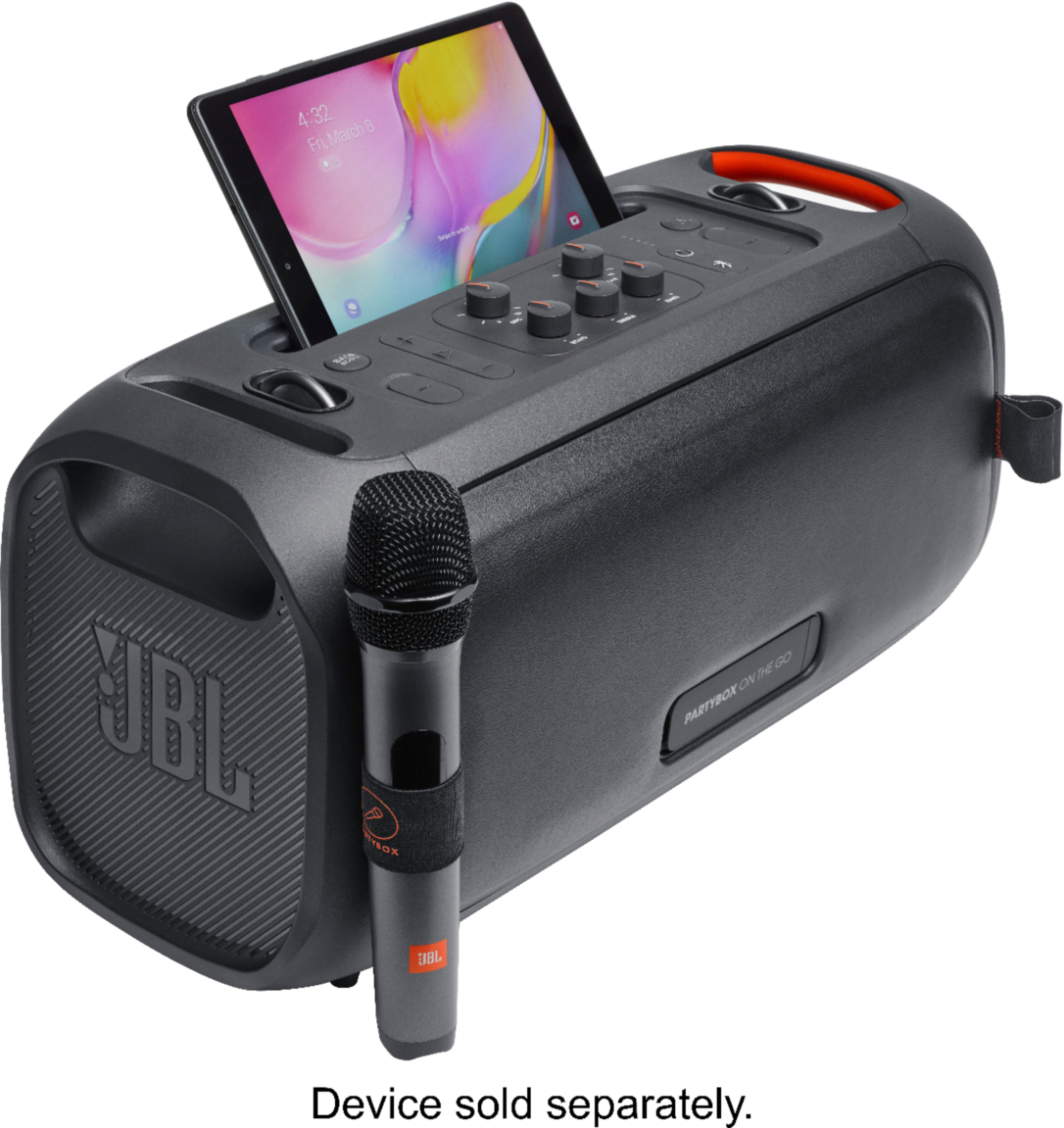

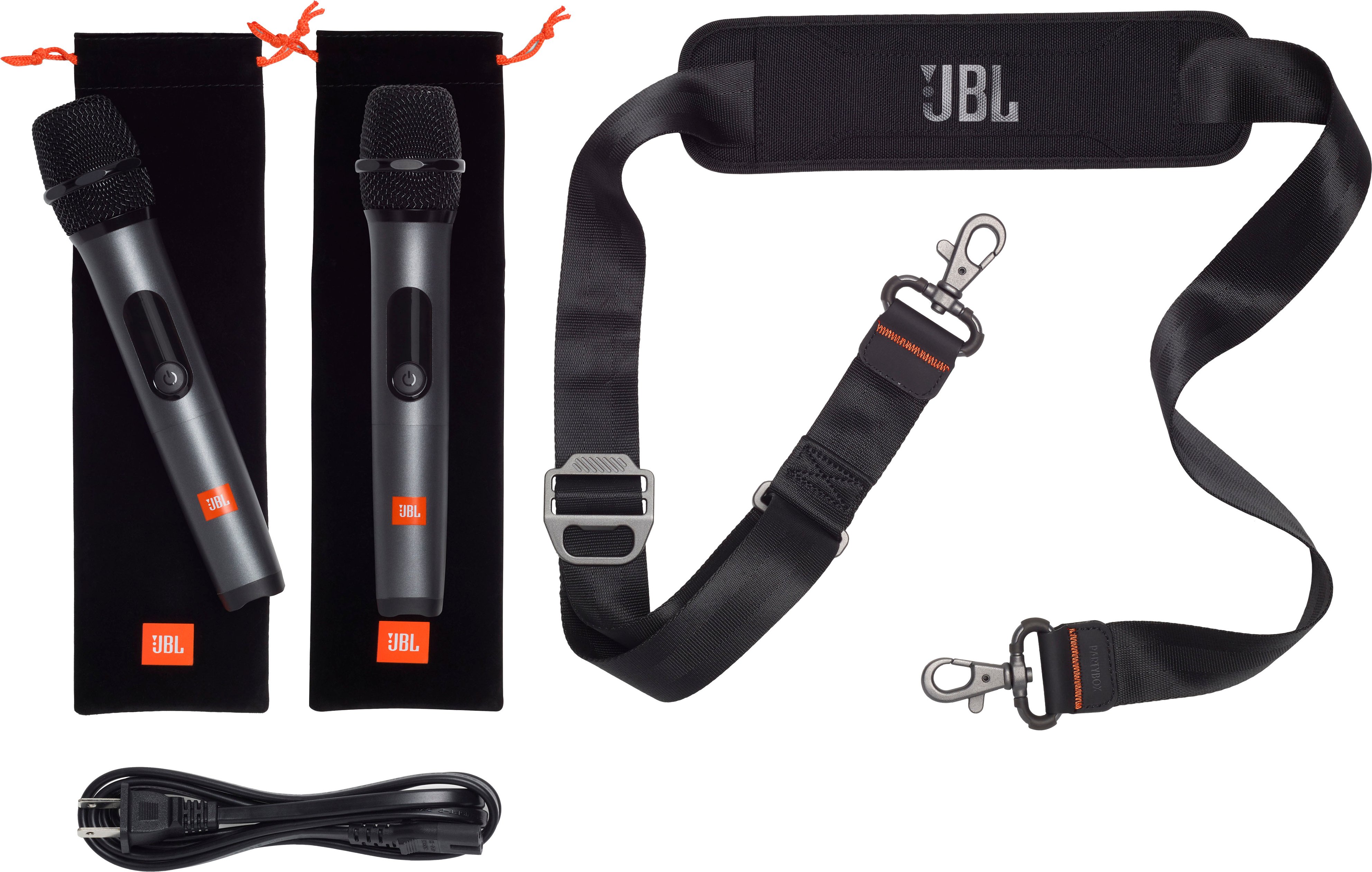
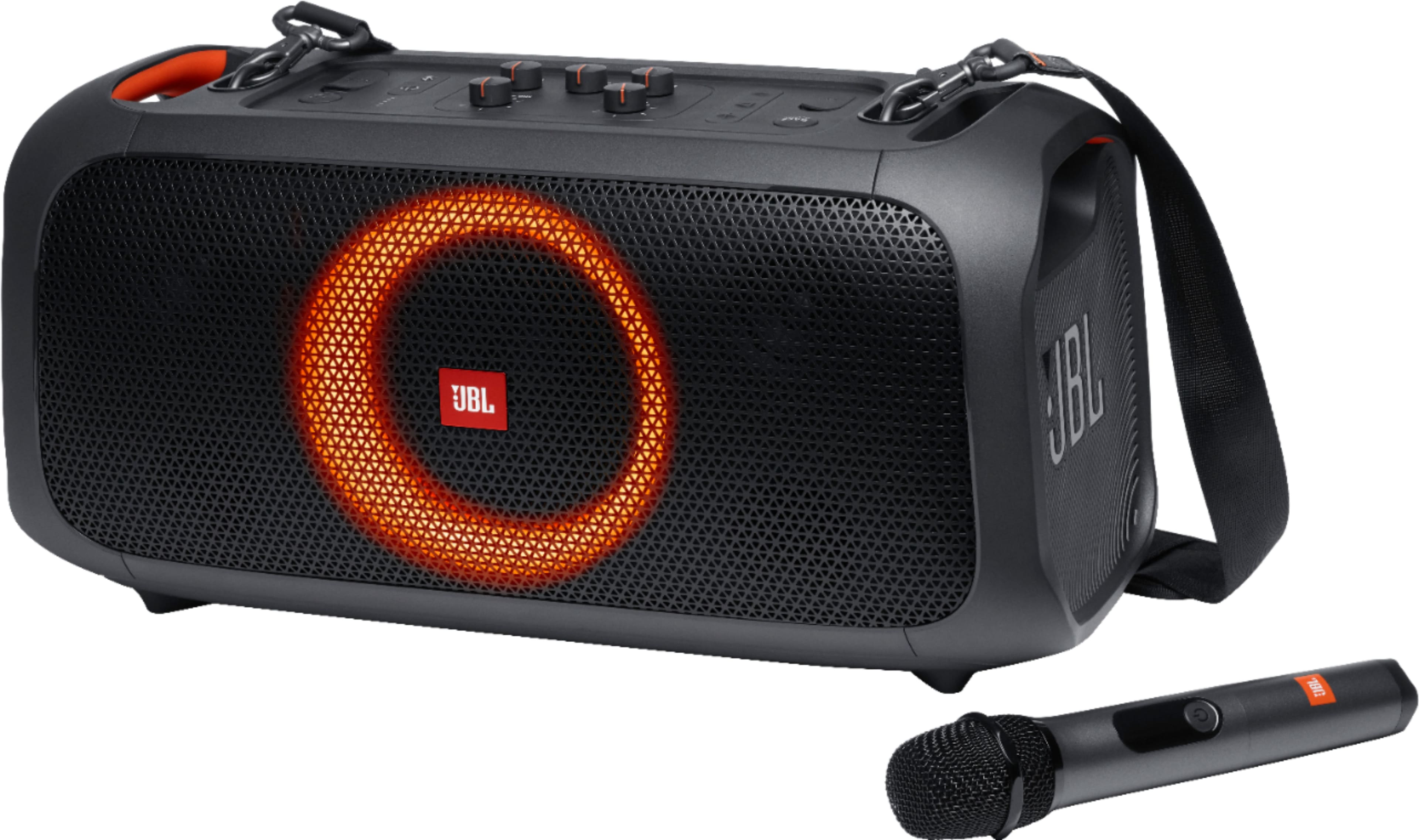
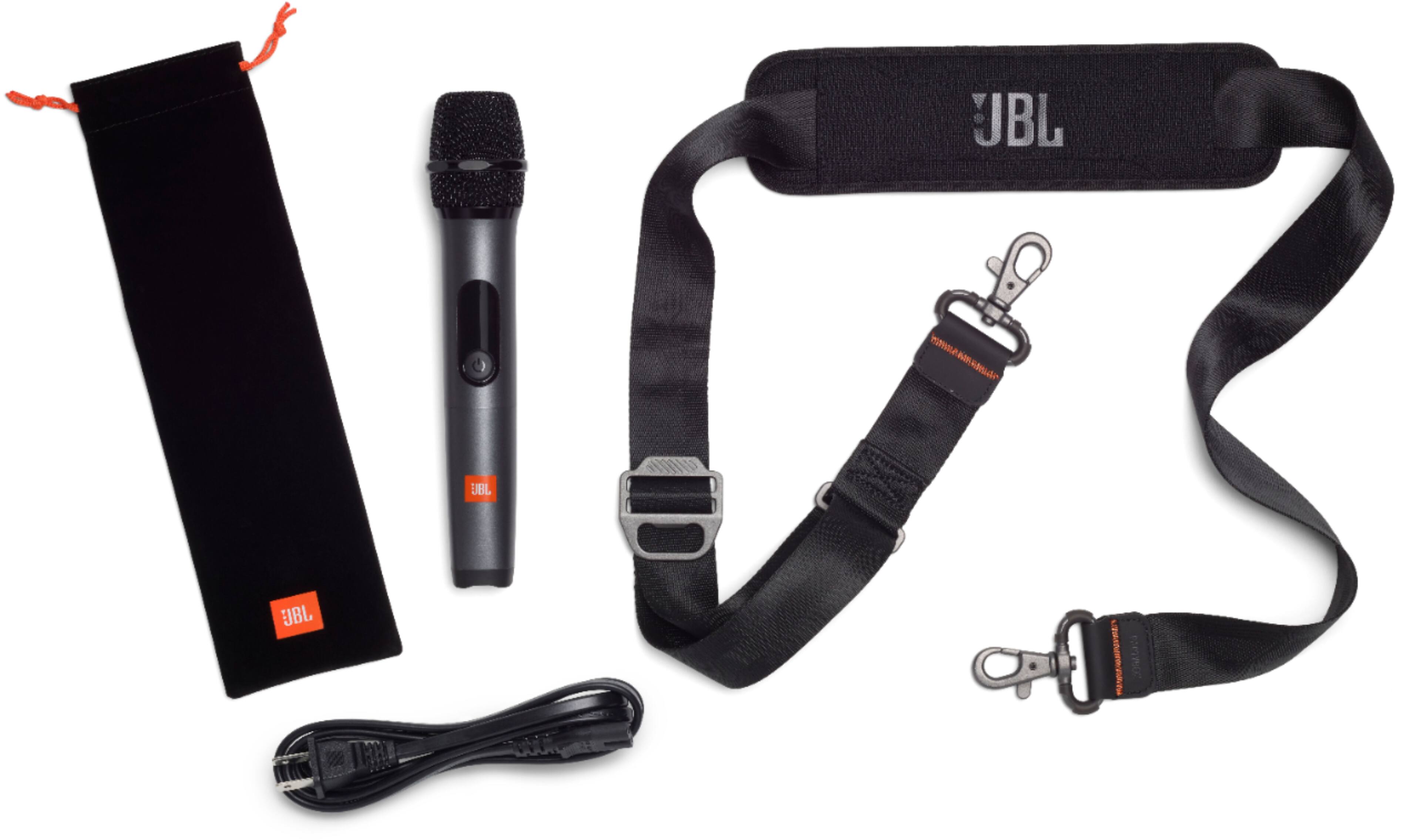
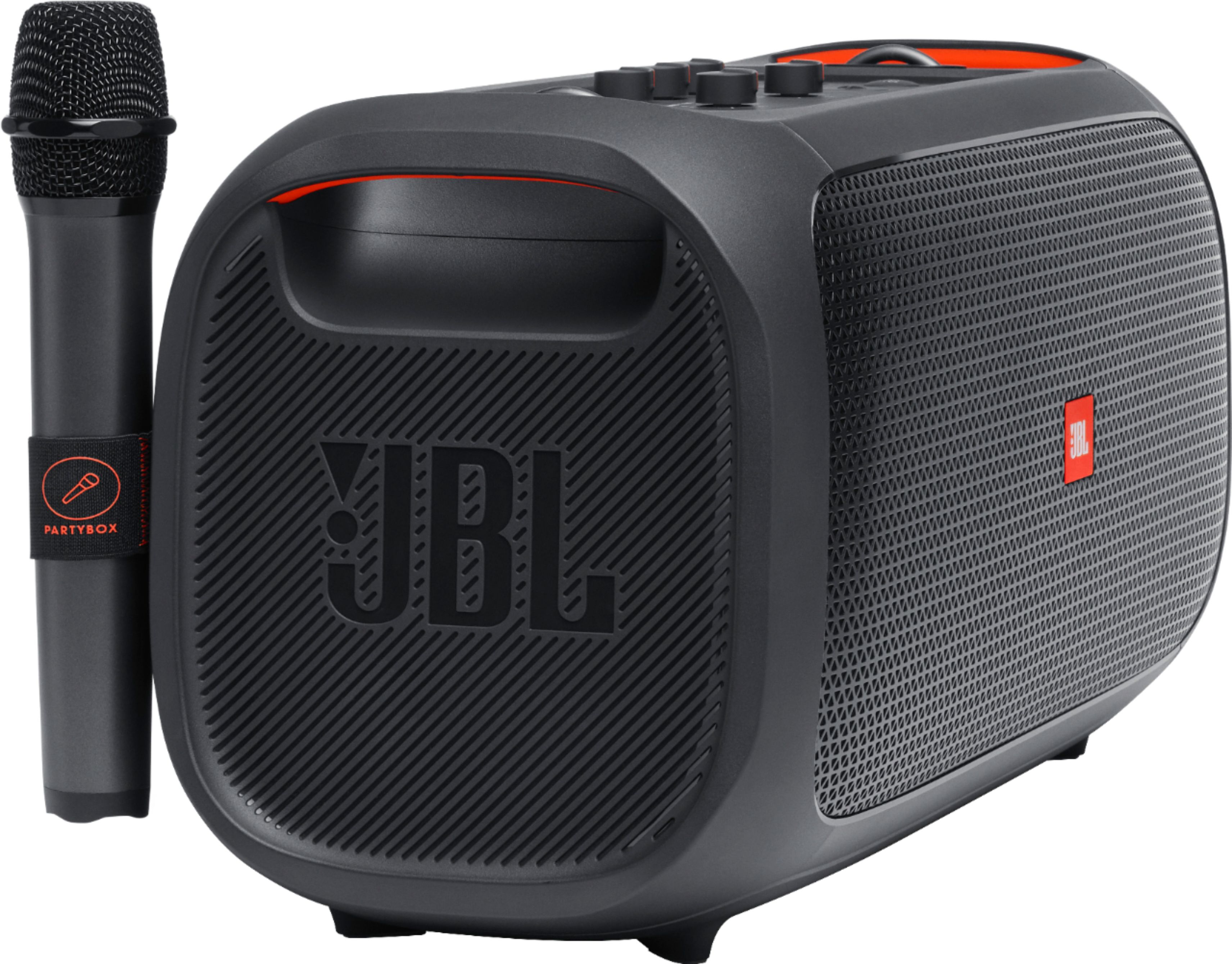
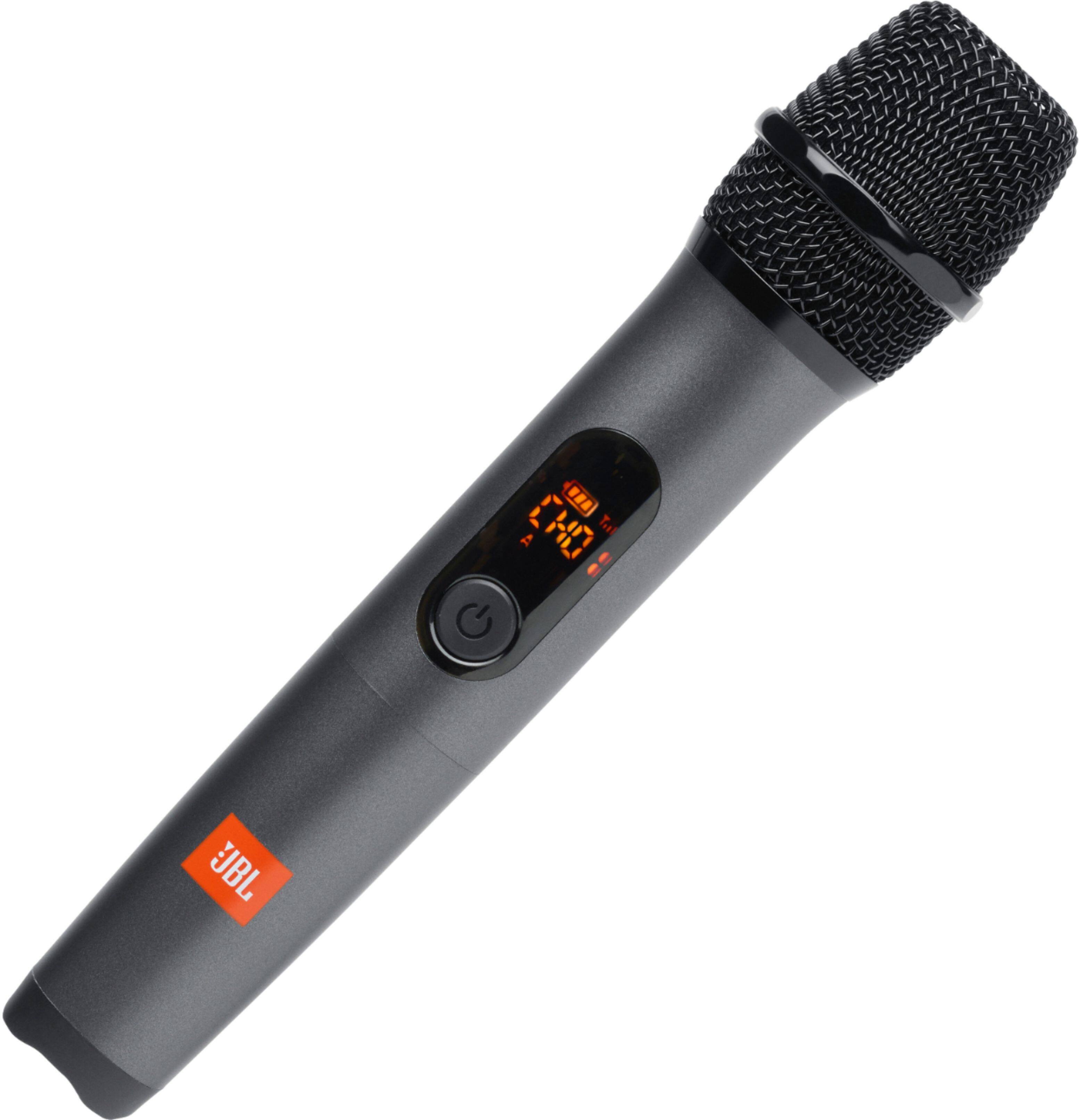
Our JBL PartyBox On the Go comes with a single microphone when purchased. The PartyBox on the Go can support connection with 2 microphones at the same time. You can contact us if you need assistance with purchasing an additional wireless microphone.
A:AnswerWe appreciate your inquiry. First, please check the battery level of the wireless microphone of your JBL PartyBox On-The-Go. Second, please make sure that the microphone and your speaker are within 10 meters of each other for stable connection. Lastly, you can adjust the microphone volume on your speaker. If you need further assistance, please contact us.
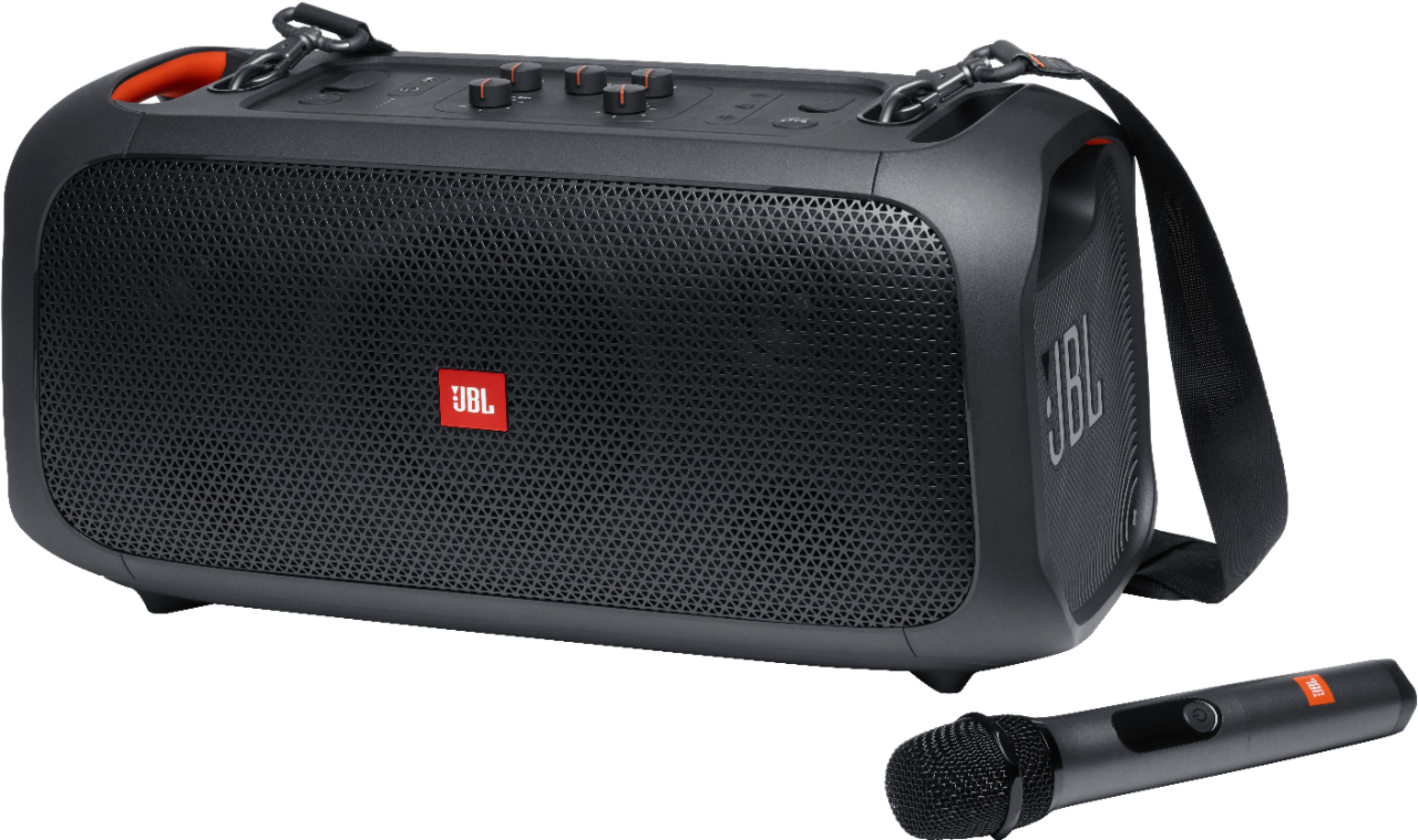
A:AnswerThank you for your question. Yes, our JBL PartyBox On-The-Go can be plugged into a power socket. It has a rechargeable battery for portable use, but it also comes with a power cord that allows you to plug it into a wall outlet for continuous use without worrying about battery life. This way, you can enjoy your music for extended periods without the need for a smartphone or other battery-powered devices.

A:AnswerThank you for your question. We would like to know the specific model of your headset microphone to check if it's compatible with our JBL PartyBox-On-The-Go. For further assistance, please contact JBL Customer Support.

A:AnswerThank you for reaching out. By default, the wireless microphone comes pre-paired with the
speaker at factory.
First step, load the two Alkaline AA batteries with correct polarity
Second step, turn on the speaker and supplied wireless microphone successively.
Wireless connection will be set up automatically.
The microphone powers off automatically after 10 minutes of inactivity.
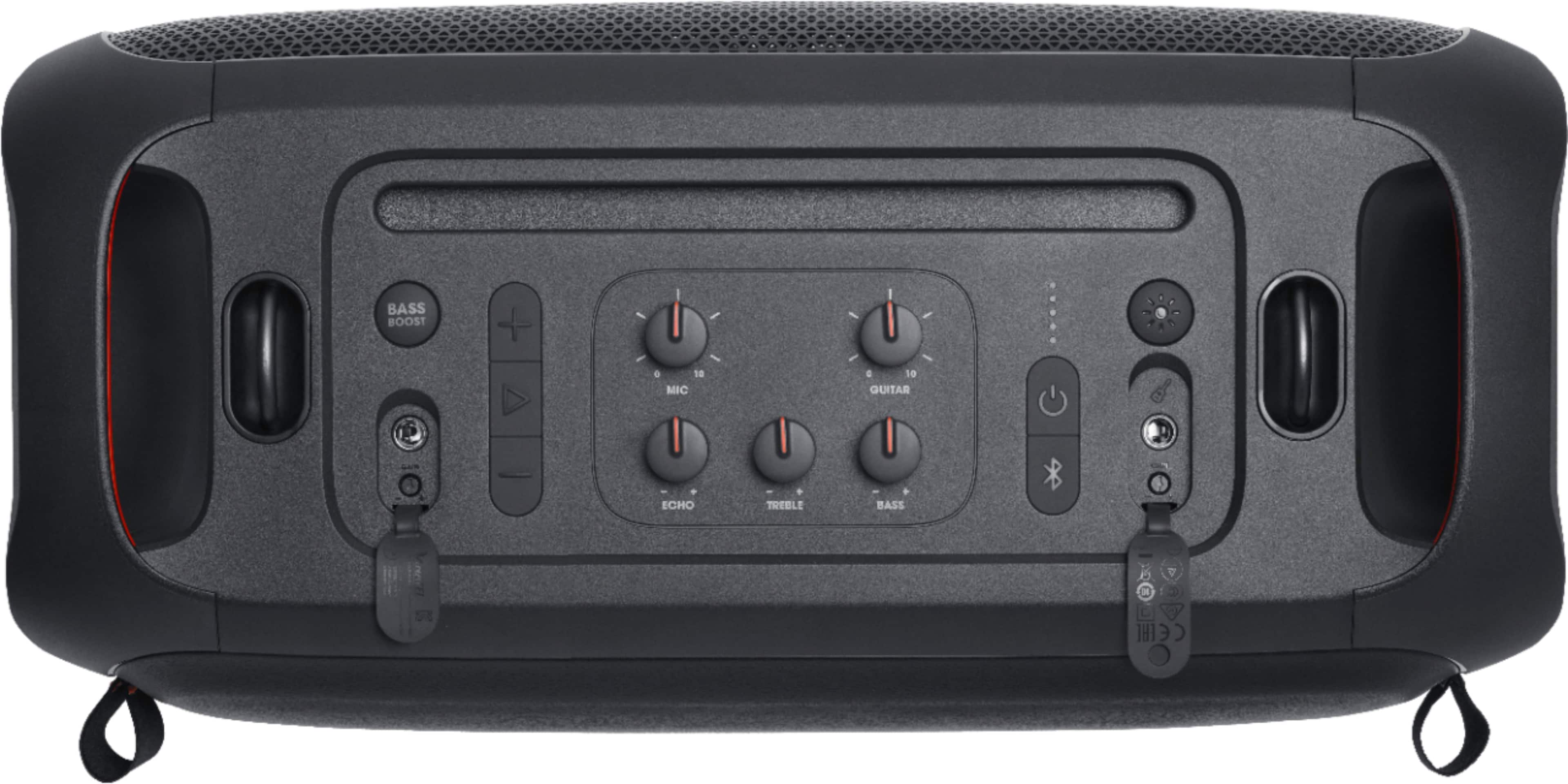
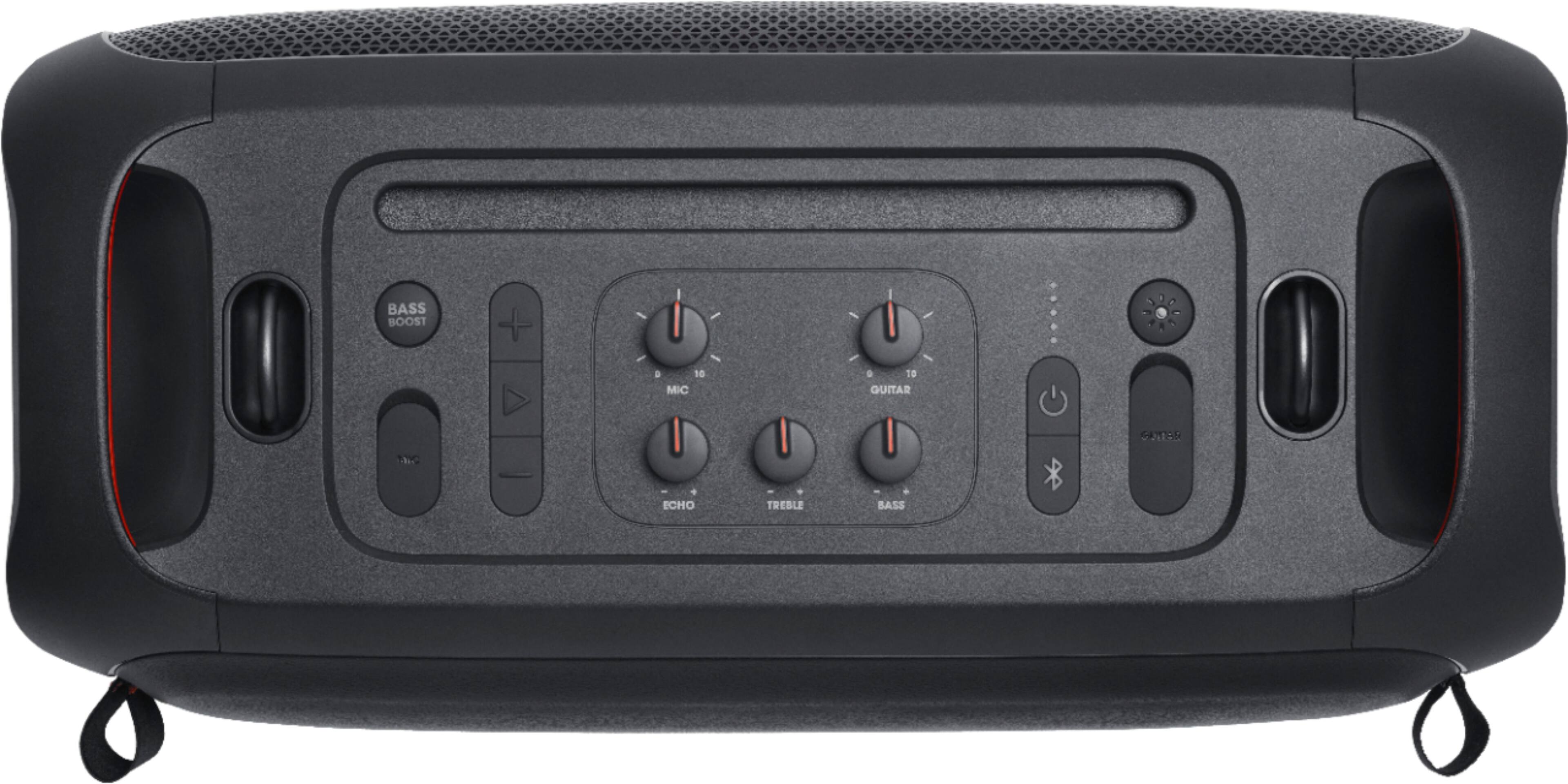
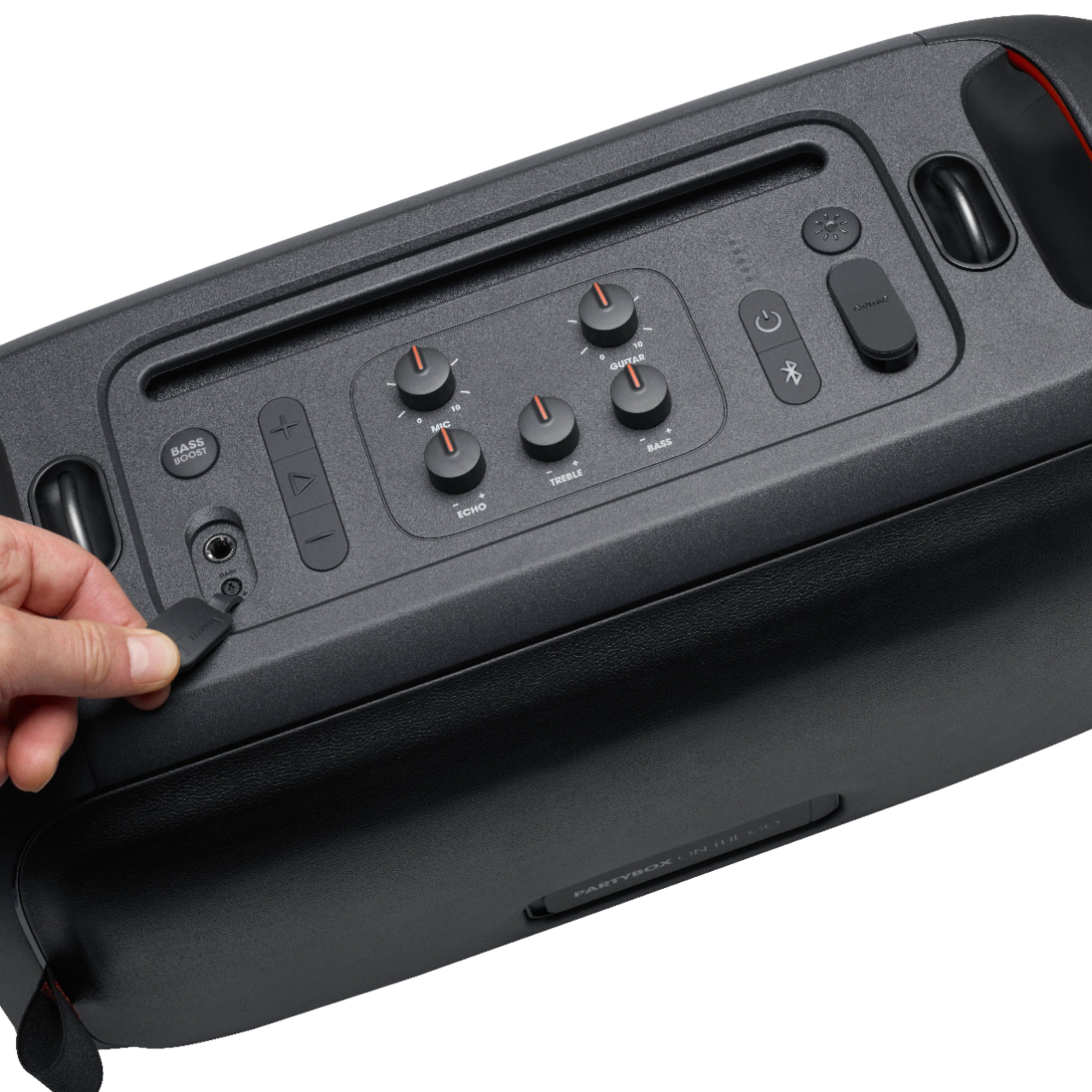
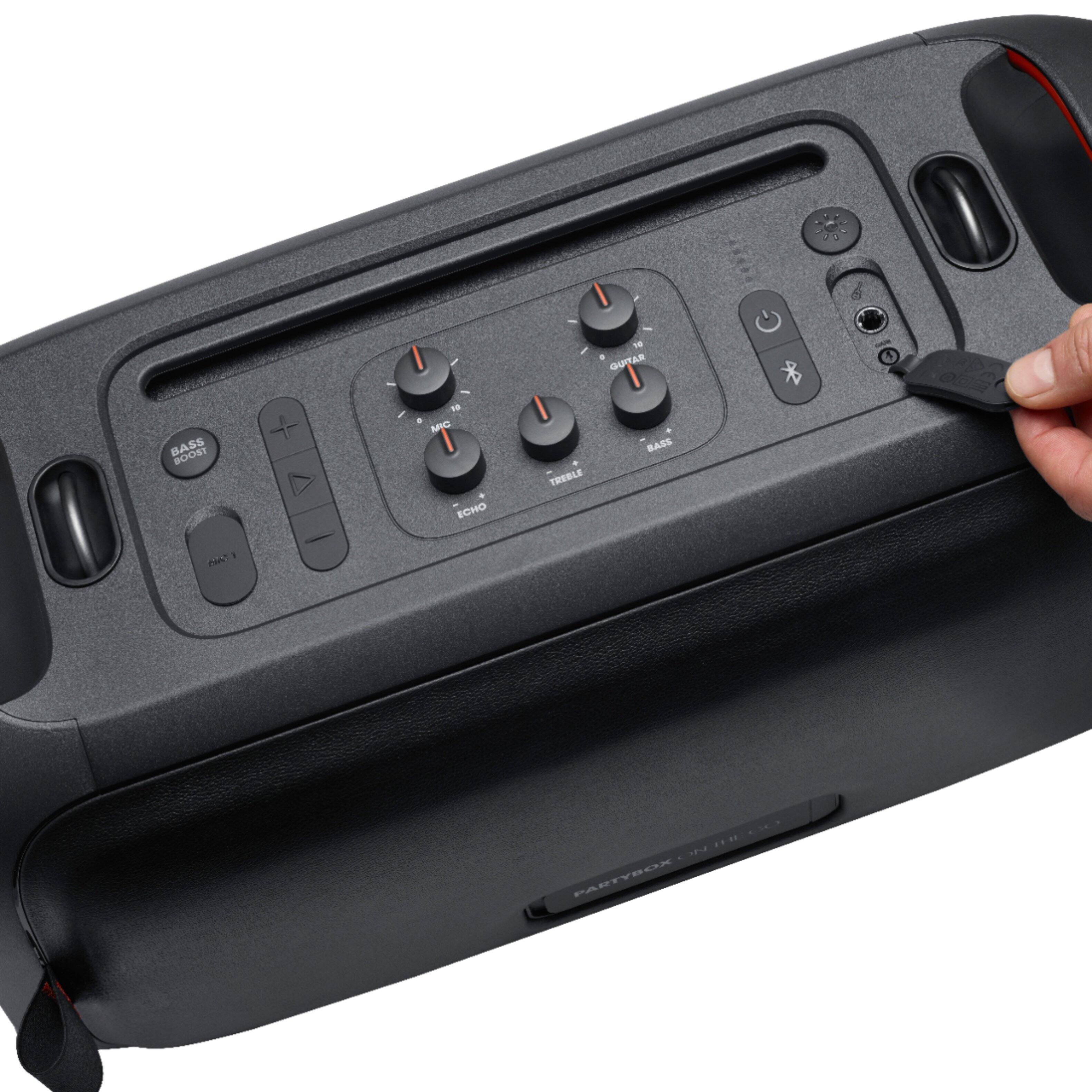
A:AnswerYes, you can use electric guitar and sing along. There are 2 input slots one for microphone and one for guitar input. Apart from that there is wireless microphone too.
A:AnswerThanks for your question. Our JBL PartyBox On-The-Go has an auto-volt power adapter that works well with a 110V - 240V power outlet. There would be no voltage issues when it's used in your region.