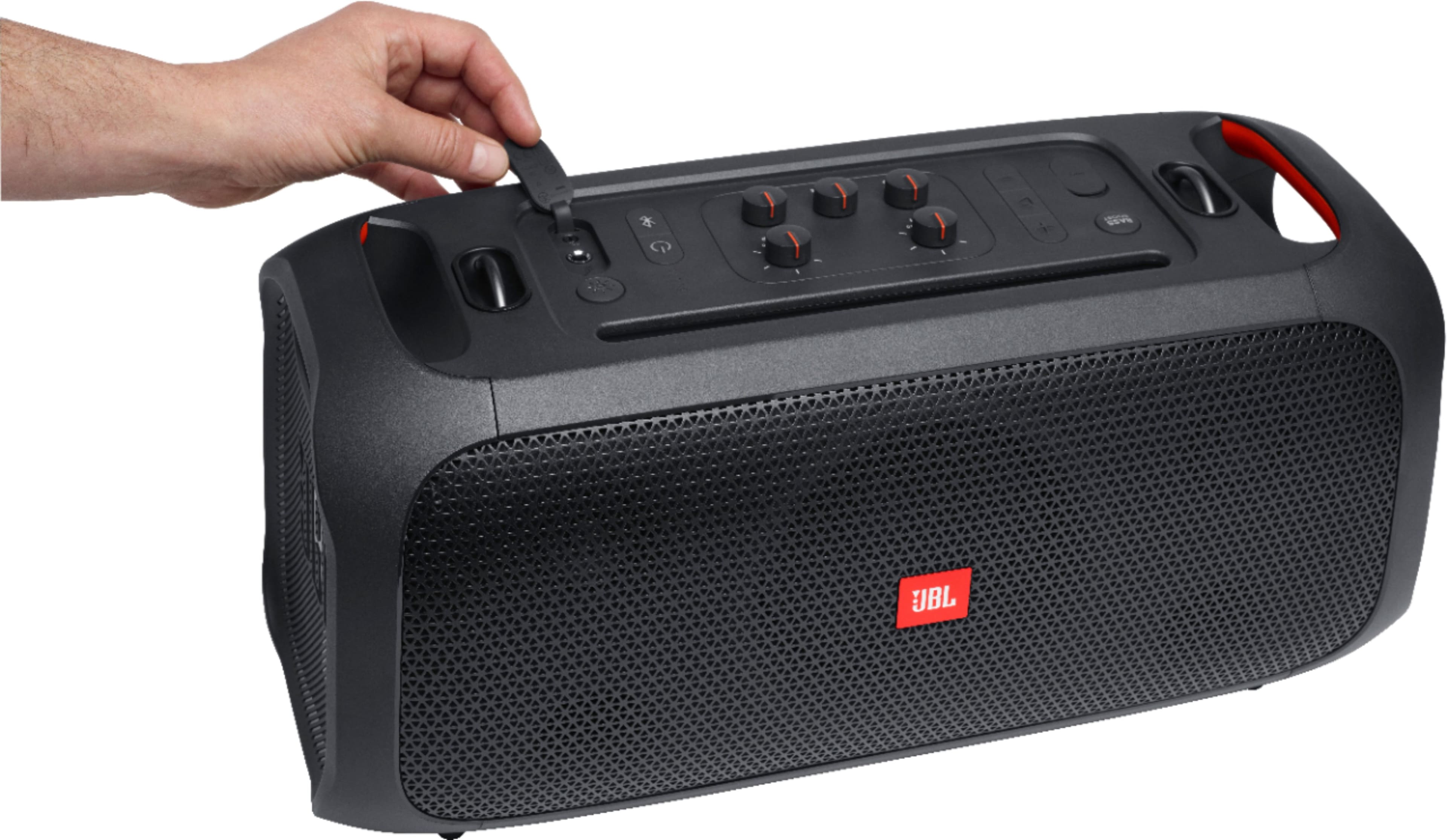
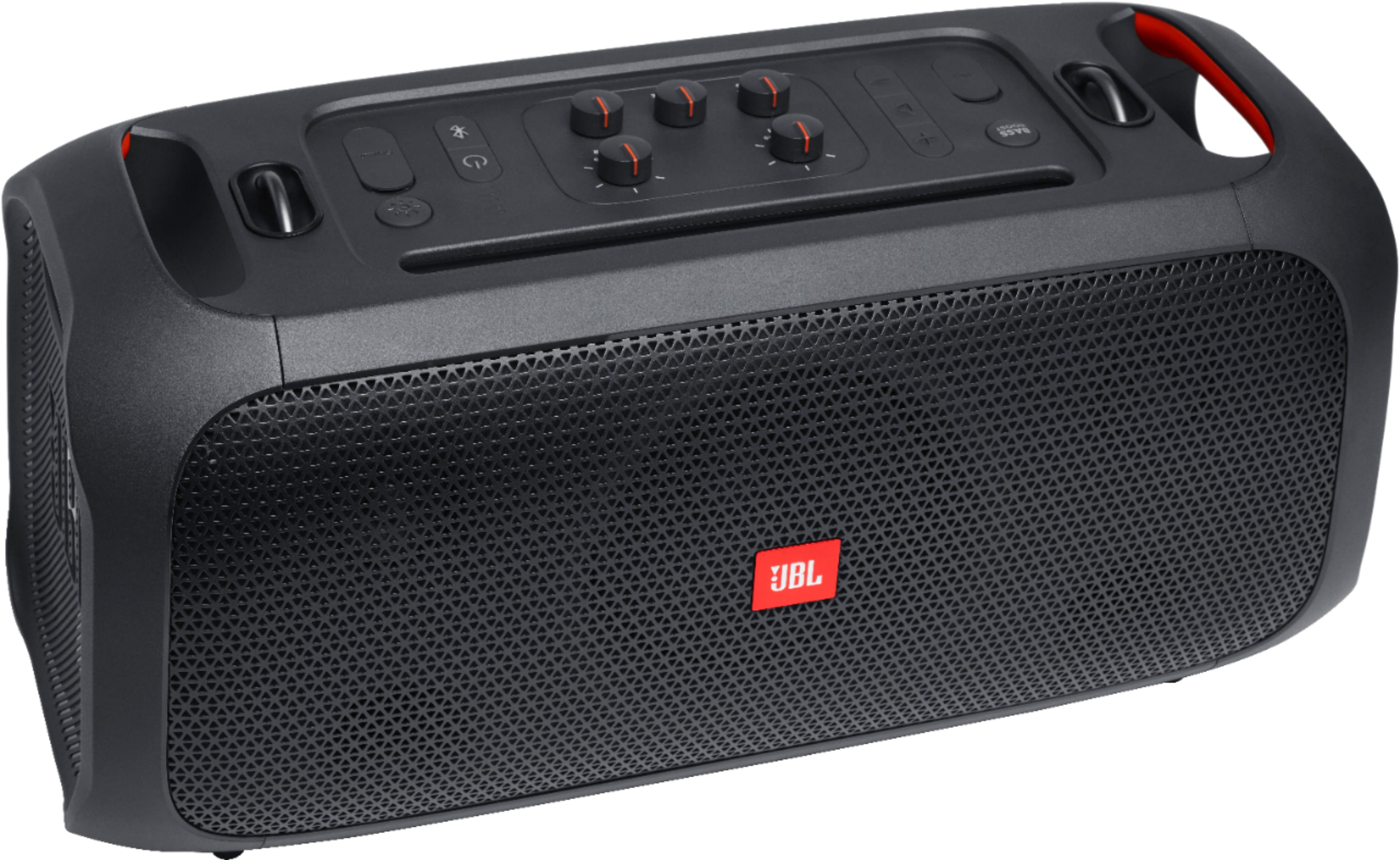
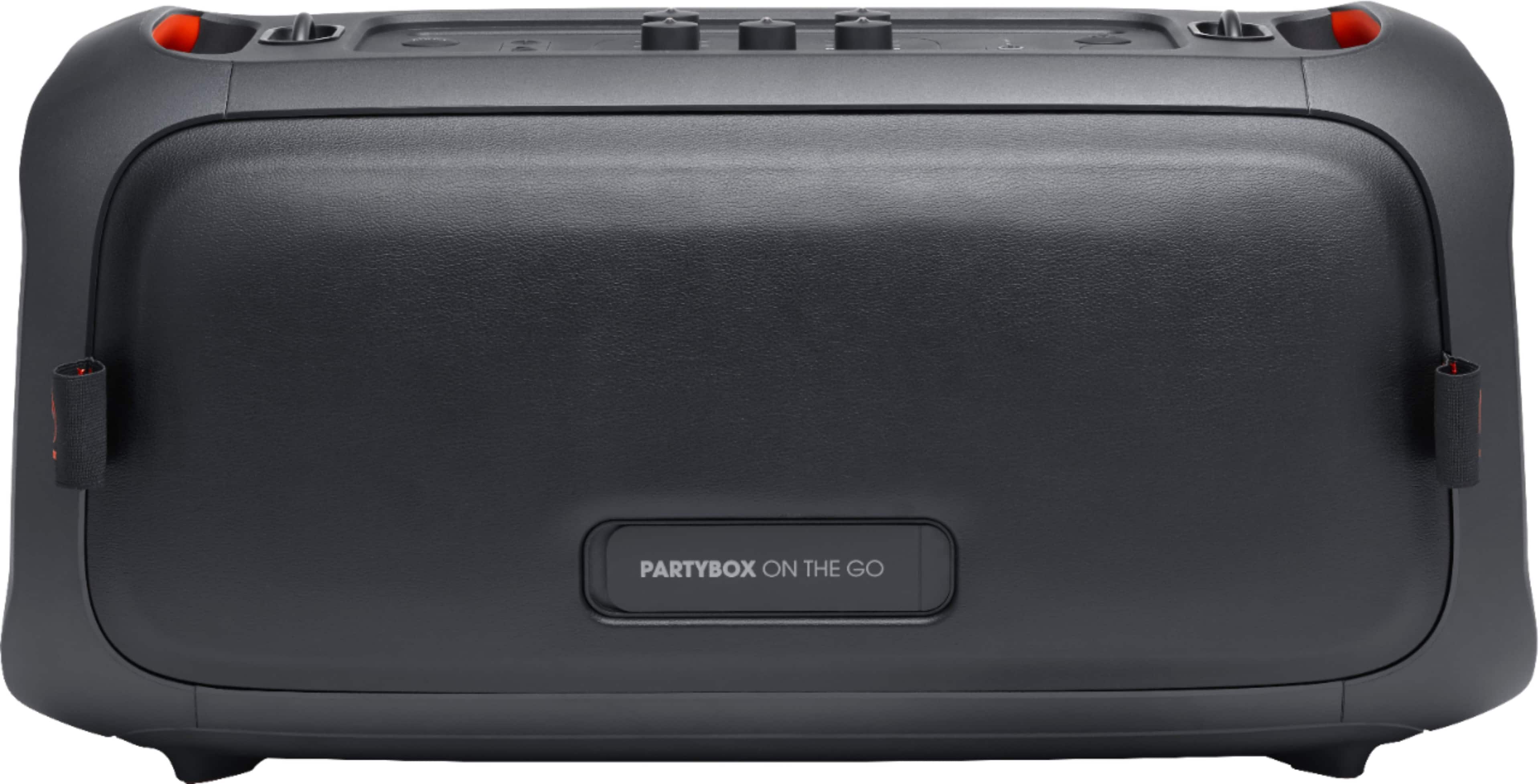
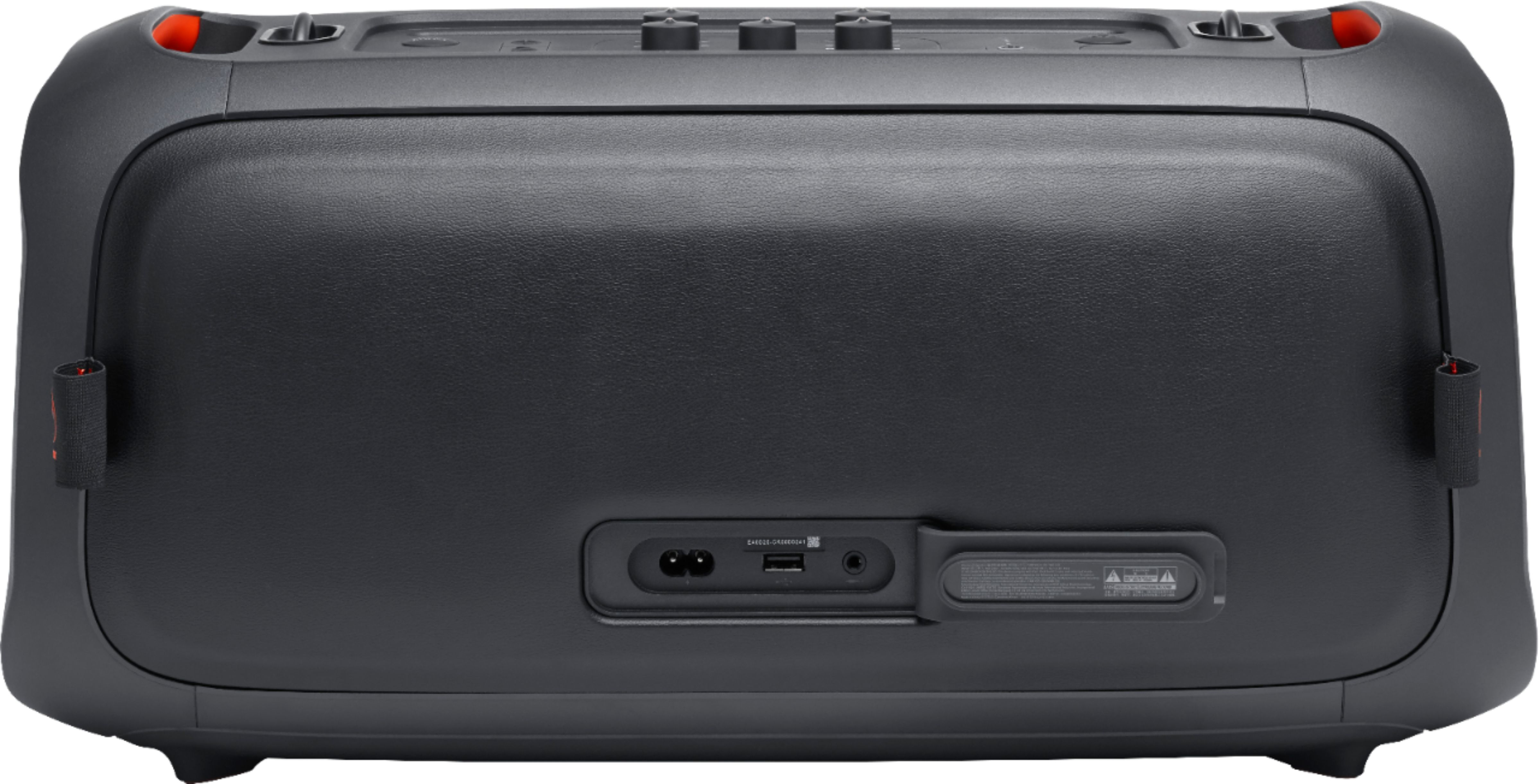
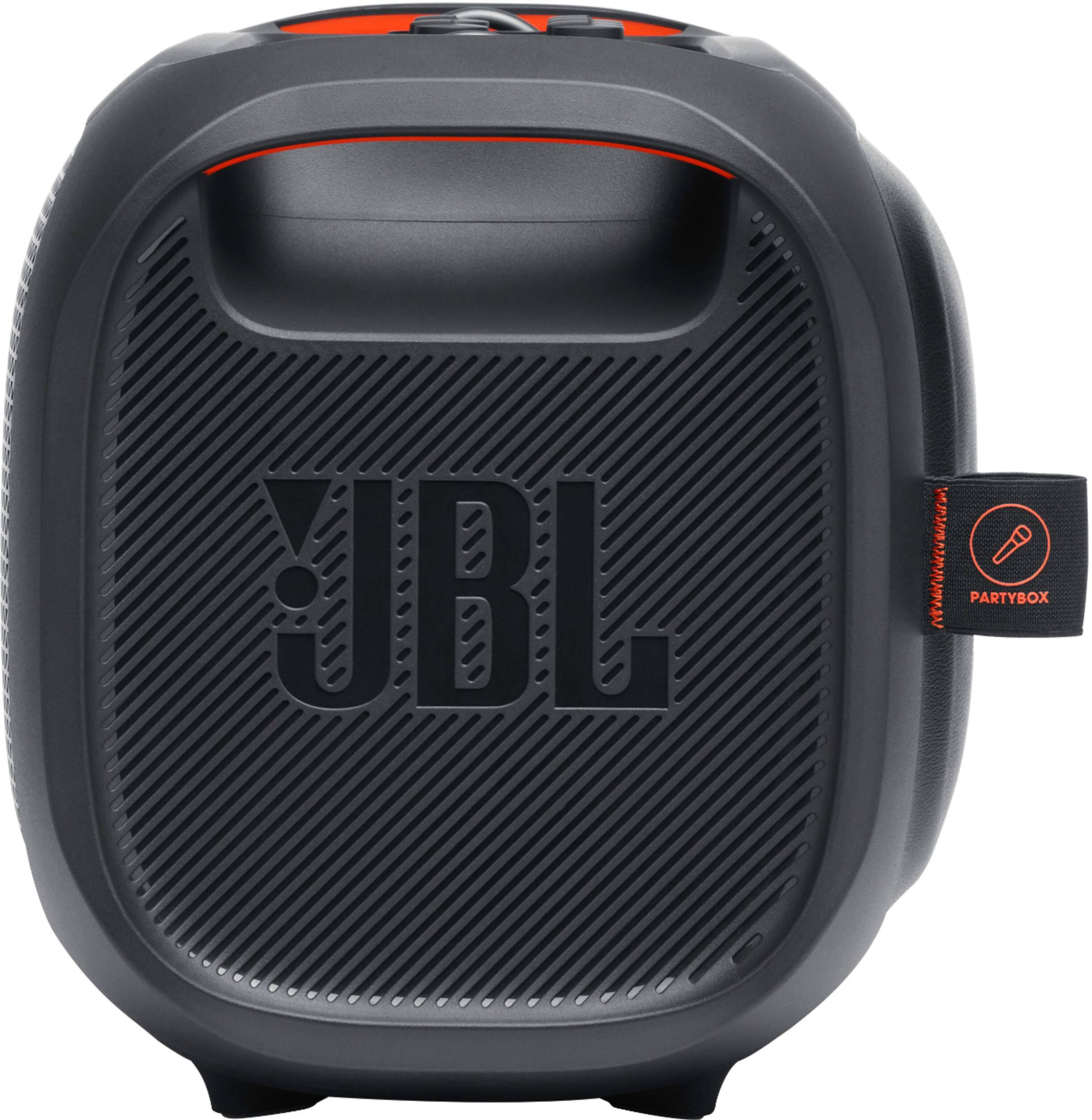
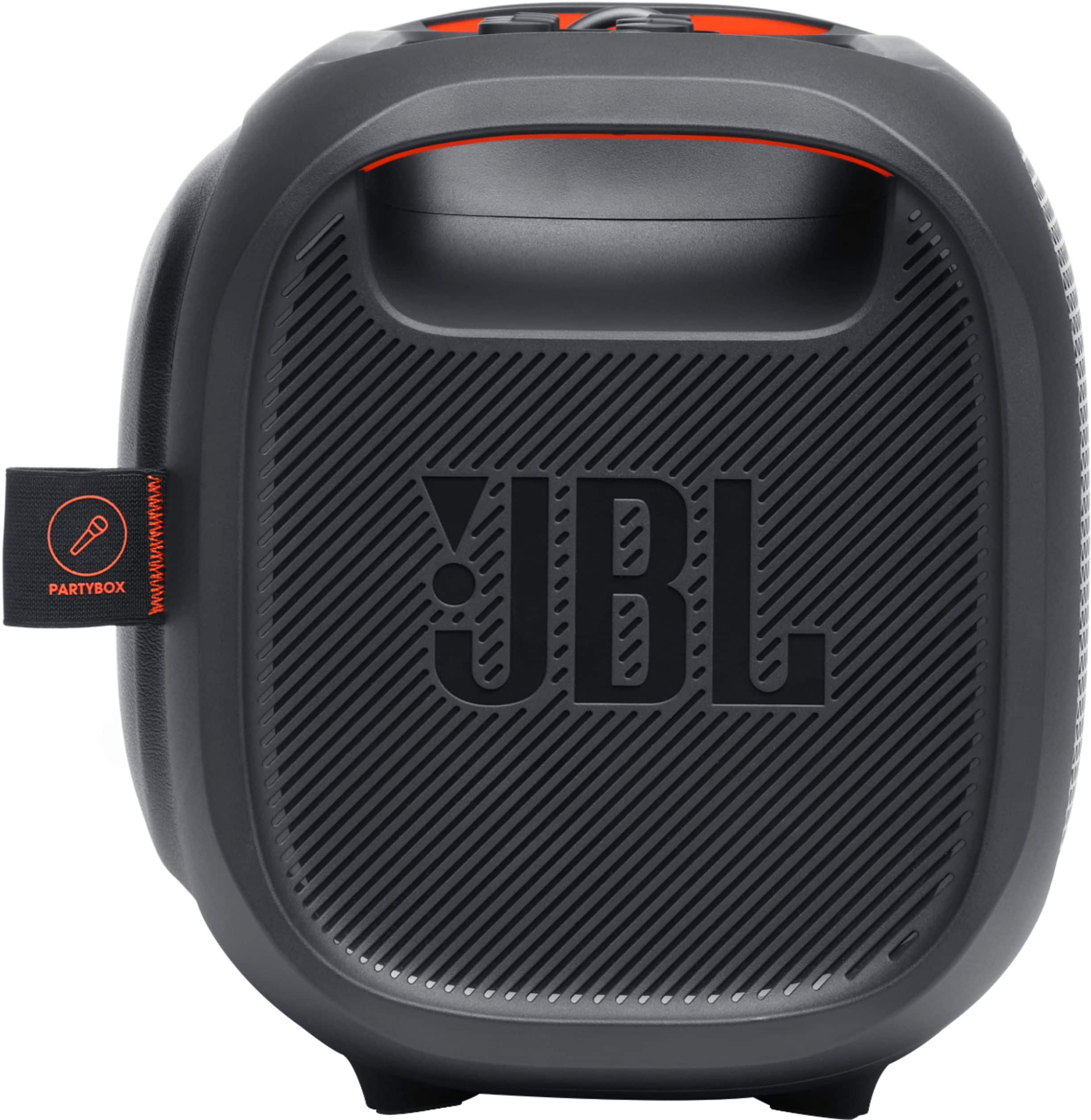
A:AnswerThere's no harm in using the JBL PartyBox On-The-Go while charging. The battery will not overcharge. You can pick it up, unplug it from the charger and be on your way, knowing that you have a full charge. However, if you’d like to conserve electrical energy, disconnect from charging.
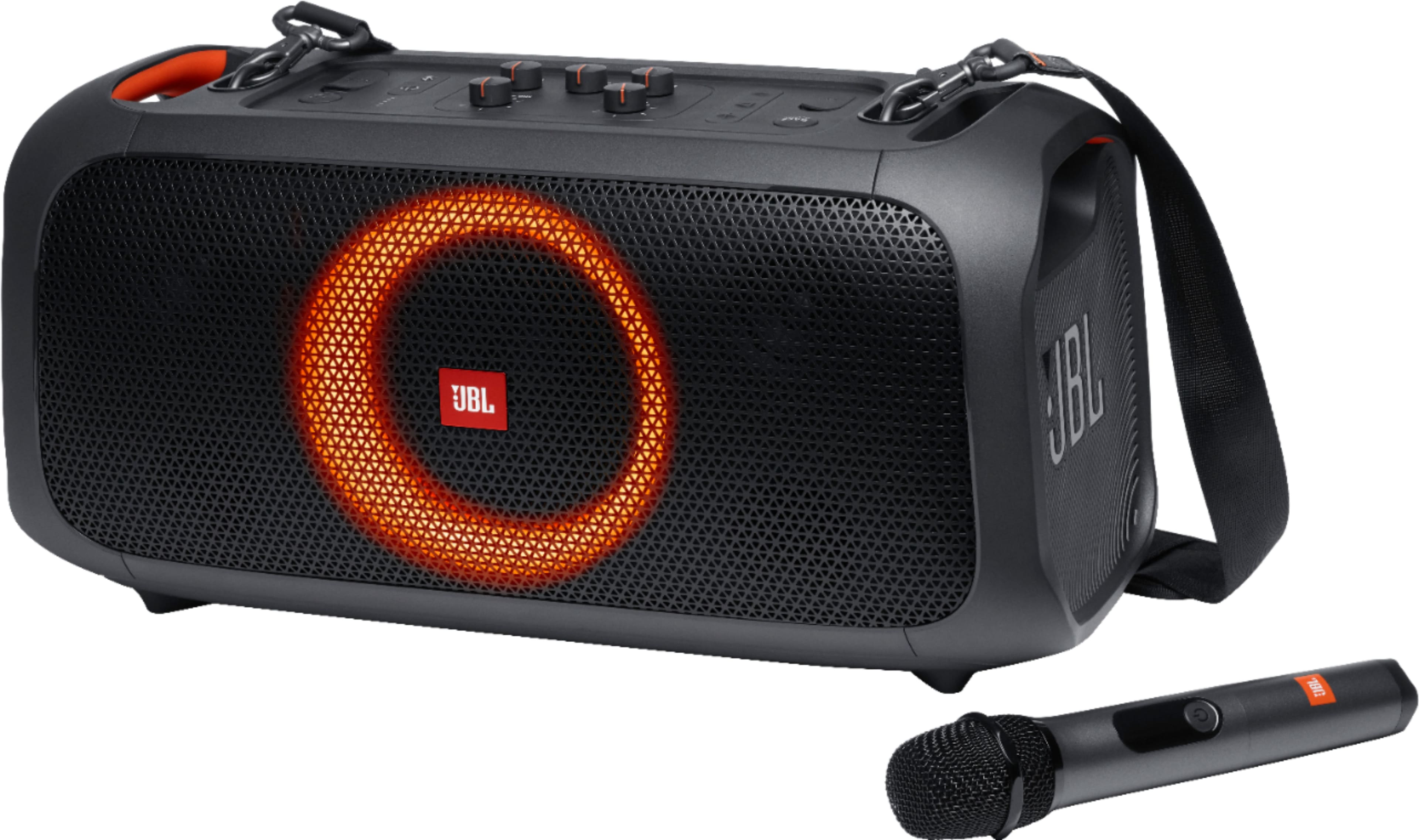
A:AnswerThanks for your question. To turn off the light on your JBL PartyBox On-The-Go, simply press the light button through light effects until it shuts off. If you need more help, please contact JBL Customer Support.
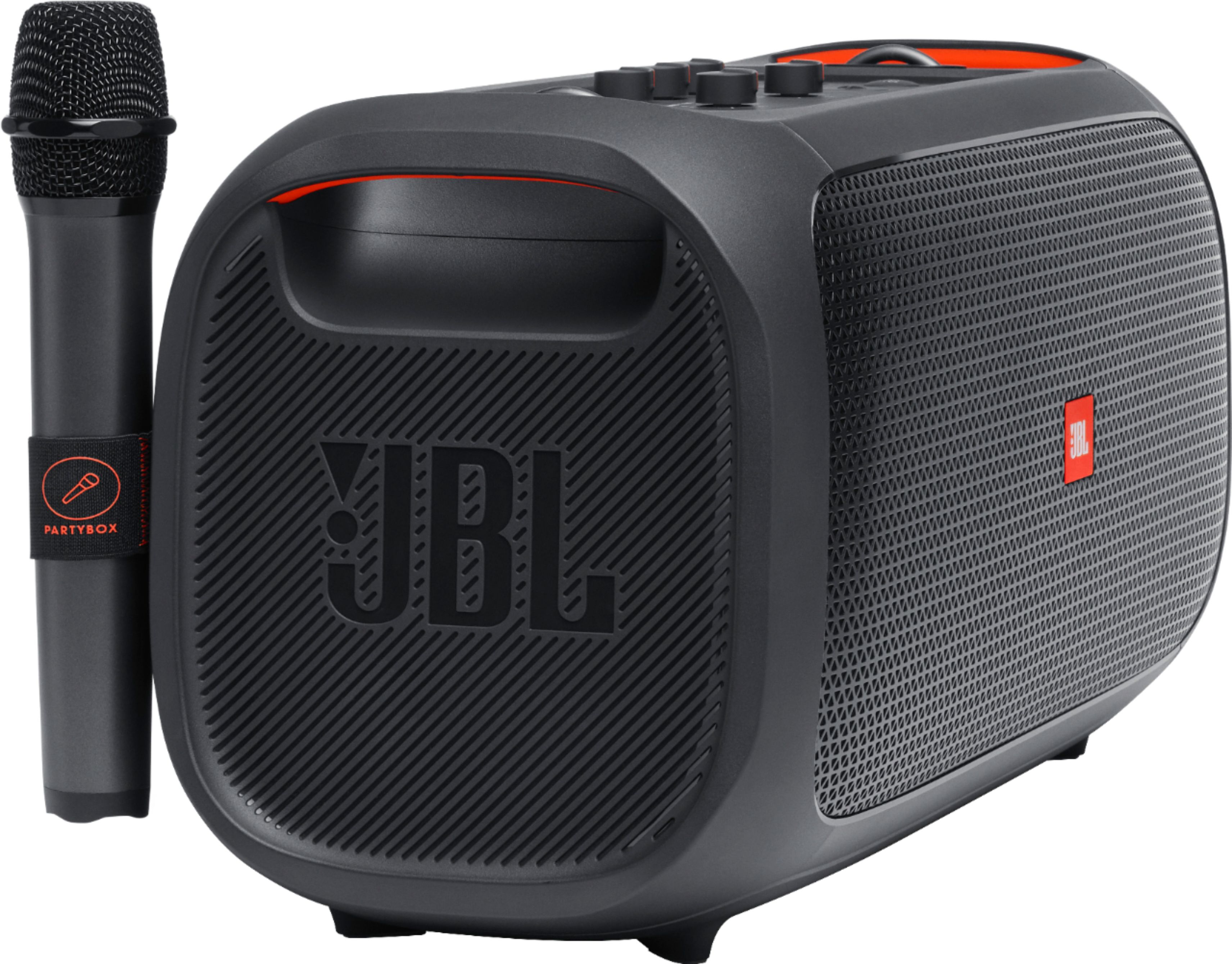
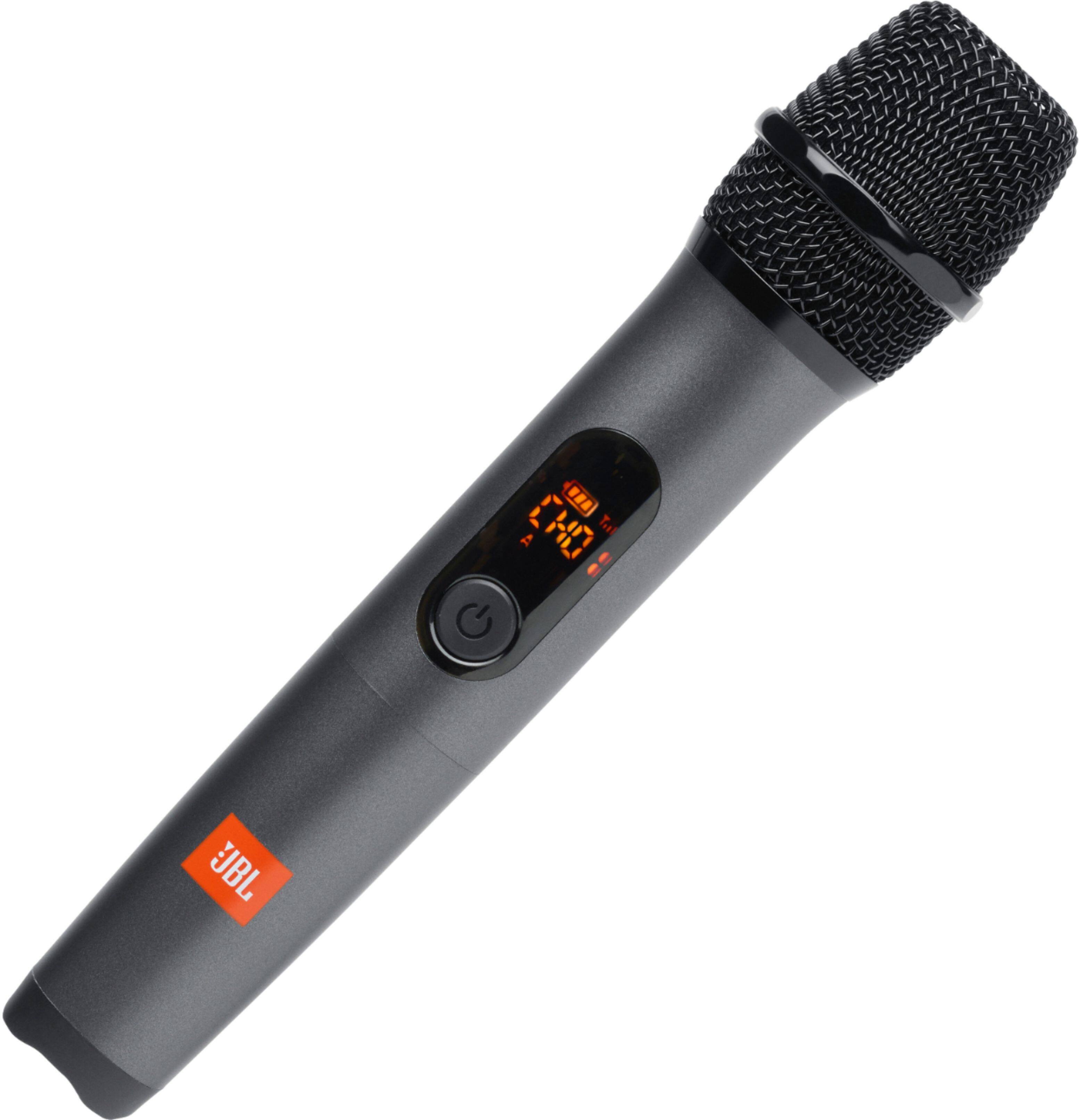
A:AnswerThanks for reaching out. Our JBL PartyBox On-The-Go comes with one wireless microphone. The second mic is available for purchase directly from the manufacturer, JBL. If you need more help with the unit, please contact our customer support.
A:AnswerI am sorry to hear you are having problems with your JBL speaker, kindly contact our technical support line for troubleshooting assistance or to help you determine your warranty options.
A:AnswerKinda it doesnt have a screen but the bluetooth mic that comes with it is rly great
And the speaker itself is super loud
If u like to karaoke or just listen to music its a amazing buy so great i have 2 lol
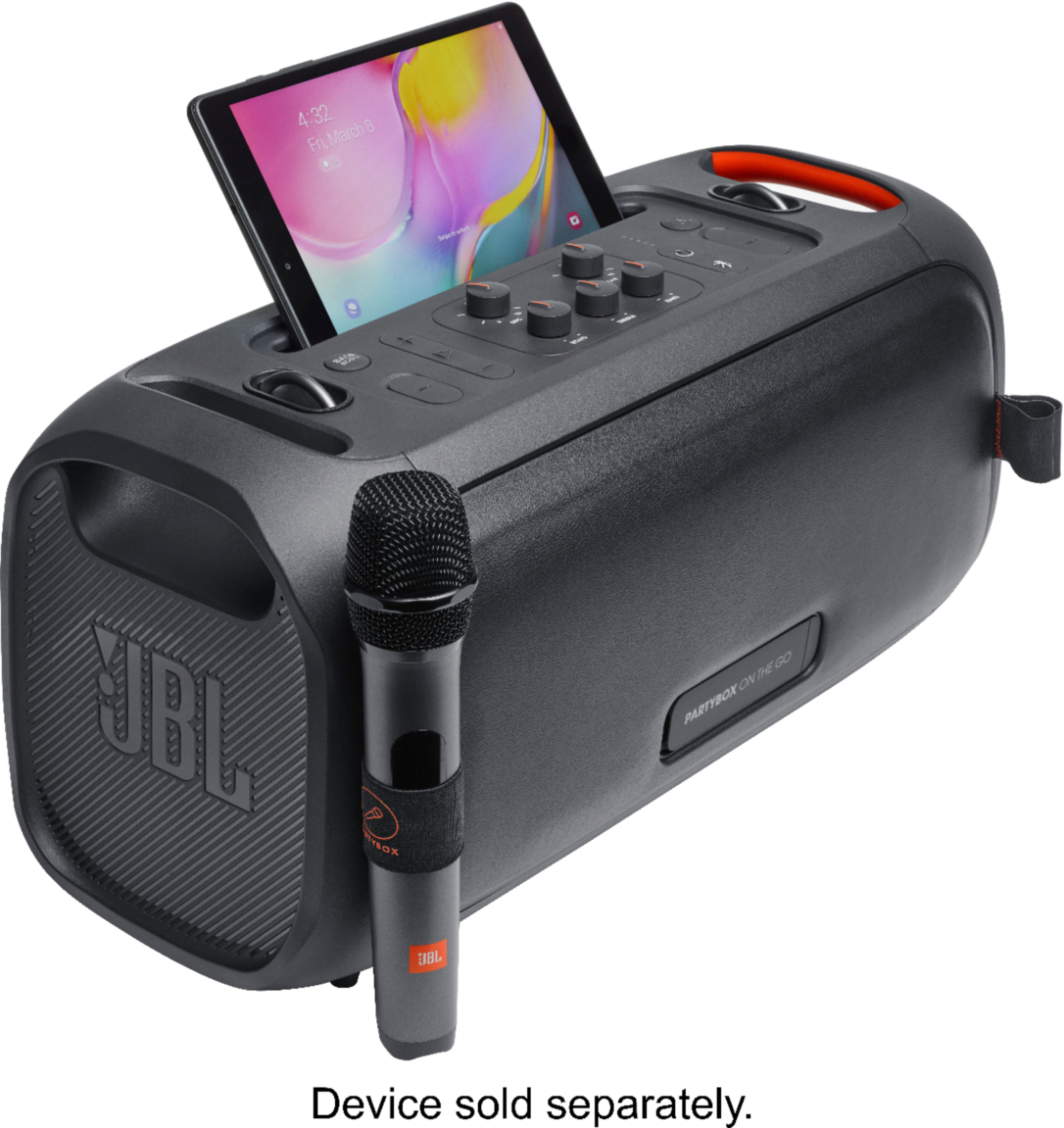

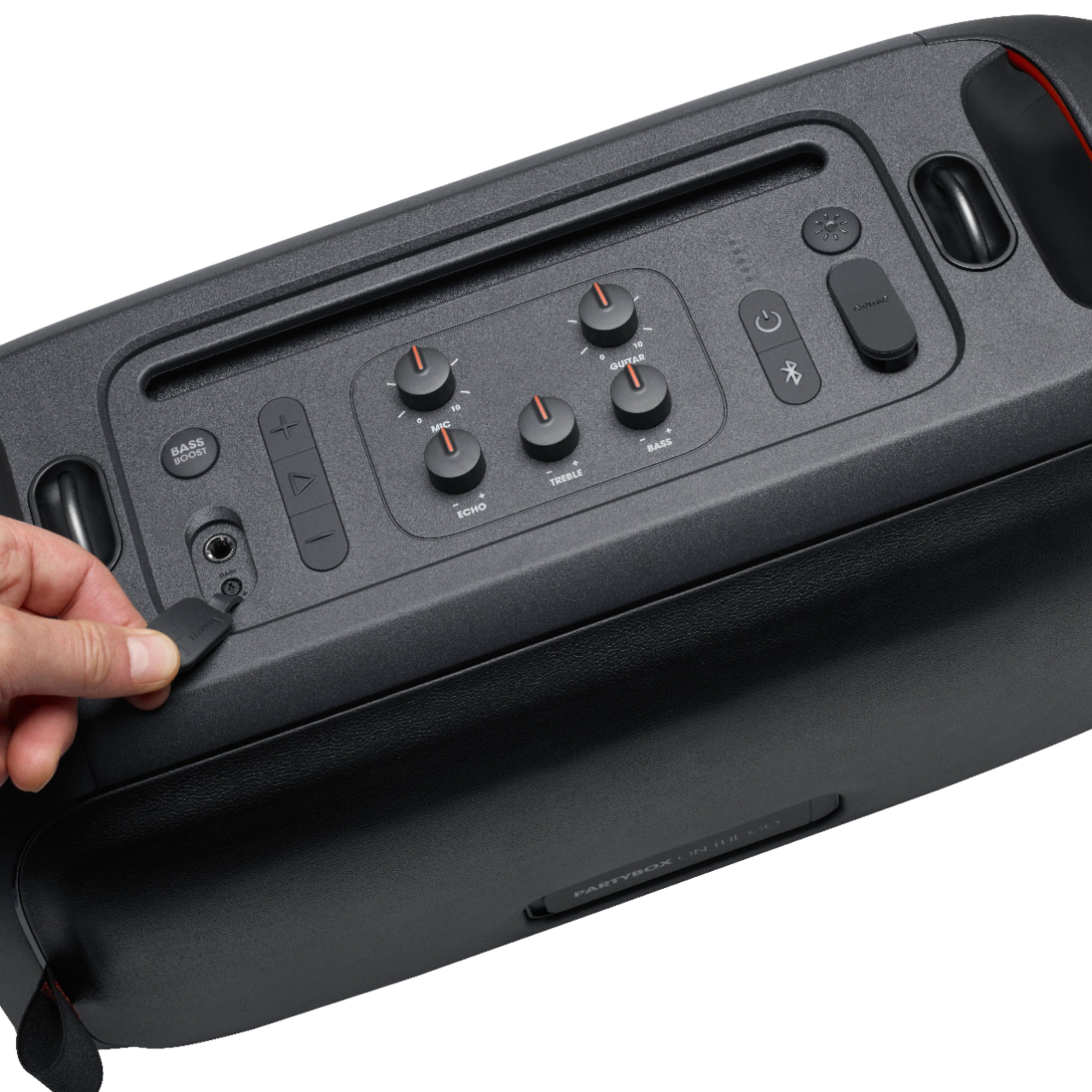
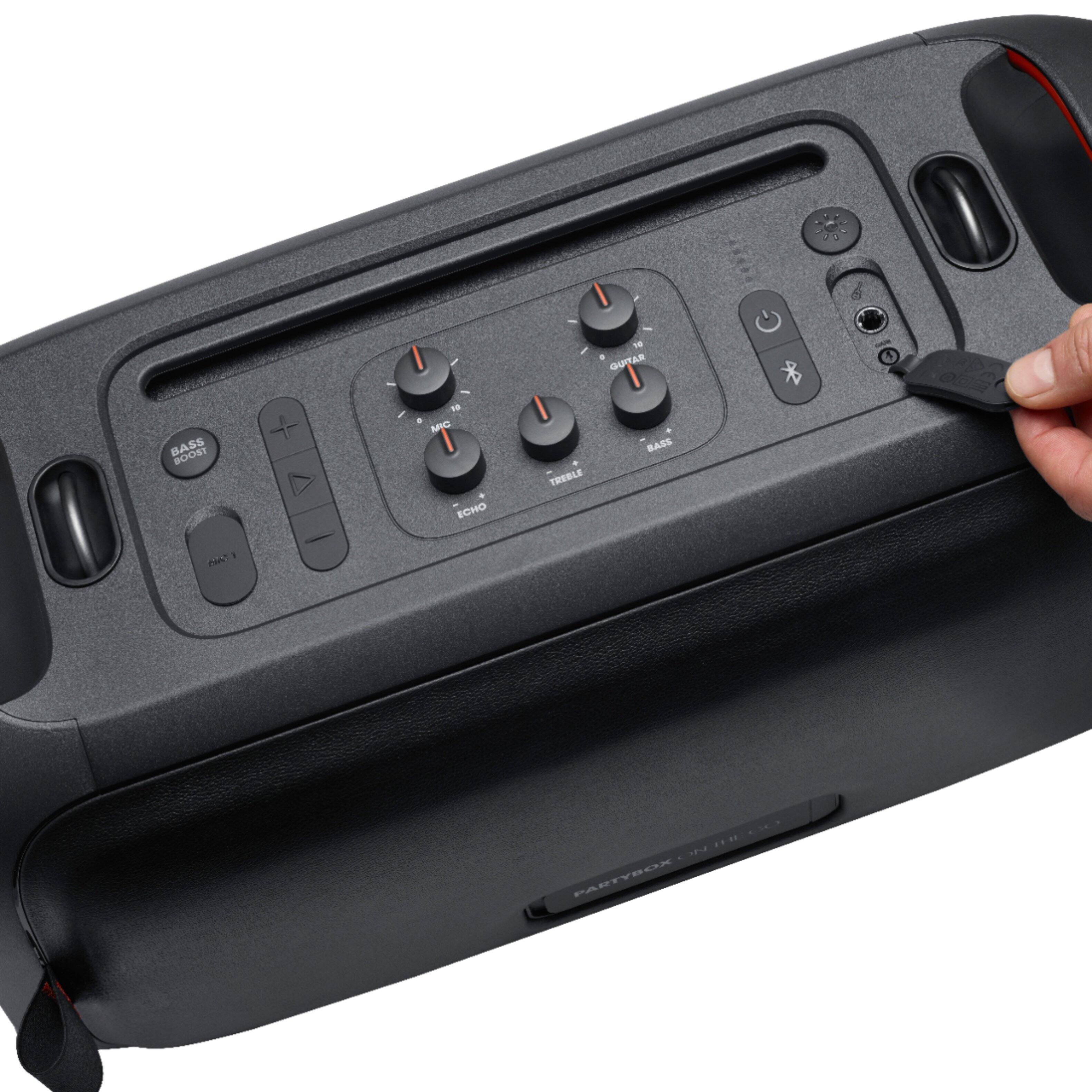
It also has a little slot on the speaker where u can place a ipad or something that u can use as ur screen for karaoke its great
A:AnswerWe'd like to work with you directly to troubleshoot the issues you're experiencing with the microphone on our JBL Partybox On the Go. Please contact customer service at. https://bit.ly/2WocMfi

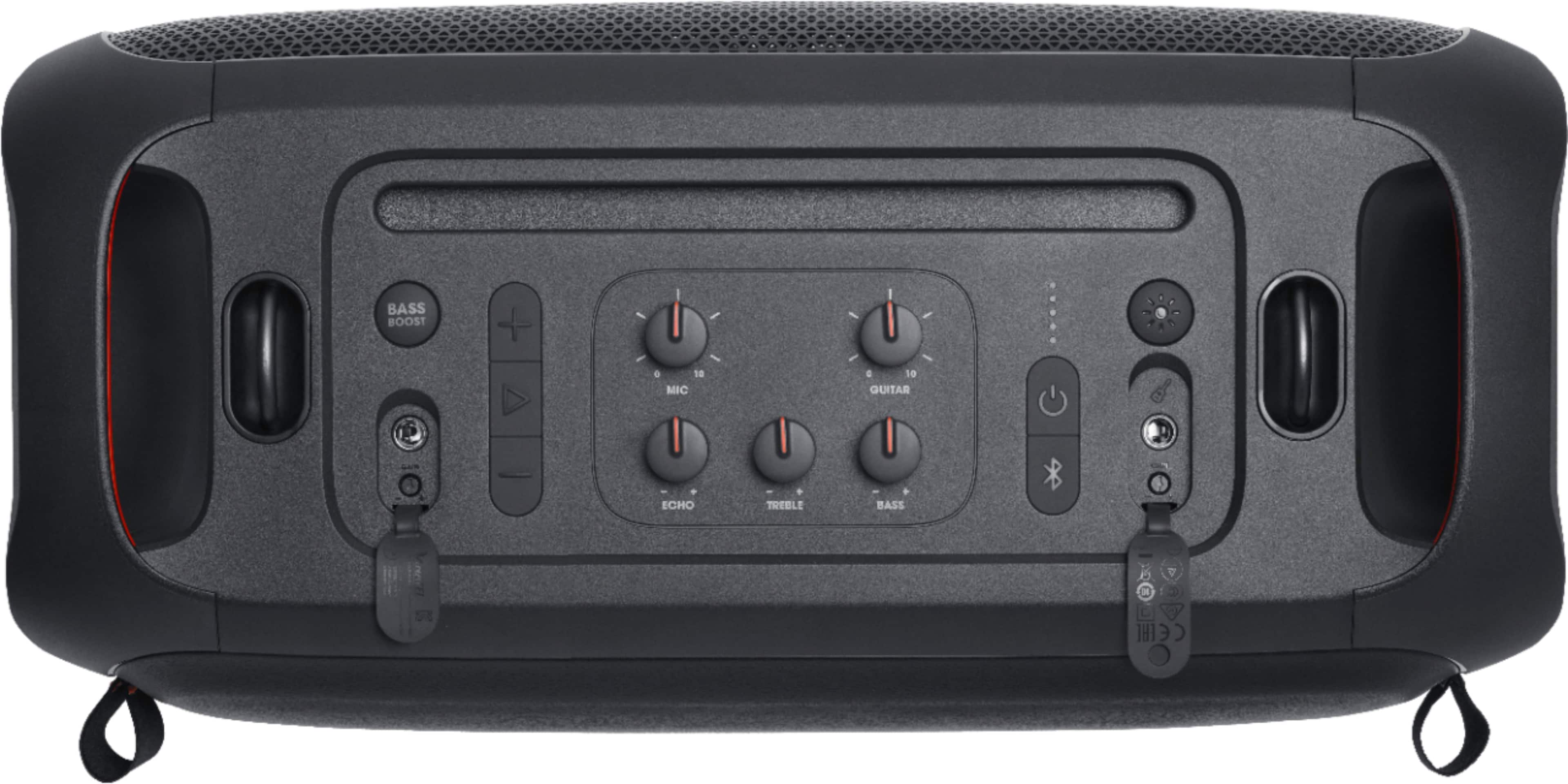
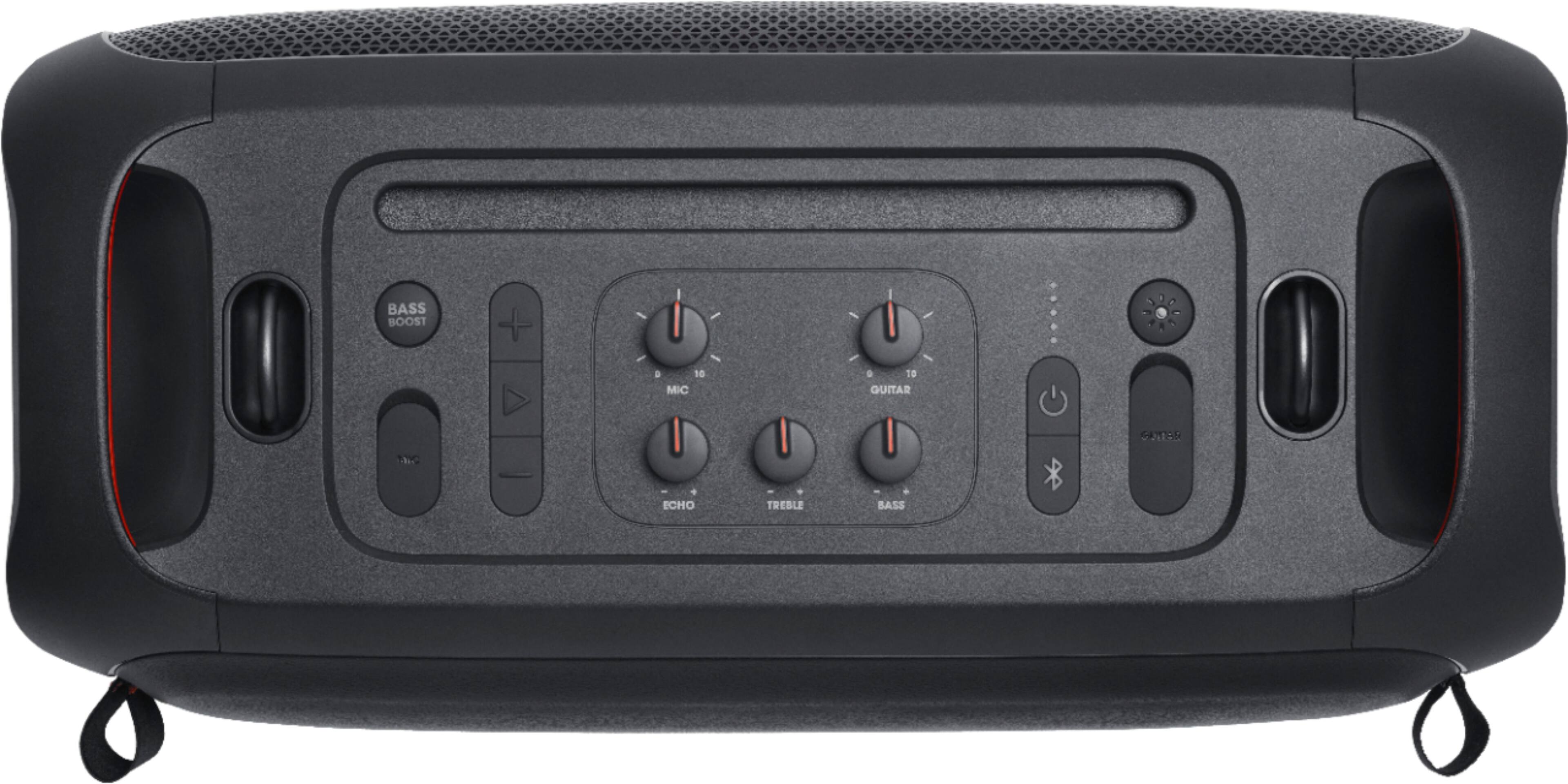
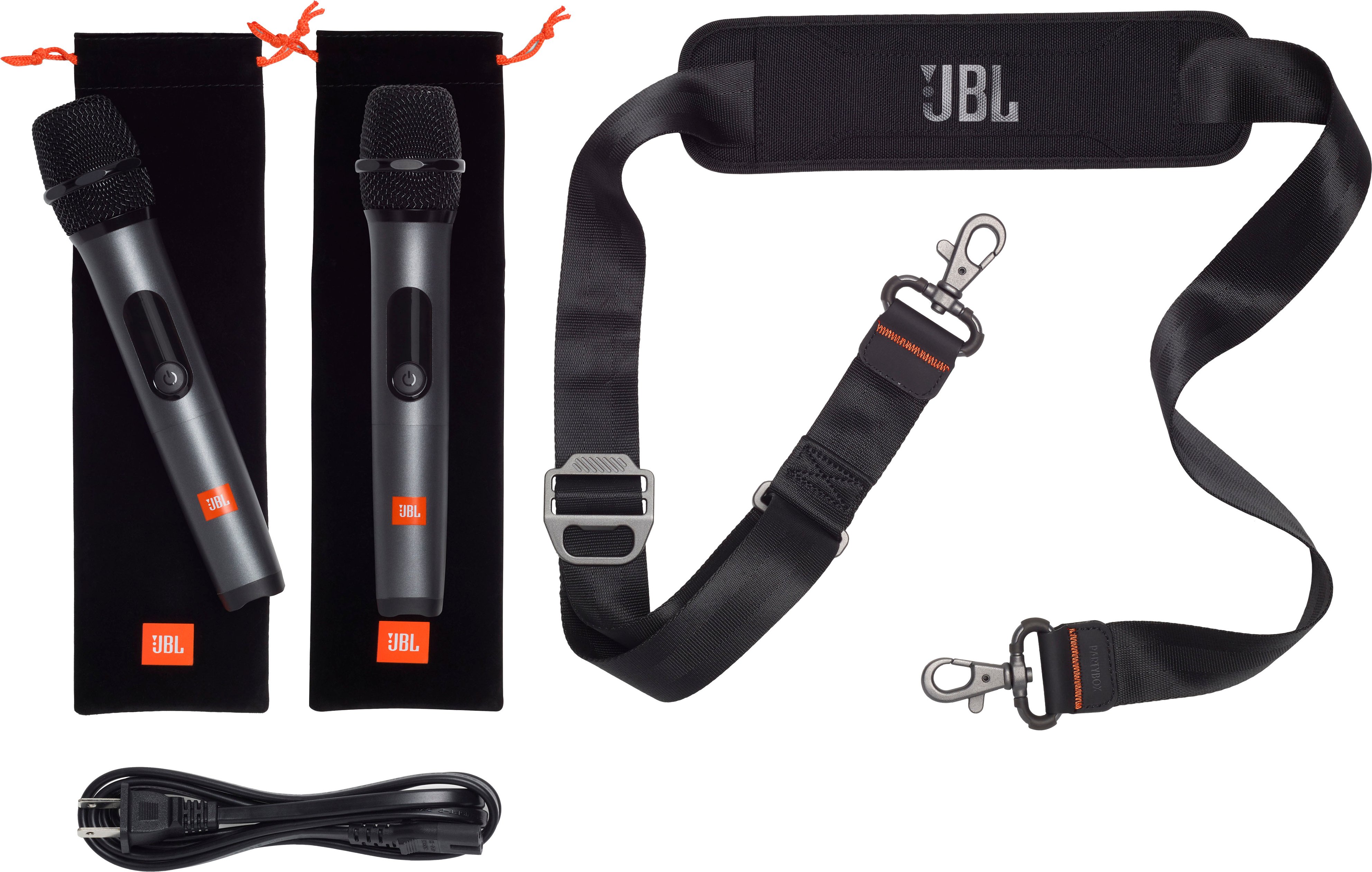
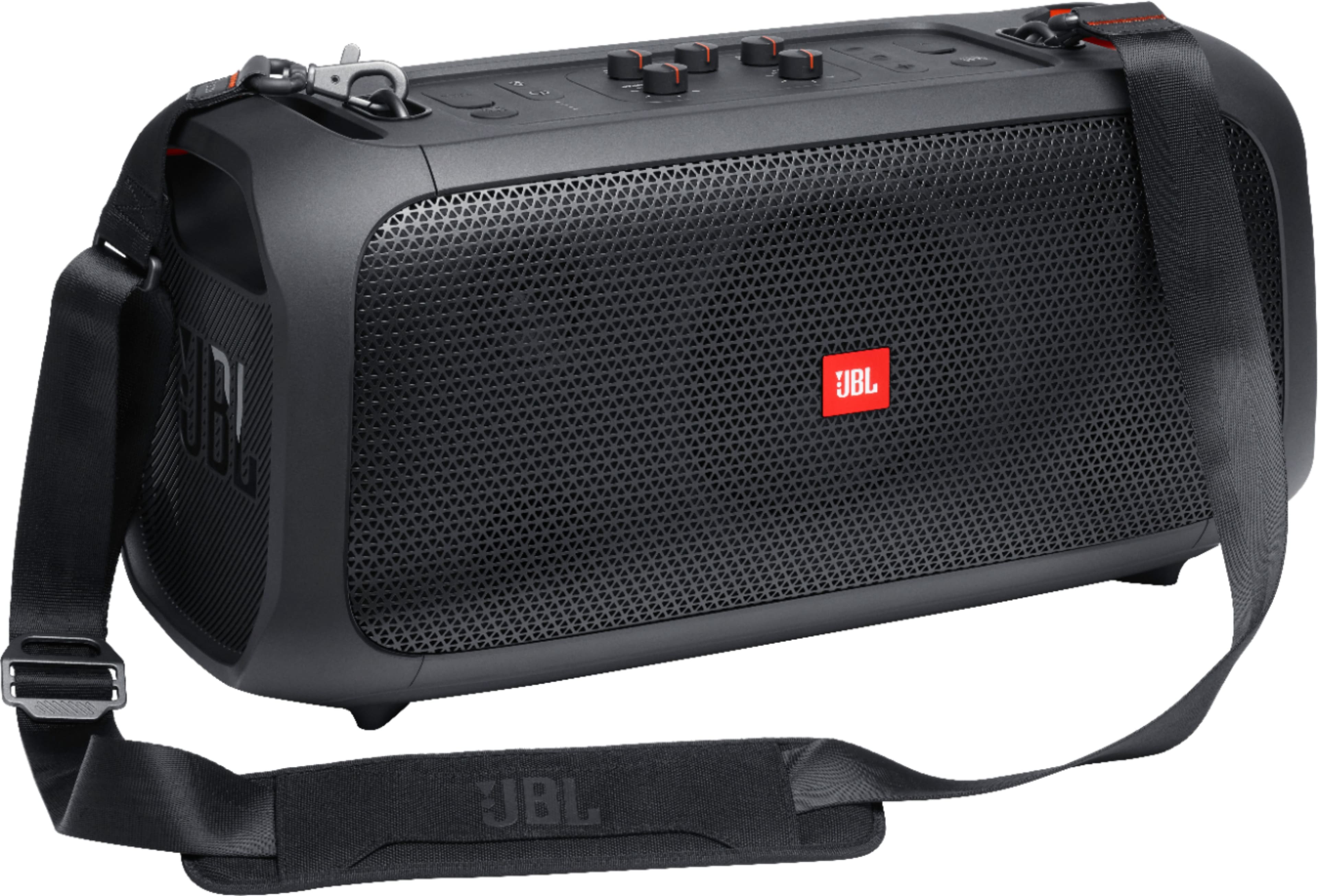
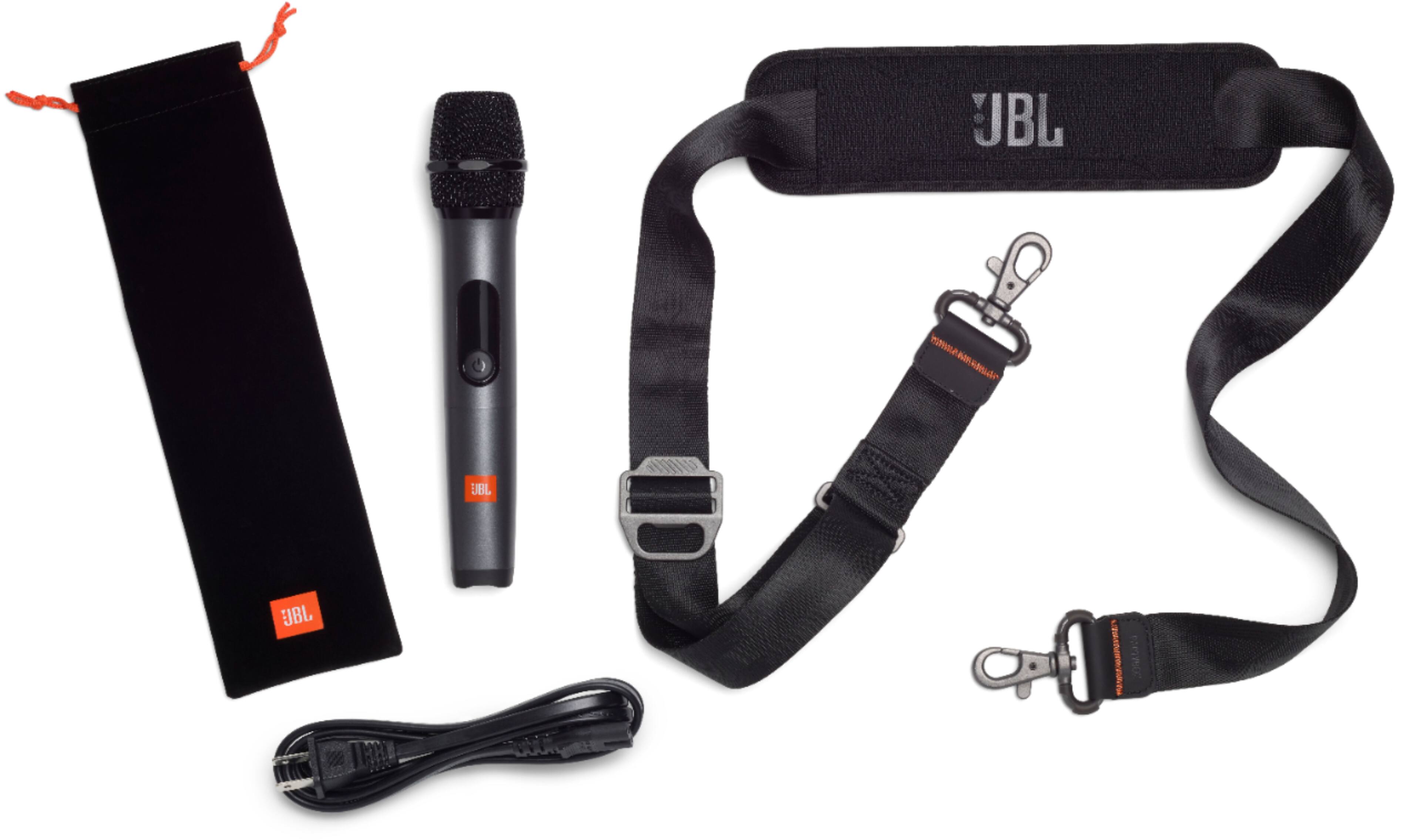
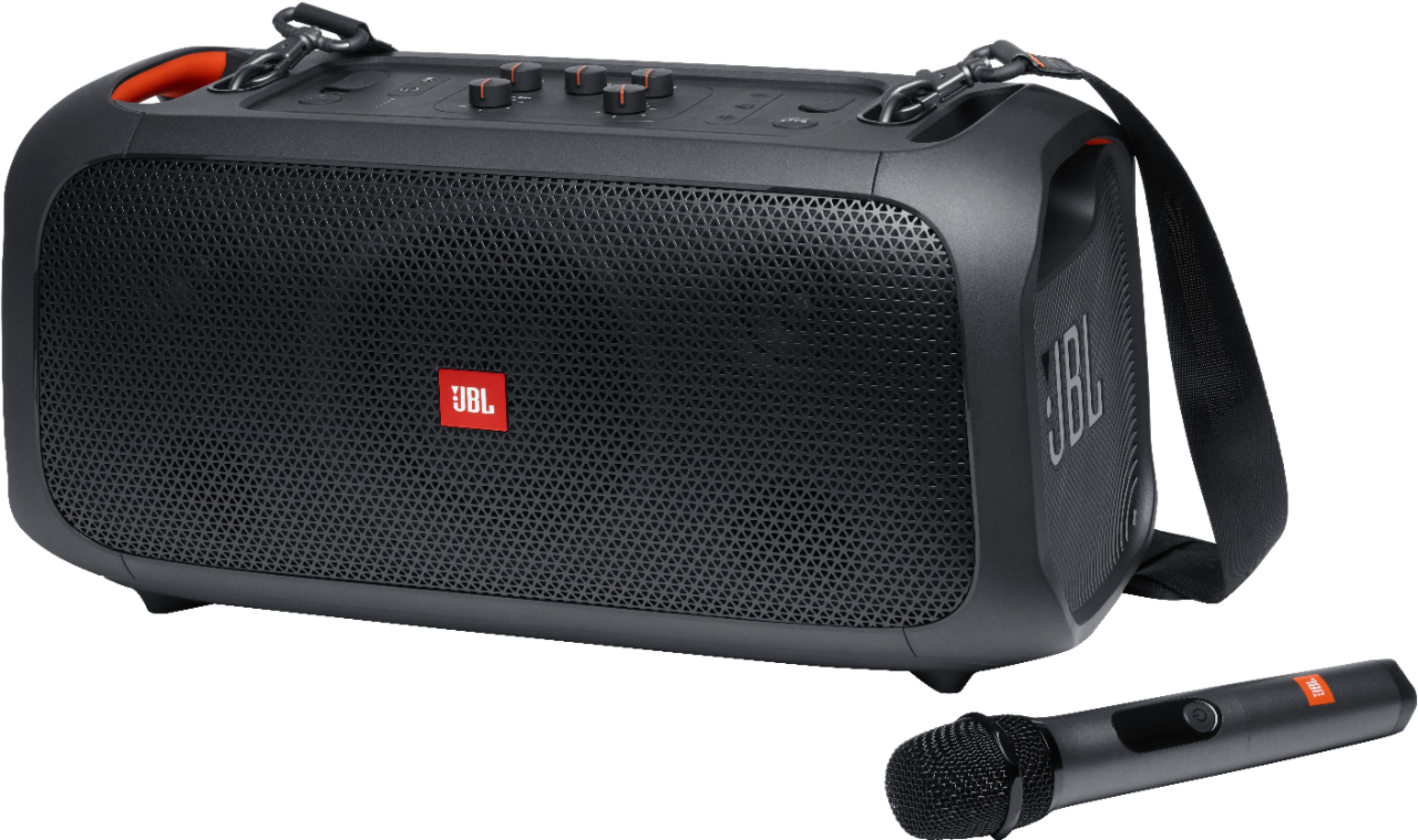
A:AnswerThanks for your inquiry. Our JBL PartyBox On-The-Go speaker comes with 1x wireless microphone, a microphone pouch, a shoulder strap, a power cord, quick-start guide, warranty card, and safety sheet. This does not come with a remote control, but you can use the JBL PartyBox App to control some of the functions, such as music playback, karaoke settings, DJ sound effects, and top panel control. You can also use the buttons on the speaker itself to adjust the volume, bass boost, and light show.
A:AnswerThanks for your question! Our JBL Partybox-On-the-Go automatically goes into power-saving mode after 10-15 minutes of inactivity if no audio signal is detected. This feature can't be disabled.

A:AnswerOur JBL Partybox On-The-Go comes with a wireless microphone already linked with the speaker as a factory default setting. You can add a wired microphone to be plugged into the mic gain port located at the top of the speaker. You can also connect another wireless microphone (sold separately), A maximum of 2 wireless microphones are supported or 1 wireless and 1 wired. So you can sing in a duet with another person. If you have other questions or concerns, contact customer service at. https://bit.ly/3x5m7d1