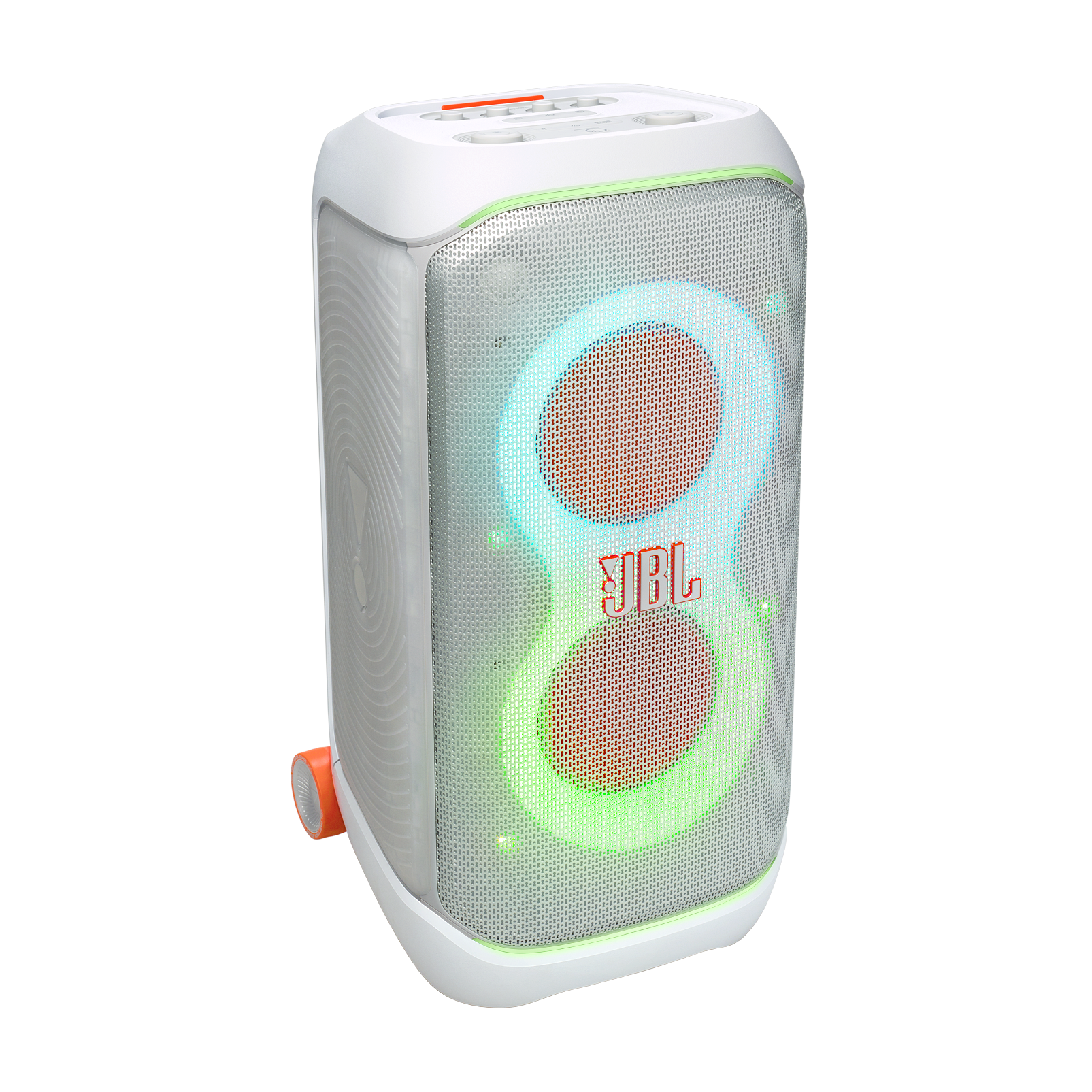
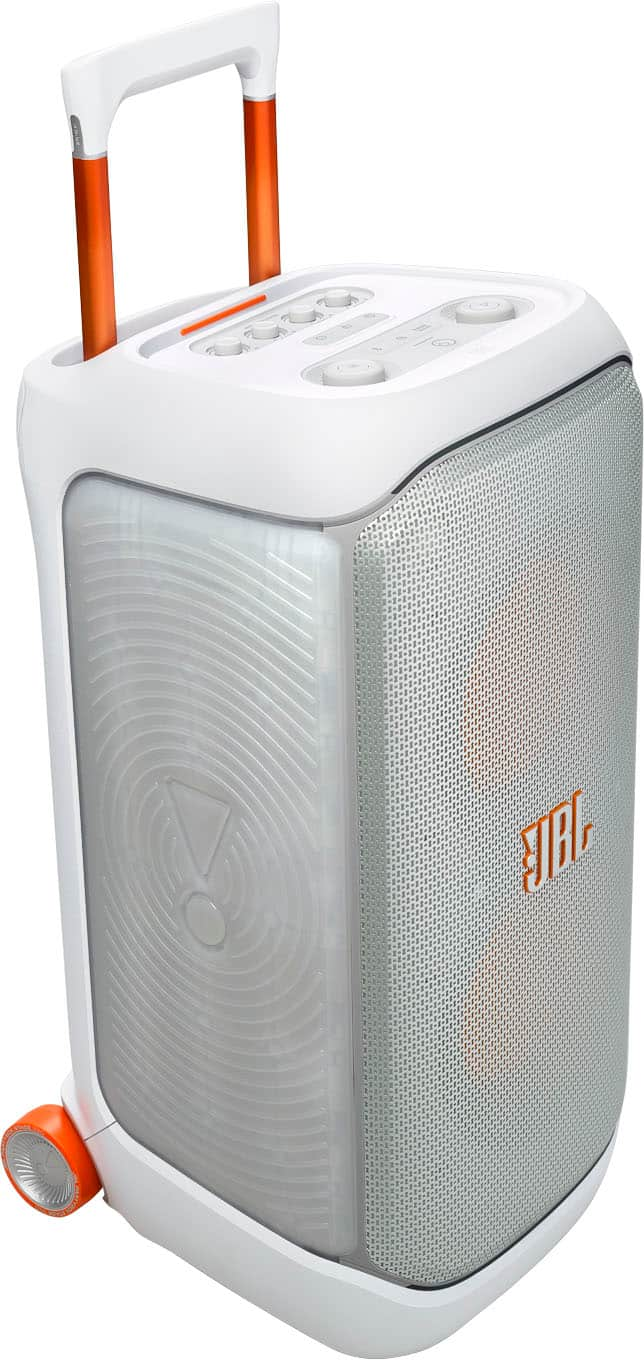
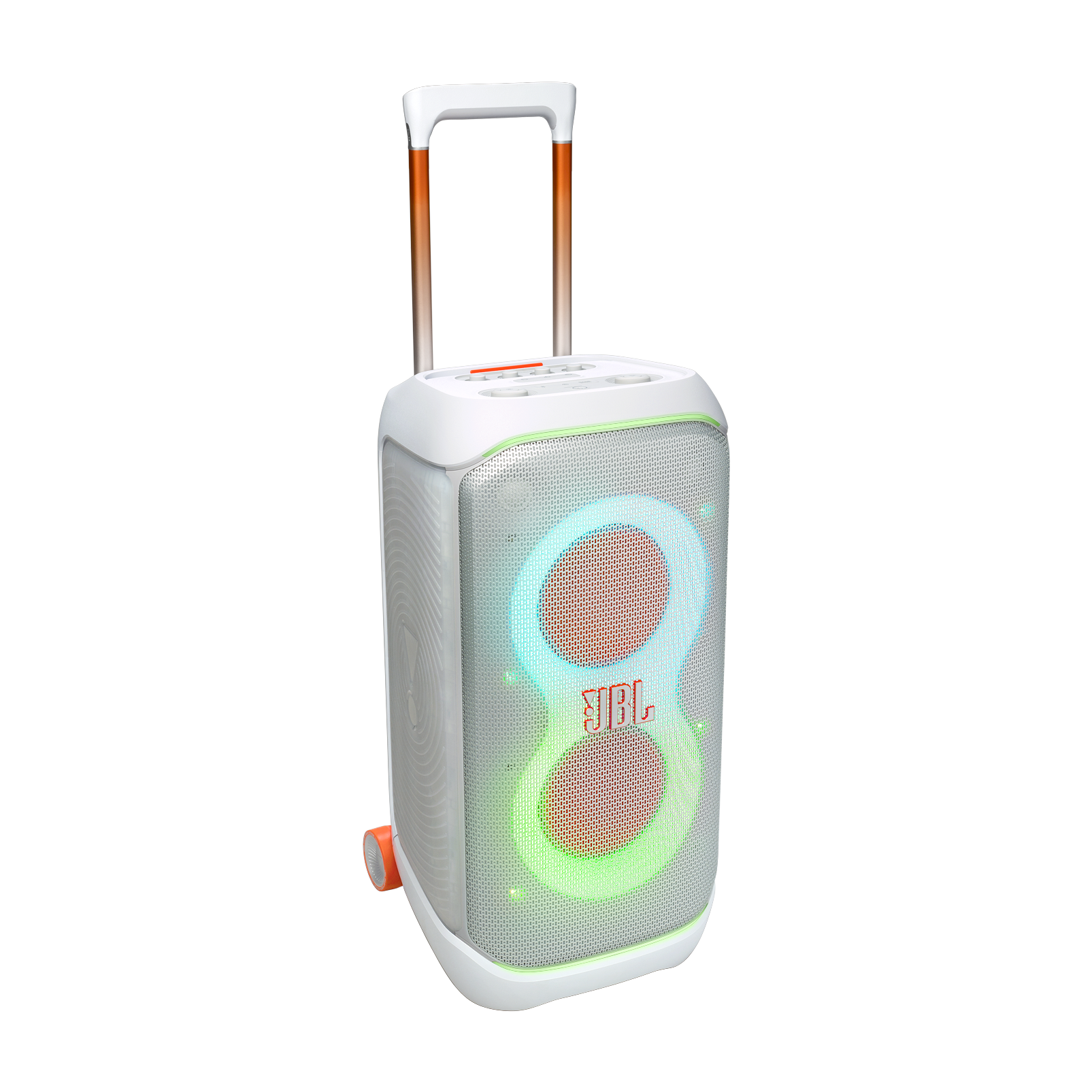
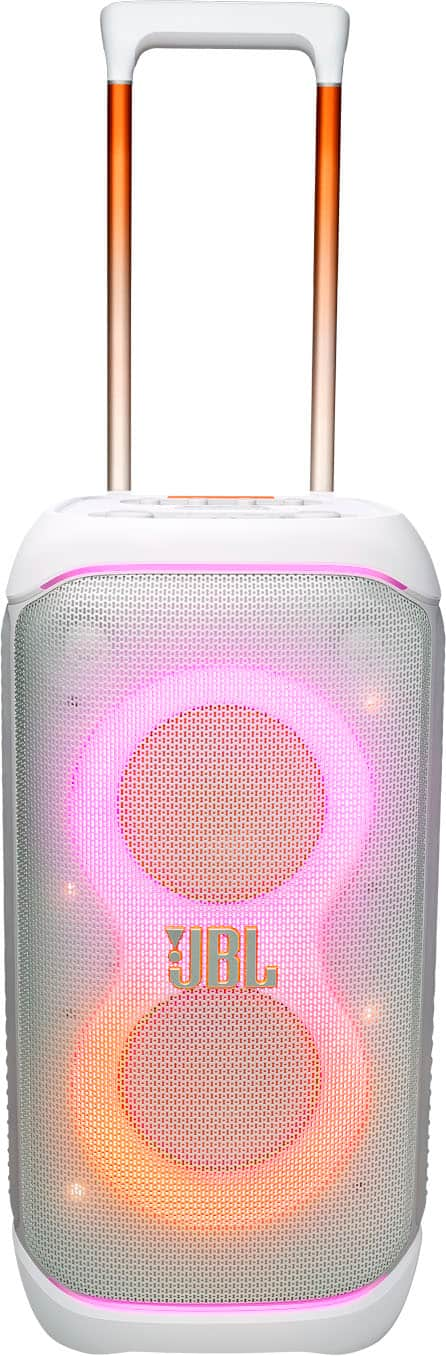
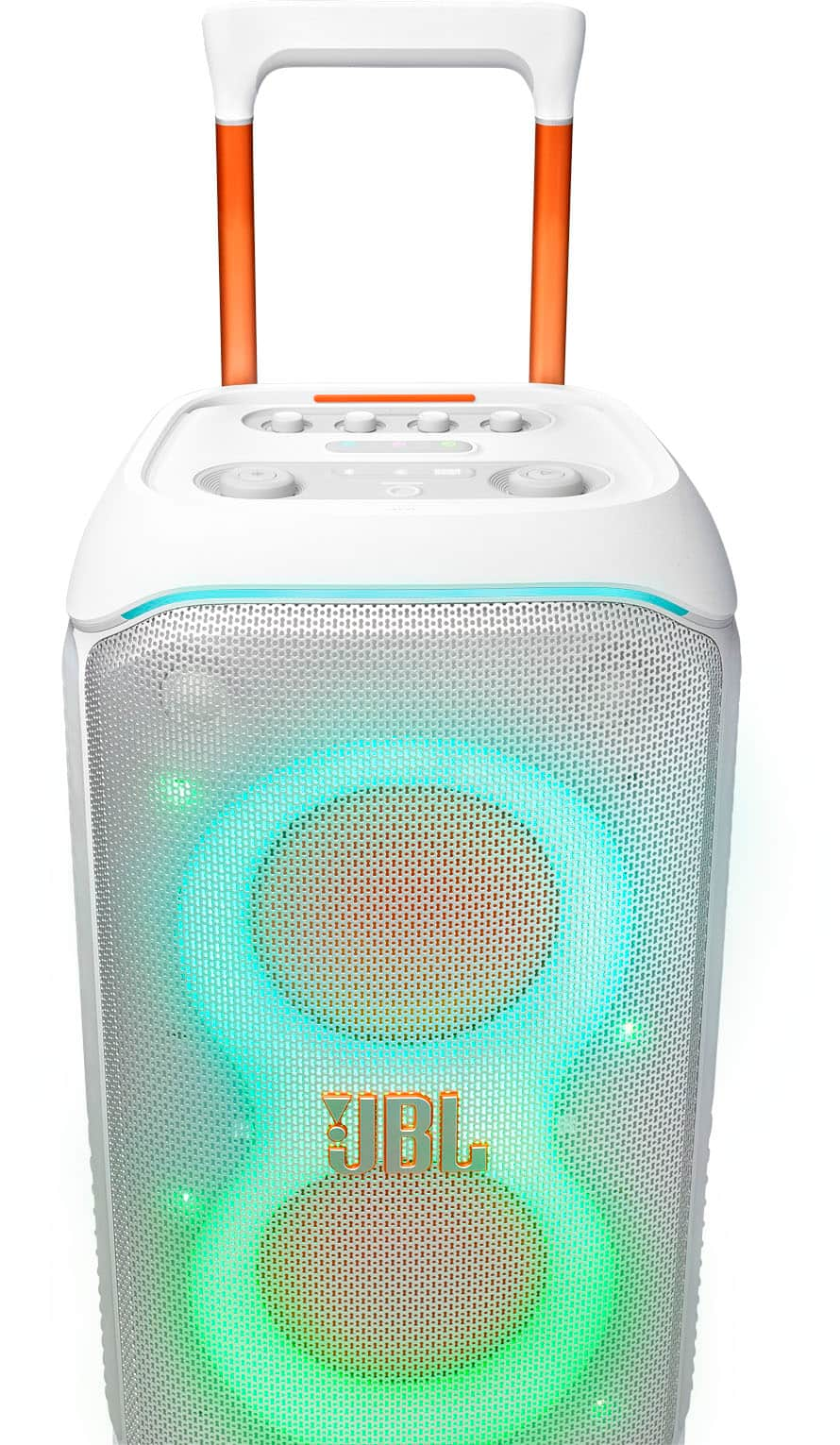
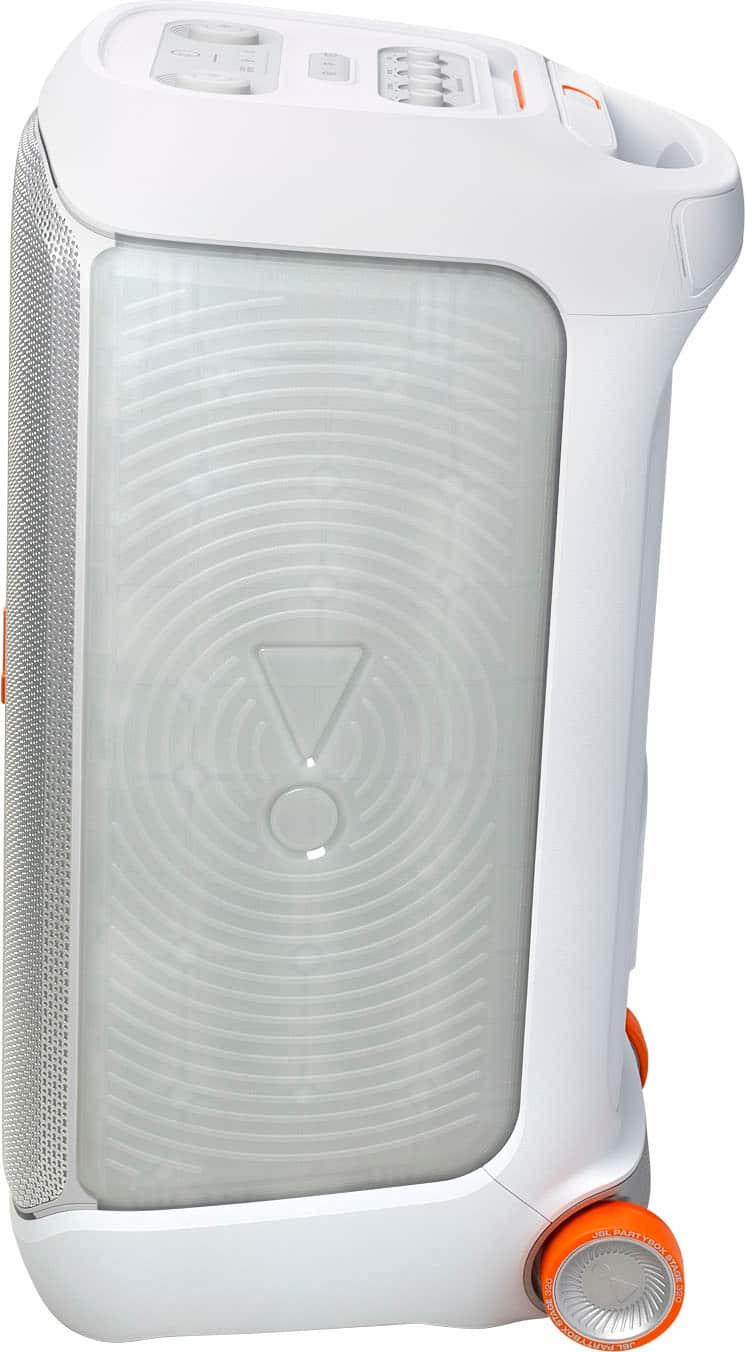
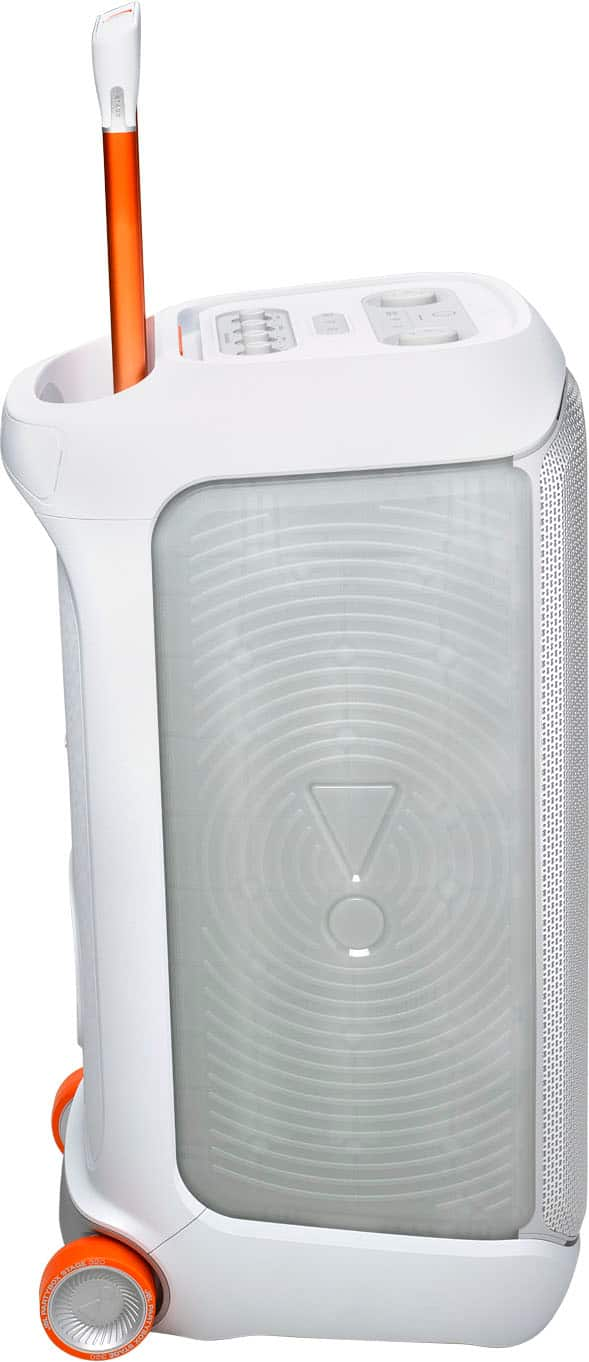
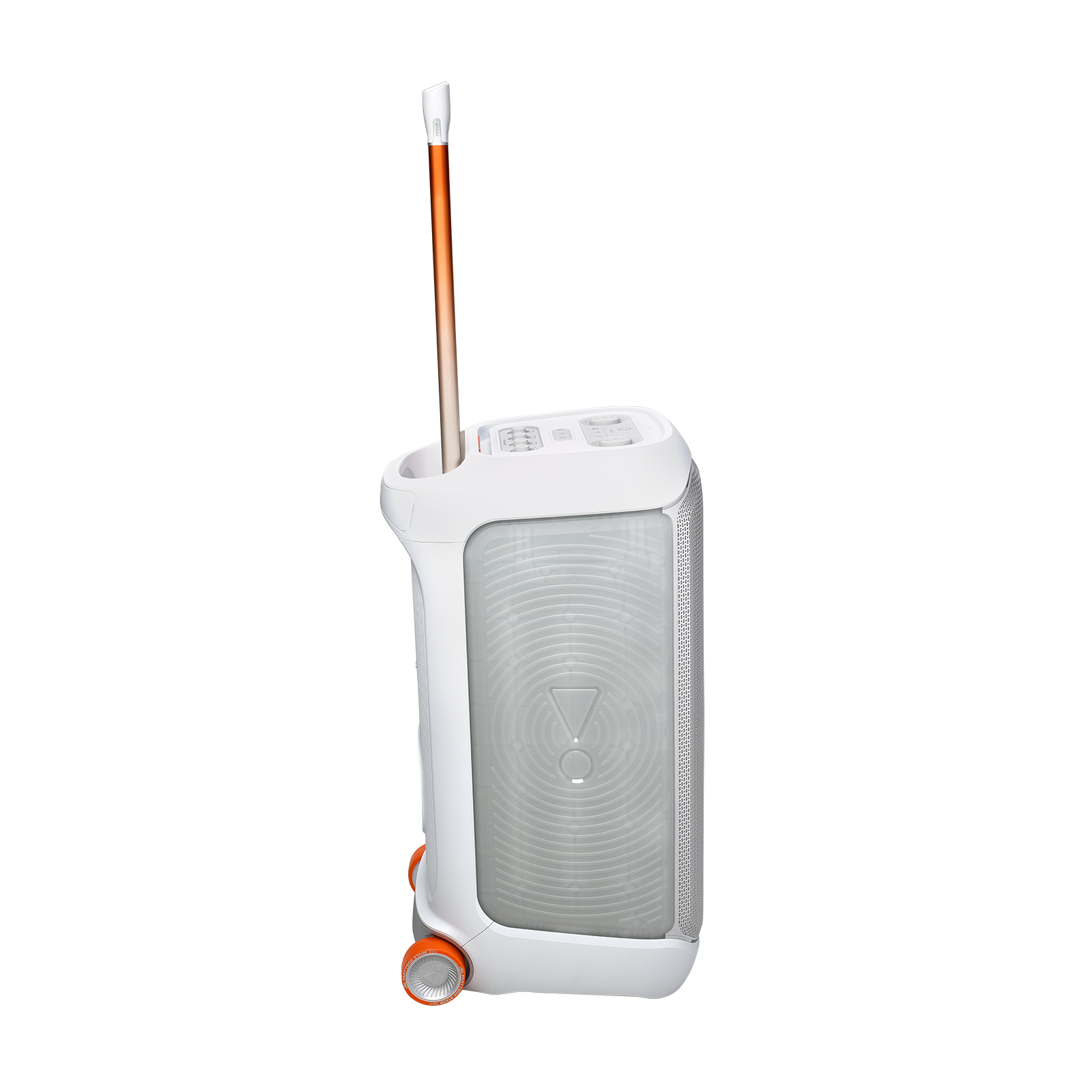
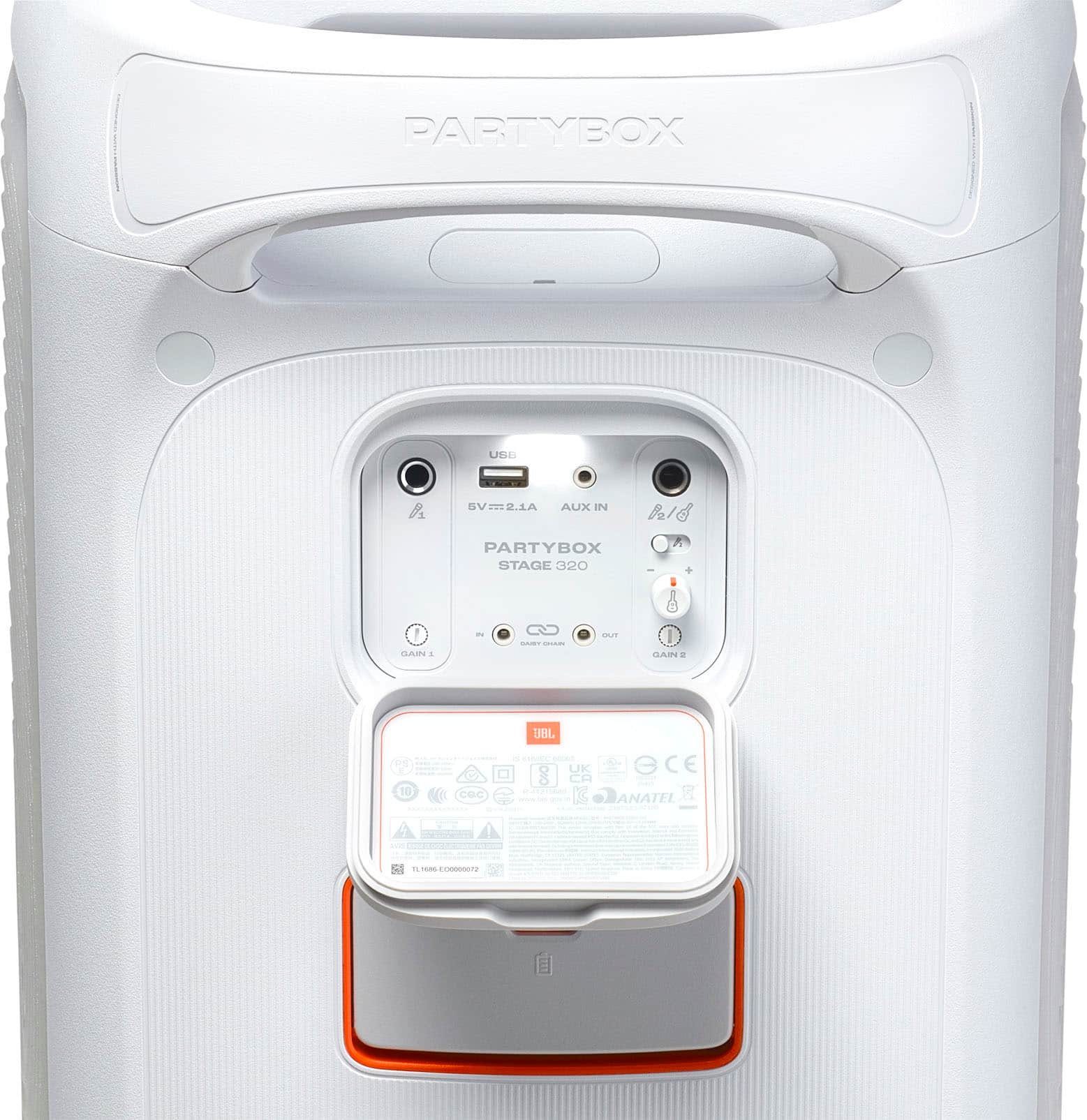
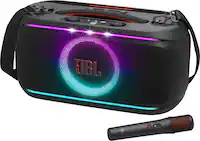
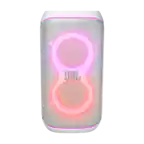
A:AnswerYes—JBL PartyBox 320 includes a USB port. You can play music directly from a USB flash drive, and in most regions it also functions as a power‑out port to top up a phone or small device. File format support and charging output can vary by region/firmware, so check your unit’s quick start guide for the exact details.
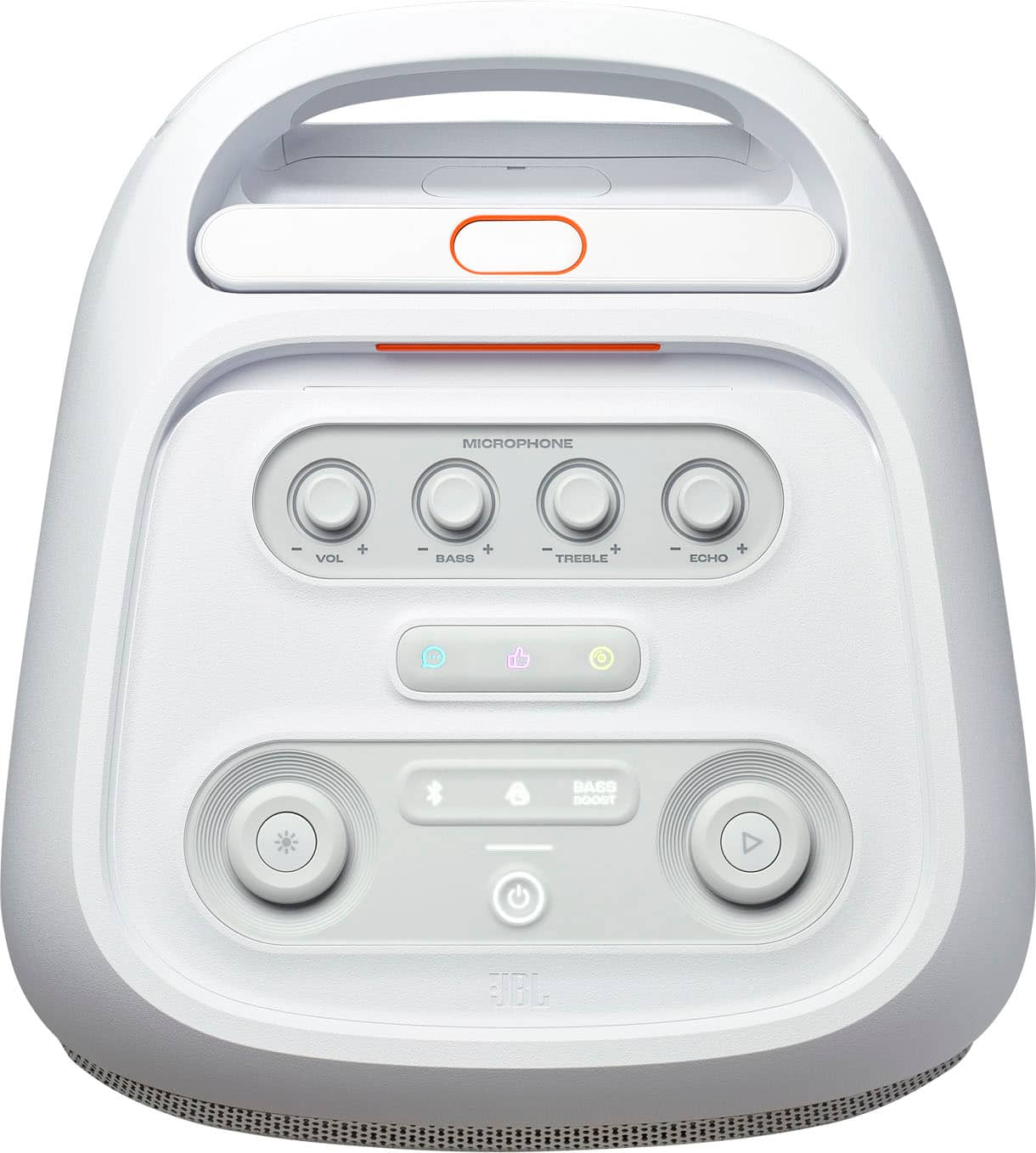
A:AnswerThank you for your inquiry. Please note that our JBL PartyBox Stage 320 does not come with a microphone; a microphone must be purchased separately.
A:AnswerThanks for your question. Our JBL PartyBox Stage 320 supports an IPX4 splash‑proof rating. This means it's designed to withstand light rain, spills, or splashes (e.g., by a pool), but it is not fully waterproof or suitable for submersion. If you need a more water-resistant option, I recommend the JBL Boombox 4, which has an IP64 rating. This model is completely dust-proof and can withstand continuous immersion in water up to 1.5 meters (4.9 feet) for 30 minutes.
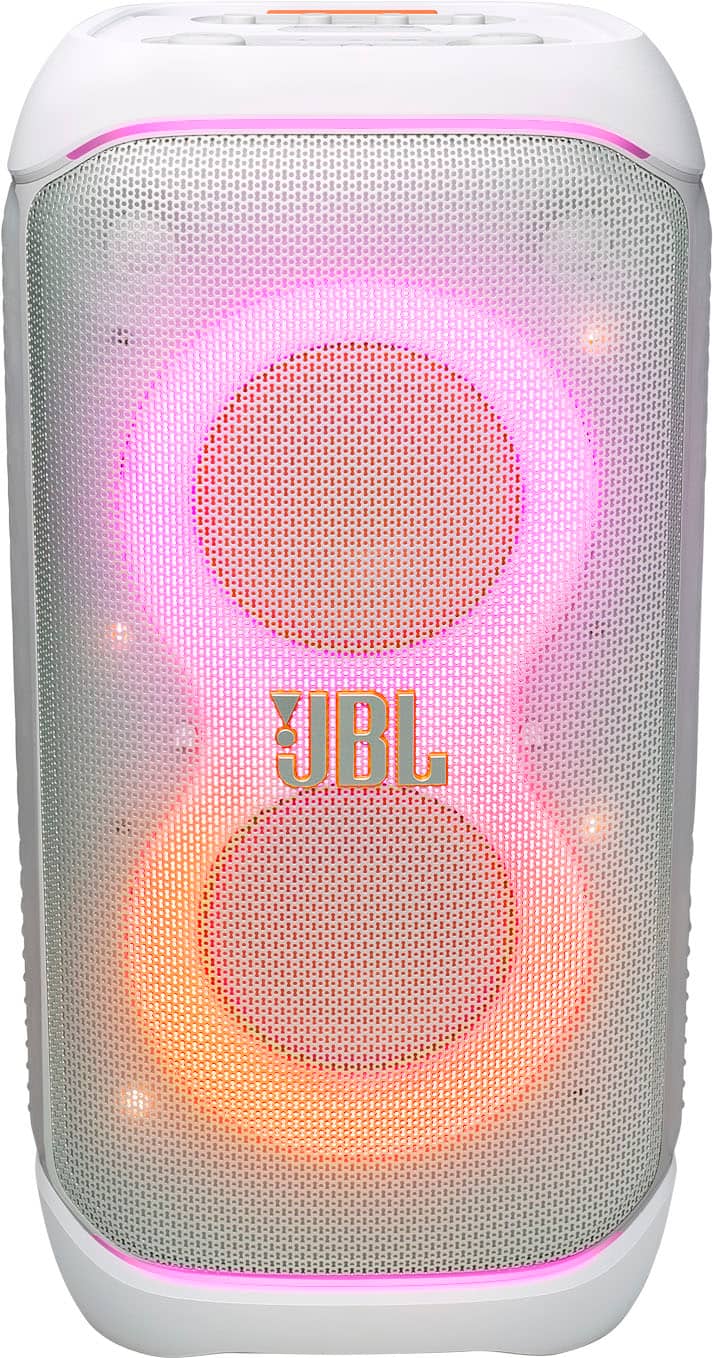
A:AnswerThank you for reaching out. Yes, our PartyBox Stage 320 can be placed on speaker stands. Please ensure you use stands that are appropriately rated to handle the weight of the speaker.


Considerations:
-Installation must be done by qualified persons using safe rigging
standards.
-The installer is responsible for the proper selection and use of mounting
hardware to properly and safely pole-mount the speaker.
A:AnswerThanks for your question. Our JBL PartyBox Stage 320 does not come with a microphone in the box. However, it is compatible with JBL wireless microphones, which can be purchased separately.
A:AnswerHey i synced my 320 with my 110. My only grip is that you have to adjust the sound from the speaker if you want to turn it up or down from what i figured out.