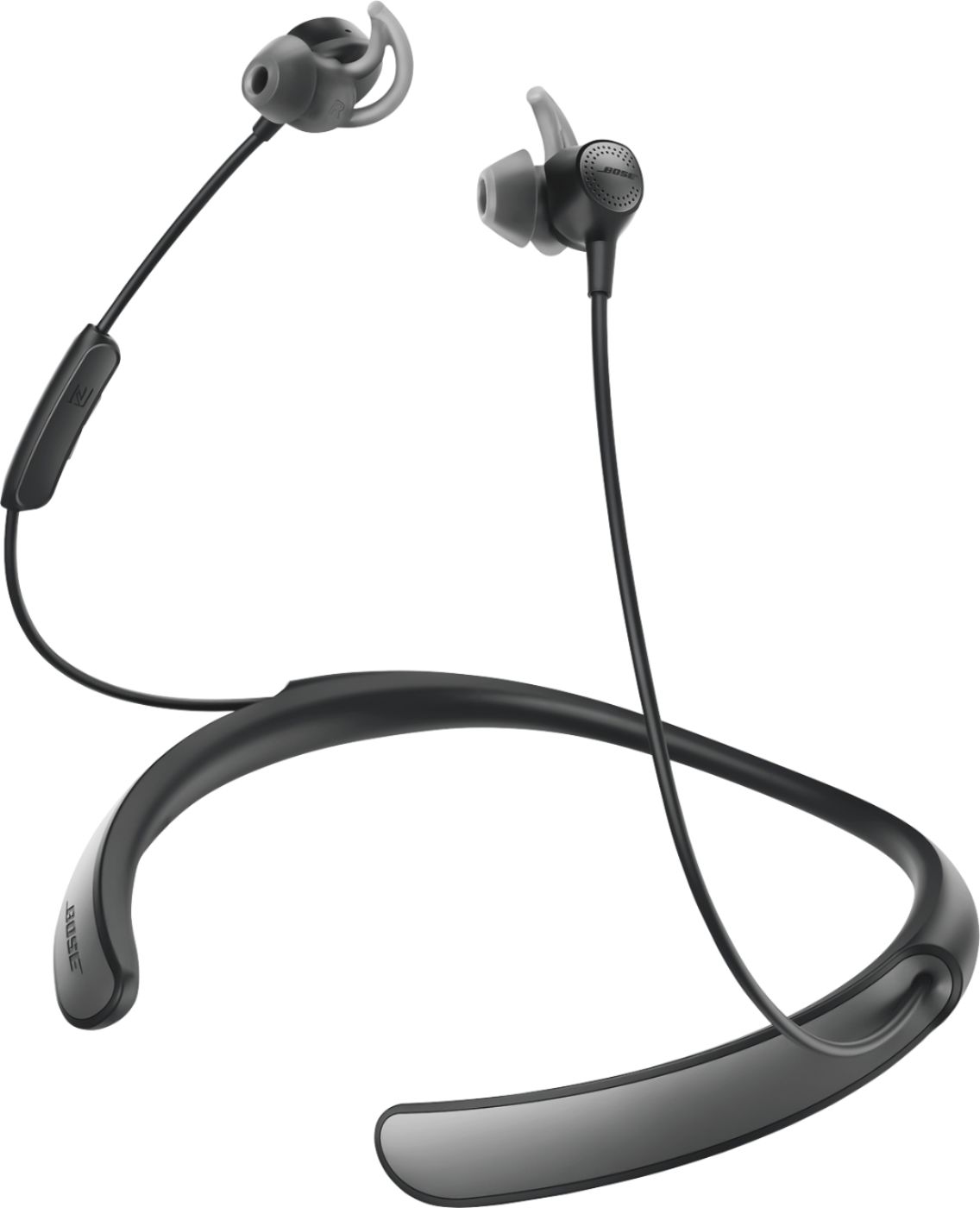
A:Answer To get help connecting Bluetooth accessories to your iOS device, follow these steps:
Make sure that your Bluetooth accessory and iOS device are close to each other.Check that your Bluetooth accessory is on and fully charged or connected to power. If your accessory uses batteries, see if they need to be replaced.Restart your Bluetooth accessory.Make sure that your iOS device is up to date.On your iOS device, go to Settings > Bluetooth and make sure that Bluetooth is on. If you can’t turn on Bluetooth or you see a spinning gear, restart your iPhone, iPad, or iPod touch.Unpair the Bluetooth accessory, put it back in discovery mode, then pair and connect it again.