Questions & Answers
- Model:
- JBLT235NCTWSBAM
- |
- SKU:
- 10759061
Q: QuestionAre these hands free voice commands
Asked by Anonymous.
- A:Answer It depends on what phone you have in a Samsung case you do need to hold the button to do a google mic
Answered by JOHNNY458
Q: QuestionI was in caught in the rain and a few days ago now the buds sounds are very low can barely hear the other person or music playing.
Asked by Ken.
This question was asked about the related product: JBL - Tune 230NC True Wireless Noise Cancelling In-Ear Earbuds - Black
- A:Answer Thanks for your question. While the earbuds may have been damaged due to exposure to water, try cleaning the ear tips by removing dust or dirt using a pointed toothpick to remove larger amounts and a small amount of rubbing alcohol applied to a cotton swab for final degreasing. Since the JBL Tune 230NC TWS is susceptible to dirt built-up, this can likely cause the issue. In addition, try to check the balance control on your source device by going to the "Accessibility" settings and your music player settings. You can also configure your audio balance control via the JBL Headphones App. If the issue continues, please reach out to our Customer Support for further assistance.
Answered by JBL Support

Q: QuestionHow many hours between charges
Asked by Jay.
- A:Answer Lots of hours, I have only charged it once and i have had it for 3 weeks already and i use my headphones for an hour a day from M-F in the gym. If your headphones die you only need 10 minutes to charge the, in order to give you 2 hours of battery charged.
Answered by MarleniO
Q: QuestionI bought week before, during calls I hear my partner but he doesnot hear me clear. I have xiami 11 t
Asked by Maye.
This question was asked about the related product: JBL - Tune 230NC True Wireless Noise Cancelling In-Ear Earbuds - White
- A:Answer The issues may be the phone. Or see if the app needs an update. The ones I have work decent with phone calls unless I’m in a very loud area
Answered by BradyR
Q: QuestionHello there. Can this be connected to multiple devices as the same time. I believe the term used to describe this is called Multipoint connectivity. Thank you.
Asked by KK.
- A:Answer I purchased this earbuds and the answer to this question is NO.. the JBL - Tune 235NC wireless in-ear earbuds can only connect to one device at a time. You can pair the earbuds to other devices say a phone or tablet, but it will only let you connect to one or the other not both.
Answered by Anonymous
Q: QuestionAre the earbuds waterproof?
Asked by ick.
- A:Answer No they are not waterproof
Answered by TiffanieC
Q: Questionhow can you increase volume? They don't get very loud
Asked by DennisM.
- A:Answer Try using the app for volume increass
Answered by Anonymous
Q: QuestionCan each ear bud be used by itself? One at a time?
Asked by LAOX.
- A:Answer I use a single earbud all the time at work.
Answered by joshred
Q: QuestionIs the noise cancelling good enough for a day at the range or for use at a concert?
Asked by Trent.
- A:Answer No, not even close. At least not in my experience. Good for tuning out the background music at the gym, but anything louder than that you can definitely still hear. But maybe they just don't fit snuggly enough in my ear.
Answered by Stephen
Q: QuestionCan you answer call without having to pick up phone
Asked by Lula.
This question was asked about the related product: JBL - Tune 230NC True Wireless Noise Cancelling In-Ear Earbuds - Black
- A:Answer Yes
Answered by RamonaP
Q: QuestionIs the case wireless charging?
Asked by Jrock.
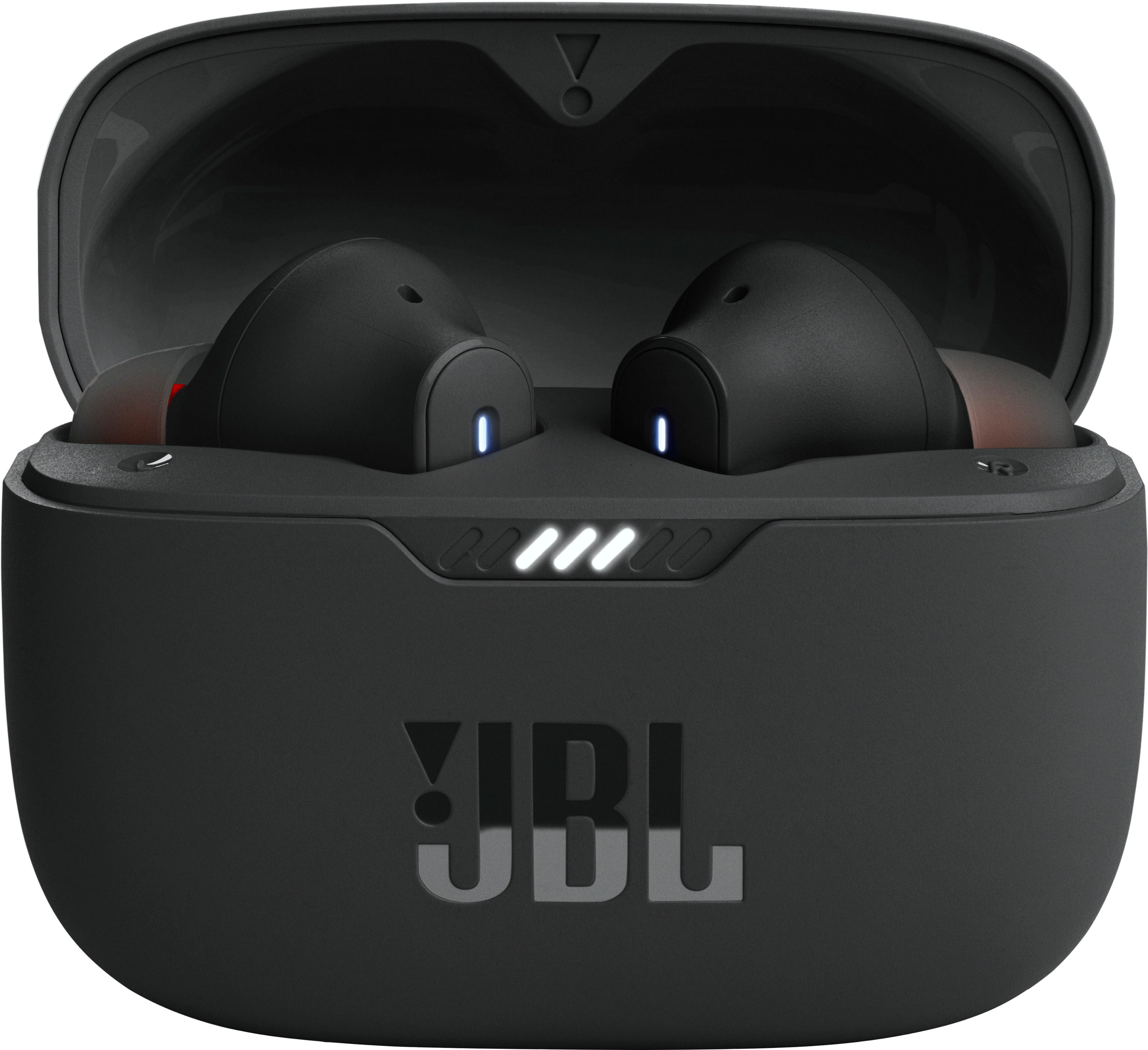
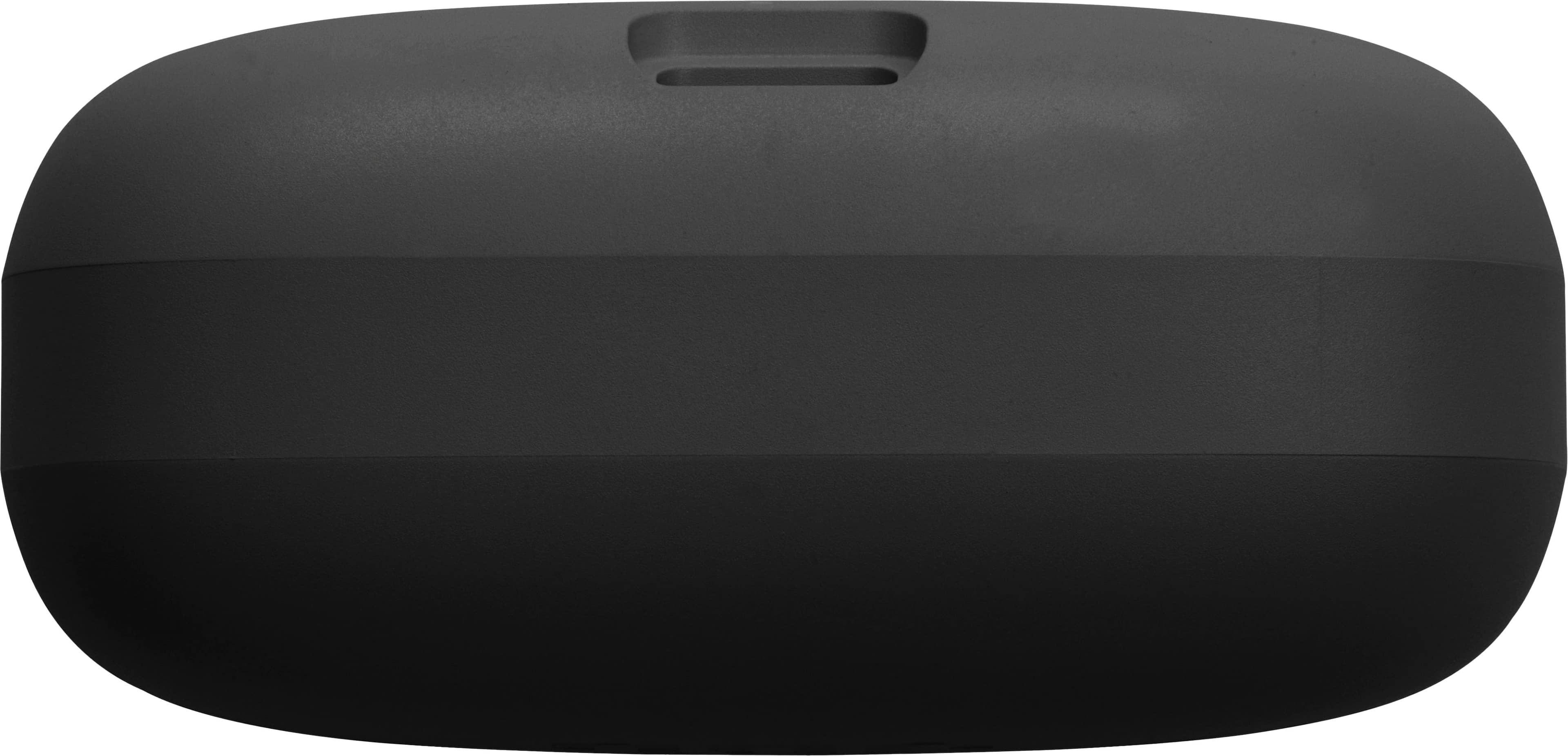
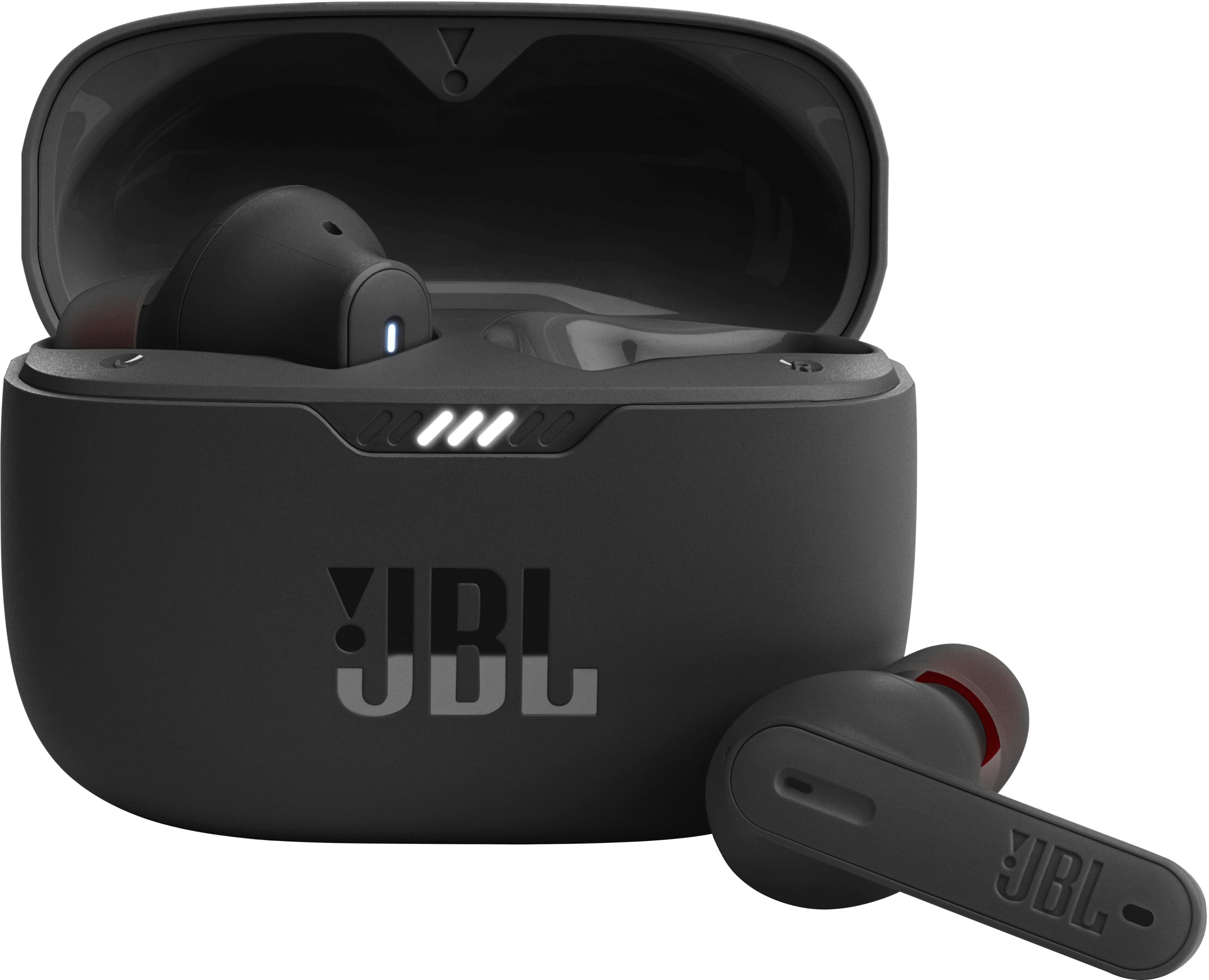
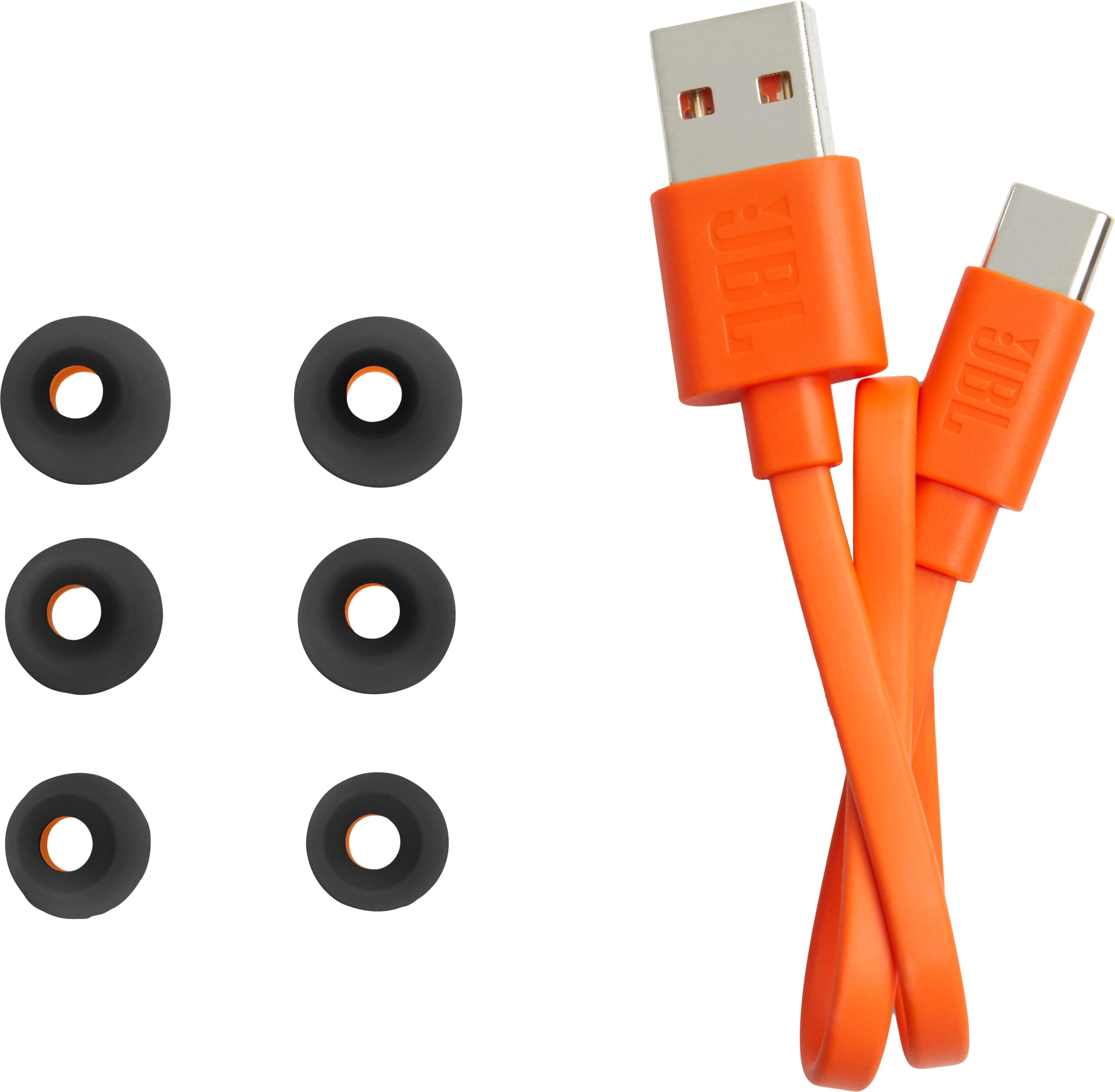
- A:Answer No. It plugs in: USB-C.
Answered by JH1970
Q: Questionare these earbuds compatible with the xbox one x console?
Asked by JordanW.
- A:Answer Only if your device has a Bluetooth connection
Answered by IJGENEL
Q: QuestionDoes the jpl 235nc have usbc on both sides
Asked by Bill.
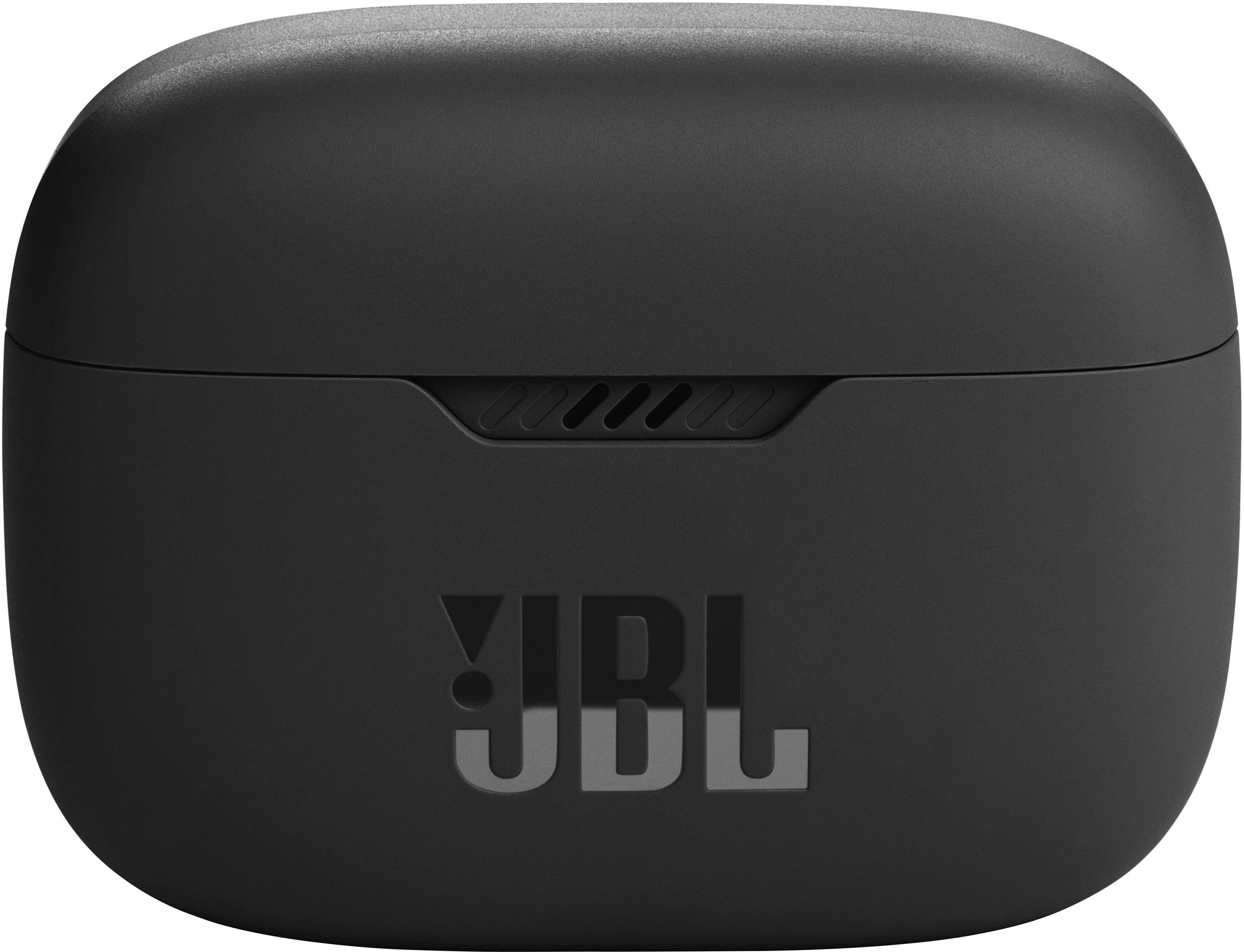
- A:Answer No, it is on the back near the bottom of the case
Answered by Moonrazor
Q: QuestionHow do I make these work with my Lenovo tablet?
Asked by Anonymous.
- A:Answer First find out if your tablet supports bluetooth audio devices. If it does, use the appropriate menu functions to pair the device with your tablet.
Answered by freetruth
Q: QuestionAre these compatible with the iPhone 7?
Asked by Chad.
This question was asked about the related product: JBL - Tune 230NC True Wireless Noise Cancelling In-Ear Earbuds - Black
- A:Answer As long as you have Bluetooth I would think that they’d work.
Answered by Keepmomhealthy
Q: QuestionCan the case be charged wirelessly?
Asked by Paco.
This question was asked about the related product: JBL - Tune 230NC True Wireless Noise Cancelling In-Ear Earbuds - Black
- A:Answer No.
Answered by PabloC
Q: QuestionI'm trying to pair to a Lenovo laptop computer. It says it is paired but get no sound from buds. works fine with phone. Any help.
Asked by Anonymous.
This question was asked about the related product: JBL - Tune 230NC True Wireless Noise Cancelling In-Ear Earbuds - Black
- A:Answer Thank you for taking the time on providing us with your feedback on our JBL Tune 230NC TWS. In most cases when a laptop has issues connecting to headphones, it's caused by your laptop's Bluetooth driver (software). To download the correct driver, please visit the manufacturer's website on your laptop. They would have a "Support/Download" section where you can find the correct driver. Otherwise, please contact your laptop's brand support. Also, please avoid connecting your source device to JBL Tune 230NC TWS-LE as the -LE is for the voice assistance feature only. Just connect to the JBL Tune 230NC TWS.
Answered by JBL Support

Q: Questiondo these work with a ps5
Asked by Anonymous.
This question was asked about the related product: JBL - Tune 230NC True Wireless Noise Cancelling In-Ear Earbuds - Black
- A:Answer Our JBL Tune 230NC TWS will not be able to connect with the PlayStation 5. we recommend the JBL Quantum TWS as these earbuds include a Wireless dongle that is compatible with the PlayStation 5.
Answered by JBL Support

Q: QuestionSo my micro phone for calls does not work. It worked once or twice and now hasn’t worked in a couple months since I’ve gotten them. Am I doing something wrong? Maybe settings?
Asked by C4lesha.
This question was asked about the related product: JBL - Tune 230NC True Wireless Noise Cancelling In-Ear Earbuds - Black
- A:Answer We're here to help with your JBL Tune 230NC TWS. To further isolate the issue, please try connecting your earbuds with a different device and see if the issue remains. We also recommend doing a factory reset. To do it, double tap on the right earbud and hold it on the 3rd tap for 5 seconds, then put the earbuds back in the case to complete the reset. It is also necessary to remove or forget the earbuds from the previously connected device on your phone before connecting again. If the same issue remains, please contact our customer support for further assistance.
Answered by JBL Support