A:AnswerThe item was on a sale or discount. In which the price it’s the same online and in store but much recommend it to do pick up (order it online) much easier
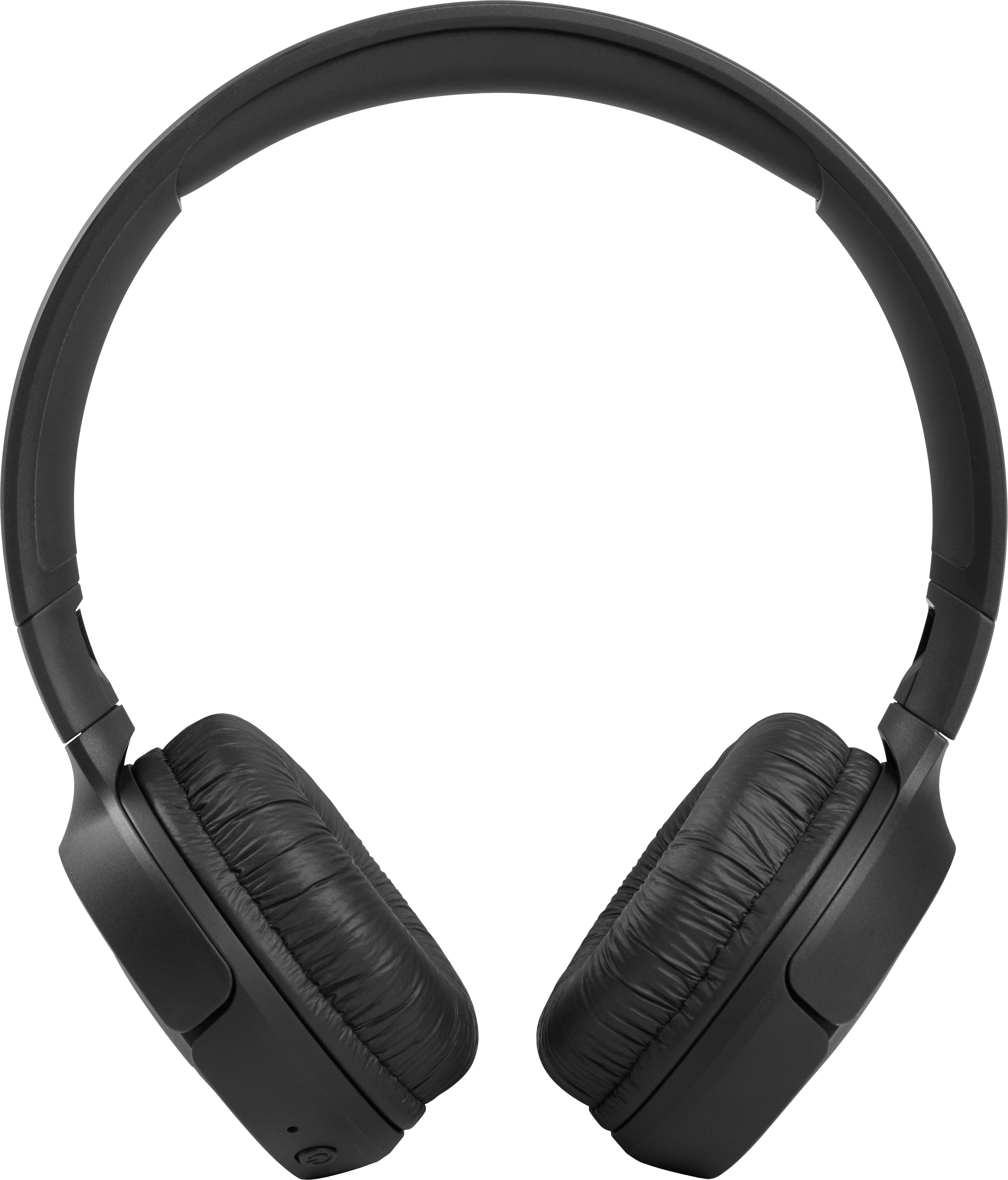
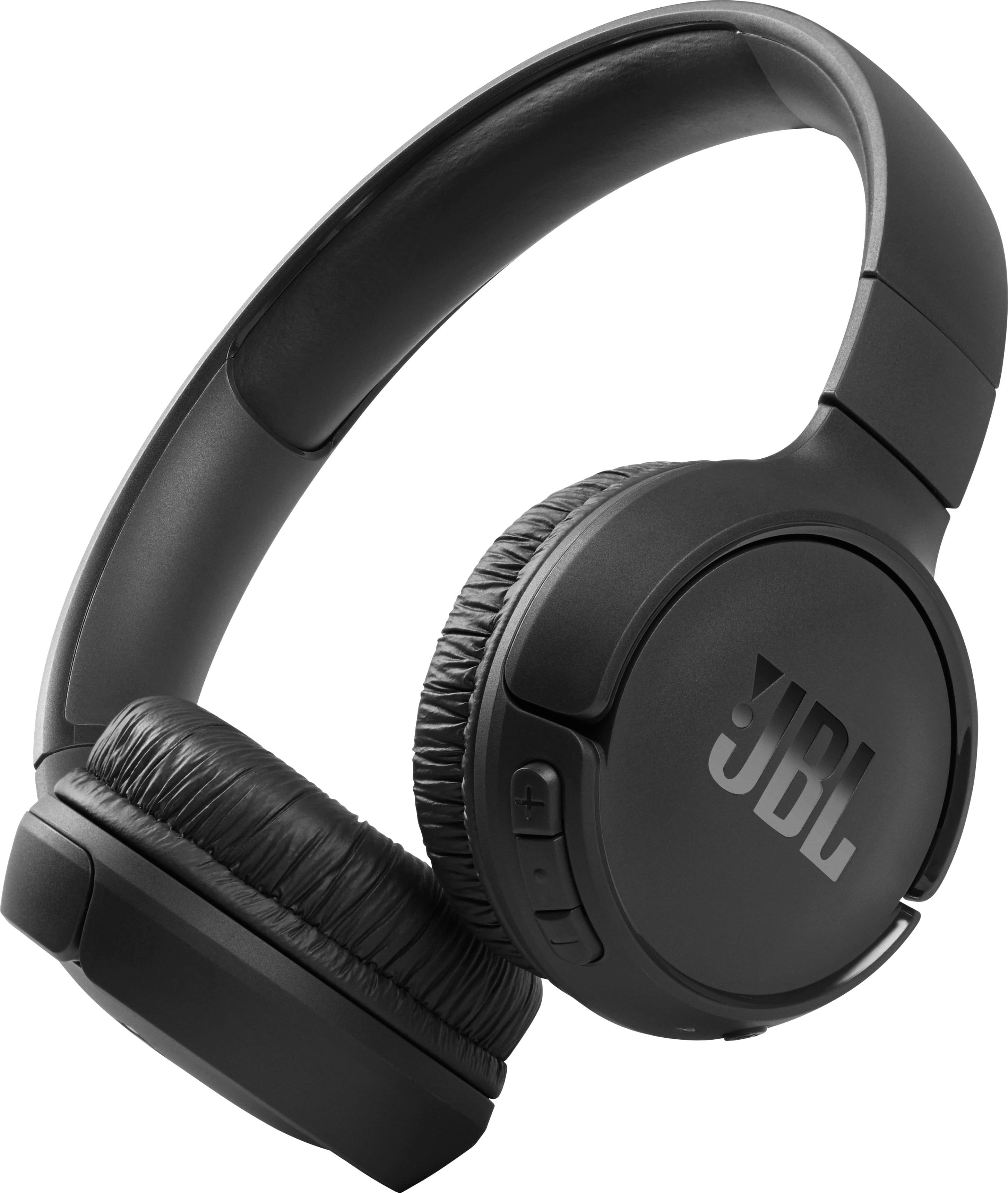
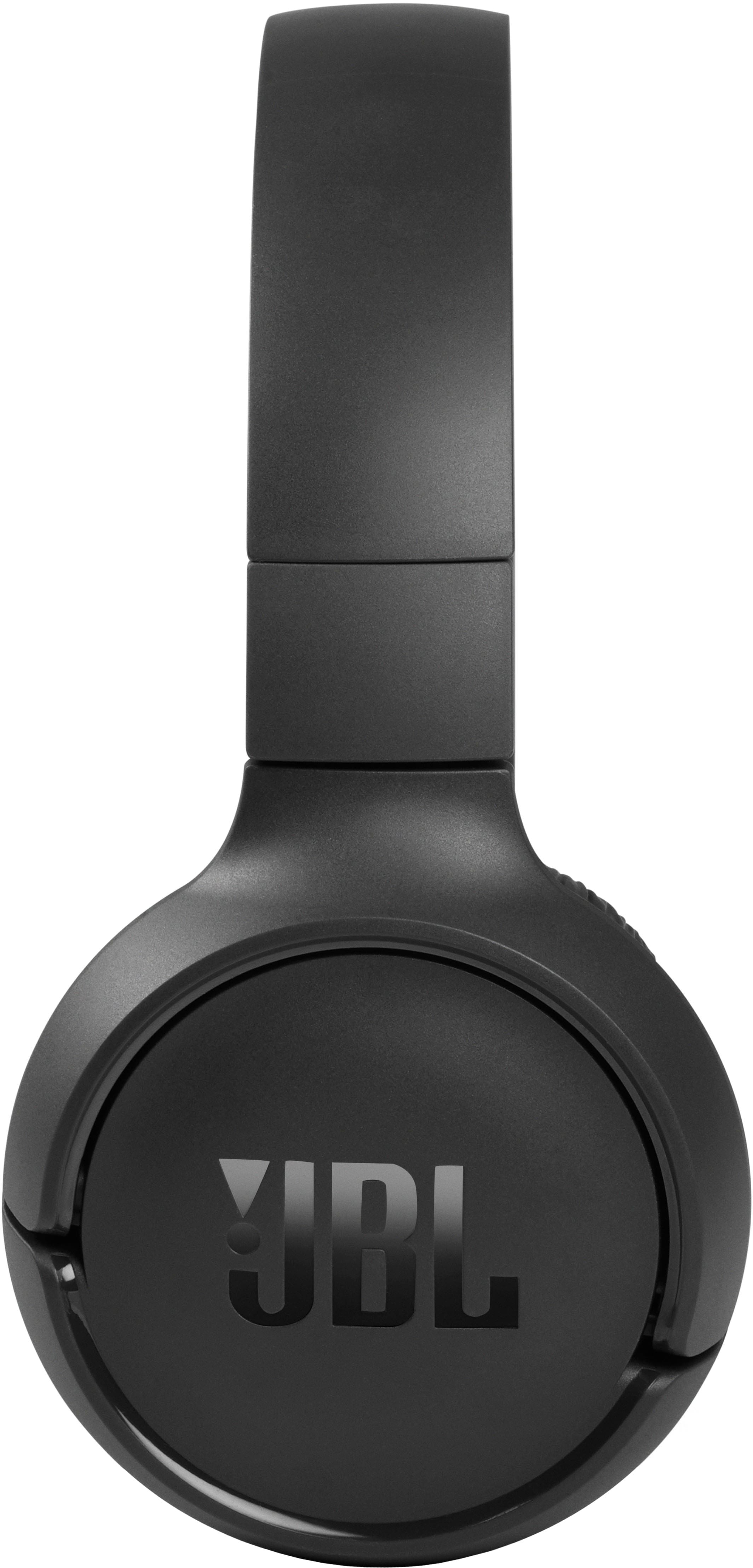
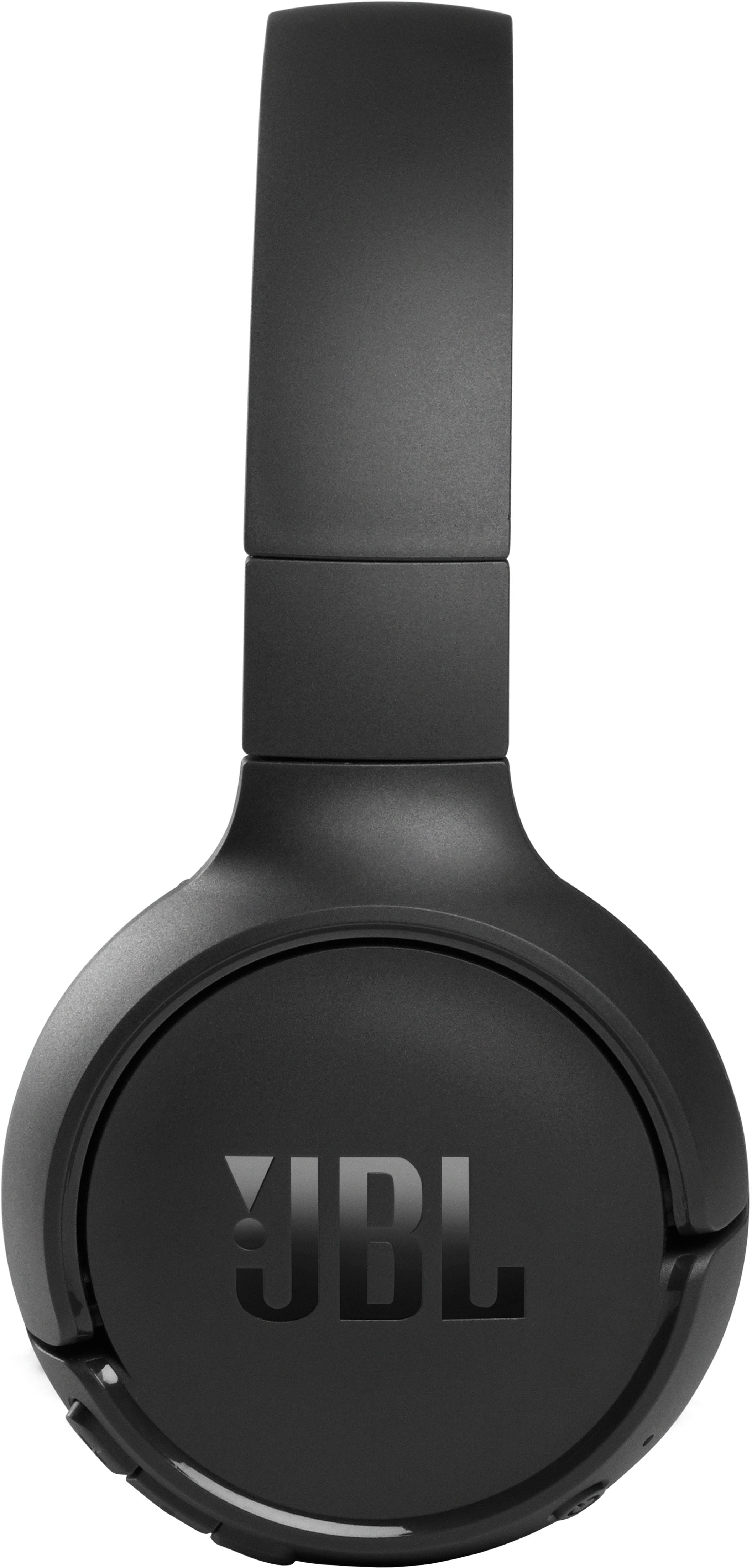
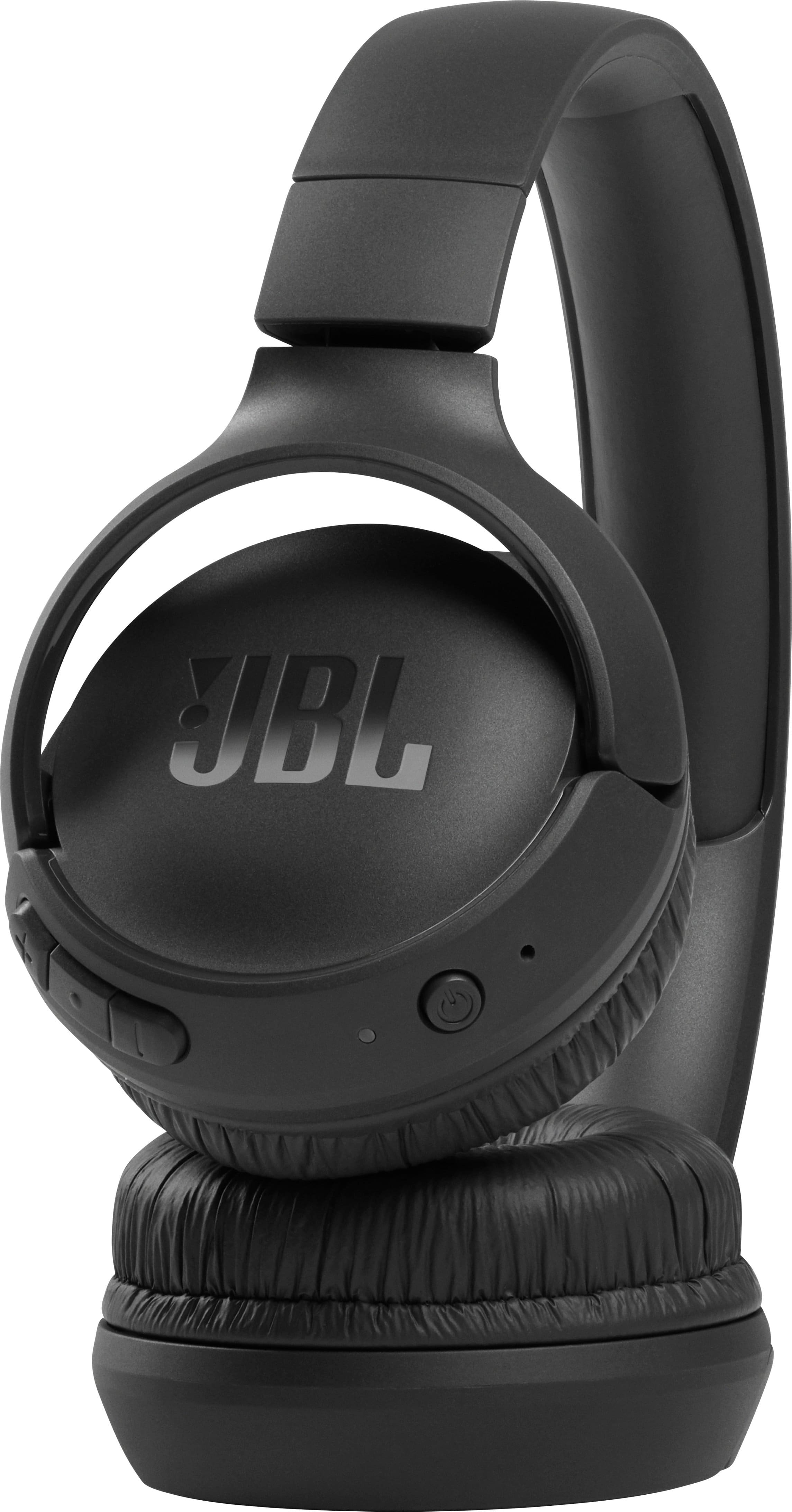
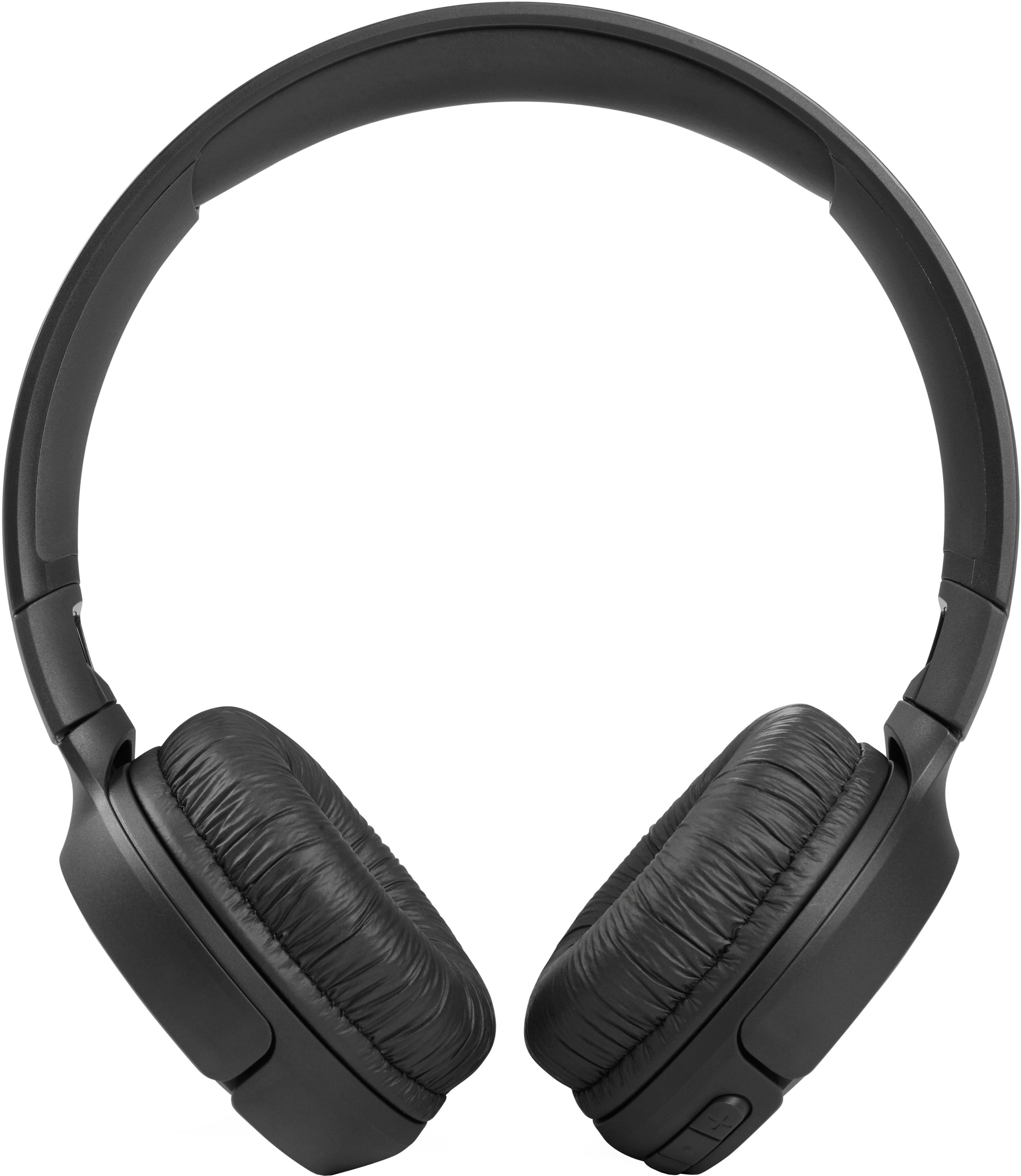
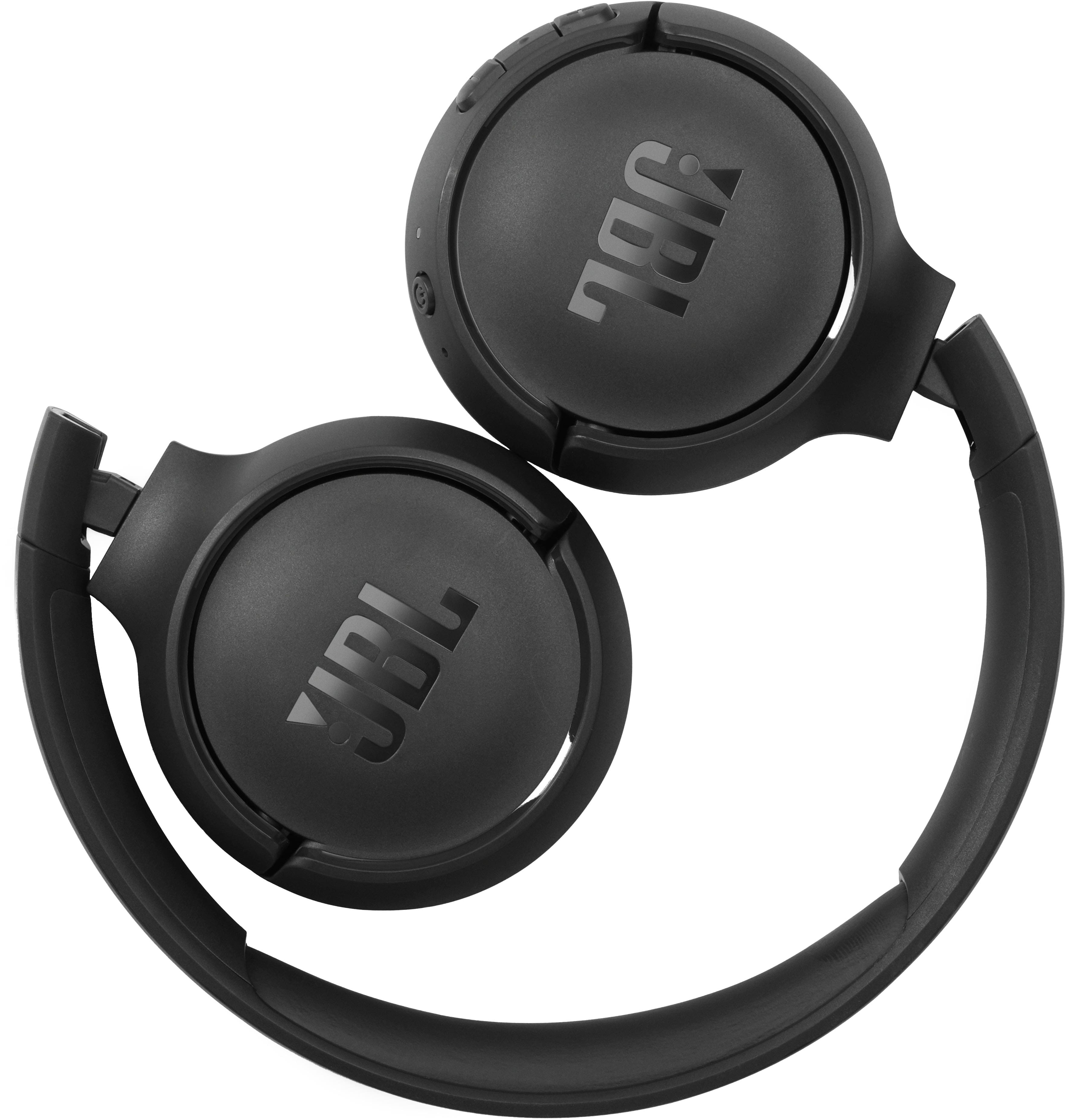
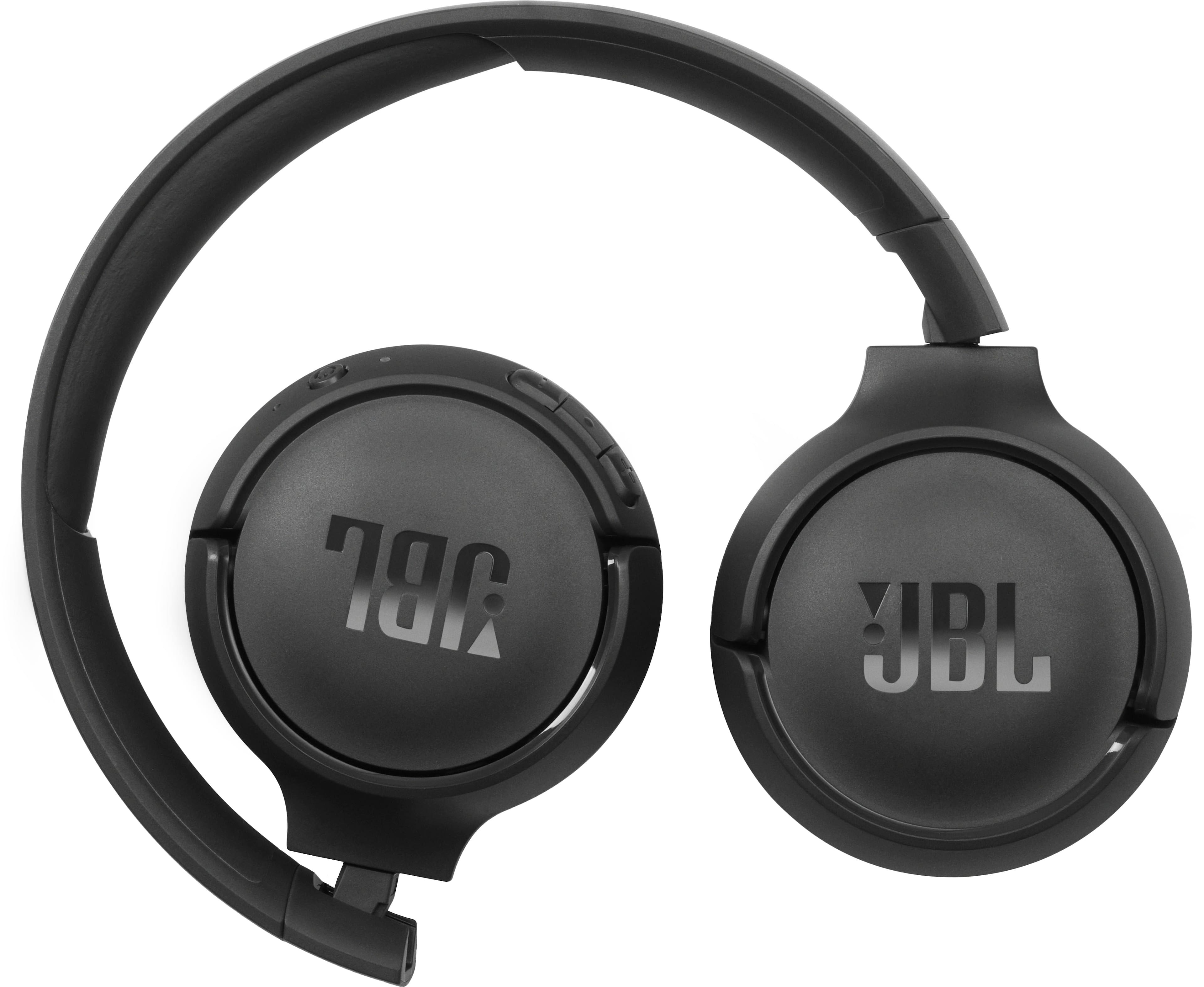
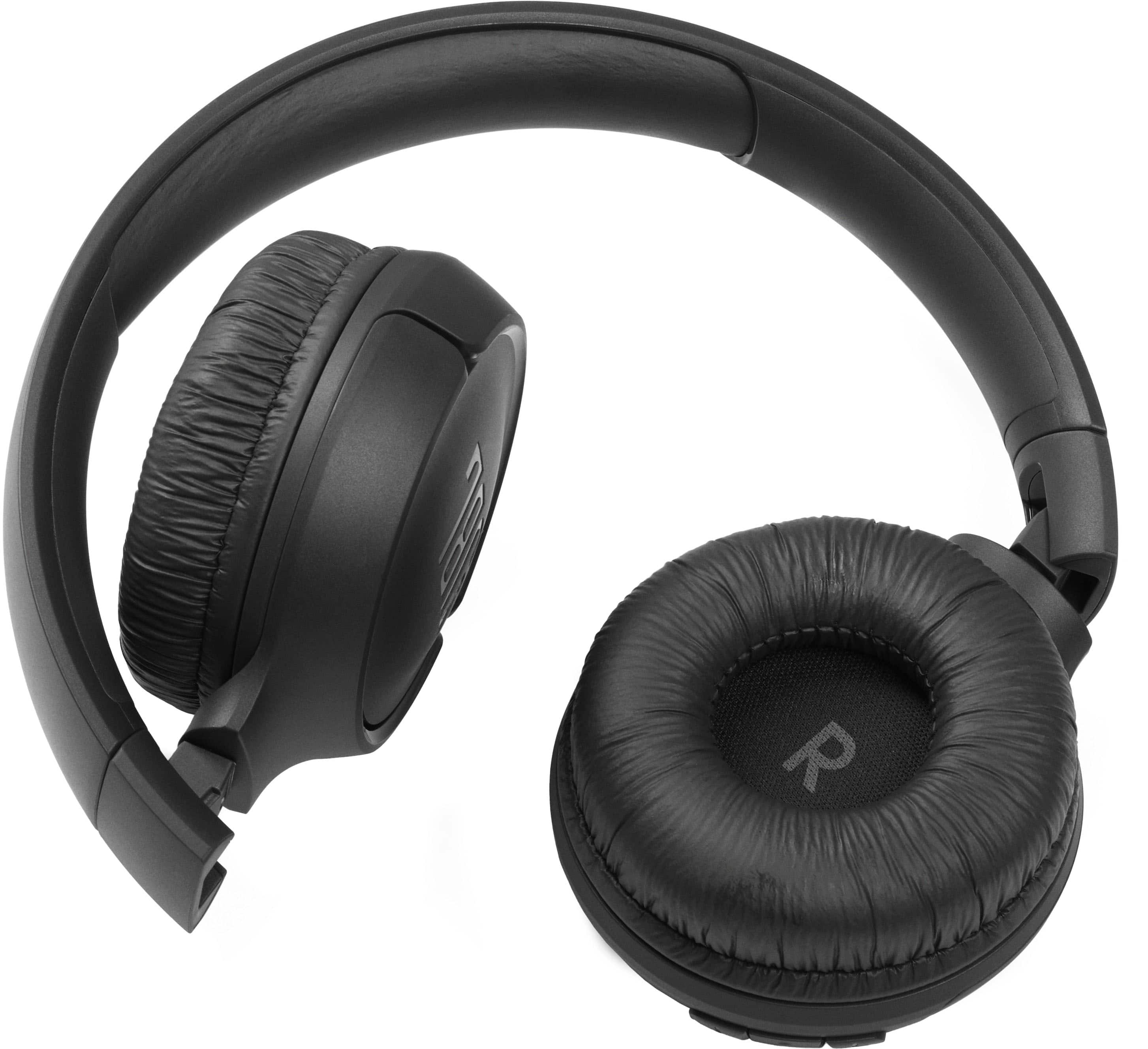
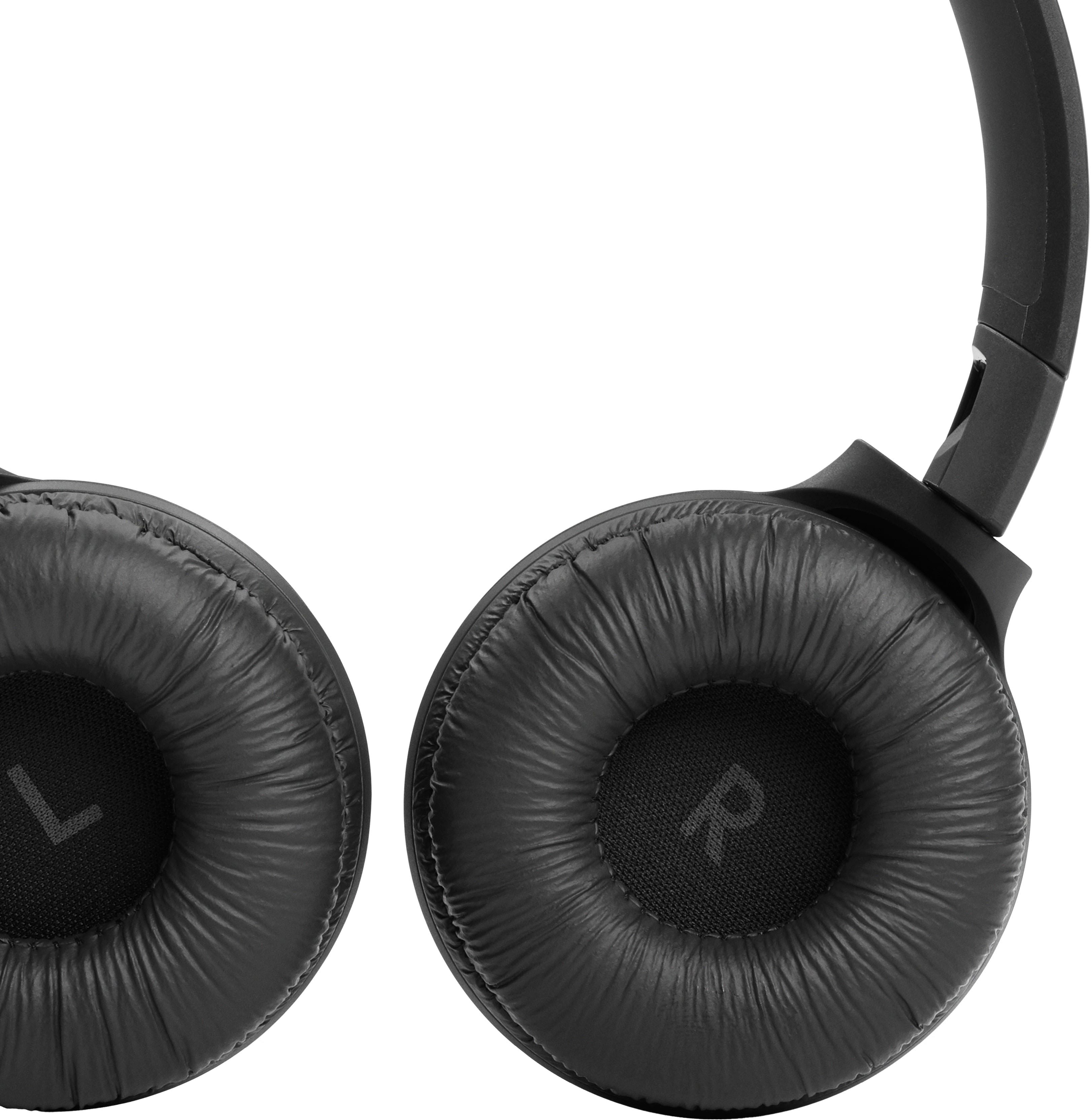
A:AnswerOur JBL Tune 510BT has a rechargeable Lithium-ion battery (3.7V/450mAh). You can conveniently charge the headphone whenever they run out of battery charge using a Type-C USB cable and power supply with a suggested power rating of 5V/1A.
A:AnswerOur JBL Tune 510BT has a Dynamic Frequency response range of 20 Hz – 20 kHz which means that the audio output will sound good in low to high frequencies.
A:AnswerIf your TV has Bluetooth technology, then yes. These Bluetooth wireless headphones connect to most devices that use that same technology. If you do not know, look up your TV model online or look through the settings under Sound or Accessories menu. Nothing physically attaches to the TV.