Questions & Answers
- Model:
- JBLT510BTBLKAM
- |
- SKU:
- 10886502
$49.95
Page Showing 61-72 of 72 questions
Q: QuestionWill this head phone connect to my iPad 5th generation?
Asked by Anonymous.
- A:Answer The headphones are connected using Bluetooth so it should since the ipad uses Bluetooth connection. Both my sons have iPads so it should work.
Answered by Jose88
Q: QuestionFull frequency response?
Asked by Rt.
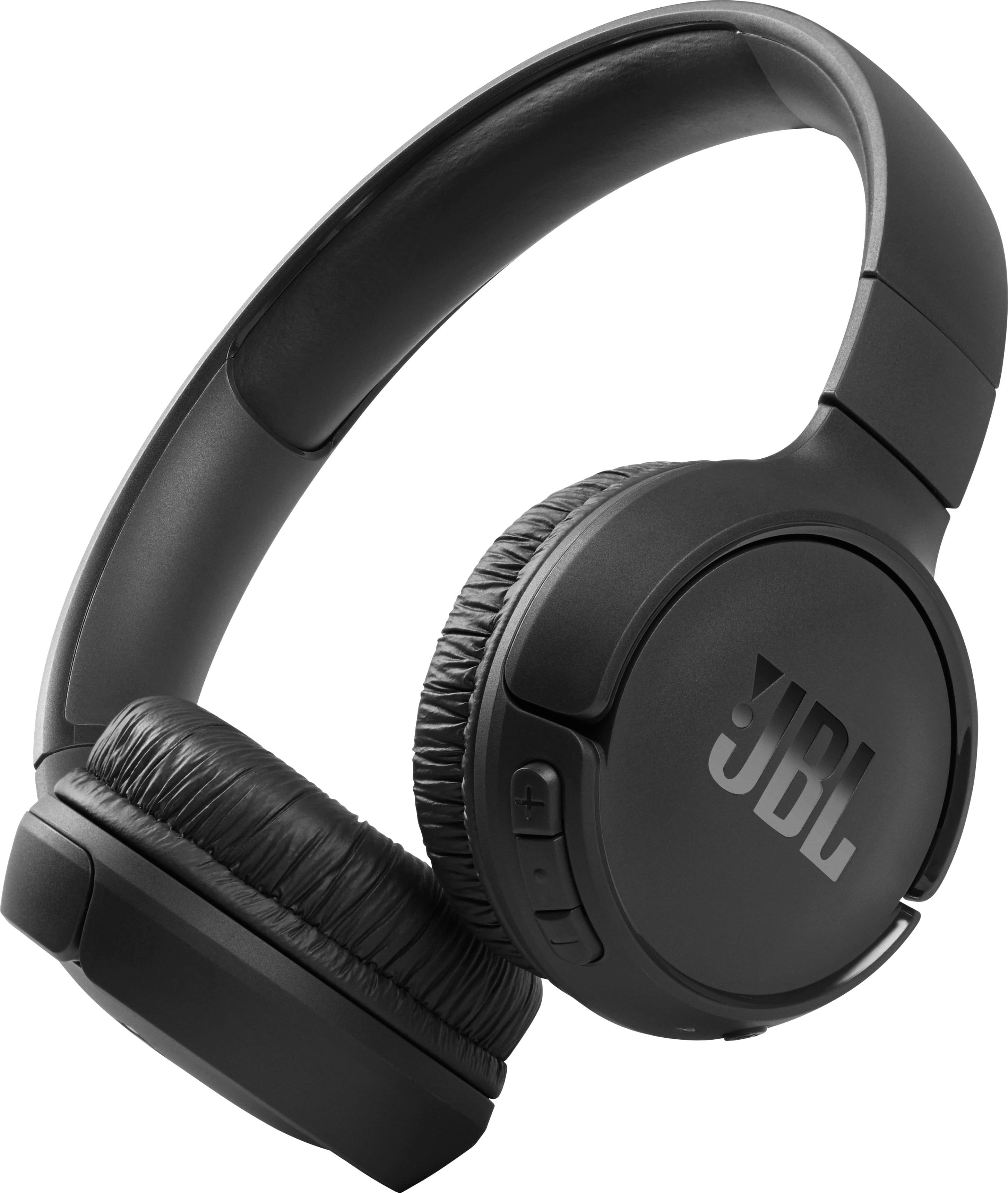
- A:Answer Thanks for your inquiry. The Frequency response range for our JBL Tune 510BT is 20 Hz – 20 kHz.
Answered by JBL Support

Q: QuestionCan they connect to aux ? Airplane ✈️
Asked by V.
- A:Answer As long as the audio port in the airplane has a 3.5mm port, the audio cable of our JBL Tune 510BT will be able to connect to it.
Answered by JBL Support

Q: QuestionHow do I get a receipt for my purchase?
Asked by diane.
This question was asked about the related product: JBL - Tune 510BT Wireless On-Ear Headphones - Black
- A:Answer Thank you for your inquiry. Your proof of purchase is easily accessible at the point of sale.
Answered by JBL Support
Q: QuestionWhat is the maximum distance these headphones will work from the source?
Asked by Michelle.
- A:Answer Thanks for your inquiry. Our JBL Tune 510BT has a maximum Bluetooth range of 10 - 15 meters, with no large objects blocking the line of sight. A distance farther than that would pose signal deterioration. If you need more help, please contact our customer support so we can assist you.
Answered by JBL Support

Q: Questiondo these pair wireless with tv or do you need to connect it to the tv to pair
Asked by tjs2.
- A:Answer Bluetooth is a wireless technology. If your television set has Bluetooth, you can go into the Sound settings and "pair" the headset to establish a connection. You do NOT need to make a physical connection if that's what the question implied.
Answered by Aaron
Q: QuestionDo these headphones come with charger and USB connector
Asked by Linda.
- A:Answer They do not come with a charger, but it comes with a USB cable to charge using a wall unit or I use my laptop.
Answered by Anonymous
Q: QuestionWill this on ear headphone pair to most modern TVs?
Asked by Earsup.
- A:Answer They should.
Answered by CP18
Q: QuestionCan i track them if they are lost/stolen?
Asked by Anonymous.
- A:Answer Thanks for your inquiry. Our JBL Tune 510BT does not have a tracking feature that can help you locate it if it's lost or stolen. This means it does not have a GPS chip or app feature that can show its last known location.
Answered by JBL Support
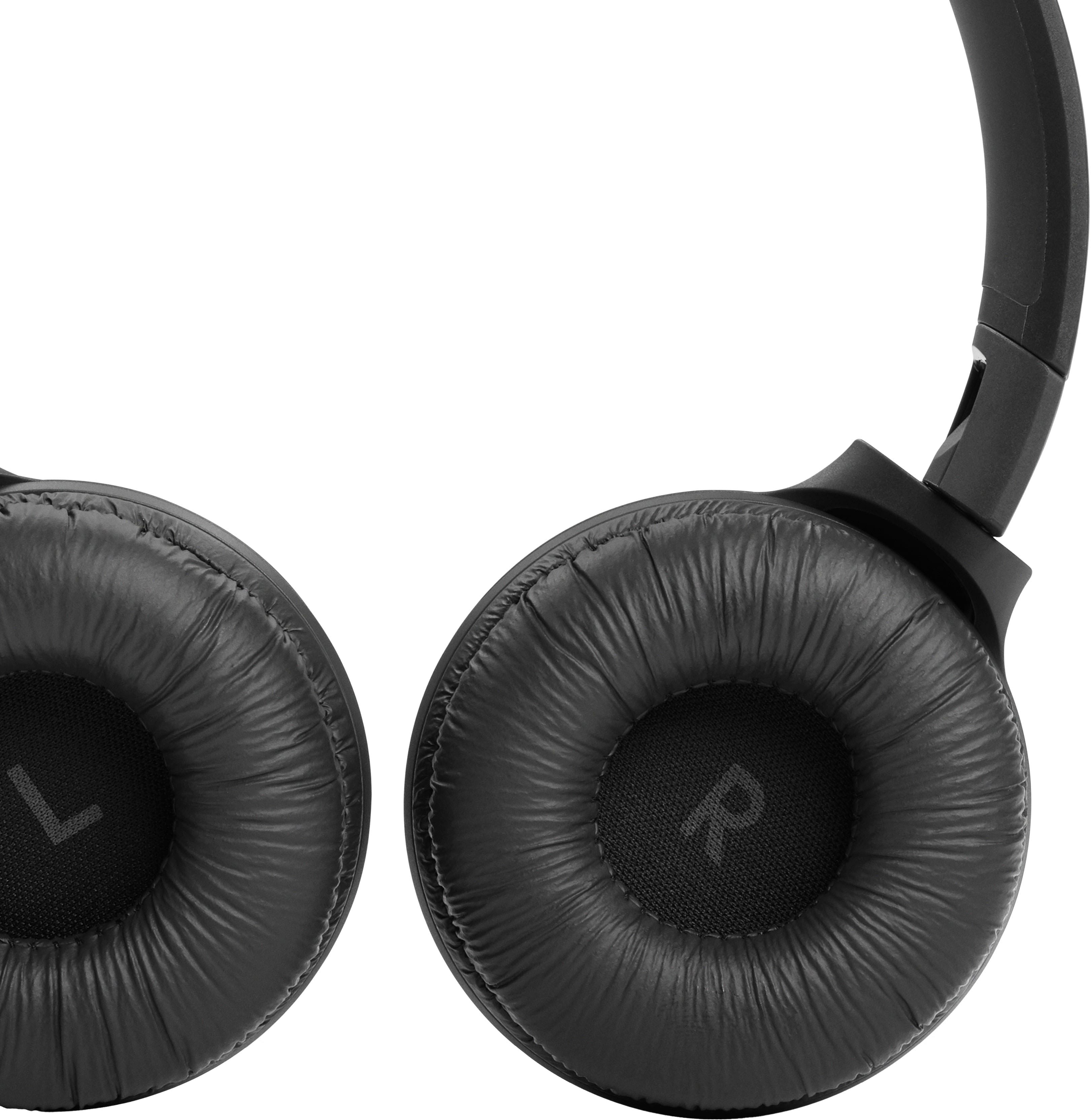
Q: QuestionMy headphones were working well and now won't charge. The red light comes on, but won't hold the charge. How can I fix it?
Asked by Customer.
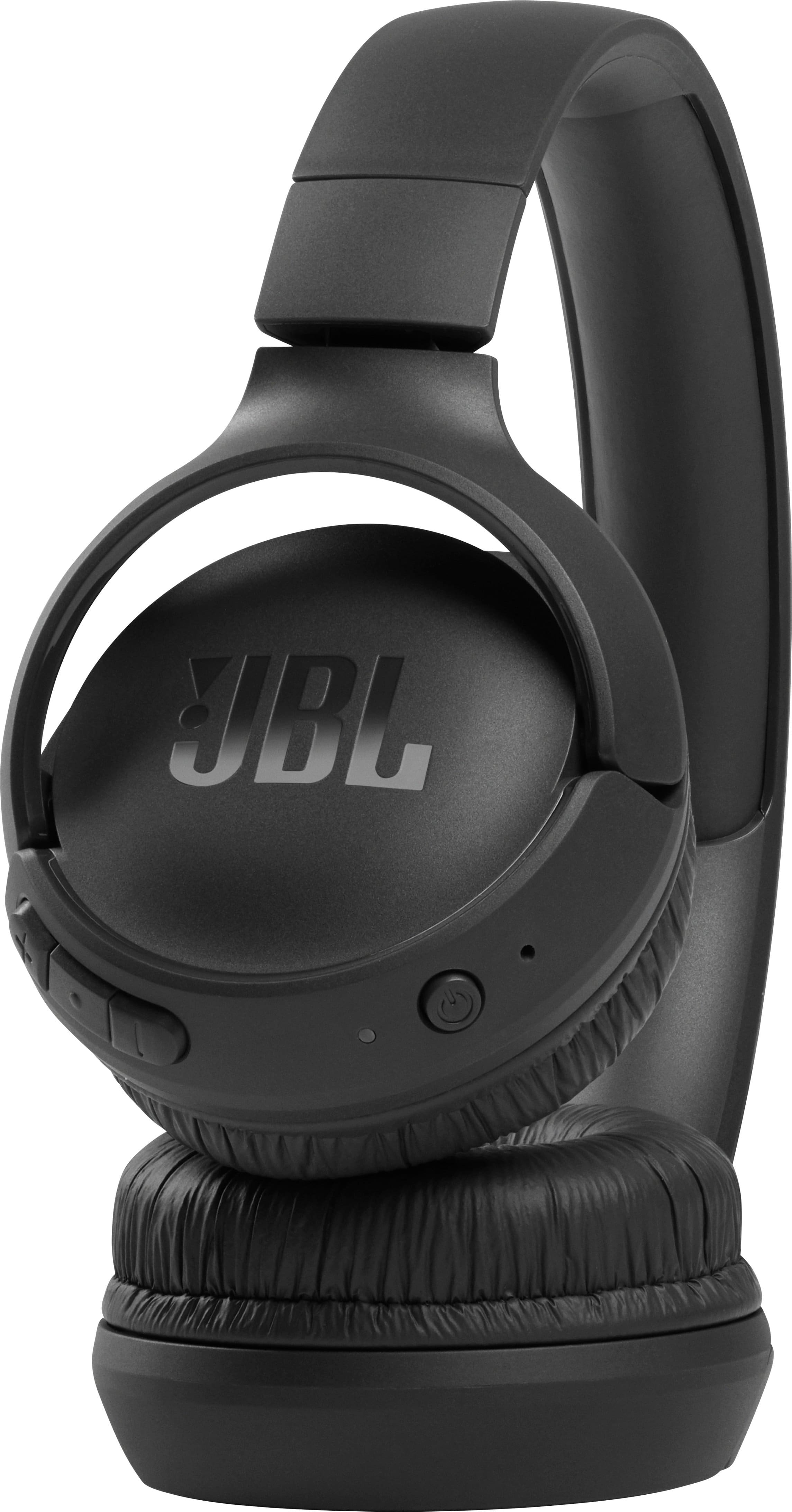
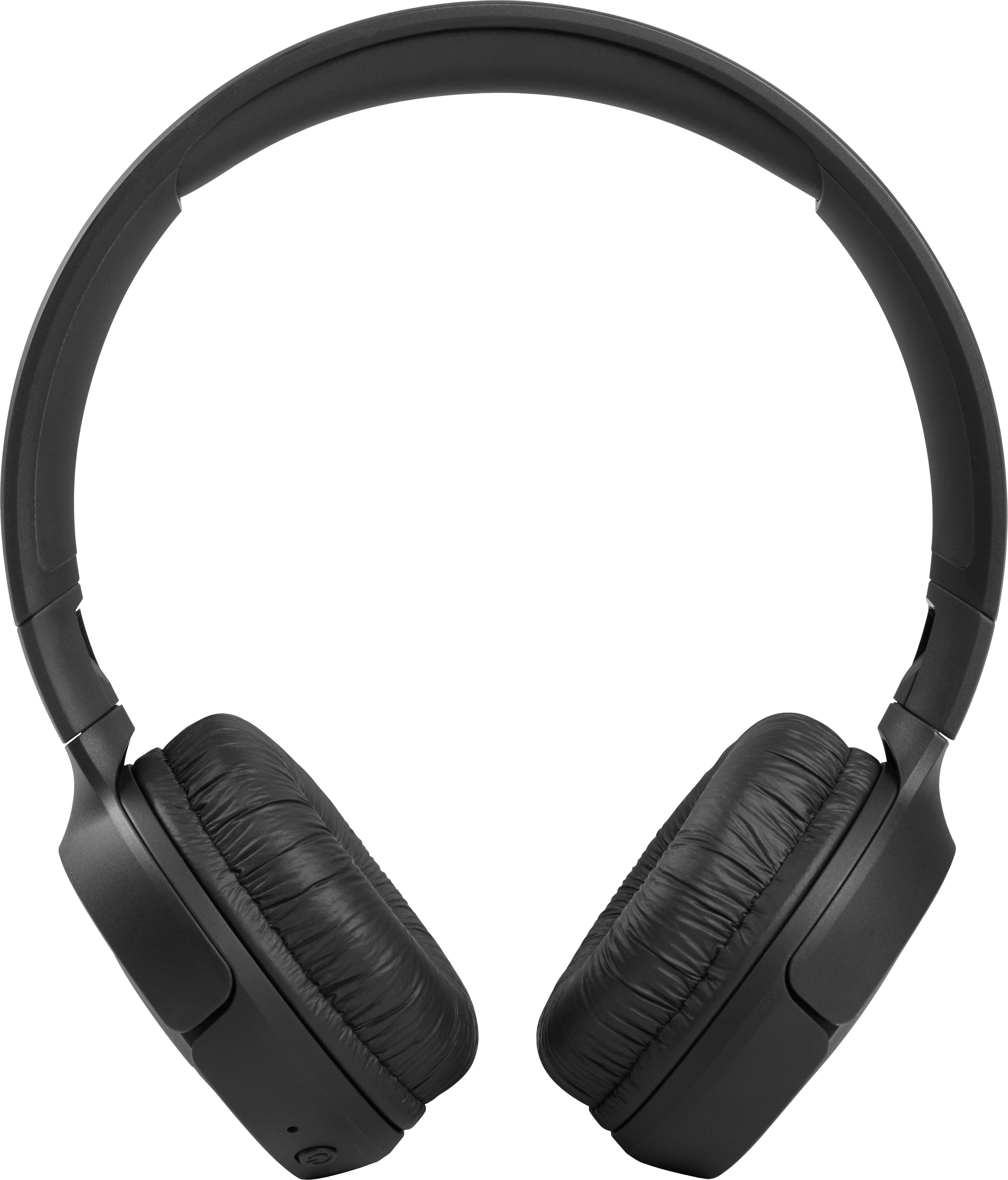
- A:Answer We're here to help. Our JBL Tune 510BT displays a solid red light while charging. Once it's full, the red light will turn off, indicating that the headphone is fully charged. If the unit is not charging, try a different charging cable, or adapter and try plugging it into a different outlet. If the issue continues, please contact JBL Customer Support via our official website or toll-free hotline.
Answered by JBL Support
Q: QuestionWhy is not possible to add tune510 to jbl app??
Asked by Anonymous.
- A:Answer Thank you for your question. Our JBL Tune 510BT is not listed as a compatible model on the app description or JBL's official website, as it is not supported by the app. If you need more help, please contact our customer support.
Answered by JBL Support