A:AnswerIt's really on your TV and how much other chatter plus distance you have between you and the device. I have a Xumo element which is a cheaper TV and there is zero delay
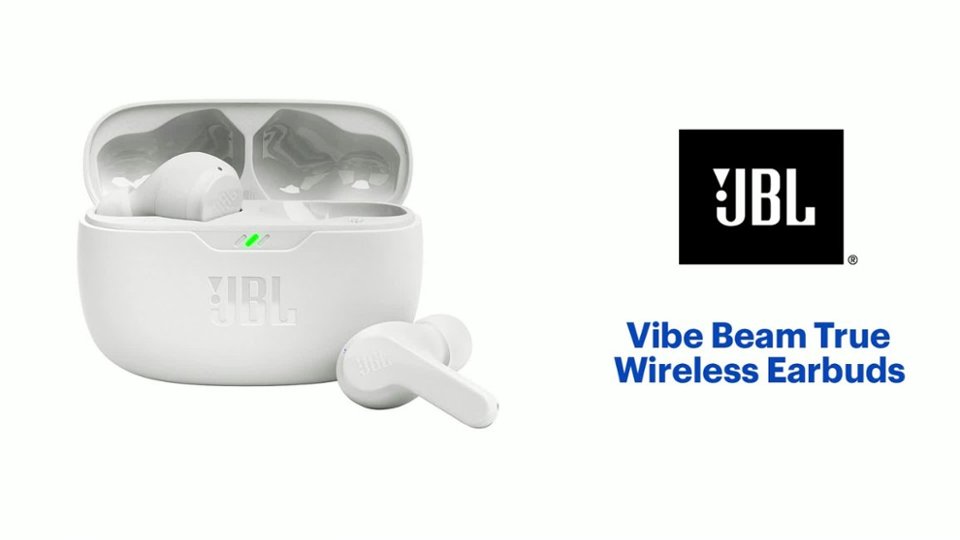
A:AnswerThank you for your inquiry. Silicone cases with a clip for your JBL Vibe Beam is not available on our end. We recommend checking with a third-party store. If you have more questions, please contact us.
A:AnswerThank you for your inquiry. Our JBL Vibe Beam can connect to any Bluetooth-enabled device and also features Hands-Free Calling. If you have further questions, please contact us.
A:AnswerIm no expert but if it has Bluetooth I’d say it could be. If you buy them and it turns out they’re not im sure you have about 30 days to return them.
A:AnswerOur JBL Vibe Beam TWS can connect to a Smart TV via Bluetooth. It is designed to be used for connecting with mobile phones, tablets, and laptops for streaming audio/music. You may encounter audio-video delays when you're using it with video content since this headphones doesn't have an aptX HD low-latency codec.
A:AnswerThey are compatible with any phone that has Bluetooth, which is every phone these days. I bought them for my wife and she has an iPhone, they work perfectly