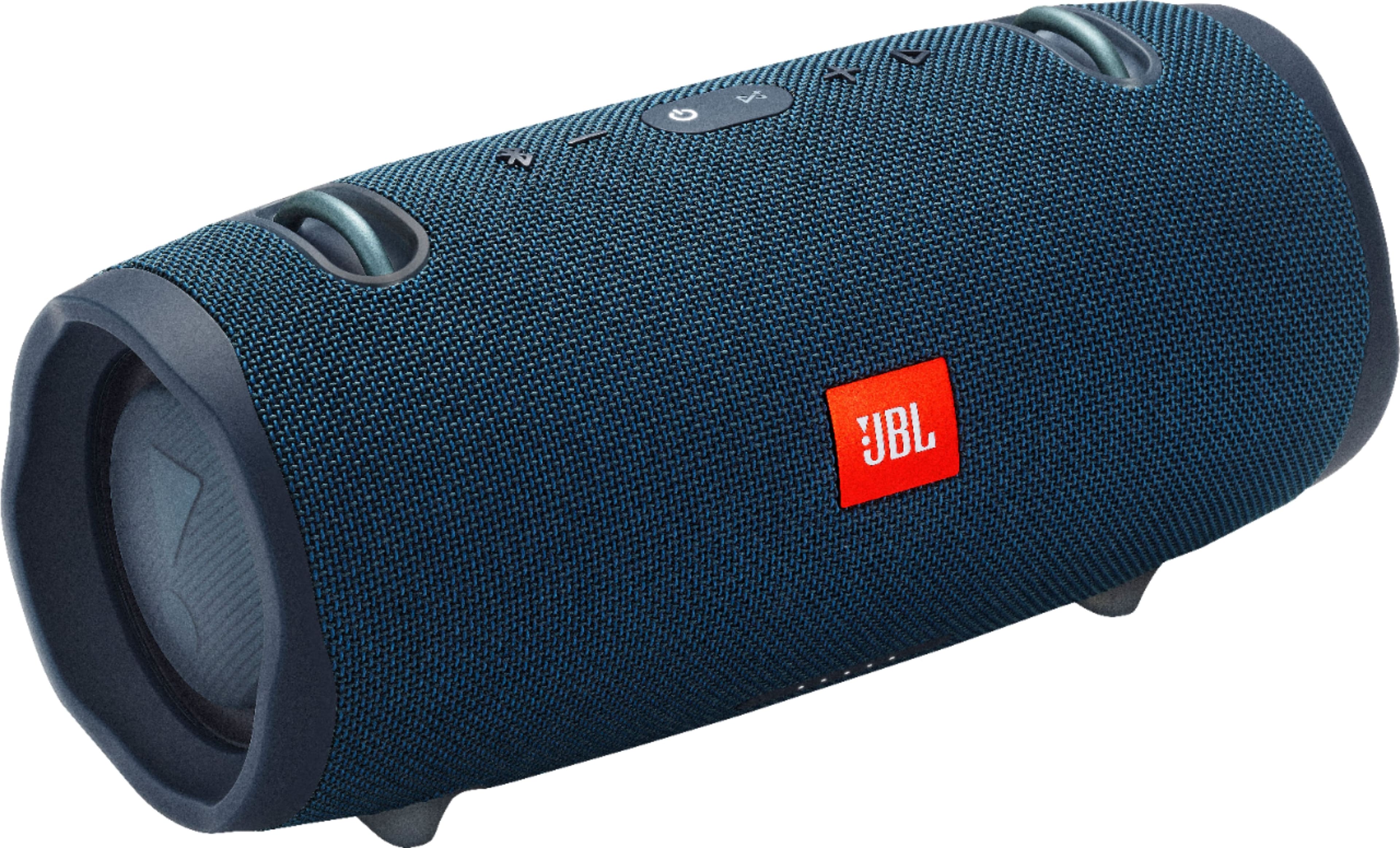
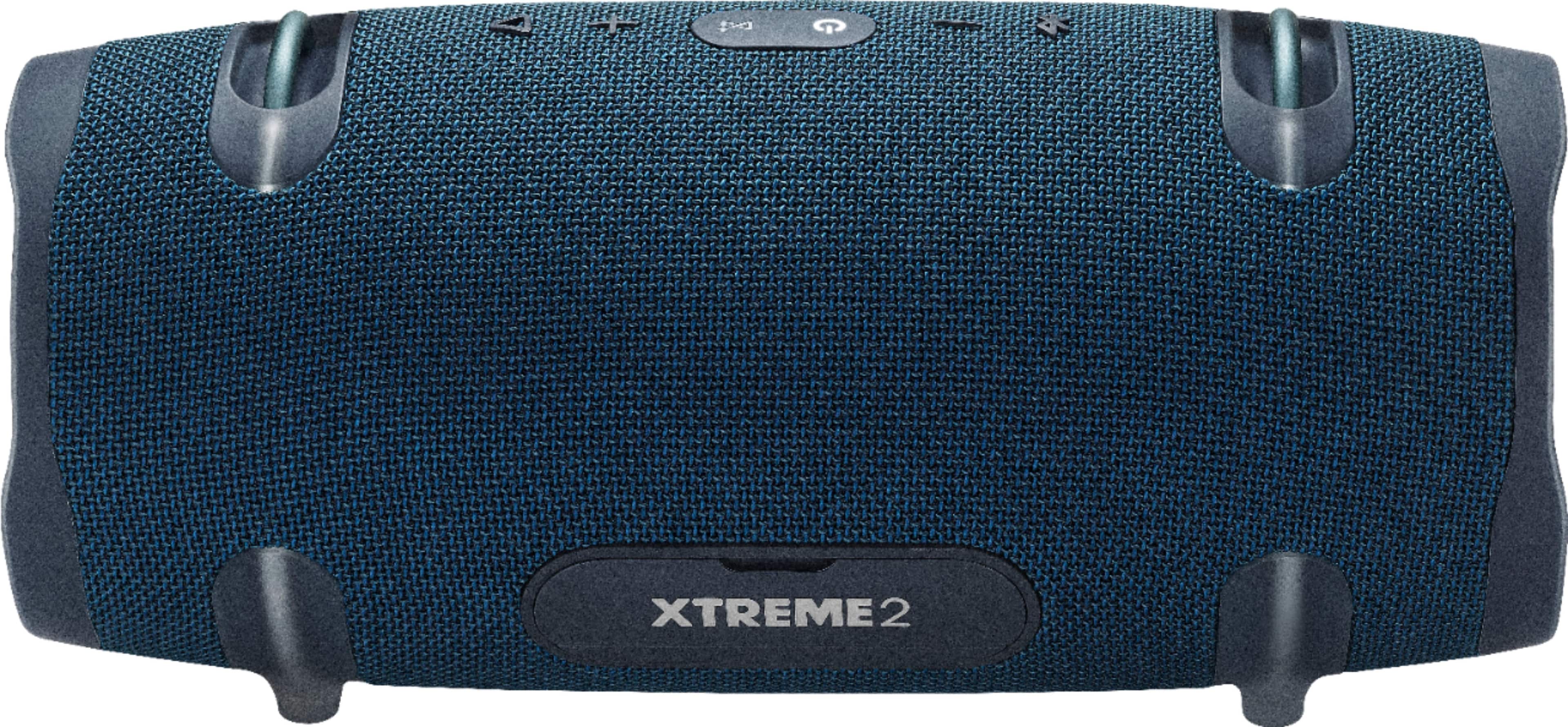
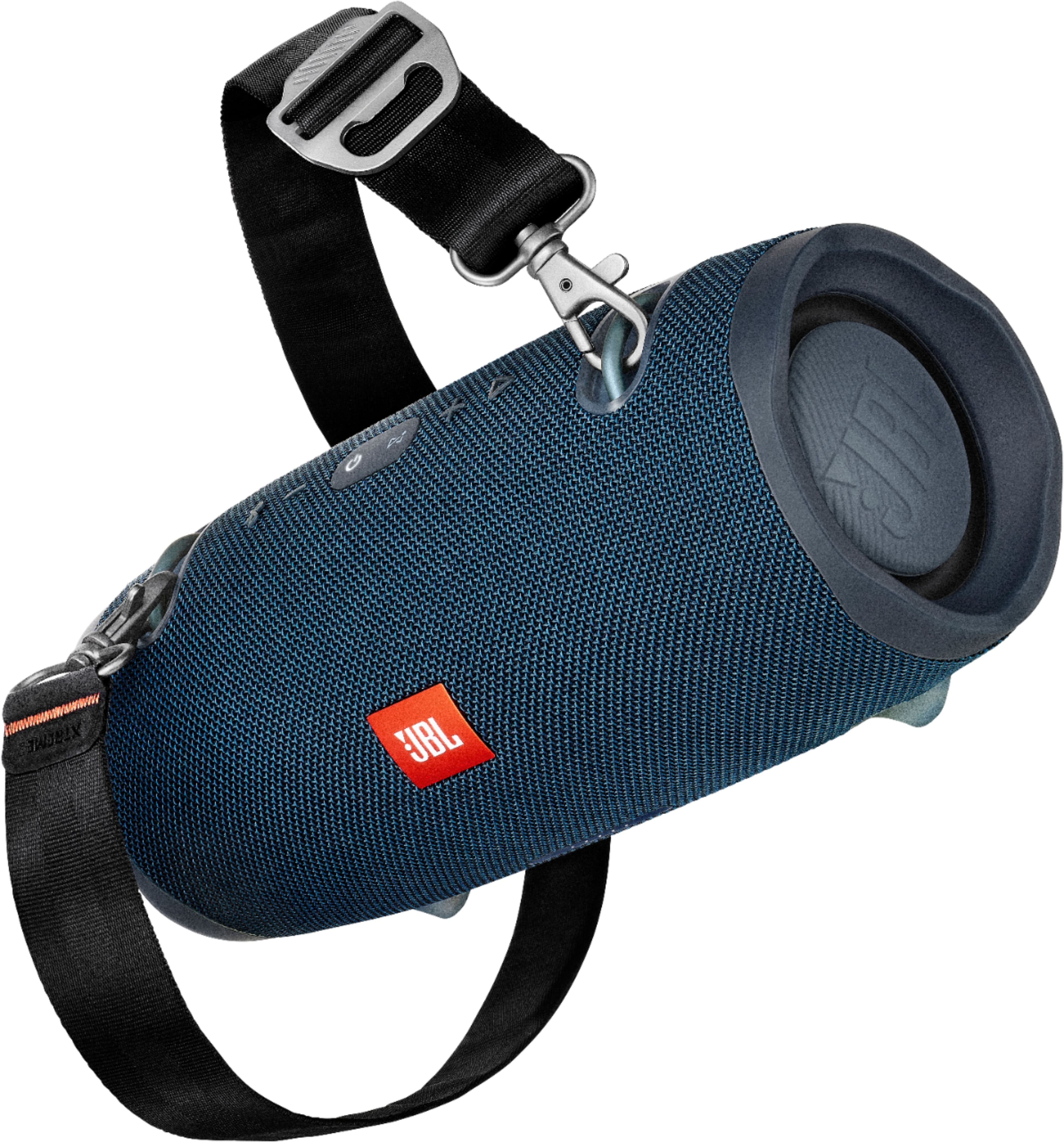
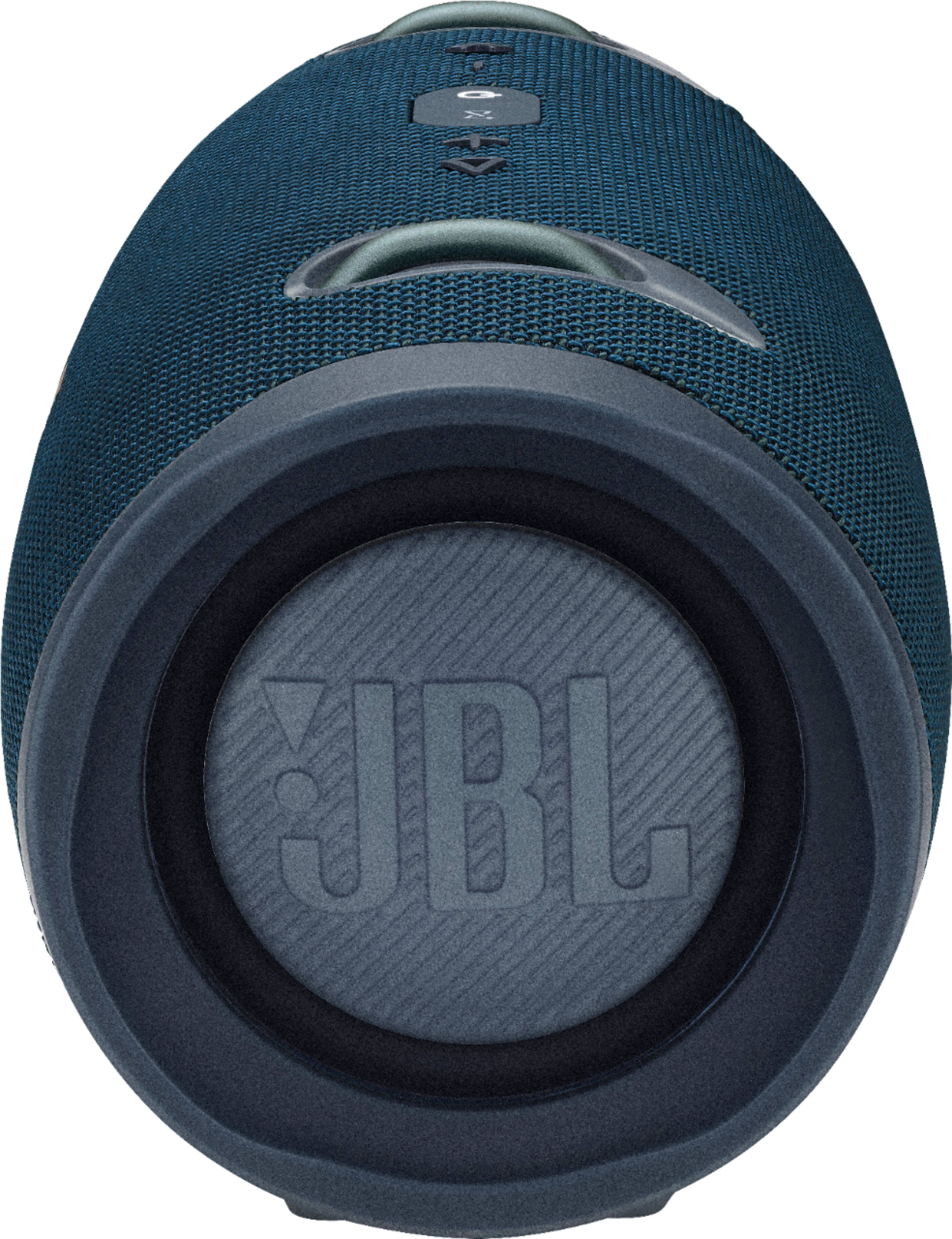
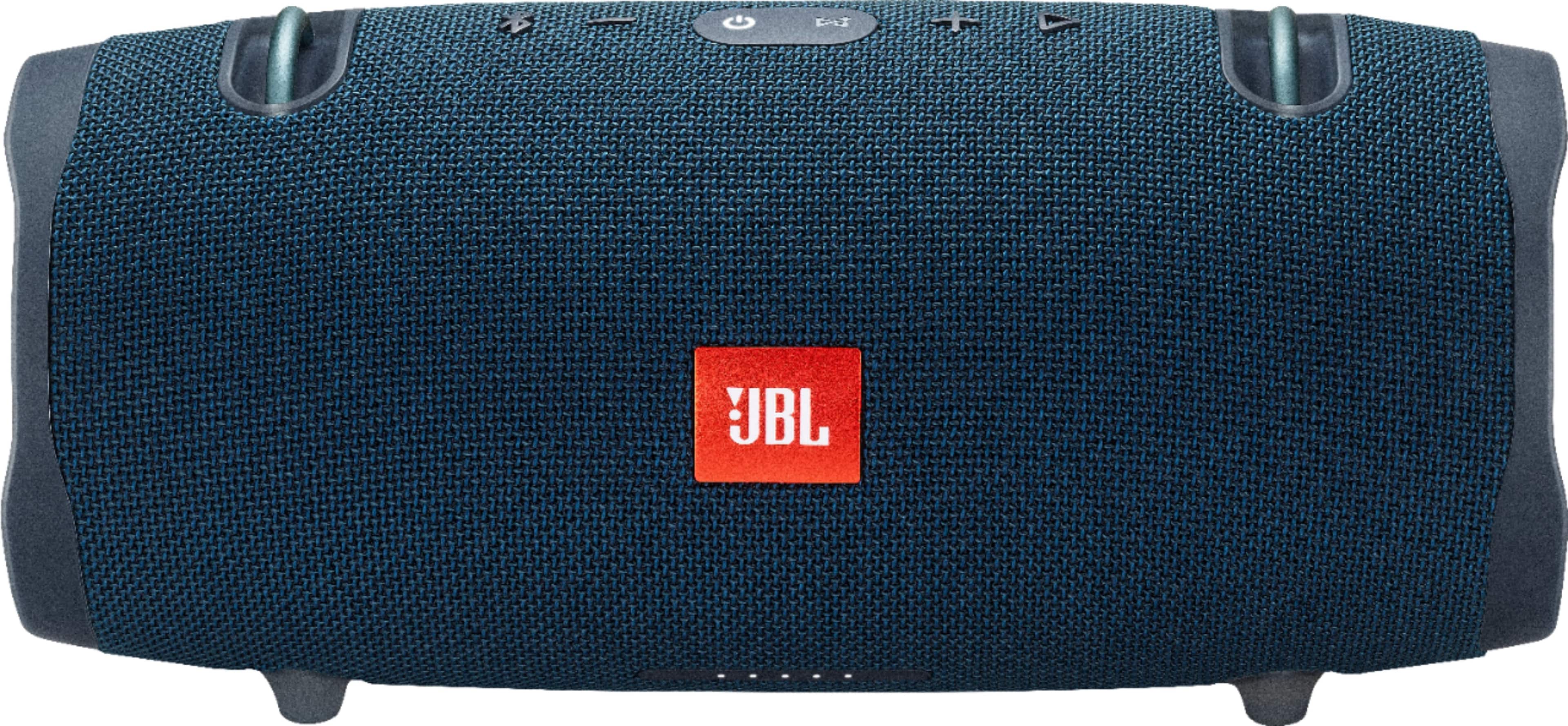
A:AnswerThank you for your inquiry. Our JBL Xtreme and Xtreme 2 have two different features, which are Connect and Connect+. Our JBL Xtreme has the Connect feature, which can only be connected to two same devices, which is another Xtreme. For the JBL Xtreme 2, it has the Connect+ feature that allows you to connect to multiple devices that have the Connect+ feature as well.
A:AnswerThank you for reaching out. We recommend utilizing our authorized service center for expert part installation, which is crucial for ensuring proper device functionality. For any further assistance, please contact us.
A:AnswerYes. I also had an issue at first. Once the Bluetooth syncs, you may need to go to the Display and Audio icon near the top right of your screen on the Mac. It' near the date and time in the righthand corner. When you tap the icon, you will see Display and Sound bars to adjust brightness and volume. You will also see an icon next to the volume sound bar to choose the sound device. When I first synced my computer bluetooth withy the Xtreme 2 speaker, my sound setting was still set on the MacBook Speakers on the computer. I had to choose the Extreme 2 on the list.
A:AnswerI have used my speaker this way with bluetooth. It allows me to turn volume up and down from the speaker or the tv. The TV has to be connected by bluetooth.
A:AnswerIve had my xtreme 2 since they 1st came out and the charge 3 and charge 4 since they were released and never had an issue with any except the charging port had issues with cord on the charge 3. But that was released in 2016!!