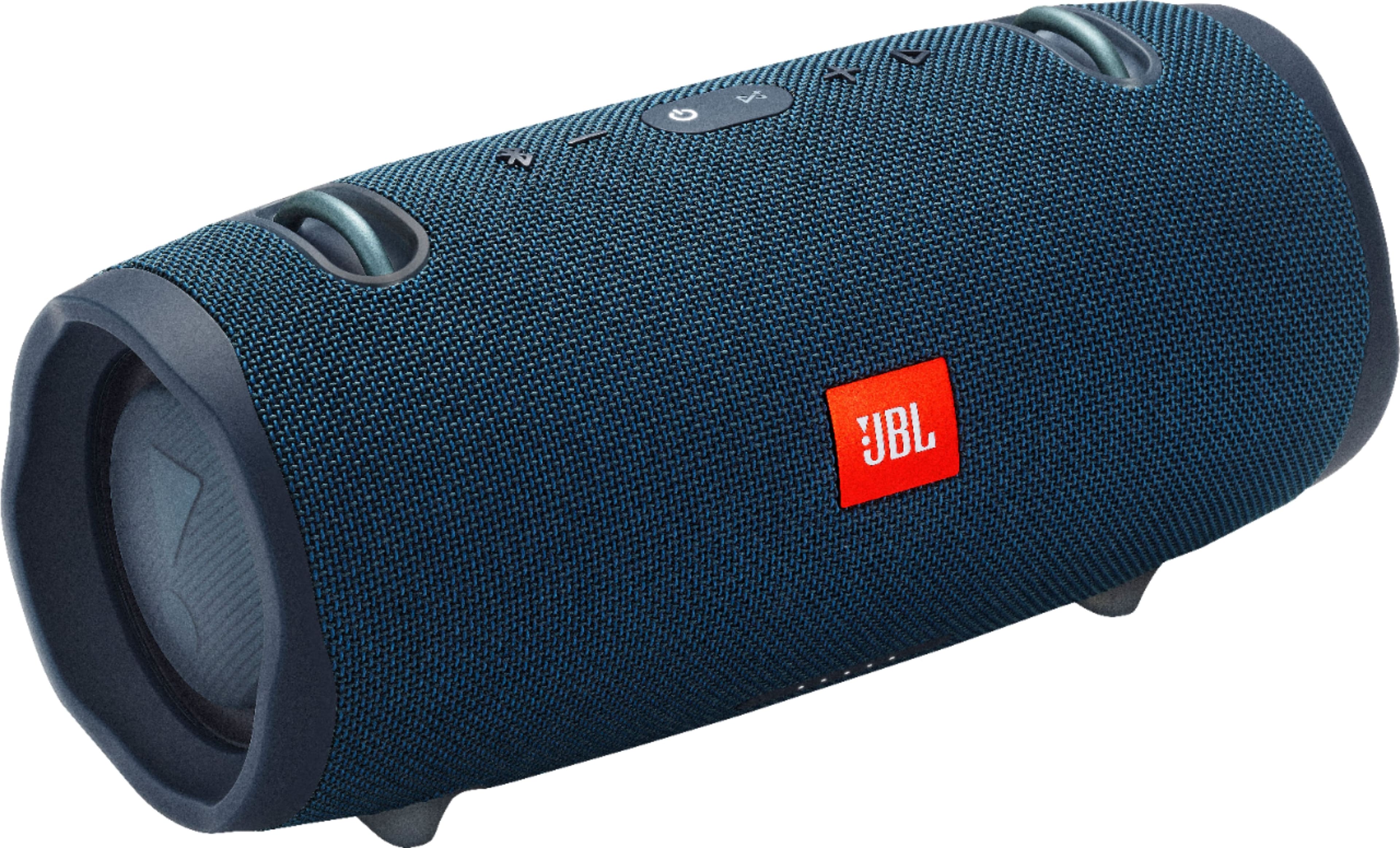
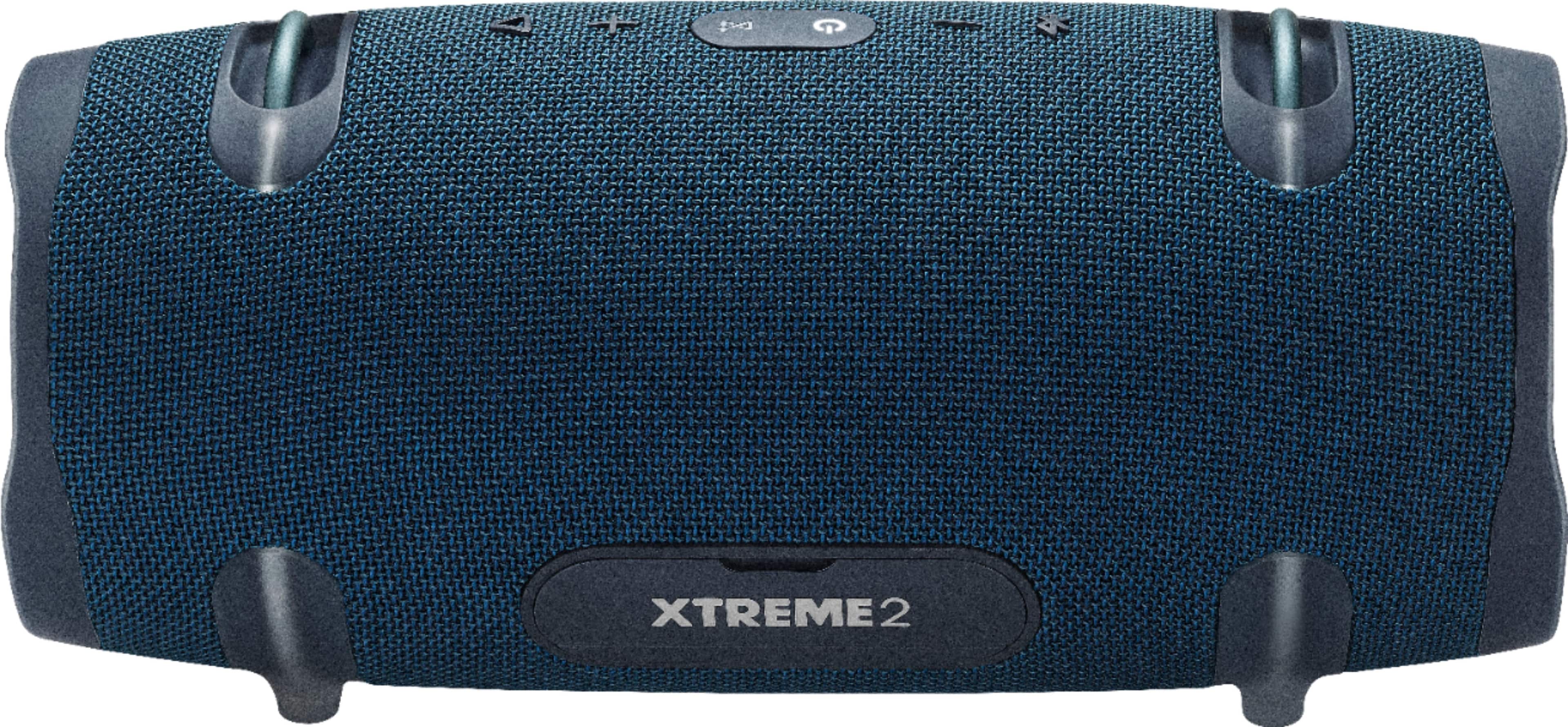
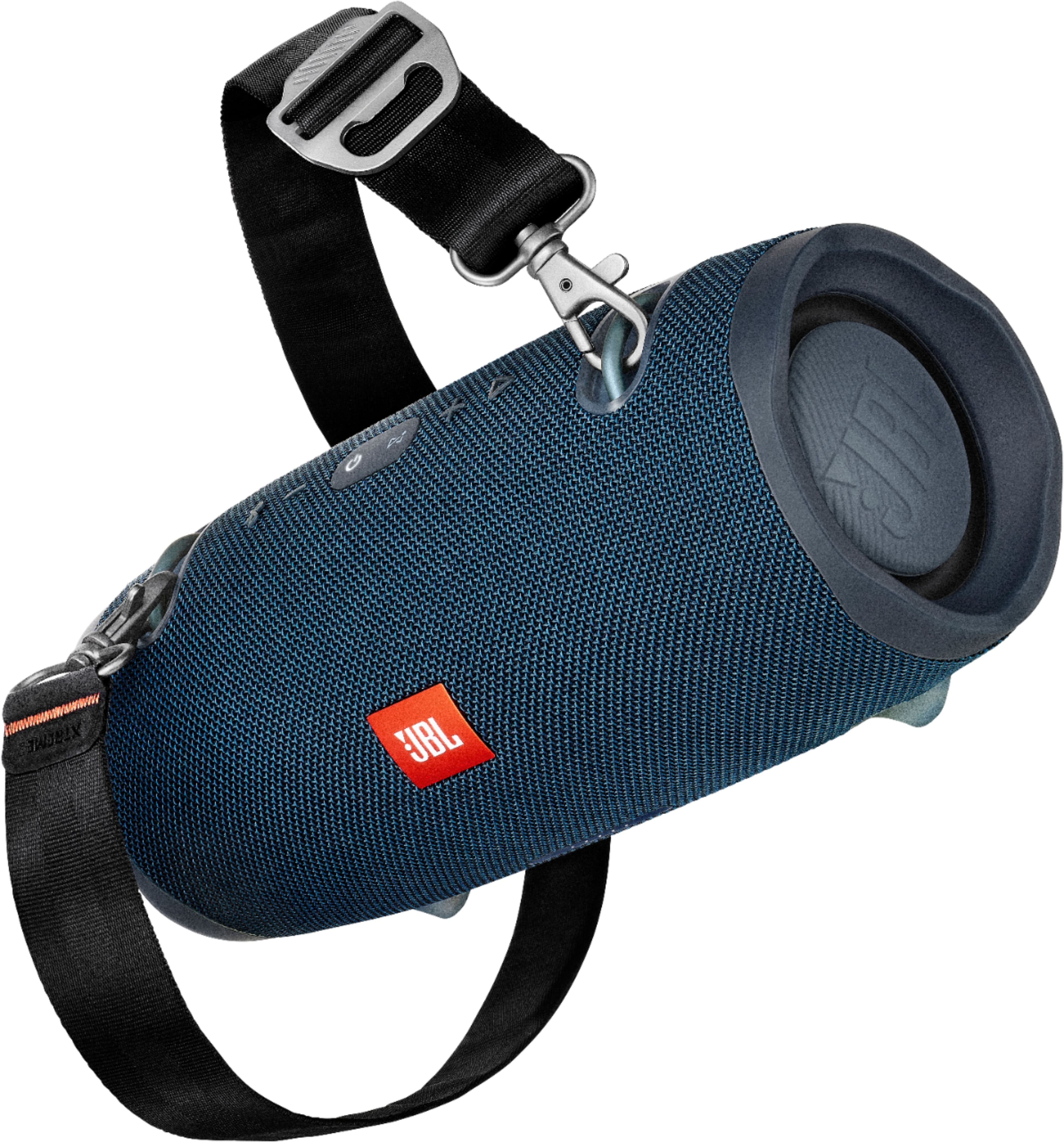
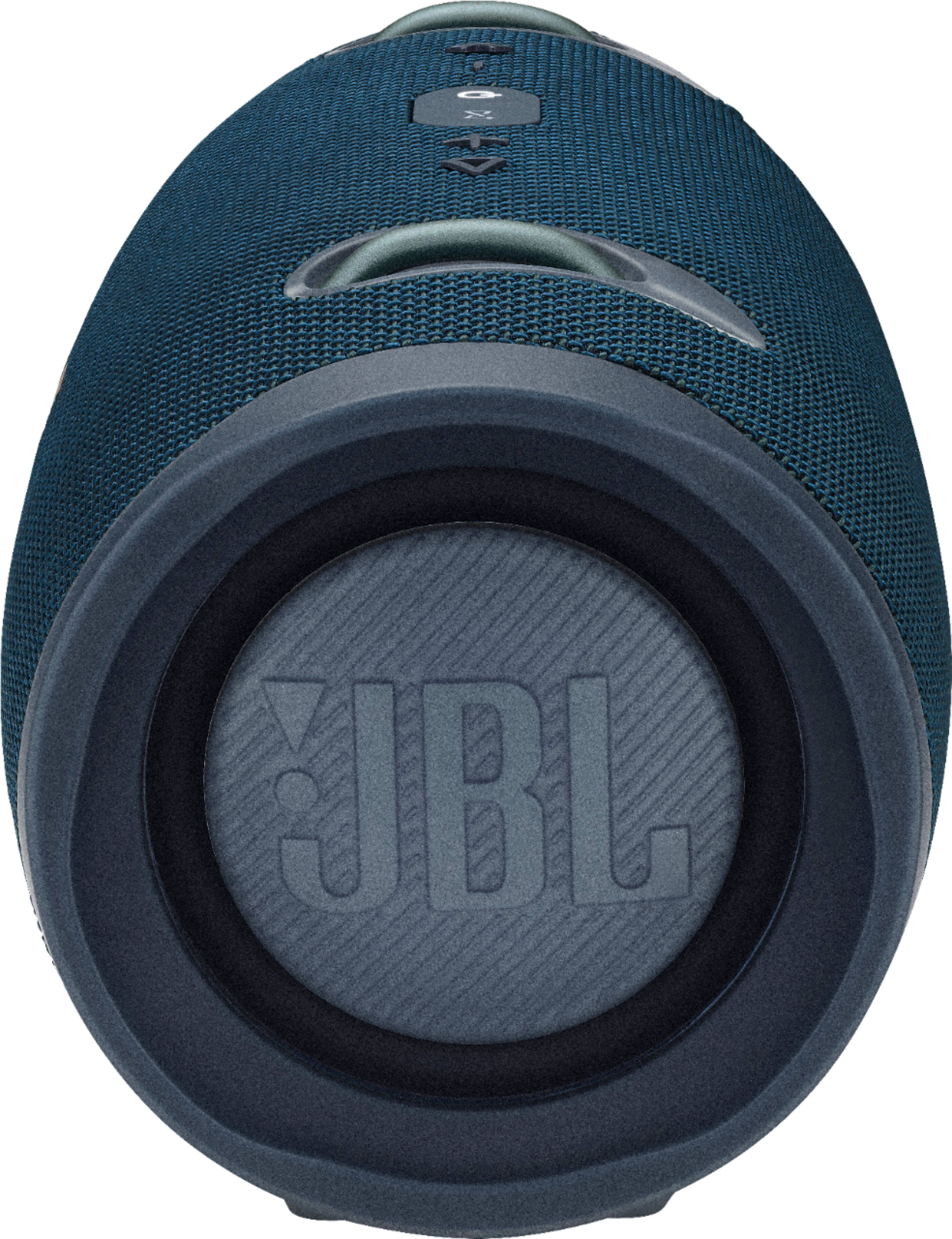
A:Answer20 watts per driver/ 40 watts total. The jbl charge 3/4 are 30 watts but are about as loud as the extreme 2, but the extreme had double the bass. Especially set against a wall
A:AnswerHere are some things to try that often fix these issues. Try disconnecting the cable from your product and re-inserting it. Sand or dirt can get into the product’s charging port. Check the port. Clean if needed with compressed air or a toothpick. See if the power jack can be wiggled in the port, and if wiggling it makes the LED light up, even if only briefly. If these steps do not fix the problem, please perform a factory reset by pressing and holding the VOL+ and Pause/Play buttons for 5-6 seconds while the speaker is ON. The Xtreme shuts down, and is now reset. You will need to 'forget' the speaker in Bluetooth settings on your phone/tablet in order to pair it again. If the reset procedure doesn't fix the issue, contact JBL Customer Service for technical support and assistance.
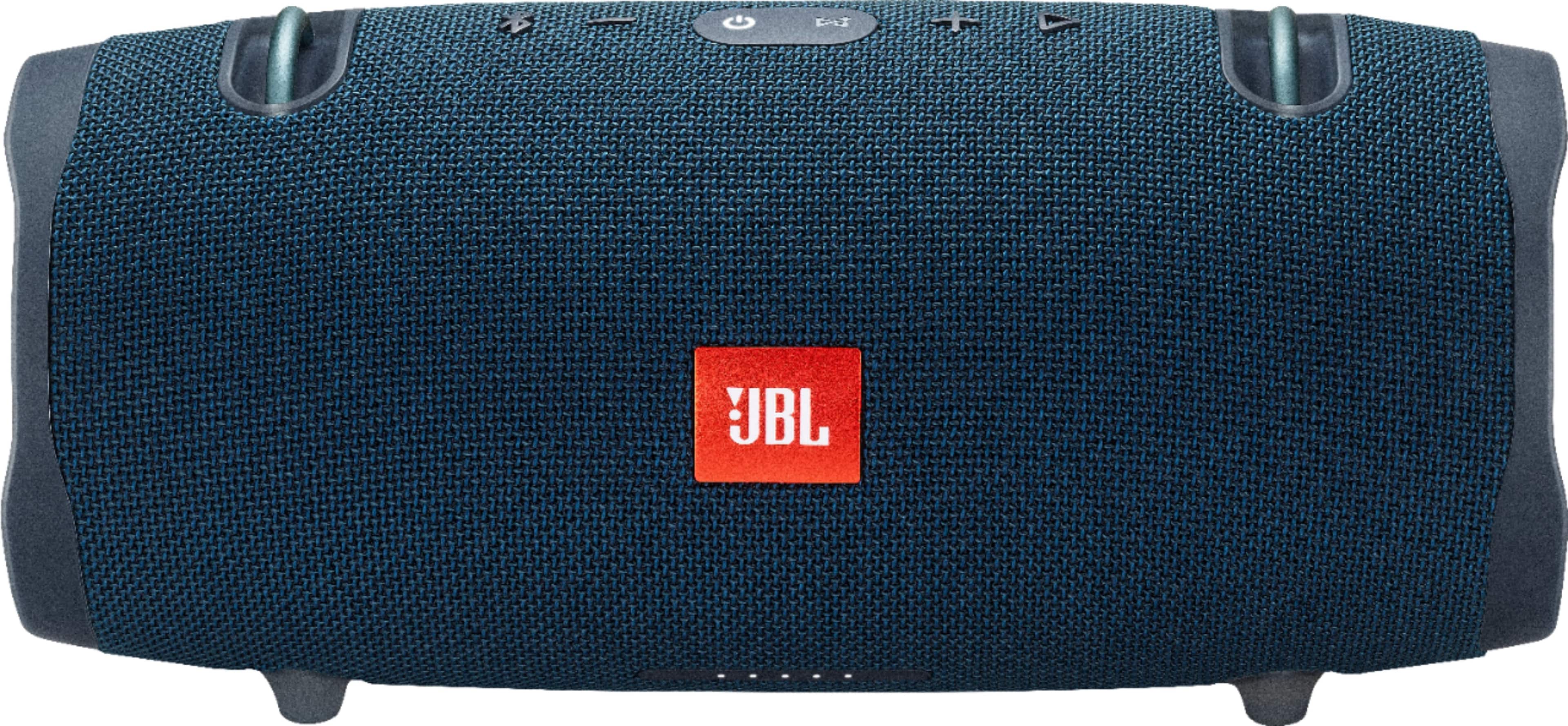
A:AnswerThanks for reaching out. Please try using a different charger. Also, try plugging the unit using a different wall outlet. If this doesn't work you may refer to the troubleshooting steps outlined in our 'Battery and Charging Issues' guide found in this link https://bit.ly/2T1BMuX
A:AnswerThanks for reaching out. The adapter (power brick) that comes with the JBL Xtreme 2 is an Auto-Volt charger and can be used with 110V-240V. Please visit our website to get more information about this product. https://bit.ly/3DaFC6L
A:AnswerXbox Series X and S don't have native Bluetooth support, meaning you won't be able to connect your Bluetooth audio devices directly to your console.
A:AnswerWe have no news yet if our JBL Xtreme 2 will have new updates in the future. Please subscribe to our newsletter at the bottom page of our website, to receive the latest news and updates regarding our products: www.jbl.com
A:AnswerWe're sorry to hear about what happened. Please try charging the speaker and try to power it on to check if the speaker will turn on. If it does, there's a possibility that the battery is drained, but if doesn't hold a charge the battery could be depleted. Please contact us, so we can assist you and try more steps: https://support.jbl.com/us/en/#contact
A:AnswerOur JBL Xtreme 2 is designed with an IPX7 waterproof rating, meaning it can be submerged underwater at a depth of one meter for 30 minutes and will not affect the sound quality of the speaker. For more information about our JBL Xtreme 2, check out this link: https://bit.ly/3uV6MuE
A:AnswerWe'd like to work with you directly so we could try some troubleshooting with your JBL Xtreme 2. Please reach out to our Customer Support at https://bit.ly/2Jc8wJp